


 Скачать презентацию NJIT CIS 392 Text Processing Retrieval and Mining
a559469ef1a187db5e572ed388c7408d.ppt
- Количество слайдов: 34
 NJIT CIS 392 Text Processing, Retrieval, and Mining Spring 2003 Materials: n. Sullivan Ch 8 n. An Introduction to Neural Networks, Ch 1, by Kevin Gurney (optional) http: //www. shef. ac. uk/psychology/gurney/notes/ CIS 392 Sp 03 Assign#2 1
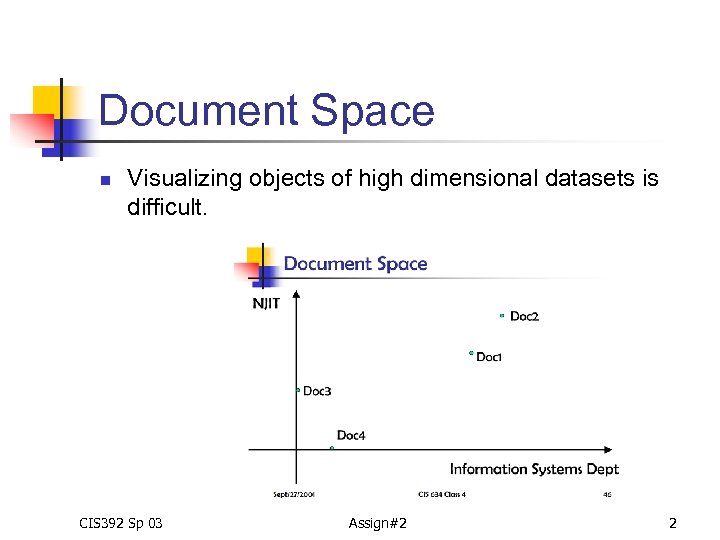 Document Space n Visualizing objects of high dimensional datasets is difficult. CIS 392 Sp 03 Assign#2 2
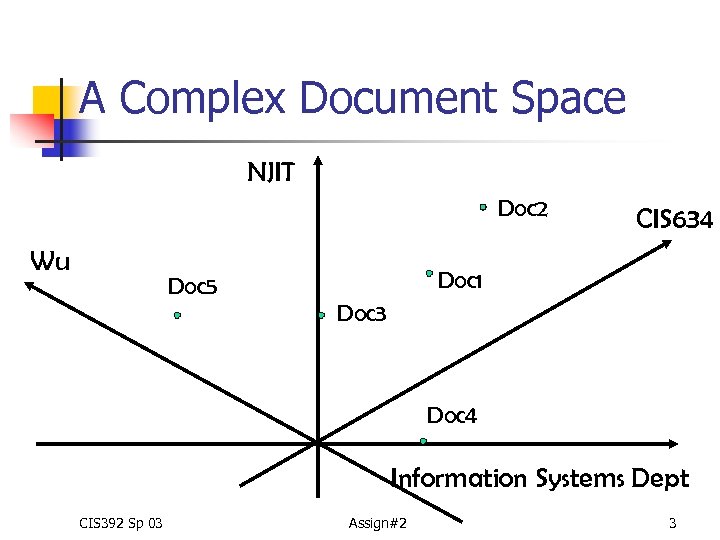 A Complex Document Space NJIT Doc 2 Wu CIS 634 Doc 1 Doc 5 Doc 3 Doc 4 Information Systems Dept CIS 392 Sp 03 Assign#2 3
 Overview of Neural Networks Algorithms n A neural network is an interconnected assembly of simple processing elements, units or nodes, …. The processing ability of the network is stored in the inter unit connection strengths, or weights, obtained by a process of adaptation to, or learning from, a set of training patterns. --Kevin Gurney, 1997, An Intro to Neural Networks CIS 392 Sp 03 Assign#2 4
 Self-Organizing Maps (SOM) n n n It is a neural networks (NN) algorithm developed by Dr. Teuvo Kohonen. It’s a self-organized and non-supervised NN technique. The SOM defines a mapping from high dimensional input data space onto a regular two-dimensional array of neurons. (-- by Nenet Team, http: //koti. mbnet. fi/~phodju/nenet/Self. Organizing. Map/Theory. html) CIS 392 Sp 03 Assign#2 5
 SOM n n n Initially, every neuron on the feature map is assigned a vector of weights, called a reference vector, which is an n-dimensional vector. The reference vectors together form a codebook. Neurons are connected to each other by a neighborhood relation, either rectangular or hexagonal. CIS 392 Sp 03 Assign#2 6
 SOM Learning/Training Process n n One sample vector (V) is randomly selected from input vectors. During the training process, V is compared to the codebook vectors, according to Euclidian metric. The one closest to V is chosen as best matching unit (BMU). After BMU is found, the codebook vectors are updated. The BMU and its neighbors are moved closer to V. The above steps together form one training process. The process continues until the pre-specified number of training steps is reached. CIS 392 Sp 03 Assign#2 7
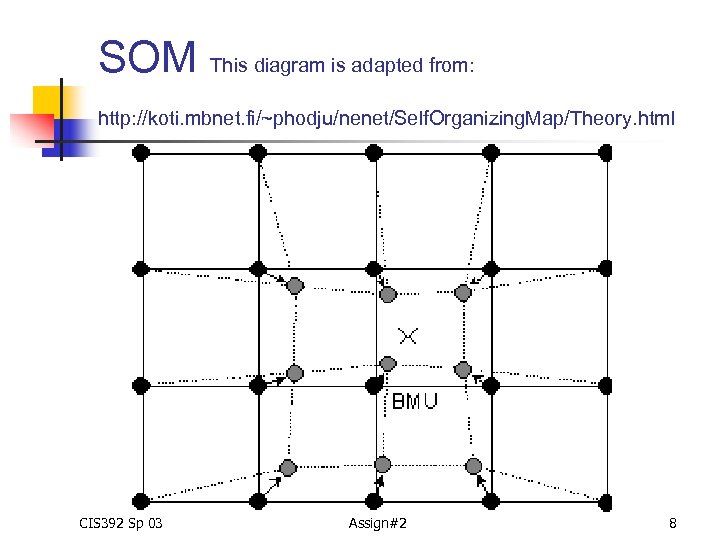 SOM This diagram is adapted from: http: //koti. mbnet. fi/~phodju/nenet/Self. Organizing. Map/Theory. html CIS 392 Sp 03 Assign#2 8
 SOM’s Applications in Concept Classification n AI Lab: http: //ai. bpa. arizona. edu Web SOM: http: //websom. hut. fi/websom/ Results produced by these research centers are enhanced with hypertext technology to allow “searching by browsing. ” CIS 392 Sp 03 Assign#2 9
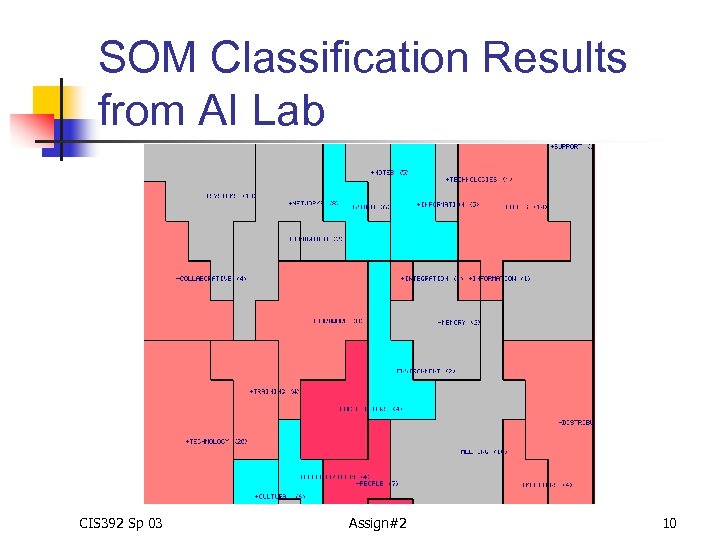 SOM Classification Results from AI Lab CIS 392 Sp 03 Assign#2 10
 Information Provided on SOM n The information provided on a SOM feature map for term classification includes: n n n The labels of areas on the concept map refer to major concepts in the document collection. The size of an area implicates the relative term frequency. The larger the area is, the more frequent the term is. The adjacent areas indicate terms that frequently co-occur in the document set. CIS 392 Sp 03 Assign#2 11
 D-T and T-D Matrixes for Text Classifications/Clustering n n For term/concept classification, you need T-D matrixes, in which documents are properties. For document classification, you need D-T matrixes, in which terms are properties. CIS 392 Sp 03 Assign#2 12
 Assignment 2 Overview n n n Create a document collection based on your RE. Please remember to remove duplicates. Create a vocabulary file with default lexical options for your own document collection. Create a document-term matrix Perform document classification with SOM. Interpret results. Present results in cis 392 dc. html. CIS 392 Sp 03 Assign#2 13
 Creating document collections n n n Create a directory named “model 4” under ~yourusername/public_html/cis 392 directory. Create a directory named “mycollection” under ~yourusername/public_html/cis 392 directory. Create group 1 and group 2 sub-directories under “mycollection. ” CIS 392 Sp 03 Assign#2 14
 Creating document collections n n Copy top 25 retrieved documents from model 1 of your RE 1 into mycollection/group 1. Copy top 25 retrieved documents from model 2 of your RE 1 into mycollection/group 2. (Remove duplicates: Remember to check each document number to see if it is already in group 1. If yes, do not copy it. ) CIS 392 Sp 03 Assign#2 15
 Creating document collections n Copying retrieved documents into mycollection/group 1: n Make sure you are in ~yourusername/public_html/cis 392/mycollection/grou p 1 At the system prompt, type in: cp filename. n . (the dot sign) means the current directory n ex: cp /afs/cad/u/wu/cis 392/tc/lisa/text/group 0/doc_306 n . n Repeat the same process for group 2, which contains retrieved documents from model 2 of RE 1 (remember to remove duplicates). CIS 392 Sp 03 Assign#2 16
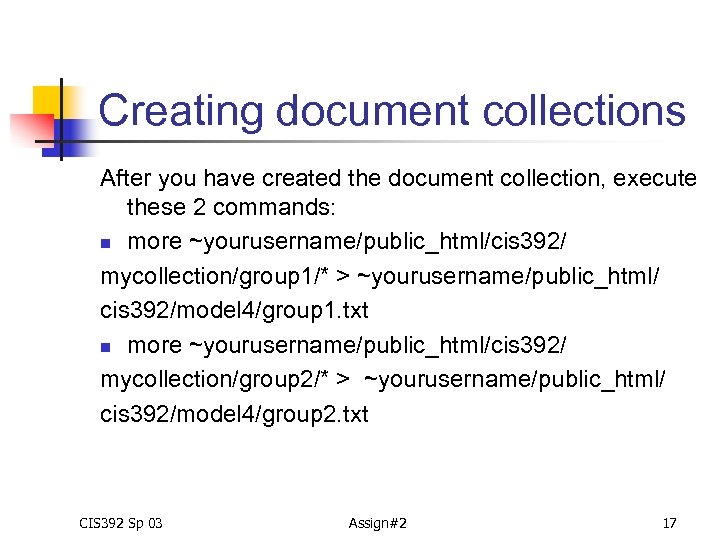 Creating document collections After you have created the document collection, execute these 2 commands: n more ~yourusername/public_html/cis 392/ mycollection/group 1/* > ~yourusername/public_html/ cis 392/model 4/group 1. txt n more ~yourusername/public_html/cis 392/ mycollection/group 2/* > ~yourusername/public_html/ cis 392/model 4/group 2. txt CIS 392 Sp 03 Assign#2 17
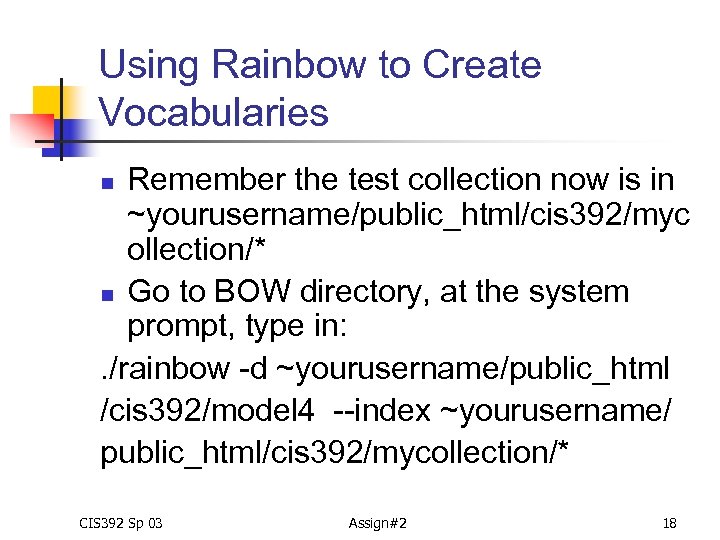 Using Rainbow to Create Vocabularies Remember the test collection now is in ~yourusername/public_html/cis 392/myc ollection/* n Go to BOW directory, at the system prompt, type in: . /rainbow -d ~yourusername/public_html /cis 392/model 4 --index ~yourusername/ public_html/cis 392/mycollection/* n CIS 392 Sp 03 Assign#2 18
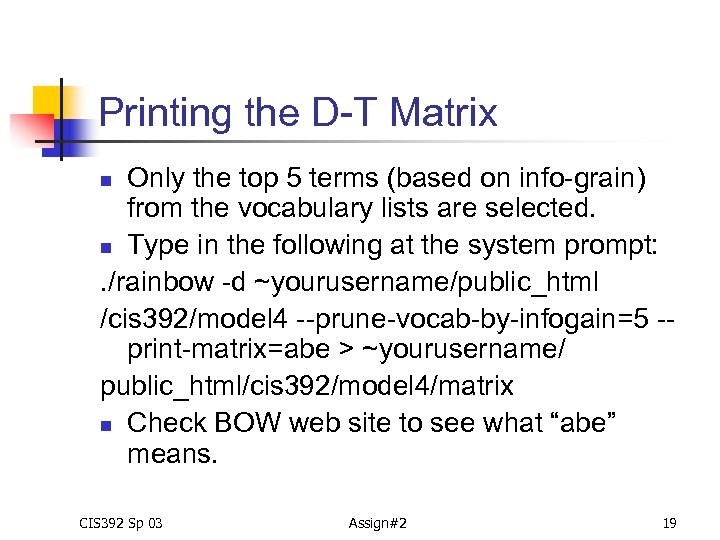 Printing the D-T Matrix Only the top 5 terms (based on info-grain) from the vocabulary lists are selected. n Type in the following at the system prompt: . /rainbow -d ~yourusername/public_html /cis 392/model 4 --prune-vocab-by-infogain=5 -print-matrix=abe > ~yourusername/ public_html/cis 392/model 4/matrix n Check BOW web site to see what “abe” means. n CIS 392 Sp 03 Assign#2 19
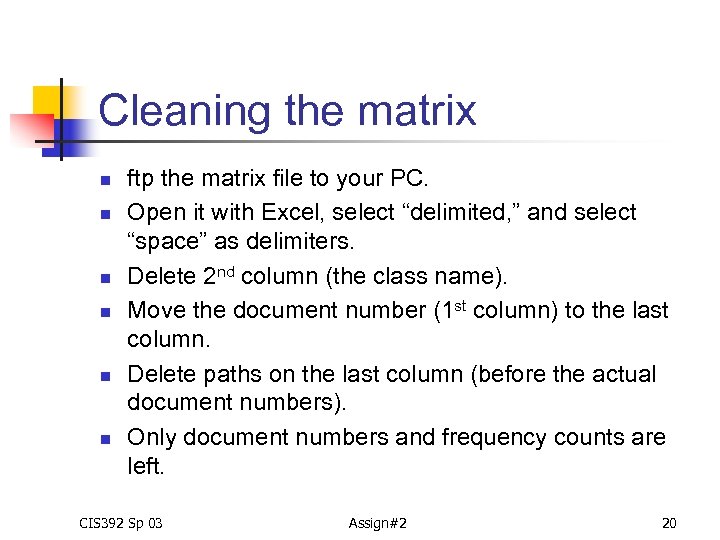 Cleaning the matrix n n n ftp the matrix file to your PC. Open it with Excel, select “delimited, ” and select “space” as delimiters. Delete 2 nd column (the class name). Move the document number (1 st column) to the last column. Delete paths on the last column (before the actual document numbers). Only document numbers and frequency counts are left. CIS 392 Sp 03 Assign#2 20
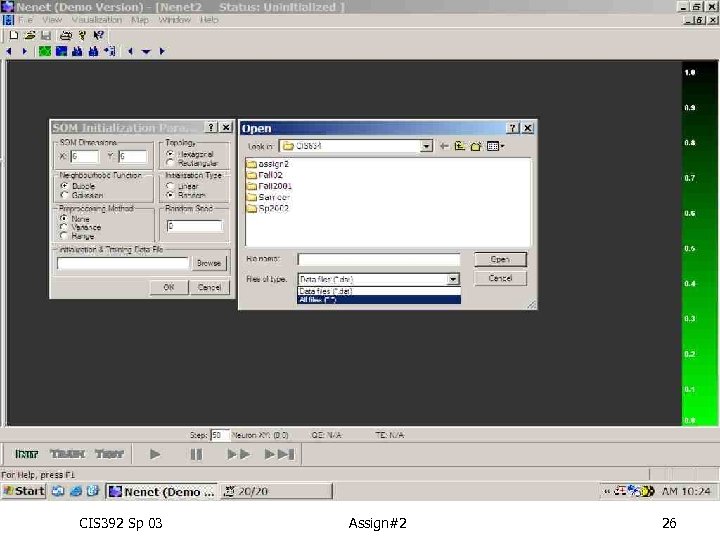
 Cleaning the matrix n n Insert an empty row before the first row. Type in 5 (for 5 properties) in the very first cell. Save the file in “Text” (Tab delimited) format, the file name is matrix. txt Upload this file back to model 4 directory. ****However, Nenet uses *. dat for input matrix files. You will have to specify the file type as “all files, ” when opening data file in Nenet. CIS 392 Sp 03 Assign#2 21
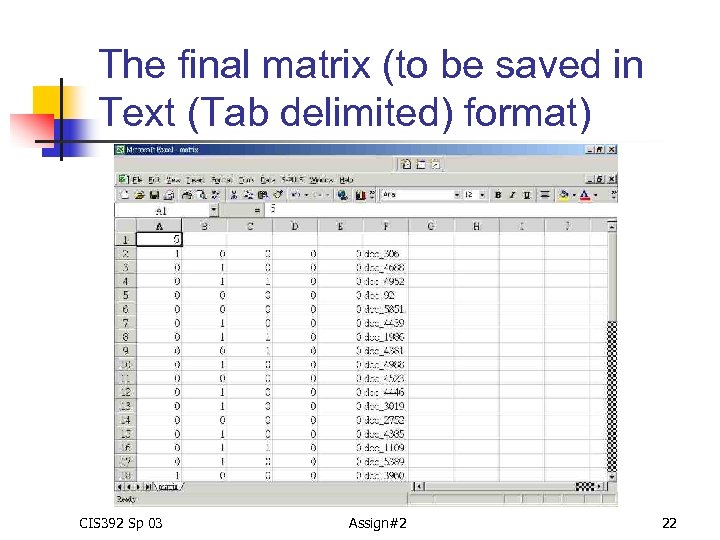 The final matrix (to be saved in Text (Tab delimited) format) CIS 392 Sp 03 Assign#2 22
 SOM toolkit for Windows -- Nenet n n The trial version is available at: http: //koti. mbnet. fi/~phodju/nenet/Nenet/Gene ral. html Trial version has limited capability: up to 8 properties, 6 x 6 dimensions (36 neurons). However, if the matrix has 8 properties, Nenet seems to have trouble with it. So, please limit your raw data (matrix and matrix. txt files) to exact 5 properties. CIS 392 Sp 03 Assign#2 23
 Download and Install Nenet n n Create a file folder named temp. Download all three zip files to temp and uncompress them with Win. Zip. Install the software by clicking on setup. exe. If your PC doesn’t have Win. Zip, download it here: http: //www. winzip. com/ CIS 392 Sp 03 Assign#2 24
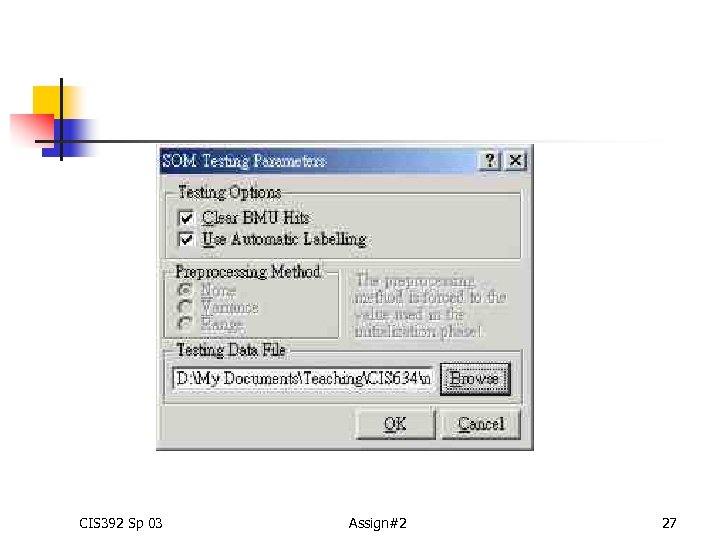
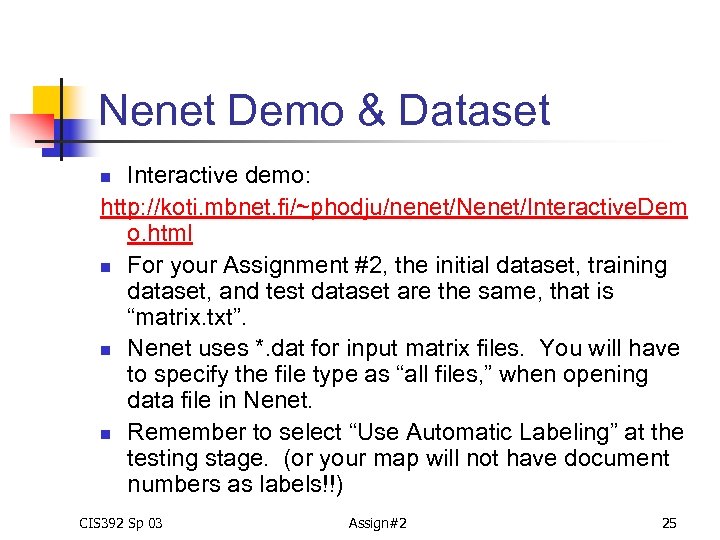 Nenet Demo & Dataset Interactive demo: http: //koti. mbnet. fi/~phodju/nenet/Nenet/Interactive. Dem o. html n For your Assignment #2, the initial dataset, training dataset, and test dataset are the same, that is “matrix. txt”. n Nenet uses *. dat for input matrix files. You will have to specify the file type as “all files, ” when opening data file in Nenet. n Remember to select “Use Automatic Labeling” at the testing stage. (or your map will not have document numbers as labels!!) n CIS 392 Sp 03 Assign#2 25
 CIS 392 Sp 03 Assign#2 26
 CIS 392 Sp 03 Assign#2 27
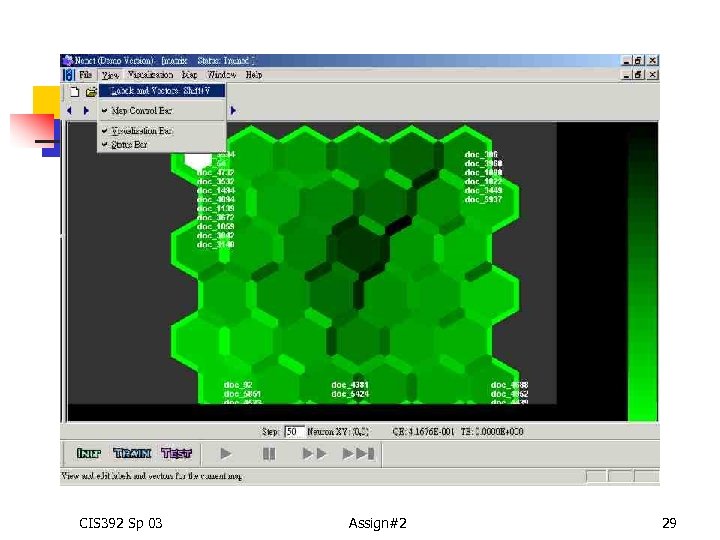
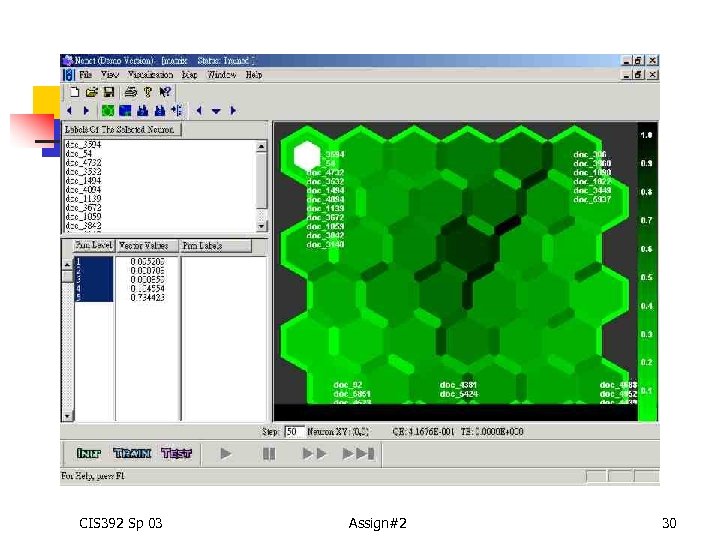
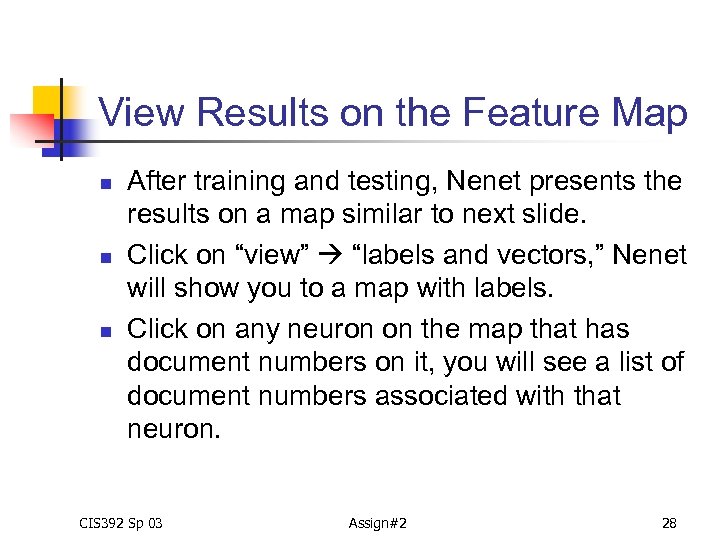 View Results on the Feature Map n n n After training and testing, Nenet presents the results on a map similar to next slide. Click on “view” “labels and vectors, ” Nenet will show you to a map with labels. Click on any neuron on the map that has document numbers on it, you will see a list of document numbers associated with that neuron. CIS 392 Sp 03 Assign#2 28
 CIS 392 Sp 03 Assign#2 29
 CIS 392 Sp 03 Assign#2 30
 How are Doc# mapped to the neuron? n n When labeling, each document vector is compared to the final vector of weights of each neuron. The best matching neuron determines where the document# will be located on the map. CIS 392 Sp 03 Assign#2 31
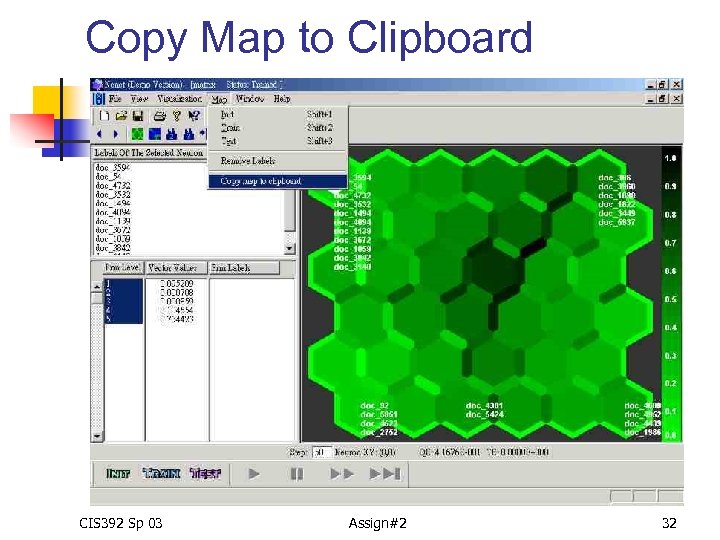 Copy Map to Clipboard CIS 392 Sp 03 Assign#2 32
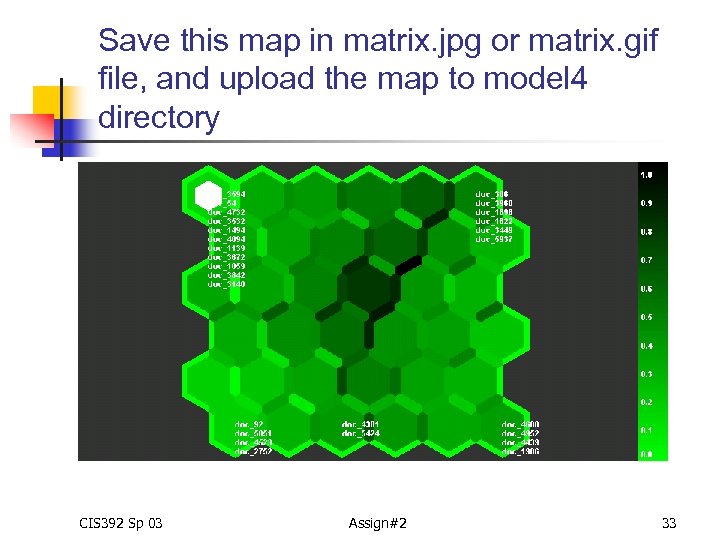 Save this map in matrix. jpg or matrix. gif file, and upload the map to model 4 directory CIS 392 Sp 03 Assign#2 33
 Your tasks n n n Use the D-T matrix (matrix. txt) created earlier for document clustering with Nenet. Follow the instructions on the interactive demo. Save the final results in matrix. cod file. Upload the matrix. txt, matrix. cod, and matrix. jpg to model 4 directory. Create RE 2 page, format: http: //wwwec. njit. edu/~wu/cis 392 dc. html CIS 392 Sp 03 Assign#2 34