 Скачать презентацию New York Chapter of the Usability Professionals Association
cf441e9dbfa67eba91de02a26ab6d101.ppt
- Количество слайдов: 26



New York Chapter of the Usability Professionals Association Campaign 2008 Usability Testing With Undecided Voters – How We Planned & Executed Testing and Organized Findings October 28, 2008 www. firstinsights. com
Supposing is good, but finding out is better. Mark Twain www. firstinsights. com 2
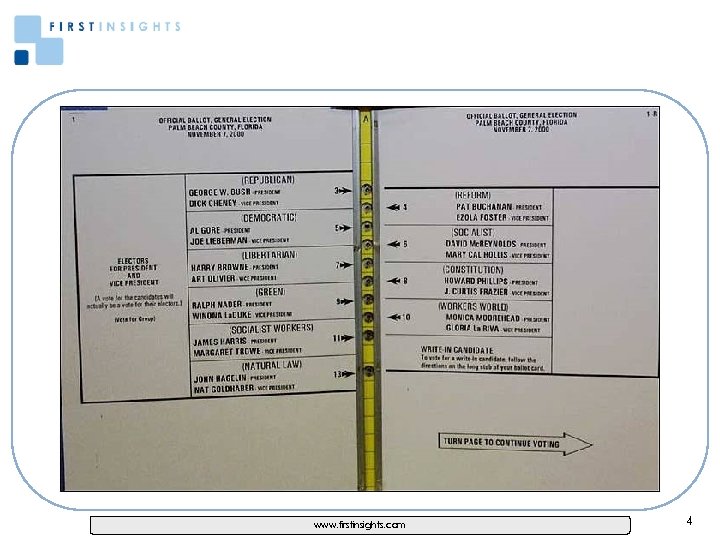
Why spend time, effort and money on usability testing? www. firstinsights. com 3
www. firstinsights. com 4
Where to Start? • Get all the stakeholders together and talk about realistic objectives. • Usability testing is ideal if you are looking to learn: − How your audience uses your site − How easy it is to use − Where the choke points are − Details about the site’s navigation, visual design, nomenclature, value proposition and content • For quantifiable results surveys are best and for idea generation and discussions focus groups work well. www. firstinsights. com 5
Budget considerations • Expect the following expenses to be included in a typical usability testing project: − Facility costs − Recruitment − Incentives − Video equipment − Travel expenses − Consulting time for the screener development, moderators guide development and deliverables • Get 2 -3 quotes from vendors and try to send them an RFP with the same specs. www. firstinsights. com 6
Using Your In-house Team Advantages • Saves costs, especially on testing facilities • More control over all aspects of the project • Greater input from creative & tech stakeholders Disadvantages • Project management time may eat into your primary responsibilities • An experienced moderator may not be on staff • Perception by clients or other in-house teams that there’s not true objectivity • Logistics – 2 adjacent offices, greeter, geographic location www. firstinsights. com 7
Using An Outside Consultant Advantages • • One stop shopping for all needs Experienced moderator and note-taker You can focus more time on developing the interface Perception of objectivity from client & in-house team Disadvantages • Costs will be higher • Timelines may not be as flexible • Consultants may not have category experience www. firstinsights. com 8
A Realistic Timeline • Facility selection and screener development 2 – 3 days • Recruitment of participants 7 – 10 days • Dry run & equipment set up 1 day • Execution of usability interviews 1 – 3 days • Report delivery 5 – 7 days after testing www. firstinsights. com 9
Campaign 2008 Usability Project: Getting Started • Our objective was to learn what, if any, influence the candidates Web sites would have on undecided voters. • We picked 4 locations – NYC, Atlanta, Chicago and Los Angeles. Was there a measurable difference in the way people used the sites? Nope. www. firstinsights. com 10
Questions During Facility Selection • Ask the facility if they have done usability testing projects in the past. • Learn if they do recruitment themselves or if its outsourced – you want to be in touch with the recruiter directly to avoid any miscommunication. • Find out who will be responsible for the equipment. www. firstinsights. com 11
Writing a Tight Screener • Start with a list of the ideal demographics and psychographics for your target audience. • After the recruiter typically reads a brief introduction, they start asking detailed screener questions. • Put the key “terminate” questions up front so as not to waste time going through the whole screener only to terminate the person toward the end of the conversation. www. firstinsights. com 12
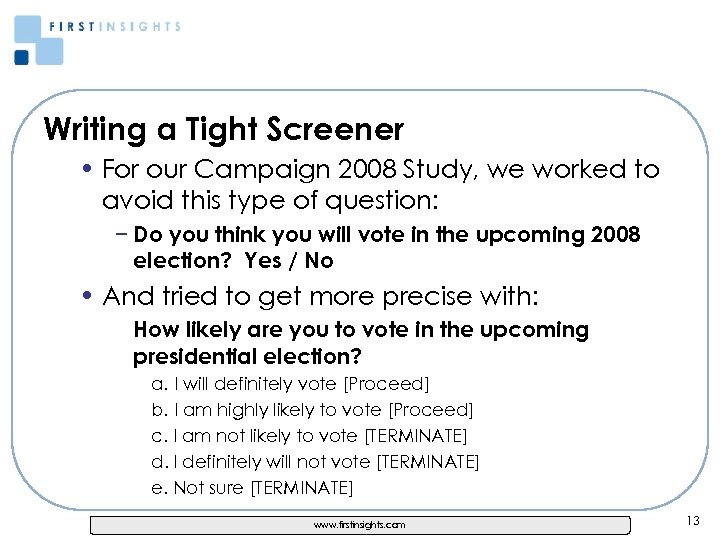
Writing a Tight Screener • For our Campaign 2008 Study, we worked to avoid this type of question: − Do you think you will vote in the upcoming 2008 election? Yes / No • And tried to get more precise with: How likely are you to vote in the upcoming presidential election? a. I will definitely vote [Proceed] b. I am highly likely to vote [Proceed] c. I am not likely to vote [TERMINATE] d. I definitely will not vote [TERMINATE] e. Not sure [TERMINATE] www. firstinsights. com 13
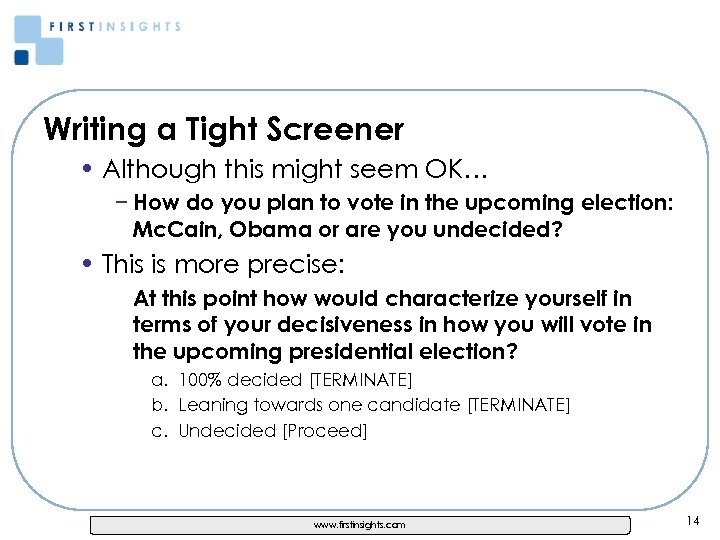
Writing a Tight Screener • Although this might seem OK… − How do you plan to vote in the upcoming election: Mc. Cain, Obama or are you undecided? • This is more precise: At this point how would characterize yourself in terms of your decisiveness in how you will vote in the upcoming presidential election? a. 100% decided [TERMINATE] b. Leaning towards one candidate [TERMINATE] c. Undecided [Proceed] www. firstinsights. com 14
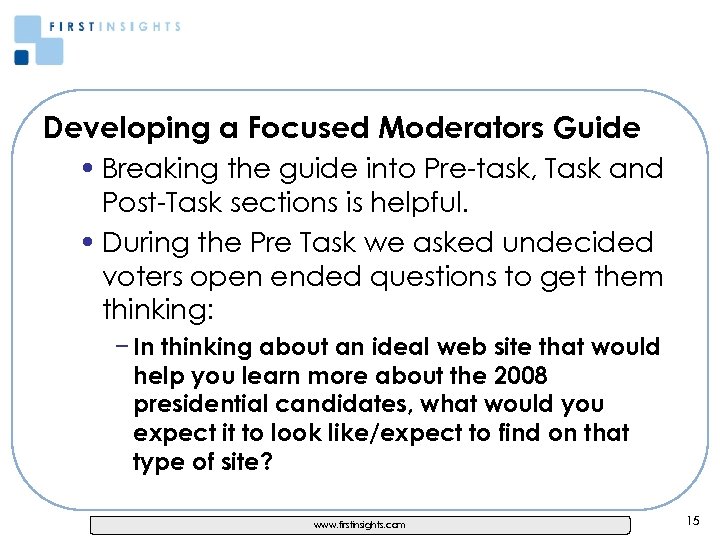
Developing a Focused Moderators Guide • Breaking the guide into Pre-task, Task and Post-Task sections is helpful. • During the Pre Task we asked undecided voters open ended questions to get them thinking: − In thinking about an ideal web site that would help you learn more about the 2008 presidential candidates, what would you expect it to look like/expect to find on that type of site? www. firstinsights. com 15
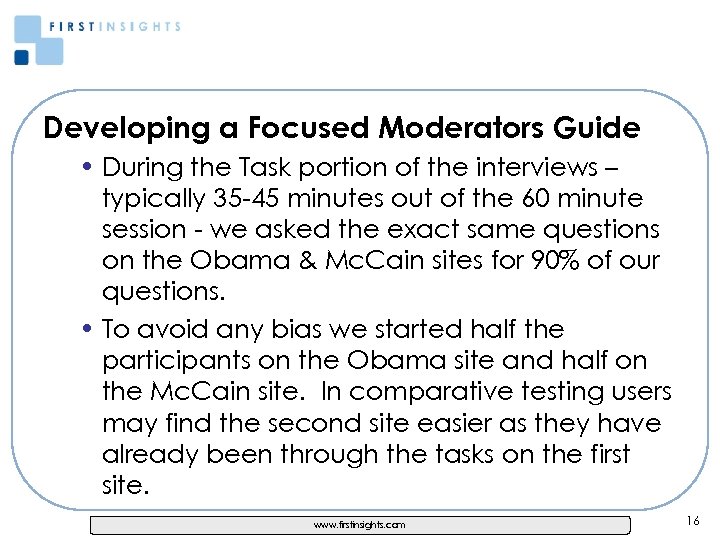
Developing a Focused Moderators Guide • During the Task portion of the interviews – typically 35 -45 minutes out of the 60 minute session - we asked the exact same questions on the Obama & Mc. Cain sites for 90% of our questions. • To avoid any bias we started half the participants on the Obama site and half on the Mc. Cain site. In comparative testing users may find the second site easier as they have already been through the tasks on the first site. www. firstinsights. com 16
Moderating Tips • Make good eye contact at the start of the session. • Tell participants that there are no right or wrong answers during the discussion. • Be organized − Have the site hidden from view − Keep the clutter in the room and on the table to a minimum − Keep a clock in clear view www. firstinsights. com 17
Moderating Tips • Avoid asking yes / no questions as it doesn’t allow the participant to elaborate on their thoughts. • Ask lots of open ended questions such as, “what are your thoughts on this page? ” to uncover all the details. • If participants don’t like something or find it hard to use, probe with questions such as, “what about this page makes it hard to read; the colors, the text size or the content itself? ” or “it looks like you’re straining to read that, why? ” www. firstinsights. com 18
Moderating Tips • Try to be generally friendly but not too positive or negative about any of the participants responses. • When participants get emotional or try to get you to agree or disagree with them, keep things moving. • Keep a close eye on what participants actually do vs. what they say. www. firstinsights. com 19
Framing the Findings & Recommendations • Write the report for the person who wasn’t at the testing. • Include an Executive Summary and 10 -12 topline / key findings • Take screen shots of the interface you’ve tested. • Illustrate your points with callouts and visuals to help the reader understand what happened and how it impacted the ease of use. www. firstinsights. com 20
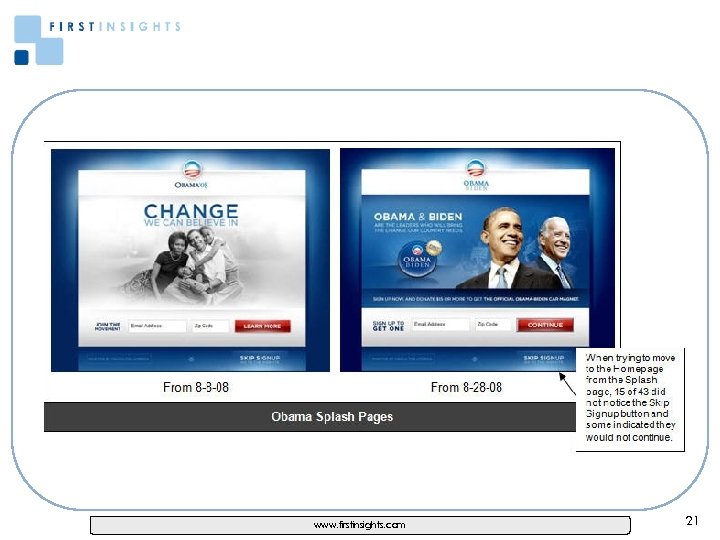
www. firstinsights. com 21
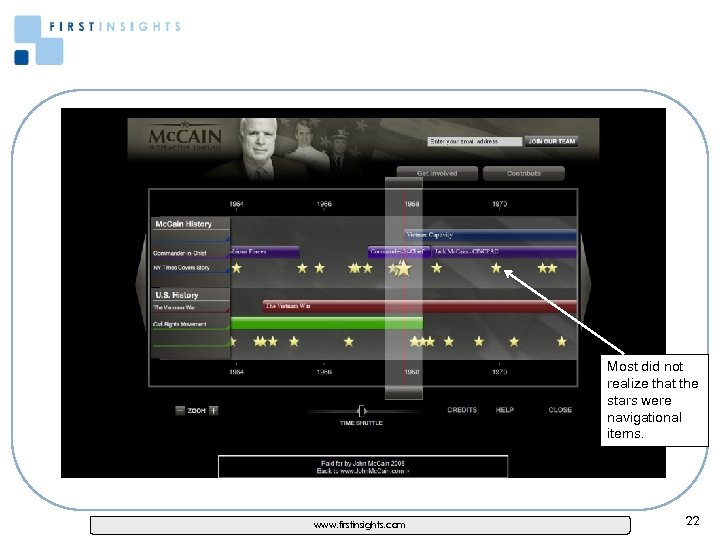
Most did not realize that the stars were navigational items. www. firstinsights. com 22
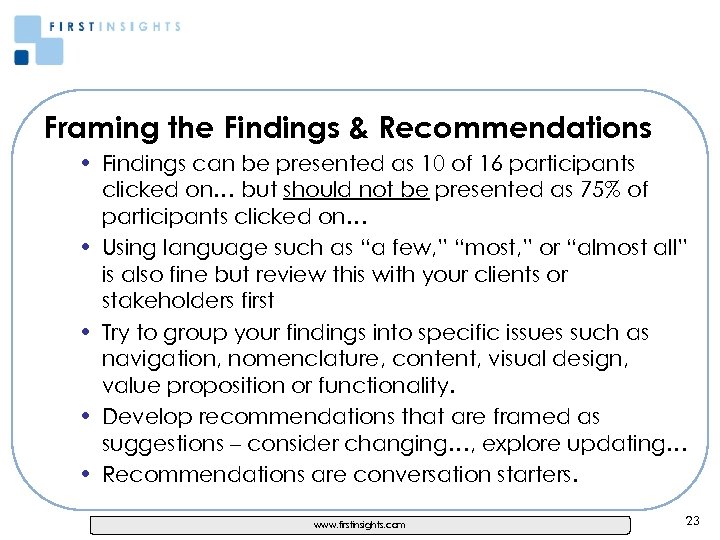
Framing the Findings & Recommendations • Findings can be presented as 10 of 16 participants clicked on… but should not be presented as 75% of participants clicked on… • Using language such as “a few, ” “most, ” or “almost all” is also fine but review this with your clients or stakeholders first • Try to group your findings into specific issues such as navigation, nomenclature, content, visual design, value proposition or functionality. • Develop recommendations that are framed as suggestions – consider changing…, explore updating… • Recommendations are conversation starters. www. firstinsights. com 23
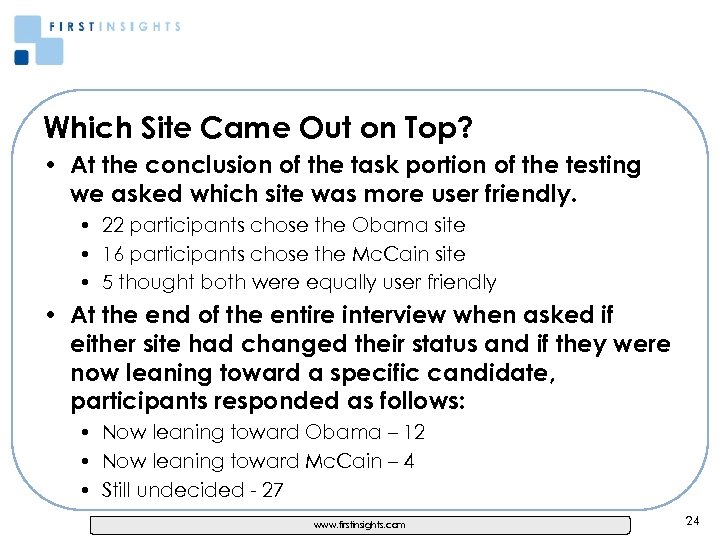
Which Site Came Out on Top? • At the conclusion of the task portion of the testing we asked which site was more user friendly. • 22 participants chose the Obama site • 16 participants chose the Mc. Cain site • 5 thought both were equally user friendly • At the end of the entire interview when asked if either site had changed their status and if they were now leaning toward a specific candidate, participants responded as follows: • Now leaning toward Obama – 12 • Now leaning toward Mc. Cain – 4 • Still undecided - 27 www. firstinsights. com 24
Which Site Came Out on Top? • The Obama splash page presented a major obstacle for 15 of 43 participants as they did not see the Skip Signup button at the bottom of the page. • Almost all participants wanted to learn more about the personal backgrounds of the candidates and thought the Meet Barack Obama & About John Mc. Cain pages should have additional details. • Neither site presented the candidates legislative and/or voting records – a major omission. • The Obama site captured more opportunities to leverage Web 2. 0 technologies while the Mc. Cain site did not during the time of our testing. www. firstinsights. com 25
For the full Campaign 2008 White Paper Go to: http: //www. firstinsights. com/articles. htm Questions / Contact Info • Lon Taylor − lon@firstinsights. com − 212 926 -3700 − www. firstinsights. com 26
Скачать презентацию New York Chapter of the Usability Professionals Association
cf441e9dbfa67eba91de02a26ab6d101.ppt