


 Скачать презентацию Networks Communicating and Sharing Resources Slid e 1
Тема3.1 Networks Communicating.ppt
- Количество слайдов: 29
 Networks: Communicating and Sharing Resources Slid e 1
 What You Will Learn About Basic networking concepts Advantages and disadvantages of networks Peer-to-peer and client/server LANs Importance of network protocols Most widely used LAN protocol Special components of a WAN The difference between circuit-switching and packet switching networks Slid e 2
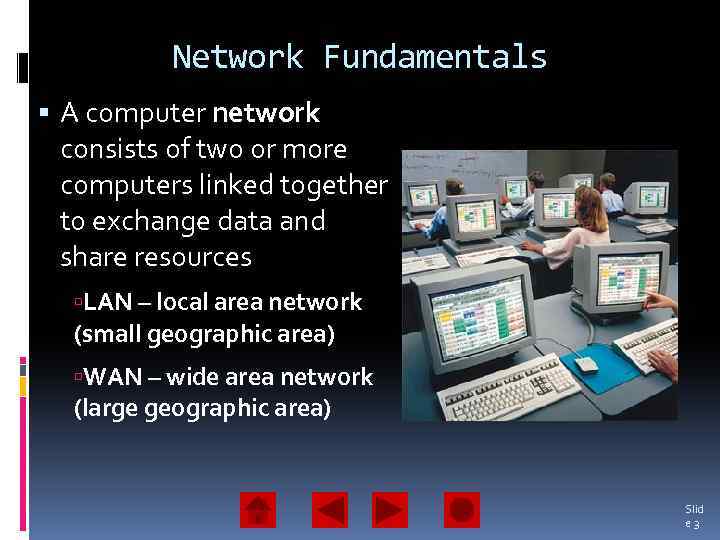 Network Fundamentals A computer network consists of two or more computers linked together to exchange data and share resources LAN – local area network (small geographic area) WAN – wide area network (large geographic area) Slid e 3
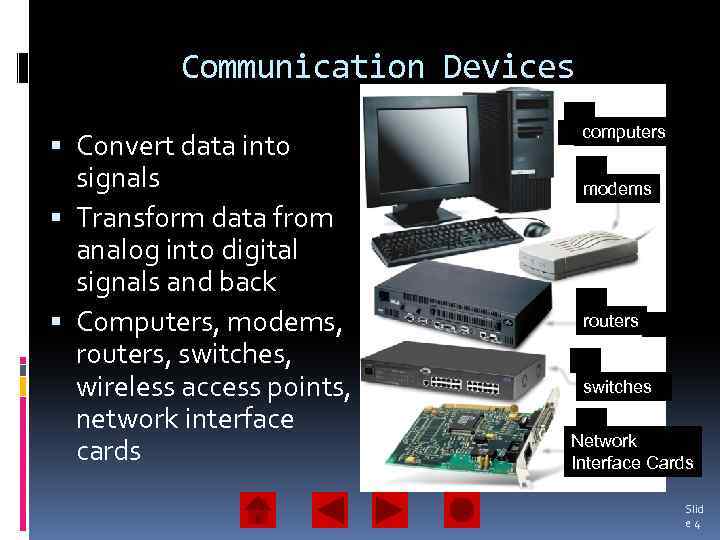 Communication Devices Convert data into signals Transform data from analog into digital signals and back Computers, modems, routers, switches, wireless access points, network interface cards computers modems routers switches Network Interface Cards Slid e 4
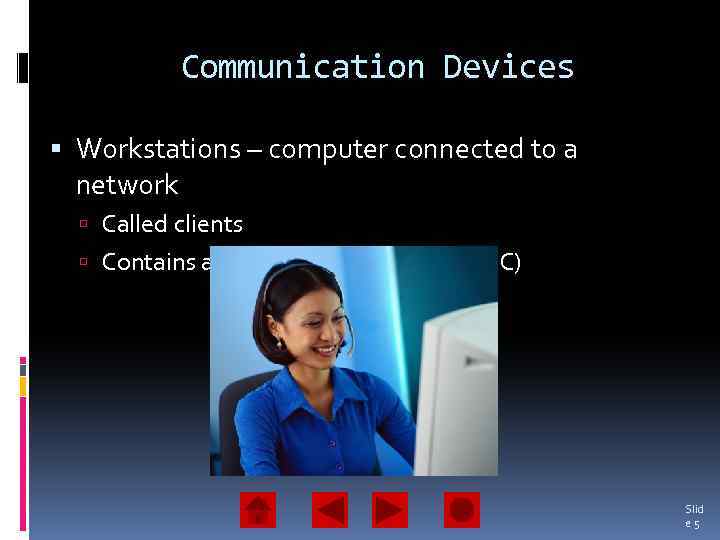 Communication Devices Workstations – computer connected to a network Called clients Contains a network interface card (NIC) Slid e 5
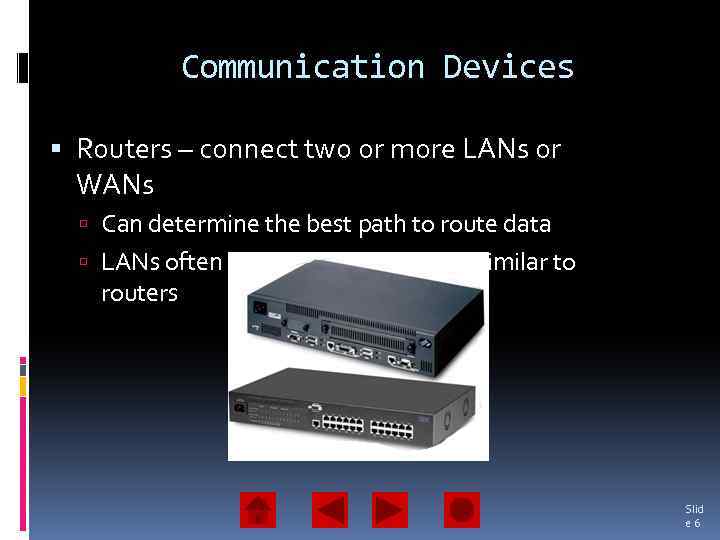 Communication Devices Routers – connect two or more LANs or WANs Can determine the best path to route data LANs often use switches which are similar to routers Slid e 6
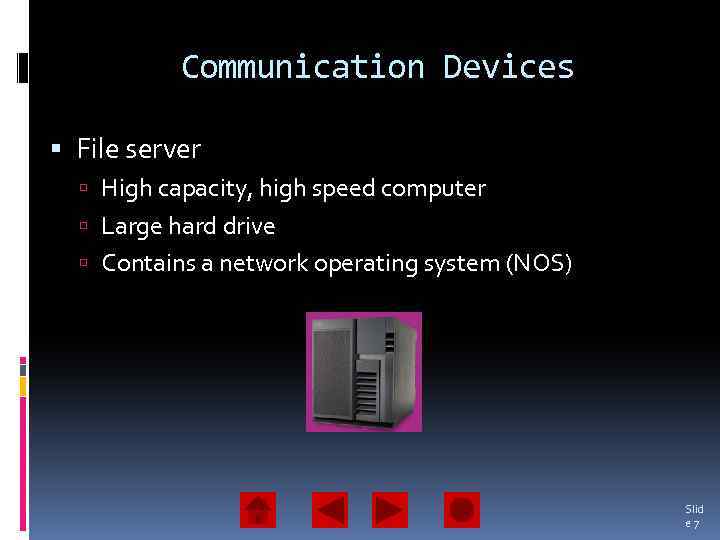 Communication Devices File server High capacity, high speed computer Large hard drive Contains a network operating system (NOS) Slid e 7
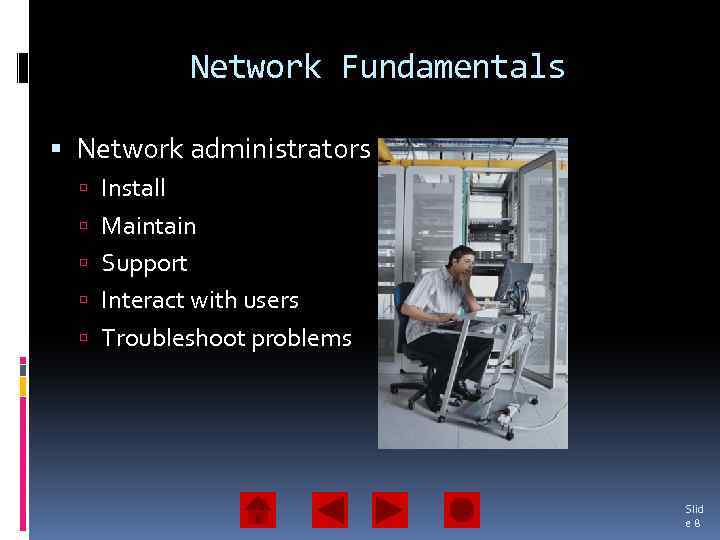 Network Fundamentals Network administrators Install Maintain Support Interact with users Troubleshoot problems Slid e 8
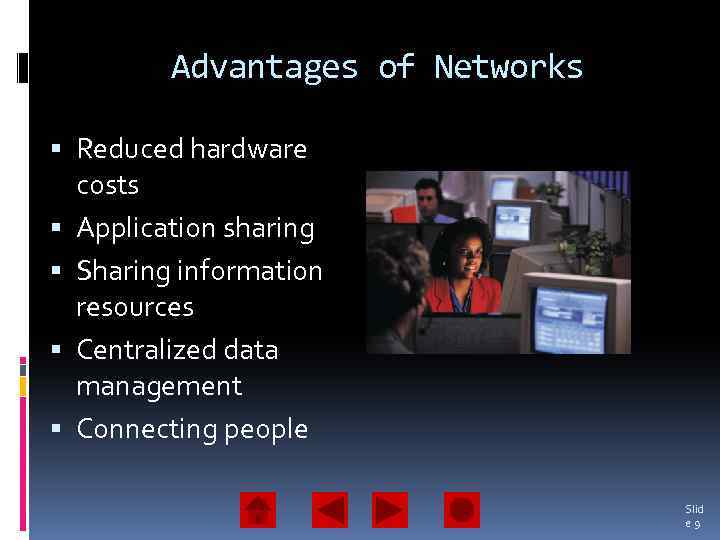 Advantages of Networks Reduced hardware costs Application sharing Sharing information resources Centralized data management Connecting people Slid e 9
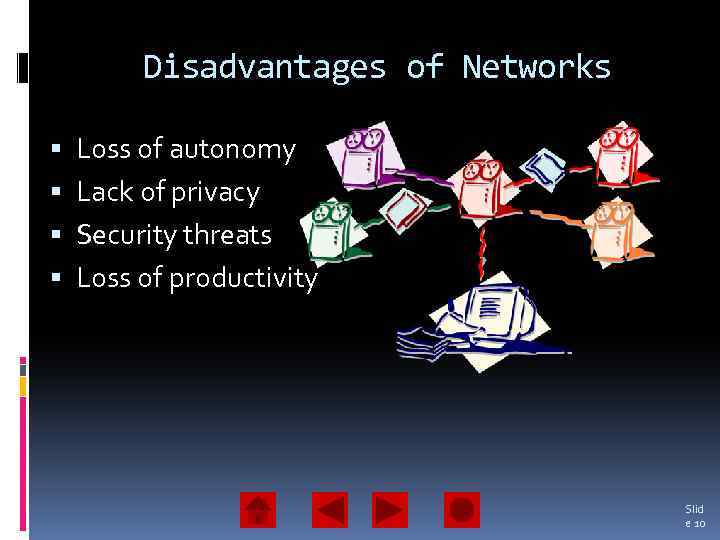 Disadvantages of Networks Loss of autonomy Lack of privacy Security threats Loss of productivity Slid e 10
 Local Area Networks (LANs) Network access is controlled by a network administrator Users can access software, data, and peripherals LANs require special hardware and software Computers connected to a LAN are called workstations or nodes Types of LANs: Peer-to-peer Client-server Slid e 11
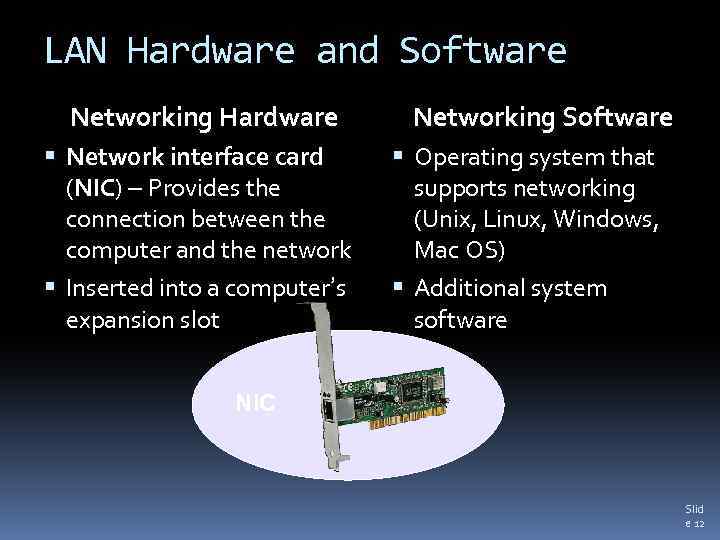 LAN Hardware and Software Networking Hardware Network interface card (NIC) – Provides the connection between the computer and the network Inserted into a computer’s expansion slot Networking Software Operating system that supports networking (Unix, Linux, Windows, Mac OS) Additional system software NIC Slid e 12
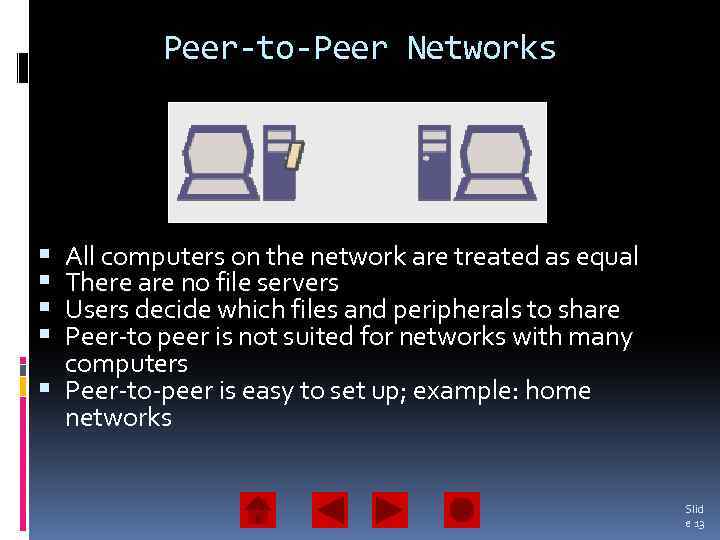 Peer-to-Peer Networks All computers on the network are treated as equal There are no file servers Users decide which files and peripherals to share Peer-to peer is not suited for networks with many computers Peer-to-peer is easy to set up; example: home networks Slid e 13
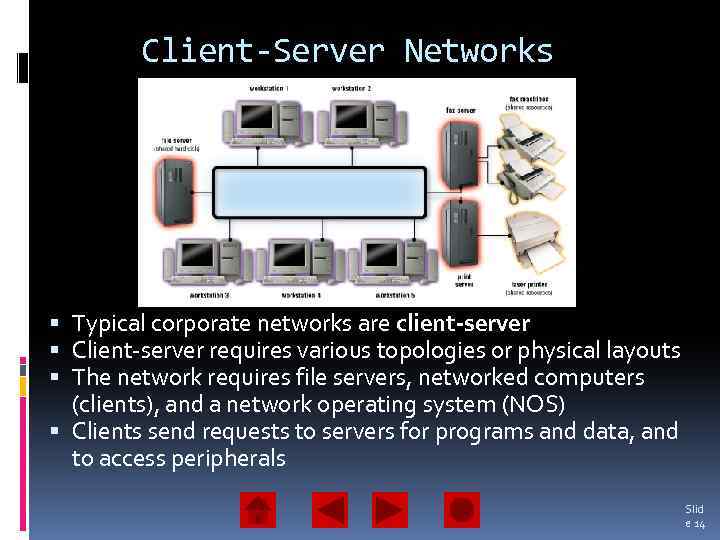 Client-Server Networks Typical corporate networks are client-server Client-server requires various topologies or physical layouts The network requires file servers, networked computers (clients), and a network operating system (NOS) Clients send requests to servers for programs and data, and to access peripherals Slid e 14
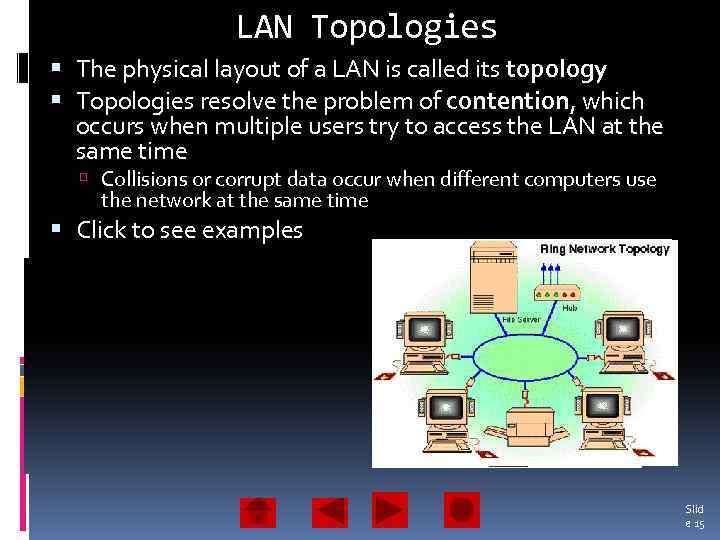 LAN Topologies The physical layout of a LAN is called its topology Topologies resolve the problem of contention, which occurs when multiple users try to access the LAN at the same time Collisions or corrupt data occur when different computers use the network at the same time Click to see examples Ring topology Bus topology Star • • • All workstations central wiring Contains a hub orare Called a daisy chain attached in a circular arrangement concentrator Every workstation is connected to a A special unit Easy cable of data called singleto add workstations a token travels around the ring Resolves collisions through Workstations can only transmit data contention management when they add workstations Difficult topossess a token Slid e 15
 Protocols are fixed, formalized standards that specify how computers can communicate over a network Protocol suite – The total package of protocols that specify how a network functions Slid e 16
 Modulation Protocols Modulation protocols are communications standards that modems conform to Data transfer rate is the rate at which two modems can exchange data. It is measured in bits per second (bps) A modulation protocol called V. 90 enables modems to transfer data at 56 Kbps Slid e 17
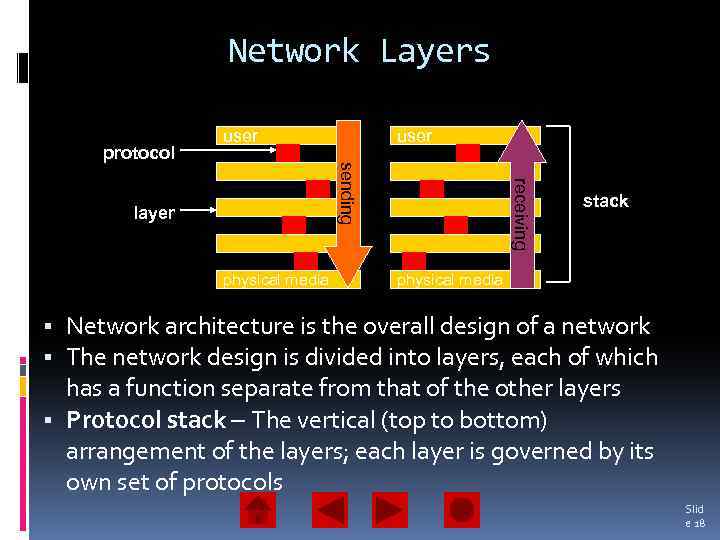 Network Layers user layer physical media receiving sending protocol user stack physical media Network architecture is the overall design of a network The network design is divided into layers, each of which has a function separate from that of the other layers Protocol stack – The vertical (top to bottom) arrangement of the layers; each layer is governed by its own set of protocols Slid e 18
 LAN technologies Ethernet – standard for large and small business Local. Talk – simplest LAN technology IBM Token Ring Network Slid e 19
 Wi-Fi Wireless-fidelity Wireless LAN Use central server or access point Advantages Fast (11 Mbps) Reliable Long range Integrates with existing networks Slid e 20
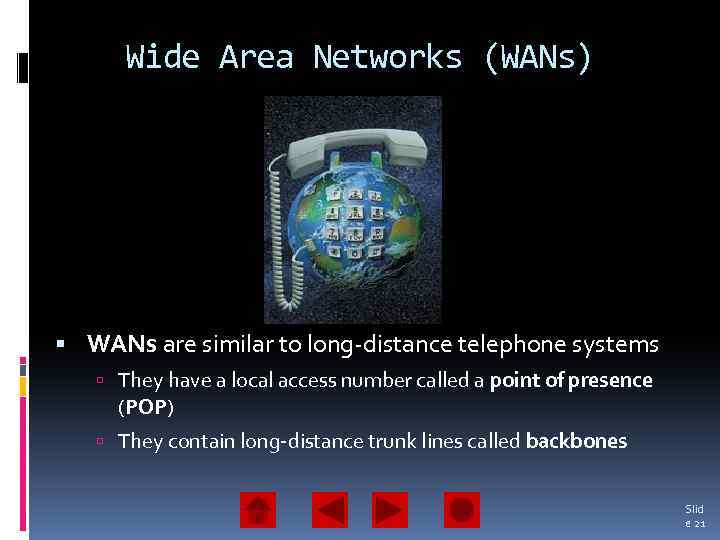 Wide Area Networks (WANs) WANs are similar to long-distance telephone systems They have a local access number called a point of presence (POP) They contain long-distance trunk lines called backbones Slid e 21
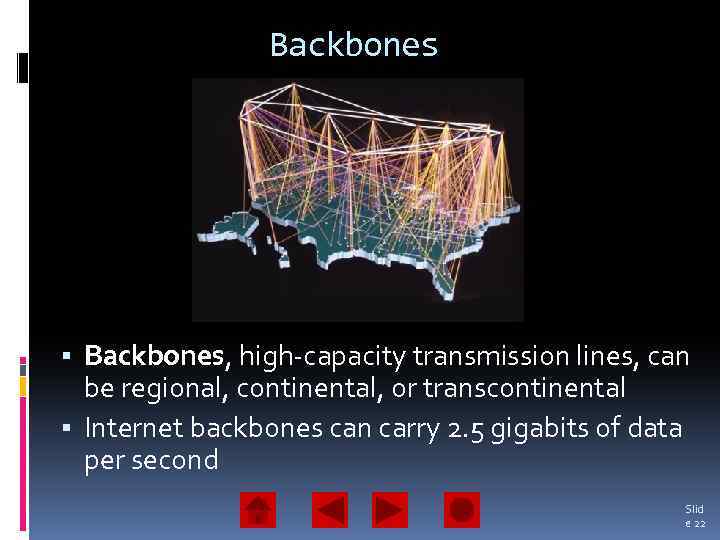 Backbones Backbones, high-capacity transmission lines, can be regional, continental, or transcontinental Internet backbones can carry 2. 5 gigabits of data per second Slid e 22
 WAN Protocols X. 25 is the oldest packet switching protocol; it is used by automated teller machines and credit card authorization devices New protocols designed for digital lines and faster data transfer rates are: Switched Multimegabit Data Service (SMDS) Asynchronous Transfer Mode (ATM) Slid e 23
 Switching and Routing Techniques Packet switching Circuit switching Networks create an endto-end circuit between the sending and receiving computers Electronic switches establish and maintain the connection Outgoing messages are divided into fixed-size data units called packets Packets are numbered and addressed to the receiving computer Routers examine the packets and send them to their destination Slid e 24
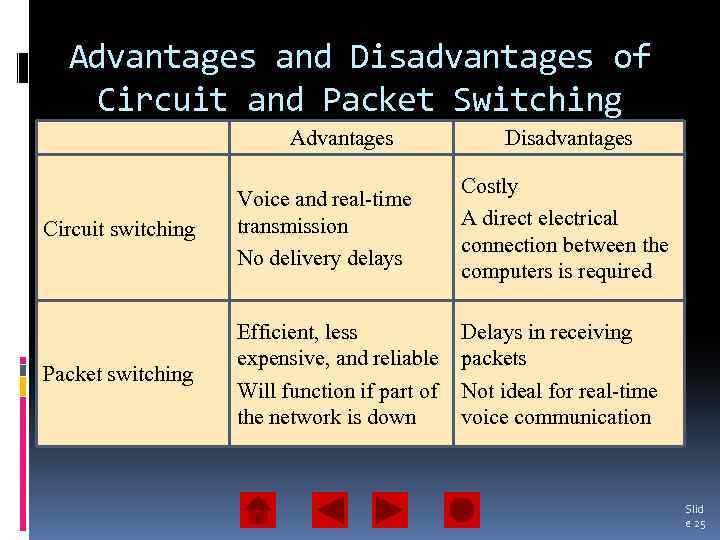 Advantages and Disadvantages of Circuit and Packet Switching Advantages Disadvantages Circuit switching Voice and real-time transmission No delivery delays Costly A direct electrical connection between the computers is required Packet switching Efficient, less expensive, and reliable Will function if part of the network is down Delays in receiving packets Not ideal for real-time voice communication Slid e 25
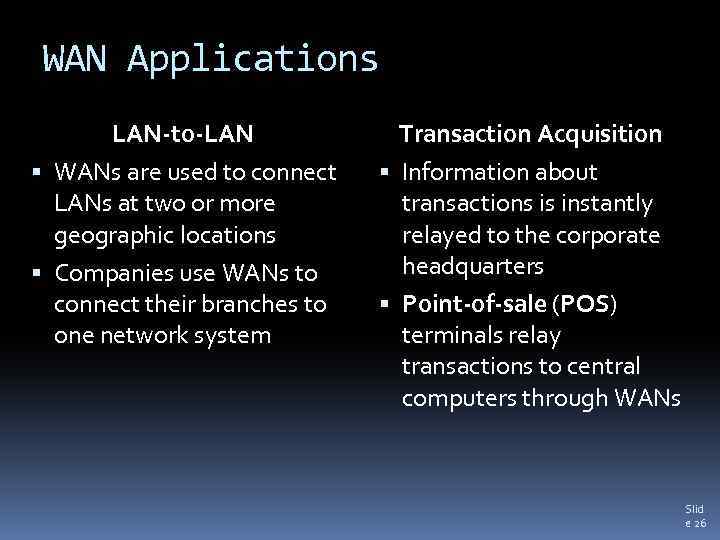 WAN Applications LAN-to-LAN WANs are used to connect LANs at two or more geographic locations Companies use WANs to connect their branches to one network system Transaction Acquisition Information about transactions is instantly relayed to the corporate headquarters Point-of-sale (POS) terminals relay transactions to central computers through WANs Slid e 26
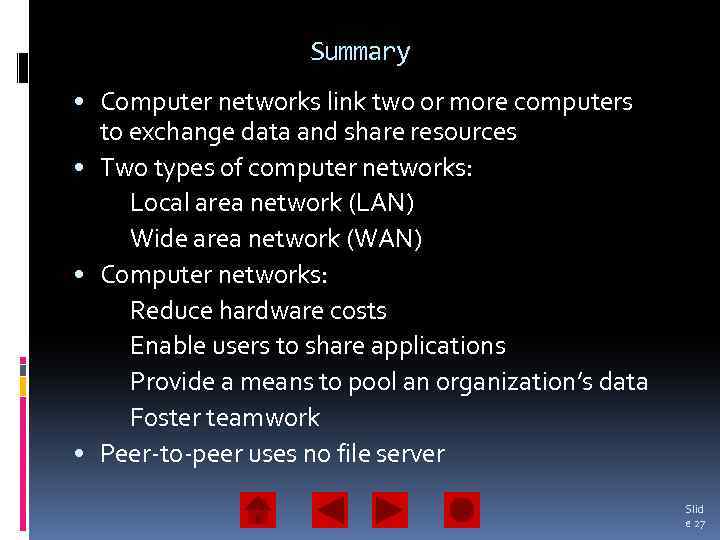 Summary • Computer networks link two or more computers to exchange data and share resources • Two types of computer networks: Local area network (LAN) Wide area network (WAN) • Computer networks: Reduce hardware costs Enable users to share applications Provide a means to pool an organization’s data Foster teamwork • Peer-to-peer uses no file server Slid e 27
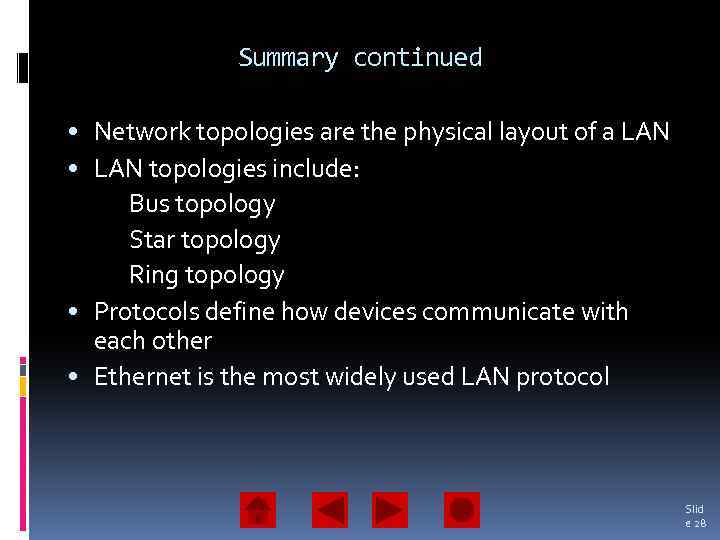 Summary continued • Network topologies are the physical layout of a LAN • LAN topologies include: Bus topology Star topology Ring topology • Protocols define how devices communicate with each other • Ethernet is the most widely used LAN protocol Slid e 28
 Summary continued • Point of presence (POP) is a WAN connection point • Circuit switching creates permanent end-to -end circuit that is optimal for voice and real -time data • Packet switching does not require a permanent switched circuit Slid e 29