


 Скачать презентацию Networking with Java Carl Gunter gunter cis
47937df91afeaa980d22d1a53cd9d88b.ppt
- Количество слайдов: 115
 Networking with Java Carl Gunter ( gunter@cis ) Arvind Easwaran ( arvinde@saul ) Michael May ( mjmay@saul )
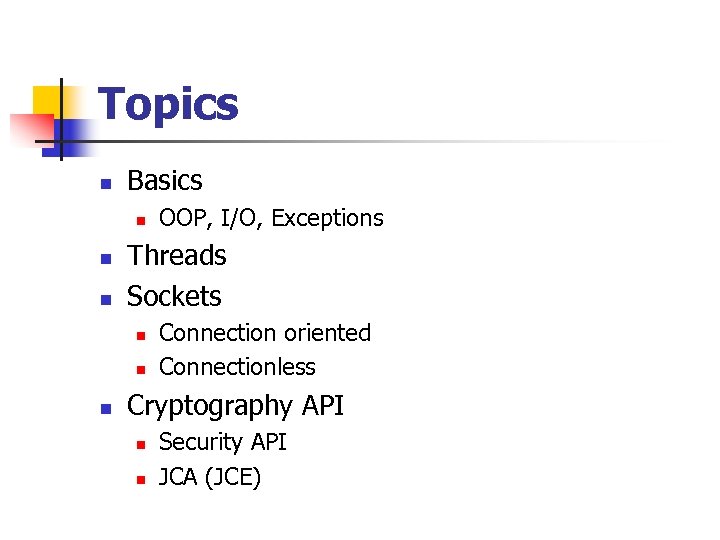 Topics n Basics n n n Threads Sockets n n n OOP, I/O, Exceptions Connection oriented Connectionless Cryptography API n n Security API JCA (JCE)
 Java Basics
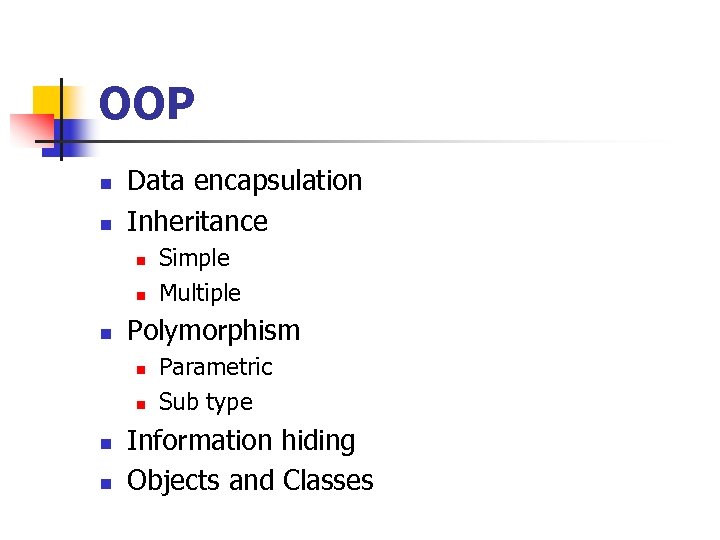 OOP n n Data encapsulation Inheritance n n n Polymorphism n n Simple Multiple Parametric Sub type Information hiding Objects and Classes
 Objects and Classes n Class Abstract entity representing structure n n Consists of declarations/definitions for variables and methods Object Instance of a class n n n Consists of actual data and methods that operate on them Many instances of the same class The real data structure on which operations are performed
 Java Classes n n n Java programs are a collection of class declarations One class in each file with the file having the same name as the class Each class defines a collection of data and function members
 Object in Java – A Class ! n n All classes in Java are descendants of the class Object Class descendency n n n Trace back through the inheritance chain All chains lead to the class Object class is default inheritance when not specified
 Java Package n n n Archival of portable objects for reuse Similar to a “library” Steps for making/using a package n n Make an object “public” Add “package” statement to object definition Compile object source code (compiler will store compiled code according to package statement) Import object into other code via “import” statement
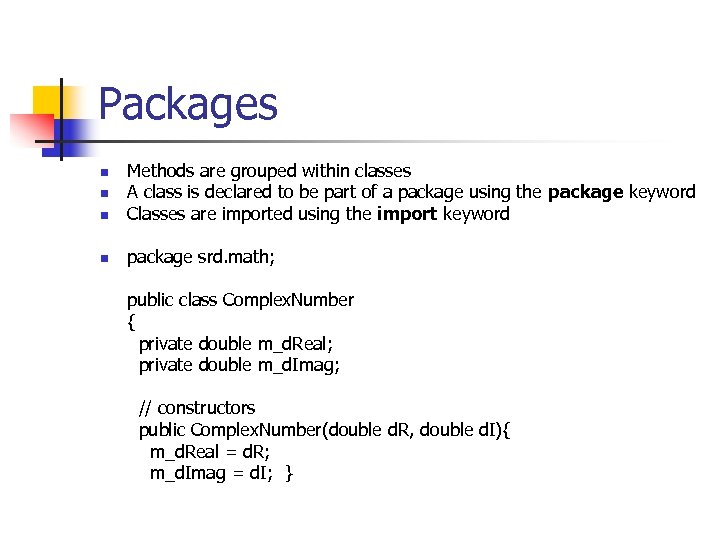 Packages n Methods are grouped within classes A class is declared to be part of a package using the package keyword Classes are imported using the import keyword n package srd. math; n n public class Complex. Number { private double m_d. Real; private double m_d. Imag; // constructors public Complex. Number(double d. R, double d. I){ m_d. Real = d. R; m_d. Imag = d. I; }
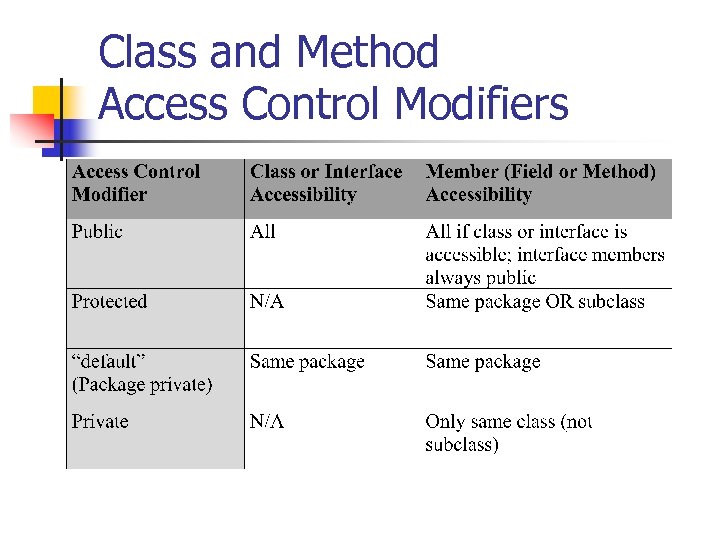 Class and Method Access Control Modifiers
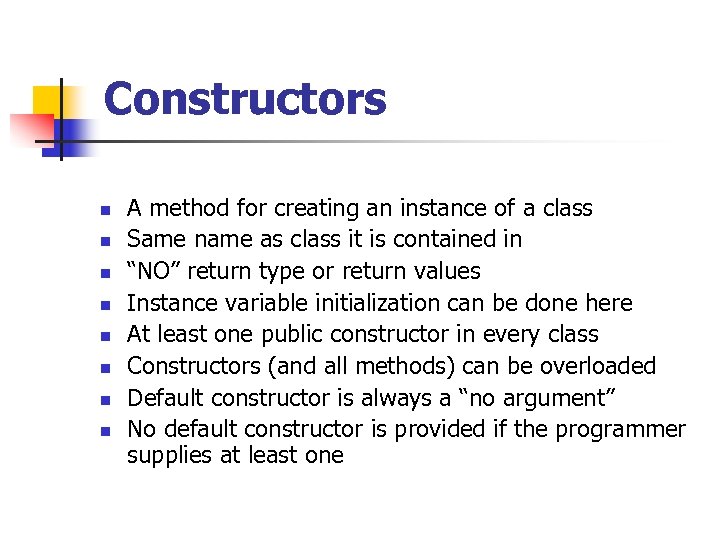 Constructors n n n n A method for creating an instance of a class Same name as class it is contained in “NO” return type or return values Instance variable initialization can be done here At least one public constructor in every class Constructors (and all methods) can be overloaded Default constructor is always a “no argument” No default constructor is provided if the programmer supplies at least one
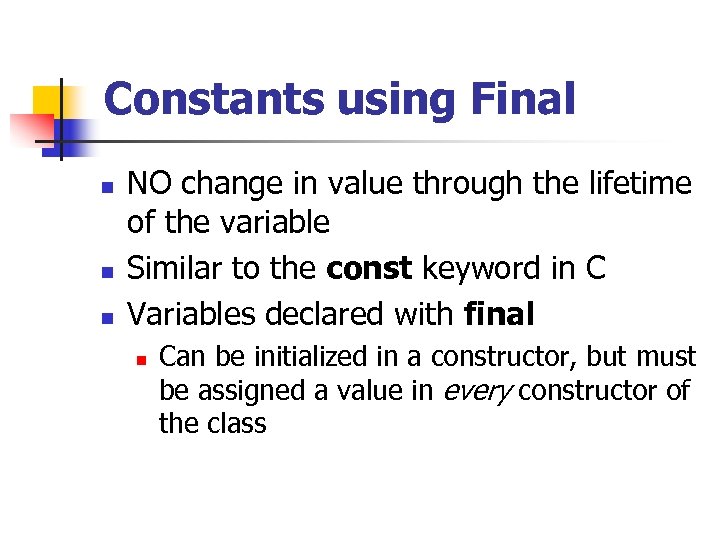 Constants using Final n n n NO change in value through the lifetime of the variable Similar to the const keyword in C Variables declared with final n Can be initialized in a constructor, but must be assigned a value in every constructor of the class
 Building Composite Objects n n Objects with objects as instance variables Building up complex classes is good object oriented design n Reuse of existing classes To detect bugs incrementally Debugging with test drivers as classes are developed
 Symbolic Constants n n No global constants in Java Static members of a class give similar functionality n n Examples: public final static float PI = 3. 1415926; where “final indicates this value cannot be altered Static variable identifier can be a class n if PI definition above is contained in class Math, it can be referenced as Math. PI
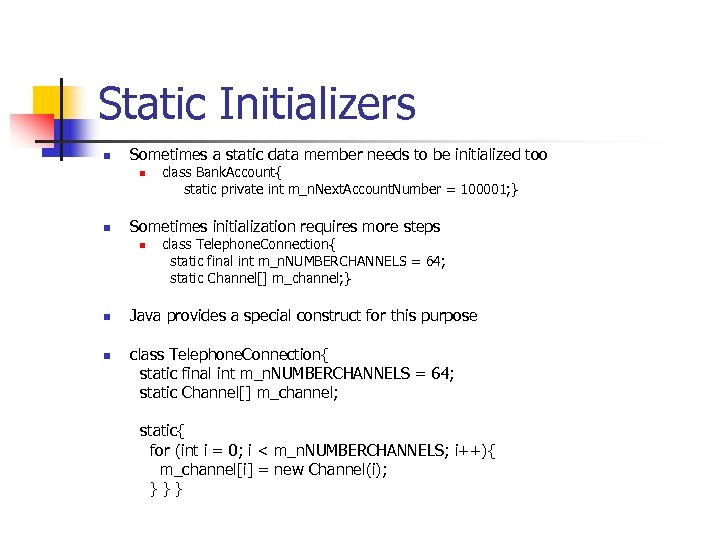 Static Initializers n Sometimes a static data member needs to be initialized too n n Sometimes initialization requires more steps n n n class Bank. Account{ static private int m_n. Next. Account. Number = 100001; } class Telephone. Connection{ static final int m_n. NUMBERCHANNELS = 64; static Channel[] m_channel; } Java provides a special construct for this purpose class Telephone. Connection{ static final int m_n. NUMBERCHANNELS = 64; static Channel[] m_channel; static{ for (int i = 0; i < m_n. NUMBERCHANNELS; i++){ m_channel[i] = new Channel(i); } } }
 Class extension - Inheritance n Classes can be defined as extensions (subclasses) of already-defined classes n n n Inherits methods, variables from the parent May contain additional attribute fields May provide additional functionality by providing new methods May provide replacement functionality by overriding methods in the superclass Often, a subclass constructor executes the parent constructor by invoking super(…)
 Overloading methods void fn(TV mytv, Radio myradio){ mytv. Change. Channel(); // tune the TV myradio. Change. Channel(); // tune the radio } n Current class assumed when no qualification n Overloading based on different types of arguments n double fn(Bank. Account ba. My. Account){ ba. My. Account. Rate(8. 0); // sets the rate return ba. My. Account. Rate(); // queries the rate } n n No overloading based on return value
 this keyword n n A class declaration is like a template for making objects The code is shared by all objects of the class n n n Each object has its own values for the data members The object itself is an implicit parameter to each method In the class declarations, one can use the keyword “this” to refer to the object itself explicitly
 Java I/O - Streams n n n All modern I/O is stream-based A stream is a connection to a source of data or to a destination for data (sometimes both) Different streams have different characteristics n n A file has a definite length, and therefore an end Keyboard input has no specific end
 How to do I/O import java. io. *; n n n Open the stream Use the stream (read, write, or both) Close the stream
 Why Java I/O is hard n n Java I/O is very powerful, with an overwhelming number of options Any given kind of I/O is not particularly difficult n n Buffered Formatted etc The trick is to find your way through the maze of possibilities It’s all about picking the right one
 Opening a stream n n When you open a stream, you are making a connection to an external entity The entity to which you wish to write data to or read data from Streams encapsulate complexity of external entity Streams also provide flexibility in usage of data – Different types
 Example - Opening a stream n A File. Reader is a used to connect to a file that will be used for input File. Reader file. Reader = new File. Reader(file. Name); n n The file. Name specifies where the (external) file is to be found You never use file. Name again; instead, you use file. Reader
 Using a stream n n n Some streams can be used only for input, others only for output, still others for both Using a stream means doing input from it or output to it But it’s not usually that simple n One needs to manipulate the data in some way as it comes in or goes out
 Example of using a stream n n int ch; ch = file. Reader. read( ); The file. Reader. read() method reads one character and returns it as an integer, or -1 if there are no more characters to read (EOF) The meaning of the integer depends on the file encoding (ASCII, Unicode, other)
 Closing n n n A stream is an expensive resource There is a limit on the number of streams that you can have open at one time You should not have more than one stream open on the same file You must close a stream before you can open it again Always close your streams!
 Serialization n You can also read and write objects to files Object I/O goes by the awkward name of serialization Serialization can be very difficult n n objects may contain references to other objects Java makes serialization (almost) easy
 Conditions for serializability n If an object is to be serialized The class must be declared as public n Class must implement Serializable n The class must have a no-argument constructor n All fields of the class must be serializable n n Either primitive types or serializable objects
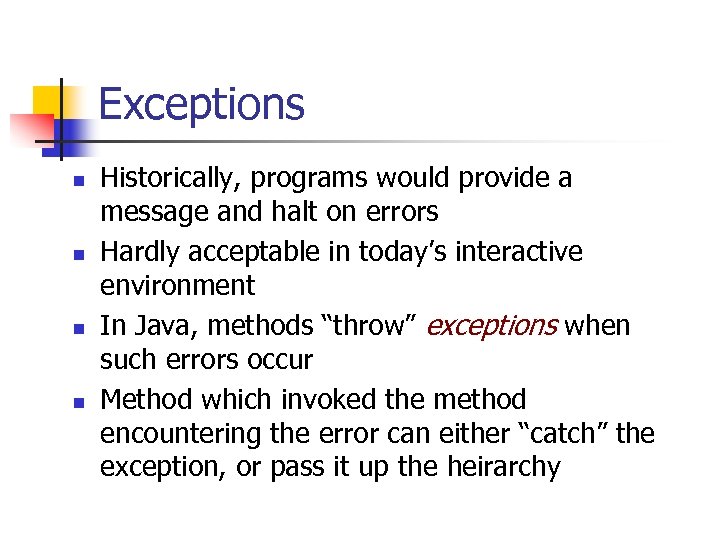 Exceptions n n Historically, programs would provide a message and halt on errors Hardly acceptable in today’s interactive environment In Java, methods “throw” exceptions when such errors occur Method which invoked the method encountering the error can either “catch” the exception, or pass it up the heirarchy
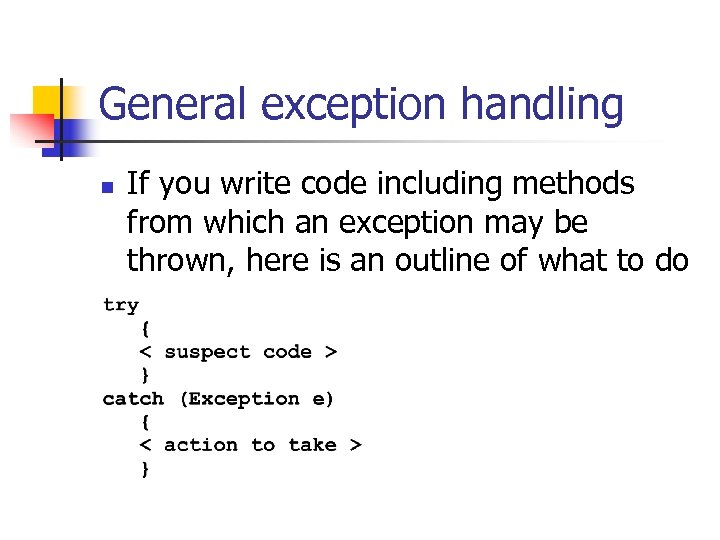 General exception handling n If you write code including methods from which an exception may be thrown, here is an outline of what to do
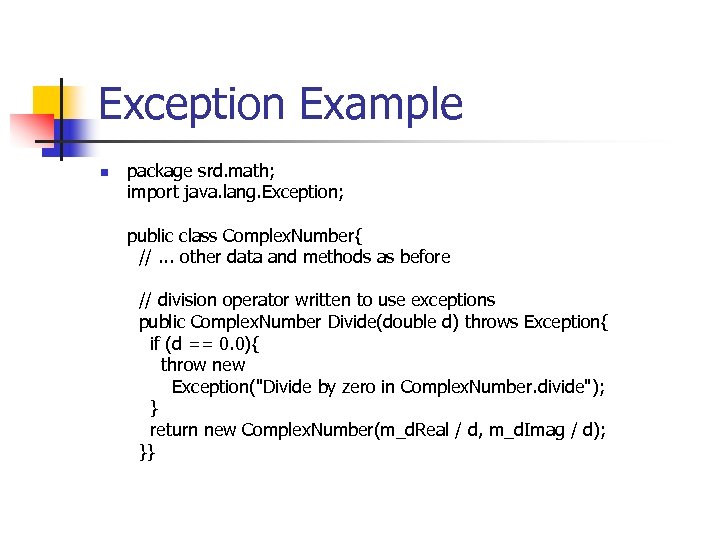 Exception Example n package srd. math; import java. lang. Exception; public class Complex. Number{ //. . . other data and methods as before // division operator written to use exceptions public Complex. Number Divide(double d) throws Exception{ if (d == 0. 0){ throw new Exception("Divide by zero in Complex. Number. divide"); } return new Complex. Number(m_d. Real / d, m_d. Imag / d); }}
 Java Threads
 Multitasking v/s Multithreading n n n Multitasking refers to a computer's ability to perform multiple jobs concurrently A thread is a single sequence of execution within a program Multithreading refers to multiple threads of control within a single program n each program can run multiple threads of control within it
 Threads - Need n n To maintain responsiveness of an application during a long running task To enable cancellation of separable tasks Some problems are intrinsically parallel Some APIs and systems demand it n n Swings Animation
 Example - Animation n Suppose you set up Buttons and attach Listeners to those buttons Then your code goes into a loop doing the animation Who’s listening ? n n Not this code; it’s busy doing the animation sleep(ms) doesn’t help!
 Application Thread n When we execute an application n The JVM creates a Thread object whose task is defined by the main() method It starts the thread The thread executes the statements of the program one by one until the method returns and the thread dies
 Multiple Threads n n Each thread has its private run-time stack If two threads execute the same method, each will have its own copy of the local variables the methods uses All threads see the same dynamic memory, heap Two different threads can act on the same object and same static fields concurrently n n Race conditions Deadlocks
 Creating Threads n There are two ways to create our own Thread object 1. 2. n Sub classing the Thread class and instantiating a new object of that class Implementing the Runnable interface In both cases the run() method should be implemented
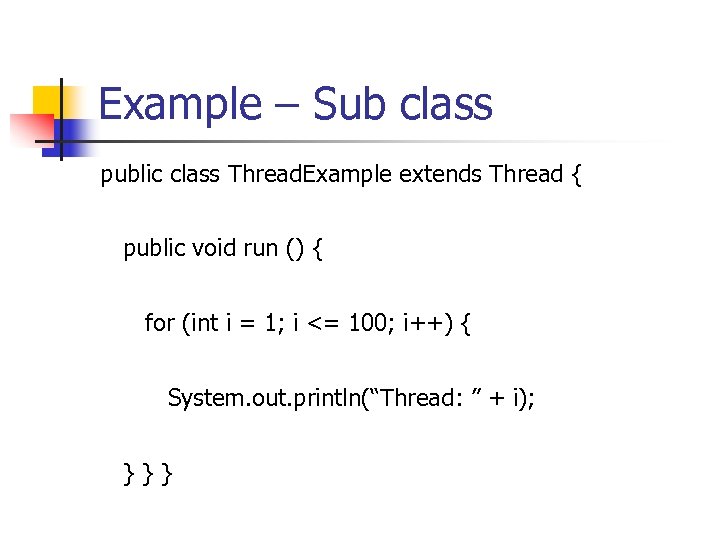 Example – Sub class public class Thread. Example extends Thread { public void run () { for (int i = 1; i <= 100; i++) { System. out. println(“Thread: ” + i); } } }
 Thread Methods void start() n Creates new thread and makes it runnable n This method can be called only once void run() n The new thread begins its life inside this method void stop() n The thread is being terminated
 Thread Methods (Continued) n yield() n n n Causes currently executing thread object to temporarily pause and allow other threads to execute Allows only threads of the same priority to run sleep(int m)/sleep(int m, int n) n The thread sleeps for m milliseconds, plus n nanoseconds
 Example - Implementing Runnable public class Runnable. Example implements Runnable { public void run () { for (int i = 1; i <= 100; i++) { } } } System. out. println (“Runnable: ” + i);
 Why two mechanisms ? n n Java supports simple inheritance A class can have only one super class But it can implement many interfaces Allows threads to run , regardless of inheritance Example – an applet that is also a thread
 Starting the Threads public class Threads. Start. Example { public static void main (String argv[]) { new Thread. Example (). start (); new Thread(new Runnable. Example ()). start (); } }
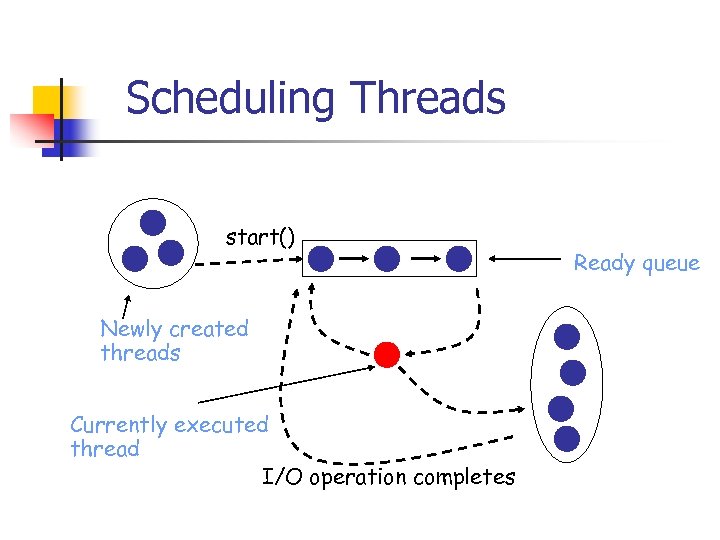 Scheduling Threads start() Newly created threads Currently executed thread I/O operation completes Ready queue
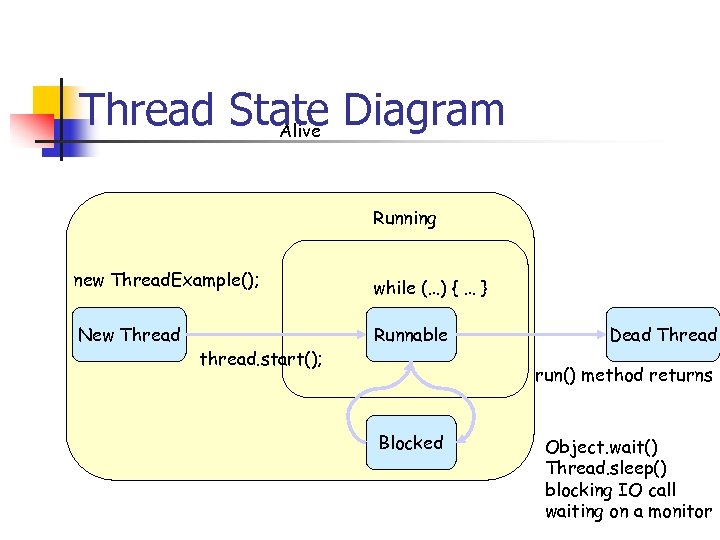 Thread State Diagram Alive Running new Thread. Example(); while (…) { … } New Thread Runnable thread. start(); Dead Thread run() method returns Blocked Object. wait() Thread. sleep() blocking IO call waiting on a monitor
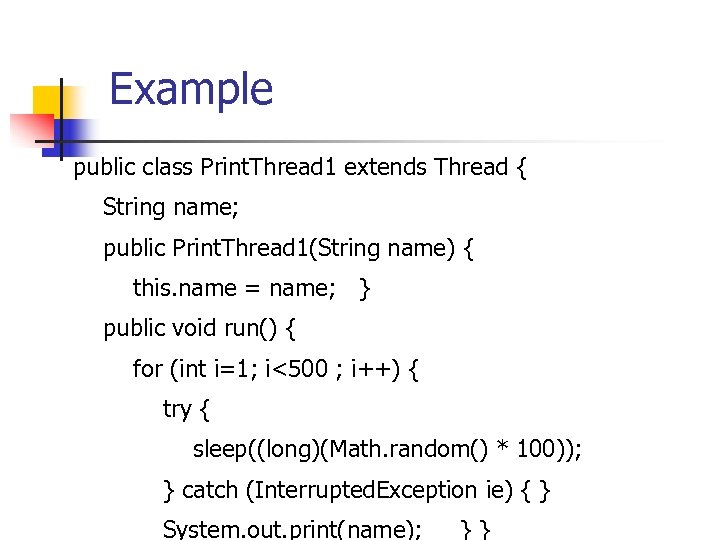 Example public class Print. Thread 1 extends Thread { String name; public Print. Thread 1(String name) { this. name = name; } public void run() { for (int i=1; i<500 ; i++) { try { sleep((long)(Math. random() * 100)); } catch (Interrupted. Exception ie) { } System. out. print(name); } }
![Example (cont) public static void main(String args[]) { Print. Thread 1 a = new](https://present5.com/presentation/47937df91afeaa980d22d1a53cd9d88b/image-48.jpg "Example (cont) public static void main(String args[]) { Print. Thread 1 a = new") Example (cont) public static void main(String args[]) { Print. Thread 1 a = new Print. Thread 1("*"); Print. Thread 1 b = new Print. Thread 1("-"); Print. Thread 1 c = new Print. Thread 1("="); a. start(); b. start(); c. start(); } }
Example (cont) public static void main(String args[]) { Print. Thread 1 a = new Print. Thread 1("*"); Print. Thread 1 b = new Print. Thread 1("-"); Print. Thread 1 c = new Print. Thread 1("="); a. start(); b. start(); c. start(); } }
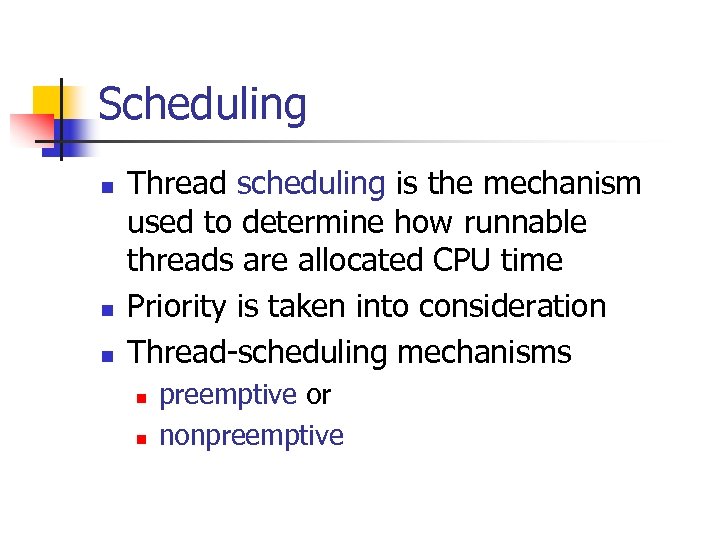 Scheduling n n n Thread scheduling is the mechanism used to determine how runnable threads are allocated CPU time Priority is taken into consideration Thread-scheduling mechanisms n n preemptive or nonpreemptive
 Preemptive Scheduling n Preemptive scheduling n n Nonpreemptive scheduling n n Scheduler preempts a running thread to allow different threads to execute Scheduler never interrupts a running thread The nonpreemptive scheduler relies on the running thread to yield control of the CPU so that other threads may execute
 Java Scheduling n n n Scheduler is preemptive and based on priority of threads Uses fixed-priority scheduling n Threads are scheduled according to their priority w. r. t. other threads in the ready queue The highest priority runnable thread is always selected for execution When multiple threads have equally high priorities, only one of those threads is guaranteed to be executing Java threads are guaranteed to be preemptive but not time sliced
 Thread Priority n n n Every thread has a priority When a thread is created, it inherits the priority of the thread that created it The priority values range from 1 to 10, in increasing priority The priority can be adjusted using set. Priority() and get. Priority() methods Pre defined priority constants n n n MIN_PRIORITY=1 MAX_PRIORITY=10 NORM_PRIORITY=5
 Thread. Group n The Thread. Group class is used to create groups of similar threads. Why is this needed? “Thread groups are best viewed as an unsuccessful experiment, and you may simply ignore their existence. ” Joshua Bloch, software architect at Sun
 Race Condition n Race conditions n n n Outcome of a program is affected by the order in which the program's threads are allocated CPU time Two threads are simultaneously modifying a single object Both threads “race” to store their value n Outcome depends on which one wins the “race”
 Monitors n n Each object has a “monitor” that is a token used to determine which application thread has control of a particular object instance In execution of a synchronized method (or block), access to the object monitor must be gained before the execution n Synchronized method – Method that executes critical section Access to the object monitor is queued This avoids “Race Conditions”
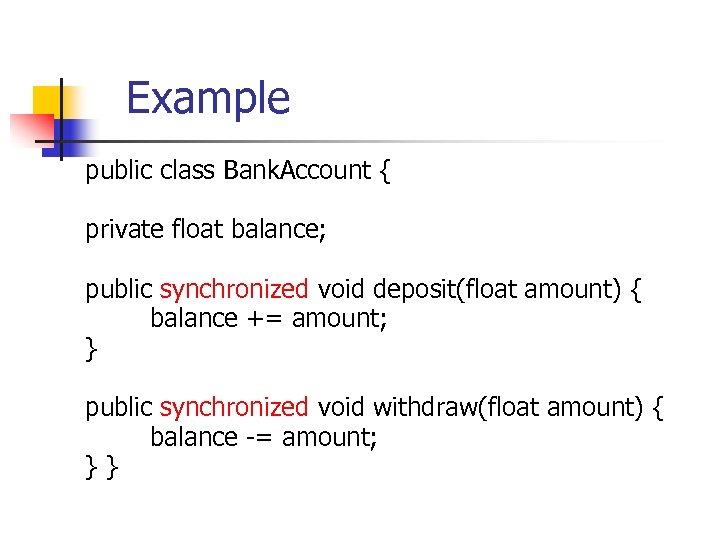 Example public class Bank. Account { private float balance; public synchronized void deposit(float amount) { balance += amount; } public synchronized void withdraw(float amount) { balance -= amount; } }
 Static Synchronized Methods n n Marking a static method as synchronized, associates a monitor with the class itself The execution of synchronized static methods of the same class is mutually exclusive. Why?
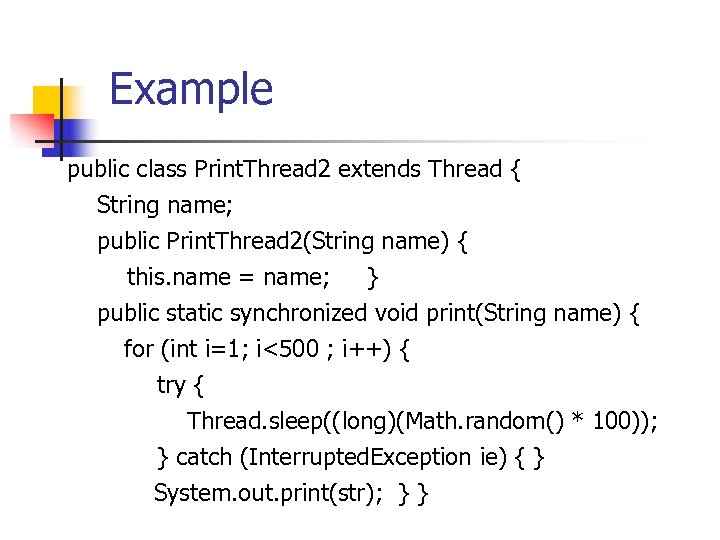 Example public class Print. Thread 2 extends Thread { String name; public Print. Thread 2(String name) { this. name = name; } public static synchronized void print(String name) { for (int i=1; i<500 ; i++) { try { Thread. sleep((long)(Math. random() * 100)); } catch (Interrupted. Exception ie) { } System. out. print(str); } }
![Example (cont) public void run() { print(name); } public static void main(String args[]) {](https://present5.com/presentation/47937df91afeaa980d22d1a53cd9d88b/image-59.jpg "Example (cont) public void run() { print(name); } public static void main(String args[]) {") Example (cont) public void run() { print(name); } public static void main(String args[]) { Print. Thread 2 a = new Print. Thread 2("*“); Print. Thread 2 b = new Print. Thread 2("-“); Print. Thread 2 c = new Print. Thread 2("=“); a. start(); b. start(); c. start(); } }
Example (cont) public void run() { print(name); } public static void main(String args[]) { Print. Thread 2 a = new Print. Thread 2("*“); Print. Thread 2 b = new Print. Thread 2("-“); Print. Thread 2 c = new Print. Thread 2("=“); a. start(); b. start(); c. start(); } }
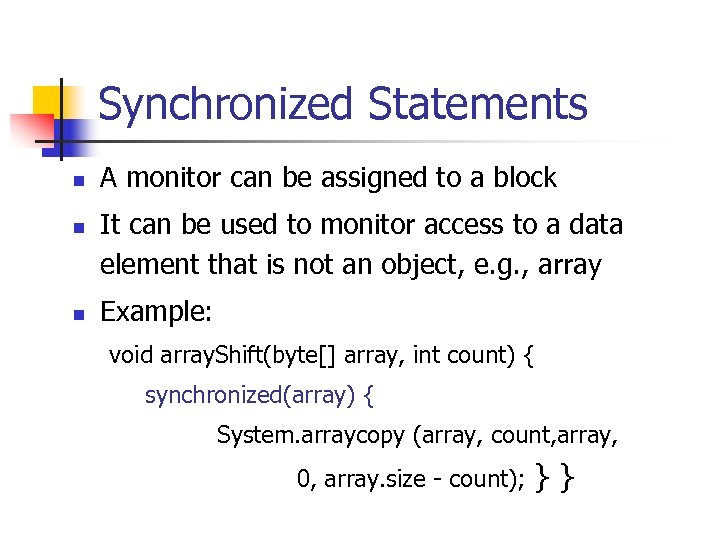 Synchronized Statements n n n A monitor can be assigned to a block It can be used to monitor access to a data element that is not an object, e. g. , array Example: void array. Shift(byte[] array, int count) { synchronized(array) { System. arraycopy (array, count, array, 0, array. size - count); } }
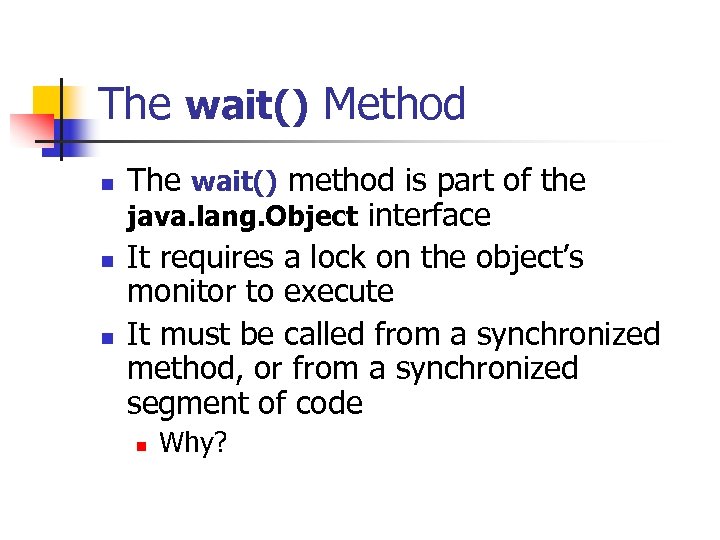 The wait() Method n n n The wait() method is part of the java. lang. Object interface It requires a lock on the object’s monitor to execute It must be called from a synchronized method, or from a synchronized segment of code n Why?
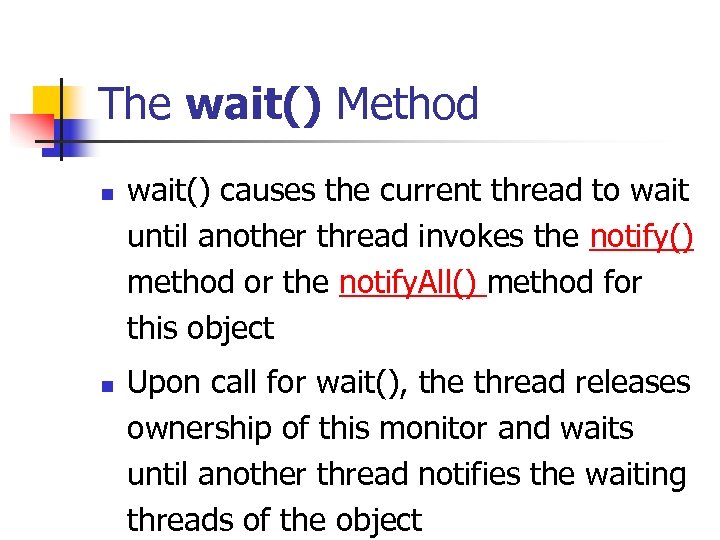 The wait() Method n n wait() causes the current thread to wait until another thread invokes the notify() method or the notify. All() method for this object Upon call for wait(), the thread releases ownership of this monitor and waits until another thread notifies the waiting threads of the object
 The wait() Method n wait() is also similar to yield() n n Both take the current thread off the execution stack and force it to be rescheduled However, wait() is not automatically put back into the scheduler queue n notify() must be called in order to get a thread back into the scheduler’s queue
 Things Thread should NOT do n n The Thread controls its own destiny Deprecated methods n n n my. Thread. stop( ) my. Thread. suspend( ) my. Thread. resume( ) Outside control turned out to be a Bad Idea Don’t do this!
 Controlling another Thread n n Don’t use the deprecated methods! Instead, put a request where the other Thread can find it boolean ok. To. Run = true; animation. start( ); public void run( ) { while (controller. ok. To. Run) {…}
 Java Sockets
 Why Java Sockets ? n Why use sockets to communicate with remote objects when RMI is available? n To communicate with non-java objects and programs n n Not all software on networks is written in Java To communicate as efficiently as possible n n Convenience of RPC and RMI extract a price in the form of processing overhead A well-designed socket interface between programs can outperform them
 What Is a Socket ? n Server side n n n Client-side n n Server has a socket bound to a specific port number The server just waits, listening to the socket for a client to make a connection request If everything goes well, the server accepts the connection Upon acceptance, the server gets a new socket bound to a different port The client knows the hostname of the machine on which the server is running and the port number to which the server is connected To make a connection request, the client tries to rendezvous with the server on the server's machine and port if the connection is accepted, a socket is successfully created and the client can use the socket to communicate with the server The client and server can now communicate by writing to or reading from their sockets.
 Socket Communication n n There are two forms of socket communication, connection oriented and connectionless TCP (Transmission Control Protocol) n TCP is a connection oriented, transport layer protocol that works on top of IP n Provides a permanent connection oriented virtual circuit n Circuit has to be established before data transfer can begin n The client will send out a send a number of initialization packets to the server so that the circuit path through the network can be established n A host will usually establish two streams, one for incoming and one for out going data n Other mechanisms to ensure that data integrity is maintained n Packets are numbered to avoid lost packets and incorrect ordering
 Socket Communication Overview UDP (User Datagram Protocol) n UDP is a connectionless transport layer protocol that also sits on top of IP n Provides no data integrity mechanisms except for checksum n Simply packages it’s data into, what is known as a Datagram, along with the destination address and port number n If the destination host is alive and listening it will receive the Datagram n No guaranteed delivery, there is a possibility that datagrams will be lost corrupted or delivered in the wrong order n Protocol has few built-in facilities thereby resulting in very low management overhead n Lack of "permanent" connection also means UDP can adapt better to network failures n Examples - DNS lookups, PING
 Network byte ordering n n n Standard way in which bytes are ordered for network communication Network byte order says that the high-byte (the byte on the right) should be written first and low-byte (the byte on the left) last For example, the following byte representation of an integer, 10 12 45 32 should be written 32 45 12 10 when sending it across the network
 Socket communication: Java Classes n n Classes listed below are from java. net and java. io packages Obtaining Internet address information n Class Inet. Address n n n This class provides methods to access host names and IP addresses The following methods are provided to create Inet. Address objects Static Inet. Address get. Local. Host() throws Unknown. Host. Exception Static Inet. Address get. By. Name(String host) throws Unknown. Host. Exception The host name can be either a pneumonic identifier such as "www. Java. com" or an IP address such as 121. 1. 28. 54
 Socket Class n n n Class Socket These constructors allow the Socket connection to be established Socket(String host, int port) throws IOException n Socket(Inet. Address address, int port) throws IOException n This method returns the IP address of a remote host int get. Port() n n This creates a Socket and connects to the specified port The port must be in a range of 1 -65535 Inet. Address get. Inet. Address() n n This creates a Socket and connects to the specified host and port Host can be a host name or IP address and port must be in a range of 165535 This method returns the port number of the remote host int get. Local. Port() n The local port number is returned by this method
 I/O Streams n Input. Stream get. Input. Stream()throws IOException n Output. Stream get. Output. Stream()throws IOException n Returns an Input. Stream that allows the Socket to receive data across the TCP connection An Input. Stream can be buffered or standard Returns an Output. Stream that allows the Socket to send data across the TCP connection An Output. Stream should be buffered to avoid lost bytes, especially when the Socket is closed void close() throws IOException n Closes the Socket, releasing any network resources
 Exceptions n n IOException n Generic I/O error that can be thrown by many of the methods Security. Exception n Thrown if the Java security manager has restricted the desired action n Applets may not open sockets to any host other than the originating host, i. e. the web server n Any attempt to open a socket to a destination other than the host address will cause this exception to be thrown
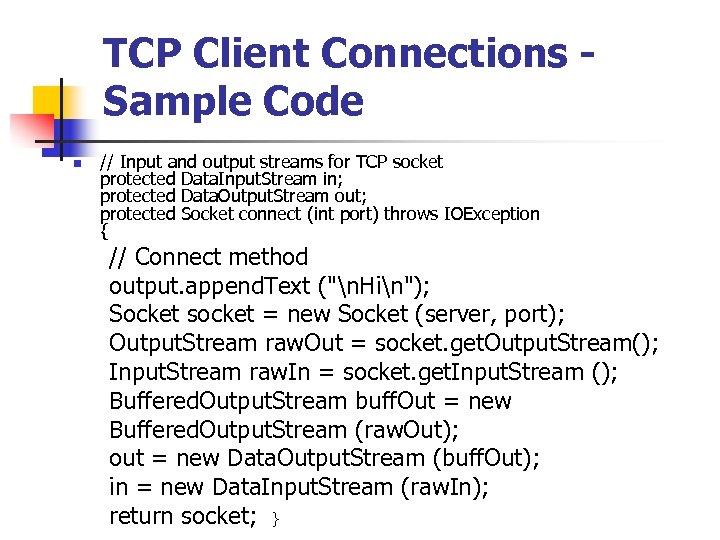 TCP Client Connections - Sample Code n // Input and output streams for TCP socket protected Data. Input. Stream in; protected Data. Output. Stream out; protected Socket connect (int port) throws IOException { // Connect method output. append. Text ("n. Hin"); Socket socket = new Socket (server, port); Output. Stream raw. Out = socket. get. Output. Stream(); Input. Stream raw. In = socket. get. Input. Stream (); Buffered. Output. Stream buff. Out = new Buffered. Output. Stream (raw. Out); out = new Data. Output. Stream (buff. Out); in = new Data. Input. Stream (raw. In); return socket; }
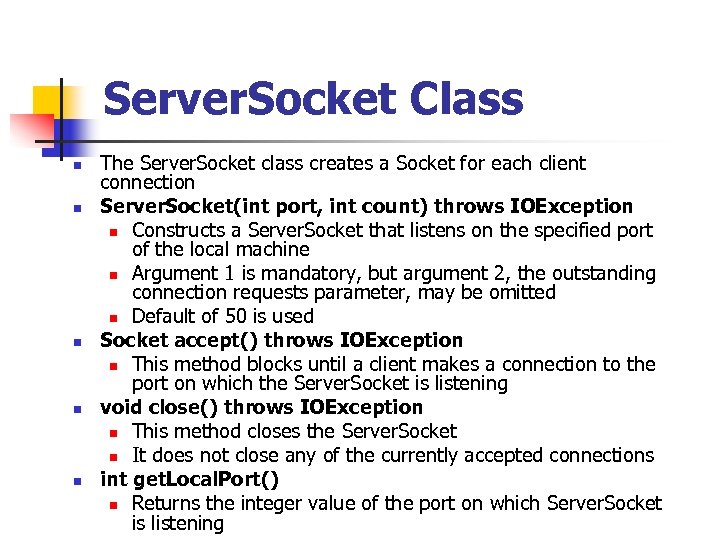 Server. Socket Class n n n The Server. Socket class creates a Socket for each client connection Server. Socket(int port, int count) throws IOException n Constructs a Server. Socket that listens on the specified port of the local machine n Argument 1 is mandatory, but argument 2, the outstanding connection requests parameter, may be omitted n Default of 50 is used Socket accept() throws IOException n This method blocks until a client makes a connection to the port on which the Server. Socket is listening void close() throws IOException n This method closes the Server. Socket n It does not close any of the currently accepted connections int get. Local. Port() n Returns the integer value of the port on which Server. Socket is listening
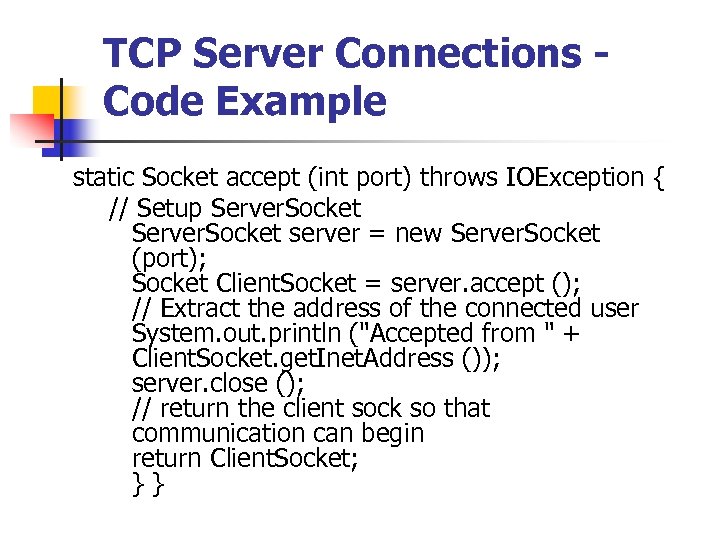 TCP Server Connections - Code Example static Socket accept (int port) throws IOException { // Setup Server. Socket server = new Server. Socket (port); Socket Client. Socket = server. accept (); // Extract the address of the connected user System. out. println ("Accepted from " + Client. Socket. get. Inet. Address ()); server. close (); // return the client sock so that communication can begin return Client. Socket; } }
 Datagram Communication n n When using Datagram communication there are several differences to stream based TCP Firstly a datagram packet is required, as we do not have a "permanent" stream we cannot simply read and write data to and from a communication channel Instead we must construct datagrams, that contains the destination address, the port number, the data and the length of the data Therefore we must deal with creating and dissecting packets
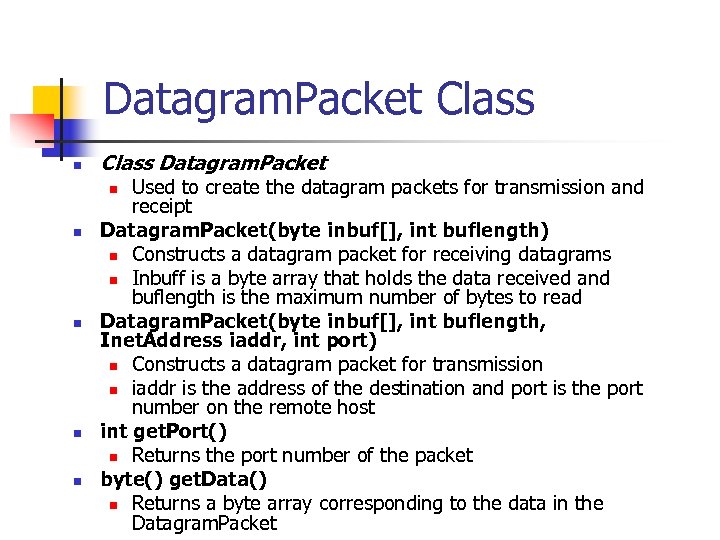 Datagram. Packet Class n Class Datagram. Packet Used to create the datagram packets for transmission and receipt Datagram. Packet(byte inbuf[], int buflength) n Constructs a datagram packet for receiving datagrams n Inbuff is a byte array that holds the data received and buflength is the maximum number of bytes to read Datagram. Packet(byte inbuf[], int buflength, Inet. Address iaddr, int port) n Constructs a datagram packet for transmission n iaddr is the address of the destination and port is the port number on the remote host int get. Port() n Returns the port number of the packet byte() get. Data() n Returns a byte array corresponding to the data in the Datagram. Packet n n n
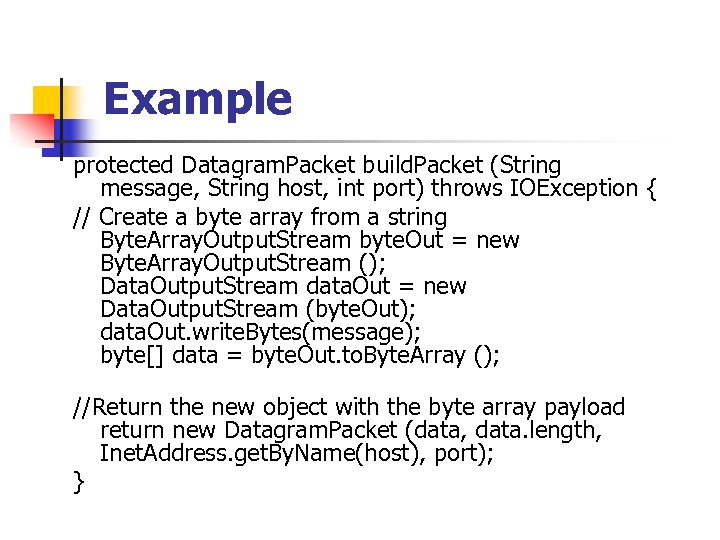 Example protected Datagram. Packet build. Packet (String message, String host, int port) throws IOException { // Create a byte array from a string Byte. Array. Output. Stream byte. Out = new Byte. Array. Output. Stream (); Data. Output. Stream data. Out = new Data. Output. Stream (byte. Out); data. Out. write. Bytes(message); byte[] data = byte. Out. to. Byte. Array (); //Return the new object with the byte array payload return new Datagram. Packet (data, data. length, Inet. Address. get. By. Name(host), port); }
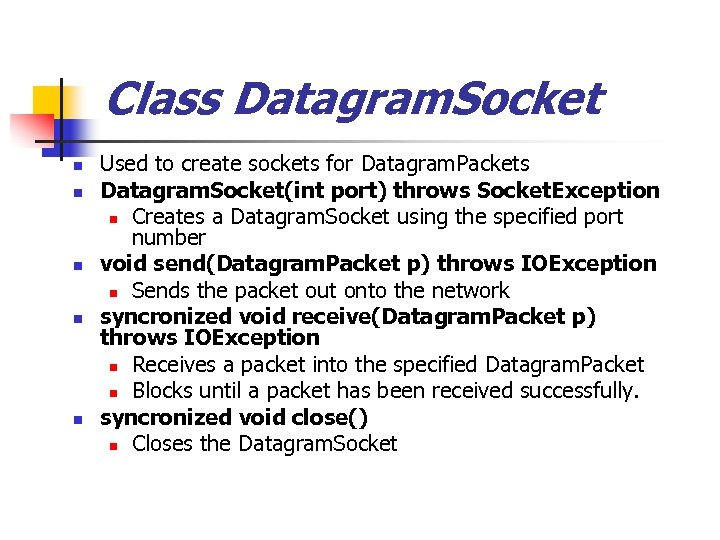 Class Datagram. Socket n n n Used to create sockets for Datagram. Packets Datagram. Socket(int port) throws Socket. Exception n Creates a Datagram. Socket using the specified port number void send(Datagram. Packet p) throws IOException n Sends the packet out onto the network syncronized void receive(Datagram. Packet p) throws IOException n Receives a packet into the specified Datagram. Packet n Blocks until a packet has been received successfully. syncronized void close() n Closes the Datagram. Socket
![Example protected void receive. Packet () throws IOException { byte buffer[] = new byte[65535];](https://present5.com/presentation/47937df91afeaa980d22d1a53cd9d88b/image-83.jpg "Example protected void receive. Packet () throws IOException { byte buffer[] = new byte[65535];") Example protected void receive. Packet () throws IOException { byte buffer[] = new byte[65535]; Datagram. Packet packet = new Datagram. Packet (buffer, buffer. length); socket. receive (packet); // Convert the byte array read from network into a string Byte. Array. Input. Stream byte. In = new Byte. Array. Input. Stream (packet. get. Data (), 0, packet. get. Length ()); Data. Input. Stream data. In = new Data. Input. Stream (byte. In); // Read in data from a standard format String input = ""; while((input = data. In. read. Line ()) != null) output. append. Text("SERVER REPLIED : " + input +); }
Example protected void receive. Packet () throws IOException { byte buffer[] = new byte[65535]; Datagram. Packet packet = new Datagram. Packet (buffer, buffer. length); socket. receive (packet); // Convert the byte array read from network into a string Byte. Array. Input. Stream byte. In = new Byte. Array. Input. Stream (packet. get. Data (), 0, packet. get. Length ()); Data. Input. Stream data. In = new Data. Input. Stream (byte. In); // Read in data from a standard format String input = ""; while((input = data. In. read. Line ()) != null) output. append. Text("SERVER REPLIED : " + input +); }
 Java Cryptography
 Goals n n Learn about JAVA Crypto Architecture How to use JAVA Crypto API’s Understand the Sun. JCE Implementation Be able to use java crypto functions (meaningfully) in your code
 Introduction n JDK Security API n n n First release of JDK Security introduced "Java Cryptography Architecture" (JCA) n n Framework for accessing and developing cryptographic functionality JCA encompasses n n n Core API for Java Built around the java. security package Parts of JDK 1. 2 Security API related to cryptography Architecture that allows for multiple and interoperable cryptography implementations The Java Cryptography Extension (JCE) extends JCA n Includes APIs for encryption, key exchange, and Message Authentication Code (MAC)
 Java Cryptography Extension (JCE) n Adds encryption, key exchange, key generation, message authentication code (MAC) n n n Multiple “providers” supported Keys & certificates in “keystore” database Separate due to export control
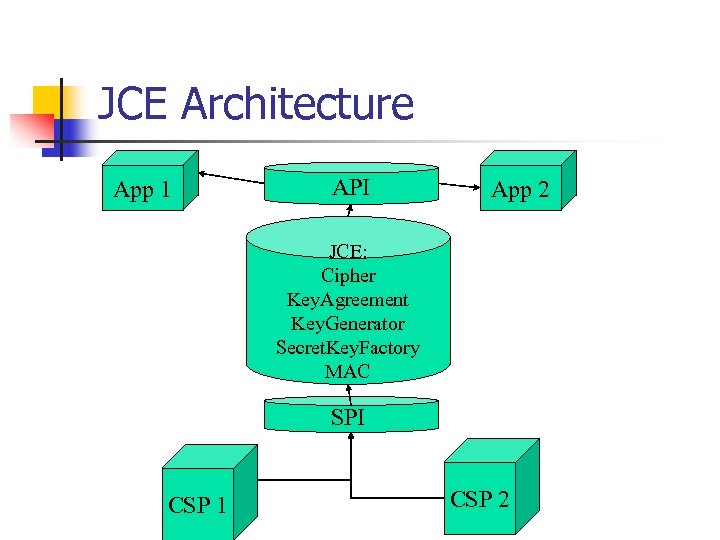 JCE Architecture App 1 API App 2 JCE: Cipher Key. Agreement Key. Generator Secret. Key. Factory MAC SPI CSP 1 CSP 2
 Design Principles n Implementation independence and interoperability n n "provider“ based architecture Set of packages implementing cryptographic services n n digital signature algorithms Programs request a particular type of object Various implementations working together, use each other's keys, or verify each other's signatures Algorithm independence and extensibility n n n Cryptographic classes providing the functionality Classes are called engine classes, example Signature Addition of new algorithms straight forward
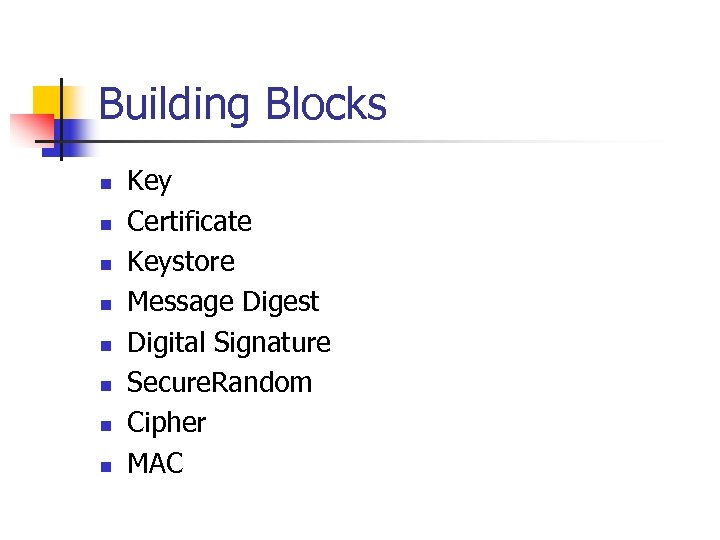 Building Blocks n n n n Key Certificate Keystore Message Digest Digital Signature Secure. Random Cipher MAC
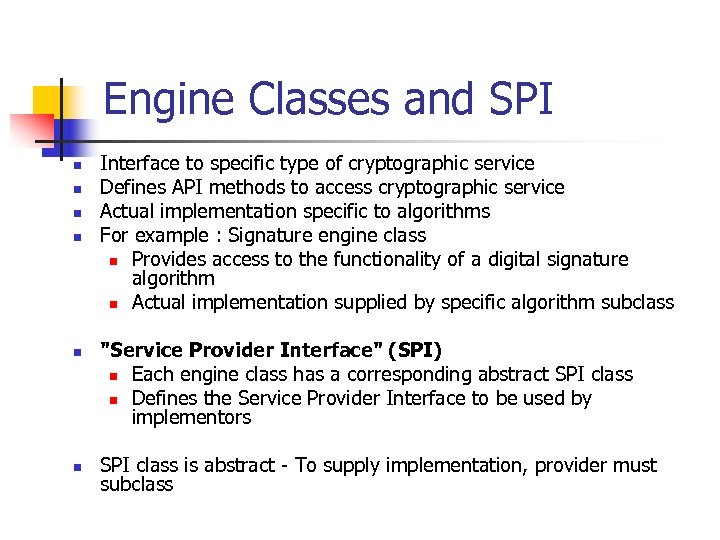 Engine Classes and SPI n n n Interface to specific type of cryptographic service Defines API methods to access cryptographic service Actual implementation specific to algorithms For example : Signature engine class n Provides access to the functionality of a digital signature algorithm n Actual implementation supplied by specific algorithm subclass "Service Provider Interface" (SPI) n Each engine class has a corresponding abstract SPI class n Defines the Service Provider Interface to be used by implementors SPI class is abstract - To supply implementation, provider must subclass
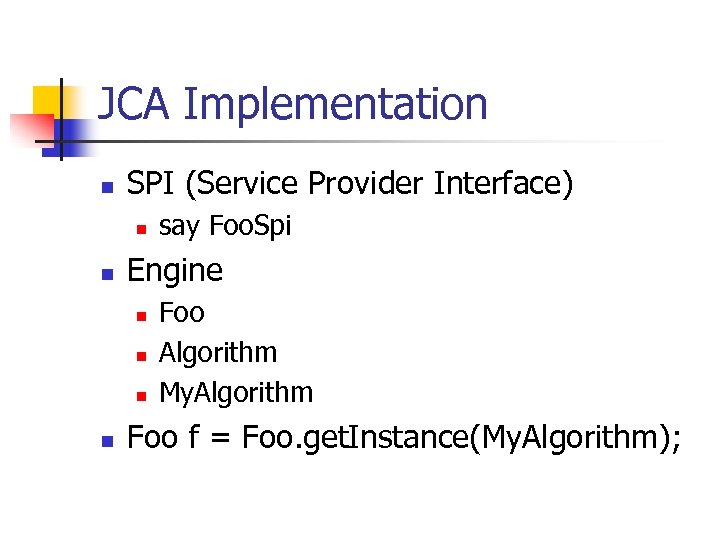 JCA Implementation n SPI (Service Provider Interface) n n Engine n n say Foo. Spi Foo Algorithm My. Algorithm Foo f = Foo. get. Instance(My. Algorithm);
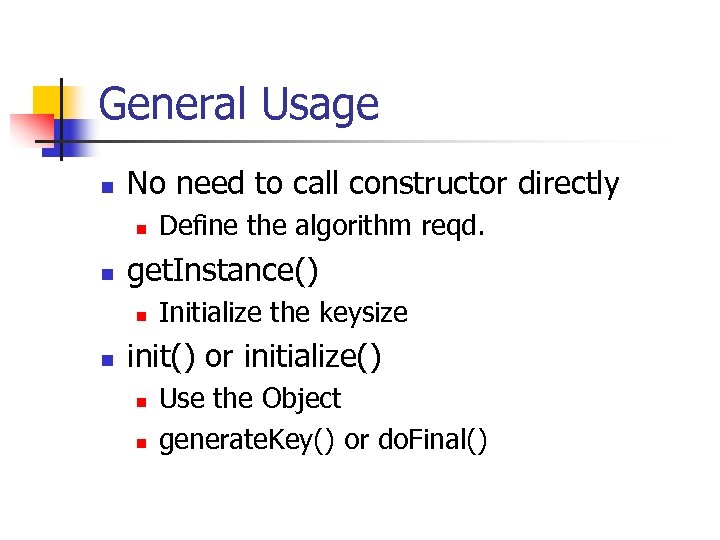 General Usage n No need to call constructor directly n n get. Instance() n n Define the algorithm reqd. Initialize the keysize init() or initialize() n n Use the Object generate. Key() or do. Final()
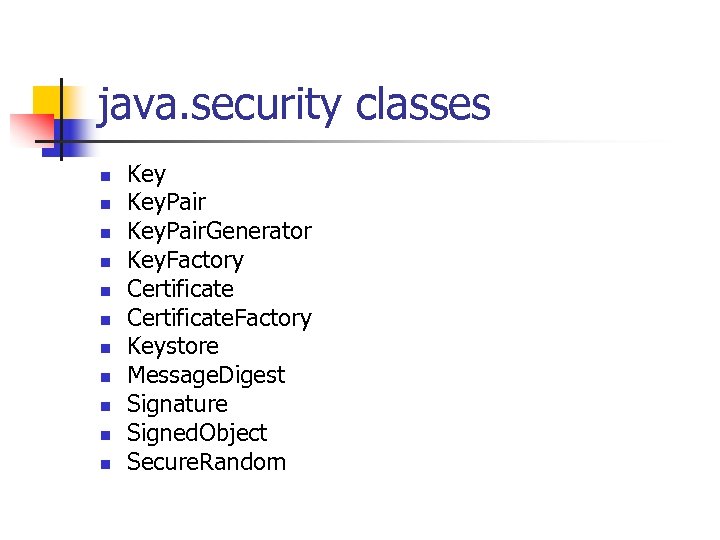 java. security classes n n n Key. Pair. Generator Key. Factory Certificate. Factory Keystore Message. Digest Signature Signed. Object Secure. Random
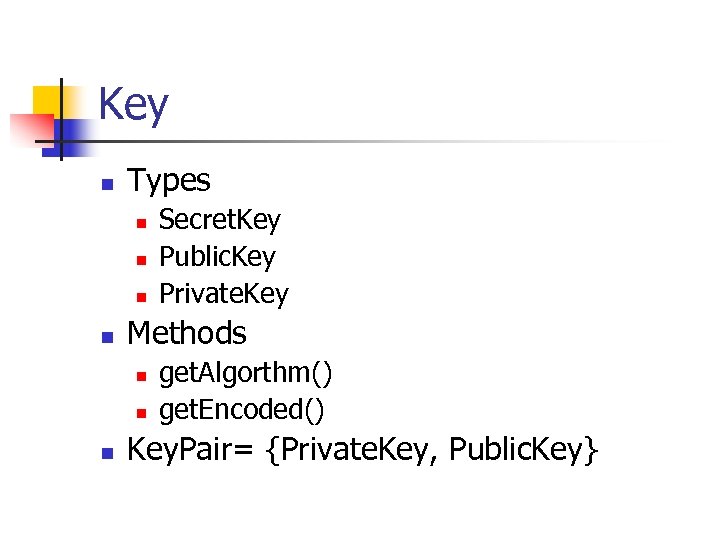 Key n Types n n Methods n n n Secret. Key Public. Key Private. Key get. Algorthm() get. Encoded() Key. Pair= {Private. Key, Public. Key}
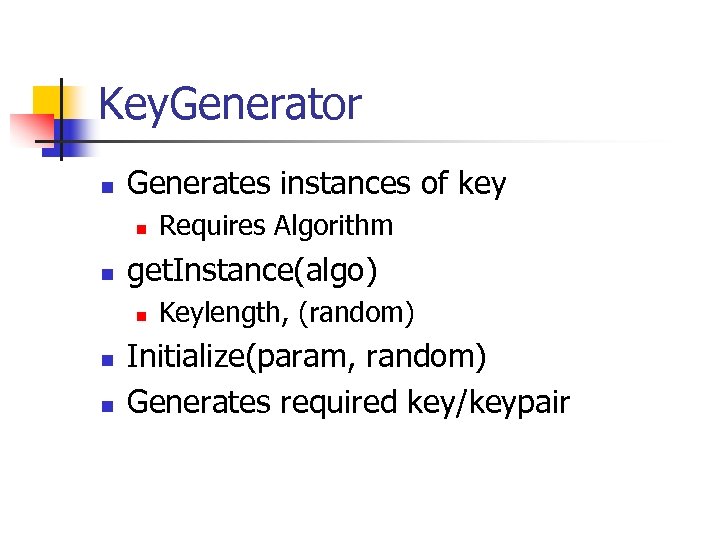 Key. Generator n Generates instances of key n n get. Instance(algo) n n n Requires Algorithm Keylength, (random) Initialize(param, random) Generates required key/keypair
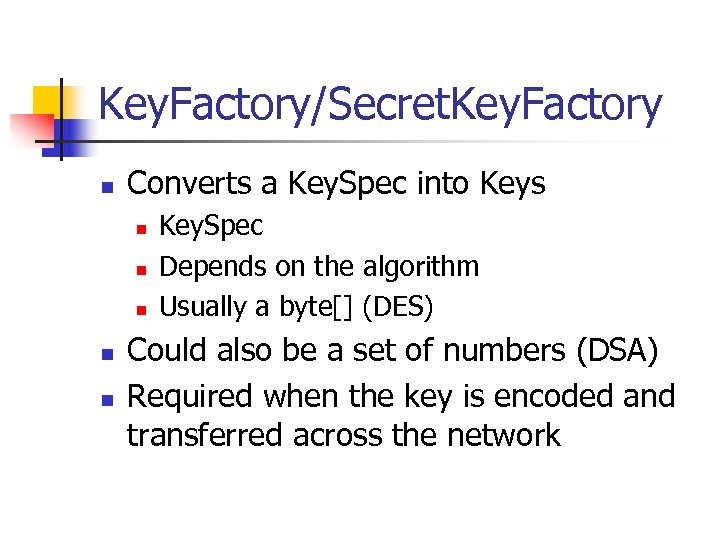 Key. Factory/Secret. Key. Factory n Converts a Key. Spec into Keys n n n Key. Spec Depends on the algorithm Usually a byte[] (DES) Could also be a set of numbers (DSA) Required when the key is encoded and transferred across the network
 Certificate n Problem n n n Which one to use when you ask for a Certificate? n n n Java. security. Certificate is an interface Java. security. cert. Certificate is a class Import only the correct type Avoid “import java. security. *” Use X 509 Certificate
 Key. Store n n Access to a physical keystore Can import/export certificates n n n Can import keys from certificates Certificate. get. Public. Key() Certificate. get. Private. Key() Check for certificate validity Check for authenticity
 keytool n n n Reads/writes to a keystore Unique alias for each certificate Password Encrypted n n Functionality Import Sign Request Export NOTE: Default is DSA !
 Signature n DSA, RSA n n n Obtain a Signature Object get. Instance(algo) get. Instance(algorithm, provider)
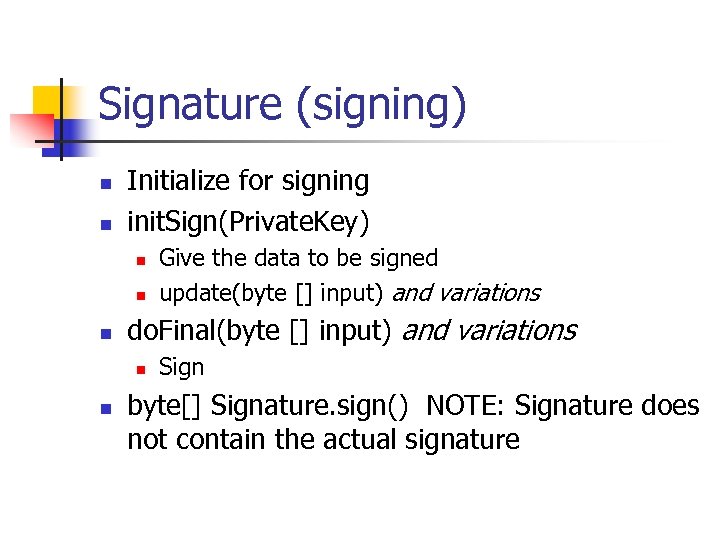 Signature (signing) n n Initialize for signing init. Sign(Private. Key) n n n do. Final(byte [] input) and variations n n Give the data to be signed update(byte [] input) and variations Sign byte[] Signature. sign() NOTE: Signature does not contain the actual signature
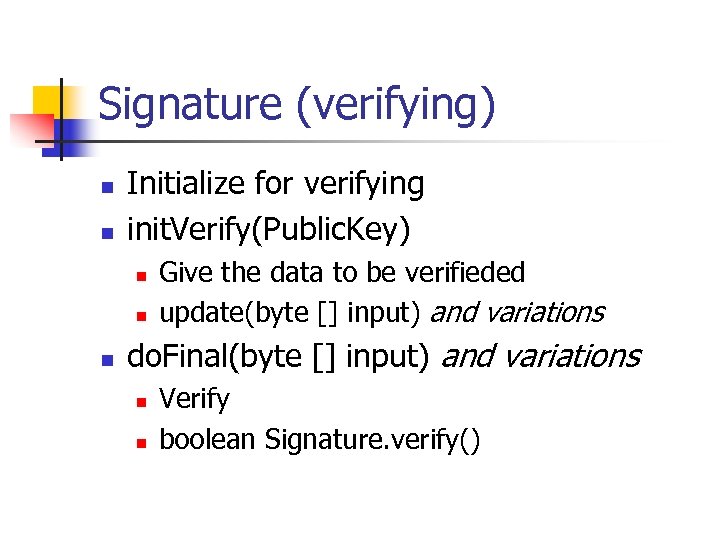 Signature (verifying) n n Initialize for verifying init. Verify(Public. Key) n n n Give the data to be verifieded update(byte [] input) and variations do. Final(byte [] input) and variations n n Verify boolean Signature. verify()
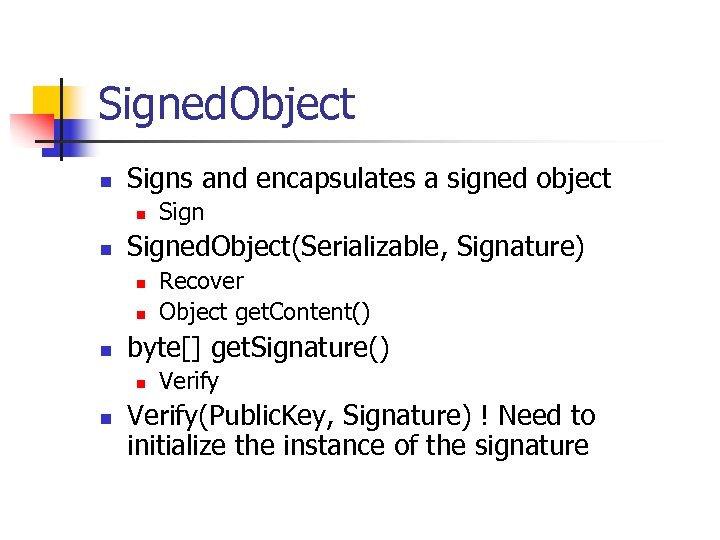 Signed. Object n Signs and encapsulates a signed object n n Signed. Object(Serializable, Signature) n n n Recover Object get. Content() byte[] get. Signature() n n Sign Verify(Public. Key, Signature) ! Need to initialize the instance of the signature
 javax. crypto classes n n n Cipher Mac Key. Generator Secret. Key. Factory Sealed. Object
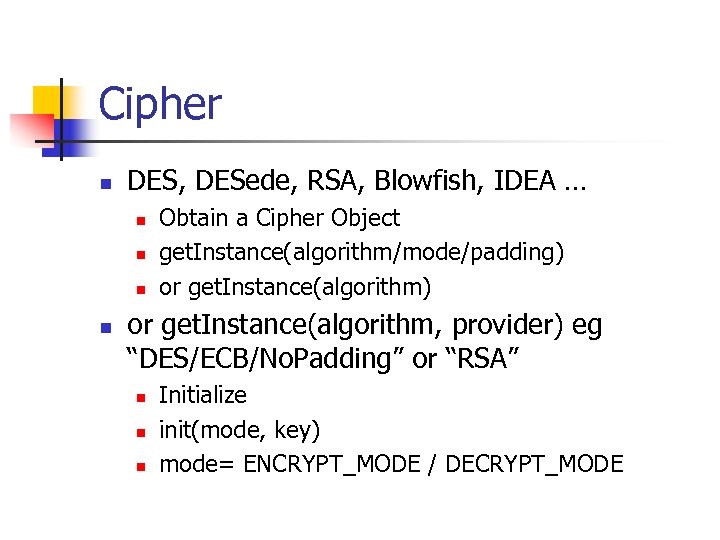 Cipher n DES, DESede, RSA, Blowfish, IDEA … n n Obtain a Cipher Object get. Instance(algorithm/mode/padding) or get. Instance(algorithm) or get. Instance(algorithm, provider) eg “DES/ECB/No. Padding” or “RSA” n n n Initialize init(mode, key) mode= ENCRYPT_MODE / DECRYPT_MODE
![Cipher cont. n Encrypt/Decrypt n n byte[] update(byte [] input) and variations byte[] do.](https://present5.com/presentation/47937df91afeaa980d22d1a53cd9d88b/image-107.jpg "Cipher cont. n Encrypt/Decrypt n n byte[] update(byte [] input) and variations byte[] do.") Cipher cont. n Encrypt/Decrypt n n byte[] update(byte [] input) and variations byte[] do. Final(byte [] input) and variations n n Exceptions No. Such. Algorithm. Exception No. Such. Padding Exception Invalid. Key. Exception
Cipher cont. n Encrypt/Decrypt n n byte[] update(byte [] input) and variations byte[] do. Final(byte [] input) and variations n n Exceptions No. Such. Algorithm. Exception No. Such. Padding Exception Invalid. Key. Exception
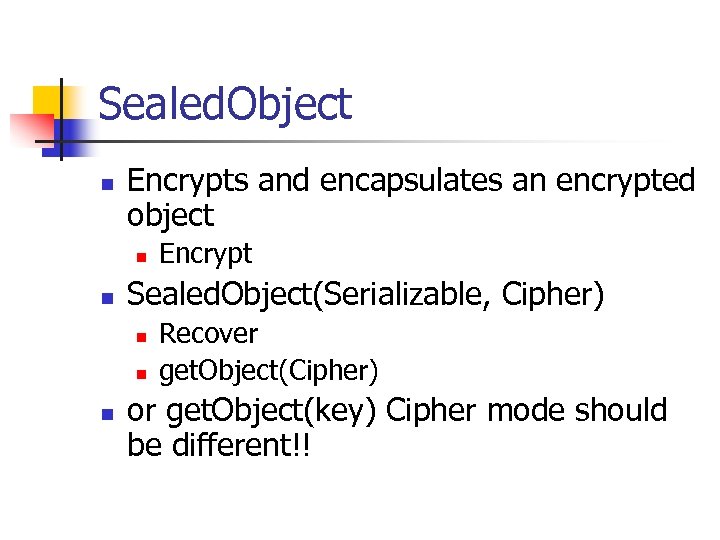 Sealed. Object n Encrypts and encapsulates an encrypted object n n Sealed. Object(Serializable, Cipher) n n n Encrypt Recover get. Object(Cipher) or get. Object(key) Cipher mode should be different!!
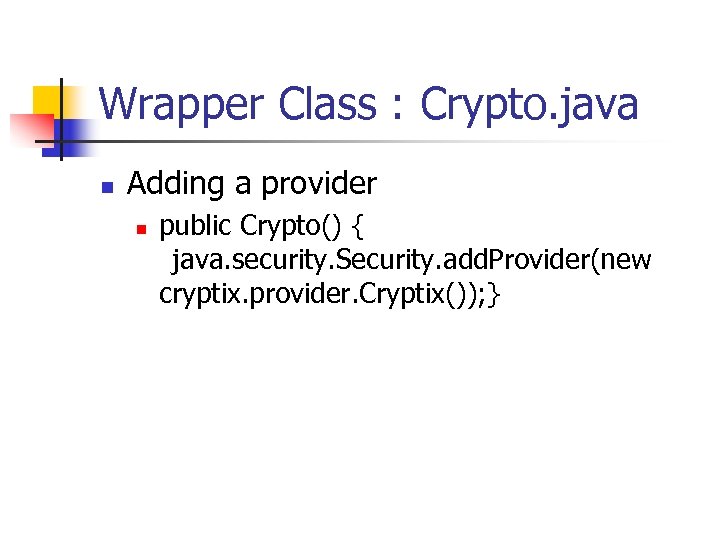 Wrapper Class : Crypto. java n Adding a provider n public Crypto() { java. security. Security. add. Provider(new cryptix. provider. Cryptix()); }
![Enrcyption using RSA public synchronized byte[] encrypt. RSA(Serializable obj, Public. Key k. Pub) throws](https://present5.com/presentation/47937df91afeaa980d22d1a53cd9d88b/image-110.jpg "Enrcyption using RSA public synchronized byte[] encrypt. RSA(Serializable obj, Public. Key k. Pub) throws") Enrcyption using RSA public synchronized byte[] encrypt. RSA(Serializable obj, Public. Key k. Pub) throws Key. Exception, IOException { try { Cipher RSACipher = Cipher. get. Instance("RSA"); return encrypt(RSACipher, obj, k. Pub); } catch (No. Such. Algorithm. Exception e) { System. exit(1); } return null; }
Enrcyption using RSA public synchronized byte[] encrypt. RSA(Serializable obj, Public. Key k. Pub) throws Key. Exception, IOException { try { Cipher RSACipher = Cipher. get. Instance("RSA"); return encrypt(RSACipher, obj, k. Pub); } catch (No. Such. Algorithm. Exception e) { System. exit(1); } return null; }
![Decryption using RSA public synchronized Object decrypt. RSA(byte[] msg. E, Private. Key k. Priv)](https://present5.com/presentation/47937df91afeaa980d22d1a53cd9d88b/image-111.jpg "Decryption using RSA public synchronized Object decrypt. RSA(byte[] msg. E, Private. Key k. Priv)") Decryption using RSA public synchronized Object decrypt. RSA(byte[] msg. E, Private. Key k. Priv) throws Key. Exception, IOException { try { Cipher RSACipher = Cipher. get. Instance("RSA"); return decrypt(RSACipher, msg. E, k. Priv); } catch (No. Such. Algorithm. Exception e) { System. exit(1); } return null; }
Decryption using RSA public synchronized Object decrypt. RSA(byte[] msg. E, Private. Key k. Priv) throws Key. Exception, IOException { try { Cipher RSACipher = Cipher. get. Instance("RSA"); return decrypt(RSACipher, msg. E, k. Priv); } catch (No. Such. Algorithm. Exception e) { System. exit(1); } return null; }
![Creating a signature public synchronized byte[] sign(byte[] msg, Private. Key k. Priv) throws Signature.](https://present5.com/presentation/47937df91afeaa980d22d1a53cd9d88b/image-112.jpg "Creating a signature public synchronized byte[] sign(byte[] msg, Private. Key k. Priv) throws Signature.") Creating a signature public synchronized byte[] sign(byte[] msg, Private. Key k. Priv) throws Signature. Exception, Key. Exception, IOException { // Initialize the signature object for signing debug("Initializing signature. "); try { Signature RSASig = Signature. get. Instance("SHA-1/RSA/PKCS#1"); debug("Using algorithm: " + RSASig. get. Algorithm()); RSASig. init. Sign(k. Priv); RSASig. update(msg); return RSASig. sign(); } catch (No. Such. Algorithm. Exception e) { System. exit(1); } return null; }
Creating a signature public synchronized byte[] sign(byte[] msg, Private. Key k. Priv) throws Signature. Exception, Key. Exception, IOException { // Initialize the signature object for signing debug("Initializing signature. "); try { Signature RSASig = Signature. get. Instance("SHA-1/RSA/PKCS#1"); debug("Using algorithm: " + RSASig. get. Algorithm()); RSASig. init. Sign(k. Priv); RSASig. update(msg); return RSASig. sign(); } catch (No. Such. Algorithm. Exception e) { System. exit(1); } return null; }
![Verifying a signature public synchronized boolean verify(byte[] msg, byte[] sig, Public. Key k. Pub)](https://present5.com/presentation/47937df91afeaa980d22d1a53cd9d88b/image-113.jpg "Verifying a signature public synchronized boolean verify(byte[] msg, byte[] sig, Public. Key k. Pub)") Verifying a signature public synchronized boolean verify(byte[] msg, byte[] sig, Public. Key k. Pub) throws Signature. Exception, Key. Exception { // Initialize the signature object for verifying debug("Initializing signature. "); try { Signature RSASig = Signature. get. Instance("SHA 1/RSA/PKCS#1"); RSASig. init. Verify(k. Pub); RSASig. update(msg); return RSASig. verify(sig); } catch (No. Such. Algorithm. Exception e) { System. exit(1); } return false; }
Verifying a signature public synchronized boolean verify(byte[] msg, byte[] sig, Public. Key k. Pub) throws Signature. Exception, Key. Exception { // Initialize the signature object for verifying debug("Initializing signature. "); try { Signature RSASig = Signature. get. Instance("SHA 1/RSA/PKCS#1"); RSASig. init. Verify(k. Pub); RSASig. update(msg); return RSASig. verify(sig); } catch (No. Such. Algorithm. Exception e) { System. exit(1); } return false; }
 References n Sun’s Java website: http: //java. sun. com
 Thanks for staying awake