


 Скачать презентацию Networked Applications Chapter 11 Copyright 2001 Prentice Hall
4e7ceed1651f6a3480dbaac9637fbe28.ppt
- Количество слайдов: 80
 Networked Applications Chapter 11 Copyright 2001 Prentice Hall Revision 2: July 2001
 2 The Primacy of Applications n n Users only care about applications The other layers (transport, internet, data link, physical) exist only to support applications
 Web-Enabled Database Access
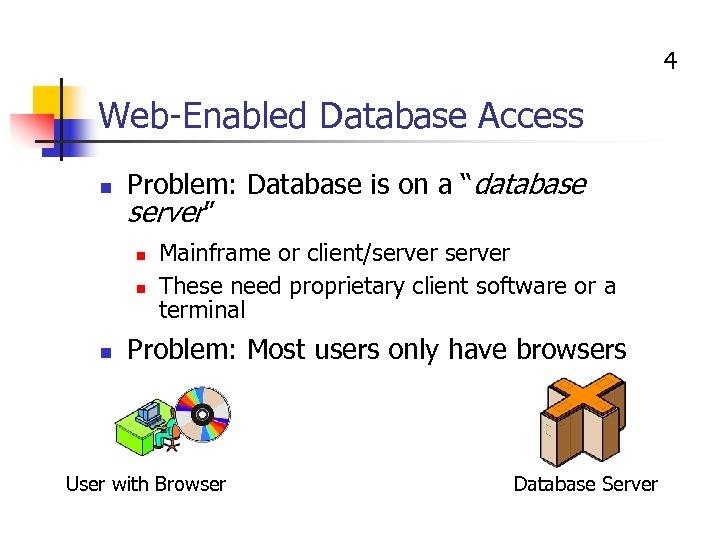 4 Web-Enabled Database Access n Problem: Database is on a “database server” n n n Mainframe or client/server These need proprietary client software or a terminal Problem: Most users only have browsers User with Browser Database Server
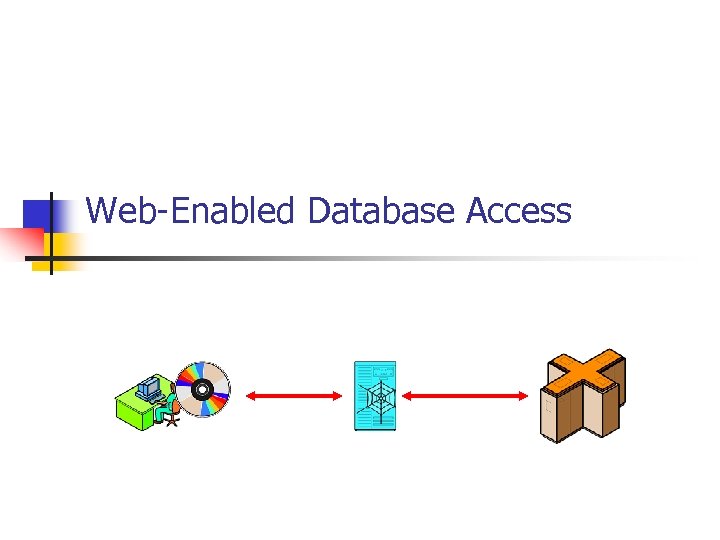
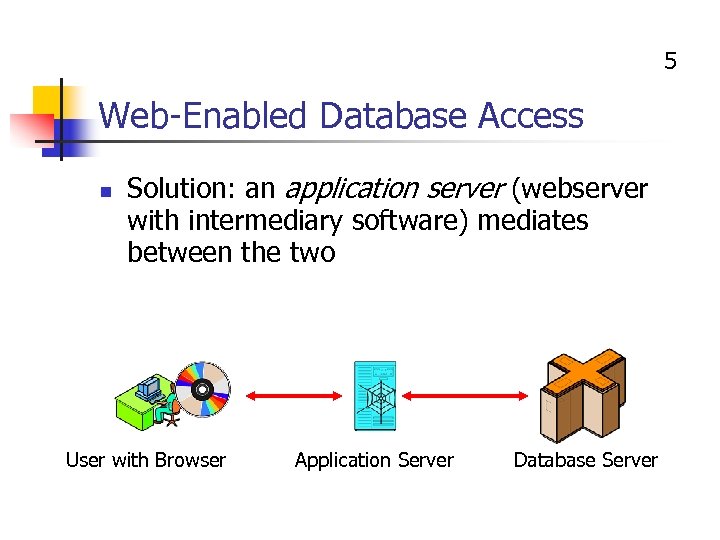 5 Web-Enabled Database Access n Solution: an application server (webserver with intermediary software) mediates between the two User with Browser Application Server Database Server
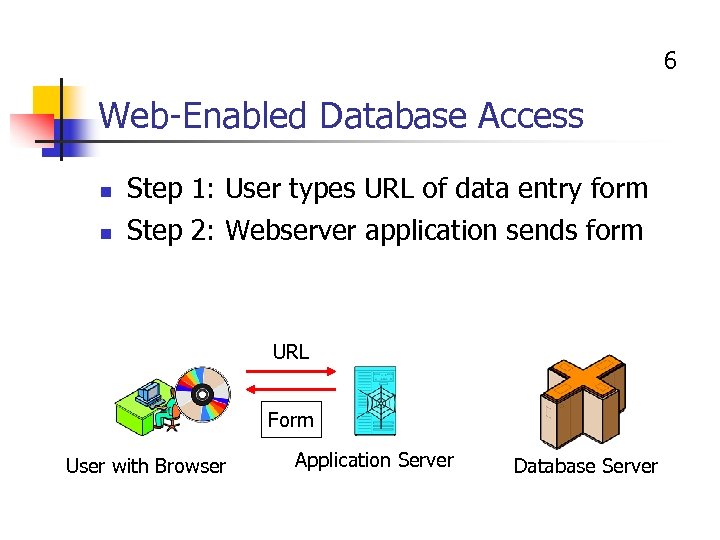 6 Web-Enabled Database Access n n Step 1: User types URL of data entry form Step 2: Webserver application sends form URL Form User with Browser Application Server Database Server
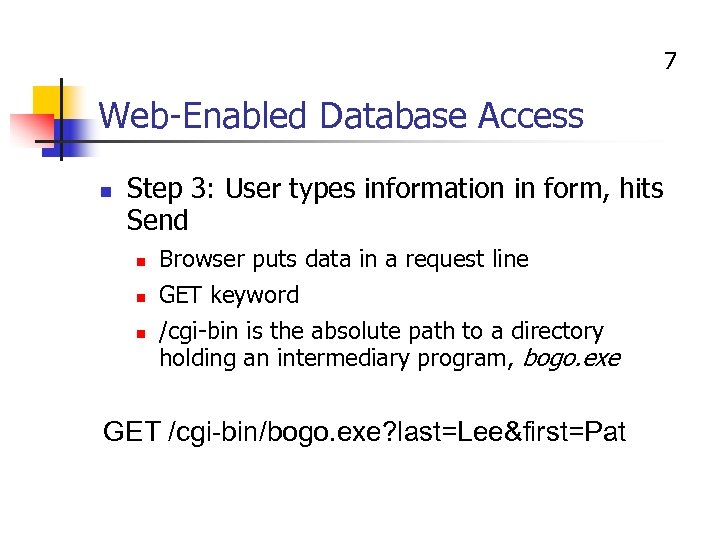 7 Web-Enabled Database Access n Step 3: User types information in form, hits Send n n n Browser puts data in a request line GET keyword /cgi-bin is the absolute path to a directory holding an intermediary program, bogo. exe GET /cgi-bin/bogo. exe? last=Lee&first=Pat
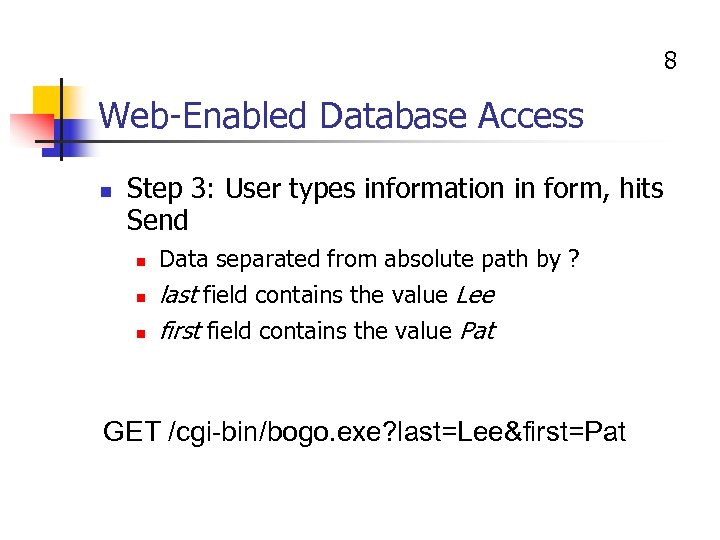 8 Web-Enabled Database Access n Step 3: User types information in form, hits Send n n n Data separated from absolute path by ? last field contains the value Lee first field contains the value Pat GET /cgi-bin/bogo. exe? last=Lee&first=Pat
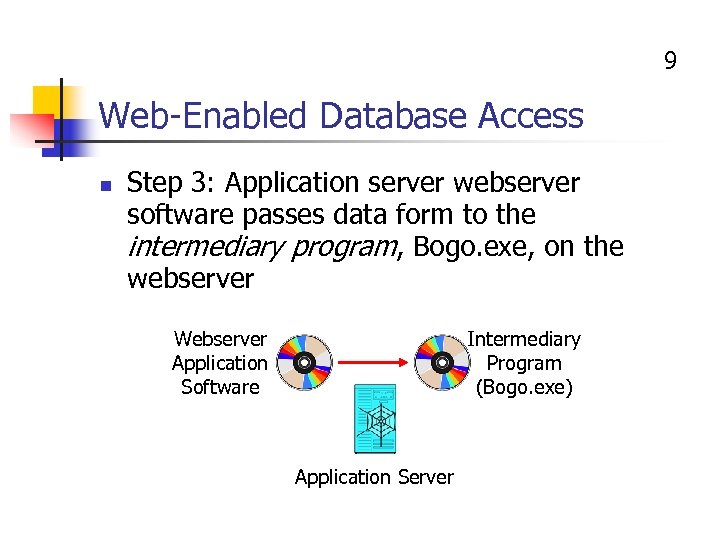 9 Web-Enabled Database Access n Step 3: Application server webserver software passes data form to the intermediary program, Bogo. exe, on the webserver Webserver Application Software Intermediary Program (Bogo. exe) Application Server
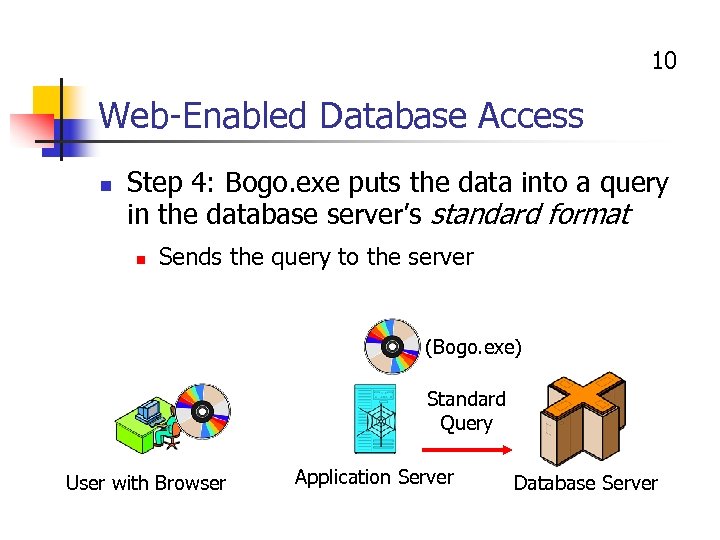 10 Web-Enabled Database Access n Step 4: Bogo. exe puts the data into a query in the database server’s standard format n Sends the query to the server (Bogo. exe) Standard Query User with Browser Application Server Database Server
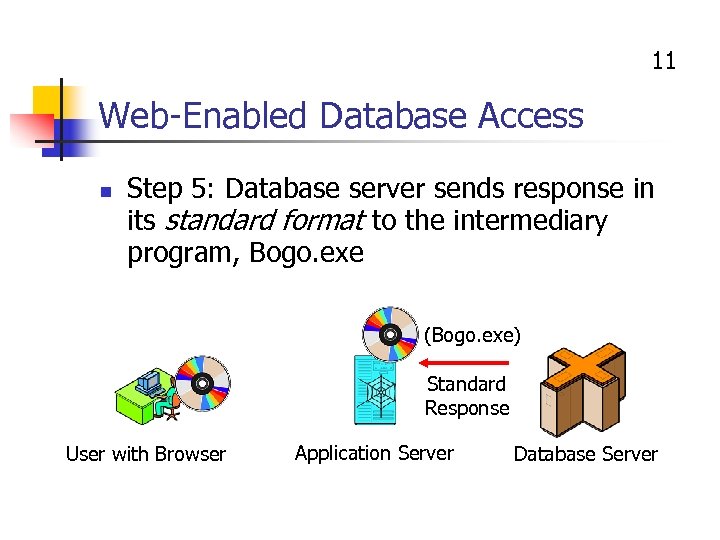 11 Web-Enabled Database Access n Step 5: Database server sends response in its standard format to the intermediary program, Bogo. exe (Bogo. exe) Standard Response User with Browser Application Server Database Server
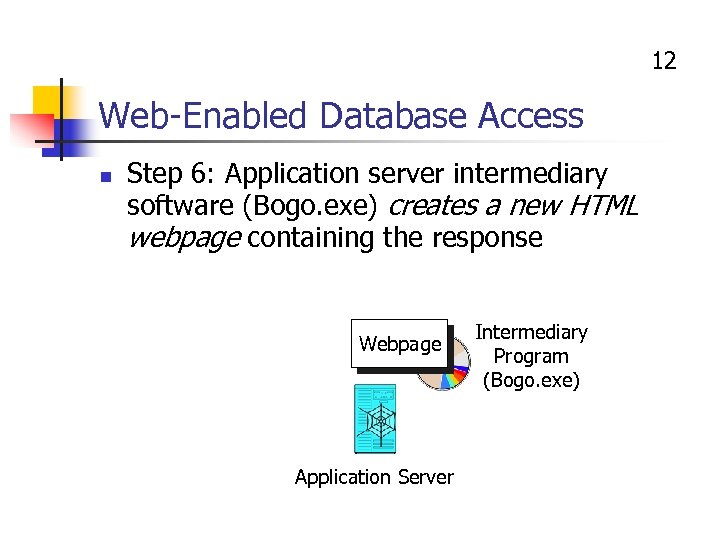 12 Web-Enabled Database Access n Step 6: Application server intermediary software (Bogo. exe) creates a new HTML webpage containing the response Webpage Application Server Intermediary Program (Bogo. exe)
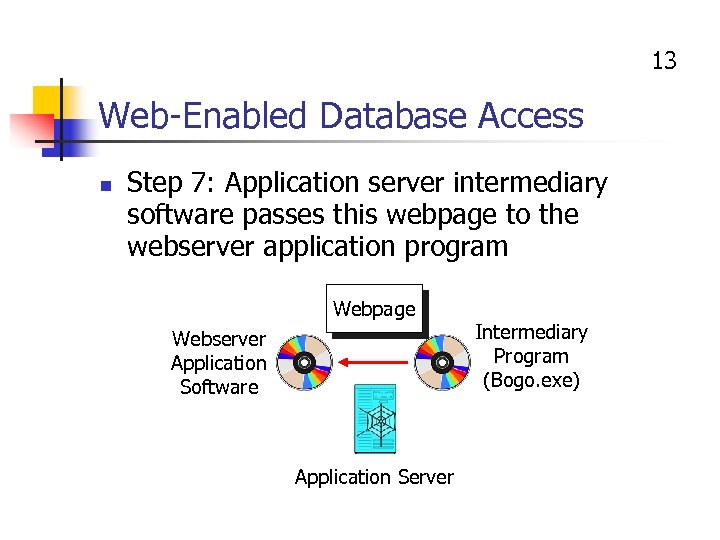 13 Web-Enabled Database Access n Step 7: Application server intermediary software passes this webpage to the webserver application program Webpage Webserver Application Software Application Server Intermediary Program (Bogo. exe)
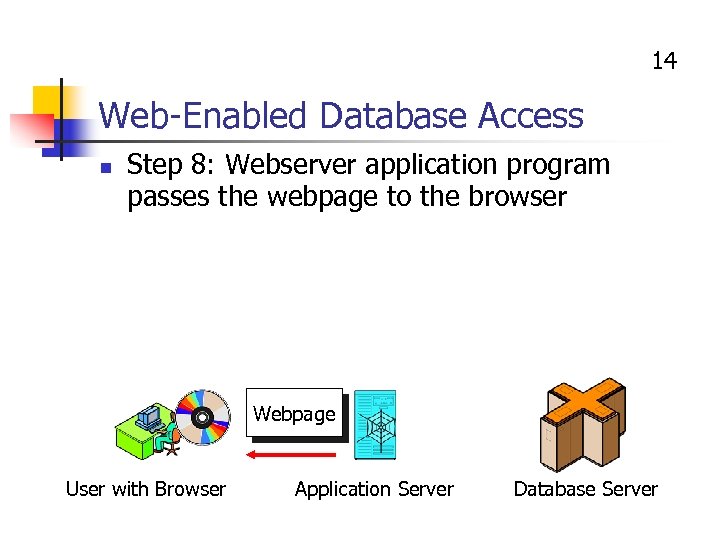 14 Web-Enabled Database Access n Step 8: Webserver application program passes the webpage to the browser Webpage User with Browser Application Server Database Server
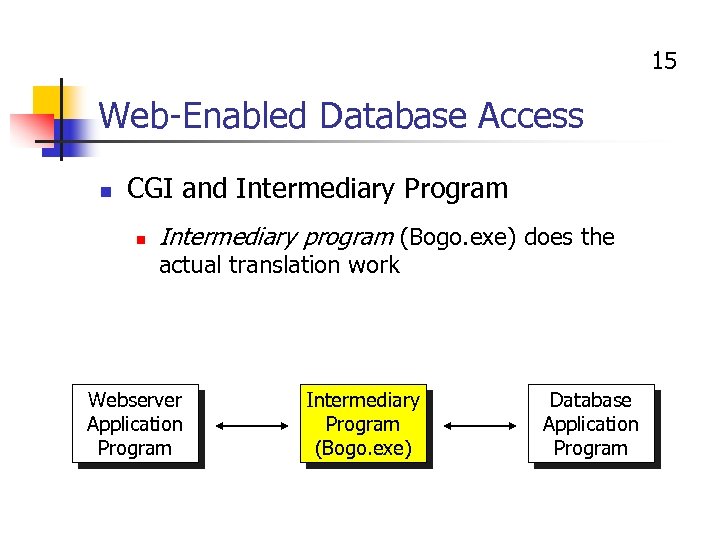 15 Web-Enabled Database Access n CGI and Intermediary Program n Intermediary program (Bogo. exe) does the actual translation work Webserver Application Program Intermediary Program (Bogo. exe) Database Application Program
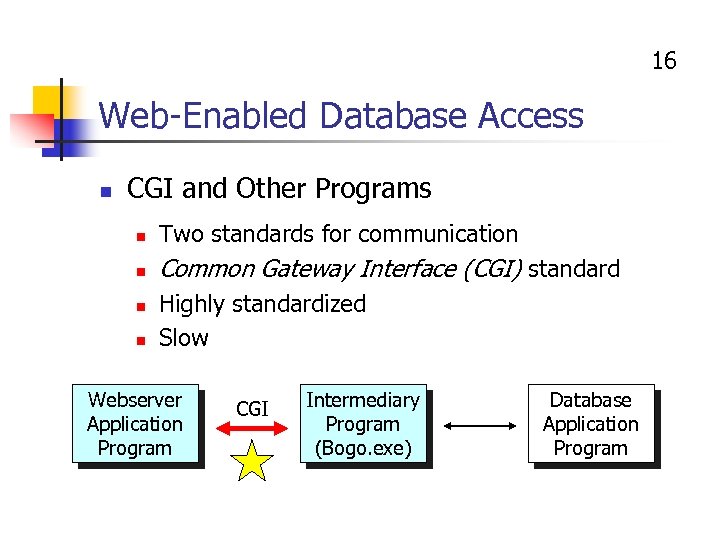 16 Web-Enabled Database Access n CGI and Other Programs n Two standards for communication n Common Gateway Interface (CGI) standard n n Highly standardized Slow Webserver Application Program CGI Intermediary Program (Bogo. exe) Database Application Program
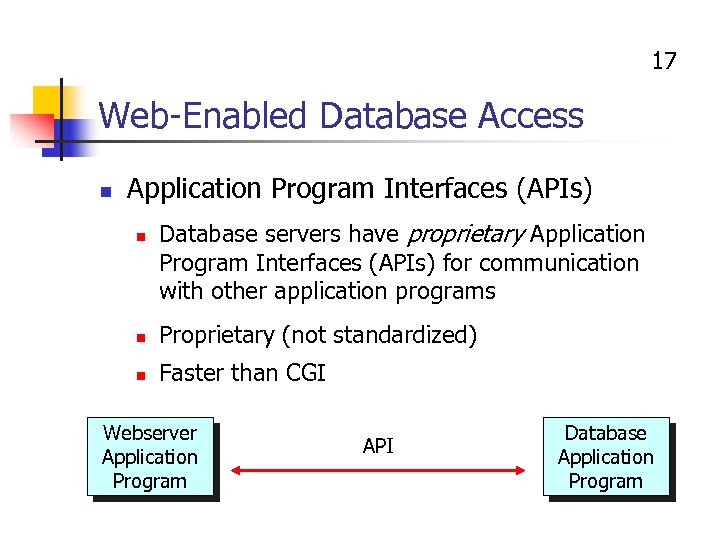 17 Web-Enabled Database Access n Application Program Interfaces (APIs) n Database servers have proprietary Application Program Interfaces (APIs) for communication with other application programs n Proprietary (not standardized) n Faster than CGI Webserver Application Program API Database Application Program
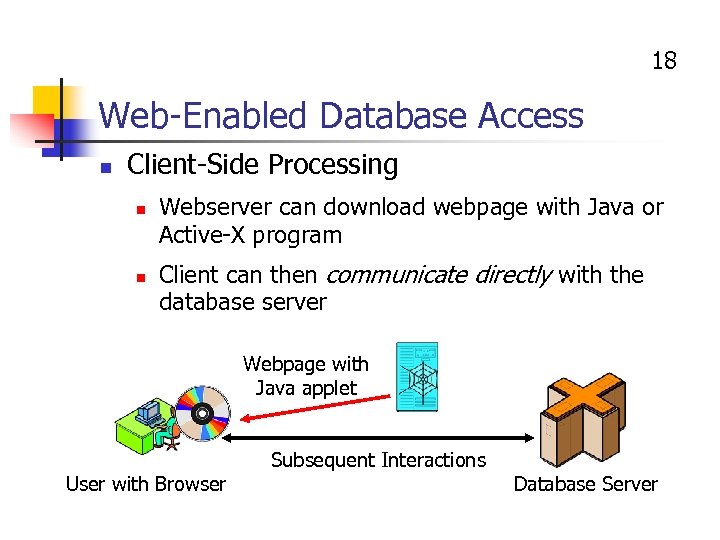 18 Web-Enabled Database Access n Client-Side Processing n n Webserver can download webpage with Java or Active-X program Client can then communicate directly with the database server Webpage with Java applet User with Browser Subsequent Interactions Database Server
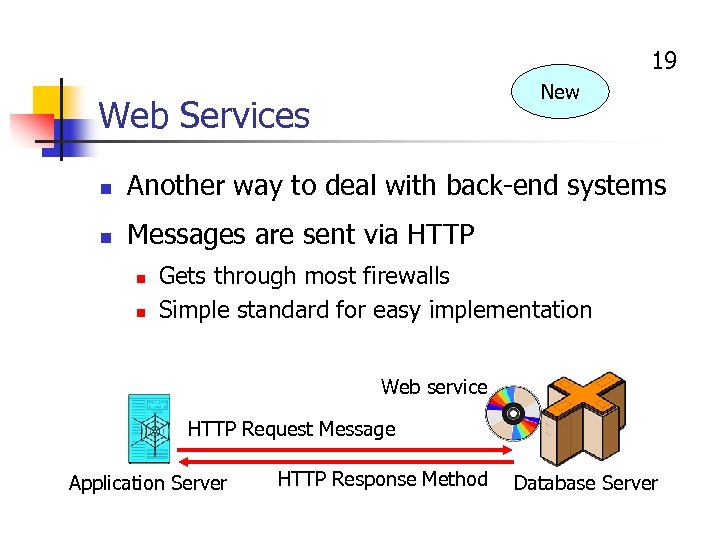 19 New Web Services n Another way to deal with back-end systems n Messages are sent via HTTP n n Gets through most firewalls Simple standard for easy implementation Web service HTTP Request Message Application Server HTTP Response Method Database Server
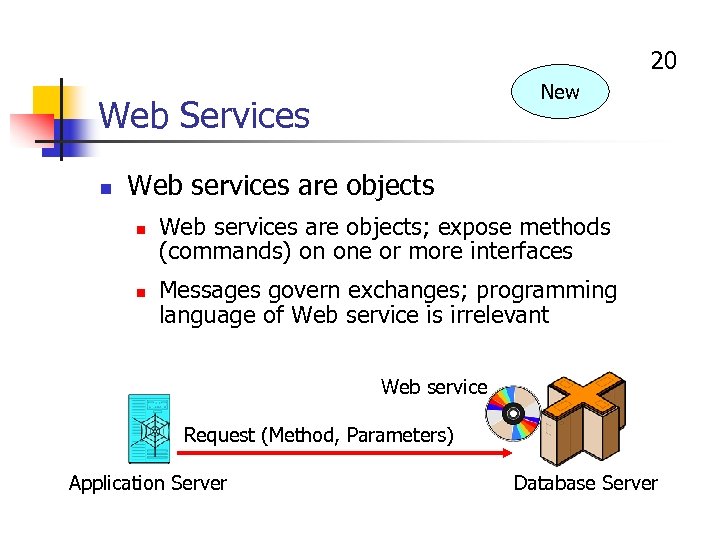 20 New Web Services n Web services are objects n n Web services are objects; expose methods (commands) on one or more interfaces Messages govern exchanges; programming language of Web service is irrelevant Web service Request (Method, Parameters) Application Server Database Server
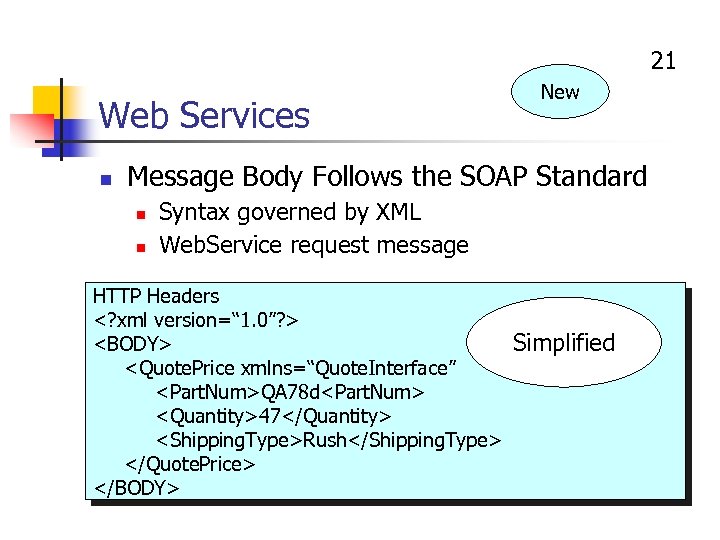 21 Web Services n New Message Body Follows the SOAP Standard n n Syntax governed by XML Web. Service request message HTTP Headers
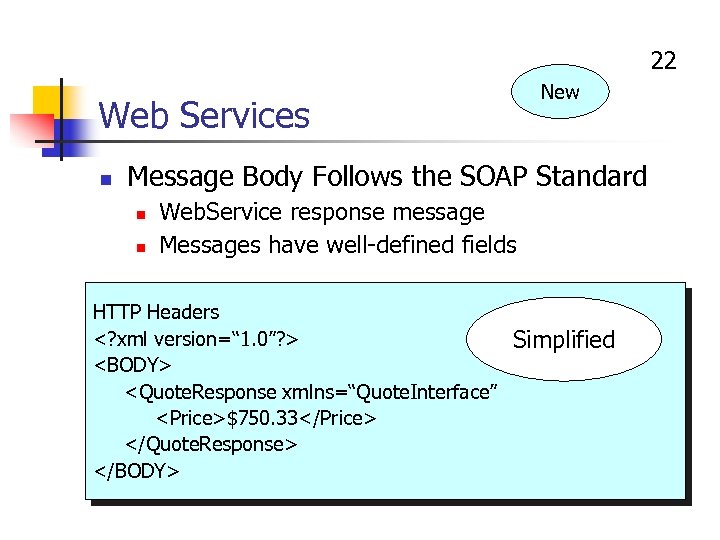 22 New Web Services n Message Body Follows the SOAP Standard n n Web. Service response message Messages have well-defined fields HTTP Headers
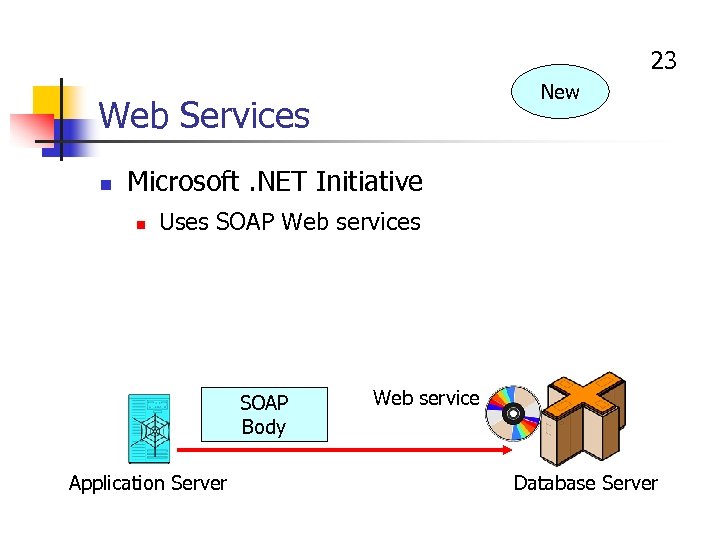 23 New Web Services n Microsoft. NET Initiative n Uses SOAP Web services SOAP Body Application Server Web service Database Server
 24 Mainframes n n n Contain about 70% of corporate data from operations (accounting, payroll, billing, etc. ) Often the “database server” in web-enabled database applications Mainframe market dominated by IBM
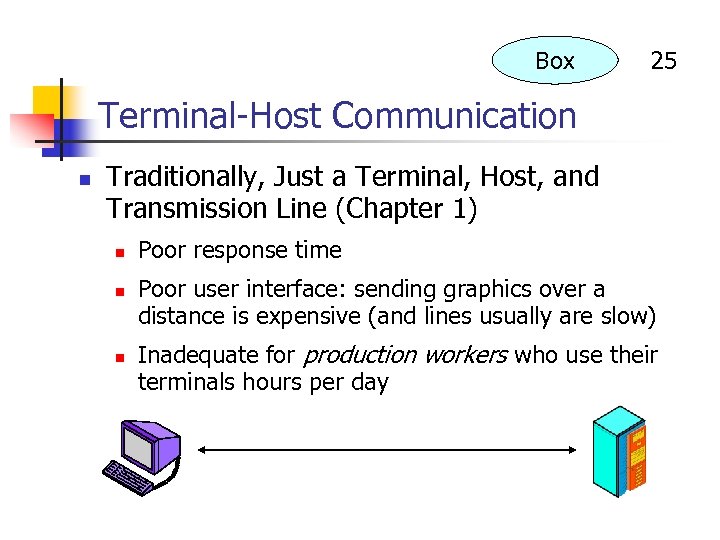 Box 25 Terminal-Host Communication n Traditionally, Just a Terminal, Host, and Transmission Line (Chapter 1) n n n Poor response time Poor user interface: sending graphics over a distance is expensive (and lines usually are slow) Inadequate for production workers who use their terminals hours per day
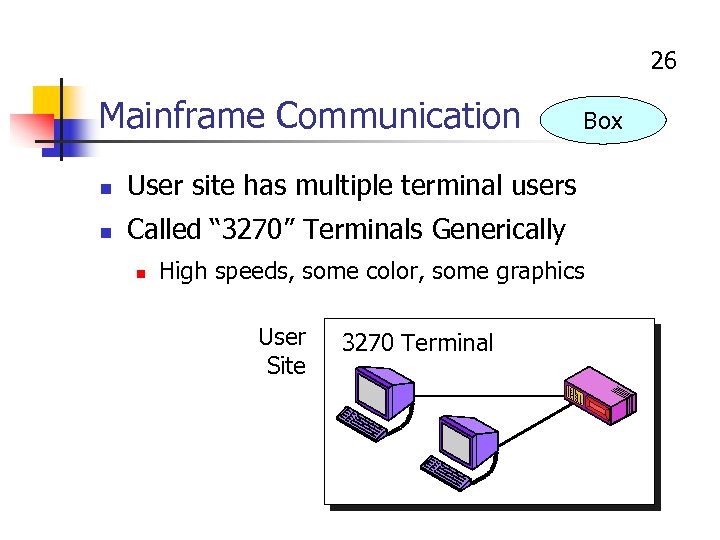 26 Mainframe Communication n User site has multiple terminal users n Box Called “ 3270” Terminals Generically n High speeds, some color, some graphics User Site 3270 Terminal
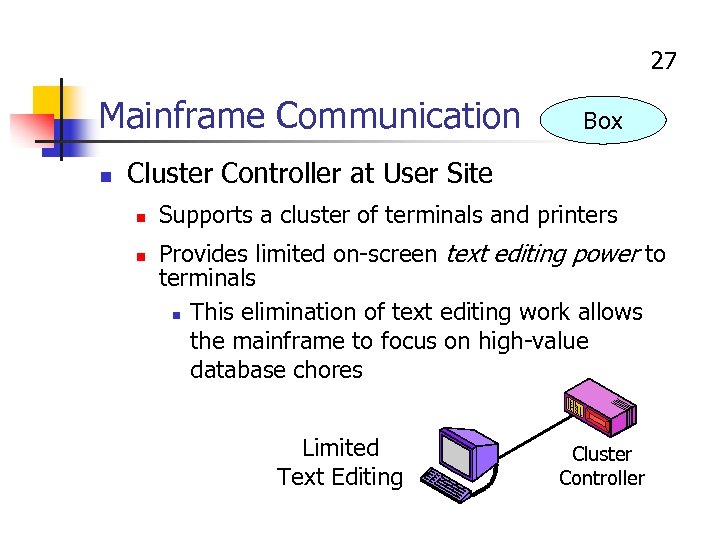 27 Mainframe Communication n Box Cluster Controller at User Site n n Supports a cluster of terminals and printers Provides limited on-screen text editing power to terminals n This elimination of text editing work allows the mainframe to focus on high-value database chores Limited Text Editing Cluster Controller
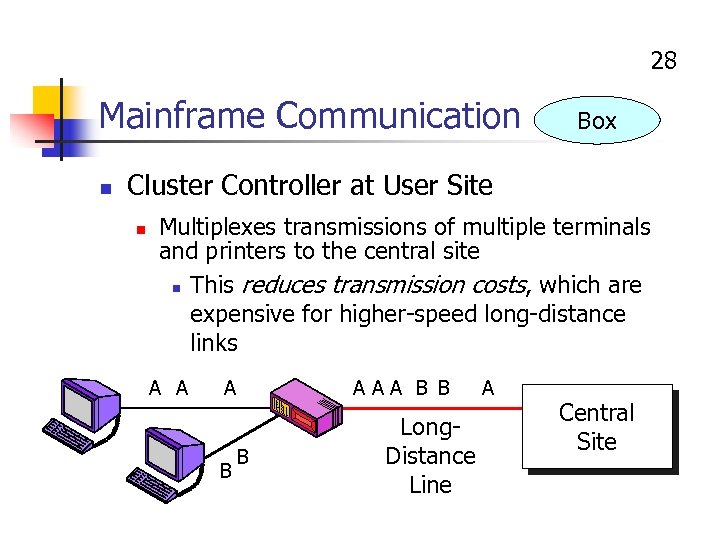 28 Mainframe Communication n Box Cluster Controller at User Site n Multiplexes transmissions of multiple terminals and printers to the central site n This reduces transmission costs, which are expensive for higher-speed long-distance links A A A B AAA B B B Long. Distance Line A Central Site
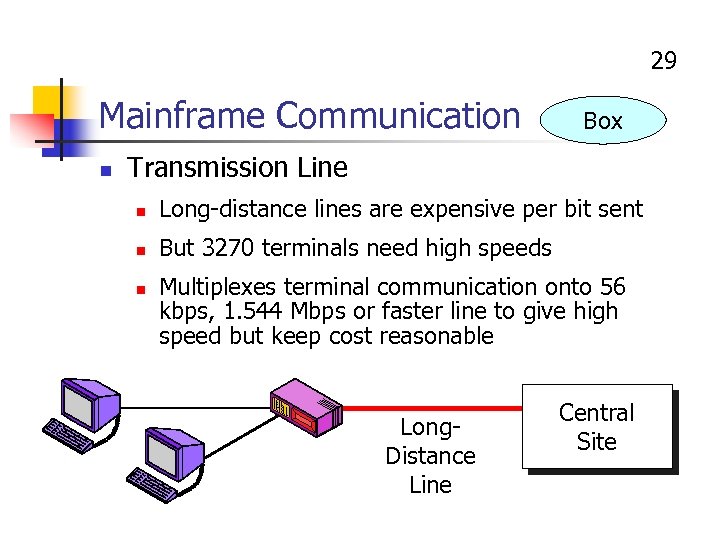 29 Mainframe Communication n Box Transmission Line n Long-distance lines are expensive per bit sent n But 3270 terminals need high speeds n Multiplexes terminal communication onto 56 kbps, 1. 544 Mbps or faster line to give high speed but keep cost reasonable Long. Distance Line Central Site
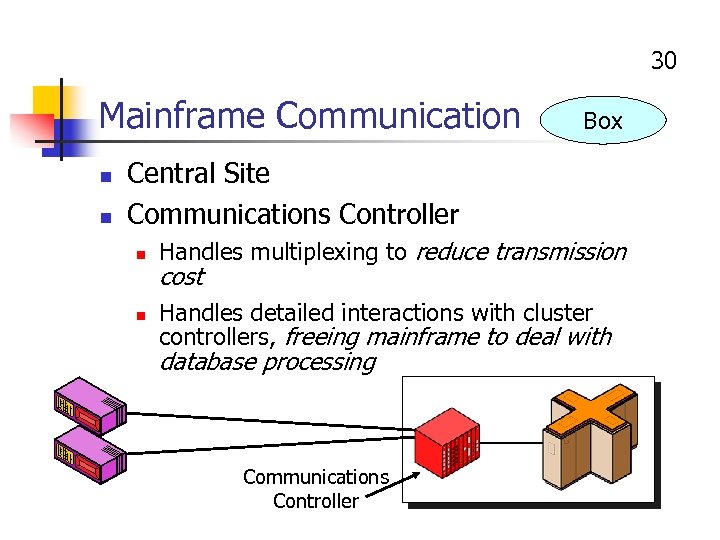 30 Mainframe Communication n n Box Central Site Communications Controller n n Handles multiplexing to reduce transmission cost Handles detailed interactions with cluster controllers, freeing mainframe to deal with database processing Communications Controller
 31 Mainframe Communication n Reducing Response Time n n n Box Text editing work is done locally Still delay for heavy database work on mainframe Reducing Transmission Costs n n Multiplexing, and Cluster controller provides limited local screen editing, so fewer bits need to be transmitted to and from the mainframe
 32 Mainframe Communication n Box Reducing Work the Mainframe Needs to Do, so that it can Focus on High-Value Database Processing n n Cluster controller handles most text-editing chores freeing mainframe from having to support this work, and Communications controller handles details of communication with cluster controllers, freeing mainframe from having to support this work
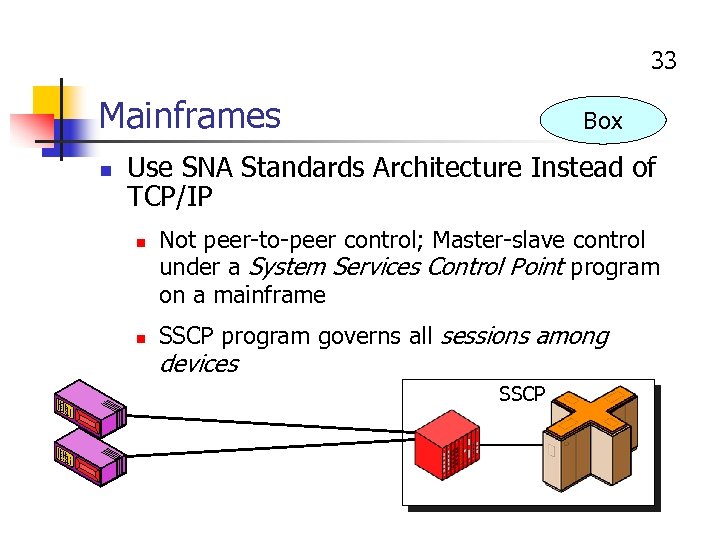 33 Mainframes n Box Use SNA Standards Architecture Instead of TCP/IP n n Not peer-to-peer control; Master-slave control under a System Services Control Point program on a mainframe SSCP program governs all sessions among devices SSCP
 34 Mainframes n Box SNA Standards Architecture n Uses OSI standards at the physical and data link layers n Path Control layer is like TCP/IP internet layer n Transmission Control layer is like the transport layer n However, not peer to peer operation; masterslave operation under the control of the SSCP
 35 Mainframes n Box SNA Standards Architecture n Highest layers are like OSI layers n Network Addressable Unit (NAU) Services layer is like OSI session layer n Data Flow Control layer is like OSI presentation layer n There is no SNA application layer
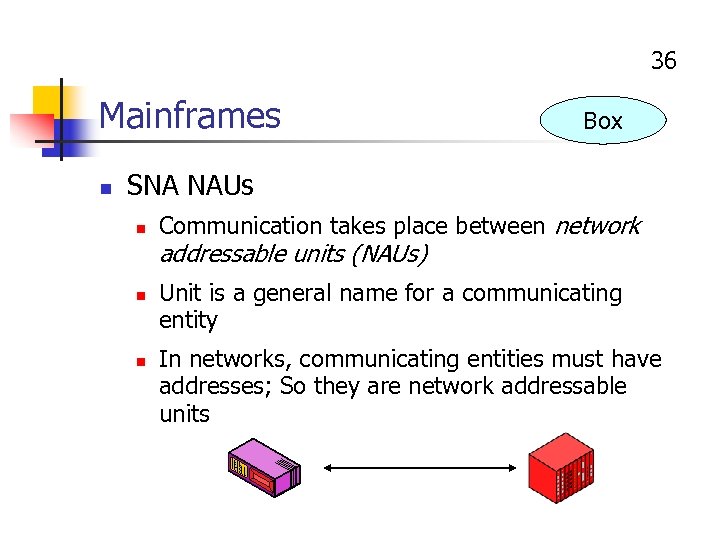 36 Mainframes n Box SNA NAUs n n n Communication takes place between network addressable units (NAUs) Unit is a general name for a communicating entity In networks, communicating entities must have addresses; So they are network addressable units
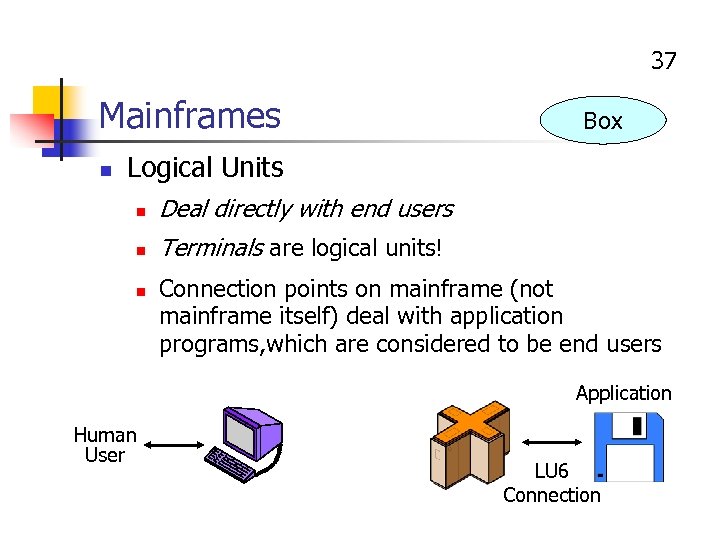 37 Mainframes n Box Logical Units n Deal directly with end users n Terminals are logical units! n Connection points on mainframe (not mainframe itself) deal with application programs, which are considered to be end users Application Human User LU 6 Connection
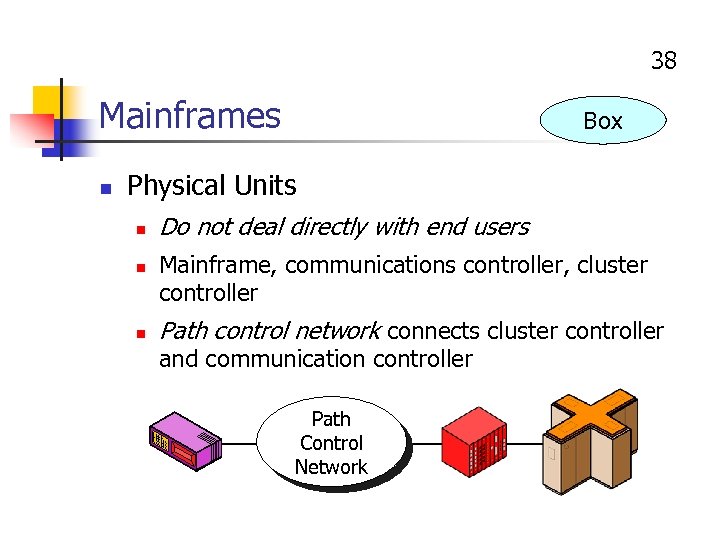 38 Mainframes n Box Physical Units n n n Do not deal directly with end users Mainframe, communications controller, cluster controller Path control network connects cluster controller and communication controller Path Control Network
 39 Mainframes n Box SSCP n Third type of NAU n Program located on the mainframe n In classic SNA, two other NAUs can only be connected under the control of the SSCP
 40 Mainframes n Versions of SNA n Box Classic SNA n n Advanced Peer-to-Peer Networking (APPN) n n All communication under the control of SSCP Newer; NAUs can connect directly High-Performance Routing n n Classic SNA and APPN are difficult to route Newer still; HPR improves routing
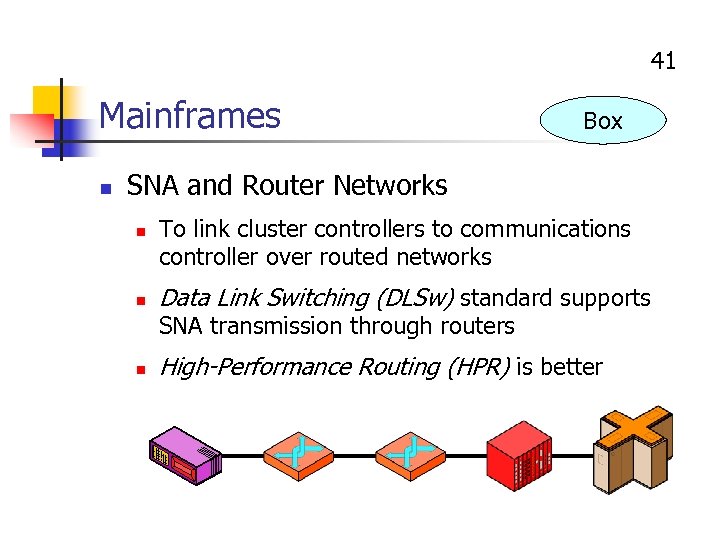 41 Mainframes n Box SNA and Router Networks n n To link cluster controllers to communications controller over routed networks Data Link Switching (DLSw) standard supports SNA transmission through routers n High-Performance Routing (HPR) is better
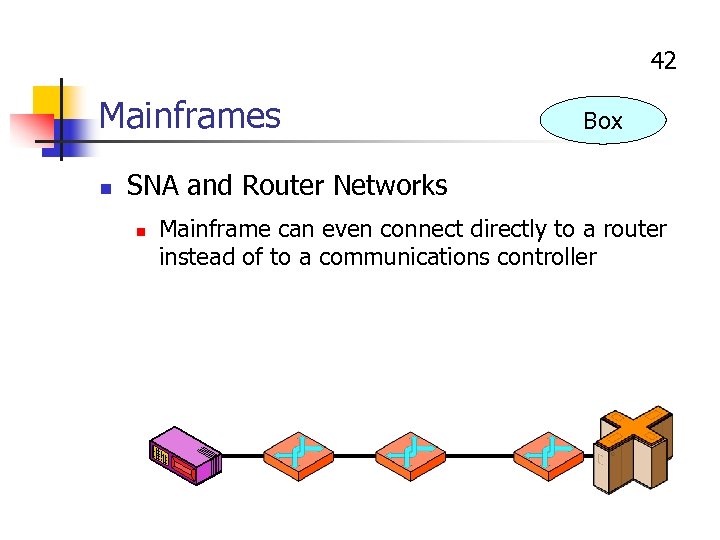 42 Mainframes n Box SNA and Router Networks n Mainframe can even connect directly to a router instead of to a communications controller
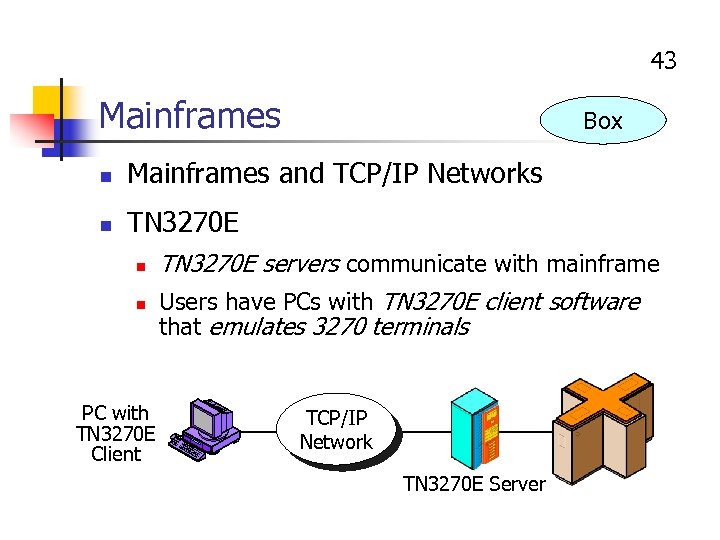 43 Mainframes Box n Mainframes and TCP/IP Networks n TN 3270 E n n PC with TN 3270 E Client TN 3270 E servers communicate with mainframe Users have PCs with TN 3270 E client software that emulates 3270 terminals TCP/IP Network TN 3270 E Server
 Electronic Mail
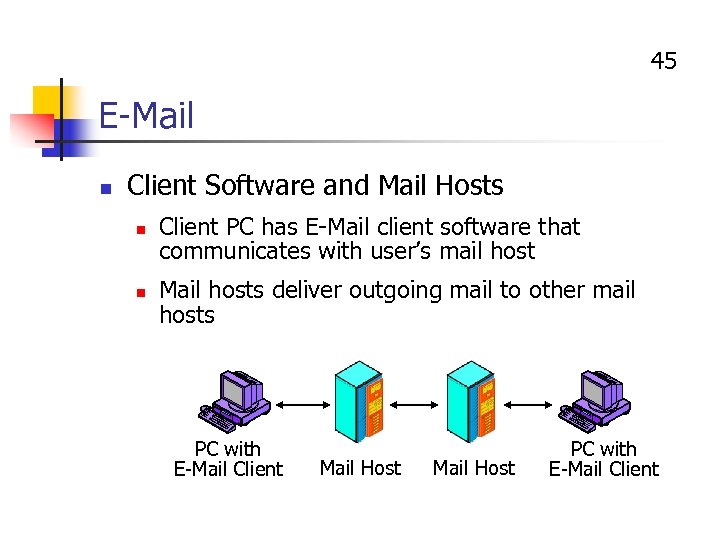 45 E-Mail n Client Software and Mail Hosts n n Client PC has E-Mail client software that communicates with user’s mail host Mail hosts deliver outgoing mail to other mail hosts PC with E-Mail Client Mail Host PC with E-Mail Client
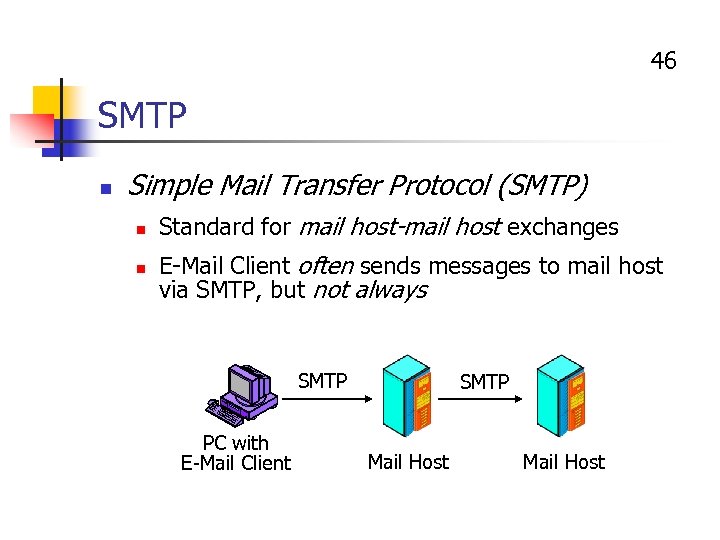 46 SMTP n Simple Mail Transfer Protocol (SMTP) n n Standard for mail host-mail host exchanges E-Mail Client often sends messages to mail host via SMTP, but not always SMTP PC with E-Mail Client SMTP Mail Host
 47 SMTP Operation n For Each Message, the Sending Process n Makes a connection n Gives name of sender (From) and gets OK n Gives names of receivers individually and gets OK for each separately n Asks to send message, gets OK n Sends message, gets confirmation n Closes connection
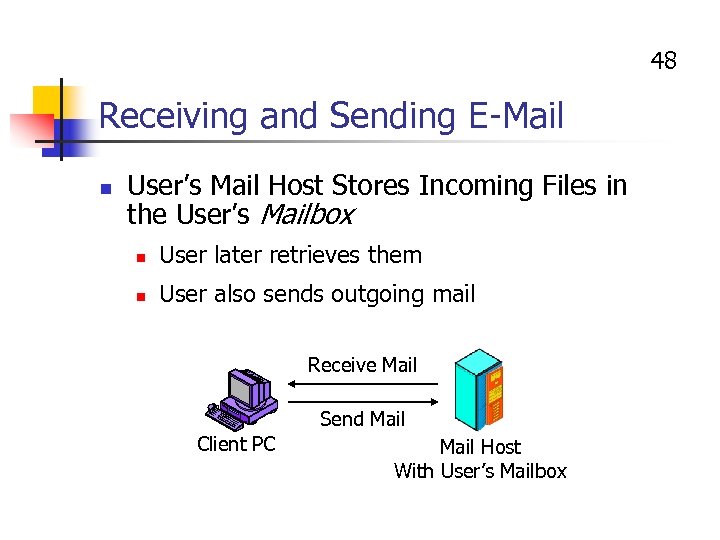 48 Receiving and Sending E-Mail n User’s Mail Host Stores Incoming Files in the User’s Mailbox n User later retrieves them n User also sends outgoing mail Receive Mail Send Mail Client PC Mail Host With User’s Mailbox
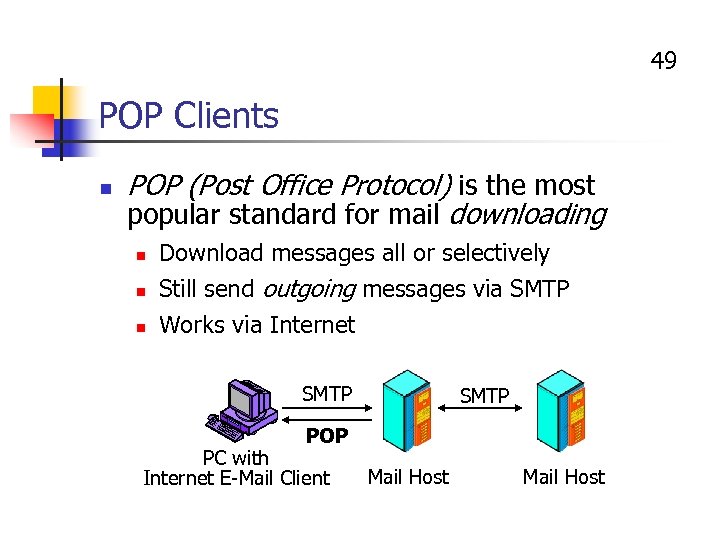 49 POP Clients n POP (Post Office Protocol) is the most popular standard for mail downloading n Download messages all or selectively Still send outgoing messages via SMTP n Works via Internet n SMTP POP PC with Internet E-Mail Client Mail Host
 50 POP Operation n Several client-mail host interactions needed to download new mail n n Log into mail host Can ask how many new messages there and how long they are Can download all or download one at a time If download one at a time, can decide based on length n Can delete messages on host after downloading n Close the session
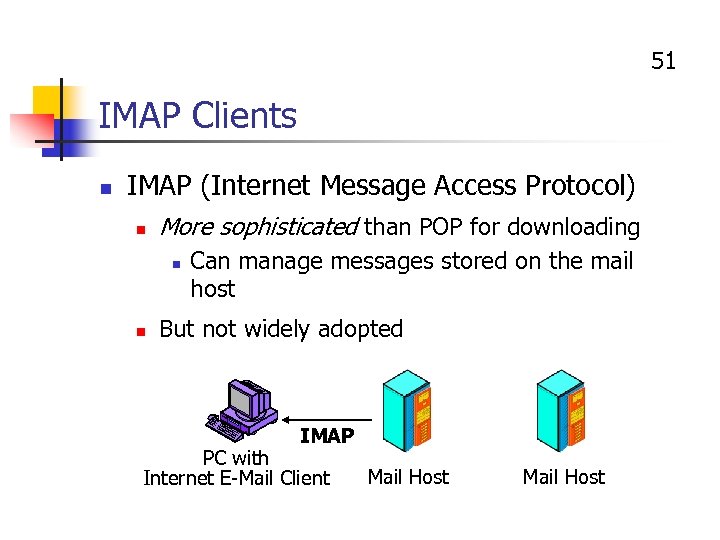 51 IMAP Clients n IMAP (Internet Message Access Protocol) n More sophisticated than POP for downloading n n Can manage messages stored on the mail host But not widely adopted IMAP PC with Internet E-Mail Client Mail Host
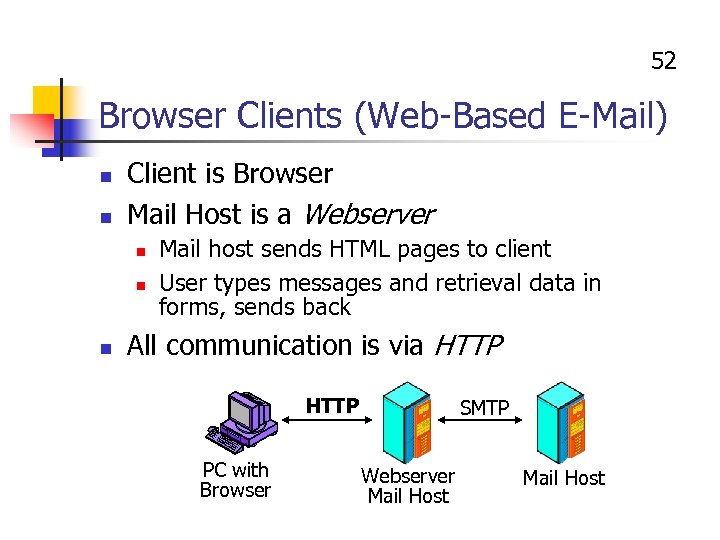 52 Browser Clients (Web-Based E-Mail) n n Client is Browser Mail Host is a Webserver n n n Mail host sends HTML pages to client User types messages and retrieval data in forms, sends back All communication is via HTTP PC with Browser SMTP Webserver Mail Host
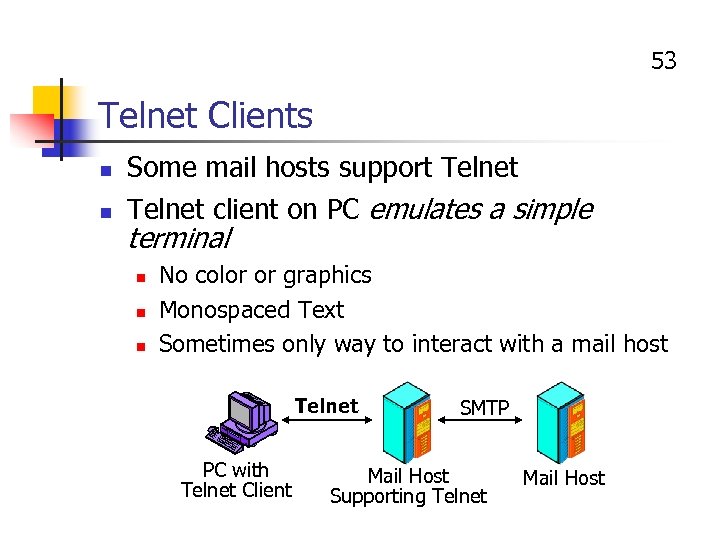 53 Telnet Clients n Some mail hosts support Telnet n Telnet client on PC emulates a simple terminal n n n No color or graphics Monospaced Text Sometimes only way to interact with a mail host Telnet PC with Telnet Client SMTP Mail Host Supporting Telnet Mail Host
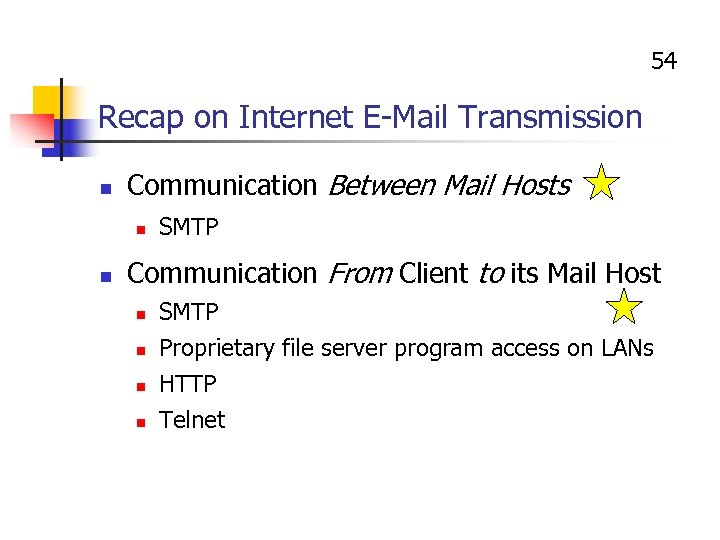 54 Recap on Internet E-Mail Transmission n Communication Between Mail Hosts n n SMTP Communication From Client to its Mail Host n n SMTP Proprietary file server program access on LANs HTTP Telnet
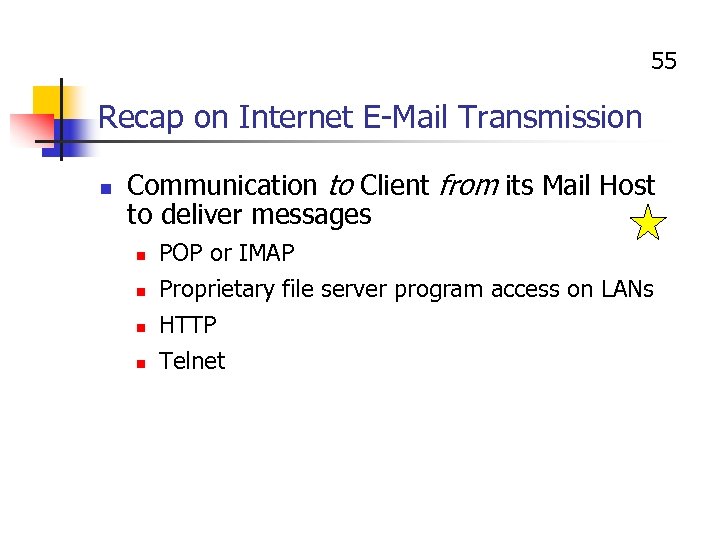 55 Recap on Internet E-Mail Transmission n Communication to Client from its Mail Host to deliver messages n n POP or IMAP Proprietary file server program access on LANs HTTP Telnet
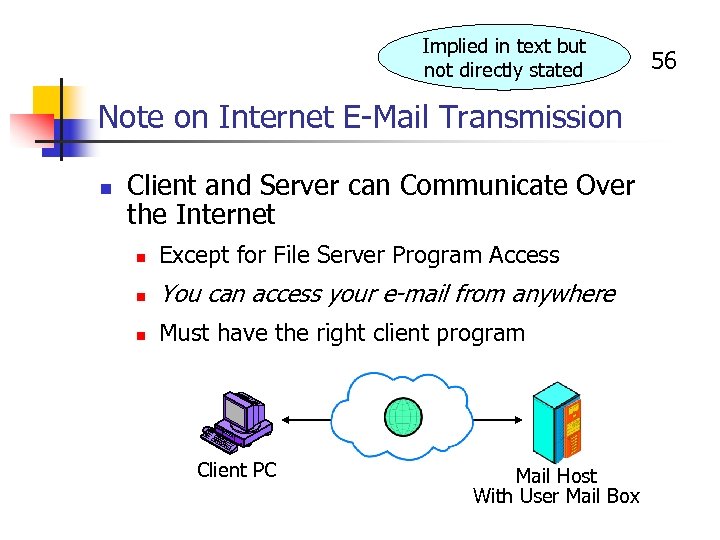 Implied in text but not directly stated Note on Internet E-Mail Transmission n Client and Server can Communicate Over the Internet n Except for File Server Program Access n You can access your e-mail from anywhere n Must have the right client program Client PC Mail Host With User Mail Box 56
 57 Message Structure Standards n RFC 822 n n MIME n n n Text-only message bodies Multimedia message bodies and headers Not widely used for bodies or headers HTML Bodies n n Becoming common Not well standardized; Limited interoperability between mail clients
 58 Attachments n Send a message n n n Attach a file (word processing document, spreadsheet, graphic, etc. ) E-mail can be a file delivery mechanism Viruses n Attachments may contain viruses n Virus scanning before opening is critical
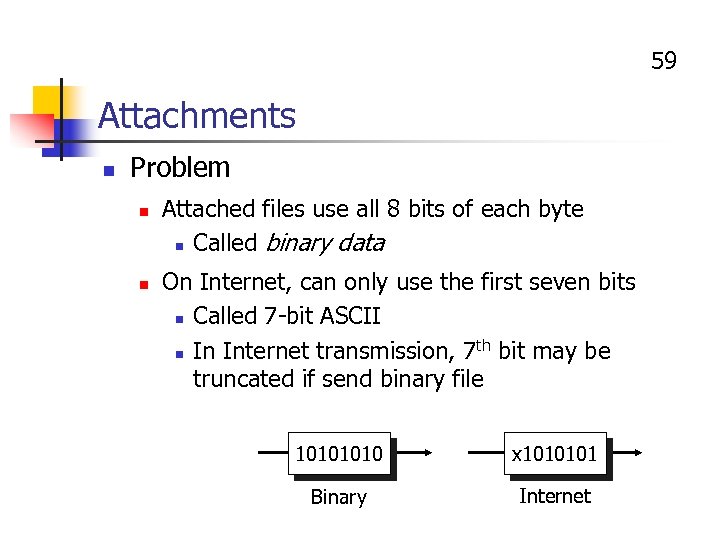 59 Attachments n Problem n n Attached files use all 8 bits of each byte n Called binary data On Internet, can only use the first seven bits n Called 7 -bit ASCII th bit may be n In Internet transmission, 7 truncated if send binary file 1010 x 1010101 Binary Internet
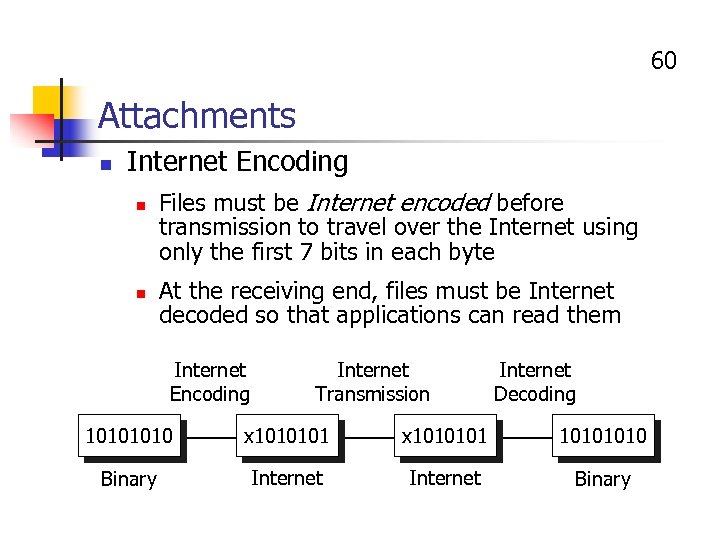 60 Attachments n Internet Encoding n n Files must be Internet encoded before transmission to travel over the Internet using only the first 7 bits in each byte At the receiving end, files must be Internet decoded so that applications can read them Internet Encoding Internet Transmission Internet Decoding 1010 x 1010101 1010 Binary Internet Binary
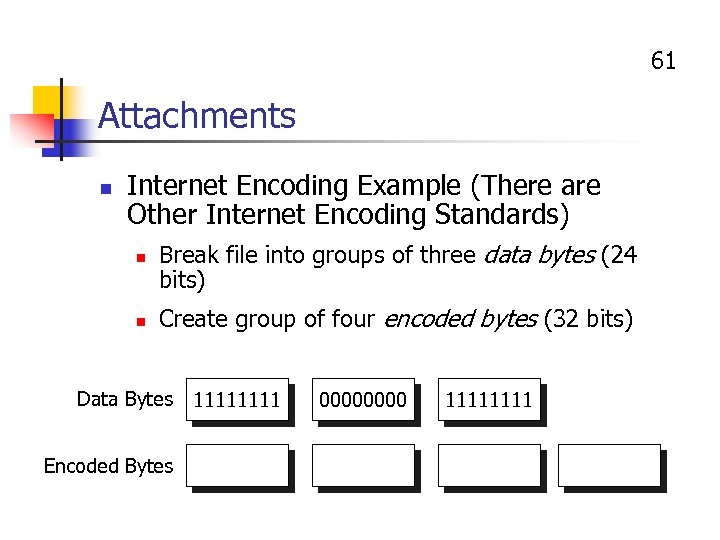 61 Attachments n Internet Encoding Example (There are Other Internet Encoding Standards) n Break file into groups of three data bytes (24 bits) n Create group of four encoded bytes (32 bits) Data Bytes Encoded Bytes 1111 0000 1111
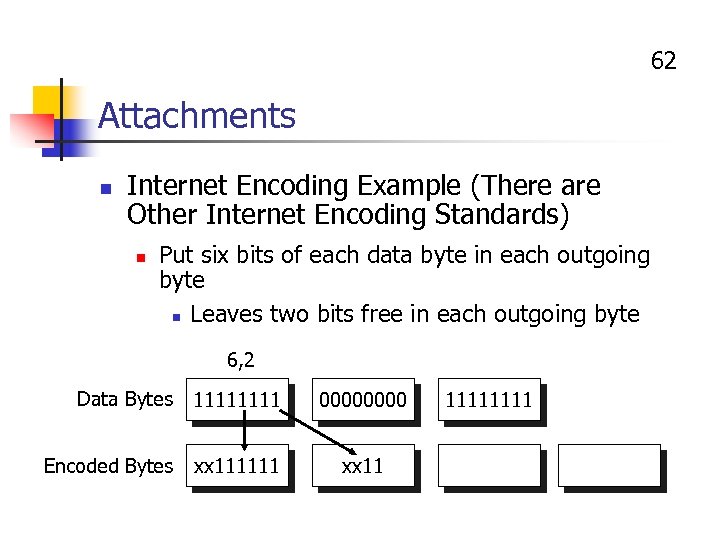 62 Attachments n Internet Encoding Example (There are Other Internet Encoding Standards) n Put six bits of each data byte in each outgoing byte n Leaves two bits free in each outgoing byte 6, 2 Data Bytes 1111 0000 Encoded Bytes xx 111111 xx 11 1111
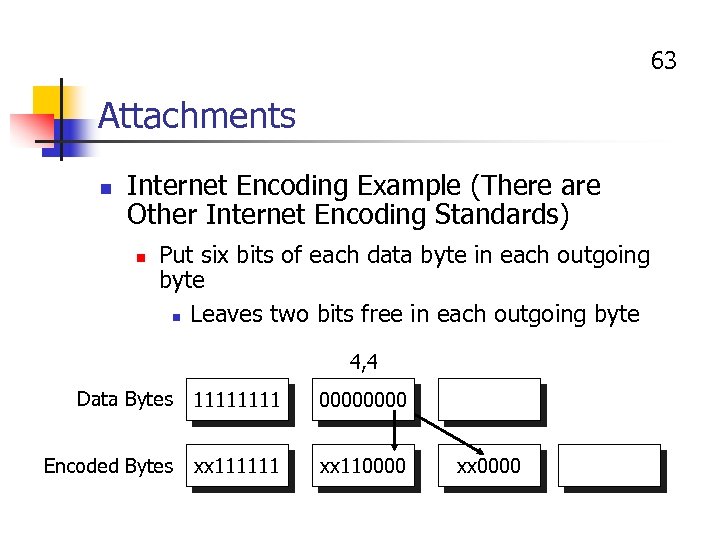 63 Attachments n Internet Encoding Example (There are Other Internet Encoding Standards) n Put six bits of each data byte in each outgoing byte n Leaves two bits free in each outgoing byte 4, 4 Data Bytes 1111 0000 Encoded Bytes xx 111111 xx 110000 xx 0000
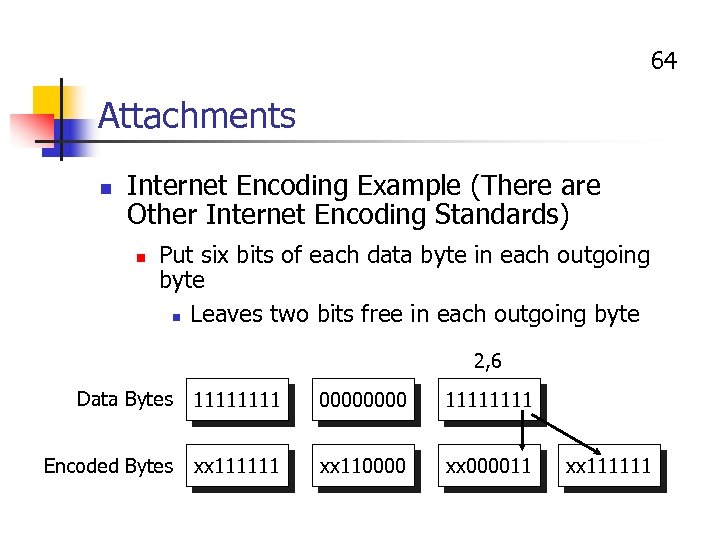 64 Attachments n Internet Encoding Example (There are Other Internet Encoding Standards) n Put six bits of each data byte in each outgoing byte n Leaves two bits free in each outgoing byte 2, 6 Data Bytes 1111 0000 1111 Encoded Bytes xx 111111 xx 110000 xx 000011 xx 111111
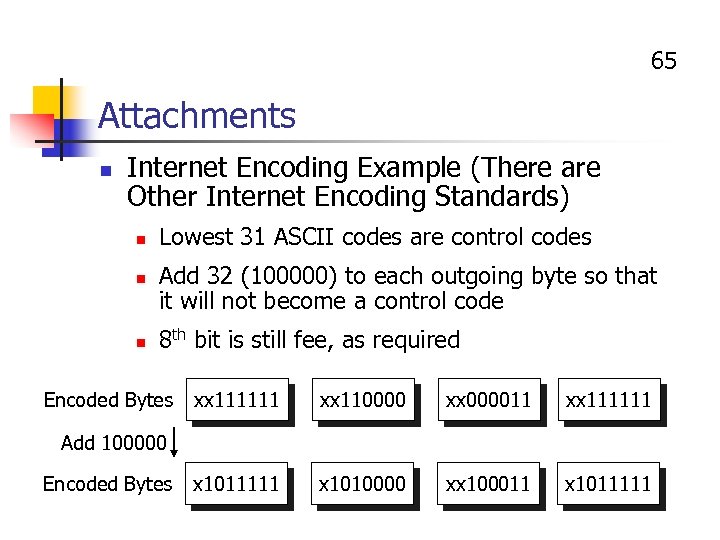 65 Attachments n Internet Encoding Example (There are Other Internet Encoding Standards) n n n Lowest 31 ASCII codes are control codes Add 32 (100000) to each outgoing byte so that it will not become a control code 8 th bit is still fee, as required Encoded Bytes xx 111111 xx 110000 xx 000011 xx 111111 x 1010000 xx 100011 x 1011111 Add 100000 Encoded Bytes
 66 Attachments n Internet Encoding Standards n n Communicating mail clients must use the same Internet encoding standard to encode and decode MIME n Several versions of MIME exist n Basic MIME is almost universally supported by e-mail clients today n Binhex is commonly used on Macintoshes n UUENCODE is common in UNIX
 67 Attachments n E-Mail users should negotiate before sending an attachment n Internet encoding standard they will use n Application file format they will use n n n If same application program and version, fine If same application program and different versions, send in format of older version If different application programs, send in a format and version the other can import
 IP Telephony Voice-Data Convergence
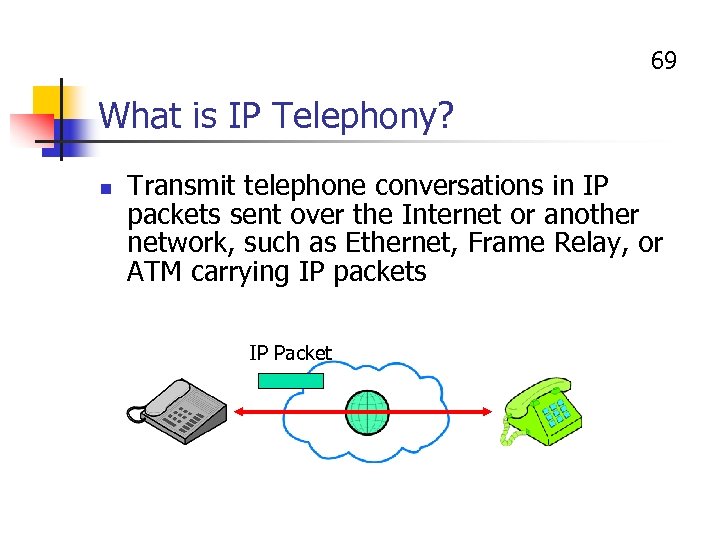 69 What is IP Telephony? n Transmit telephone conversations in IP packets sent over the Internet or another network, such as Ethernet, Frame Relay, or ATM carrying IP packets IP Packet
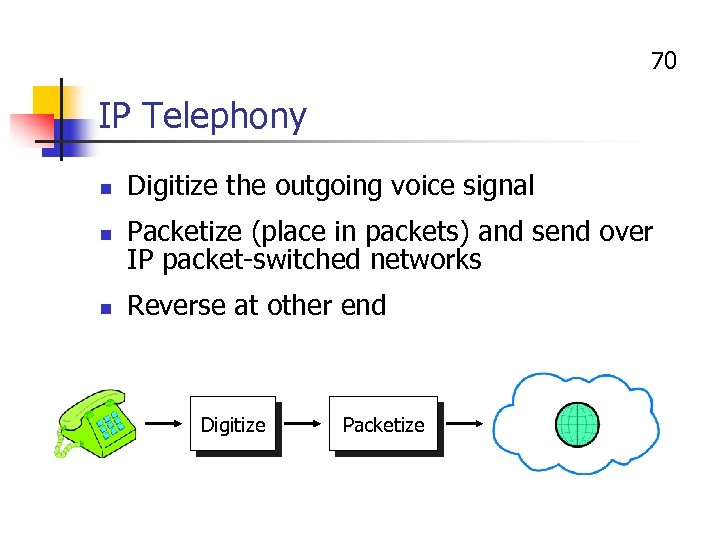 70 IP Telephony n n n Digitize the outgoing voice signal Packetize (place in packets) and send over IP packet-switched networks Reverse at other end Digitize Packetize
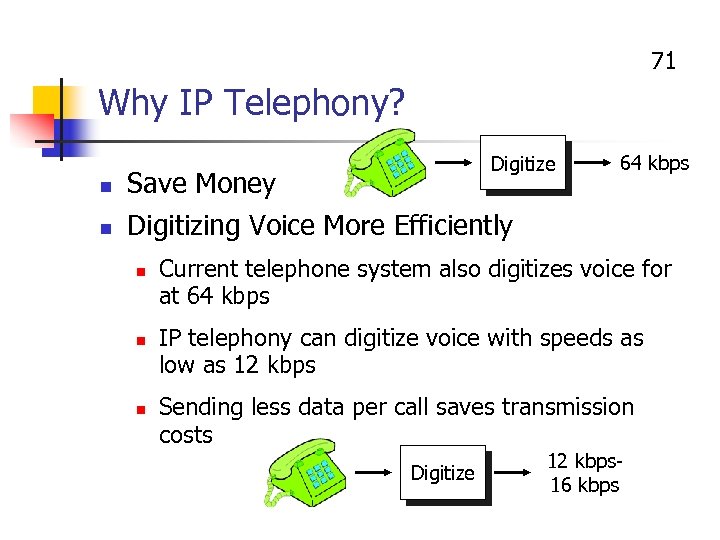 71 Why IP Telephony? Digitize n Save Money n 64 kbps Digitizing Voice More Efficiently n n n Current telephone system also digitizes voice for at 64 kbps IP telephony can digitize voice with speeds as low as 12 kbps Sending less data per call saves transmission costs Digitize 12 kbps 16 kbps
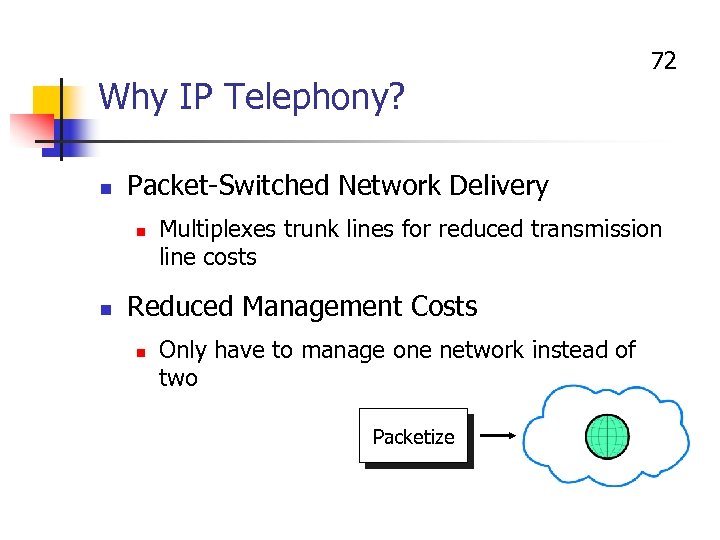 Why IP Telephony? n Packet-Switched Network Delivery n n 72 Multiplexes trunk lines for reduced transmission line costs Reduced Management Costs n Only have to manage one network instead of two Packetize
 73 Problem of Latency n n Packet-Switched Networks Often Have Latency (Delay) Latency is Bad for Voice Conversations n n n At latency of 200 milliseconds (ms), conversation is difficult because of turn-taking awkwardness At latency of 500 ms, conversation is impossible Variable latency from one packet to the next makes voice sound jittery (jitter)
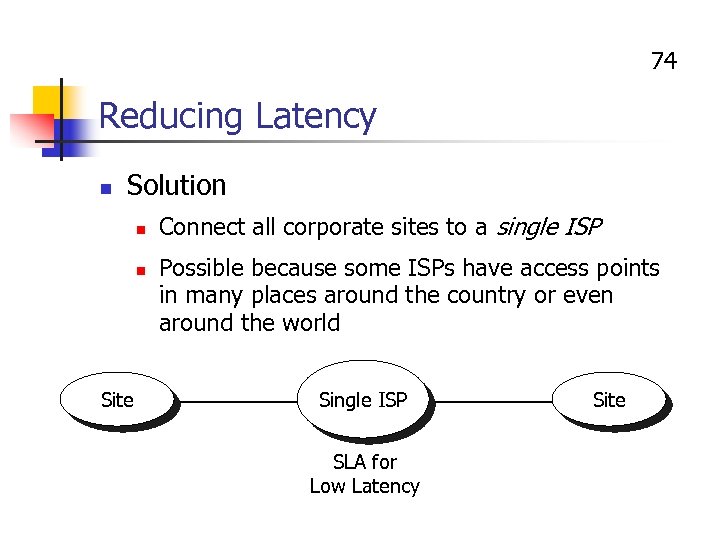 74 Reducing Latency n Solution n n Site Connect all corporate sites to a single ISP Possible because some ISPs have access points in many places around the country or even around the world Single ISP SLA for Low Latency Site
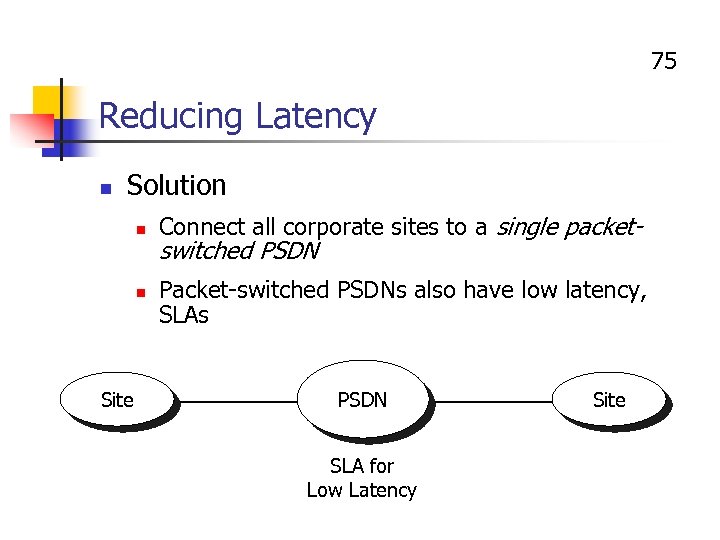 75 Reducing Latency n Solution n n Site Connect all corporate sites to a single packet- switched PSDN Packet-switched PSDNs also have low latency, SLAs PSDN SLA for Low Latency Site
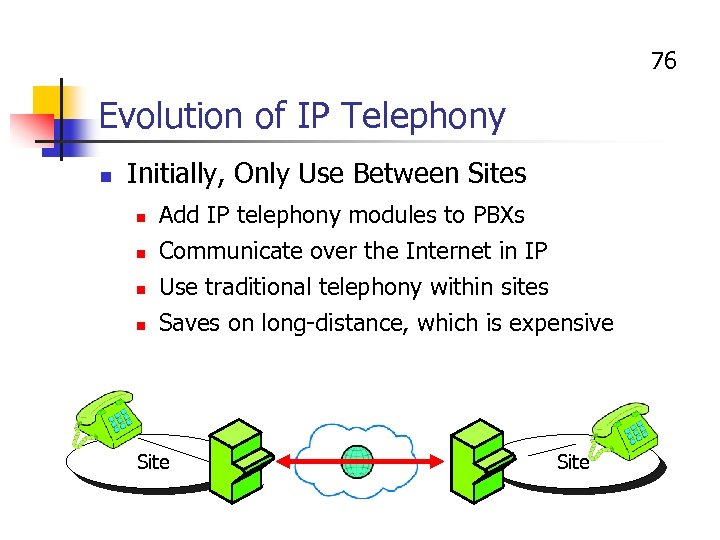 76 Evolution of IP Telephony n Initially, Only Use Between Sites n Add IP telephony modules to PBXs Communicate over the Internet in IP Use traditional telephony within sites n Saves on long-distance, which is expensive n n Site
 77 Evolution of IP Telephony n Eventually, Service to the Desktop n Combine with data service to the desktop n Computer-Telephony Integration (CTI) applications n When caller calls in, automatically linked with relevant data n To improve applications, not necessarily to save money n Problem: technology is not readily available or standardized
 78 IP Telephony Standards n Based on H. 323 Videoconferencing Standard from ITU-T n n For videoconferencing over the Internet or other IP networks IETF, ITU-T have agreed to work together on IP telephony standards
 79 Questions about IP Telephony n Will it be Sufficiently Reliable? n Ordinary telephony is super reliable n Available 99. 999% of the time n Can IP telephony offer sufficient reliability?
 80 Questions about IP Telephony n Will it Really Save Money? n n n Was very promising when long-distance and international costs were very high But these costs are falling rapidly and will continue to do so Will it save enough money to be worthwhile?