 Скачать презентацию Network Management Chapter 8 Semester 3 By Roger
9da8ed84a7fff9c0d16d20e627f23203.ppt
- Количество слайдов: 27



Network Management Chapter 8 Semester 3 By Roger Lewis
Network Management includes: n n Network Security Network Documentation Network Maintenance Environmental Factors Server Maintenance n Server Administration n Network Troubleshooting n
Documentation includes: Cut-Sheets n n n Diagrams indicating path of physical wiring Type and length of cables Type of termination of cables Physical location of wall plates or patch panels A “easy” labeling scheme for cables
MDF & IDF Layouts n Physical and Logical layout of MDF n Physical and Logical layout of IDFs Physical layout of rack mounts, auxiliary equipment, and servers n Patch Panel Labels identifying cable terminations n Identification & Configuration details of equipment in MDFs/IDFs. n
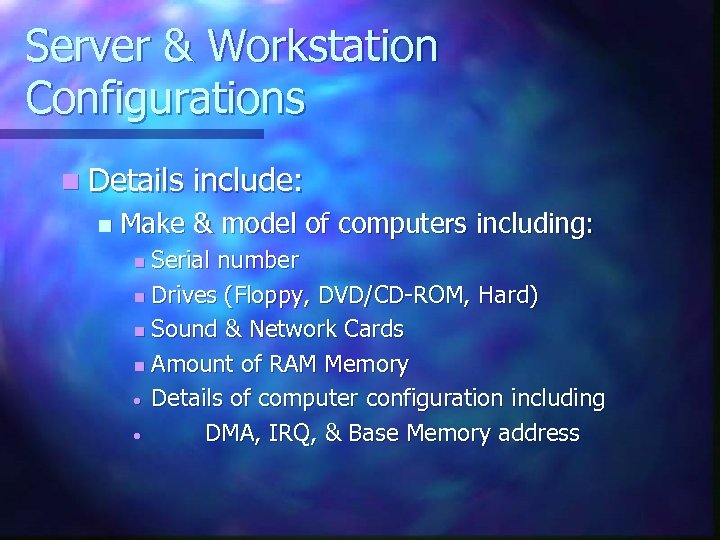
Server & Workstation Configurations n Details n include: Make & model of computers including: Serial number n Drives (Floppy, DVD/CD-ROM, Hard) n Sound & Network Cards n Amount of RAM Memory • Details of computer configuration including • DMA, IRQ, & Base Memory address n
Software listing for each computer n Listing of Standard software including: Operating System (Windows, Unix, etc) n Any application Software n n Listing of any Special Software
Maintenance Records n Important to keep records of all repairs to networking equipment.
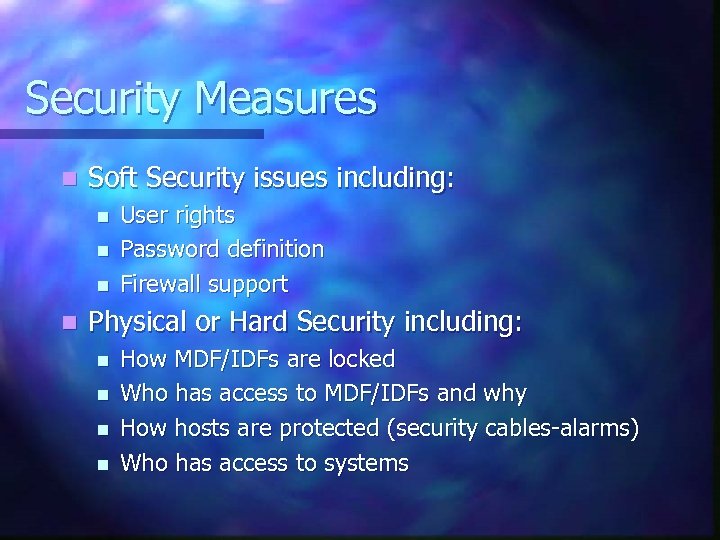
Security Measures n Soft Security issues including: n n User rights Password definition Firewall support Physical or Hard Security including: n n How MDF/IDFs are locked Who has access to MDF/IDFs and why How hosts are protected (security cables-alarms) Who has access to systems
User Policies n How do users interact with Network? What is permissible? What isn’t? n What are the consequences of violating policies? n What is minimum User ID & Password length? n What are the rules for Users Passwords? n Does management buy into the policies? n
Network Documentation n Must be updated to be useful n Include changes to software and hardware n Don’t forget upgrades
Network Access n Keep network safe from unauthorized access. Establish security policies n Ensure users understand follow security policies n
Network Access n Recover data from catastrophic events Tape Backup of Data n Fault tolerant disk configurations n Use of UPS n
Backup Operations Full Backup* 2. Incremental Backup* 3. Differential Backup* 4. Copy Backup 5. Daily Backup * Most widely used 1.
Users workstation backup n Individual Tape drive n Copy data to ZIP or Floppy disk drives n Create user directory on servers for users data
Redundancy Technique n RAID Raid 0* n Raid 1* n Raid 2 n Raid 3 n Raid 4 n Raid 5* * Supported by most OS n
Environmental Factors n Follow owner’s manuals when installing equipment n Take care to prevent ESD n Keep area clear of dirt and dust n No Smoking n Keep equipment cool n Keep equipment supported
Power Conditioning n Put network & computer equipment on separate electric circuits n Isolating transformers n Regulators n Line Conditioners n UPS
EMI & RFI n EMI can be caused by: Power supplies and monitors n Fluorescent lights n Large Electric motors and electric wiring n n RFI can be caused by: Improperly shielded cables n Other equipment n
Software Viruses WORM n VIRUS n Trojan Horse Prevent these by: n 1. 2. 3. Being careful about install software you don’t know where it came from. Be careful of other users on your equipment with their own software. Use virus checker
Network Performance n Network performance is a measurement of network’s quickness and reliability. n Establish a baseline Network Utilization percentage n Collision counts n Frame errors n Broadcast traffic n
Server Administration n Peer-to-Peer n n n Network Up to 10 users on network Cheaper to create and operate network Allows users to control their own resources No dedicated server required No Additional software is required Disadvantages include: n No central point of management n Users create Ids for other users if sharing resources n If resource goes down, no one then has access to it
Server Administration cont n Client-Server n n n Network NOS is heart of system Control the resources and management of LAN Provides a centralized point of user, security, and resource management. Dedicated Servers provide specific resources to clients Provides access to allowed resources with one network ID and password Disadvantage is single point of failure.
Client-Server OS n UNIX n Novell Netware n Windows NT n Windows 2000
Network Control n Login Account n User Rights n Assigning Users to groups n Assigning rights and permissions to the group n User profiles (Roaming, Mandatory or Local Profile) n Policies
Network Troubleshooting Use Dartmouth Design Matrix n Scientific Method n 1. 2. 3. 4. 5. 6. Identify network/user problem Gather data network/user problem Analyze data to come up with possible solution Implement solution If problem isn’t resolve, undo changes and modify data Go to step 3
Analyze Network Troubleshooting n Always check the easy stuff first! n Determine if anything change recently which might be causing the problem. n Determine if the problem is hardware, software, or the network. n Once solve, document the solution.
Network Management The End
Скачать презентацию Network Management Chapter 8 Semester 3 By Roger
9da8ed84a7fff9c0d16d20e627f23203.ppt