 Скачать презентацию Network Cameras Andrew Brandt Wyman St block captain
ccc16bec268b38837f0b0c4766491e3c.ppt
- Количество слайдов: 24




Network Cameras Andrew Brandt Wyman St. block captain NCPC*at*amishrabbit*dot*com
As an introduction. . . ● PC World contributing editor ● Specialize in computer security & privacy ● ● ● I don't work for any of the companies whose products are represented here I do use these myself, at home We don't have time to cover all the companies that make these types of cameras
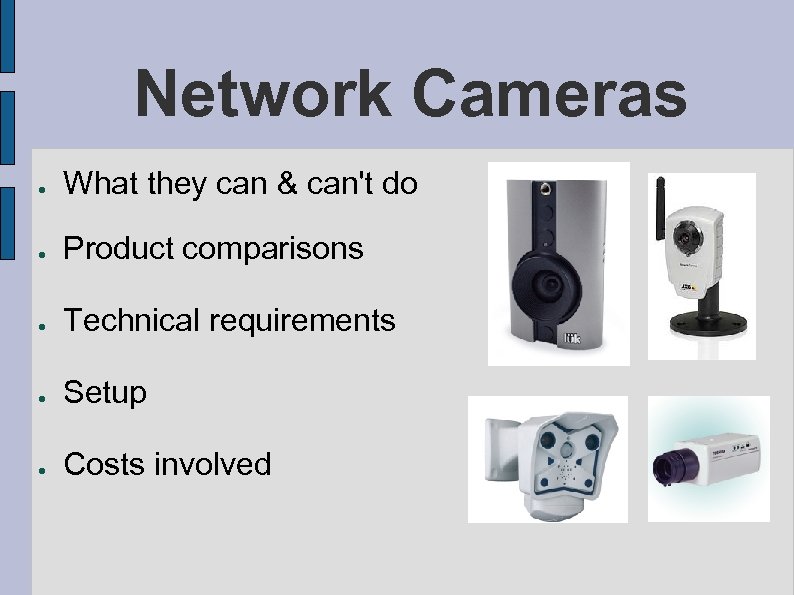
Network Cameras ● What they can & can't do ● Product comparisons ● Technical requirements ● Setup ● Costs involved
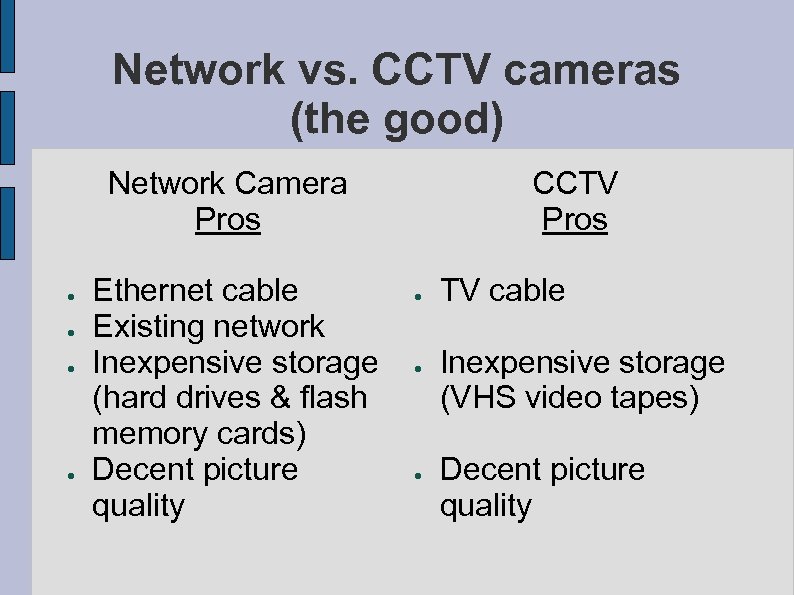
Network vs. CCTV cameras (the good) Network Camera Pros ● ● Ethernet cable Existing network Inexpensive storage (hard drives & flash memory cards) Decent picture quality CCTV Pros ● ● ● TV cable Inexpensive storage (VHS video tapes) Decent picture quality
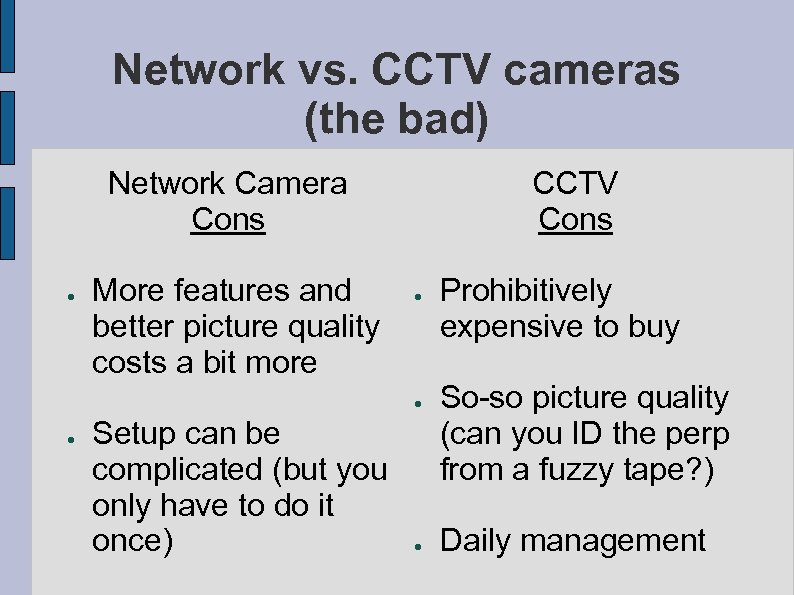
Network vs. CCTV cameras (the bad) Network Camera Cons ● More features and better picture quality costs a bit more CCTV Cons ● ● ● Setup can be complicated (but you only have to do it once) ● Prohibitively expensive to buy So-so picture quality (can you ID the perp from a fuzzy tape? ) Daily management
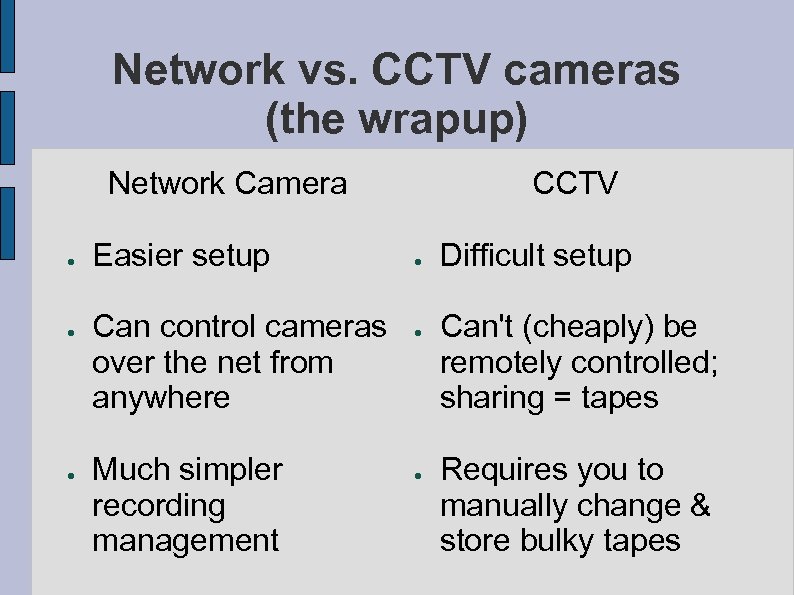
Network vs. CCTV cameras (the wrapup) Network Camera ● ● ● Easier setup Can control cameras over the net from anywhere Much simpler recording management CCTV ● ● ● Difficult setup Can't (cheaply) be remotely controlled; sharing = tapes Requires you to manually change & store bulky tapes
So. . . In my opinion, network cameras are far superior to 'traditional' CCTV cameras for a variety of reasons.
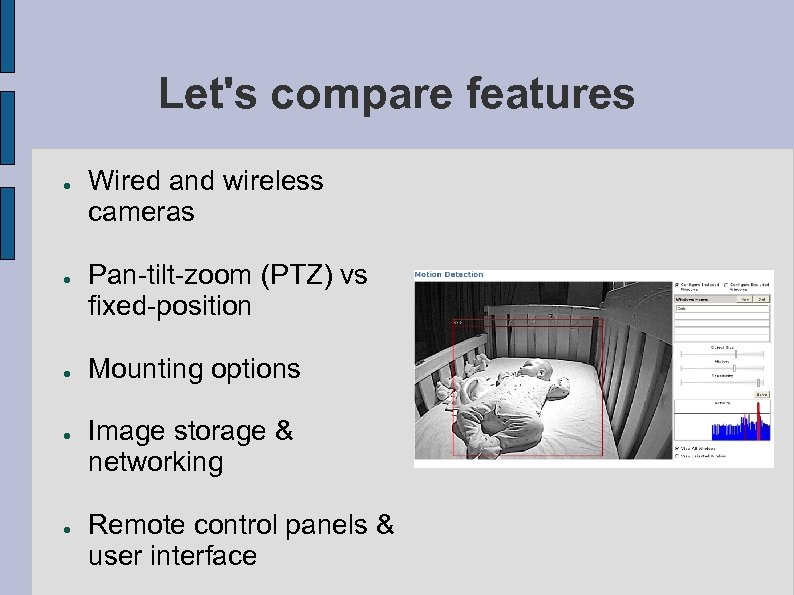
Let's compare features ● ● ● Wired and wireless cameras Pan-tilt-zoom (PTZ) vs fixed-position Mounting options Image storage & networking Remote control panels & user interface
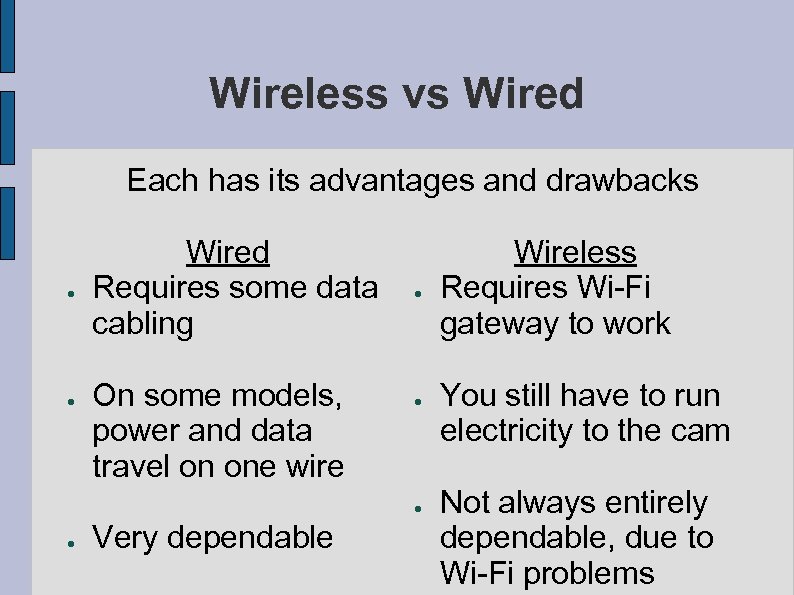
Wireless vs Wired Each has its advantages and drawbacks ● ● Wired Requires some data cabling On some models, power and data travel on one wire ● ● Very dependable Wireless Requires Wi-Fi gateway to work You still have to run electricity to the cam Not always entirely dependable, due to Wi-Fi problems
Pan-tilt-zoom vs fixed position More advantages and drawbacks Fixed ● ● You have to manually aim the camera Motion detection triggered only by true motion PTZ ● ● Subject to weatherrelated misalignment You can redirect it at different locations Panning is often slow and kind of clunky Better for watching multiple spots (but not at the same time)
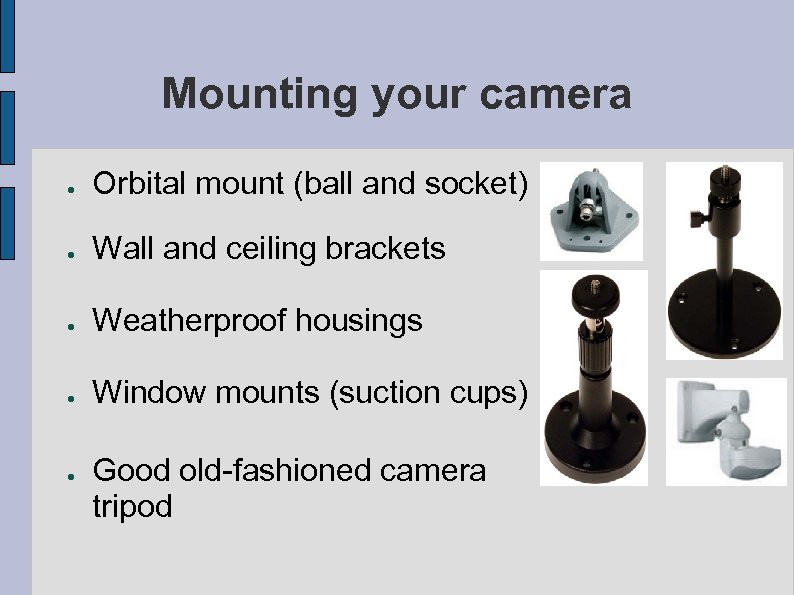
Mounting your camera ● Orbital mount (ball and socket) ● Wall and ceiling brackets ● Weatherproof housings ● Window mounts (suction cups) ● Good old-fashioned camera tripod
Image storage: Not all cameras do all of these ● FTP (file transfer protocol) ● Local file server ● ● ● Sends images over the 'net to a server somewhere Doesn't have to be at your home Images go to a 'server' (a computer) on the same network Emailed file attachments Built-in flash memory Removable flash memory cards in the camera
Control panels ● All cameras let you adjust the following: ● Brightness and contrast Image size and compression "Triggers" to take photos (timed and/or motion) Basic network settings they need to function Some have additional features: Built in microphone and/or speaker Can compensate for changing lighting conditions (DC iris) Support for multiple users, with different permissions for each user

Let's look at the cameras It's about time
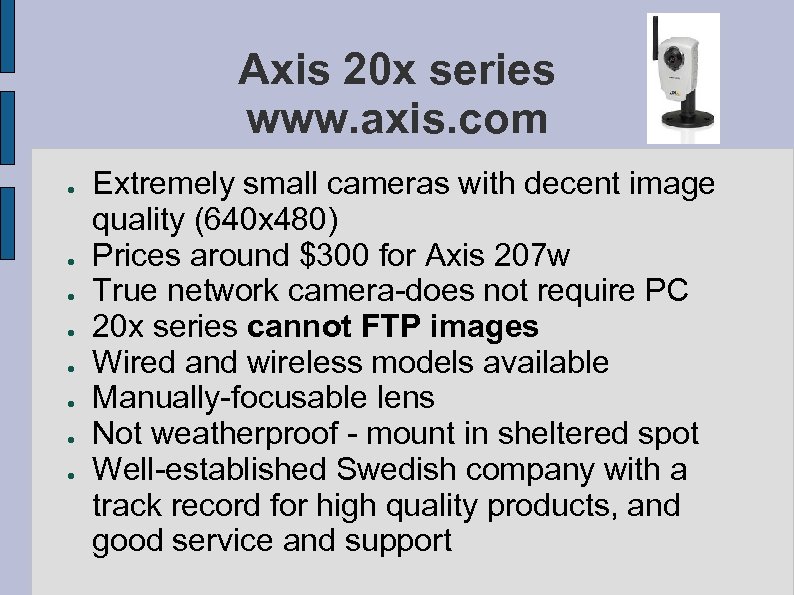
Axis 20 x series www. axis. com ● ● ● ● Extremely small cameras with decent image quality (640 x 480) Prices around $300 for Axis 207 w True network camera-does not require PC 20 x series cannot FTP images Wired and wireless models available Manually-focusable lens Not weatherproof - mount in sheltered spot Well-established Swedish company with a track record for high quality products, and good service and support
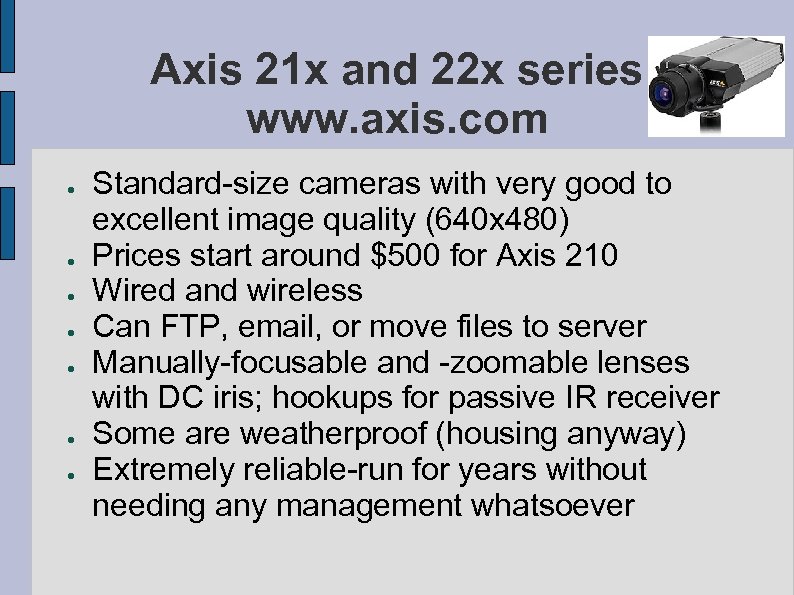
Axis 21 x and 22 x series www. axis. com ● ● ● ● Standard-size cameras with very good to excellent image quality (640 x 480) Prices start around $500 for Axis 210 Wired and wireless Can FTP, email, or move files to server Manually-focusable and -zoomable lenses with DC iris; hookups for passive IR receiver Some are weatherproof (housing anyway) Extremely reliable-run for years without needing any management whatsoever
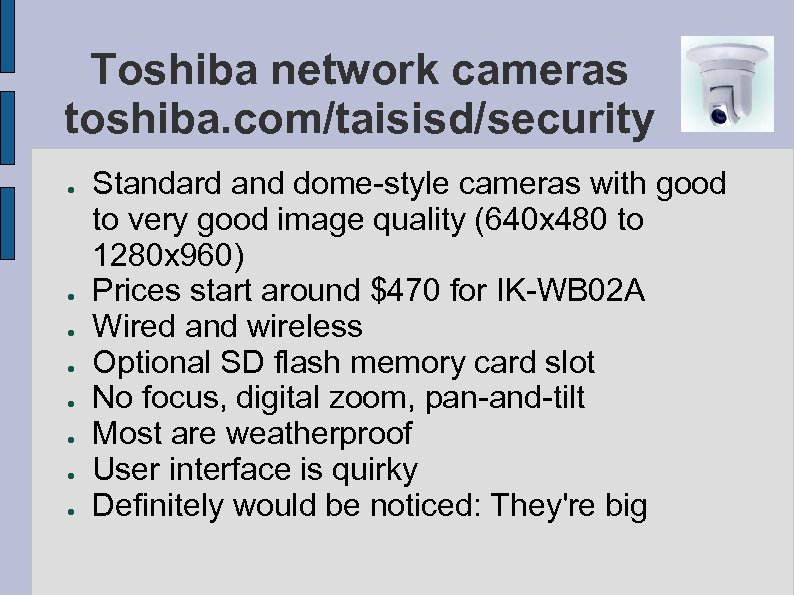
Toshiba network cameras toshiba. com/taisisd/security ● ● ● ● Standard and dome-style cameras with good to very good image quality (640 x 480 to 1280 x 960) Prices start around $470 for IK-WB 02 A Wired and wireless Optional SD flash memory card slot No focus, digital zoom, pan-and-tilt Most are weatherproof User interface is quirky Definitely would be noticed: They're big
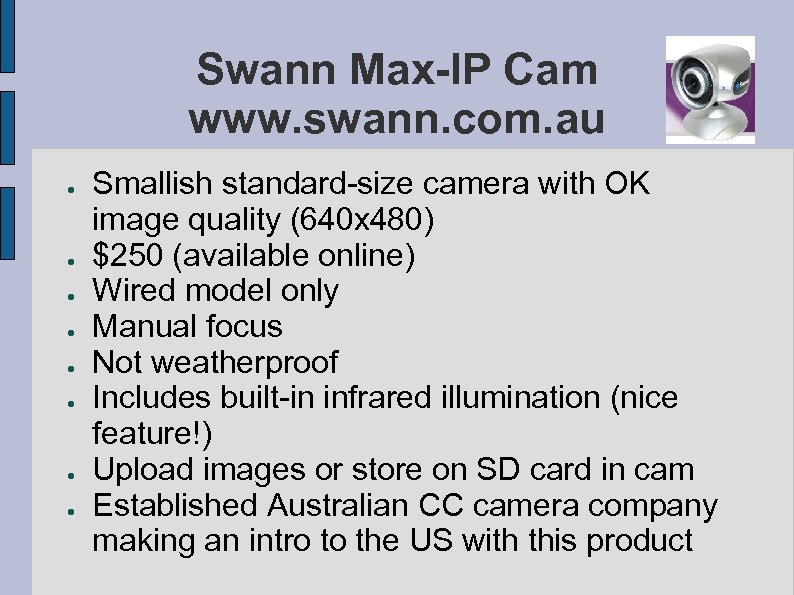
Swann Max-IP Cam www. swann. com. au ● ● ● ● Smallish standard-size camera with OK image quality (640 x 480) $250 (available online) Wired model only Manual focus Not weatherproof Includes built-in infrared illumination (nice feature!) Upload images or store on SD card in cam Established Australian CC camera company making an intro to the US with this product

Mobotix www. mobotix. com ● ● ● ● Large cameras that look kind of like the "Number 5" robot from the movie Short Circuit Models include one or two lenses, speaker and microphone, passive IR detector Wired & wireless models Manual focus, wide-angle, daylight & infrared Most are weatherproof, built like a tank German company makes security cameras used by many European & Asian banks Really, really attention-getting Expensive: Prices start at $1200

Veo Wireless Observer www. veo. com ● ● ● ● ● Smallish, odd-sized (UFO on a cone) camera with OK image quality (640 x 480) $350 (available from mfr. website only) Wired & wireless models Fixed-focus lens, built in microphone Not weatherproof Comes with wall mount Almost all Veo network cameras are PTZ Has a few gimmicky features (LCD display on cam for IP setup, external antenna) Requires Windows to view images (bleh!)
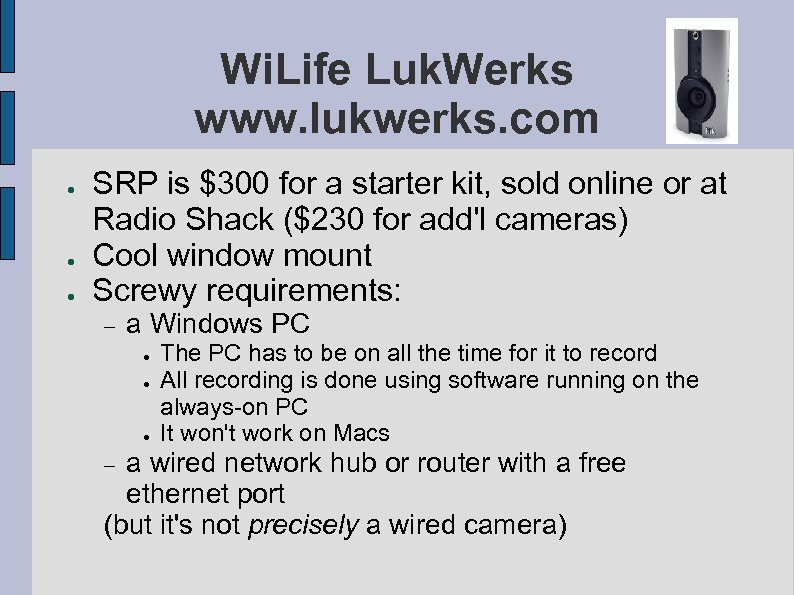
Wi. Life Luk. Werks www. lukwerks. com ● ● ● SRP is $300 for a starter kit, sold online or at Radio Shack ($230 for add'l cameras) Cool window mount Screwy requirements: a Windows PC ● ● ● The PC has to be on all the time for it to record All recording is done using software running on the always-on PC It won't work on Macs a wired network hub or router with a free ethernet port (but it's not precisely a wired camera)
Other companies that make or sell rebranded network cameras ● ● ● ● D-Link -- haven't been impressed Panasonic -- expensive Star. Dot Technologies Hawking Technologies IQeye -- very pricey but amazing quality Linksys -- bizarre-looking egg-shaped model Q-SEE -- many models, some rebranded from other OEMs Googling "network cameras" will get you 135, 000 results
Other considerations ● ● If several people decide on a single company's product to buy, we could easily negotiate a bulk order discount. Do we make the images from everyone's cameras available on a Web site? (it's easy to do) Do we let everyone see the images, or just certain people? Who pays for the online image storage?
![Questions? Andrew Brandt NCPC [at] amishrabbit [dot] com ● Thanks!](https://present5.com/presentation/ccc16bec268b38837f0b0c4766491e3c/image-24.jpg "Questions? Andrew Brandt NCPC [at] amishrabbit [dot] com ● Thanks!")
Questions? Andrew Brandt NCPC [at] amishrabbit [dot] com ● Thanks!
Скачать презентацию Network Cameras Andrew Brandt Wyman St block captain
ccc16bec268b38837f0b0c4766491e3c.ppt