


 Скачать презентацию Net Print hi 1 1 What is
5759adb7dc984d9b4758014763fea78b.ppt
- Количество слайдов: 18
 Net. Print hi 1 1
 What is Net. Print? A program that allows a Windows PC to process print requests coming over the internet. hi 2 2
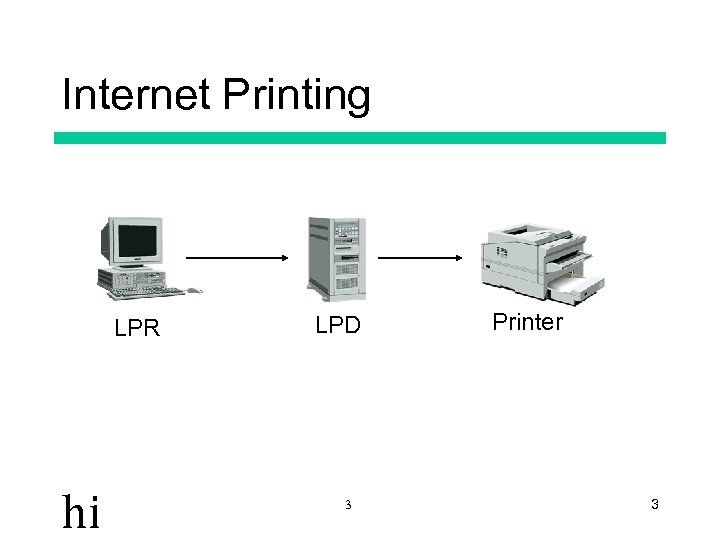 Internet Printing LPR hi LPD 3 Printer 3
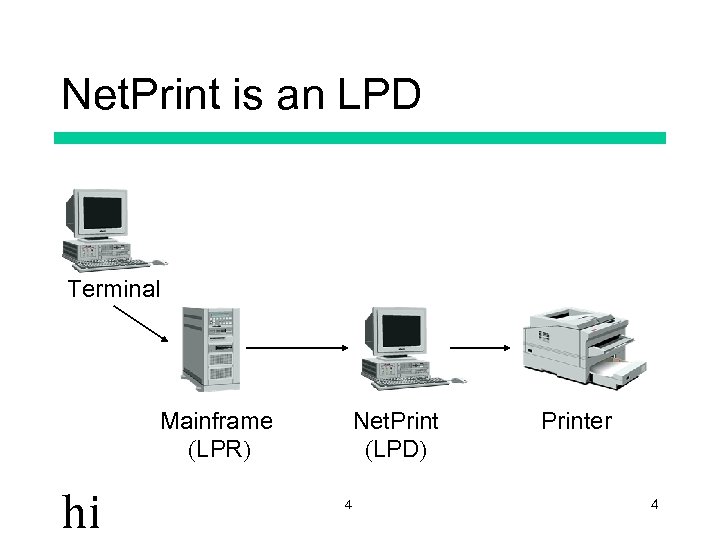 Net. Print is an LPD Terminal Mainframe (LPR) hi Net. Print (LPD) 4 Printer 4
 What alternatives are there? • • 3270 printer emulators (e. g. Extra!) Net. Print equivalents Windows NT LPD installed in printer hi 5 5
 Why Net. Print? • • • Deals with EBCDIC/ASCII issues Gives users greater control over printing Multiple queue support Easy to troubleshoot Locally customizable On-site support hi 6 6
 Print Job Types • Text Printing • Preformatted printing hi 7 7
 Capturing Output • View before printing • Accumulate on one page • Text prints only! hi 8 8
 Text Job Options • • Fonts Margins Suppress Form Feeds Overprinting support hi 9 9
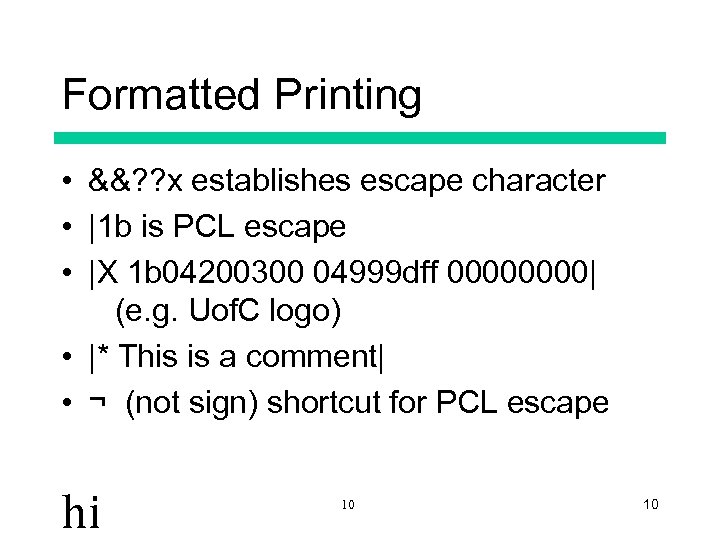 Formatted Printing • &&? ? x establishes escape character • |1 b is PCL escape • |X 1 b 04200300 04999 dff 0000| (e. g. Uof. C logo) • |* This is a comment| • ¬ (not sign) shortcut for PCL escape hi 10 10
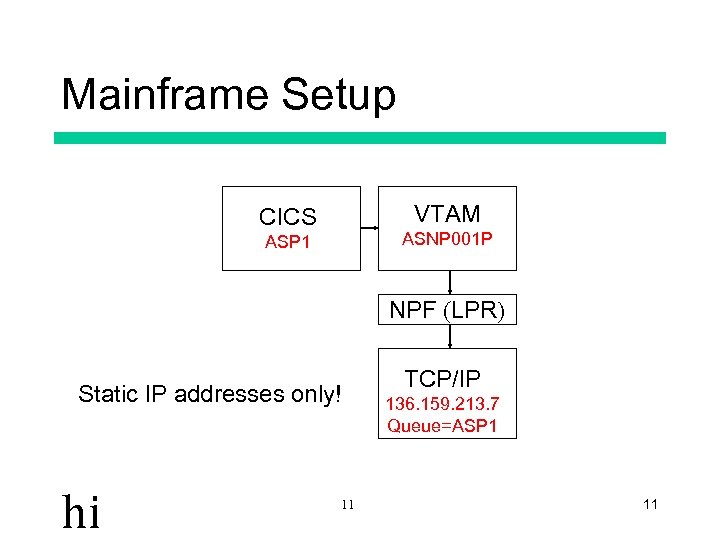 Mainframe Setup VTAM CICS ASNP 001 P ASP 1 NPF (LPR) Static IP addresses only! hi 11 TCP/IP 136. 159. 213. 7 Queue=ASP 1 11
 Installing Net. Print • Get Net. Print. zip file • Unzip all files into desired directory (usually c: uofctcptcp 3270) • Create desktop shortcut icon • Generic printer driver no longer required (since version 2. 07) • Define printer queue(s) hi 12 12
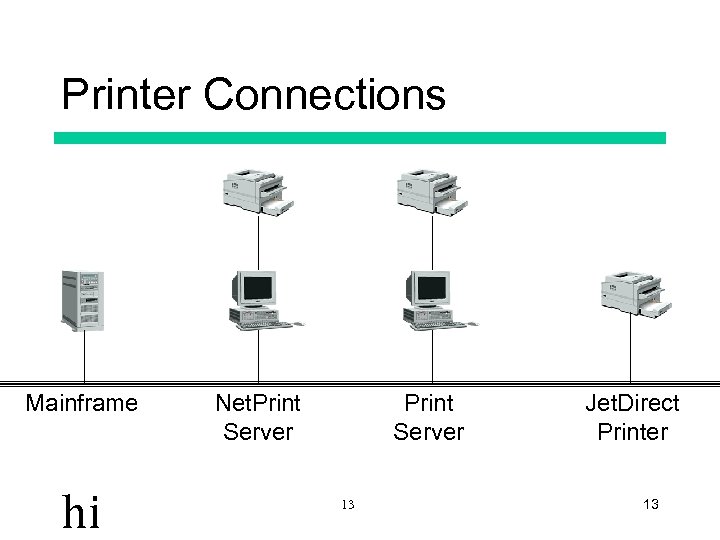 Printer Connections Mainframe hi Net. Print Server 13 Jet. Direct Printer 13
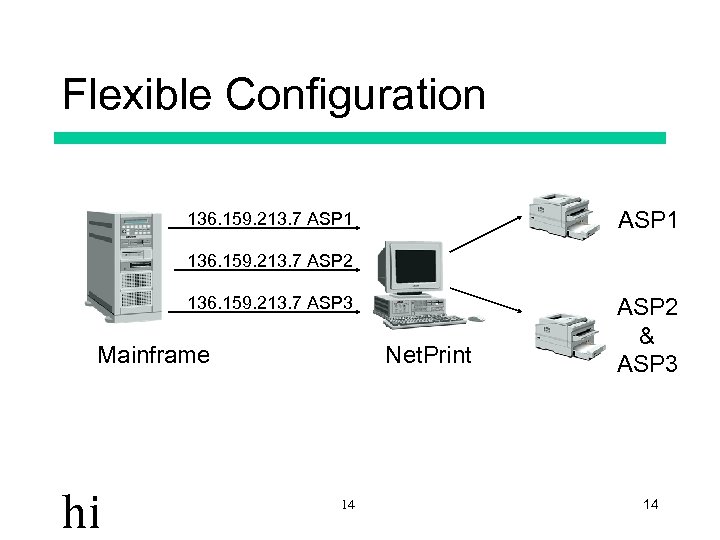 Flexible Configuration ASP 1 136. 159. 213. 7 ASP 2 136. 159. 213. 7 ASP 3 Mainframe hi Net. Print 14 ASP 2 & ASP 3 14
 Troubleshooting • • • Net. Print active? (not NIPrint!) Capture off? PC LPR works? Printer ‘in service’ in CICS ? NPF active? hi 15 15
 Net. Print Logging • Log stored in Windows TEMP directory (usually c: temp) • Truncated when Netprint starts • Various levels of detail available • Keep Files • Print to file • Status messages hi 16 16
 Where to get Net. Print The latest version can be found at: • http: //www. acs. ucalgary. ca/~mortis • \dassrv 1publictempjmortisNet. Print. zip Win. LPR can be found at: • \dassrv 1publicinternetzipappswlpr 20. zip hi 17 17
 The End hi 18 18