


 Скачать презентацию NDT Tools Tutorial How-To setup your own NDT
f4195a7045bcd3ac62d2add587cebde9.ppt
- Количество слайдов: 23
 NDT Tools Tutorial: How-To setup your own NDT server Rich Carlson Summer 04 Joint Tech 19, 2004 July RCarlson@internet 2. edu July 19, 2004
 Network Diagnostic Tool (NDT) §Can identify configuration faults §Can identify performance bottlenecks §Geared toward campus area network §End-user based view of network §Provides some ‘hard evidence’ to users and network administrators to reduce finger pointing July 19, 2004 2
 NDT Functions §Web 100 -based testing tool §Single test to gather end-to-end data §Gather multiple data variables §Compare measured performance to analytical values §Translate network values into plain text messages July 19, 2004 3
 NDT Components §Web 100 based server • Testing and analysis engine • Optional lite web server §Java Applet based client • Requires JVM browser plugin installed in client §Command line based client • Requires executable for specific client OS July 19, 2004 4
 Building the Server §Build basic Linux system using your favorite Linux distribution §Obtain the Web 100 files from the web 100. org web site • http: //www. web 100. org/download • Pre-built kernel in rpm format • Patch file in tar format • System Library and Utilities package in tar format July 19, 2004 5
 Choice A – using the pre-built kernel §Install pre-built kernel rpm • rpm –i kernel-web 100 -version. rpm §Modify the boot loader config file • /etc/grub. conf or /etc/lilo. conf §Reboot the system and test new kernel July 19, 2004 6
 Choice B – build a custom kernel §Download the base kernel from the kernel. org ftp site • ftp. kernel. org and cd to the Linux kernel dir §Unpack the kernel tar file in the /usr/src directory §Unpack the web 100 kernel patch §Apply the patch • patch –p 3 < path-to-kernel-patch-file §Configure and Build the new kernel • Note: you must enable “Prompt for development code …” and web 100 options appear under “Networking Options” §Modify the boot loader config file, then reboot and test new system July 19, 2004 7
 Build the Web 100 Library §Unpack the web 100 user library tar file §Use the standard automake commands • cd to package directory • Create local make files (. /configure {--prefix=dir}) • Build library and utility files (make) • Install library and utility files (make install) July 19, 2004 8
 Obtain Java SDK §Java SDK required to build applet client code §Download SDK from Sun web site • http: //java. sun. com • Versions 1. 2. 2, 1. 3. 1, and 1. 4. 2 have been tested §Follow package instructions to install SDK file §Add SDK bin directory to path • export PATH=$PATH: /sdk/path/bin July 19, 2004 9
 Obtain Libpcap Library §The Libpcap library is used for the link detection algorithm. This package is included in the standard Linux distributions. Look in the /usr/lib directory and install if not found. • ls /usr/libpcap* will return several files. §If not installed obtain the rpm from your favorite mirror site or download the source from http: //www. tcpdump. org July 19, 2004 10
 Build the NDT programs §Obtain the latest NDT tar file. • http: //e 2 epi. internet 2. edu/ndt/download. html §Unpack the tar file §Use the standard automake commands • cd to package directory • Create make files (. /configure {--prefix=/some/dir}) • Build executables (make) • Install executables (make install) July 19, 2004 11
 Customize the Installation §Create a custom NDT web page • Run the script. /conf/create-html. sh and follow the prompts • Script will prompt for installation directory, use prefix= value and append /ndt §Use conf/start. ndt script as sample for starting server processes July 19, 2004 12
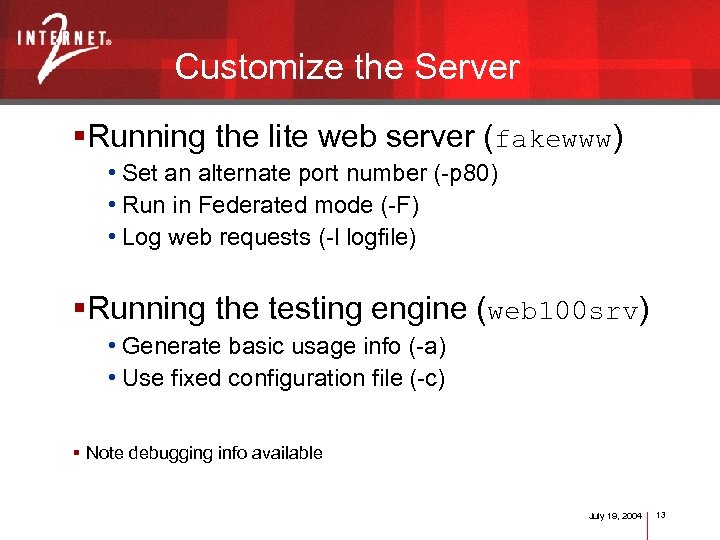 Customize the Server §Running the lite web server (fakewww) • Set an alternate port number (-p 80) • Run in Federated mode (-F) • Log web requests (-l logfile) §Running the testing engine (web 100 srv) • Generate basic usage info (-a) • Use fixed configuration file (-c) § Note debugging info available July 19, 2004 13
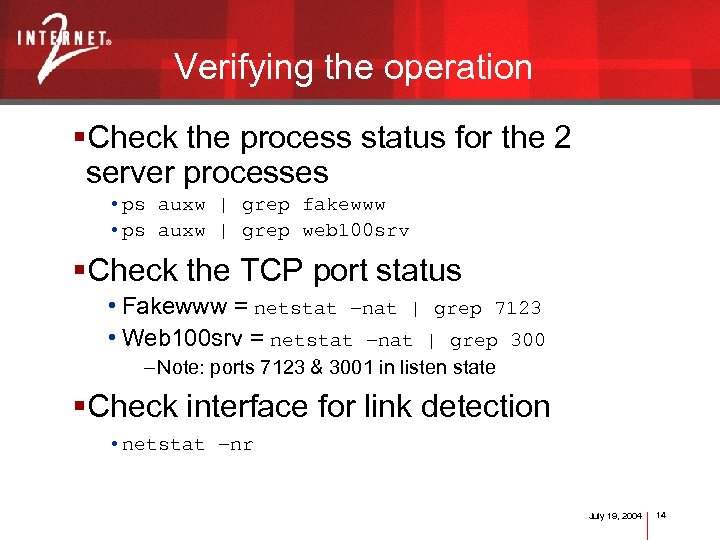 Verifying the operation §Check the process status for the 2 server processes • ps auxw | grep fakewww • ps auxw | grep web 100 srv §Check the TCP port status • Fakewww = netstat –nat | grep 7123 • Web 100 srv = netstat –nat | grep 300 – Note: ports 7123 & 3001 in listen state §Check interface for link detection • netstat –nr July 19, 2004 14
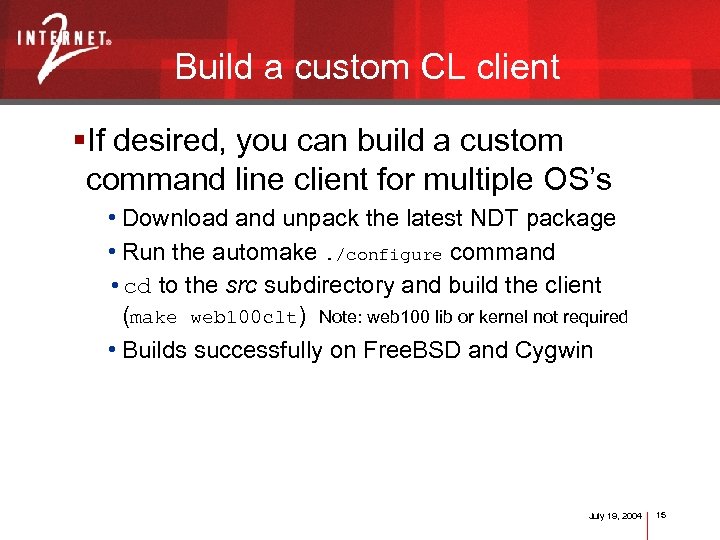 Build a custom CL client §If desired, you can build a custom command line client for multiple OS’s • Download and unpack the latest NDT package • Run the automake. /configure command • cd to the src subdirectory and build the client (make web 100 clt) Note: web 100 lib or kernel not required • Builds successfully on Free. BSD and Cygwin July 19, 2004 15
 Additional features §Man pages include for server programs §Simple analyze program included §Server programs log all activity July 19, 2004 16
 Future directions §Improve duplex mismatch detection §Expand link detection to include Wi. Fi links §Improve performance tuning messages July 19, 2004 17
 Demo §Demo the Java and command line clients §Demo the Federated mode operation • Enables server discovery option §Demo Administrator view July 19, 2004 18
 Disclosure/Disclaimer § This work was supported (in part) by the Office of Science, U. S. Department of Energy under Contract W-31 -109 -ENG-38 § Packet-Pair work was supported by the Cisco University Research Program Work-for-Others Contract P-03008 July 19, 2004 19
 Obtaining the test results §Runs 10 sec test from Client to Server • no diagnostic data collected §Runs 10 sec test from Server to Client • Web 100 diagnostic data collected at end of test §Prints out summary status message • Link speed and duplex • Informational or Warning messages July 19, 2004 20
 Analyzing the test results §Statistics button • Send and Receive throughput achieved • Details for 5 configuration tests (link type, duplex mode, congestion, excessive errors, duplex mismatch condition) • Throughput limits section (%S-R-N limited, RTT, %loss, %out-of-order) • ‘Tweakable’ settings (TCP modifications to improve performance) July 19, 2004 21
 Analyzing the test results §More Details button • Individual TCP counters collected by Web 100 • Conditional test parameters • Throughput analysis section including theoretical limits, bandwidth*delay products, loss rate, and buffer sizes July 19, 2004 22
 Analyzing the test results §Report Problem button • Invokes local email client