Скачать презентацию Naming and Directories Andy Wang Operating Systems COP
5a7a6be3776081a9a81d50df5037fffd.ppt
- Количество слайдов: 30
 Naming and Directories Andy Wang Operating Systems COP 4610 / CGS 5675
 Recall from the last time… n A file header associates the file with its data blocks
 File Header Storage n Under UNIX, a file header is stored in a data structure called i-node n For early UNIX systems n I-nodes are stored in a special array n Fixed number of array entries § Maximum number of files fixed n Not stored near data blocks on disk § Reading a small file involves § One disk seek to get the i-node § Other disk seek(s) to get file blocks
 Reasons for Separate Allocations n Reliability n Data corruptions are unlikely to affect i-nodes n Reduced fragmentation n File headers are smaller than a whole block n By packing them in an array, multiple headers can be fetched from disk n File headers are accessed more often n e. g. , ls n Grouping file headers improves disk efficiency
 For BSD 4. 2… n Portions of file header array stored on each cylinder n For small directories All file headers and data stored in the same cylinder n Reduce seek time n
 Naming n Remember that odd moment when your computer asks you for name the first file? n Naming: allows users to issue file names instead of i-node numbers - Users tend to come up with poor names n e. g. , test - Many file are difficult to name…
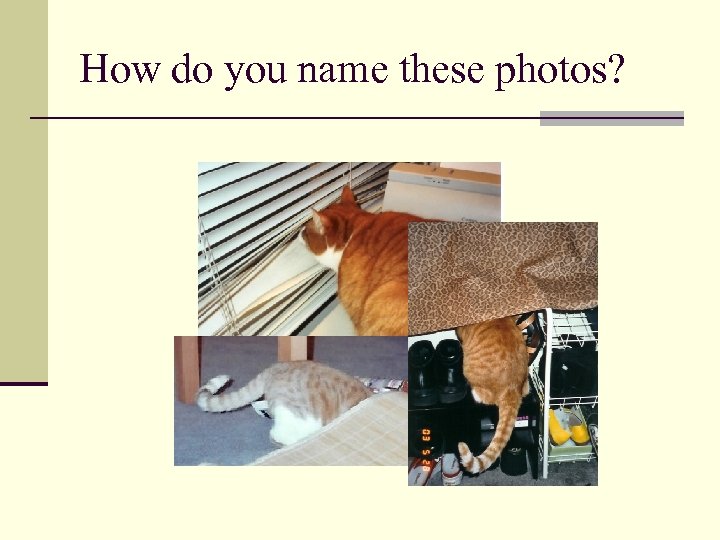 How do you name these photos?
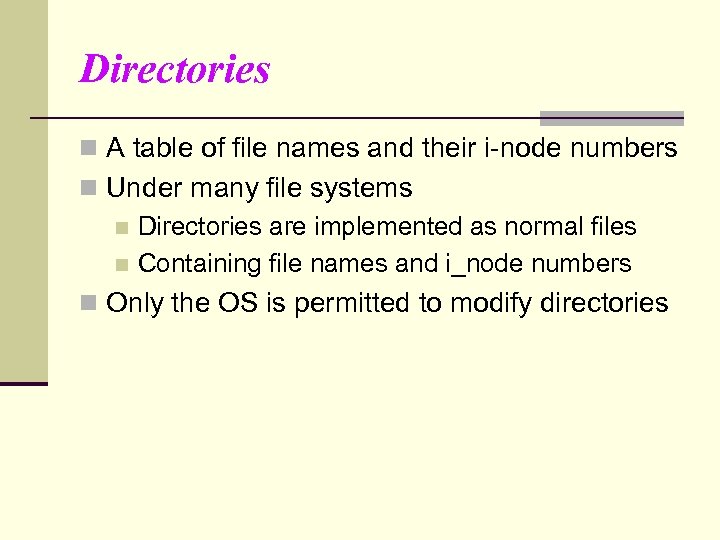 Directories n A table of file names and their i-node numbers n Under many file systems n Directories are implemented as normal files n Containing file names and i_node numbers n Only the OS is permitted to modify directories
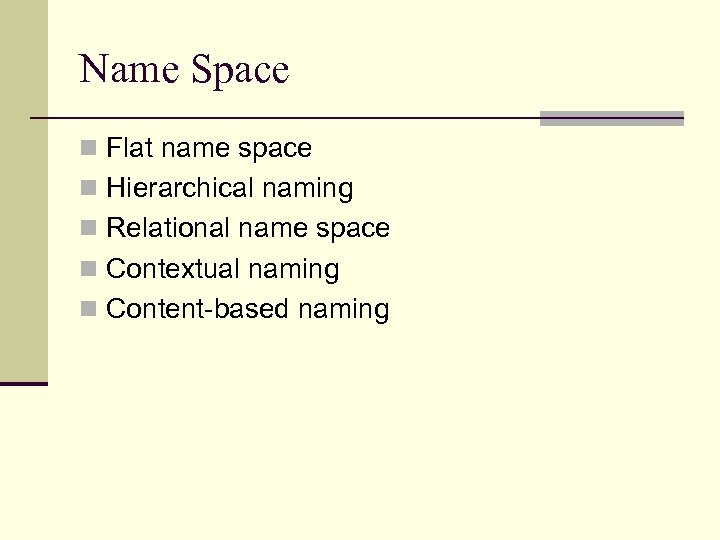 Name Space n Flat name space n Hierarchical naming n Relational name space n Contextual naming n Content-based naming
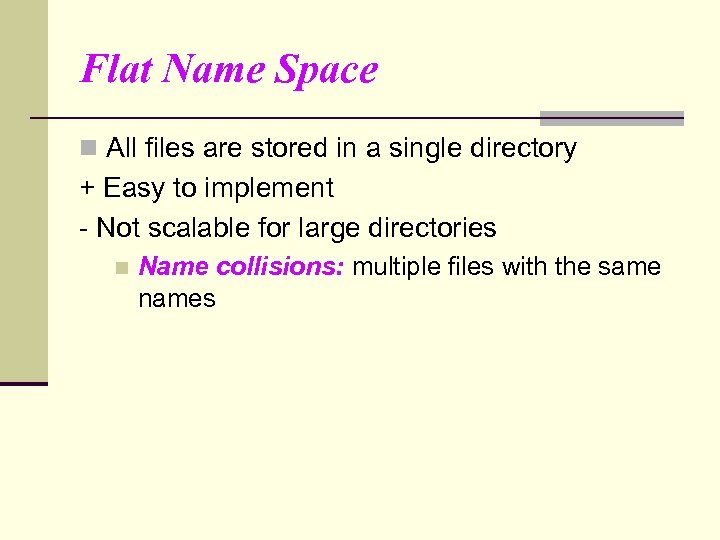 Flat Name Space n All files are stored in a single directory + Easy to implement - Not scalable for large directories n Name collisions: multiple files with the same names
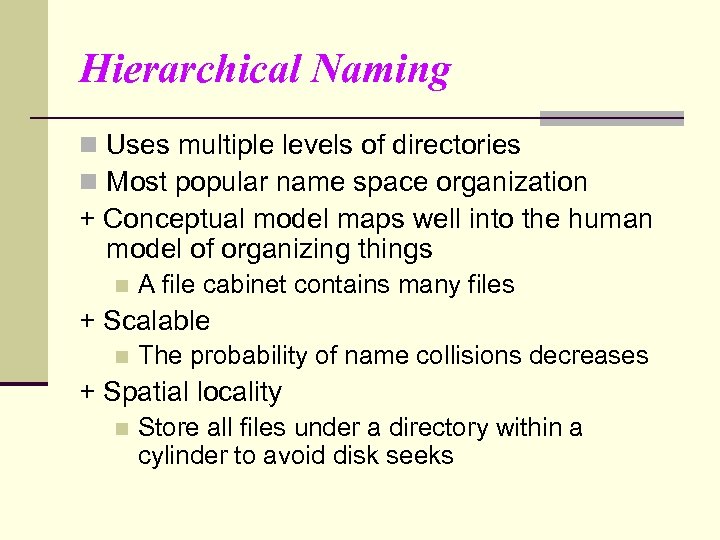 Hierarchical Naming n Uses multiple levels of directories n Most popular name space organization + Conceptual model maps well into the human model of organizing things n A file cabinet contains many files + Scalable n The probability of name collisions decreases + Spatial locality n Store all files under a directory within a cylinder to avoid disk seeks
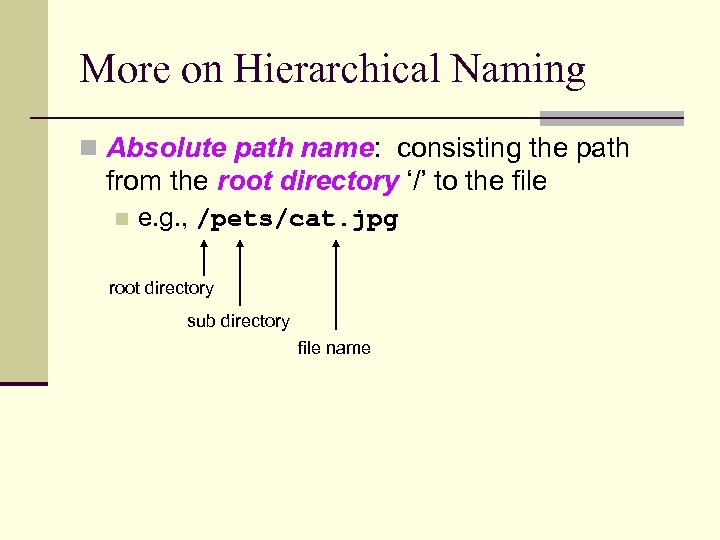 More on Hierarchical Naming n Absolute path name: consisting the path from the root directory ‘/’ to the file n e. g. , /pets/cat. jpg root directory sub directory file name
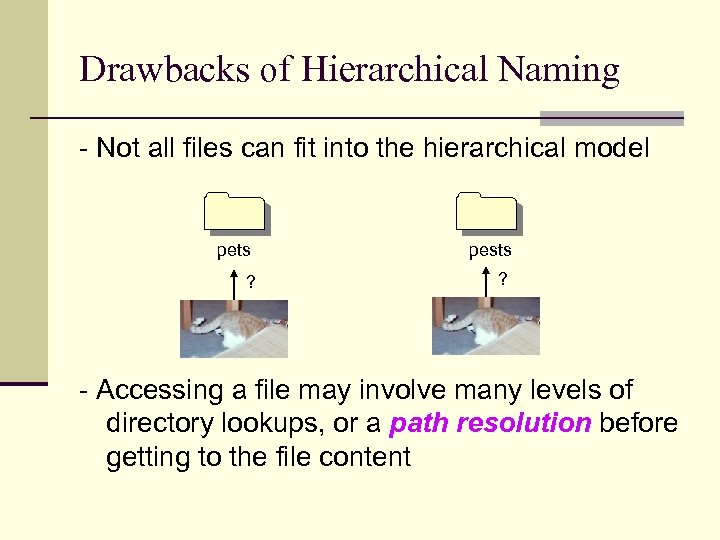 Drawbacks of Hierarchical Naming - Not all files can fit into the hierarchical model pets pests ? ? - Accessing a file may involve many levels of directory lookups, or a path resolution before getting to the file content
 An Example of Path Resolution n To access the data content of /pets/cat. jpg n The system needs to perform the following disk I/Os
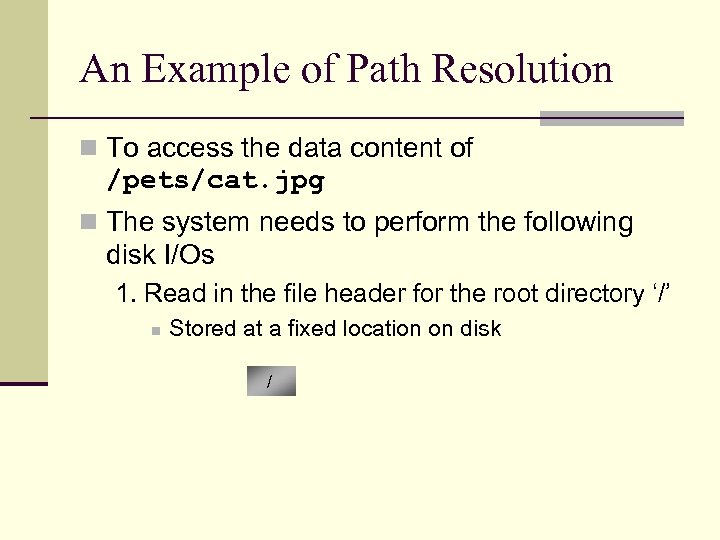 An Example of Path Resolution n To access the data content of /pets/cat. jpg n The system needs to perform the following disk I/Os 1. Read in the file header for the root directory ‘/’ n Stored at a fixed location on disk /
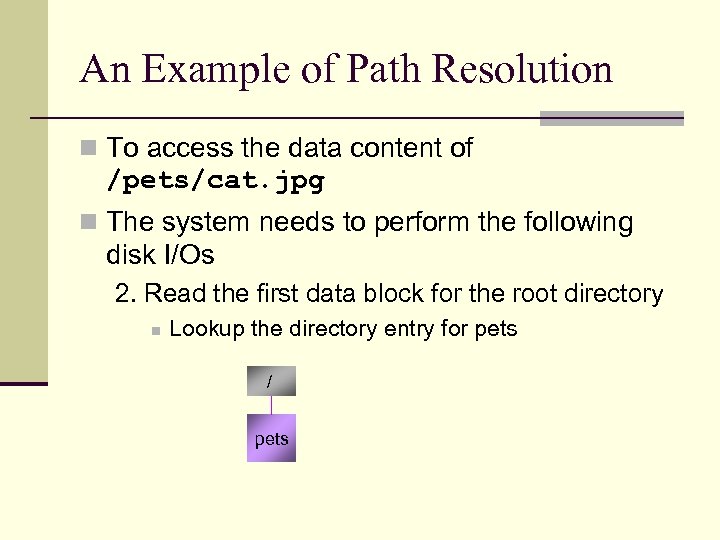 An Example of Path Resolution n To access the data content of /pets/cat. jpg n The system needs to perform the following disk I/Os 2. Read the first data block for the root directory n Lookup the directory entry for pets / pets
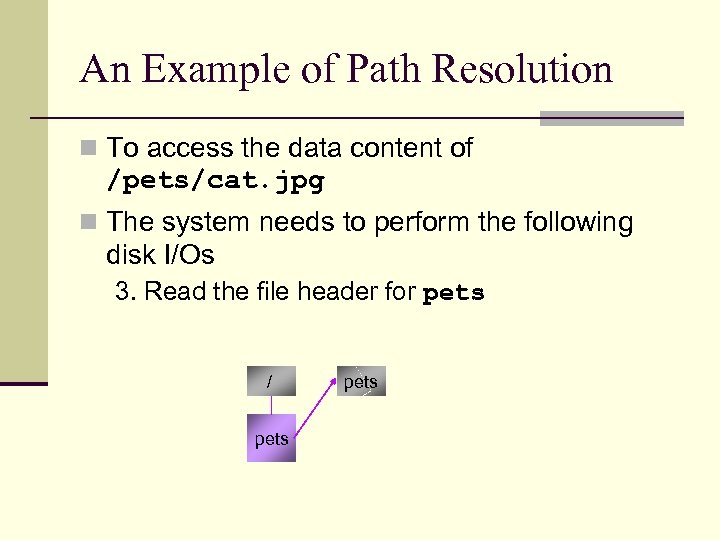 An Example of Path Resolution n To access the data content of /pets/cat. jpg n The system needs to perform the following disk I/Os 3. Read the file header for pets / pets
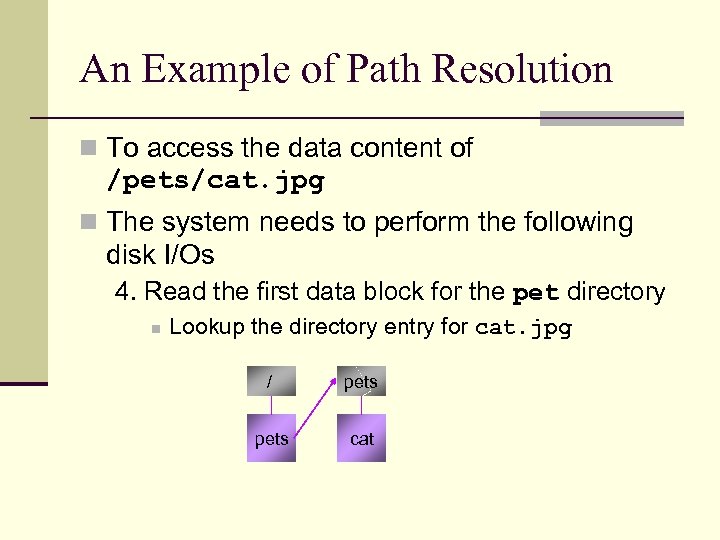 An Example of Path Resolution n To access the data content of /pets/cat. jpg n The system needs to perform the following disk I/Os 4. Read the first data block for the pet directory n Lookup the directory entry for cat. jpg / pets cat
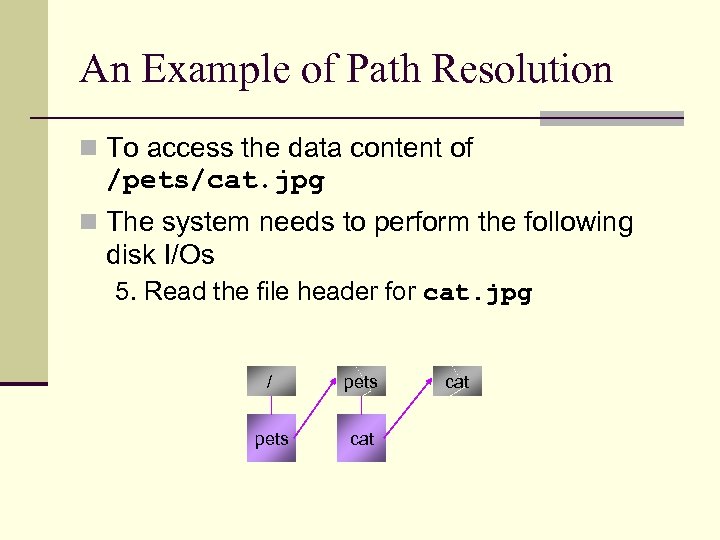 An Example of Path Resolution n To access the data content of /pets/cat. jpg n The system needs to perform the following disk I/Os 5. Read the file header for cat. jpg / pets cat
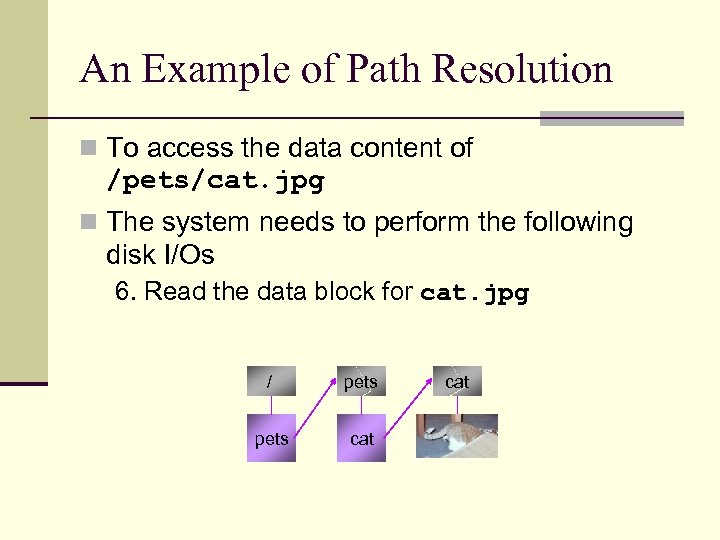 An Example of Path Resolution n To access the data content of /pets/cat. jpg n The system needs to perform the following disk I/Os 6. Read the data block for cat. jpg / pets cat
 Some Performance Optimizations… n Top-level directories are usually cached n A user inside a directory (e. g. , /pets) n Can issue relative path names (e. g. , cat. jpg) to refer files within the current directory
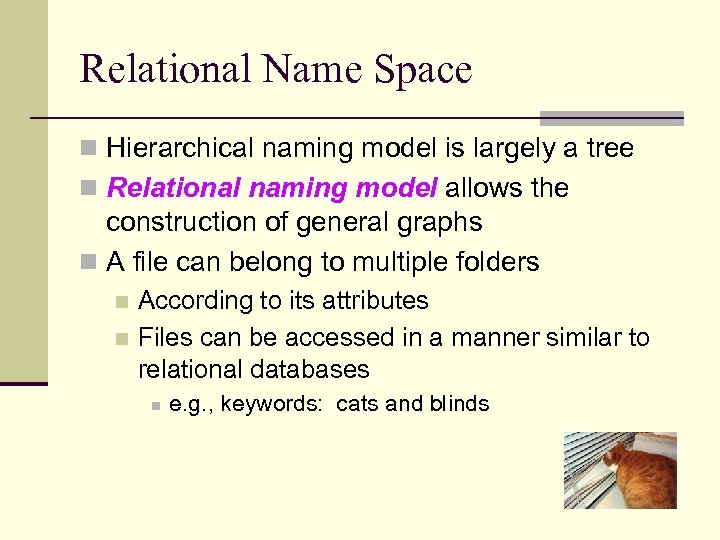 Relational Name Space n Hierarchical naming model is largely a tree n Relational naming model allows the construction of general graphs n A file can belong to multiple folders According to its attributes n Files can be accessed in a manner similar to relational databases n n e. g. , keywords: cats and blinds
 Pros/Cons of Relational Name Space + More flexible than hierarchical naming - May require a long list of attributes to name a single piece of data n e. g. , this lecture n Keywords: operating systems, file systems, naming, Power. Point XP - Who will create those attributes?
 Contextual Naming n Takes advantage of the observation that certain attributes can be added automatically n e. g. , when you try to open a file by Word, a system will search only the file types supported by Word (. doc, . txt, . html) + Avoids a long list of attributes - A user may not remember the file name
 Content-based Naming n Searches a file by its content instead of names n File contents are extracted automatically n e. g. , I want a photo of a cat taken five years ago n The system returns all files satisfying the criteria
 Content-based Naming - Requires advanced information processing techniques e. g. , image recognition n Many existing systems use manual indexing n Automated content-based naming is still an active area of research n
 Example: The “Internet File System” n Can be viewed as a worldwide file system n What is the naming scheme for the Internet file system?
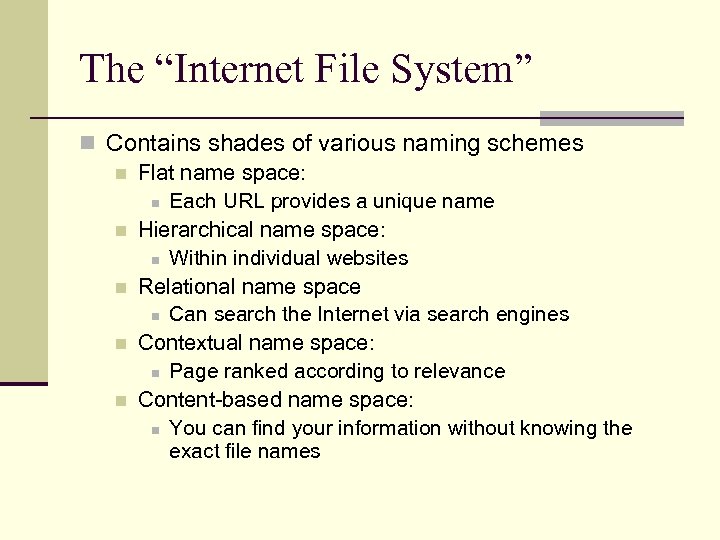 The “Internet File System” n Contains shades of various naming schemes n Flat name space: n Each URL provides a unique name n Hierarchical name space: n Within individual websites n Relational name space n Can search the Internet via search engines n Contextual name space: n Page ranked according to relevance n Content-based name space: n You can find your information without knowing the exact file names
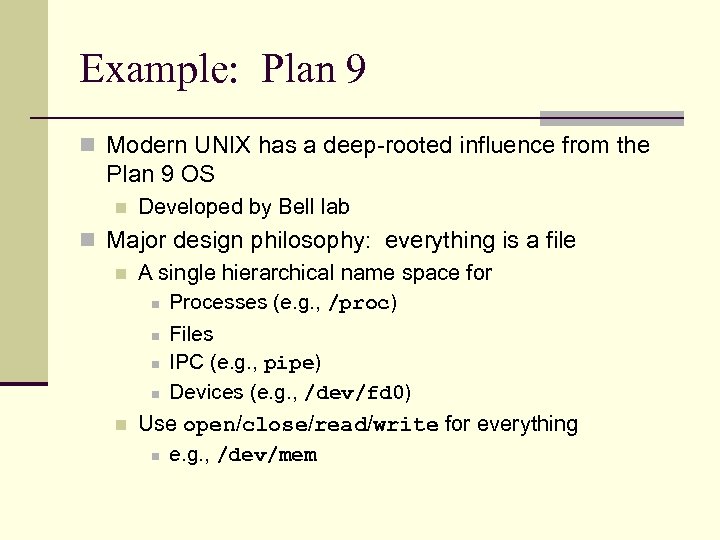 Example: Plan 9 n Modern UNIX has a deep-rooted influence from the Plan 9 OS n Developed by Bell lab n Major design philosophy: everything is a file n A single hierarchical name space for n Processes (e. g. , /proc) n Files n IPC (e. g. , pipe) n Devices (e. g. , /dev/fd 0) n Use open/close/read/write for everything n e. g. , /dev/mem