 Скачать презентацию N 305 C Programming 1 Objectives for
965d05e8b20d318c3b3c799dc49b02db.ppt
- Количество слайдов: 15



N 305 C Programming 1
Objectives for the Lab ä Learn problem solving strategies ä Achieve intermediate knowledge of C Programming Language ä Gain experience leveraging basic data structures ä Get an understanding of simple algorithms 2
Agenda ä Environment setup ä ä ä Login to Pegasus Email Introduction to UNIX ä ä UNIX files and directory structure Basic UNIX commands 3
Agenda ä How to use a text editor ä emacs editor -- basic commands ä Create and compiler your first C program! “Hello world” program ä Compile using “gcc” compiler ä Execute ä 4
Login to UNIX ä User Name ä Oncourse username ä Password ä Oncourse password 5
Login (Cont’d) UNIX is case-sensitive! ä The username and the password are in lower-case ä If you are NOT able to logon then: ä ä ä Contact a Lab Instructor or Course Instructor Once you login for the first time, the system will prompt you to change the password…create a new password and remember it 6
Introduction to UNIX ä UNIX is a multitasking operating system that manages the resources of a computer and provides a user interface. ä UNIX is case sensitive, which means, upper and lower case characters are treated as different characters. ä The UNIX machine for which you are given an account is: pegasus. cs. iupui. edu 7
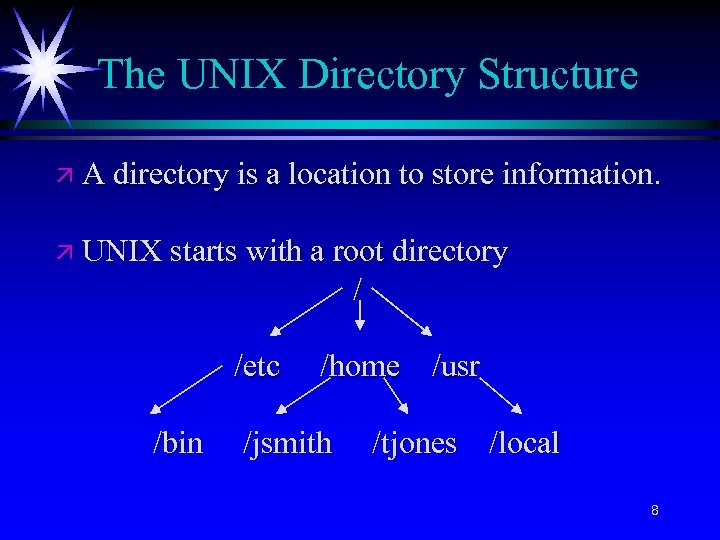
The UNIX Directory Structure ä A directory is a location to store information. ä UNIX starts with a root directory / /etc /bin /home /usr /jsmith /tjones /local 8
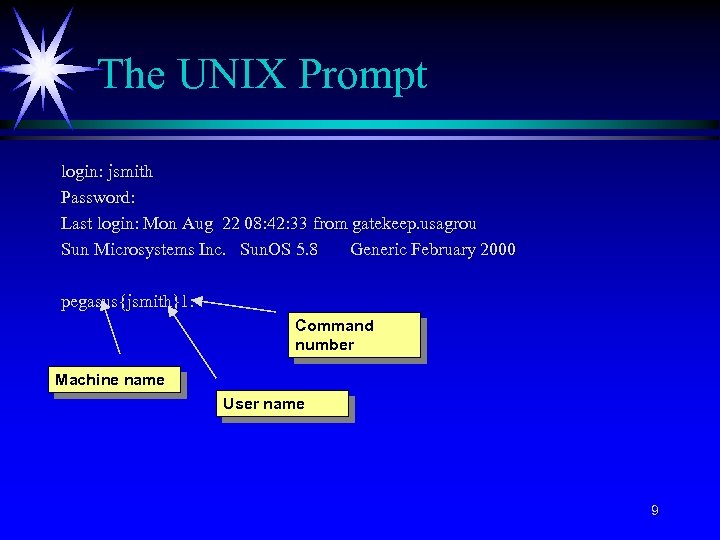
The UNIX Prompt login: jsmith Password: Last login: Mon Aug 22 08: 42: 33 from gatekeep. usagrou Sun Microsystems Inc. Sun. OS 5. 8 Generic February 2000 pegasus{jsmith}1: Command number Machine name User name 9
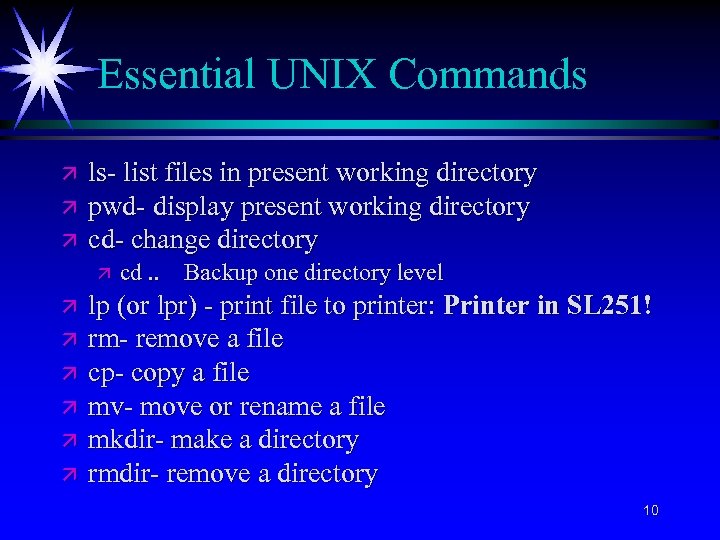
Essential UNIX Commands ä ä ä ls- list files in present working directory pwd- display present working directory cd- change directory ä ä ä ä cd. . Backup one directory level lp (or lpr) - print file to printer: Printer in SL 251! rm- remove a file cp- copy a file mv- move or rename a file mkdir- make a directory rmdir- remove a directory 10
Email ä All email correspondence should take place through Oncourse. 11
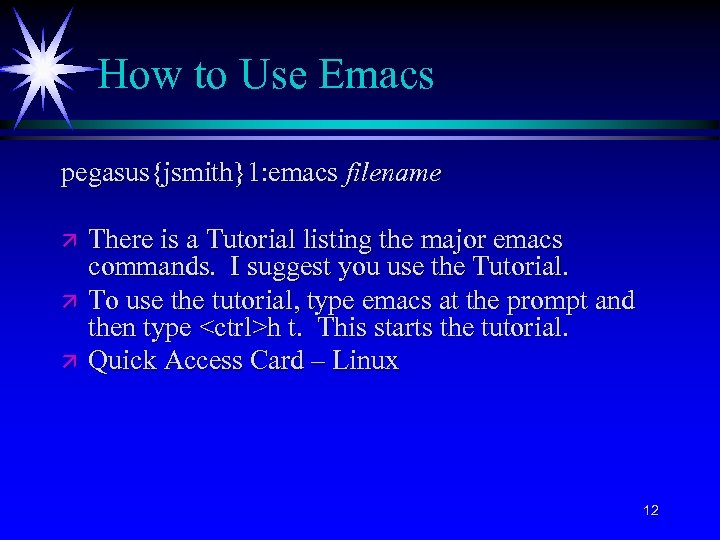
How to Use Emacs pegasus{jsmith}1: emacs filename ä ä ä There is a Tutorial listing the major emacs commands. I suggest you use the Tutorial. To use the tutorial, type emacs at the prompt and then type <ctrl>h t. This starts the tutorial. Quick Access Card – Linux 12
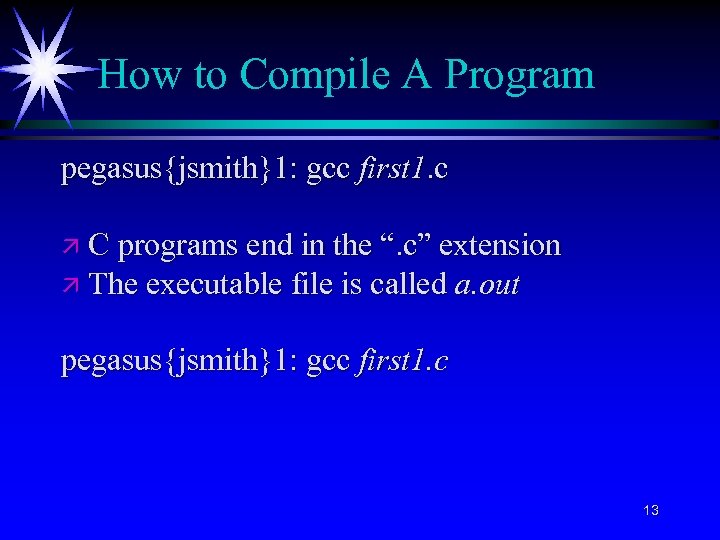
How to Compile A Program pegasus{jsmith}1: gcc first 1. c ä C programs end in the “. c” extension ä The executable file is called a. out pegasus{jsmith}1: gcc first 1. c 13
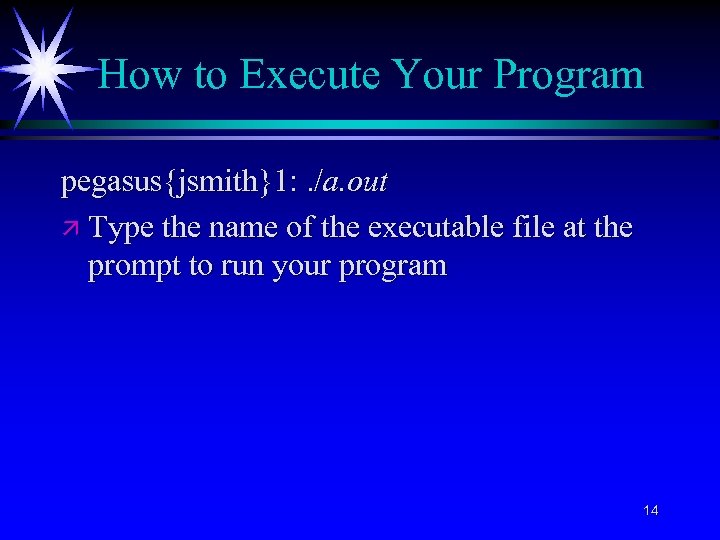
How to Execute Your Program pegasus{jsmith}1: . /a. out ä Type the name of the executable file at the prompt to run your program 14
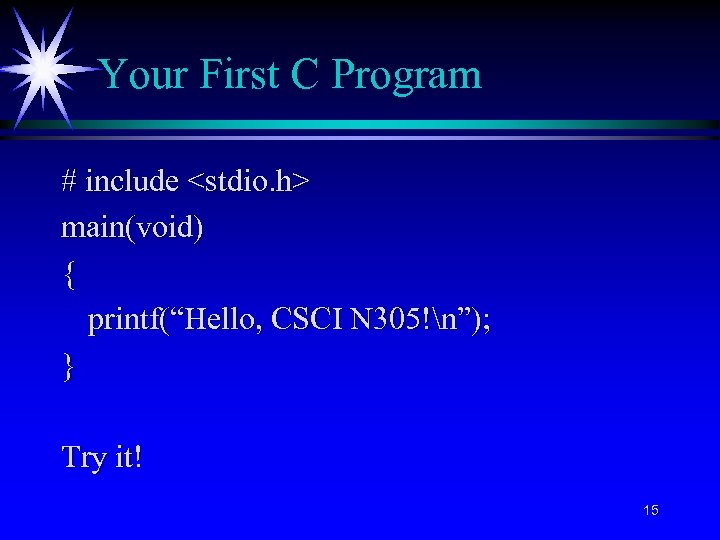
Your First C Program # include <stdio. h> main(void) { printf(“Hello, CSCI N 305!n”); } Try it! 15
Скачать презентацию N 305 C Programming 1 Objectives for
965d05e8b20d318c3b3c799dc49b02db.ppt