 Скачать презентацию N 11資訊人才培訓班 88 3 7 1 伺服器 Server
2142844dd70d9fd8d4bdca2413dbd40f.ppt
- Количество слайдов: 35




N 11資訊人才培訓班 88/3/7 1
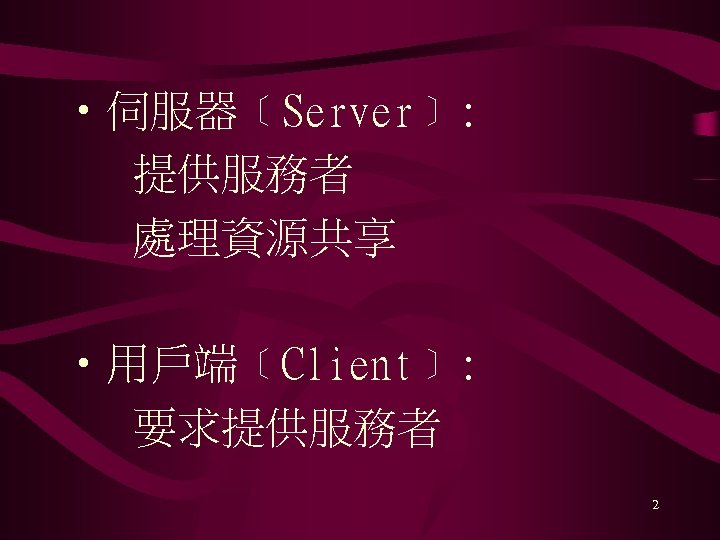
• 伺服器﹝Server﹞: 提供服務者 處理資源共享 • 用戶端﹝Client﹞: 要求提供服務者 2

• 例如一: 印表機共享 • 例如二: 分享硬碟 分享檔案 3

• 例如三: 使用者或用戶端透過瀏覽器 連結上WWW伺服器,請求提供 服務。 • 例如四: E-mail (pop 3 server and pop 3 client) 4
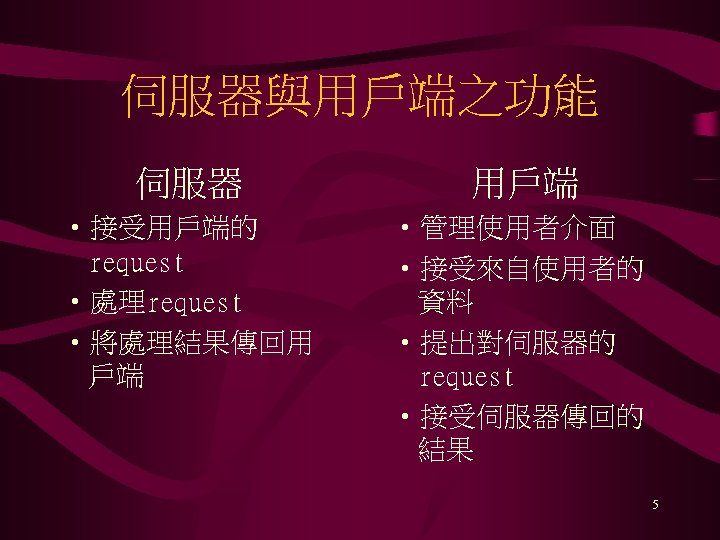
伺服器與用戶端之功能 伺服器 用戶端 • 接受用戶端的 request • 處理request • 將處理結果傳回用 戶端 • 管理使用者介面 • 接受來自使用者的 資料 • 提出對伺服器的 request • 接受伺服器傳回的 結果 5

• Font-end processing 用戶端處理的 作 • back-end processing 伺服器端處理的 作 6

• 用戶端軟體: 網路界面軟體、應用軟體及 各種運用網路資源的 具﹝Email, browser, news, ftp…﹞ 7

• 伺服器軟體: 網路界面軟體、經由網路對 用戶端提供的應用程式及各 種服務軟體 8

• 伺服器與用戶端的實體連接 方法之一是網路 • 網路傳輸需要 1. 網路卡及其驅動程式 2. 通訊協定 IPX/SPX, Net. BEUI, TCP/IP. . . 9

伺服器的要求 1. 穩定性 2. 效益性 3. 彈性 10
Windows 95的傳輸程式介面 1. Net. Bios界面 2. Windows Sockets介面 11
Windows 95作為網路伺服器 安裝File and Printer Sharing Service 1. 控制台 → 網路 12

Windows 95作為網路伺服器 2. 新增 13
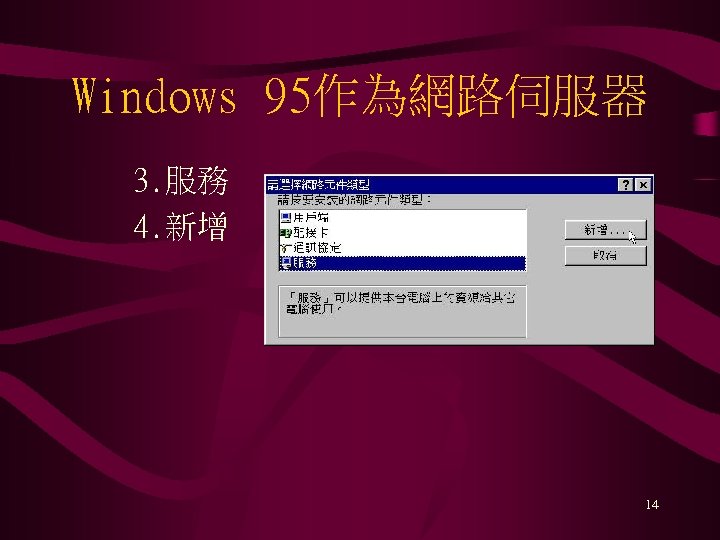
Windows 95作為網路伺服器 3. 服務 4. 新增 14
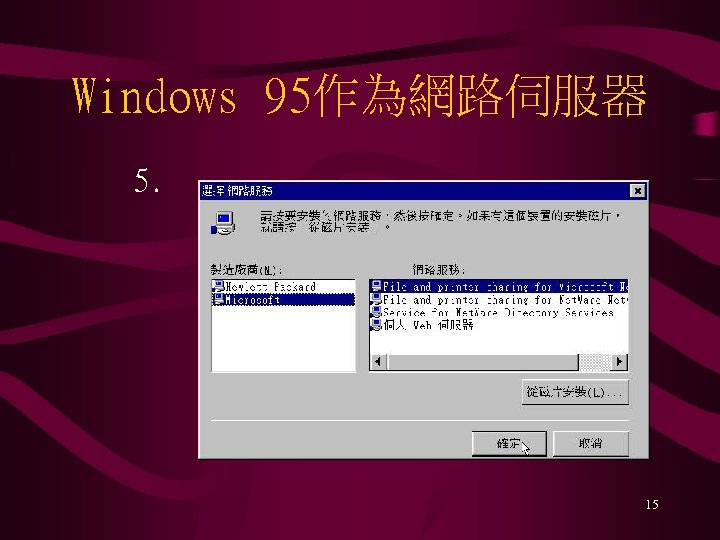
Windows 95作為網路伺服器 5. 15

Windows 95作為網路伺服器 6. 完成 16
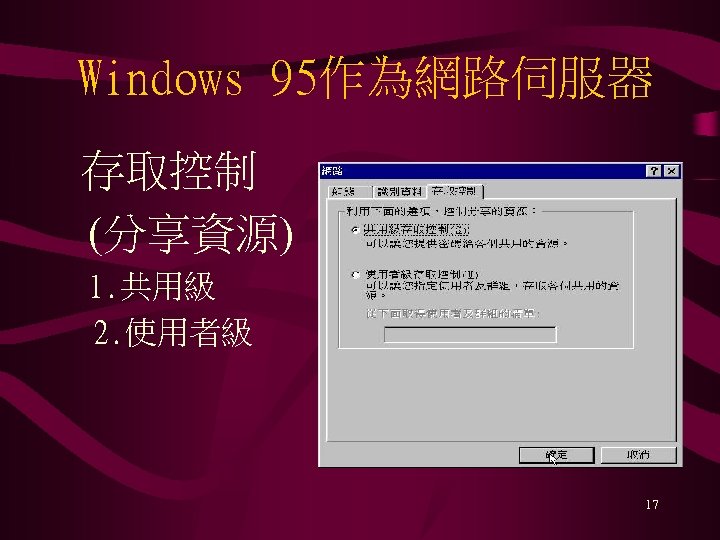
Windows 95作為網路伺服器 存取控制 (分享資源) 1. 共用級 2. 使用者級 17

Windows 95作為網路伺服器 共用級存取控制 1. File and Printer Sharing for Microsoft Networks預設存取模式 2. 分享出去的資源設定允許存取的密碼 18
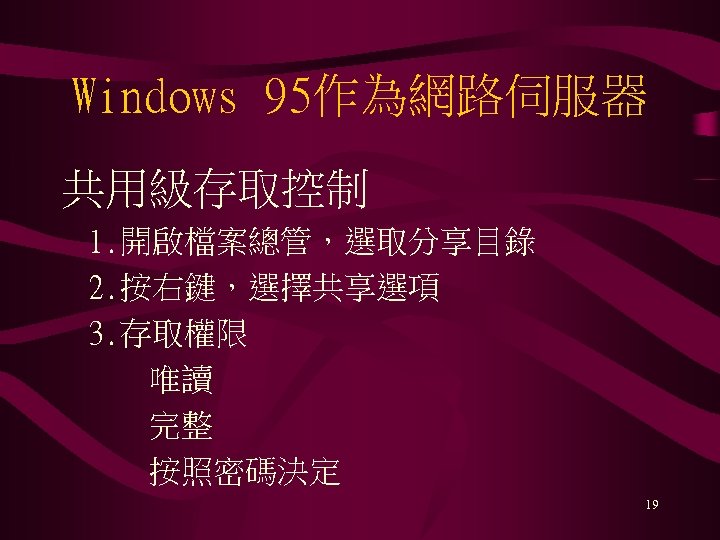
Windows 95作為網路伺服器 共用級存取控制 1. 開啟檔案總管,選取分享目錄 2. 按右鍵,選擇共享選項 3. 存取權限 唯讀 完整 按照密碼決定 19
Windows 95作為網路伺服器 使用者級存取控制 1. 必需靠伺服器保存使用者權限清單 2. 使用者登入時必需Pass-Through Authentication 20
Windows 95作為用戶端電腦 • Windows 95內附的32位元用戶 端軟體包括Microsoft Client for Windows Network與 Microsoft Client for Net. Ware Network 21

Windows 95作為用戶端電腦 安裝用戶端軟體 1. 控制台 → 網路 22

Windows 95作為用戶端電腦 2. 點取新增 23
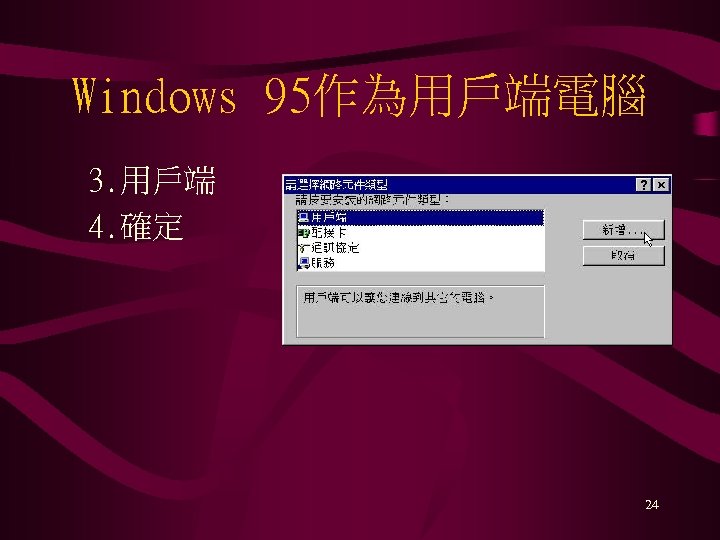
Windows 95作為用戶端電腦 3. 用戶端 4. 確定 24
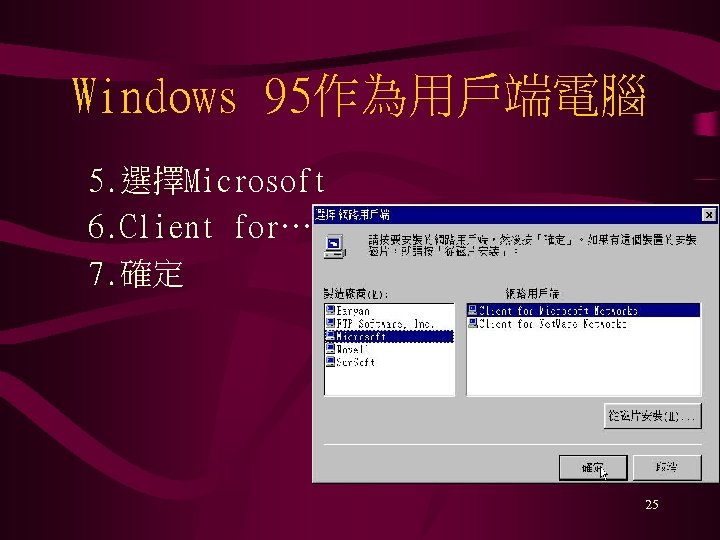
Windows 95作為用戶端電腦 5. 選擇Microsoft 6. Client for… 7. 確定 25
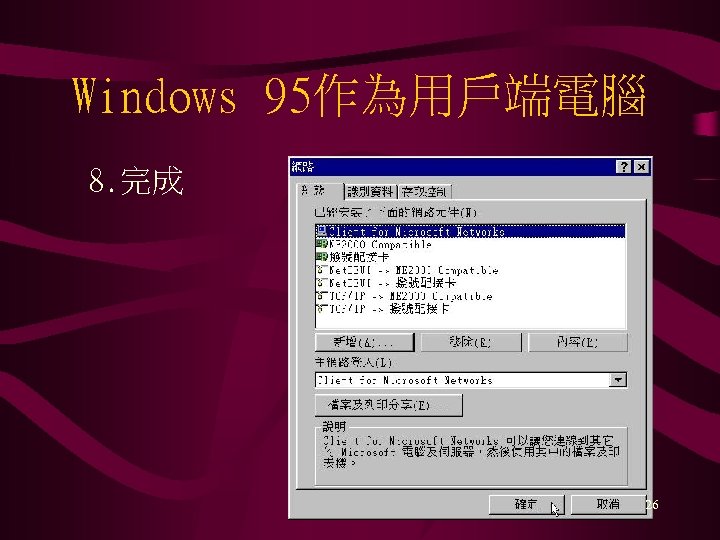
Windows 95作為用戶端電腦 8. 完成 26
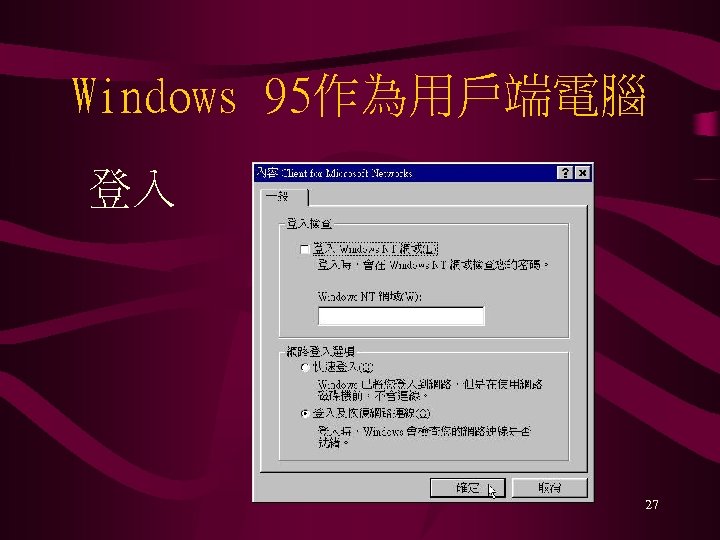
Windows 95作為用戶端電腦 登入 27

Windows 95如何分享資源 1. 開啟檔案總管,選取分享目錄 2. 按右鍵,選擇共享選項 3. 存取權限 唯讀 完整 按照密碼決定 28

Windows 95如何取得分享資源 1. 點取網路芳鄰 2. 點選分享資源的電腦及目錄 3. 或利用UNC設定連線網路磁碟機 29

Windows 95資源分享UNC • Universal Naming Convention \computernamesharename • 資源分享名稱加$ 30
UNIX: 常見伺服器 • DNS server • Mail server snmp pop 3 • web server • ftp server • NIS server 31

UNIX 指令簡介 • passed - change password • pwd - print the pathname of working directory • mkdir - create new directory • cd - change to another working directory • rm - remove file • cp - copy file(s) 32

UNIX:指令簡介 • mv • more • ls • pico • ps • grep • kill rename a file - browse a file list the contents of a directory - editor display process status - search for a pattern in files - send a signal to a proecss 33

UNIX: Web Server • 安裝www server 軟體 • 修改httpd. conf (附件一; 附件二) • 啟動httpd (/where/httpd -r /where/httpd. conf -p portnumber) 34

UNIX: Web Client • 安裝www用戶端軟體 網路軟體,瀏覽器. . . • URL http: //Web. Server: portnumber/ 35
Скачать презентацию N 11資訊人才培訓班 88 3 7 1 伺服器 Server
2142844dd70d9fd8d4bdca2413dbd40f.ppt