


 Скачать презентацию my SAP com What exactly is it
424fea15dd39464023cbb3c741217bef.ppt
- Количество слайдов: 33
 my. SAP. com
 What exactly is it? • It comprises many software components and services from SAP and its partners, all aimed at enabling companies to do business over the Web.
 Software Applications carrying My. Sap. com Logo • • • SAP R/3 ERP Application SAP CRM Application Supply Chain Management Application Business Intelligence Application My. Sap. com Marketplace My. Sap. com Workplace
 EAIs • Example (Haht Software) - an interface to procurement systems - connects with vendors through XML - used to link with multiple exchanges or buyers
 My. Sap. com Marketplace • Currently a B 2 B trading exchange for general business supplies • More exchanges to carry the same logo - petroleum and pharmaceuticals exchange jointly owned and run with Henkel, BASF, Degussa • A packaged software for companies that want to run their own marketplaces
 More My. Sap. com • Hosted applications available through 7 application service providers are also dubbed my. Sap. com
 So, what is it? • An Integrated Business to Business Architecture • 3 ways to implement it: -as an application that customers buy/install - as a dedicated application, run and hosted by Sap - as a shared B 2 B portal developed by SAP and any number of partners in a given field
 Technology Behind my. Sap. com • Open and secure integration of technologies across multiple applications – Compliance with open systems computing standards – Open protocols and communication middleware standards – Open and flexible platform strategy
 my. Sap. com • C-commerce – business to business collaboration – inter-enterprise integration – dynamic and collaborative Web applications – next generation of Web application servers
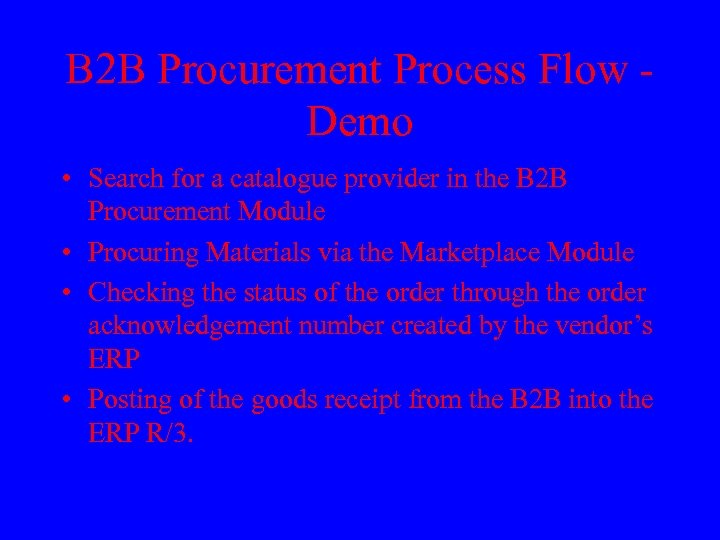 B 2 B Procurement Process Flow Demo • Search for a catalogue provider in the B 2 B Procurement Module • Procuring Materials via the Marketplace Module • Checking the status of the order through the order acknowledgement number created by the vendor’s ERP • Posting of the goods receipt from the B 2 B into the ERP R/3.
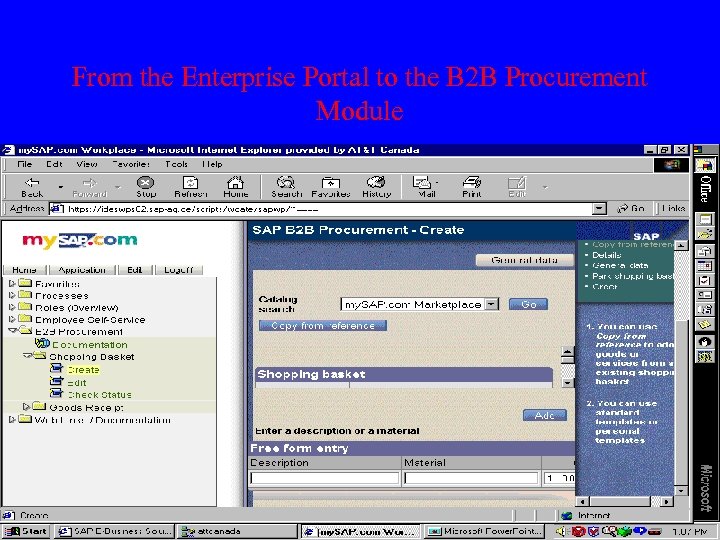 From the Enterprise Portal to the B 2 B Procurement Module
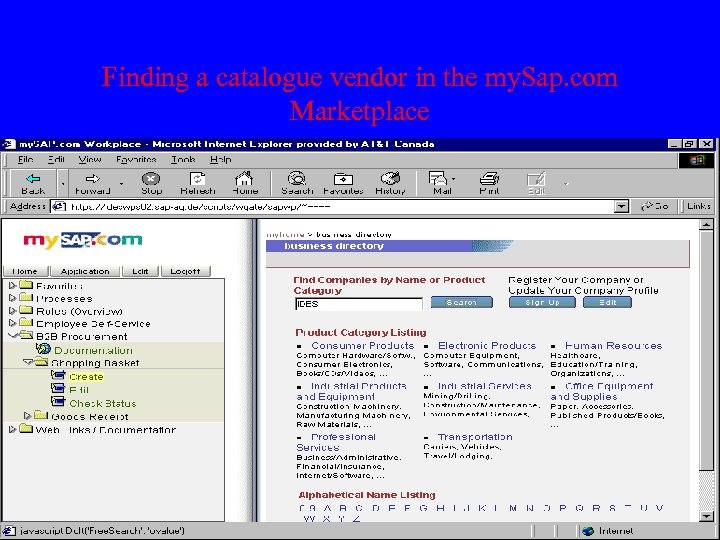 Finding a catalogue vendor in the my. Sap. com Marketplace
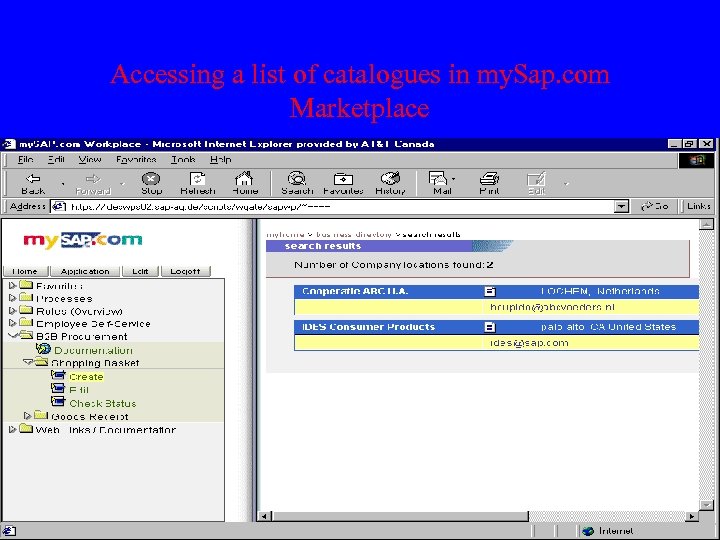 Accessing a list of catalogues in my. Sap. com Marketplace
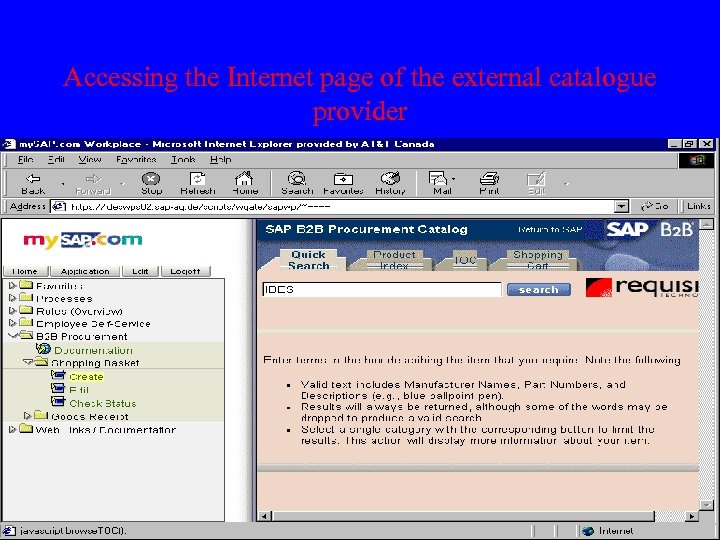 Accessing the Internet page of the external catalogue provider
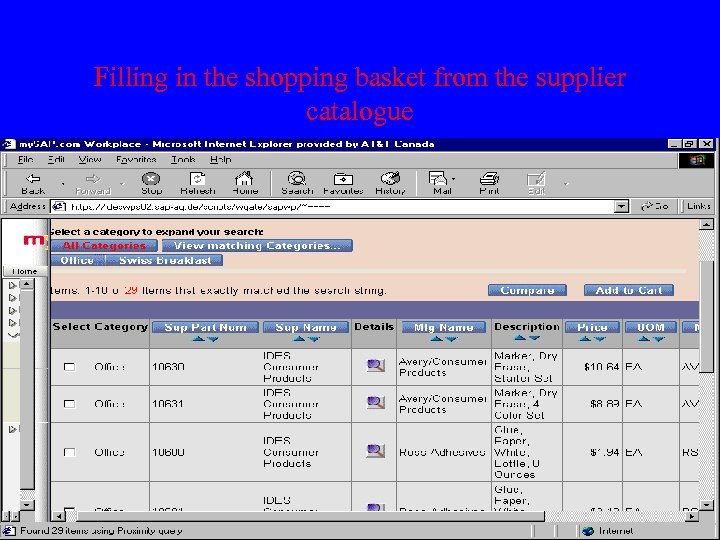 Filling in the shopping basket from the supplier catalogue
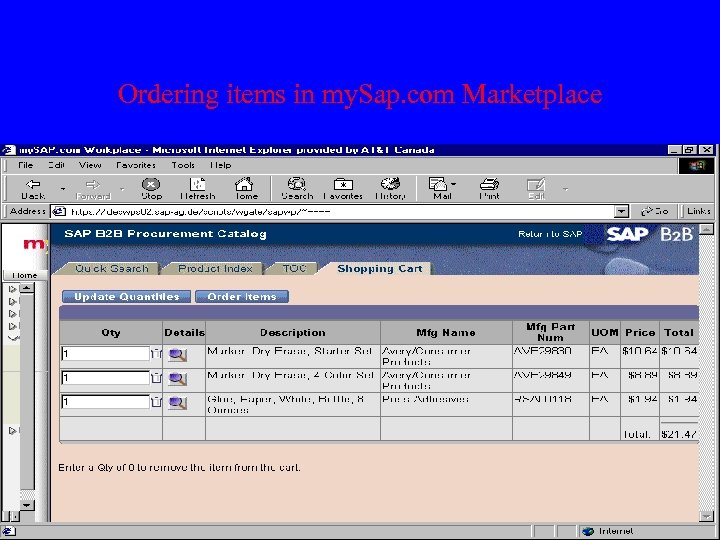 Ordering items in my. Sap. com Marketplace
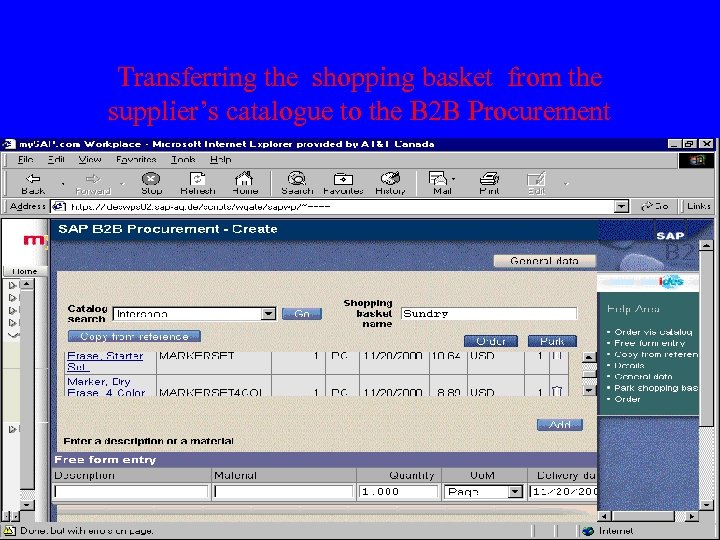 Transferring the shopping basket from the supplier’s catalogue to the B 2 B Procurement
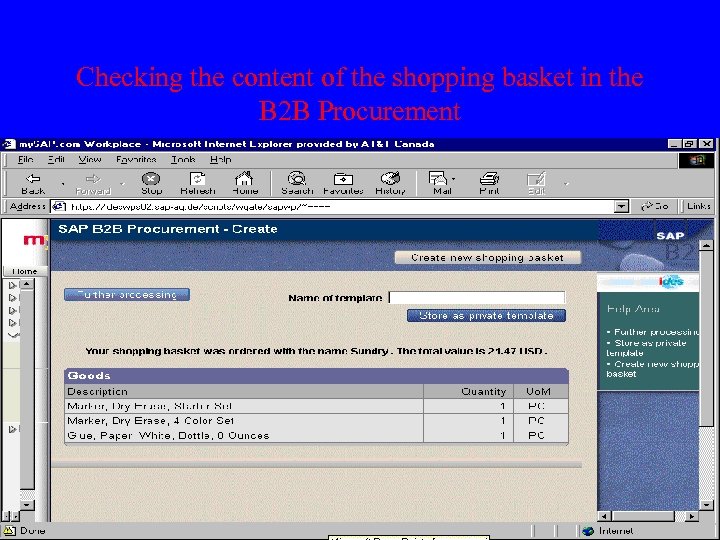 Checking the content of the shopping basket in the B 2 B Procurement
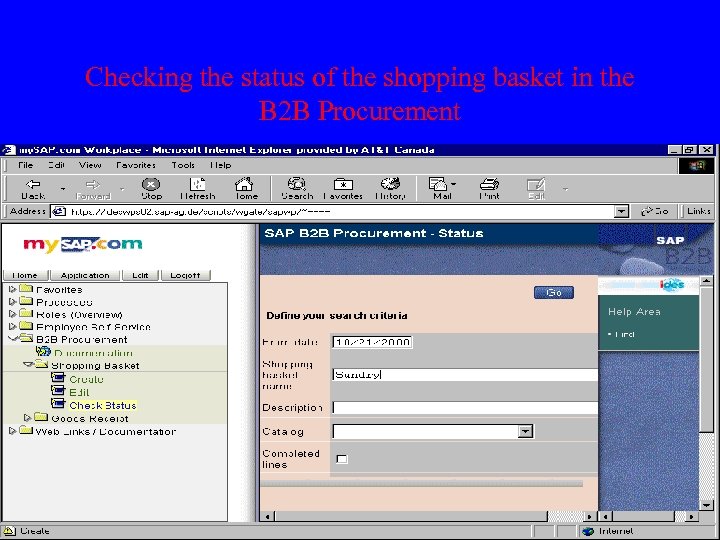 Checking the status of the shopping basket in the B 2 B Procurement
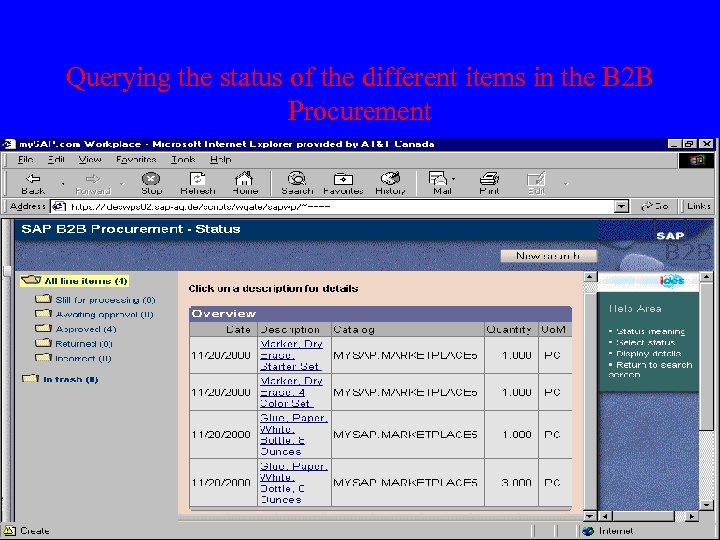 Querying the status of the different items in the B 2 B Procurement
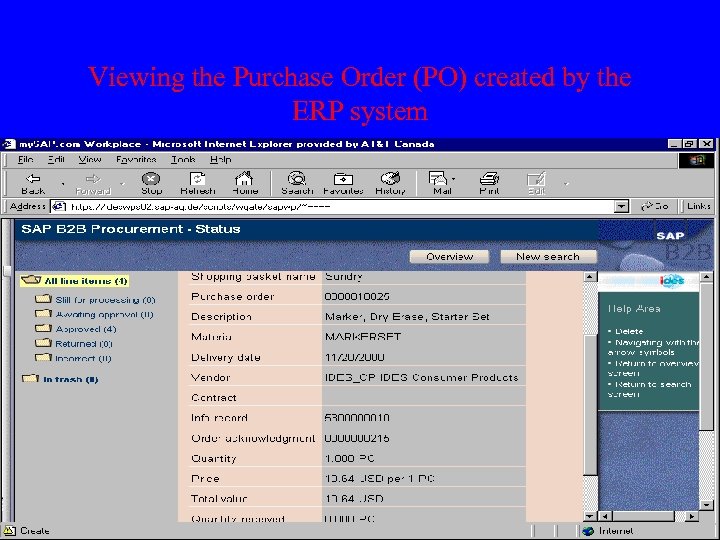 Viewing the Purchase Order (PO) created by the ERP system
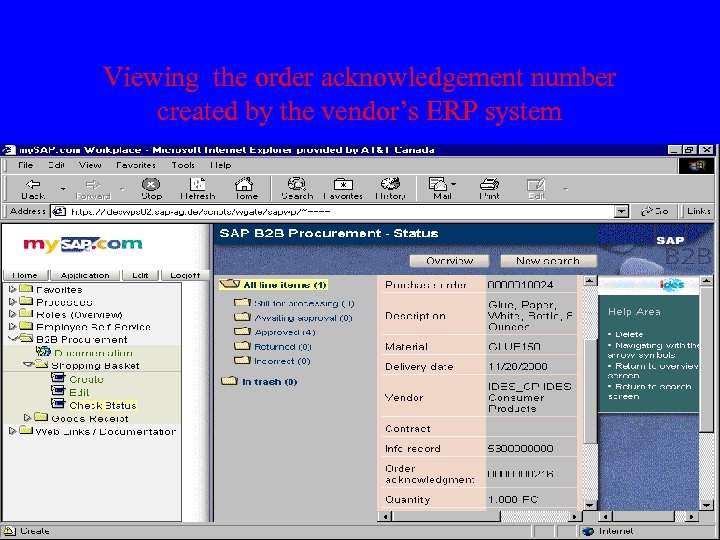 Viewing the order acknowledgement number created by the vendor’s ERP system
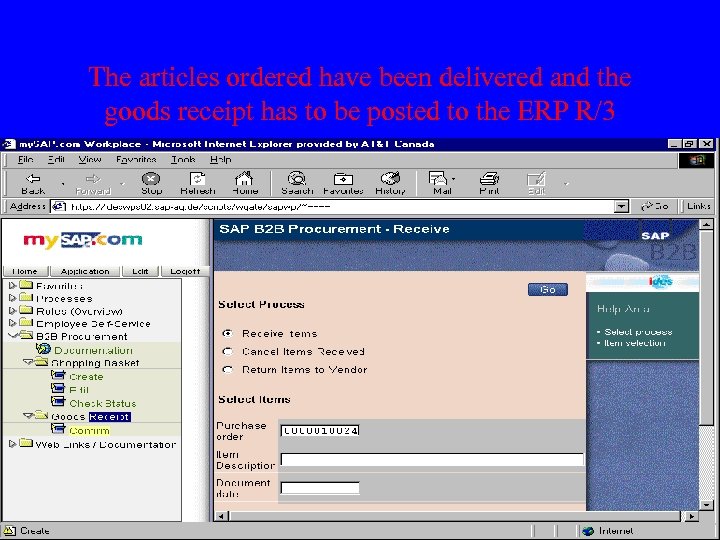 The articles ordered have been delivered and the goods receipt has to be posted to the ERP R/3
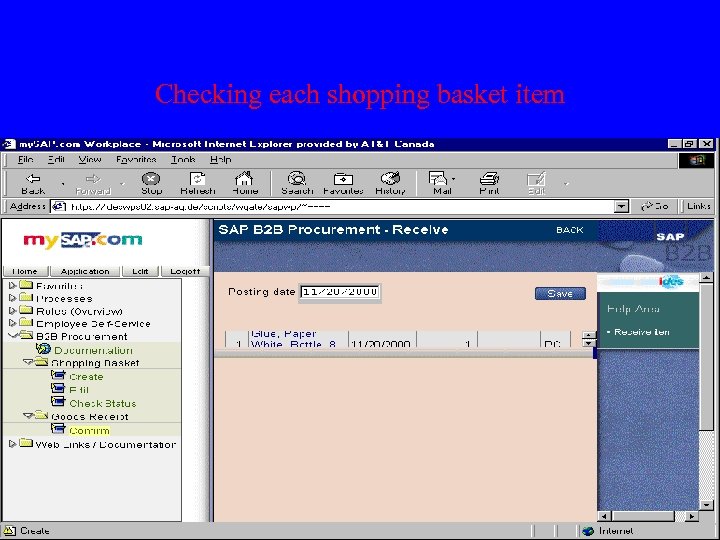 Checking each shopping basket item
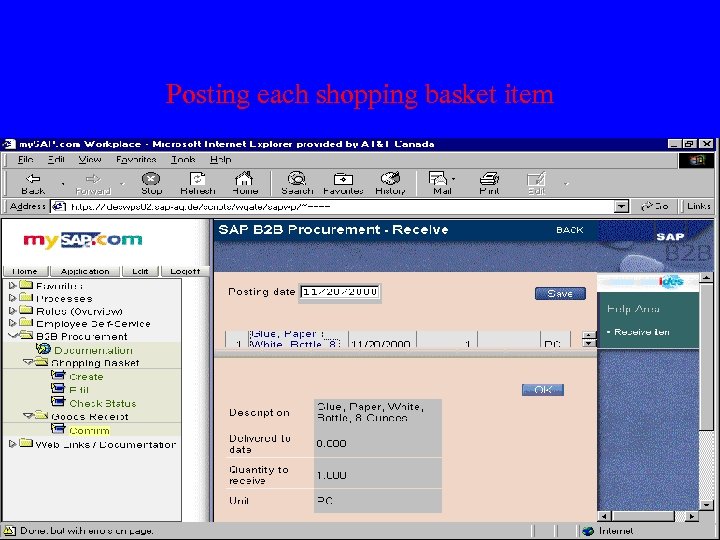 Posting each shopping basket item
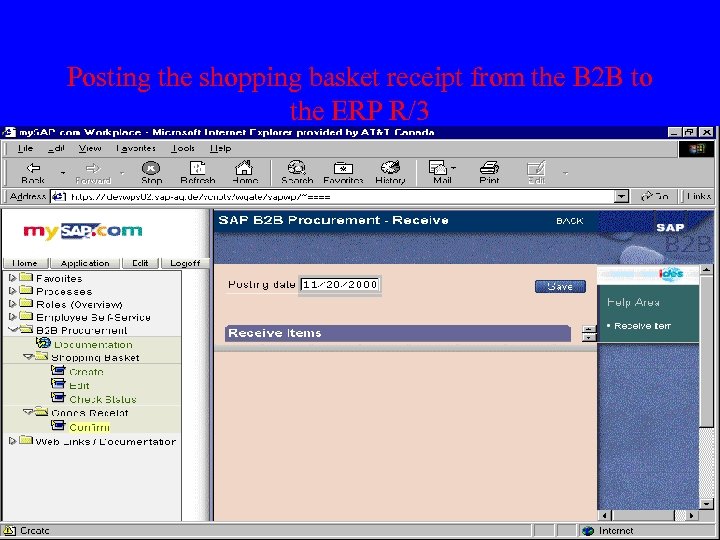 Posting the shopping basket receipt from the B 2 B to the ERP R/3
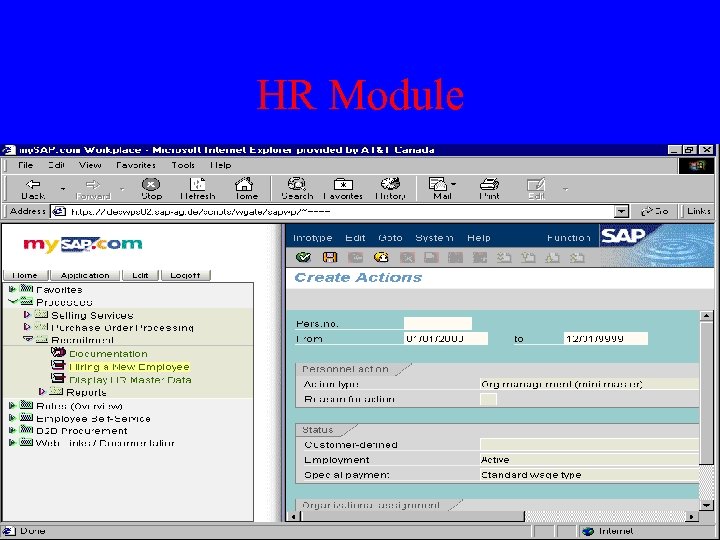 HR Module
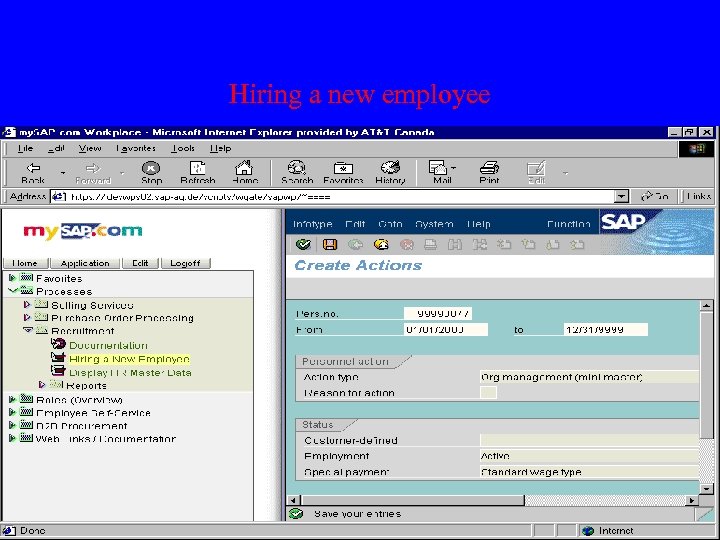 Hiring a new employee
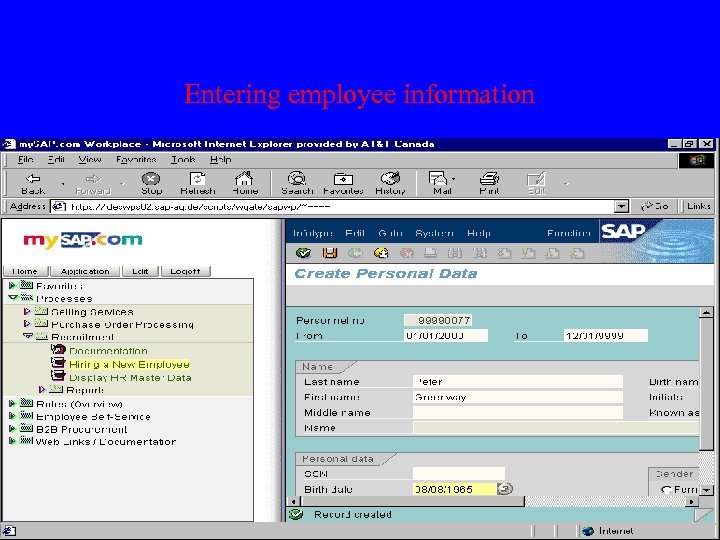 Entering employee information
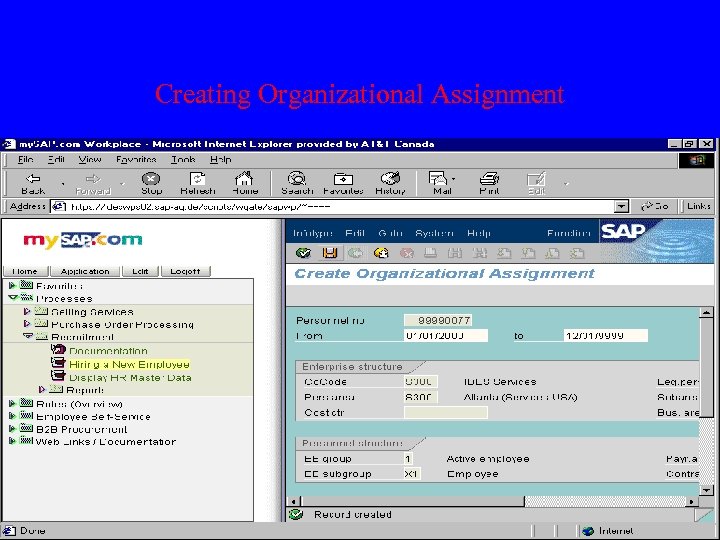 Creating Organizational Assignment
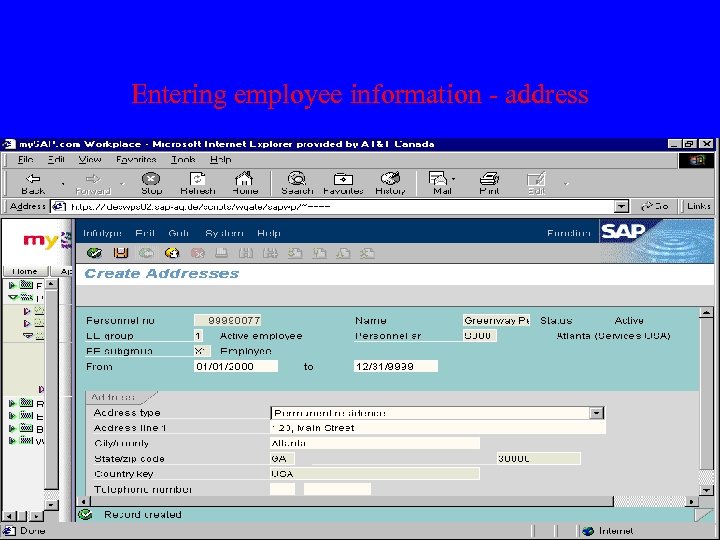 Entering employee information - address
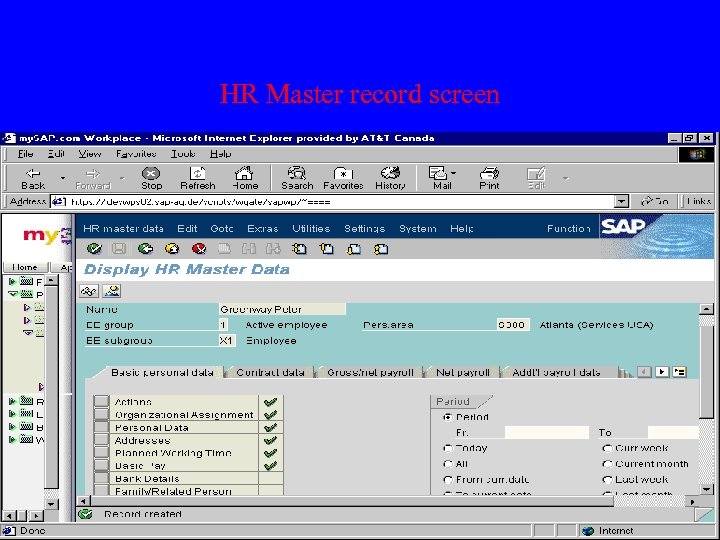 HR Master record screen
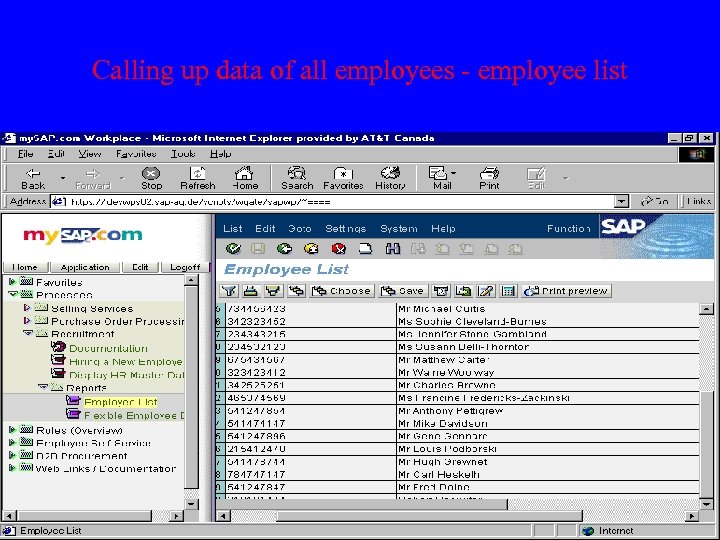 Calling up data of all employees - employee list