 Скачать презентацию My Life Bits Realizing the Memex Vision Santa
80cdf80c3b5df29fa0c324bc72cd5a93.ppt
- Количество слайдов: 61



My. Life. Bits: Realizing the Memex Vision Santa Clara University 13 May 2004 Gordon Bell, Jim Gemmell & Roger Lueder www. My. Life. Bits. com www. research. microsoft. com/~gbell 1
Mylifebits collage 2
Outline … My. Life. Bits Background…fulfilling the Memex vision l Cyberizing everything l File to database transition l Use…beyond search l Working with Media Center for home use l Long-term agenda and outlook l l Archiving persons and things. 3
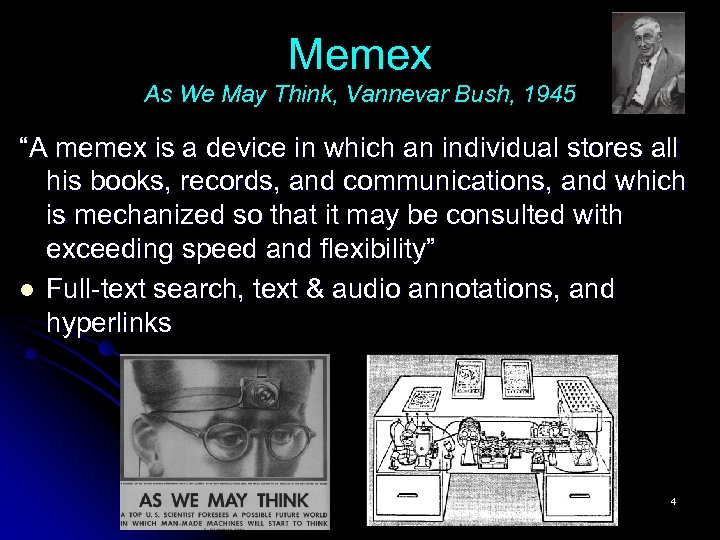
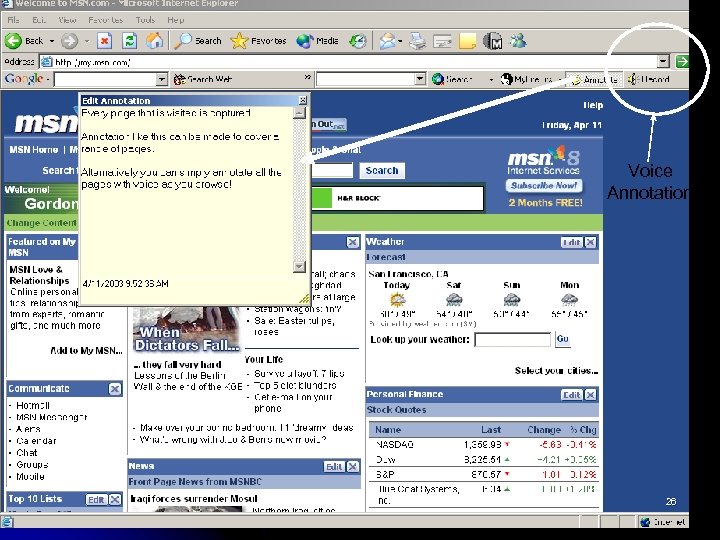
Memex As We May Think, Vannevar Bush, 1945 “A memex is a device in which an individual stores all his books, records, and communications, and which is mechanized so that it may be consulted with exceeding speed and flexibility” l Full-text search, text & audio annotations, and hyperlinks 4
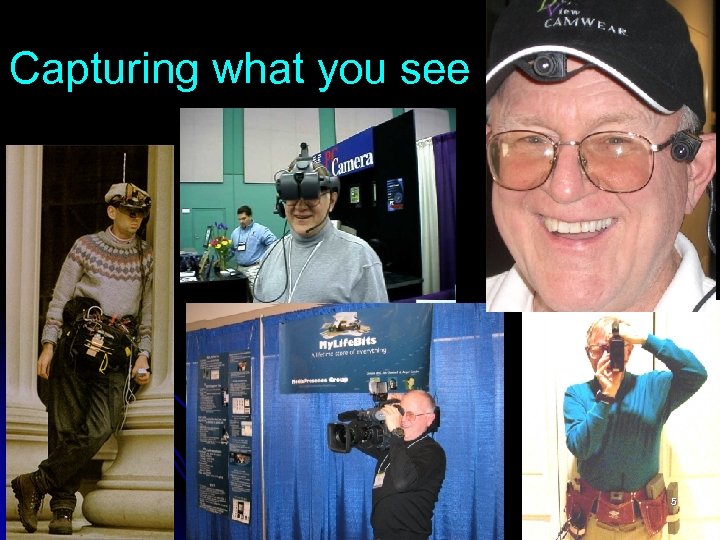
Capturing what you see 5
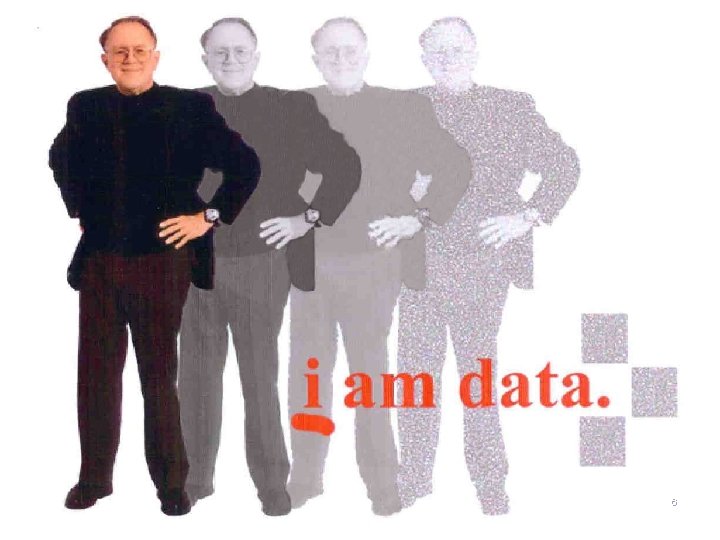
I am data 6
The guinea pig l l Gordon Bell is digitizing his life Has now scanned virtually all: l l l l l Books written (and read when possible) Personal documents (correspondence including memos and email, bills, legal documents, papers written, …) Photos Posters, paintings, photo of things (artifacts, …medals, plaques) Home movies and videos CD collection And, of course, all PC files Now recording: phone, radio, TV (movies), web pages… conversations and meetings to come Paperless throughout 2002. 12” scanned, 12’ discarded. Only 30 GB!!! 7
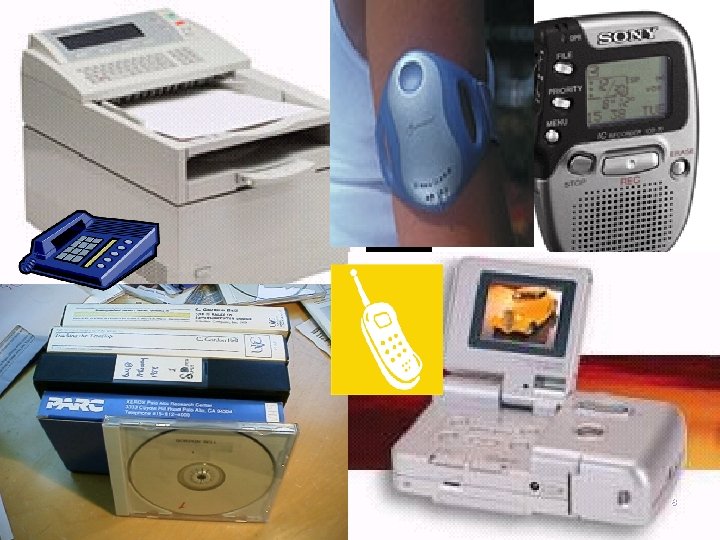
Capture and encoding 8
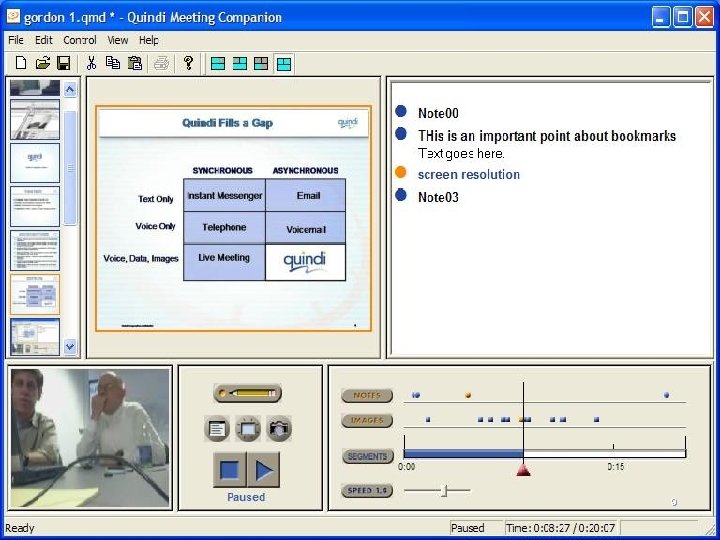
Quindi conference capture 9
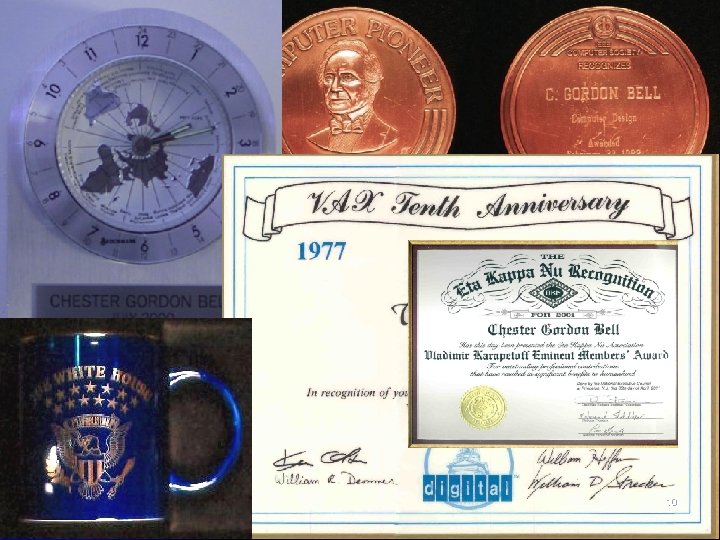
I mean everything 10
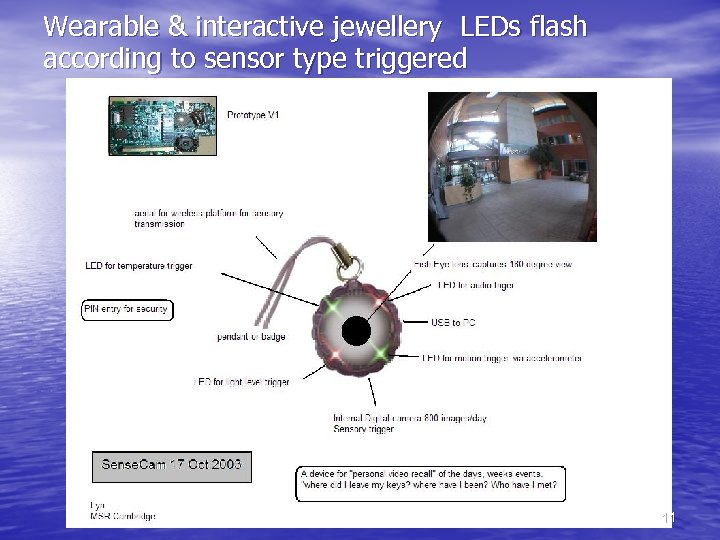
Wearable & interactive jewellery LEDs flash according to sensor type triggered 11
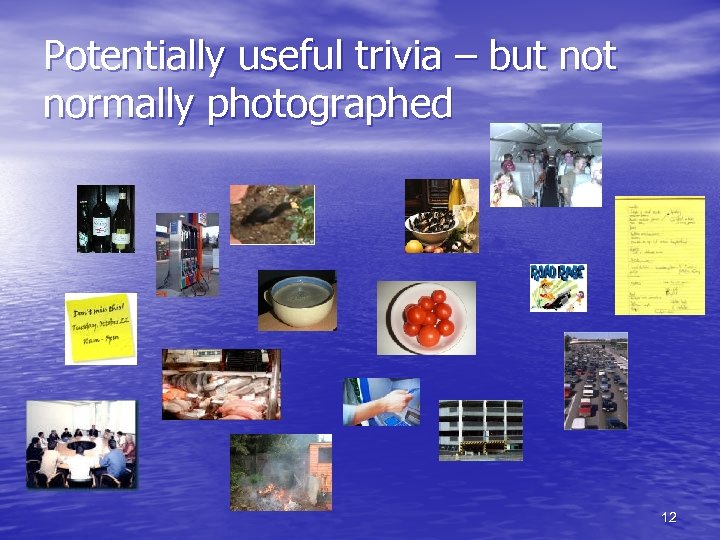
Potentially useful trivia – but normally photographed 12
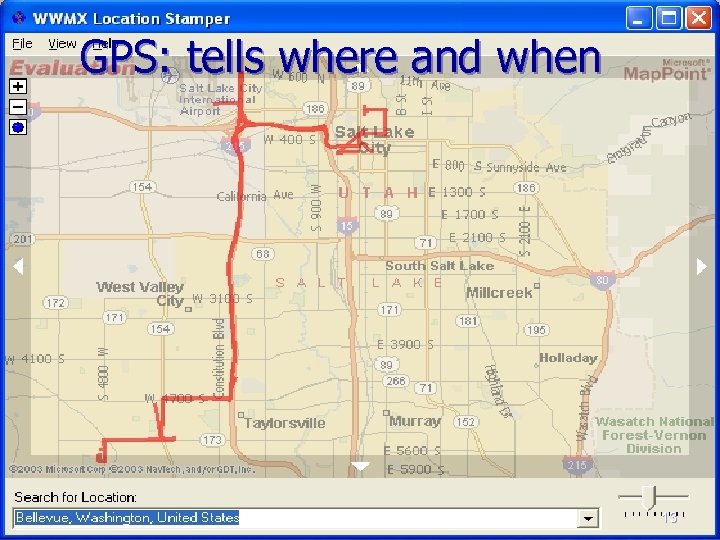
GPS: tells where and when 13
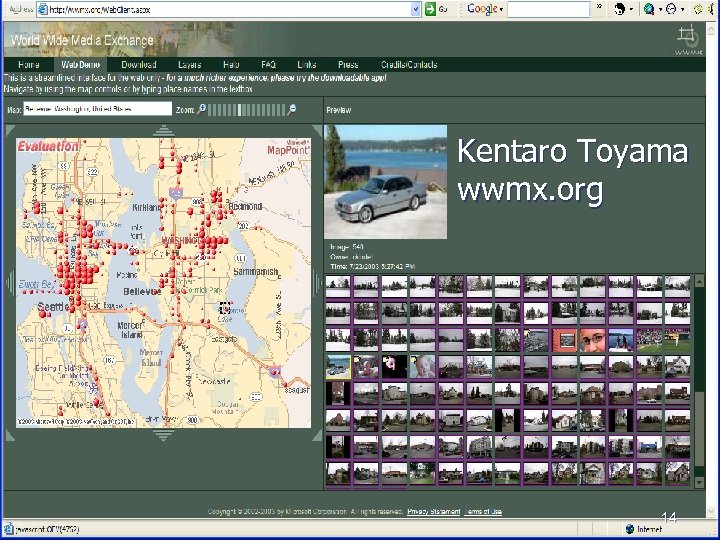
Kentaro Toyama wwmx. org 14
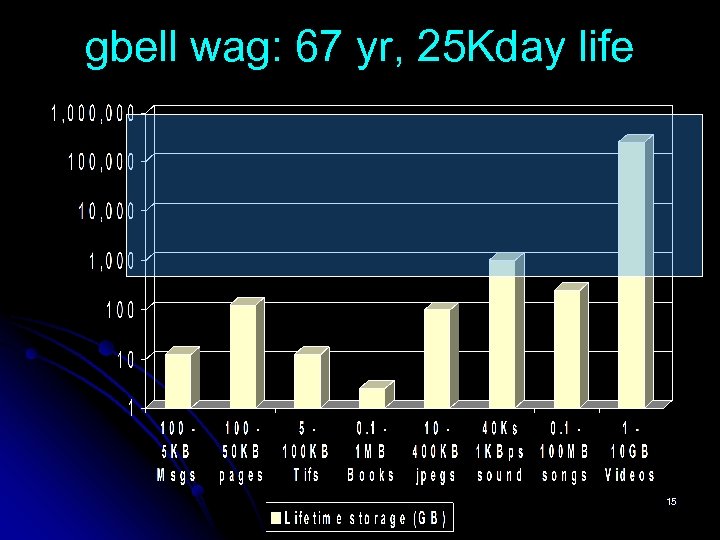
gbell wag: 67 yr, 25 Kday life 15
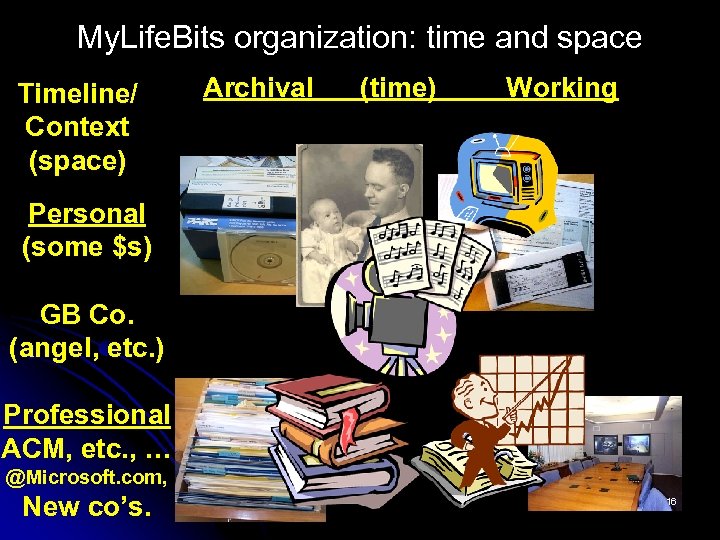
My. Life. Bits organization: time and space Timeline/ Context (space) Archival (time) Working Personal (some $s) GB Co. (angel, etc. ) Professional ACM, etc. , … @Microsoft. com, New co’s. 16
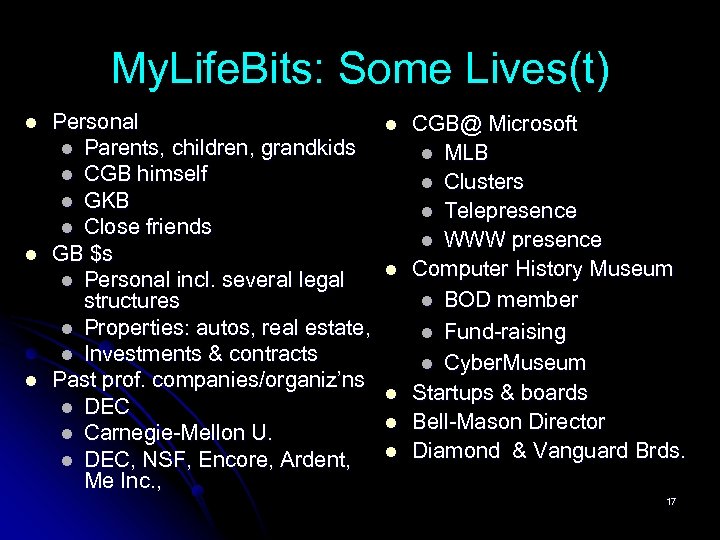
My. Life. Bits: Some Lives(t) l l l Personal l Parents, children, grandkids l CGB himself l GKB l Close friends GB $s l Personal incl. several legal structures l Properties: autos, real estate, l Investments & contracts Past prof. companies/organiz’ns l DEC l Carnegie-Mellon U. l DEC, NSF, Encore, Ardent, Me Inc. , l l l CGB@ Microsoft l MLB l Clusters l Telepresence l WWW presence Computer History Museum l BOD member l Fund-raising l Cyber. Museum Startups & boards Bell-Mason Director Diamond & Vanguard Brds. 17
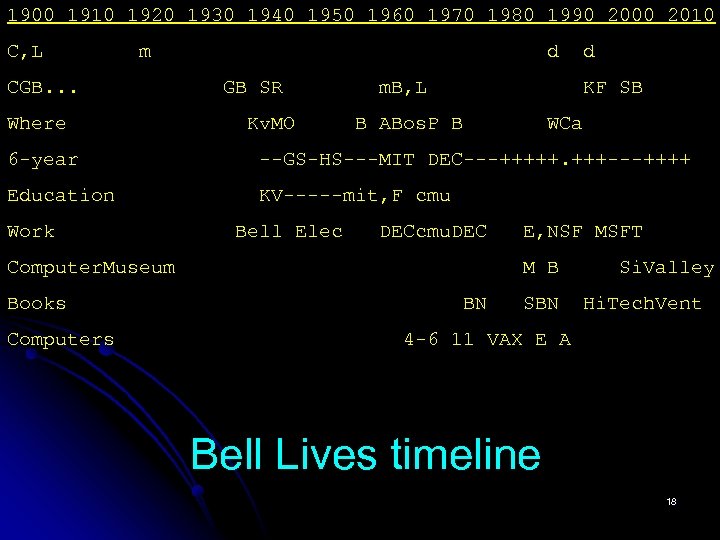
1900 1910 1920 1930 1940 1950 1960 1970 1980 1990 2000 2010 C, L m CGB. . . Where d GB SR Kv. MO m. B, L d KF SB B ABos. P B WCa 6 -year --GS-HS---MIT DEC---+++++. +++---++++ Education KV-----mit, F cmu Work Bell Elec DECcmu. DEC Computer. Museum Books Computers E, NSF MSFT M B BN Si. Valley Hi. Tech. Vent 4 -6 11 VAX E A Bell Lives timeline 18
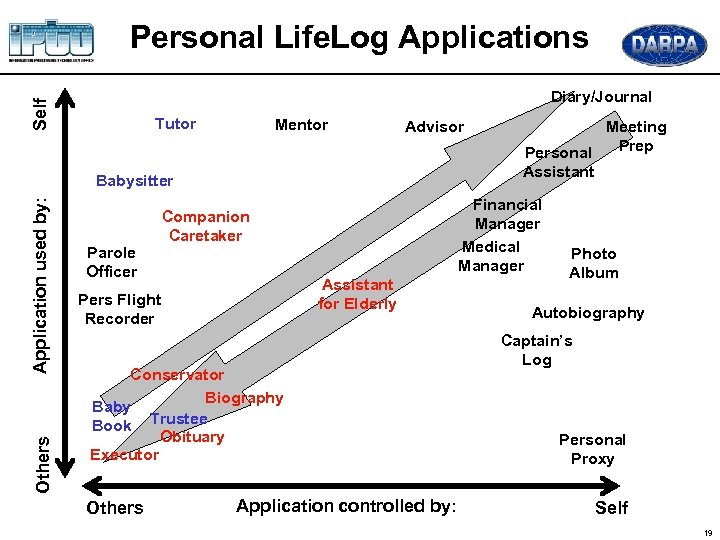
Personal Life. Log Applications Self Diary/Journal Tutor Mentor Advisor Others Application used by: Babysitter Parole Officer Financial Manager Medical Manager Companion Caretaker Assistant for Elderly Pers Flight Recorder Conservator Biography Baby Book Trustee Obituary Executor Others Meeting Prep Personal Assistant Application controlled by: Photo Album Autobiography Captain’s Log Personal Proxy Self 19
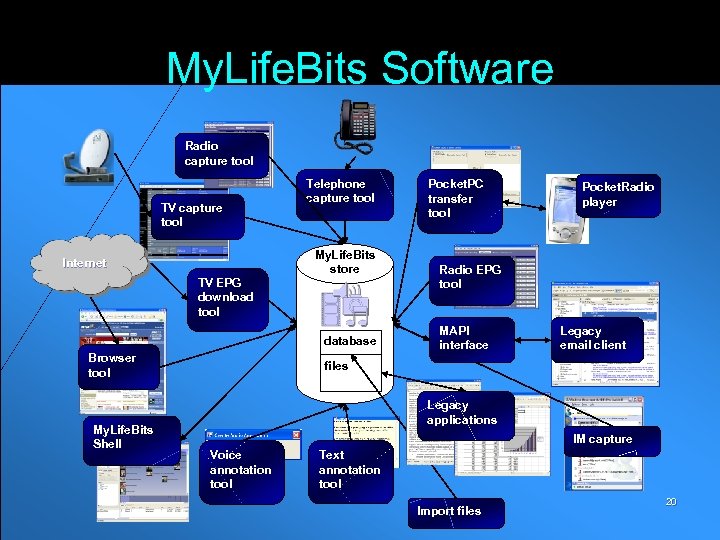
My. Life. Bits Software Radio capture tool TV capture tool Internet TV EPG download tool Telephone capture tool My. Life. Bits store database Browser tool My. Life. Bits Shell Pocket. PC transfer tool Pocket. Radio player Radio EPG tool MAPI interface Legacy email client files Legacy applications IM capture Voice annotation tool Text annotation tool Import files 20
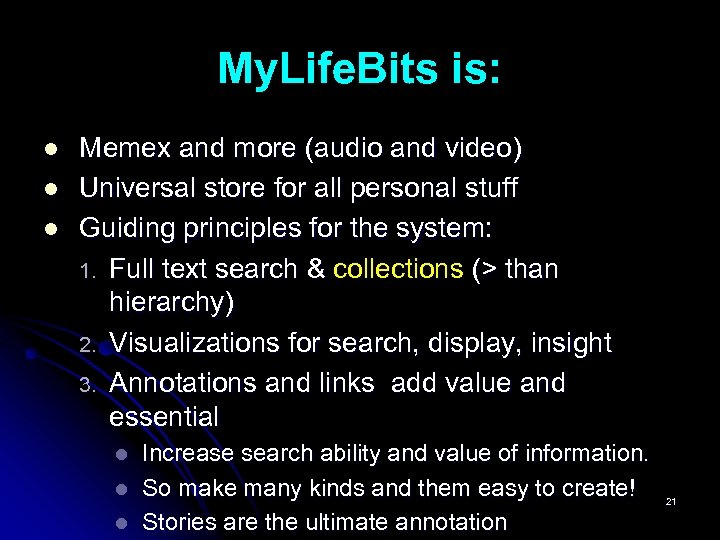
My. Life. Bits is: l l l Memex and more (audio and video) Universal store for all personal stuff Guiding principles for the system: 1. Full text search & collections (> than hierarchy) 2. Visualizations for search, display, insight 3. Annotations and links add value and essential l Increase search ability and value of information. So make many kinds and them easy to create! Stories are the ultimate annotation 21
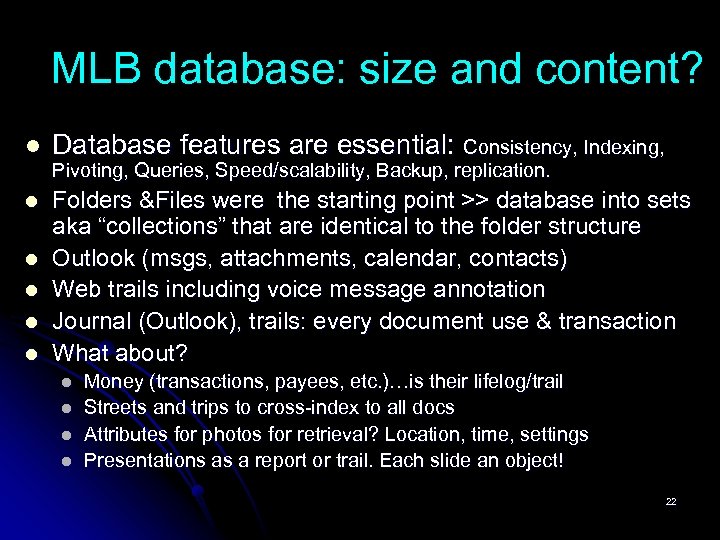
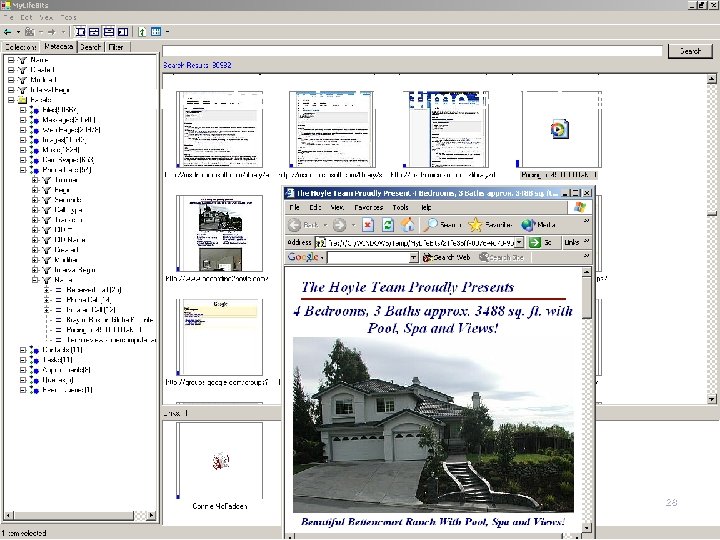
MLB database: size and content? l Database features are essential: Consistency, Indexing, l Folders &Files were the starting point >> database into sets aka “collections” that are identical to the folder structure Outlook (msgs, attachments, calendar, contacts) Web trails including voice message annotation Journal (Outlook), trails: every document use & transaction What about? l l Pivoting, Queries, Speed/scalability, Backup, replication. l l Money (transactions, payees, etc. )…is their lifelog/trail Streets and trips to cross-index to all docs Attributes for photos for retrieval? Location, time, settings Presentations as a report or trail. Each slide an object! 22
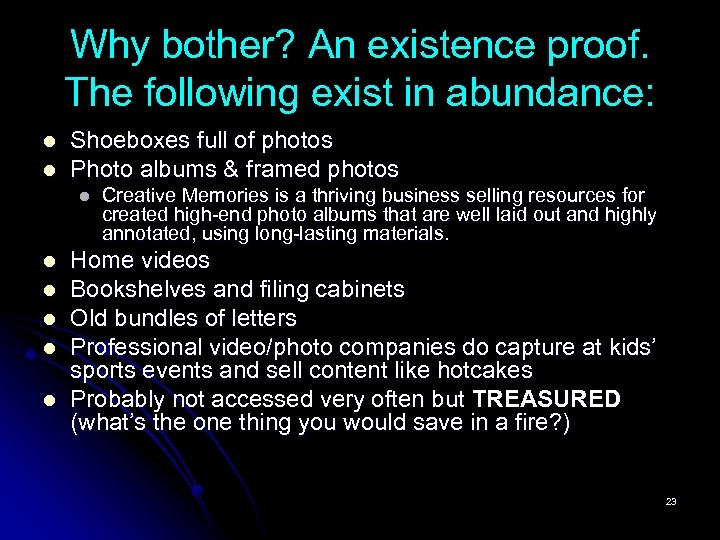
Why bother? An existence proof. The following exist in abundance: l l Shoeboxes full of photos Photo albums & framed photos l l l Creative Memories is a thriving business selling resources for created high-end photo albums that are well laid out and highly annotated, using long-lasting materials. Home videos Bookshelves and filing cabinets Old bundles of letters Professional video/photo companies do capture at kids’ sports events and sell content like hotcakes Probably not accessed very often but TREASURED (what’s the one thing you would save in a fire? ) 23
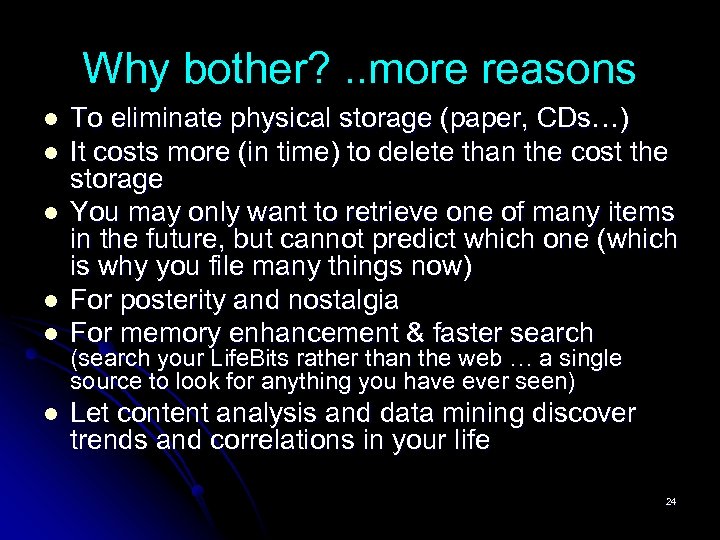
Why bother? . . more reasons l l l To eliminate physical storage (paper, CDs…) It costs more (in time) to delete than the cost the storage You may only want to retrieve one of many items in the future, but cannot predict which one (which is why you file many things now) For posterity and nostalgia For memory enhancement & faster search (search your Life. Bits rather than the web … a single source to look for anything you have ever seen) Let content analysis and data mining discover trends and correlations in your life 24
Extensible XML schemas Logical views Programmatic relationships Synchronization service Information agents people application specific data user application specific data infrastructure application specific data system application specific data
Annotation like this… Voice Annotation 26
Pivot to look at all of MLB(t) Call, contact, pivot by time to find web page 28
Find brig, image, and look for 80 29
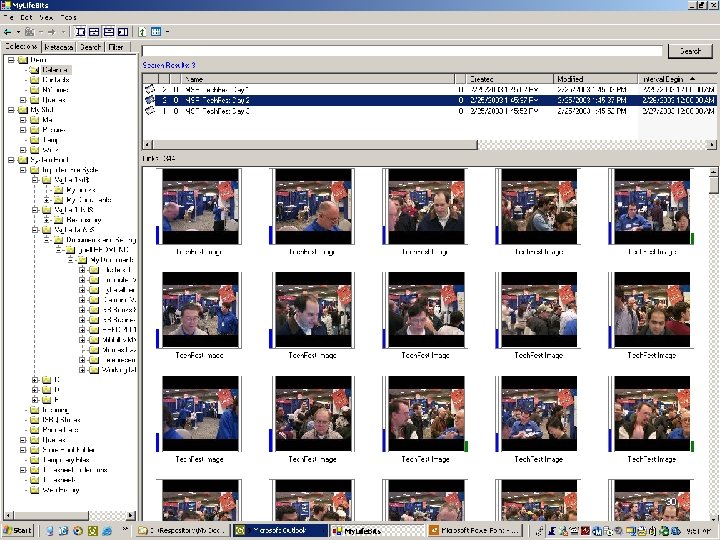
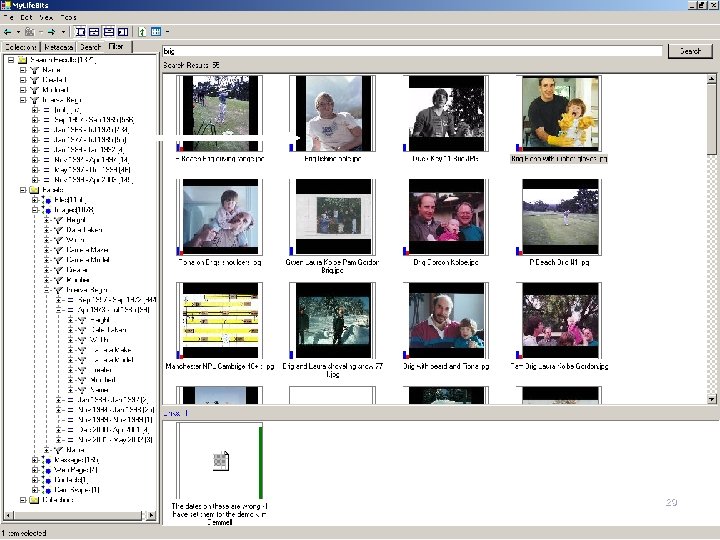
Here are the photos 30
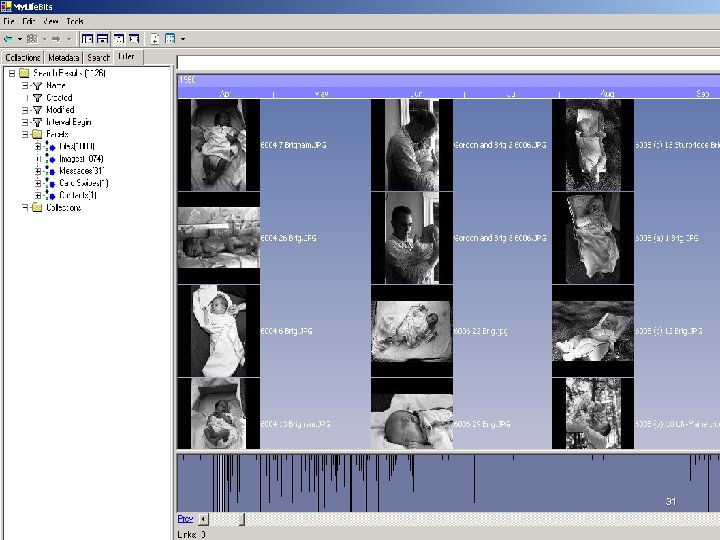
Timeline view tells a story 31
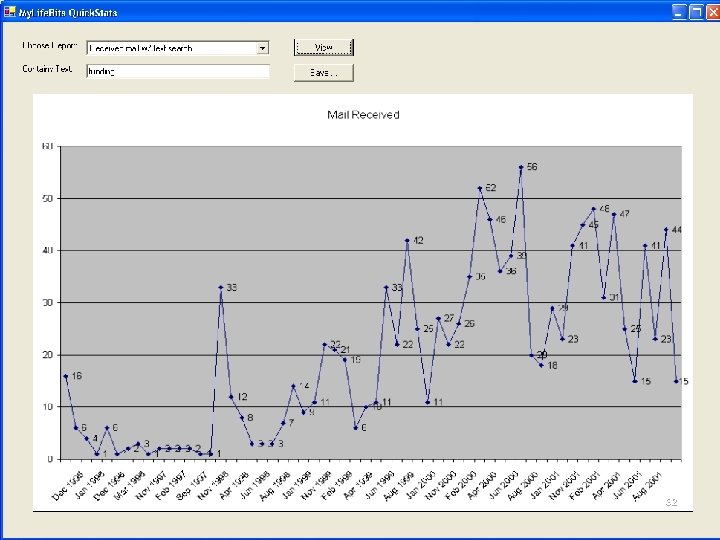
Interface to xls 32
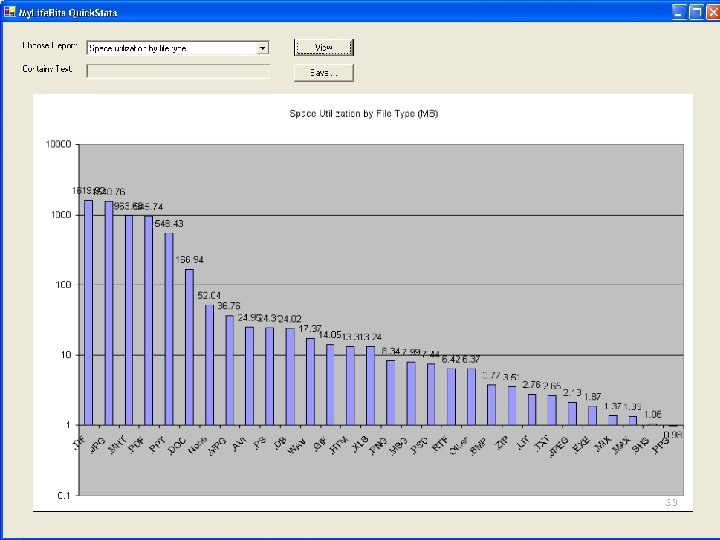
Statistics of use 33
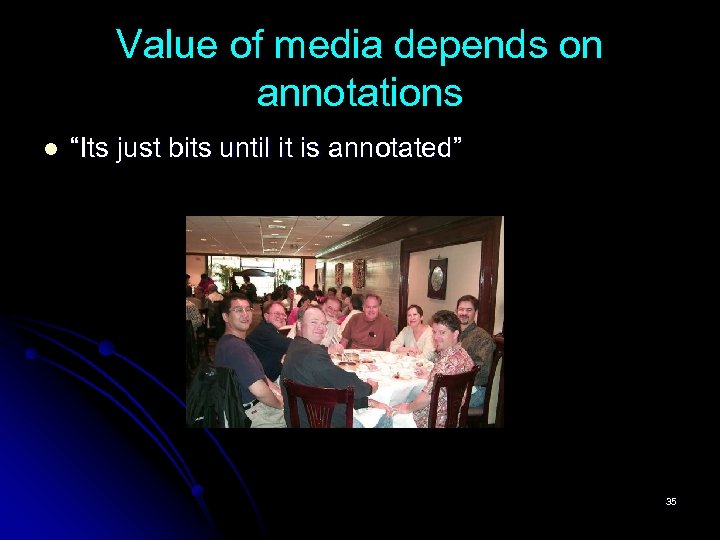
Value of media depends on annotations l “Its just bits until it is annotated” 35
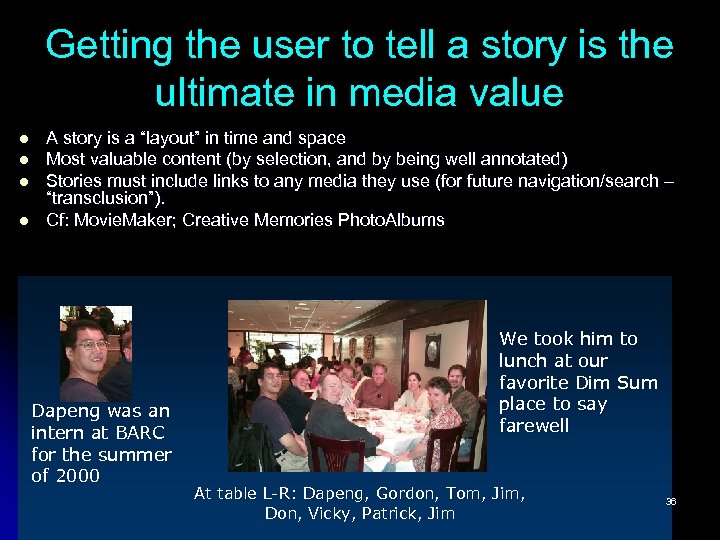
Getting the user to tell a story is the ultimate in media value l l A story is a “layout” in time and space Most valuable content (by selection, and by being well annotated) Stories must include links to any media they use (for future navigation/search – “transclusion”). Cf: Movie. Maker; Creative Memories Photo. Albums Dapeng was an intern at BARC for the summer of 2000 We took him to lunch at our favorite Dim Sum place to say farewell At table L-R: Dapeng, Gordon, Tom, Jim, Don, Vicky, Patrick, Jim 36
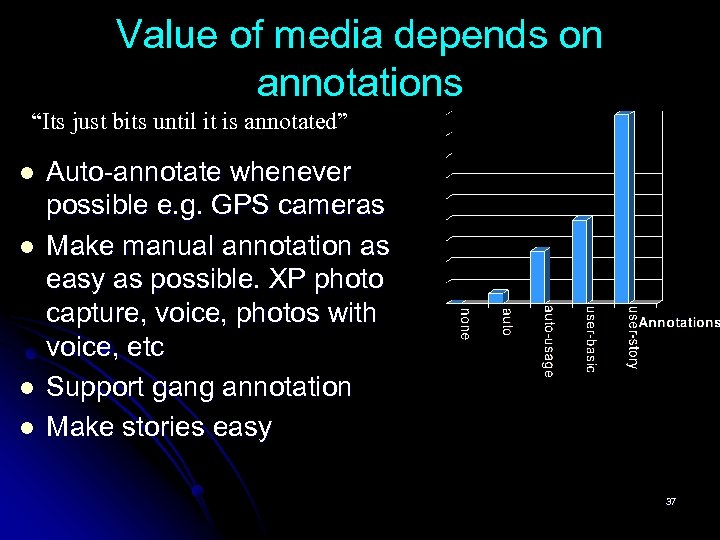
Value of media depends on annotations “Its just bits until it is annotated” l l Auto-annotate whenever possible e. g. GPS cameras Make manual annotation as easy as possible. XP photo capture, voice, photos with voice, etc Support gang annotation Make stories easy 37
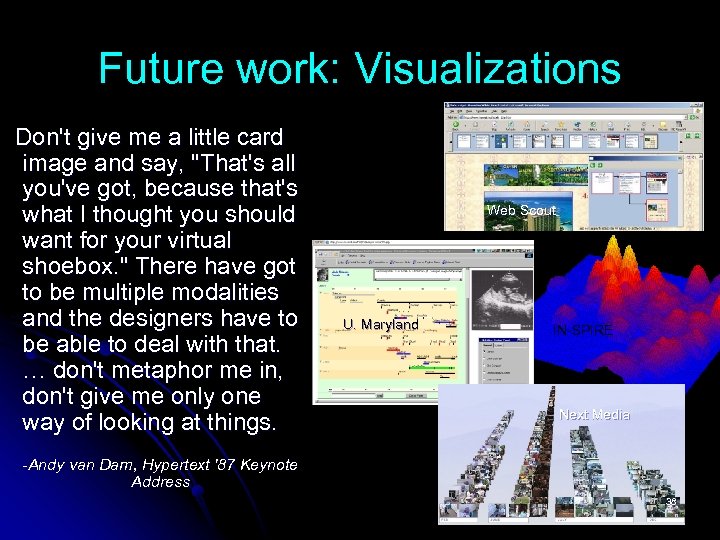
Future work: Visualizations Don't give me a little card image and say, "That's all you've got, because that's what I thought you should want for your virtual shoebox. " There have got to be multiple modalities and the designers have to be able to deal with that. … don't metaphor me in, don't give me only one way of looking at things. Web Scout U. Maryland IN-SPIRE Next Media -Andy van Dam, Hypertext '87 Keynote Address 38
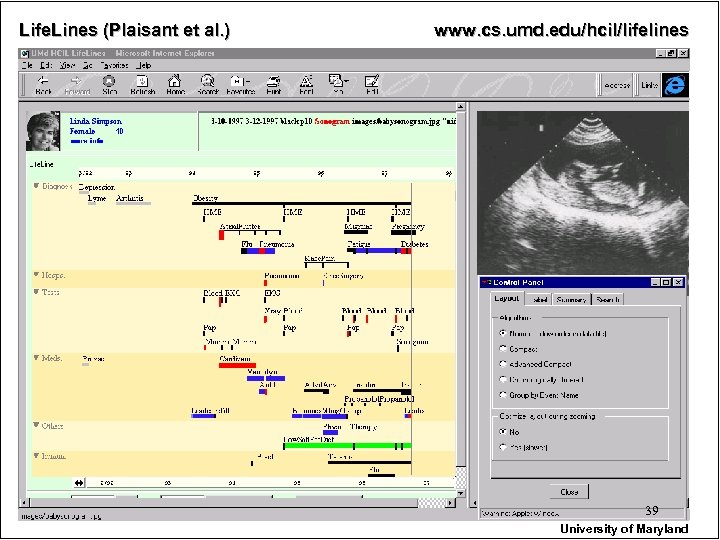
Life. Lines (Plaisant et al. ) www. cs. umd. edu/hcil/lifelines 39 University of Maryland
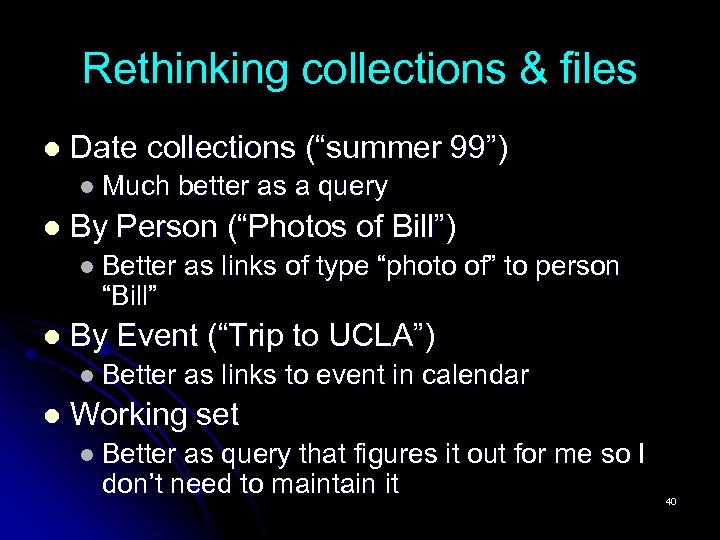
Rethinking collections & files l Date collections (“summer 99”) l Much better as a query l By Person (“Photos of Bill”) l Better as links of type “photo of” to person “Bill” l By Event (“Trip to UCLA”) l Better as links to event in calendar l Working set l Better as query that figures it out for me so I don’t need to maintain it 40
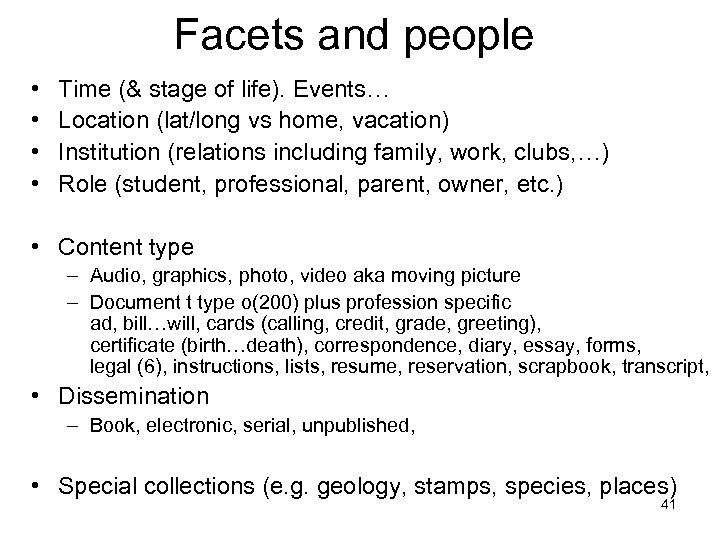
Facets and people • • Time (& stage of life). Events… Location (lat/long vs home, vacation) Institution (relations including family, work, clubs, …) Role (student, professional, parent, owner, etc. ) • Content type – Audio, graphics, photo, video aka moving picture – Document t type o(200) plus profession specific ad, bill…will, cards (calling, credit, grade, greeting), certificate (birth…death), correspondence, diary, essay, forms, legal (6), instructions, lists, resume, reservation, scrapbook, transcript, • Dissemination – Book, electronic, serial, unpublished, • Special collections (e. g. geology, stamps, species, places) 41
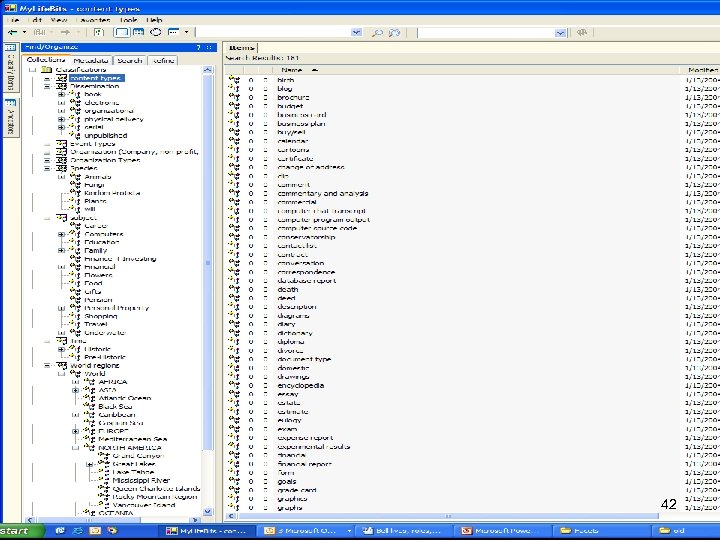
Facet Lists 42
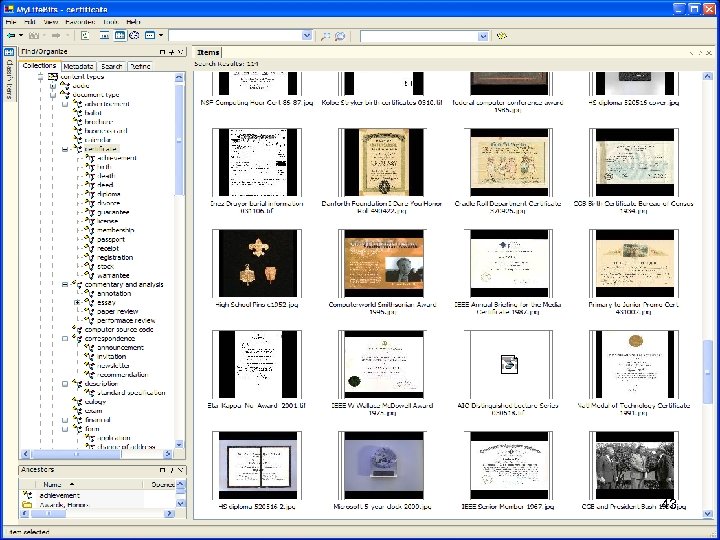
Certificate facets 43
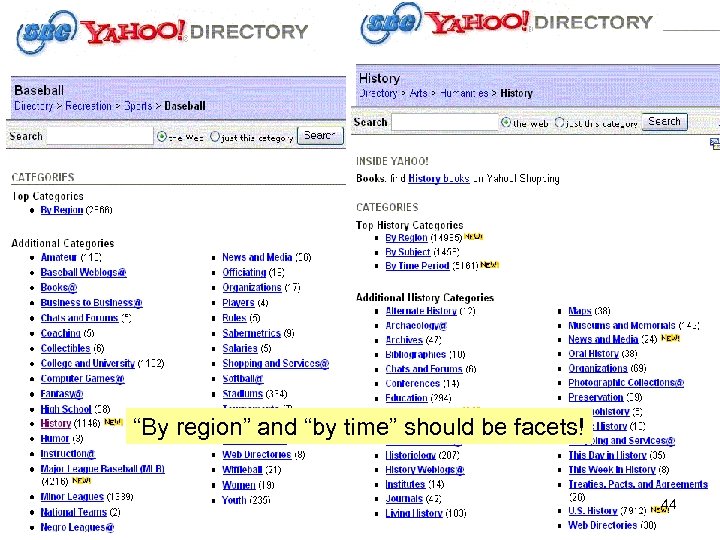
“By region” and “by time” should be facets! 44
Telephone, Television, and Radio in the Home of the Future 45
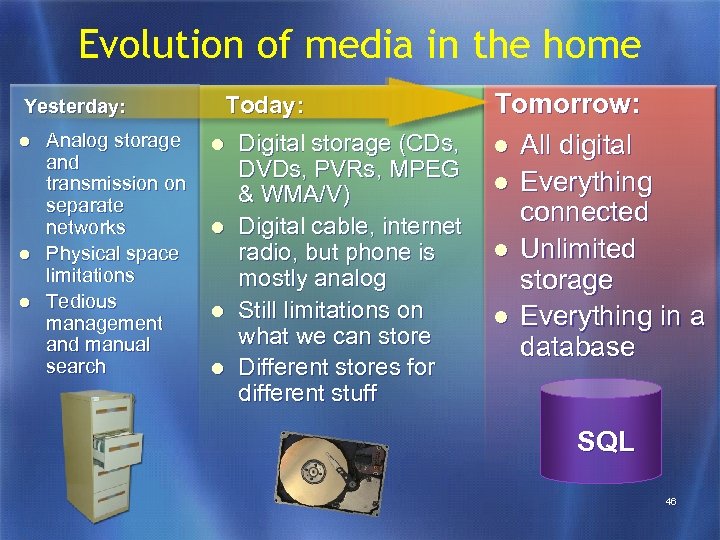
Evolution of media in the home Yesterday: l l l Analog storage and transmission on separate networks Physical space limitations Tedious management and manual search Tomorrow: Digital storage (CDs, l All digital DVDs, PVRs, MPEG l Everything & WMA/V) connected Digital cable, internet l Unlimited radio, but phone is mostly analog storage Still limitations on l Everything in a what we can store database Today: l l Different stores for different stuff SQL 46
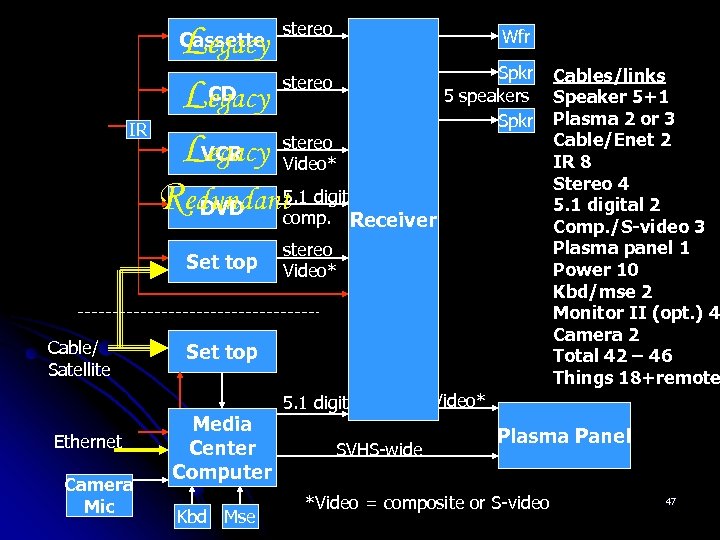
stereo Wfr Legacy Spkr stereo CD 5 speakers Legacy Spkr IR LVCR stereo egacy Video* Redundant 5. 1 digital DVD comp. Receiver Cassette Set top Cable/ Satellite Ethernet Camera Mic stereo Video* Set top Media Center Computer Kbd Mse 5. 1 digital SVHS-wide Cables/links Speaker 5+1 Plasma 2 or 3 Cable/Enet 2 IR 8 Stereo 4 5. 1 digital 2 Comp. /S-video 3 Plasma panel 1 Power 10 Kbd/mse 2 Monitor II (opt. ) 4 Camera 2 Total 42 – 46 Things 18+remote Video* Plasma Panel *Video = composite or S-video 47
48
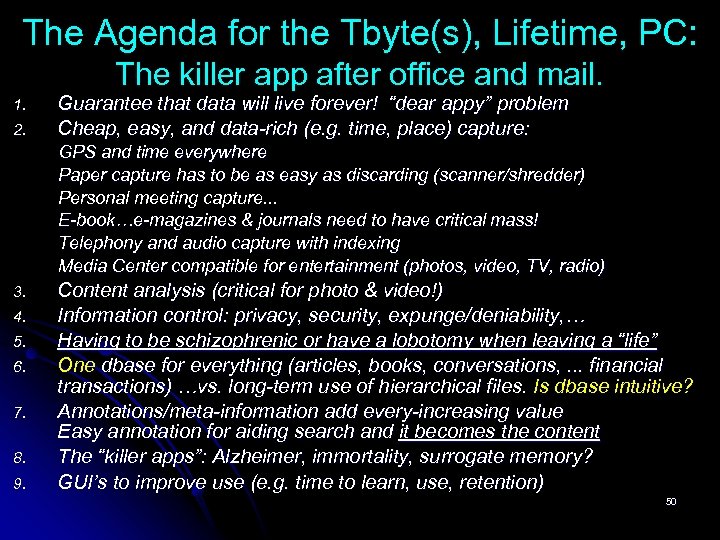
The Agenda for the Tbyte(s), Lifetime, PC: The killer app after office and mail. 1. 2. Guarantee that data will live forever! “dear appy” problem Cheap, easy, and data-rich (e. g. time, place) capture: GPS and time everywhere Paper capture has to be as easy as discarding (scanner/shredder) Personal meeting capture. . . E-book…e-magazines & journals need to have critical mass! Telephony and audio capture with indexing Media Center compatible for entertainment (photos, video, TV, radio) 3. 4. 5. 6. 7. 8. 9. Content analysis (critical for photo & video!) Information control: privacy, security, expunge/deniability, … Having to be schizophrenic or have a lobotomy when leaving a “life” One dbase for everything (articles, books, conversations, . . . financial transactions) …vs. long-term use of hierarchical files. Is dbase intuitive? Annotations/meta-information add every-increasing value Easy annotation for aiding search and it becomes the content The “killer apps”: Alzheimer, immortality, surrogate memory? GUI’s to improve use (e. g. time to learn, use, retention) 50
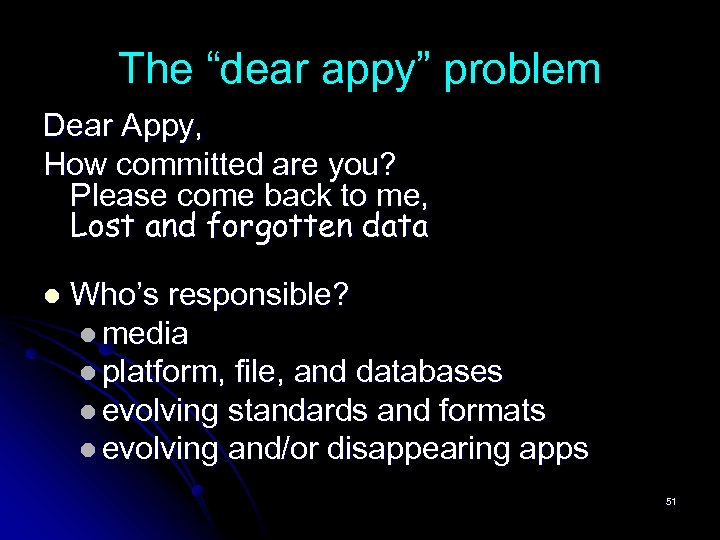
The “dear appy” problem Dear Appy, How committed are you? Please come back to me, Lost and forgotten data l Who’s responsible? l media l platform, file, and databases l evolving standards and formats l evolving and/or disappearing apps 51
Problems: “Amnesia” control & deleting corporate “life” bits l Full sharing of bits that are mine l I created them, OK to copy and distribute l DRM: purchased for my own use “OK to look at, but I only own half the bits” l Controlling forgetfulness l l Private, do not “demo” Expunge forever. . . “this never happened” l The bits “belong” to a corporation or org. l 52
The Content Analysis Problem 1. 2. 3. 4. “Cliplets”: Automatic segmentation of a pile of documents and video into individual documents and scenes. Item typing: Would like a minimal Dublin Core for each item: date, creator, title, source, abstract, and type “Type” classification: articles, letters, memos, etc. Ontology creation for collections 53
The End 54
Archiving persons and things… • www. oac. cdlib. org for 0(1 K) corporations, people, places, things. – List of finders, usually -> paper boxes! – E. g. Apple collection at Stanford points to 600’ or say $1 K/ft. • www. Albert. Einstein. org Einstein’s papers, etc. • diva. library. cmu. edu/Newell/ for Allen Newell • profiles. nlm. nih. gov/ Nobel Prize winners, Lederberg • www. Computer. History. org computing artifacts • www. My. Life. Bits. com project to capture entire life 55
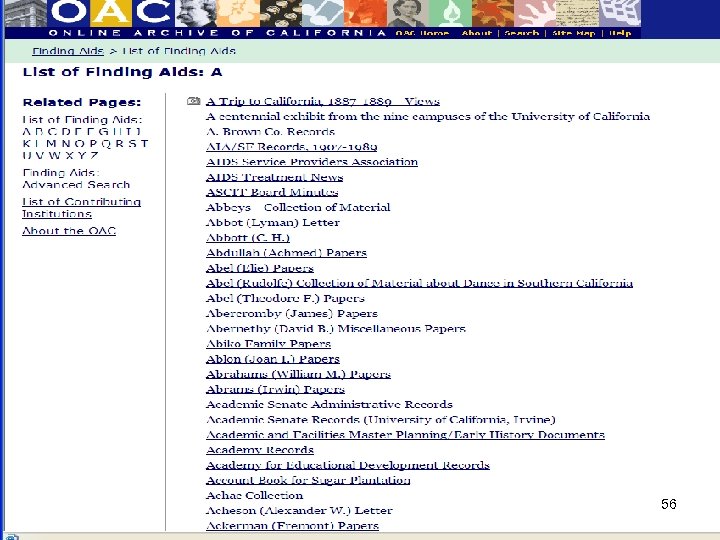
List of finding aids 56
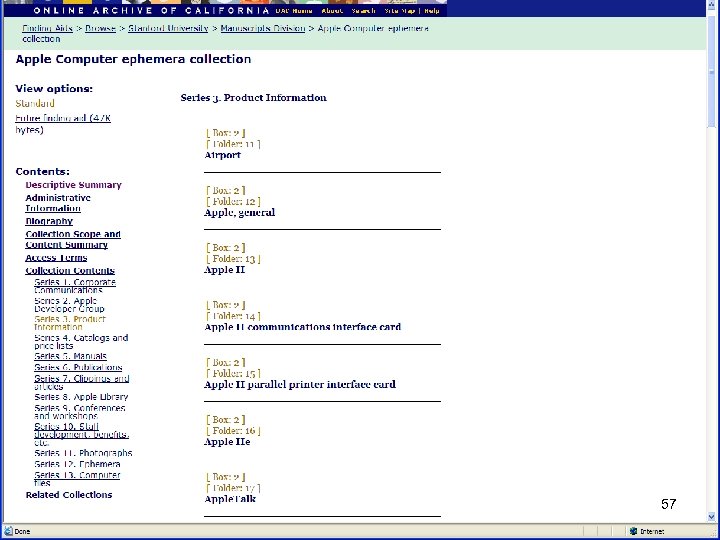
Apple at Stanford 57
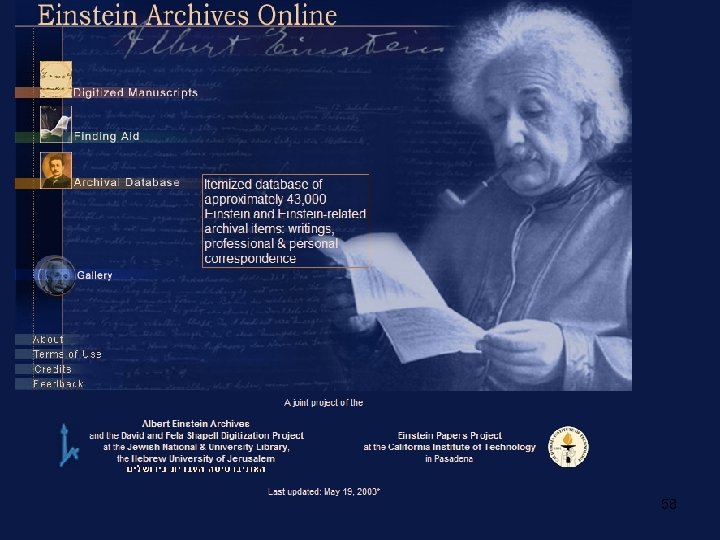
www. alberteinstein. info 58
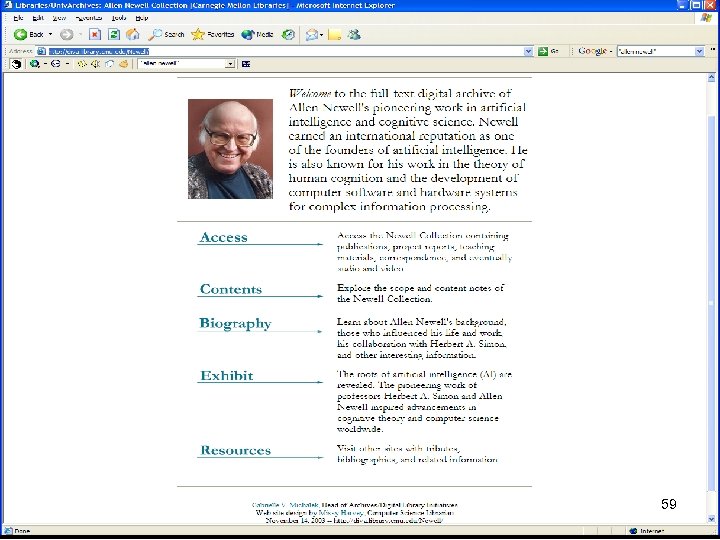
Allen Newell page 59
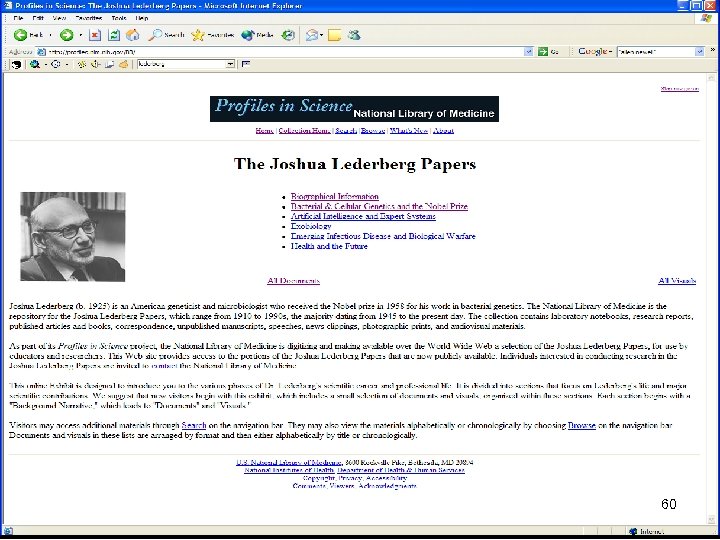
Lederberg 60
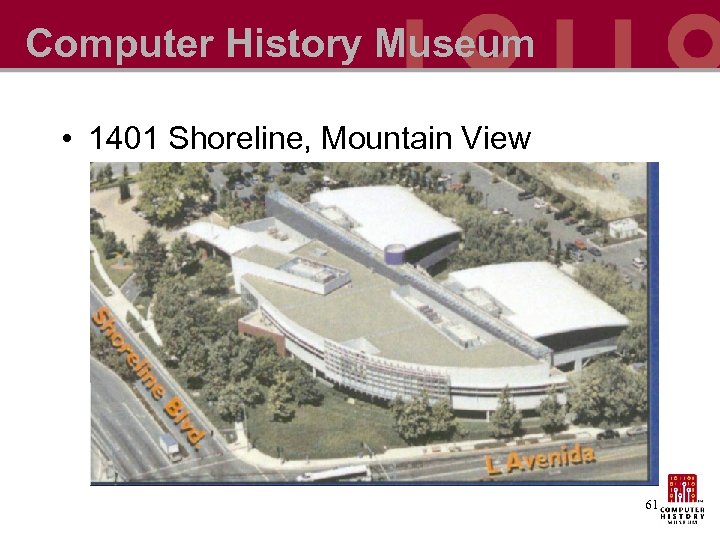
Computer History Museum • 1401 Shoreline, Mountain View 61
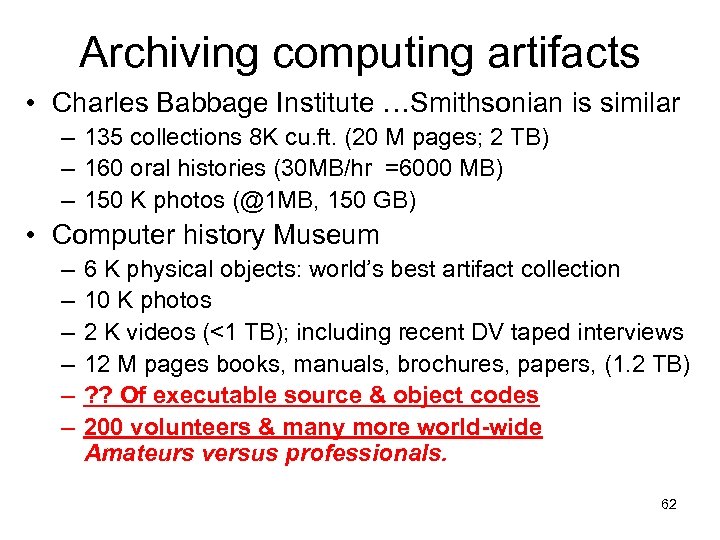
Archiving computing artifacts • Charles Babbage Institute …Smithsonian is similar – 135 collections 8 K cu. ft. (20 M pages; 2 TB) – 160 oral histories (30 MB/hr =6000 MB) – 150 K photos (@1 MB, 150 GB) • Computer history Museum – – – 6 K physical objects: world’s best artifact collection 10 K photos 2 K videos (<1 TB); including recent DV taped interviews 12 M pages books, manuals, brochures, papers, (1. 2 TB) ? ? Of executable source & object codes 200 volunteers & many more world-wide Amateurs versus professionals. 62
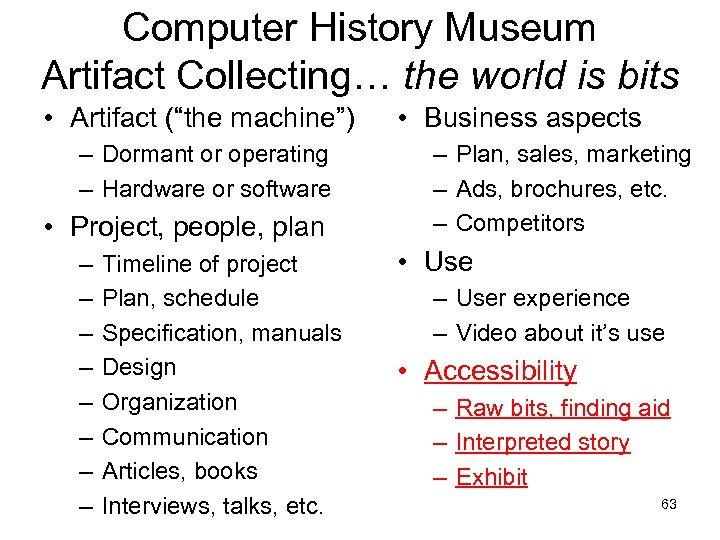
Computer History Museum Artifact Collecting… the world is bits • Artifact (“the machine”) – Dormant or operating – Hardware or software • Project, people, plan – – – – Timeline of project Plan, schedule Specification, manuals Design Organization Communication Articles, books Interviews, talks, etc. • Business aspects – Plan, sales, marketing – Ads, brochures, etc. – Competitors • Use – User experience – Video about it’s use • Accessibility – Raw bits, finding aid – Interpreted story – Exhibit 63
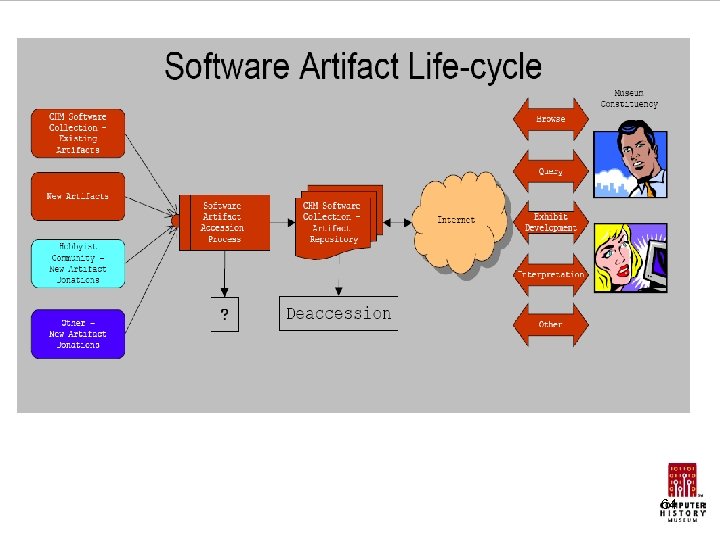
Ch. M Software Acquisition 64
Скачать презентацию My Life Bits Realizing the Memex Vision Santa
80cdf80c3b5df29fa0c324bc72cd5a93.ppt