 Скачать презентацию My Florida Market Place Customer Roundtable Meeting Thursday
f329b926eaf5762a31efefb859081227.ppt
- Количество слайдов: 40



My. Florida. Market. Place Customer Roundtable Meeting Thursday, May 15, 2008, 9 a. m. , EDT Conference dial-in number: (888) 808 -6959 Conference code: 4146755#
![Agenda Ø Welcome / Introduction [Rachael Lieblick] Ø My. Florida. Market. Place (MFMP) q](https://present5.com/presentation/f329b926eaf5762a31efefb859081227/image-2.jpg "Agenda Ø Welcome / Introduction [Rachael Lieblick] Ø My. Florida. Market. Place (MFMP) q")
Agenda Ø Welcome / Introduction [Rachael Lieblick] Ø My. Florida. Market. Place (MFMP) q Updated MFMP Team q Customer Service q Punchout Catalogs q SPURS Sunset Update q CRB and CR 37 Update q SIR Update Ø Year End Processing q Certified Forward q Payables q Reducing/Releasing Encumbrances q Disbursement Transaction Override q Available Reports and Job Aids Ø Next Meeting Time / Location 2
![Agenda Ø Welcome / Introduction Ø MFMP q Updated MFMP Team [Rachael Lieblick] q](https://present5.com/presentation/f329b926eaf5762a31efefb859081227/image-3.jpg "Agenda Ø Welcome / Introduction Ø MFMP q Updated MFMP Team [Rachael Lieblick] q")
Agenda Ø Welcome / Introduction Ø MFMP q Updated MFMP Team [Rachael Lieblick] q Customer Service q Punchout Catalogs q SPURS Sunset Update q CRB and CR 37 Update q SIR Update Ø Year End Processing q Certified Forward q Payables q Reducing/Releasing Encumbrances q Disbursement Transaction Override q Available Reports and Job Aids Ø Next Meeting Time / Location 3
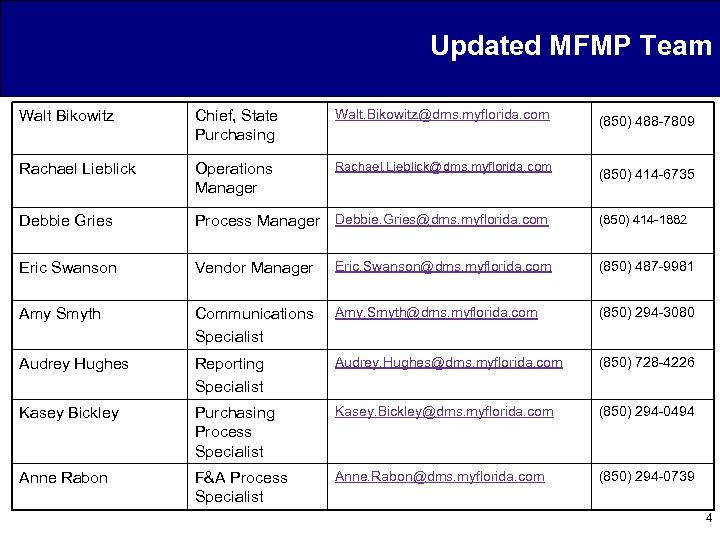
Updated MFMP Team Walt Bikowitz Chief, State Purchasing Walt. Bikowitz@dms. myflorida. com Rachael Lieblick Operations Manager Rachael. Lieblick@dms. myflorida. com Debbie Gries Process Manager Debbie. Gries@dms. myflorida. com Eric Swanson Vendor Manager Eric. Swanson@dms. myflorida. com (850) 487 -9981 Amy Smyth Communications Specialist Amy. Smyth@dms. myflorida. com (850) 294 -3080 Audrey Hughes Reporting Specialist Audrey. Hughes@dms. myflorida. com (850) 728 -4226 Kasey Bickley Purchasing Process Specialist Kasey. Bickley@dms. myflorida. com (850) 294 -0494 Anne Rabon F&A Process Specialist Anne. Rabon@dms. myflorida. com (850) 294 -0739 (850) 488 -7809 (850) 414 -6735 (850) 414 -1882 4
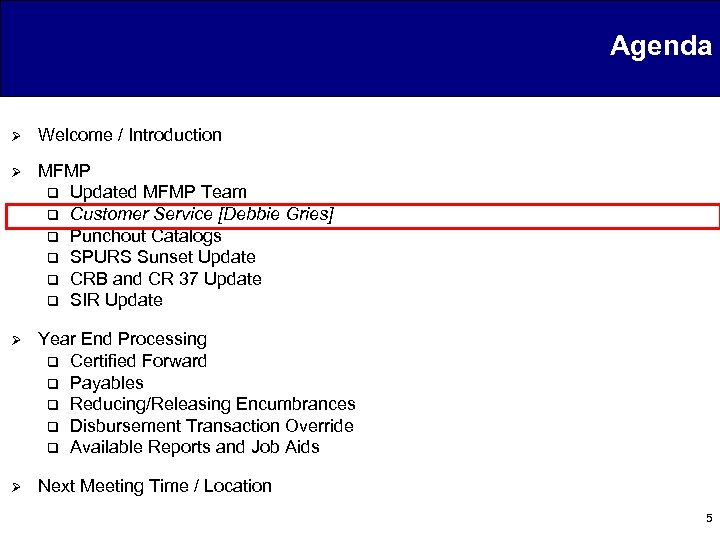
Agenda Ø Welcome / Introduction Ø MFMP q Updated MFMP Team q Customer Service [Debbie Gries] q Punchout Catalogs q SPURS Sunset Update q CRB and CR 37 Update q SIR Update Ø Year End Processing q Certified Forward q Payables q Reducing/Releasing Encumbrances q Disbursement Transaction Override q Available Reports and Job Aids Ø Next Meeting Time / Location 5
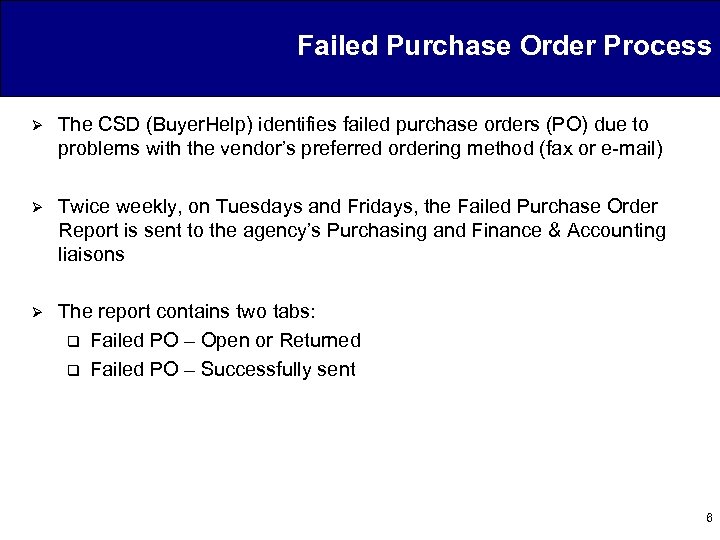
Failed Purchase Order Process Ø The CSD (Buyer. Help) identifies failed purchase orders (PO) due to problems with the vendor’s preferred ordering method (fax or e-mail) Ø Twice weekly, on Tuesdays and Fridays, the Failed Purchase Order Report is sent to the agency’s Purchasing and Finance & Accounting liaisons Ø The report contains two tabs: q Failed PO – Open or Returned q Failed PO – Successfully sent 6
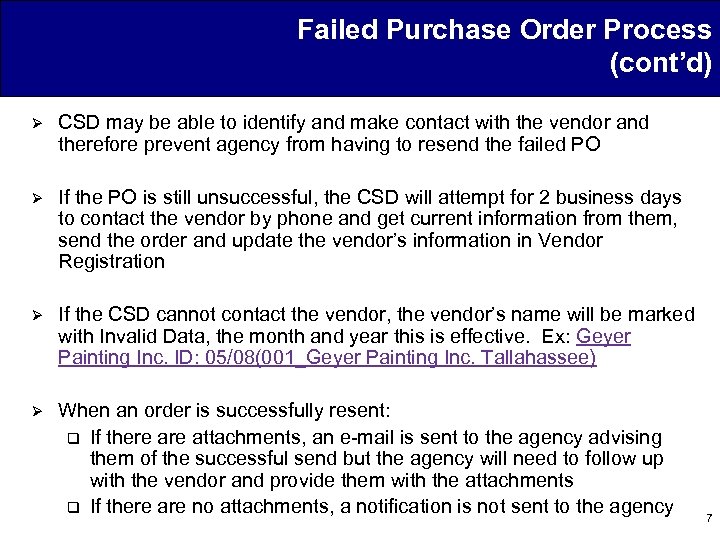
Failed Purchase Order Process (cont’d) Ø CSD may be able to identify and make contact with the vendor and therefore prevent agency from having to resend the failed PO Ø If the PO is still unsuccessful, the CSD will attempt for 2 business days to contact the vendor by phone and get current information from them, send the order and update the vendor’s information in Vendor Registration Ø If the CSD cannot contact the vendor, the vendor’s name will be marked with Invalid Data, the month and year this is effective. Ex: Geyer Painting Inc. ID: 05/08(001_Geyer Painting Inc. Tallahassee) Ø When an order is successfully resent: q If there attachments, an e-mail is sent to the agency advising them of the successful send but the agency will need to follow up with the vendor and provide them with the attachments q If there are no attachments, a notification is not sent to the agency 7
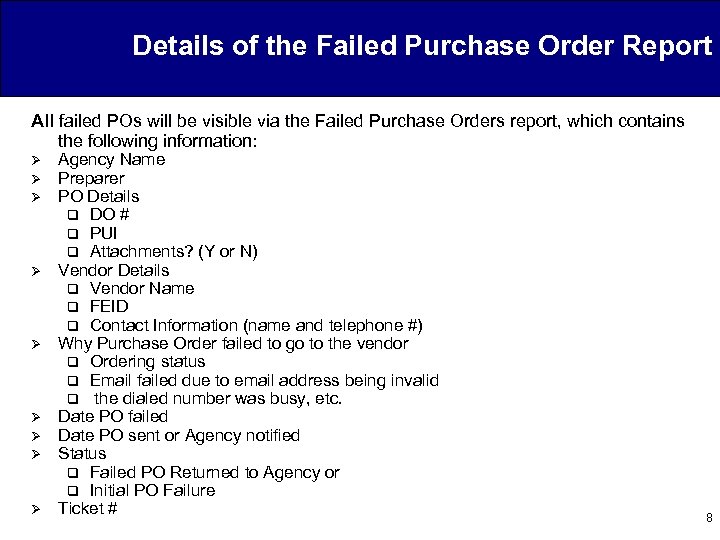
Details of the Failed Purchase Order Report All failed POs will be visible via the Failed Purchase Orders report, which contains the following information: Ø Ø Ø Ø Ø Agency Name Preparer PO Details q DO # q PUI q Attachments? (Y or N) Vendor Details q Vendor Name q FEID q Contact Information (name and telephone #) Why Purchase Order failed to go to the vendor q Ordering status q Email failed due to email address being invalid q the dialed number was busy, etc. Date PO failed Date PO sent or Agency notified Status q Failed PO Returned to Agency or q Initial PO Failure Ticket # 8
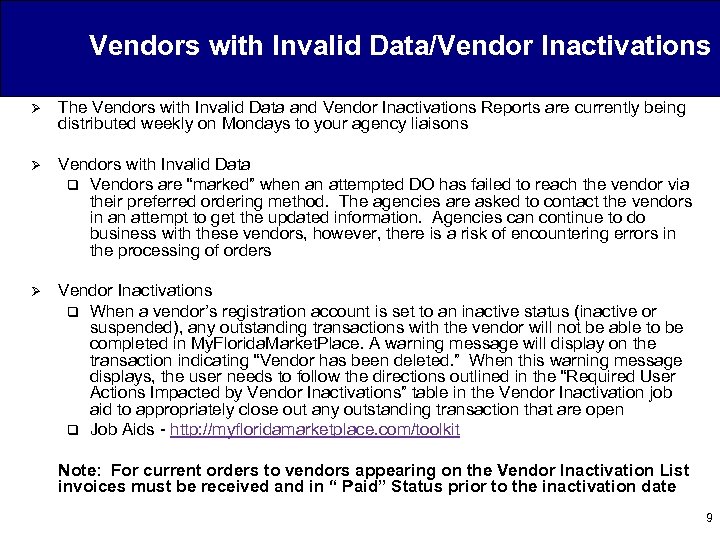
Vendors with Invalid Data/Vendor Inactivations Ø The Vendors with Invalid Data and Vendor Inactivations Reports are currently being distributed weekly on Mondays to your agency liaisons Ø Vendors with Invalid Data q Vendors are “marked” when an attempted DO has failed to reach the vendor via their preferred ordering method. The agencies are asked to contact the vendors in an attempt to get the updated information. Agencies can continue to do business with these vendors, however, there is a risk of encountering errors in the processing of orders Ø Vendor Inactivations q When a vendor’s registration account is set to an inactive status (inactive or suspended), any outstanding transactions with the vendor will not be able to be completed in My. Florida. Market. Place. A warning message will display on the transaction indicating “Vendor has been deleted. ” When this warning message displays, the user needs to follow the directions outlined in the “Required User Actions Impacted by Vendor Inactivations” table in the Vendor Inactivation job aid to appropriately close out any outstanding transaction that are open q Job Aids - http: //myfloridamarketplace. com/toolkit Note: For current orders to vendors appearing on the Vendor Inactivation List invoices must be received and in “ Paid” Status prior to the inactivation date 9
Agenda Ø Welcome / Introduction Ø MFMP q Updated MFMP Team q Customer Service q Punchout Catalogs [Debbie Gries] q SPURS Sunset Update q CRB and CR 37 Update q SIR Update Ø Year End Processing q Certified Forward q Payables q Reducing/Releasing Encumbrances q Disbursement Transaction Override q Available Reports and Job Aids Ø Next Meeting Time / Location 10
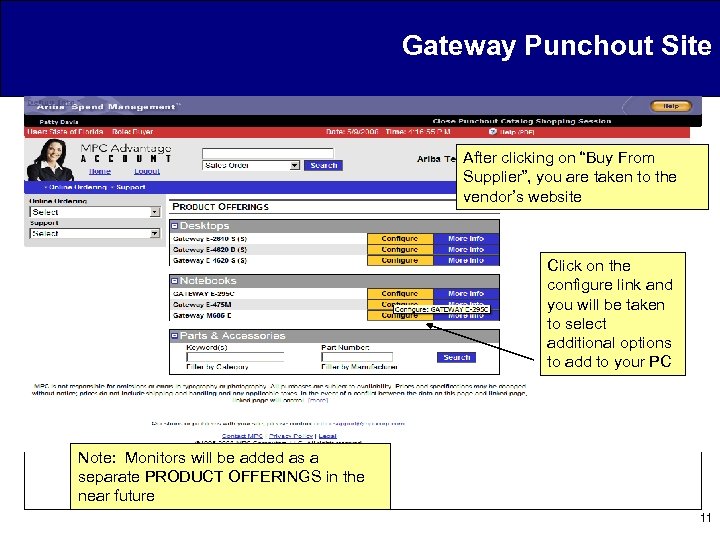
Gateway Punchout Site After clicking on “Buy From Supplier”, you are taken to the vendor’s website Click on the configure link and you will be taken to select additional options to add to your PC Note: Monitors will be added as a separate PRODUCT OFFERINGS in the near future 11
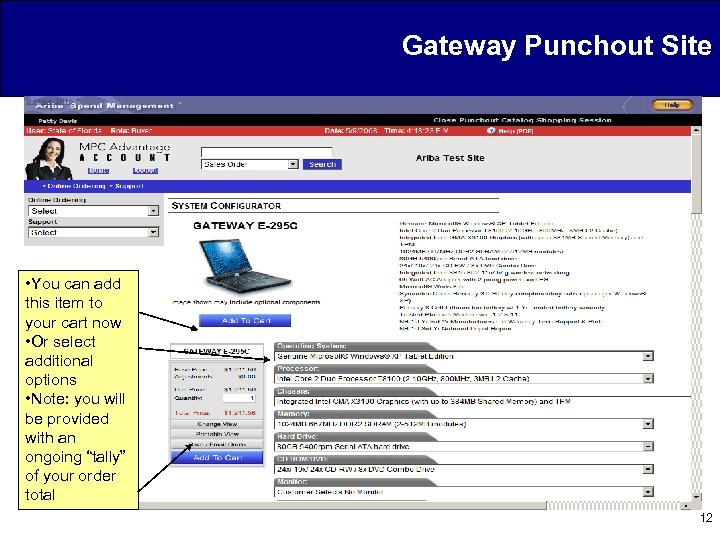
Gateway Punchout Site • You can add this item to your cart now • Or select additional options • Note: you will be provided with an ongoing “tally” of your order total 12
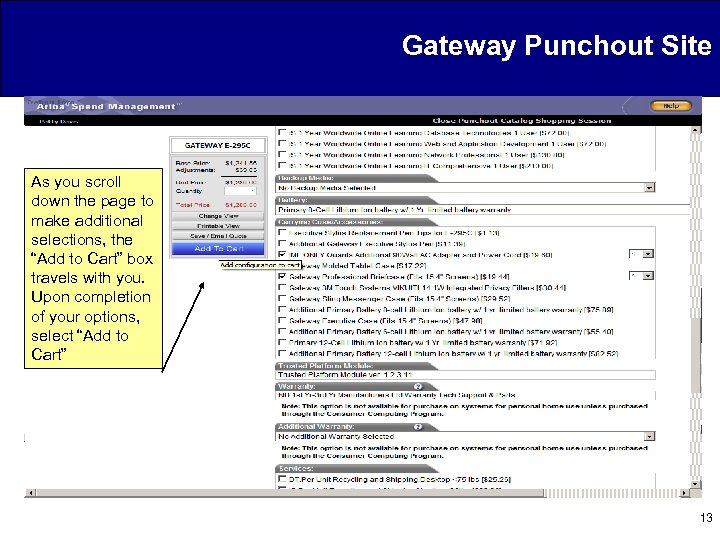
Gateway Punchout Site As you scroll down the page to make additional selections, the “Add to Cart” box travels with you. Upon completion of your options, select “Add to Cart” 13
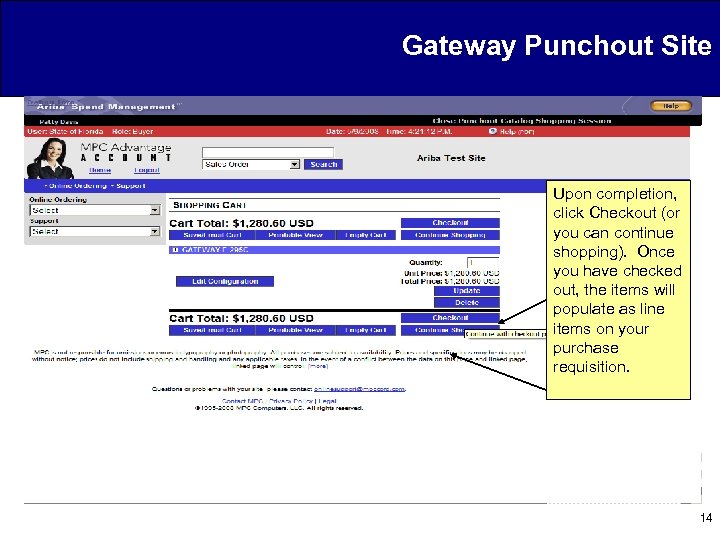
Gateway Punchout Site Upon completion, click Checkout (or you can continue shopping). Once you have checked out, the items will populate as line items on your purchase requisition. 14
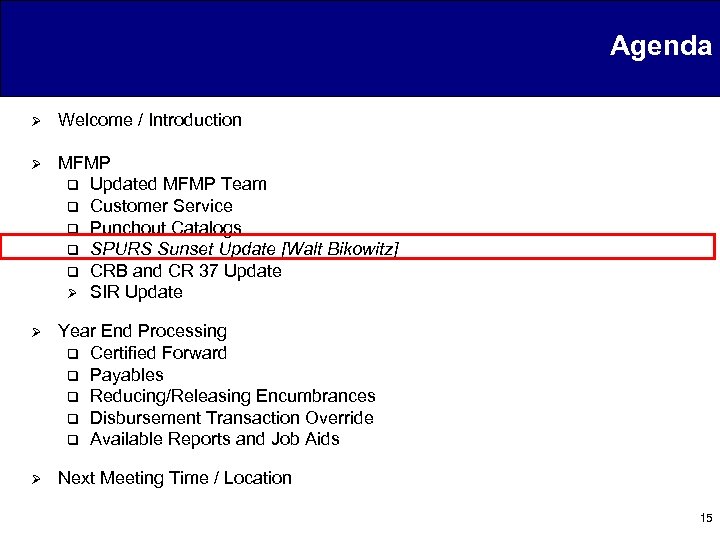
Agenda Ø Welcome / Introduction Ø MFMP q Updated MFMP Team q Customer Service q Punchout Catalogs q SPURS Sunset Update [Walt Bikowitz] q CRB and CR 37 Update Ø SIR Update Ø Year End Processing q Certified Forward q Payables q Reducing/Releasing Encumbrances q Disbursement Transaction Override q Available Reports and Job Aids Ø Next Meeting Time / Location 15
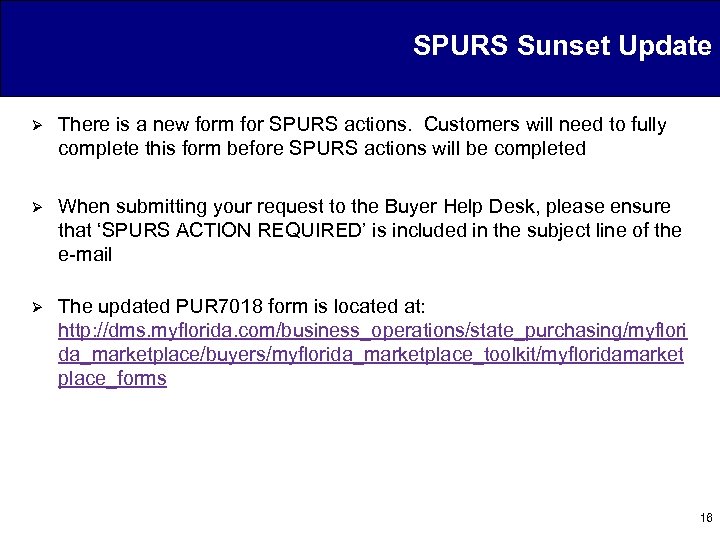
SPURS Sunset Update Ø There is a new form for SPURS actions. Customers will need to fully complete this form before SPURS actions will be completed Ø When submitting your request to the Buyer Help Desk, please ensure that ‘SPURS ACTION REQUIRED’ is included in the subject line of the e-mail Ø The updated PUR 7018 form is located at: http: //dms. myflorida. com/business_operations/state_purchasing/myflori da_marketplace/buyers/myflorida_marketplace_toolkit/myfloridamarket place_forms 16
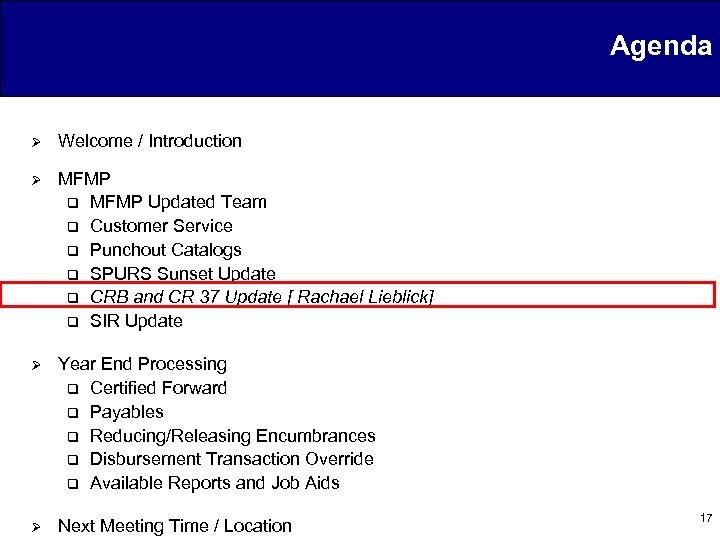
Agenda Ø Welcome / Introduction Ø MFMP q MFMP Updated Team q Customer Service q Punchout Catalogs q SPURS Sunset Update q CRB and CR 37 Update [ Rachael Lieblick] q SIR Update Ø Year End Processing q Certified Forward q Payables q Reducing/Releasing Encumbrances q Disbursement Transaction Override q Available Reports and Job Aids Ø Next Meeting Time / Location 17
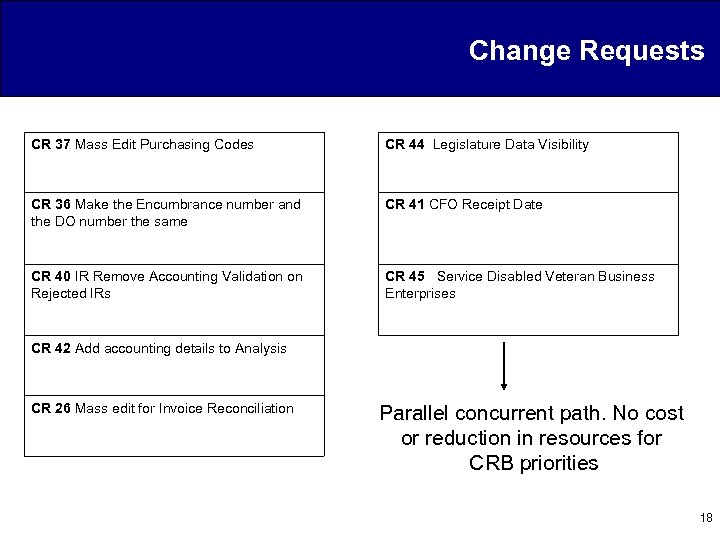
Change Requests CR 37 Mass Edit Purchasing Codes CR 44 Legislature Data Visibility CR 36 Make the Encumbrance number and the DO number the same CR 41 CFO Receipt Date CR 40 IR Remove Accounting Validation on Rejected IRs CR 45 Service Disabled Veteran Business Enterprises CR 42 Add accounting details to Analysis CR 26 Mass edit for Invoice Reconciliation Parallel concurrent path. No cost or reduction in resources for CRB priorities 18
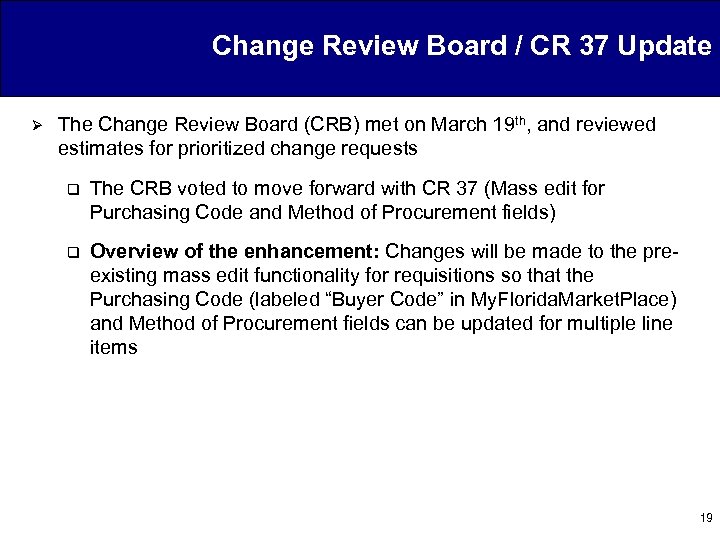
Change Review Board / CR 37 Update Ø The Change Review Board (CRB) met on March 19 th, and reviewed estimates for prioritized change requests q The CRB voted to move forward with CR 37 (Mass edit for Purchasing Code and Method of Procurement fields) q Overview of the enhancement: Changes will be made to the preexisting mass edit functionality for requisitions so that the Purchasing Code (labeled “Buyer Code” in My. Florida. Market. Place) and Method of Procurement fields can be updated for multiple line items 19
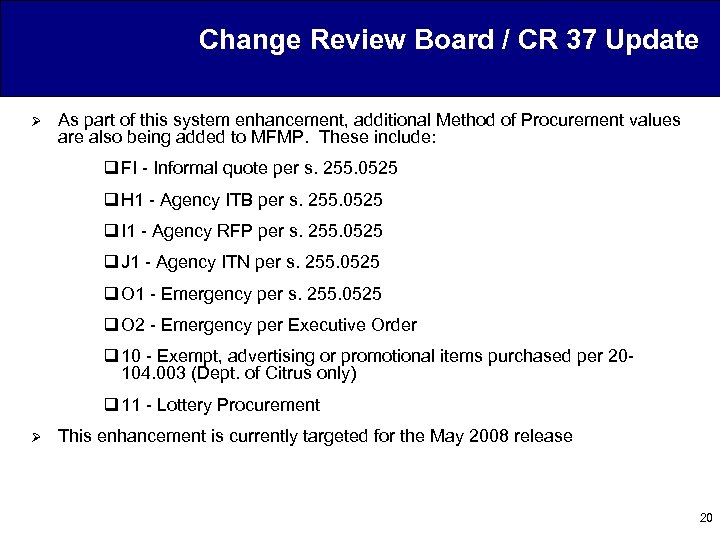
Change Review Board / CR 37 Update Ø As part of this system enhancement, additional Method of Procurement values are also being added to MFMP. These include: q FI - Informal quote per s. 255. 0525 q H 1 - Agency ITB per s. 255. 0525 q I 1 - Agency RFP per s. 255. 0525 q J 1 - Agency ITN per s. 255. 0525 q O 1 - Emergency per s. 255. 0525 q O 2 - Emergency per Executive Order q 10 - Exempt, advertising or promotional items purchased per 20104. 003 (Dept. of Citrus only) q 11 - Lottery Procurement Ø This enhancement is currently targeted for the May 2008 release 20
Agenda Ø Welcome / Introduction Ø MFMP q Updated MFMP Team q Customer Service q Punchout Catalogs q SPURS Sunset Update q CRB and CR 37 Update q SIR Update [ Michael Jackman] Ø Year End Processing q Certified Forward q Payables q Reducing/Releasing Encumbrances q Disbursement Transaction Override q Available Reports and Job Aids Ø Next Meeting Time / Location 21
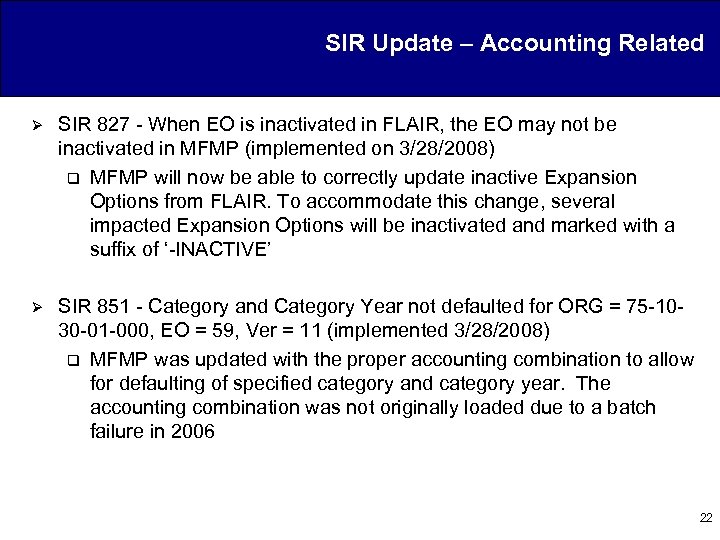
SIR Update – Accounting Related Ø SIR 827 - When EO is inactivated in FLAIR, the EO may not be inactivated in MFMP (implemented on 3/28/2008) q MFMP will now be able to correctly update inactive Expansion Options from FLAIR. To accommodate this change, several impacted Expansion Options will be inactivated and marked with a suffix of ‘-INACTIVE’ Ø SIR 851 - Category and Category Year not defaulted for ORG = 75 -1030 -01 -000, EO = 59, Ver = 11 (implemented 3/28/2008) q MFMP was updated with the proper accounting combination to allow for defaulting of specified category and category year. The accounting combination was not originally loaded due to a batch failure in 2006 22
SIR Update – Change Orders/Release Encumbrance Ø SIR 617 - FLAIR is still active on “Ordered” requisitions (implemented on 3/28/2008) q Ø Release encumbrances that have an error while processing in FLAIR will now return and deny the FLAIRIntegration approval node, signaling the failure of the Release Encumbrance. The following comment will be added: “Transaction has NOT successfully been released in FLAIR. ” Extra validation to the Release Encumbrance e. Form has also been added to confirm that a customer has a FLAIR log-in account set up in MFMP before processing the release encumbrance SIR 890 – Changed encumbered requisitions went to “Ordered” status without adding FLAIRIntegration (implemented 3/28/2008) q Customers who choose to bypass the warning message for encumbered change orders that had at least one line item that had been fully paid will now have to check the following checkbox: “Ignore warning related to closed FLAIR encumbrance line” 23
Agenda Ø Welcome / Introduction Ø MFMP q Updated MFMP Team q Customer Service q Punchout Catalogs q SPURS Sunset Update q CRB and CR 37 Update q SIR Update Ø Year End Processing q Certified Forward [ Anne Rabon] q Payables q Reducing/Releasing Encumbrances q Disbursement Transaction Override q Available Reports and Job Aids Ø Next Meeting Time / Location 24
Certified Forward Ø At 2: 00 AM on July 1 st, MFMP will be receiving the file update from FLAIR as to which encumbered requisitions should be marked with a Certified Forward Indicator Ø This process will only mark encumbered requisitions. Unencumbered requisitions will need to be marked manually by initiating a change order Ø If attempting to mark an unencumbered requisition in “Received” status, you must first reopen the order to “Receiving” status in order to complete a change order 25
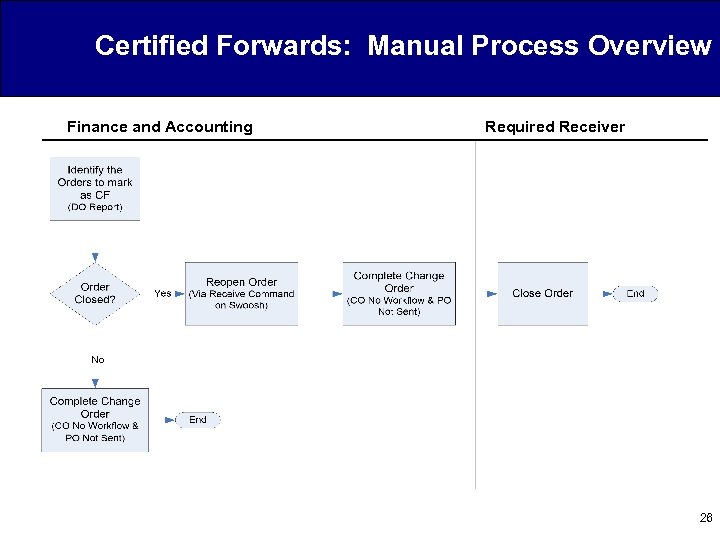
Certified Forwards: Manual Process Overview Finance and Accounting Required Receiver 26
Agenda Ø Welcome / Introduction Ø MFMP q Updated MFMP Team q Customer Service q Punchout Catalogs q SPURS Sunset Update q CRB and CR 37 Update q SIR Update Ø Year End Processing q Certified Forward q Payables [ Anne Rabon] q Reducing/Releasing Encumbrances q Disbursement Transaction Override q Available Reports and Job Aids Ø Next Meeting Time / Location 27
Payables: Process Overview Activity will need to be completed by Finance and Accounting 28
Agenda Ø Welcome / Introduction Ø MFMP q Updated MFMP Team q Customer Service q Punchout Catalogs q SPURS Sunset Update q CRB and CR 37 Update q SIR Update Ø Year End Processing q Certified Forward q Payables q Reducing/Releasing Encumbrances [ Anne Rabon] q Disbursement Transaction Override q Available Reports and Job Aids Ø Next Meeting Time / Location 29
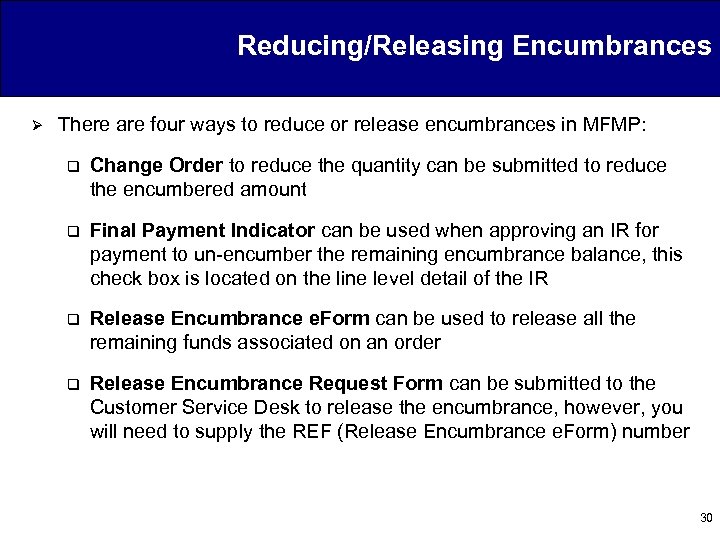
Reducing/Releasing Encumbrances Ø There are four ways to reduce or release encumbrances in MFMP: q Change Order to reduce the quantity can be submitted to reduce the encumbered amount q Final Payment Indicator can be used when approving an IR for payment to un-encumber the remaining encumbrance balance, this check box is located on the line level detail of the IR q Release Encumbrance e. Form can be used to release all the remaining funds associated on an order q Release Encumbrance Request Form can be submitted to the Customer Service Desk to release the encumbrance, however, you will need to supply the REF (Release Encumbrance e. Form) number 30
Release Encumbrance e. Form: Process Overview Activity will need to be completed by Finance and Accounting 31
Agenda Ø Welcome / Introduction Ø MFMP q Updated MFMP Team q Customer Service q Punchout Catalogs q SPURS Sunset Update q CRB and CR 37 Update q SIR Update Ø Year End Processing q Certified Forward q Payables q Reducing/Releasing Encumbrances q Disbursement Transaction Override [ Anne Rabon] q Available Reports and Job Aids Ø Next Meeting Time / Location 32
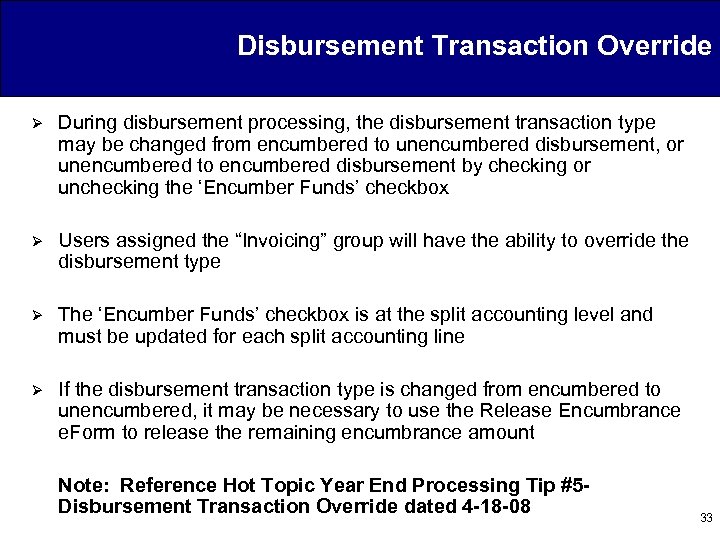
Disbursement Transaction Override Ø During disbursement processing, the disbursement transaction type may be changed from encumbered to unencumbered disbursement, or unencumbered to encumbered disbursement by checking or unchecking the ‘Encumber Funds’ checkbox Ø Users assigned the “Invoicing” group will have the ability to override the disbursement type Ø The ‘Encumber Funds’ checkbox is at the split accounting level and must be updated for each split accounting line Ø If the disbursement transaction type is changed from encumbered to unencumbered, it may be necessary to use the Release Encumbrance e. Form to release the remaining encumbrance amount Note: Reference Hot Topic Year End Processing Tip #5 Disbursement Transaction Override dated 4 -18 -08 33
Agenda Ø Welcome / Introduction Ø MFMP q Updated MFMP Team q Customer Service q Punchout Catalogs q SPURS Sunset Update q CRB and CR 37 Update q SIR Update Ø Year End Processing q Certified Forward q Payables q Reducing/Releasing Encumbrances q Disbursement Transaction Override q Available Reports and Job Aids [ Kasey Bickley] Ø Next Meeting Time / Location 34
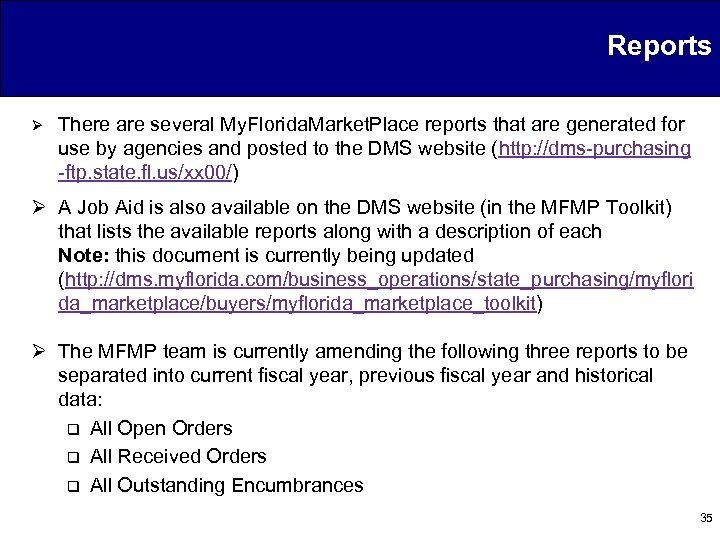
Reports Ø There are several My. Florida. Market. Place reports that are generated for use by agencies and posted to the DMS website (http: //dms-purchasing -ftp. state. fl. us/xx 00/) Ø A Job Aid is also available on the DMS website (in the MFMP Toolkit) that lists the available reports along with a description of each Note: this document is currently being updated (http: //dms. myflorida. com/business_operations/state_purchasing/myflori da_marketplace/buyers/myflorida_marketplace_toolkit) Ø The MFMP team is currently amending the following three reports to be separated into current fiscal year, previous fiscal year and historical data: q All Open Orders q All Received Orders q All Outstanding Encumbrances 35
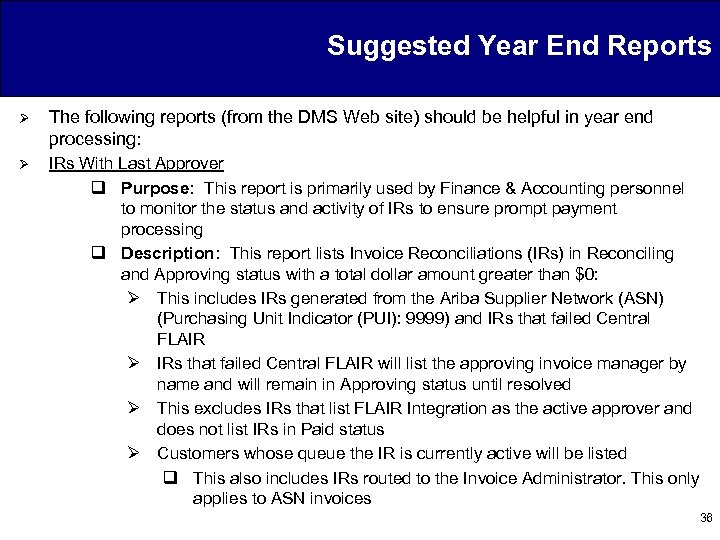
Suggested Year End Reports Ø The following reports (from the DMS Web site) should be helpful in year end processing: Ø IRs With Last Approver q Purpose: This report is primarily used by Finance & Accounting personnel to monitor the status and activity of IRs to ensure prompt payment processing q Description: This report lists Invoice Reconciliations (IRs) in Reconciling and Approving status with a total dollar amount greater than $0: Ø This includes IRs generated from the Ariba Supplier Network (ASN) (Purchasing Unit Indicator (PUI): 9999) and IRs that failed Central FLAIR Ø IRs that failed Central FLAIR will list the approving invoice manager by name and will remain in Approving status until resolved Ø This excludes IRs that list FLAIR Integration as the active approver and does not list IRs in Paid status Ø Customers whose queue the IR is currently active will be listed q This also includes IRs routed to the Invoice Administrator. This only applies to ASN invoices 36
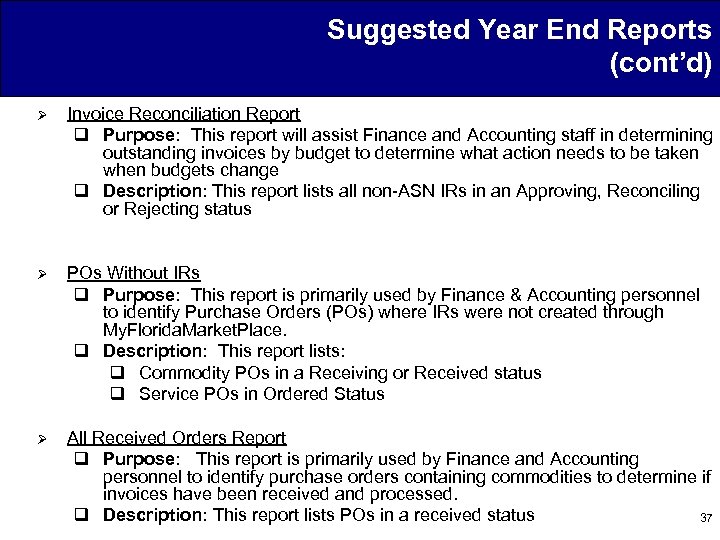
Suggested Year End Reports (cont’d) Ø Invoice Reconciliation Report q Purpose: This report will assist Finance and Accounting staff in determining outstanding invoices by budget to determine what action needs to be taken when budgets change q Description: This report lists all non-ASN IRs in an Approving, Reconciling or Rejecting status Ø POs Without IRs q Purpose: This report is primarily used by Finance & Accounting personnel to identify Purchase Orders (POs) where IRs were not created through My. Florida. Market. Place. q Description: This report lists: q Commodity POs in a Receiving or Received status q Service POs in Ordered Status Ø All Received Orders Report q Purpose: This report is primarily used by Finance and Accounting personnel to identify purchase orders containing commodities to determine if invoices have been received and processed. q Description: This report lists POs in a received status 37
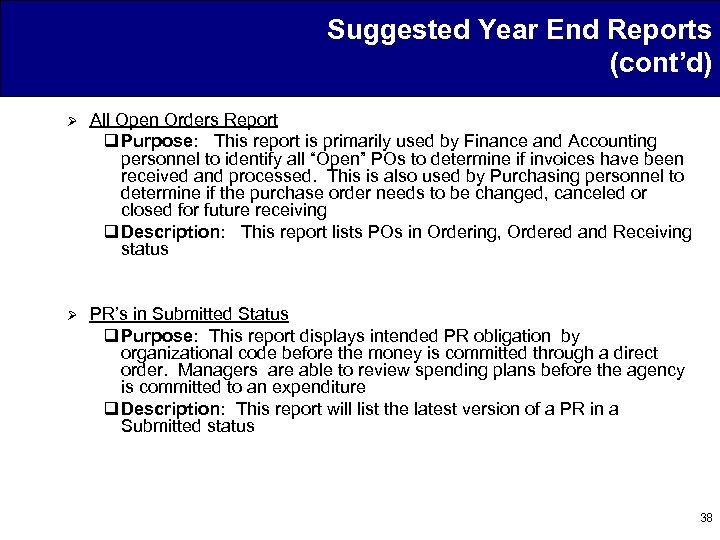
Suggested Year End Reports (cont’d) Ø All Open Orders Report q Purpose: This report is primarily used by Finance and Accounting personnel to identify all “Open” POs to determine if invoices have been received and processed. This is also used by Purchasing personnel to determine if the purchase order needs to be changed, canceled or closed for future receiving q Description: This report lists POs in Ordering, Ordered and Receiving status Ø PR’s in Submitted Status q Purpose: This report displays intended PR obligation by organizational code before the money is committed through a direct order. Managers are able to review spending plans before the agency is committed to an expenditure q Description: This report will list the latest version of a PR in a Submitted status 38
Closing Ø Closing q Questions Ø Please notify the CSD (Buyer. Help) at 1 -866 -352 -3776 or at buyerhelp@myfloridamarketplace. com to report issues that are affecting year end processing 39
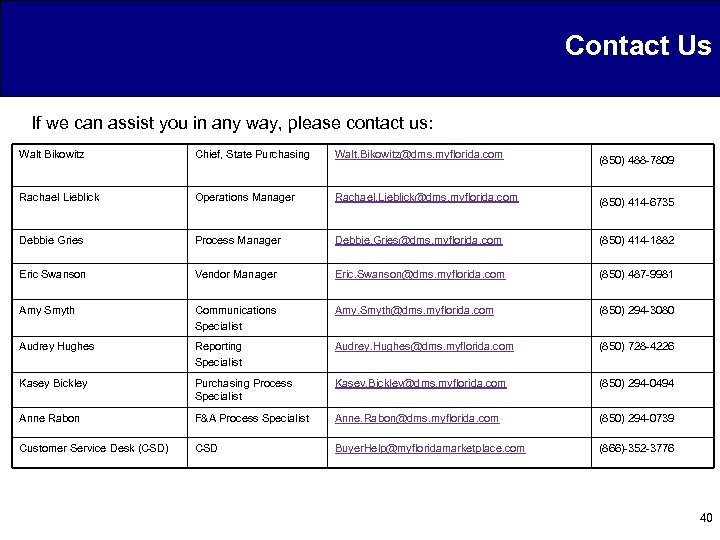
Contact Us If we can assist you in any way, please contact us: Walt Bikowitz Chief, State Purchasing Walt. Bikowitz@dms. myflorida. com (850) 488 -7809 Rachael Lieblick Operations Manager Rachael. Lieblick@dms. myflorida. com (850) 414 -6735 Debbie Gries Process Manager Debbie. Gries@dms. myflorida. com (850) 414 -1882 Eric Swanson Vendor Manager Eric. Swanson@dms. myflorida. com (850) 487 -9981 Amy Smyth Communications Specialist Amy. Smyth@dms. myflorida. com (850) 294 -3080 Audrey Hughes Reporting Specialist Audrey. Hughes@dms. myflorida. com (850) 728 -4226 Kasey Bickley Purchasing Process Specialist Kasey. Bickley@dms. myflorida. com (850) 294 -0494 Anne Rabon F&A Process Specialist Anne. Rabon@dms. myflorida. com (850) 294 -0739 Customer Service Desk (CSD) CSD Buyer. Help@myfloridamarketplace. com (866)-352 -3776 40
Скачать презентацию My Florida Market Place Customer Roundtable Meeting Thursday
f329b926eaf5762a31efefb859081227.ppt