 Скачать презентацию Multi-Media on Your Website No longer just a
2055e93f92e7aa165146e5703efad2f7.ppt
- Количество слайдов: 47



Multi-Media on Your Website No longer just a silent movie Professor Michael S. Pilant Department of Mathematics Texas A&M University November 1, 2001 ICTCM Workshop 1
Multi-Media on Your Website Part I n n n What is multimedia? Do I need it? What can I do with it? What are the costs? What are the benefits? How do I get started? November 1, 2001 ICTCM Workshop 2
Multi-Media on Your Website Part I n What is multimedia? “I’ll know it when I see it …” Pre-World Wide Web u Movies, slide-shows u Audio-visual presentations, laser disks u IBM PC (introduced in 1981) u Apple Macintosh (introduced in 1984) November 1, 2001 ICTCM Workshop 3
Multi-Media on Your Website Part I n What is multimedia? Post-World Wide Web (1989) u Apple Quick. Time (1991) u Windows AVI and Video for Windows (1992) u Windows 3. 1 (1992) November 1, 2001 ICTCM Workshop 4
Multi-Media on Your Website Part II n What is multimedia? u Creating Multimedia We will focus on applications with: t Mathematical Content t Student Audience t Integration with courseware t Examples November 1, 2001 ICTCM Workshop 5
Multi-Media on Your Website n What is multimedia? Common components t Mixed-media t Nonlinear t Modular t Interactive t Computer-based t Just-in-time November 1, 2001 ICTCM Workshop 6
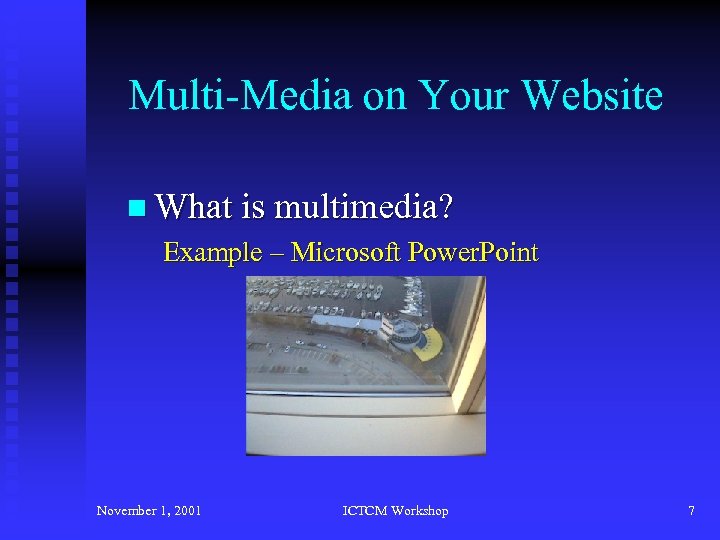
Multi-Media on Your Website n What is multimedia? Example – Microsoft Power. Point November 1, 2001 ICTCM Workshop 7
Multi-Media on Your Website n What is multimedia? u Background t Evolution of Personal computers t Graphics standards t Graphical user interfaces t Hypermedia t Internet t World Wide Web November 1, 2001 ICTCM Workshop 8
Multi-Media on Your Website n What is multimedia? Background – Personal Computers In 1981, IBM introduces the PC (personal computer) In 1984, Apple launches the Macintosh integrates a GUI and a mouse November 1, 2001 ICTCM Workshop 9
Multi-Media on Your Website n What is multimedia? Background – Graphics Standards GIF 87 (Graphics Interchange Format) – June, 1987. [Compu. Serve]. The purpose was to allow interchange of high resolution graphics on the internet using loss-less compression November 1, 2001 ICTCM Workshop 10
Multi-Media on Your Website n What is multimedia? Background – Graphics Standards GIF 89 a extension [Compu. Serve]. Extended the 1987 GIF standards to allow, for example, animation. November 1, 2001 ICTCM Workshop 11
Multi-Media on Your Website n What is multimedia? Background – Graphics Standards JPEG – August, 1990. [Joint Photographic Experts Group]. ISO (International Standards Organization) lossy compression algorithm. November 1, 2001 ICTCM Workshop 12
Multi-Media on Your Website n What is multimedia? Background – Graphics Standards PNG – October, 1996. [Portable Network Graphics]. W 3 C Standard. Lossless compression algorithm supporting true color (24 bit), transparency. November 1, 2001 ICTCM Workshop 13
Multi-Media on Your Website n What is multimedia? Background – Graphics Standards Quick. Time – 1991. [Apple]. Extended Quick. Draw API to include timing information (hence Quick. Time) November 1, 2001 ICTCM Workshop 14
Multi-Media on Your Website n What is multimedia? Background – Graphics Standards AVI (Audio Video Interleave) and VFW (Video for Windows) – 1992. [Microsoft]. Developed for general purpose video capture in Windows 3. 1 November 1, 2001 ICTCM Workshop 15
Multi-Media on Your Website n What is multimedia? Background – Graphical User Interfaces (GUIs) November 20, 1985 – Windows 1. 0 ships April 6, 1992 – Windows 3. 1 ships May 24, 1993 – Windows NT 3. 1 launched August 24, 1995 – Windows 95 launched July 31, 1996 – Windows NT 4. 0 launched June 25, 1998 – Windows 98 launched November 1, 2001 ICTCM Workshop 16
Multi-Media on Your Website n What is multimedia? Background – Hypermedia and the Internet In 1945, Vannevar Bush proposes Memex, a microfiche based repository of linked documents. In 1965, Ted Nelson proposes Xanadu, an electronic repository of world literature. In 1983, the Internet is created. November 1, 2001 ICTCM Workshop 17
Multi-Media on Your Website n What is multimedia? Background – World Wide Web In 1989, Tim Berners‑Lee, a researcher at the CERN high energy physics facility in Geneva Switzerland, proposed the development of a tool to enable collaboration between physicists and other researchers in the high energy physics community. November 1, 2001 ICTCM Workshop 18
Multi-Media on Your Website n What is multimedia? Background – World Wide Web Berners-Lee drafted a proposal called AHypertext and CERN@ and sent out a request for comments. His proposal included the first formulations of the HTML, the http protocol, and the concept of client software (web browser). The world wide web (WWW) is born… November 1, 2001 ICTCM Workshop 19
Multi-Media on Your Website n What is multimedia? Background – World Wide Web Mosaic 1. 0 - released Nov. 1993. Netscape 1. 0 - December 1994. Internet Explorer 1. 0 - August 1995. Opera 1. 0 - December 1996. November 1, 2001 ICTCM Workshop 20
Multi-Media on Your Website n What is multimedia? Background – World Wide Web Netscape 2. 0 –support for Java, Java. Script and plug-ins Netscape 4. 0, IExplorer 4. 0 – support for dynamic HTML (DHTML) IExplorer 5. 0 – support for XML November 1, 2001 ICTCM Workshop 21
Multi-Media on Your Website Part I n n n What is multimedia? Do I need it? What can I do with it? What are the costs? What are the benefits? How do I get started? November 1, 2001 ICTCM Workshop 22
Multi-Media on Your Website n Do I need it? How is your valuable class time utilized? u Introduce new concepts u In-depth explanations and examples u One-on-one student interaction u Group discussion u Overview November 1, 2001 ICTCM Workshop 23
Multi-Media on Your Website n Do I need it? What would you like to be done outside of class? u. Homework u. Repetitive tasks u. Pre- and post- tests u. Reinforcement of u. Equalizing skill level basic concepts u. Projects u. Practice tests Web-enhanced instruction and multimedia… November 1, 2001 ICTCM Workshop 24
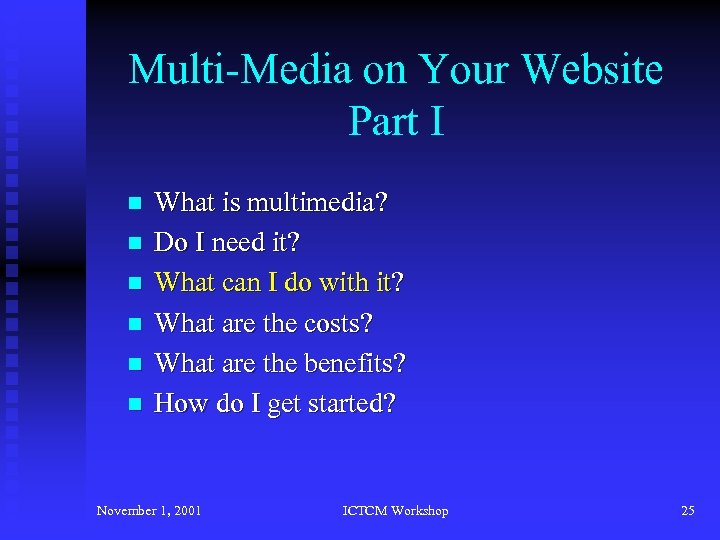
Multi-Media on Your Website Part I n n n What is multimedia? Do I need it? What can I do with it? What are the costs? What are the benefits? How do I get started? November 1, 2001 ICTCM Workshop 25
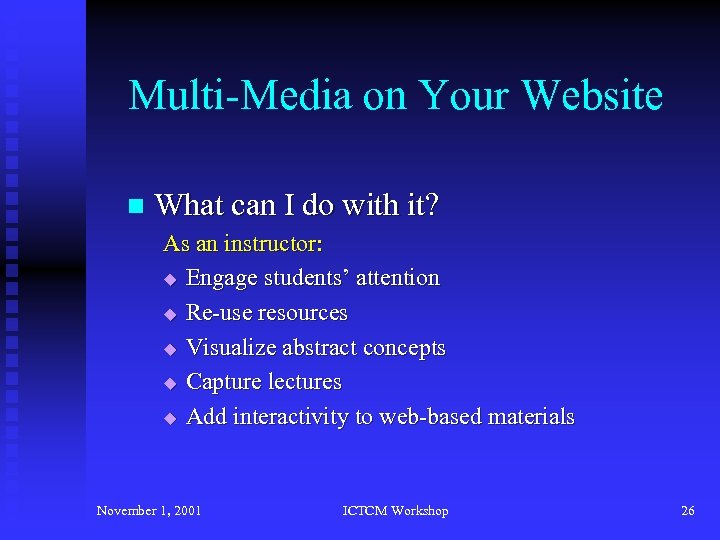
Multi-Media on Your Website n What can I do with it? As an instructor: u Engage students’ attention u Re-use resources u Visualize abstract concepts u Capture lectures u Add interactivity to web-based materials November 1, 2001 ICTCM Workshop 26
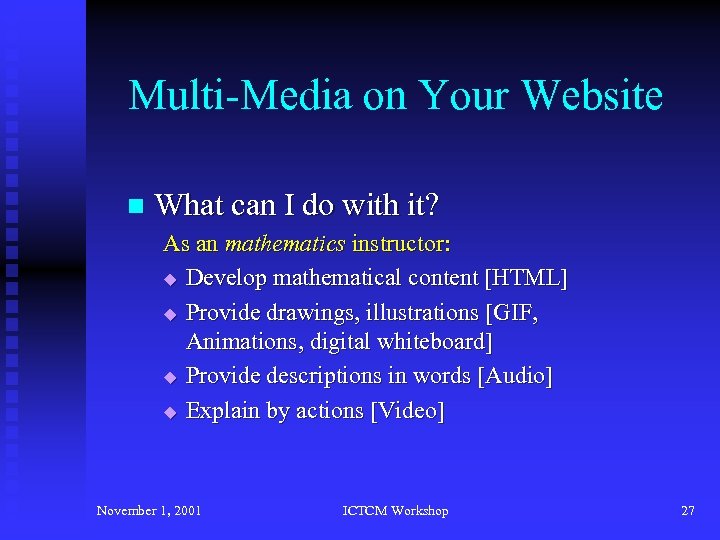
Multi-Media on Your Website n What can I do with it? As an mathematics instructor: u Develop mathematical content [HTML] u Provide drawings, illustrations [GIF, Animations, digital whiteboard] u Provide descriptions in words [Audio] u Explain by actions [Video] November 1, 2001 ICTCM Workshop 27
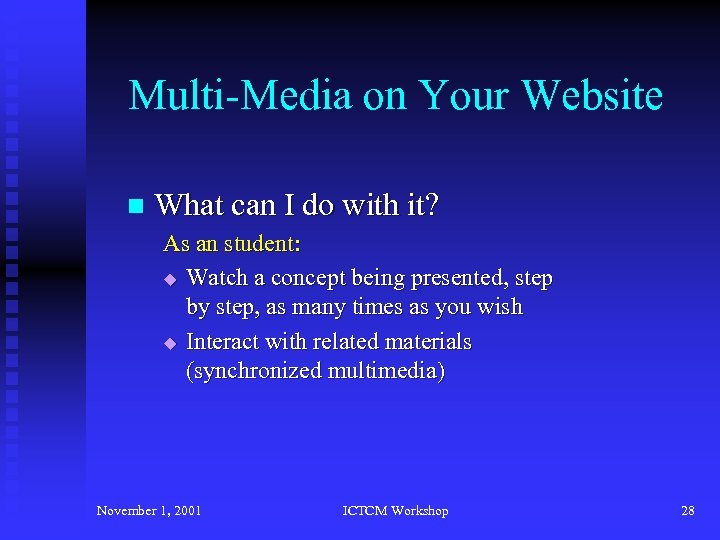
Multi-Media on Your Website n What can I do with it? As an student: u Watch a concept being presented, step by step, as many times as you wish u Interact with related materials (synchronized multimedia) November 1, 2001 ICTCM Workshop 28
Multi-Media on Your Website Part I n n n What is multimedia? Do I need it? What can I do with it? What are the costs? What are the benefits? How do I get started? November 1, 2001 ICTCM Workshop 29
Multi-Media on Your Website n What are the costs? u u u Development of content Converting existing content Training Annotating, indexing Delivery Commercial software November 1, 2001 ICTCM Workshop 30
Multi-Media on Your Website Part I n n n What is multimedia? Do I need it? What can I do with it? What are the costs? What are the benefits? How do I get started? November 1, 2001 ICTCM Workshop 31
Multi-Media on Your Website n What are the benefits? u u u Re-usability of content Maintaining quality as class size increases Just-in-time instruction Instruction-at-a-distance Scalability November 1, 2001 ICTCM Workshop 32
Multi-Media on Your Website Part I n n n What is multimedia? Do I need it? What can I do with it? What are the costs? What are the benefits? How do I get started? November 1, 2001 ICTCM Workshop 33
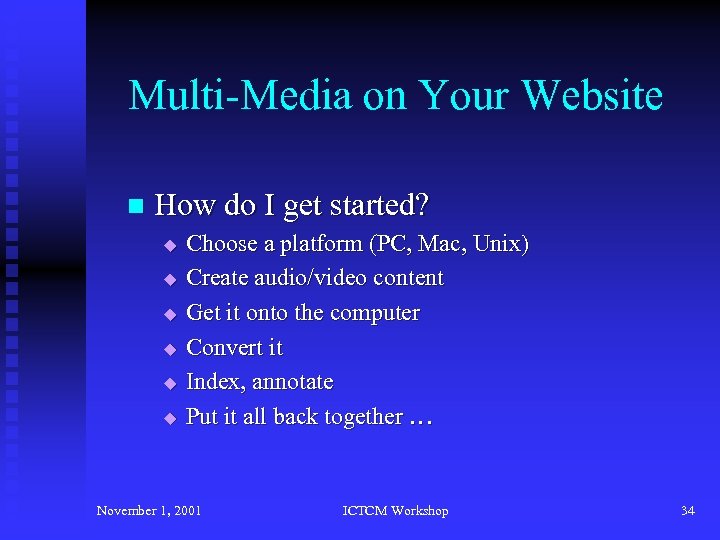
Multi-Media on Your Website n How do I get started? u u u Choose a platform (PC, Mac, Unix) Create audio/video content Get it onto the computer Convert it Index, annotate Put it all back together … November 1, 2001 ICTCM Workshop 34
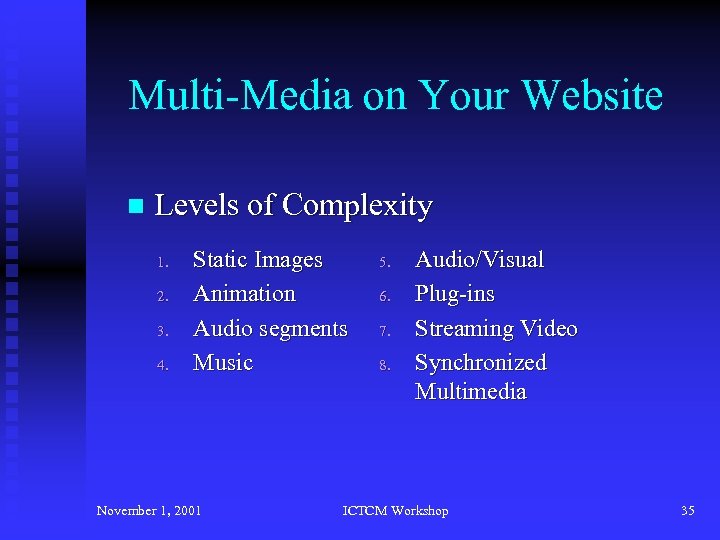
Multi-Media on Your Website n Levels of Complexity 1. 2. 3. 4. Static Images Animation Audio segments Music November 1, 2001 5. 6. 7. 8. Audio/Visual Plug-ins Streaming Video Synchronized Multimedia ICTCM Workshop 35
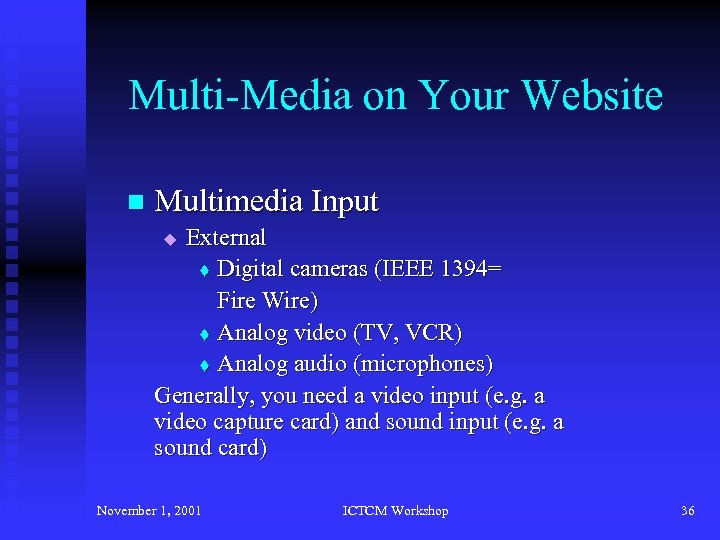
Multi-Media on Your Website n Multimedia Input External t Digital cameras (IEEE 1394= Fire Wire) t Analog video (TV, VCR) t Analog audio (microphones) Generally, you need a video input (e. g. a video capture card) and sound input (e. g. a sound card) u November 1, 2001 ICTCM Workshop 36
Multi-Media on Your Website n Multimedia Input u Internal t Screen captures t Existing multimedia files November 1, 2001 ICTCM Workshop 37
Multi-Media on Your Website n Video Input u u u NTSC PAL SECAM Composite S-Video Digital Video November 1, 2001 ICTCM Workshop 38
Multi-Media on Your Website n Video Compression/Decompression (CODECs) u u Cinepak – developed in 1990 H. 261 and H. 263 – based on DCT, used for videoconferencing (basis for MPEG) Indeo 3. 2 – developed in 1980’s Photo-JPEG – for slideshows November 1, 2001 ICTCM Workshop 39
Multi-Media on Your Website n Video CODECs u u M-JPEG – Motion JPEG – JPEG compression of each individual frame MPEG-1 – fixed bit rate (1. 15 Mbps) MPEG-2 – variable bit rate (4 -9. 8 Mbps) MPEG-4, 7, 21 – November 1, 2001 ICTCM Workshop 40
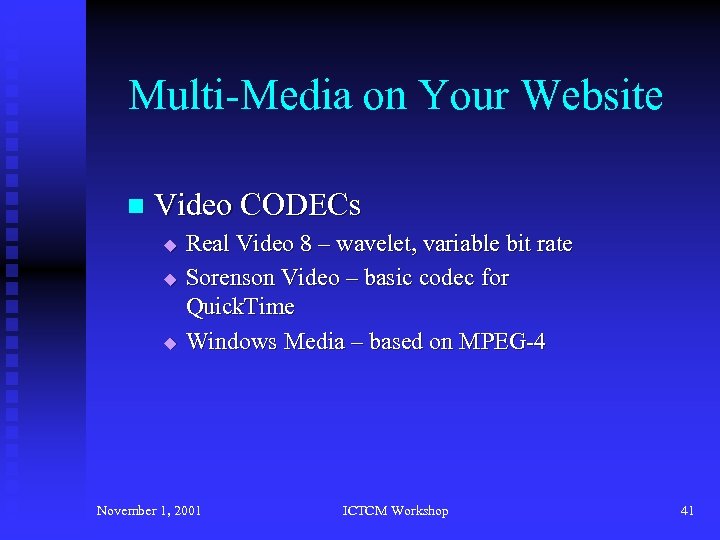
Multi-Media on Your Website n Video CODECs u u u Real Video 8 – wavelet, variable bit rate Sorenson Video – basic codec for Quick. Time Windows Media – based on MPEG-4 November 1, 2001 ICTCM Workshop 41
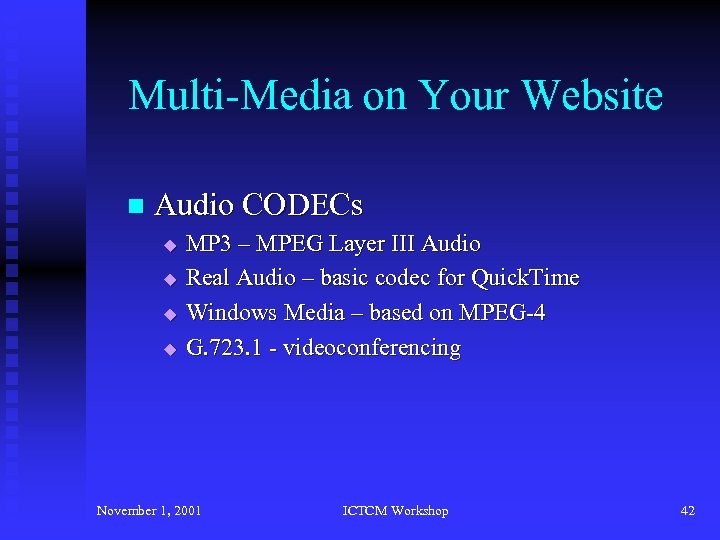
Multi-Media on Your Website n Audio CODECs u u MP 3 – MPEG Layer III Audio Real Audio – basic codec for Quick. Time Windows Media – based on MPEG-4 G. 723. 1 - videoconferencing November 1, 2001 ICTCM Workshop 42
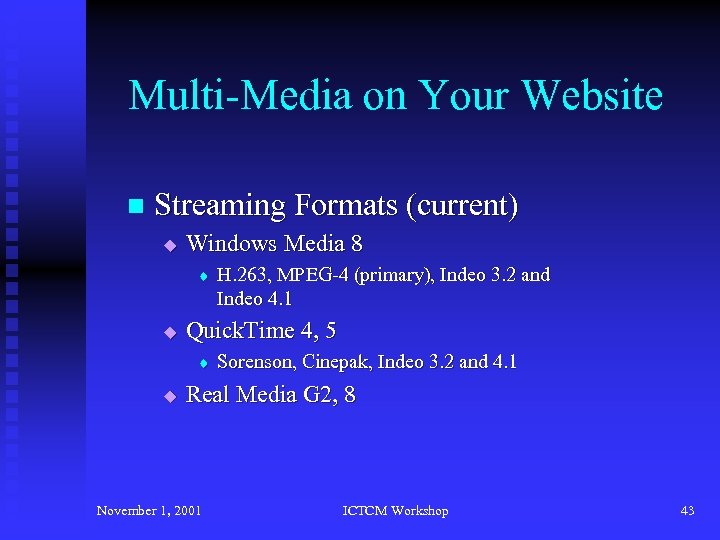
Multi-Media on Your Website n Streaming Formats (current) u Windows Media 8 t u Quick. Time 4, 5 t u H. 263, MPEG-4 (primary), Indeo 3. 2 and Indeo 4. 1 Sorenson, Cinepak, Indeo 3. 2 and 4. 1 Real Media G 2, 8 November 1, 2001 ICTCM Workshop 43
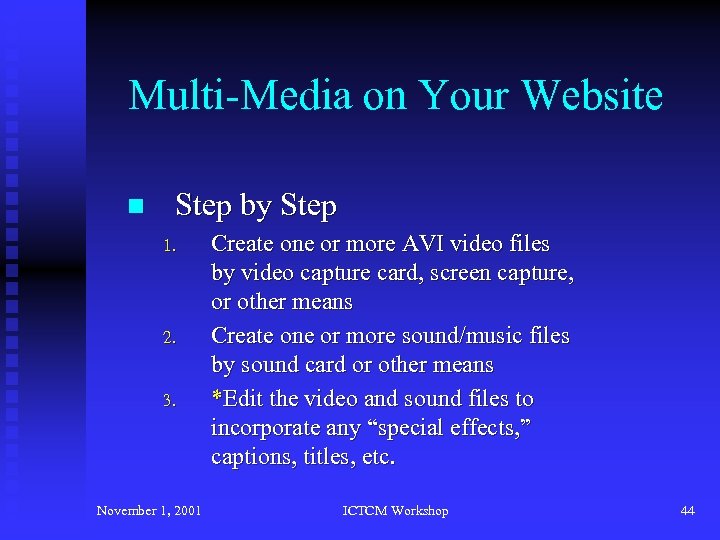
Multi-Media on Your Website n Step by Step 1. 2. 3. November 1, 2001 Create one or more AVI video files by video capture card, screen capture, or other means Create one or more sound/music files by sound card or other means *Edit the video and sound files to incorporate any “special effects, ” captions, titles, etc. ICTCM Workshop 44
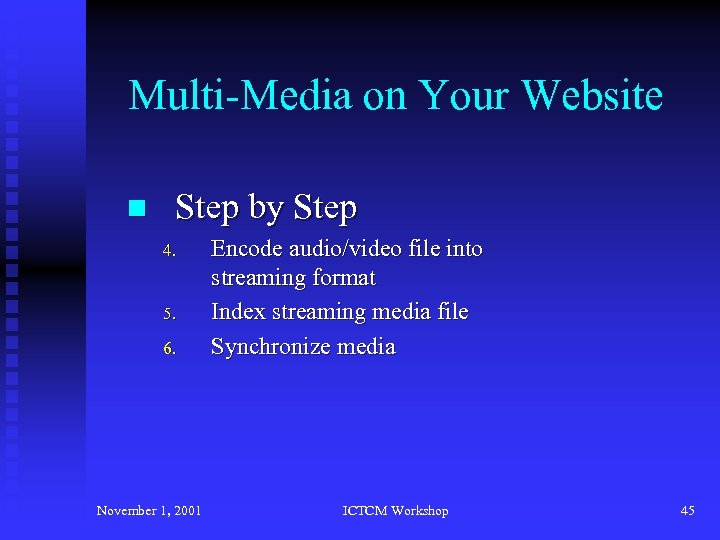
Multi-Media on Your Website n Step by Step 4. 5. 6. November 1, 2001 Encode audio/video file into streaming format Index streaming media file Synchronize media ICTCM Workshop 45
![Multi-Media on Your Website n Bandwidth Matrix Cellular [9. 6 – 19. 2 Kbps]](https://present5.com/presentation/2055e93f92e7aa165146e5703efad2f7/image-46.jpg "Multi-Media on Your Website n Bandwidth Matrix Cellular [9. 6 – 19. 2 Kbps]")
Multi-Media on Your Website n Bandwidth Matrix Cellular [9. 6 – 19. 2 Kbps] Slideshows, Flash Modem [28. 8 – 56 Kbps] Low band streaming ISDN [64 – 128 Kbps] Videoconferencing DSL/Cable [128 K – 2 Mbps] Hi band streaming T 1[1. 5 Mbps] Hi band streaming Wireless [1 – 11 Mbps] Hi band streaming Ethernet [10 – 100 Mbps] Full screen video November 1, 2001 ICTCM Workshop 46
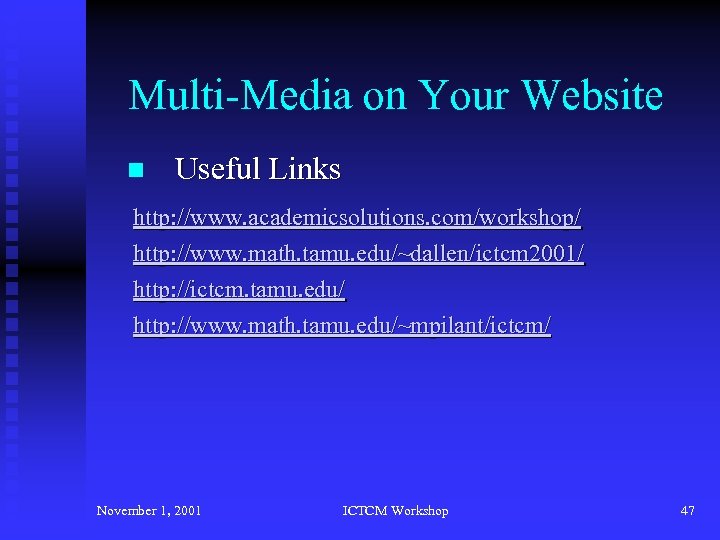
Multi-Media on Your Website n Useful Links http: //www. academicsolutions. com/workshop/ http: //www. math. tamu. edu/~dallen/ictcm 2001/ http: //ictcm. tamu. edu/ http: //www. math. tamu. edu/~mpilant/ictcm/ November 1, 2001 ICTCM Workshop 47
Скачать презентацию Multi-Media on Your Website No longer just a
2055e93f92e7aa165146e5703efad2f7.ppt