 Скачать презентацию Mrs O s Research Tips Bibliographies Who needs
afadde21b6f8e3842d006f9663ed4002.ppt
- Количество слайдов: 29



Mrs. O’s Research Tips
Bibliographies… Who needs ‘em? …and Why?
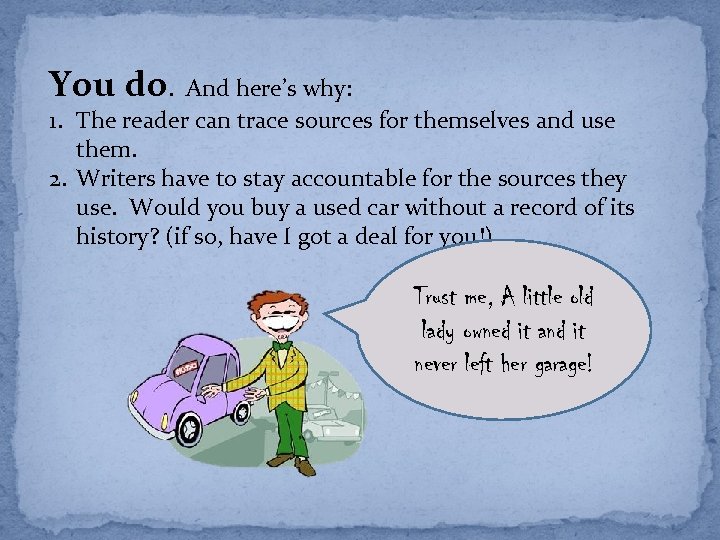
You do. And here’s why: 1. The reader can trace sources for themselves and use them. 2. Writers have to stay accountable for the sources they use. Would you buy a used car without a record of its history? (if so, have I got a deal for you!) Trust me, A little old lady owned it and it never left her garage!
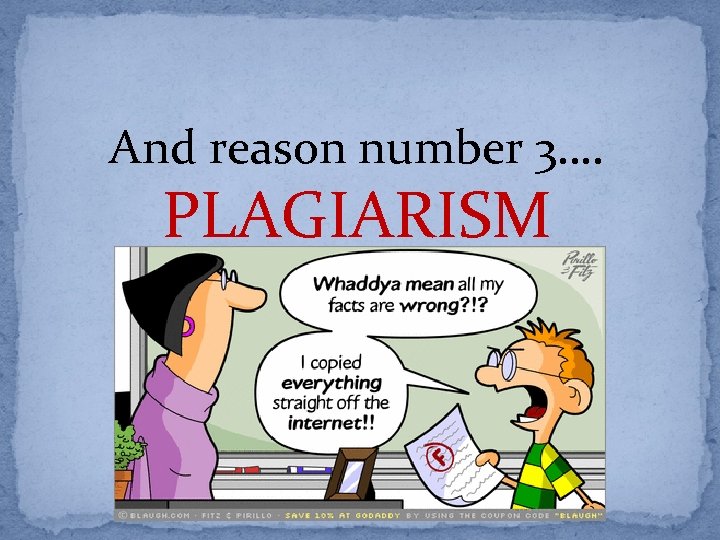
And reason number 3…. PLAGIARISM
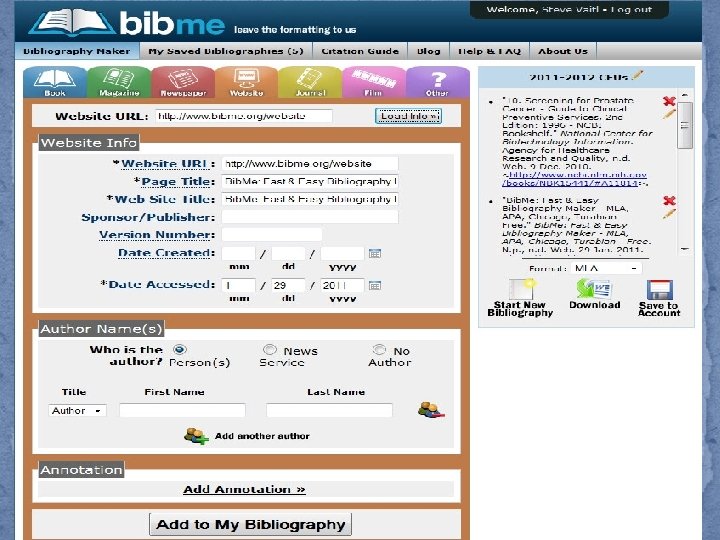
Pre-search prep A. Open doc in googledocs or word. This is your working bibliography, so save it carefully! B. Open Bibme (link found on NBCHS Library Webpage)
Resources: Where do I look? • Library Databases • L 4 U • Internet search engine (Google)
Library Databases (on Library Home Page) a. “Limits” – Articles/Books/etc. b. Look at citation info (paste into reference doc)
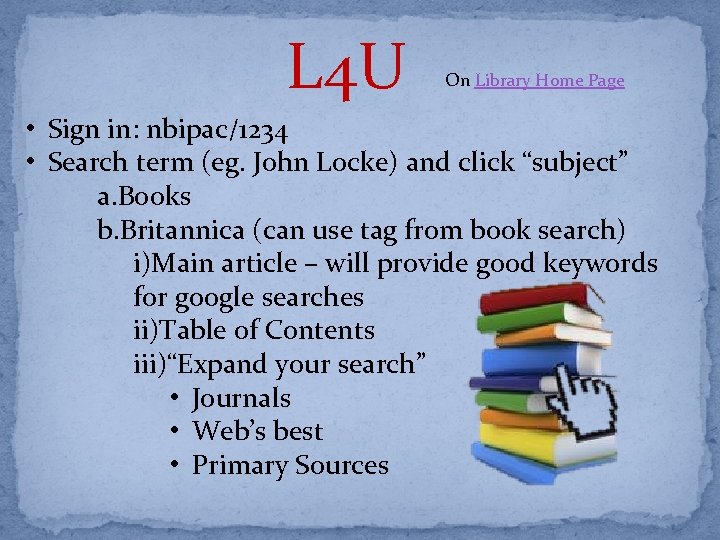
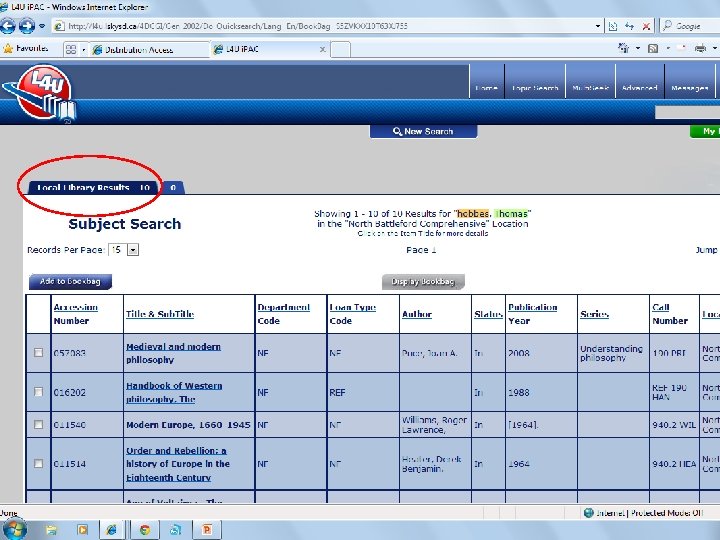
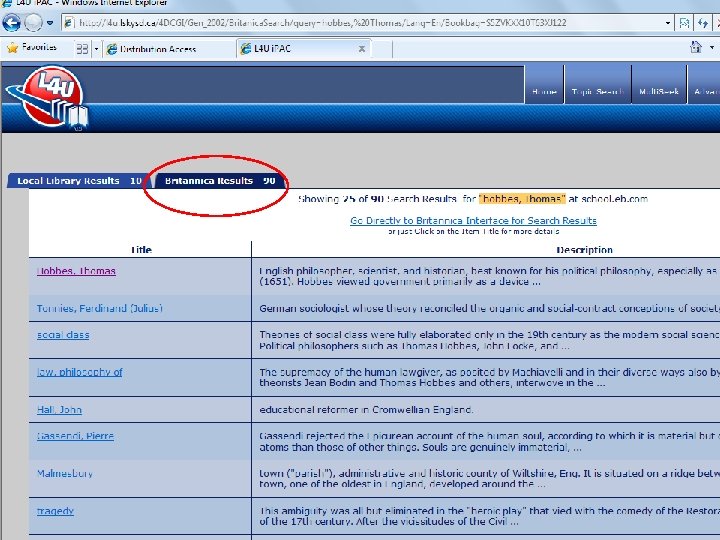
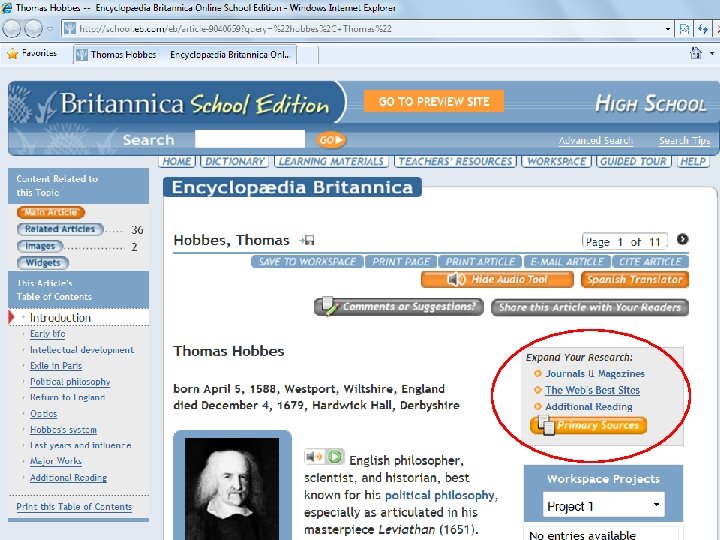
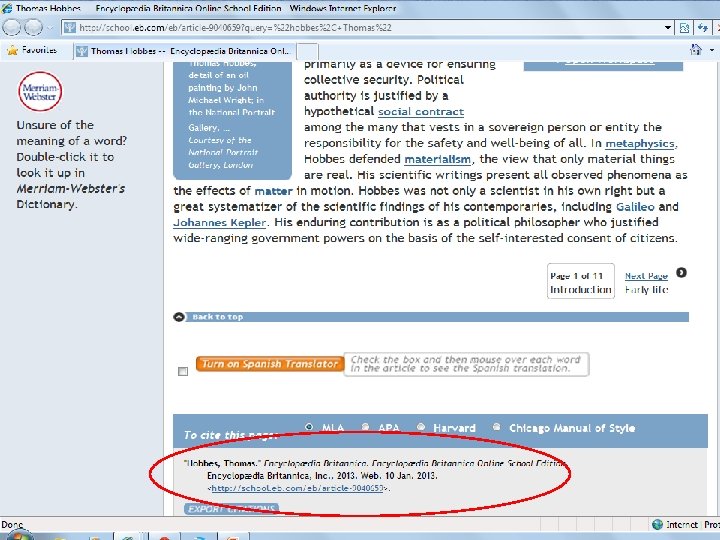
L 4 U On Library Home Page • Sign in: nbipac/1234 • Search term (eg. John Locke) and click “subject” a. Books b. Britannica (can use tag from book search) i)Main article – will provide good keywords for google searches ii)Table of Contents iii)“Expand your search” • Journals • Web’s best • Primary Sources
Internet (Google) Search
The internet offers the BEST information on MANY topics. The internet offers the WORST information on MOST topics. You can use internet resources for research papers, but you have to be careful.
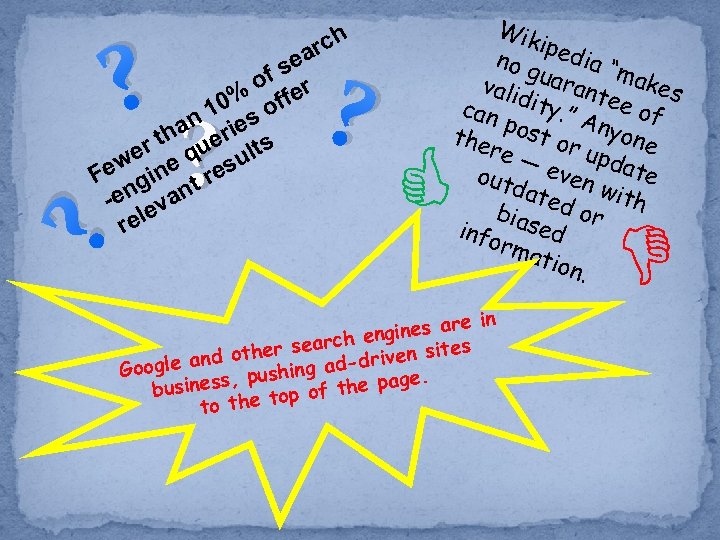
? a se of er % 10 s off n ha erie s r t qu t we ne esul Fe gi r n ant -e ev rel ? ? Wik iped no g ia “ m vali uarant akes can dity. ” ee of Any pos o the t re — or up ne d out even ate dat ed o with bias ed r info rma tion. e in gines ar en r search iven sites the le and o shing ad-dr Goog pu e. the pag usiness, b of the top to ? rch
Evaluating websites When using the internet, be critical. This short mnemonic can help: BAT Bias Authority Timeliness
Bias: What is the site’s purpose, who is the intended audience, and what motives does the author have? Authority: Who created and maintains the site, who contributes to it, and what is their knowledge, expertise, or experience? Timeliness: How current is the information and when was the site last updated?
Just because it's on the internet, doesn't make it true - even if it looks professional. For example, check this out: Save the Pacific Northwest Tree Octopus!
Some sites may be harmless satires, but others have a more sinister purpose: http: //www 2. suffolk. edu/sawlib/instruc tion_modules/evaluate/mlk. html Beware, and use BAT to check your web sources.
Web search tips
AND is implied in Google searches and therefore is not necessary.
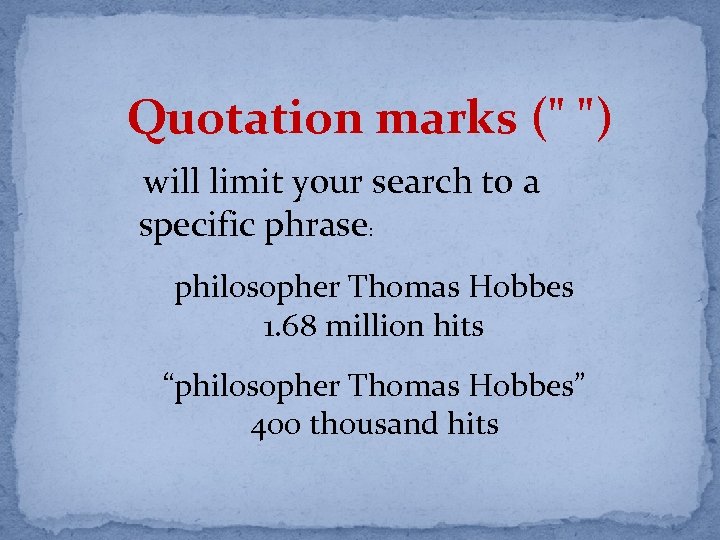
Quotation marks (" ") will limit your search to a specific phrase: philosopher Thomas Hobbes 1. 68 million hits “philosopher Thomas Hobbes” 400 thousand hits
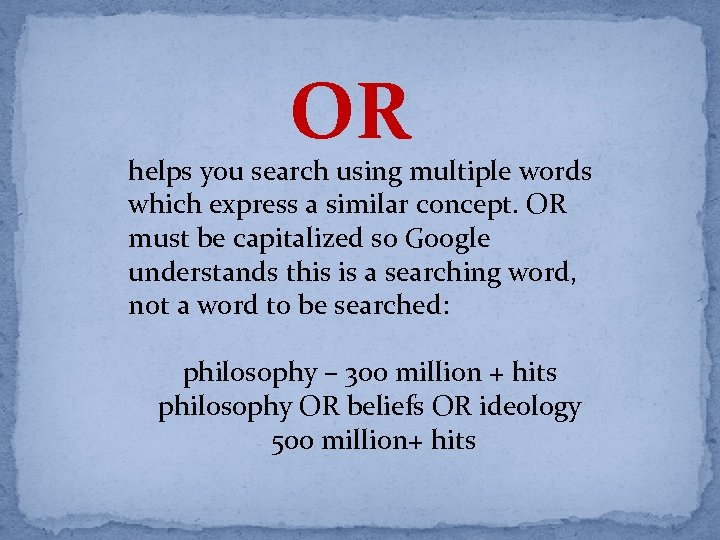
OR helps you search using multiple words which express a similar concept. OR must be capitalized so Google understands this is a searching word, not a word to be searched: philosophy – 300 million + hits philosophy OR beliefs OR ideology 500 million+ hits
Asterisks (*) will retrieve words with multiple endings. philosoph* will cover: philosophy , philosophies, philosopher, philosophers…
(~) helps you to search for synonyms and can help you locate words with similar meanings. ~car will retrieve automobile, vehicle, etc.
Set limits • intitle: retrieves search words which appear in the website's title field (intitle: canad* "climate change“) • inurl: retrieves search words which appear in the websites's url (inurl: shakespeare "elizabethan england“) • filetype: retrieves specific file types such as HTML, PDFs, MS Word (doc), Excel (xls), Power. Point (ppt) (filetype: pdf "organizational development" leadership) • site: limits to . edu, . com, . org, . ca, etc. (site: edu john locke will bring up educational sites)
You can search for more tips on…wait for it… GOOGLE!! or go to Research 101 on the NBCHS Library Webpage
Sources "Evaluating Information Content: Bias Example. " Untitled Document. N. p. , n. d. Web. 9 Jan. 2013. <http: //www 2. suffolk. edu/sawlib/instruction_modules/evaluate/mlk. html>. "Google 101: Web search tips. " UVic Library. University of Victoria Libraries, 18 Mar. 2011. Web. 9 Jan. 2013. <http: //library. uvic. ca/instruction/research/google 101. html>. hiro. "Clipart - Funny Bat. " Open. Clip. Art. N. p. , 5 July 2010. Web. 9 Jan. 2013. <http: //openclipart. org/detail/70285/funny-bat--by-hiro>. johnny_automatic. "Clipart - pointing hand. " Open. Clip. Art. N. p. , 29 Oct. 2006. Web. 9 Jan. 2013. <http: //openclipart. org/detail/1006/pointing-hand-byjohnny_automaticpointing+finger>. " Images - Clip Art, Photos, Sounds, & Animations - Office. com. " Office - Office. com. Microsoft Corporation, n. d. Web. 9 Jan. 2013. <http: //office. microsoft. com/enus/images/? CTT=97>. "Bib. Me: Fast & Easy Bibliography Maker - MLA, APA, Chicago, Turabian - Free. N. p. , n. d. Web. 9 Jan. 2013. <http: //www. bibme. org/>. Pinillo, and Fitz. "Legal. ELA. "wikispaces. com. Tangient LLC, n. d. Web. 10 Jan. 2013. <grandstreetlibraryela. wikispaces. com/file/view/Plagiarism. gif/298878814/499 x 287/Plagiaris m. gif
Скачать презентацию Mrs O s Research Tips Bibliographies Who needs
afadde21b6f8e3842d006f9663ed4002.ppt