 Скачать презентацию Mr A Civics Unit 3 The Three Branches
3ccf71855033e4a7564fd3162f2a78ca.ppt
- Количество слайдов: 9



Mr A Civics Unit 3: The Three Branches of Government “Be the Expert” (Unit Learning Activities)
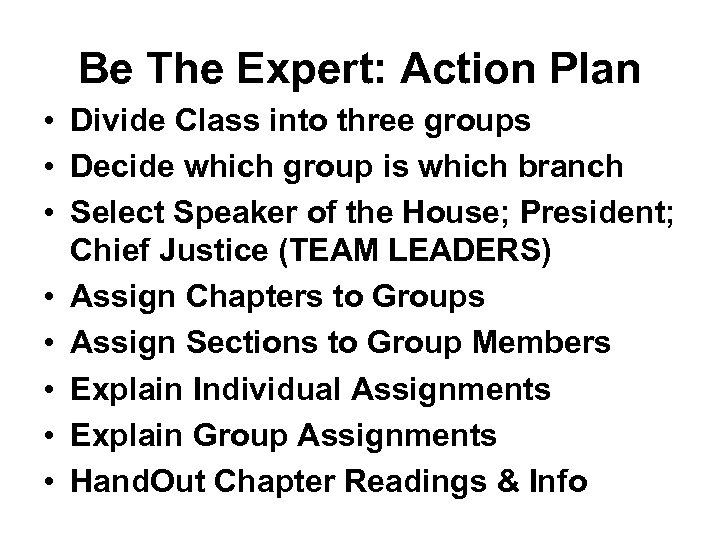
Be The Expert: Action Plan • Divide Class into three groups • Decide which group is which branch • Select Speaker of the House; President; Chief Justice (TEAM LEADERS) • Assign Chapters to Groups • Assign Sections to Group Members • Explain Individual Assignments • Explain Group Assignments • Hand. Out Chapter Readings & Info
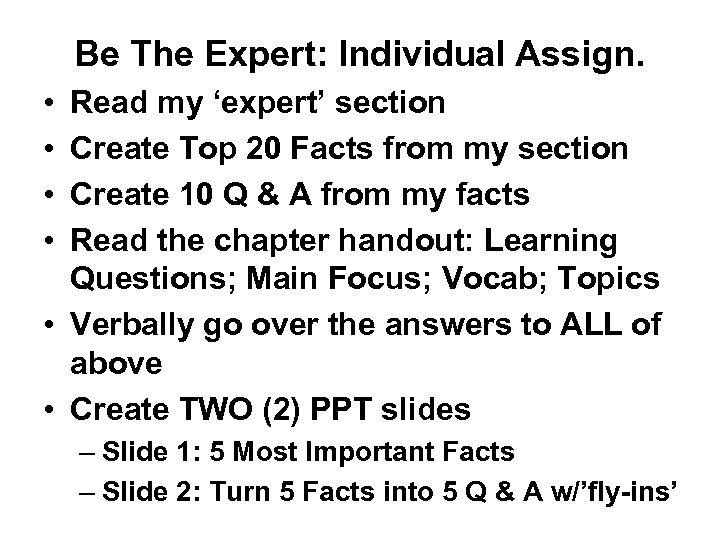
Be The Expert: Individual Assign. • • Read my ‘expert’ section Create Top 20 Facts from my section Create 10 Q & A from my facts Read the chapter handout: Learning Questions; Main Focus; Vocab; Topics • Verbally go over the answers to ALL of above • Create TWO (2) PPT slides – Slide 1: 5 Most Important Facts – Slide 2: Turn 5 Facts into 5 Q & A w/’fly-ins’
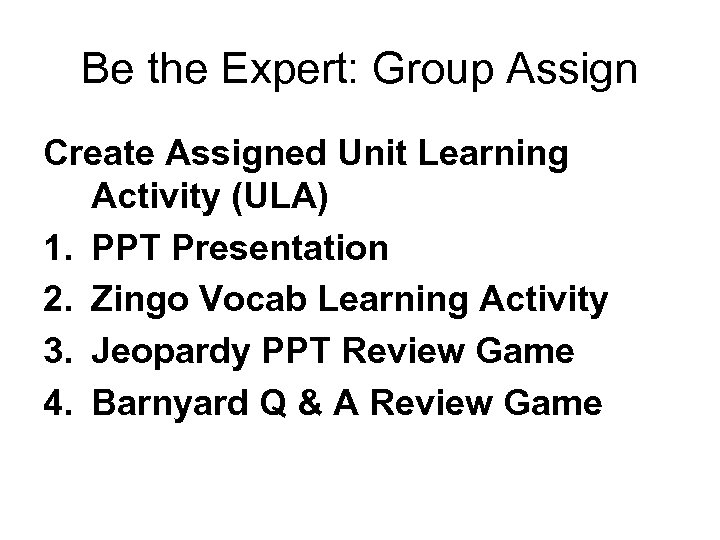
Be the Expert: Group Assign Create Assigned Unit Learning Activity (ULA) 1. PPT Presentation 2. Zingo Vocab Learning Activity 3. Jeopardy PPT Review Game 4. Barnyard Q & A Review Game
Power. Point Pres POWERPOINT PRESENTATION (5 to 7 min) *The PPT presentation team will create 16 to 20 slides---Use the format that I have shared with you – each kid should have given you 2 to 3 slides with their 5 facts and 5 Q & A *Choose appropriate clip art and photos *Be sure to have an ‘attention-getting’ INTRO with music, animations, etc. *Also, have a good ending slide with music and ‘scroll-the-credits’. *Make sure all text is bolded & animated; slides should have transitions! *All slides should have a ‘cool’ background
ZINGO-Prepare ZINGO VOCAB REVIEW ACTIVITY (6 to 8 min) *You will use the ‘Zingo’ program on Mr. A’s computers. *You will type ‘ 25’ vocab words from unit vocab in a 5 x 5 grid *You will print 12 copies—all 12 should be different (the program will do that for you IF you check ‘COLLATE’ *You will keep one of the Zingo sheets for you & your partner to use as the MASTER. *You will DEFINE all ‘ 25’ words on 3 X 5 cards--place BOTH the vocab word & the meaning on the SAME side of the card. *Feel free to use color and some graphics
ZINGO-Present *You will call out the meaning of the vocab word during your presentation, *Place a chip on the word, and keep going until someone hollers ‘ZINGO’! *Do NOT clear your card until you have checked to see if they really did win. (You may want to have a few ‘prizes’ for the winners---your choice. )
Jeopardy PPT Review Game JEOPARDY REVIEW GAME: (8 to 10 min) *Use the Jeopardy template from Mr. A. (Get it from my website) *Rewrite the question’s slide to fit your questions. (Also the answers) *Choose 25 questions from everyone’s facts/Q & A. *Make them fit into ‘ 5’ separate categories---NO VOCAB! *During your presentation you will have each CG choose a category and try to answer it within 5 to 7 secs. (Or have each group take turns; etc. ) *You will have to operate the mouse and make all the decisions (You better practice at home on your own!!!) *Will you have any type of prize for the winning group? Your choice.
BARNYARD REVIEW ACTIVITY (3 to 5 min) *You will create a set of Q & A on separate 3 X 5 cards. *The QUESTION goes on one card and the ANSWER to that same question goes on a separate card. (Continue like this for all of your Q & A. ) *During your presentation, be sure the cards are all mixed up, and hand out an EQUAL number of QUESTIONS and ANSWERS to the class. *When you say go, the kids will ‘shout-out’ their answer--Question kids will be listening for the ans to their question & then match correct Q & A. *Tell them that after they have made their match, they stand beside each other SILENTLY waiting for the last pair to match up. *Be sure you have made a MASTER KEY so that you can verify that all Q & A are correctly matched by calling out “Question 1 Read yours---and ans please. ”
Скачать презентацию Mr A Civics Unit 3 The Three Branches
3ccf71855033e4a7564fd3162f2a78ca.ppt