Moodle 2 on USB Drive (Portable) By Ramzan Jabbar IT Engineer Doncaster Deaf College
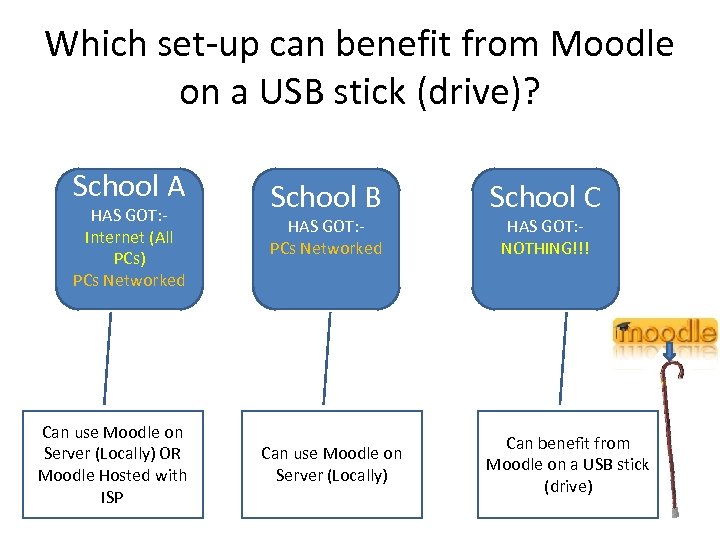
Which set-up can benefit from Moodle on a USB stick (drive)? School A HAS GOT: Internet (All PCs) PCs Networked Can use Moodle on Server (Locally) OR Moodle Hosted with ISP School B HAS GOT: PCs Networked Can use Moodle on Server (Locally) School C HAS GOT: NOTHING!!! Can benefit from Moodle on a USB stick (drive)
Other Good Uses • Give out to Students who at their residence don’t have internet (with just relevant courses). • Give to Teachers to use for testing without the fear of breaking anything. • Tech Guys – testing upgrades / play with any theme / testing new modules… If you’re on Moodle 1. x and want to test Moodle 2
Moodle 2. 2+ (Dec) requires: PHP v 5. 3. 2 My. SQL 5. 0. 25 (if using MYSQL) Apache What’s already available? What’s the best option? We will investigate…
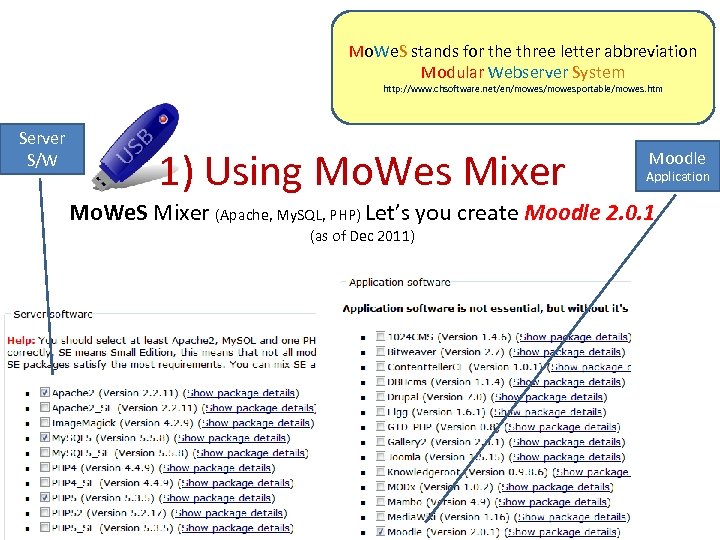
Mo. We. S stands for the three letter abbreviation Modular Webserver System http: //www. chsoftware. net/en/mowesportable/mowes. htm Server S/W 1) Using Mo. Wes Mixer Moodle Application Mo. We. S Mixer (Apache, My. SQL, PHP) Let’s you create Moodle 2. 0. 1 (as of Dec 2011)
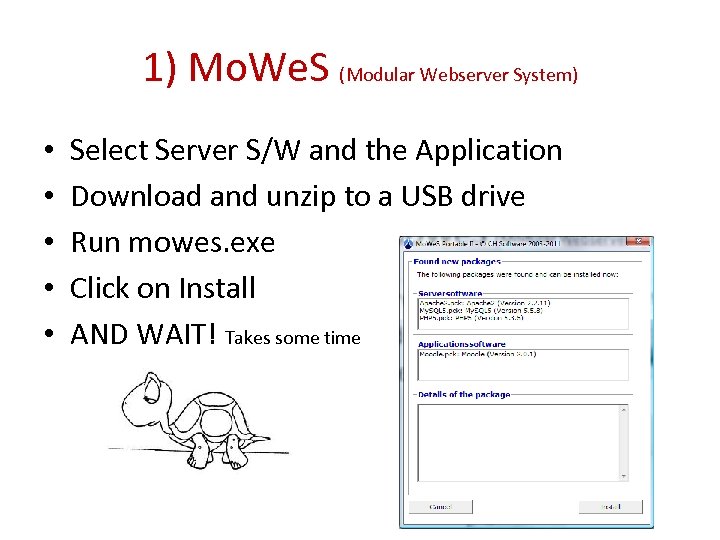
1) Mo. We. S (Modular Webserver System) • • • Select Server S/W and the Application Download and unzip to a USB drive Run mowes. exe Click on Install AND WAIT! Takes some time
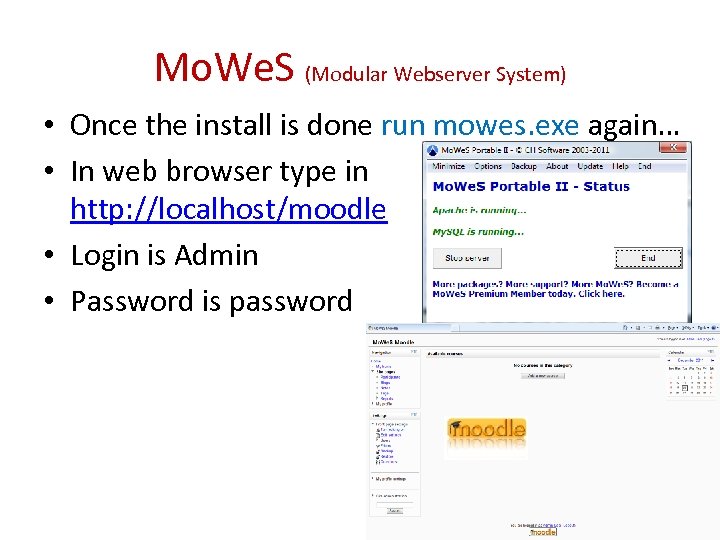
Mo. We. S (Modular Webserver System) • Once the install is done run mowes. exe again… • In web browser type in http: //localhost/moodle • Login is Admin • Password is password
2) Poodle (Portable Moodle) Provide full installation instructions at https: //doc. maflt. org/5_Products/Poodle/1. _Poodle_Installation_and_Setup_Guide
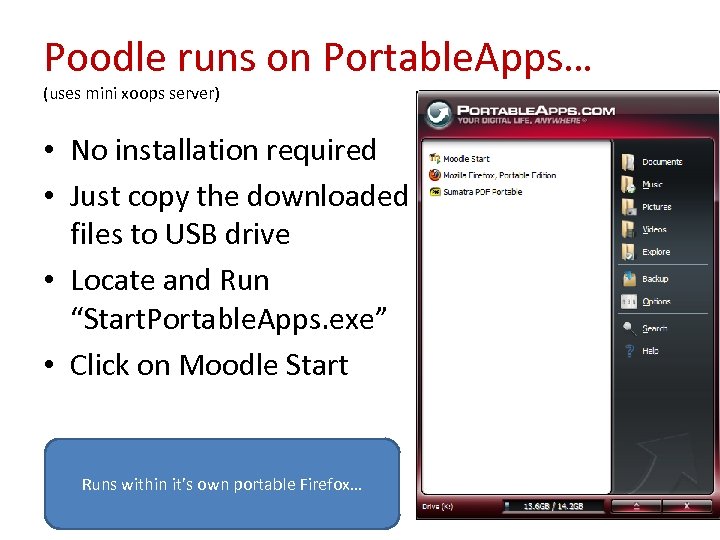
Poodle runs on Portable. Apps… (uses mini xoops server) • No installation required • Just copy the downloaded files to USB drive • Locate and Run “Start. Portable. Apps. exe” • Click on Moodle Start Runs within it’s own portable Firefox…
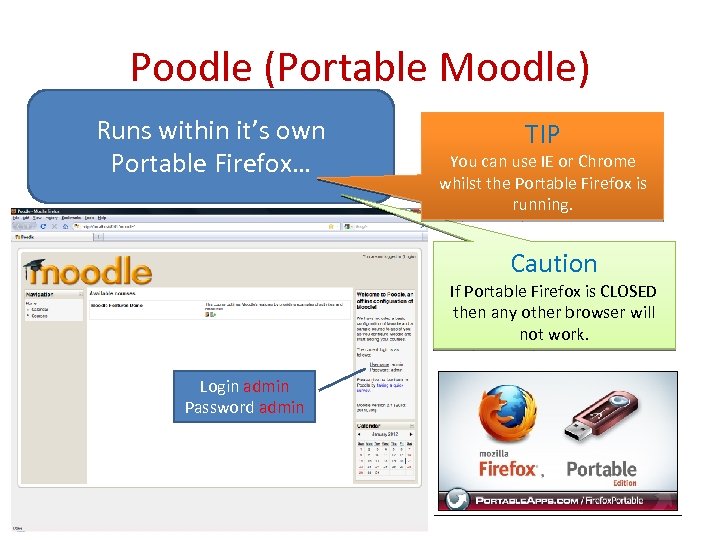
Poodle (Portable Moodle) Runs within it’s own Portable Firefox… TIP You can use IE or Chrome whilst the Portable Firefox is running. Caution If Portable Firefox is CLOSED then any other browser will not work. Login admin Password admin
My Favourite ONE!!! * Does not come with Moodle * I installed the LATEST MOODLE * I changed server and moodle congfig files to make it portable
Server 2 Go • After the initial hard work – setting it up and installing moodle… • Moodle can be upgraded as required. • Use php. My. Admin (included) to manage moodle database. • This Portable server is more robust and faster than all others tested. • Download http: //www. server 2 go-web. de/download. html Download – BUT you will need to make changes to make it work with moodle install!
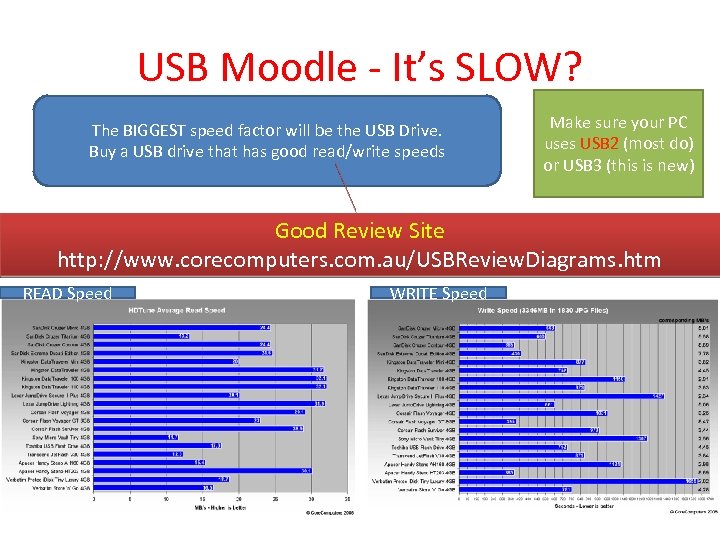
USB Moodle - It’s SLOW? The BIGGEST speed factor will be the USB Drive. Buy a USB drive that has good read/write speeds Make sure your PC uses USB 2 (most do) or USB 3 (this is new) Good Review Site http: //www. corecomputers. com. au/USBReview. Diagrams. htm READ Speed WRITE Speed