 Скачать презентацию Montana s Internet-Enabled Wage Automated Reporting Program Nashville Tennessee
de56ff3fddd82fa19e9e66819f109106.ppt
- Количество слайдов: 36



Montana’s Internet-Enabled Wage Automated Reporting Program Nashville, Tennessee August 17, 1999
Agenda • Wage Base Tax Consolidation • A Brief History • WARP Description • WARP on the Web Demonstration • Q&A / Feedback 8 -17 -99 WARP on the Web 2
STAWRS Project “Simplified Tax and Wage Reporting System” • Assigning Federal Employer Identification Number (FEIN) • Single Point (Paper) Filing • Combined state UI and WH and Federal 941 report • Piloting during 4 th quarter 1998 and 1999 Next Steps • Evaluate results of pilot • IRS Accreditation • Implement federal/state quarterly reporting in 2000 8 -17 -99 WARP on the Web 3
Montana Consolidation • Implement Legislation to Combine Withholding and UI – Effective January 1, 1999: • Single Employer Identification Number • Combined Quarterly Report and Payment – Paper – Electronic – Employer Participation 8 -17 -99 WARP on the Web 4
The Road Behind • The Existing System • The Replacement Options – Distributed or Centralized? • Technology Platform Considerations • Oracle® vs. The Internet – The “Bleeding” Edge – Client Server vs. Net Server – J-initiator 8 -17 -99 WARP on the Web 5
The Road Behind (continued) • Understanding the Software Business – Who is our customer? – Business and Technical Support • The Development Process • Hoping For a Painless Rollout • Production Support – SLA – Help Desk 8 -17 -99 WARP on the Web 6
Marketing Strategy • YES, We Needed One. • Financial Institutions and Accountants • Future Promotions – Geographic – Industry-based • Reviews and Checkpoints – Focus Groups – Surveys 8 -17 -99 WARP on the Web 7
Minimum Configuration • • • Windows 95/98 or NT 4. 0 Pentium 90 mhz processor or faster 20 megabytes of free hard disk space Screen resolution of 800 x 600 or greater 32 megabytes of RAM required (48 mb RAM or greater recommended) • Internet Explorer 4. 0 or later, or Netscape Navigator 3. 0 or later 8 -17 -99 WARP on the Web 8
Accessing the System • Install the JInitiator(CD) • Start-Up your browser • Go to: http: //state. mt. us/revenue/ and follow the signs!(bookmark) • Establishing an account • Transmitters and Employers 8 -17 -99 WARP on the Web 9
Getting Help • Detailed System Information • System-launched Internet browserbased Help • Field Level Help • Live Person! 8 -17 -99 WARP on the Web 10
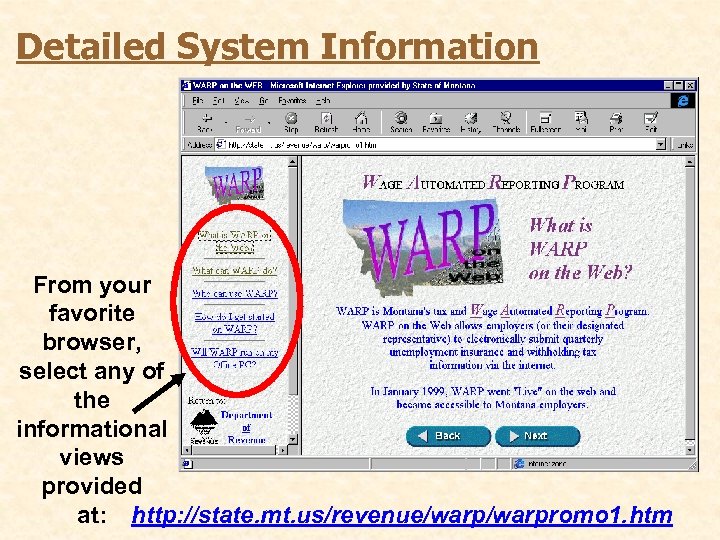
Detailed System Information From your favorite browser, select any of the informational views provided at: http: //state. mt. us/revenue/warpromo 1. htm
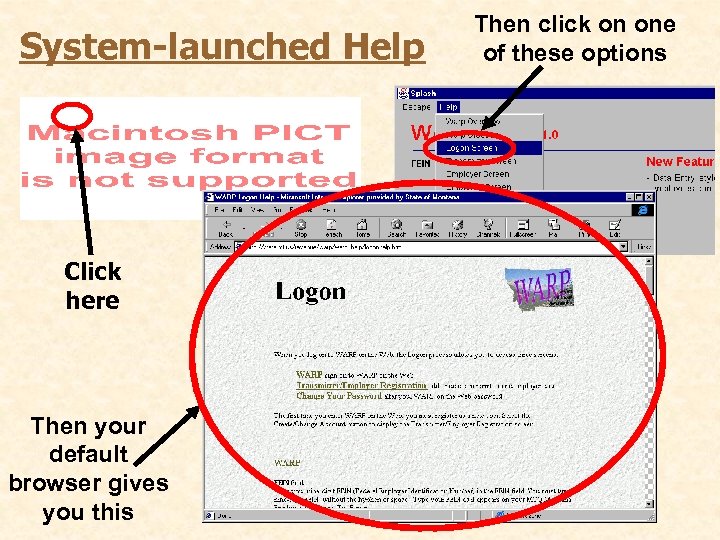
System-launched Help Click here Then your default browser gives you this Then click on one of these options
Screen Level Help Every field and button on each WARP screen provides fieldsensitive hint help
Live Person Help • Customer Service • Every screen offers “Comment” opportunity for feedback • Ongoing effort to optimize ease-of-use and intuitive functionality
Security • Password protected • No access to central files • Sensitive data not entered via the Internet • Will need SSL for future acceptance of credit cards 8 -17 -99 WARP on the Web 15
ACH Payments (Automated Clearing House) • No checks or coupons • 24 hour access • Processed no worse than the next business day • Information is SECURE • Downloadable registration form (Internet) 8 -17 -99 WARP on the Web 16
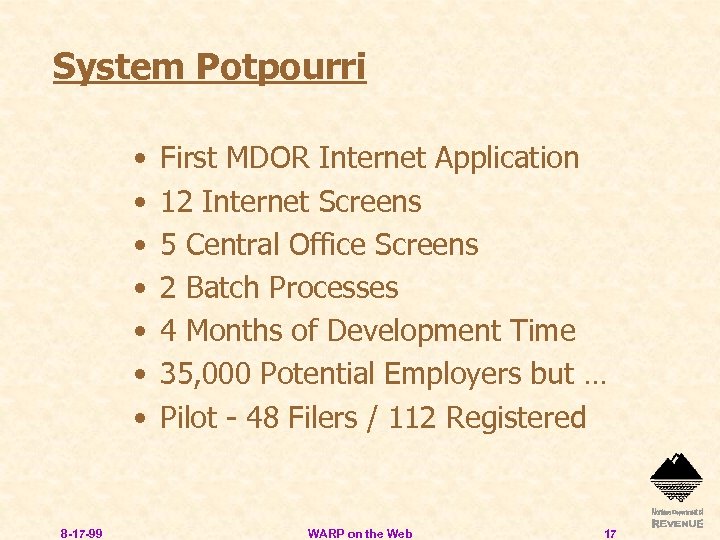
System Potpourri • • 8 -17 -99 First MDOR Internet Application 12 Internet Screens 5 Central Office Screens 2 Batch Processes 4 Months of Development Time 35, 000 Potential Employers but … Pilot - 48 Filers / 112 Registered WARP on the Web 17

And Now. . . 8 -17 -99 WARP on the Web 18
System Access
The Transmitter / Employer Registration
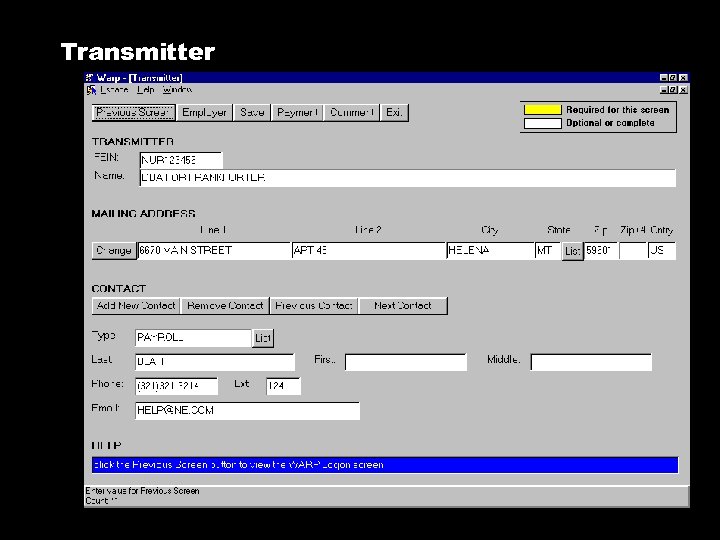
Transmitter
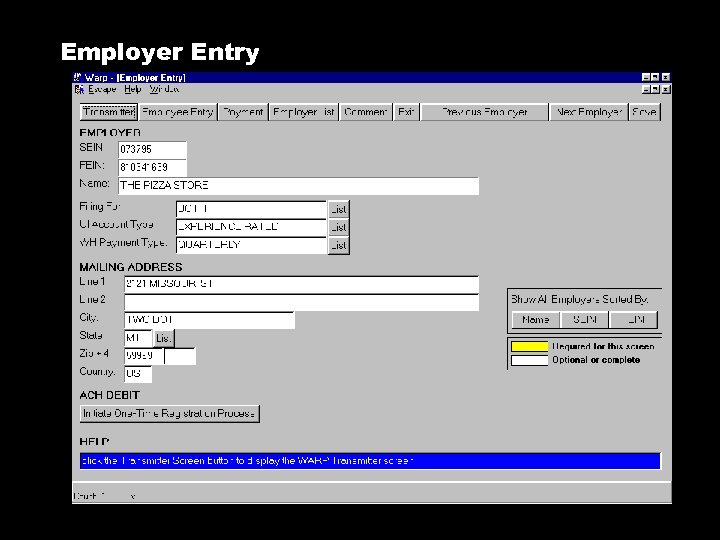
Employer Entry
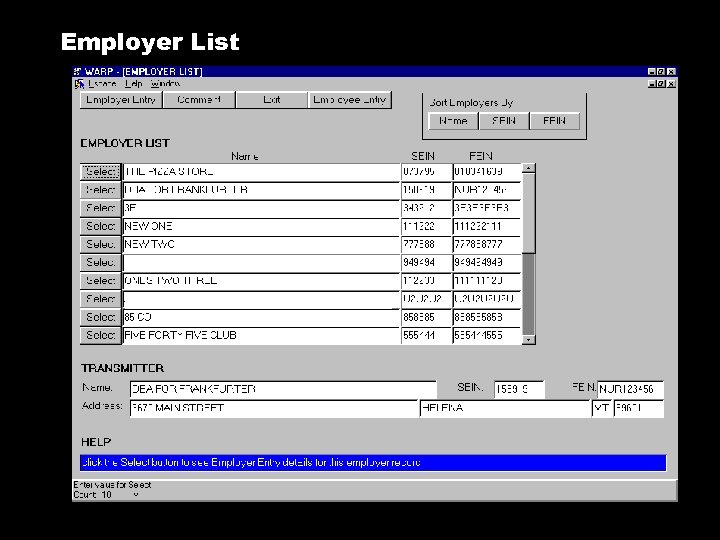
Employer List
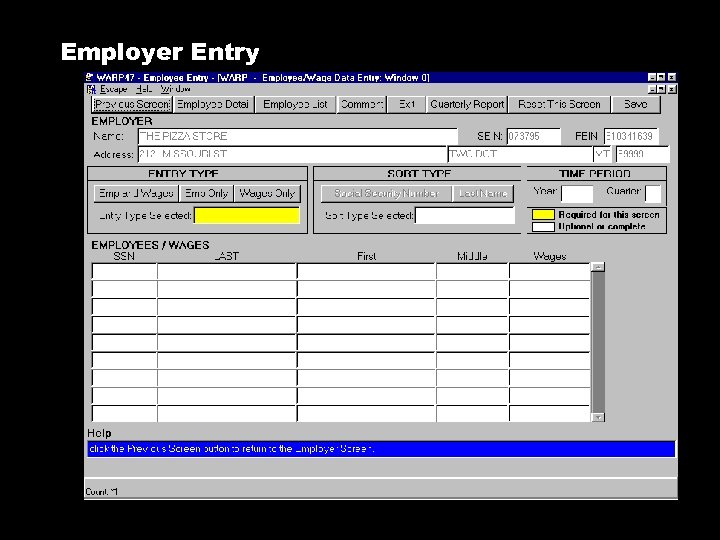
Employer Entry
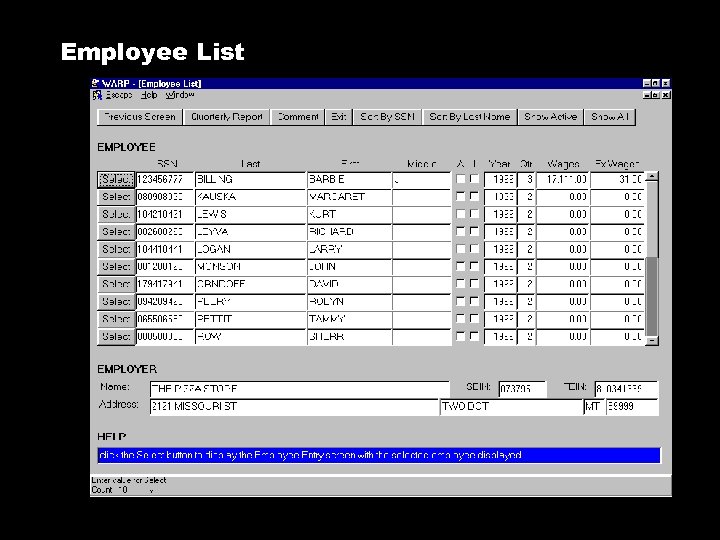
Employee List
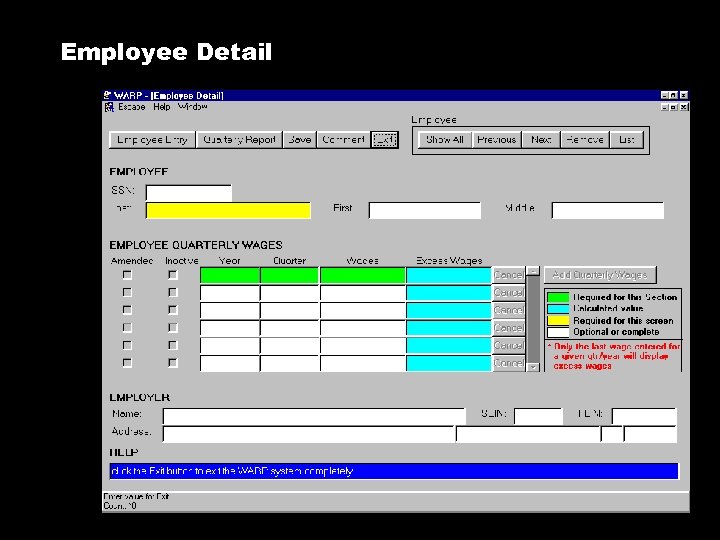
Employee Detail
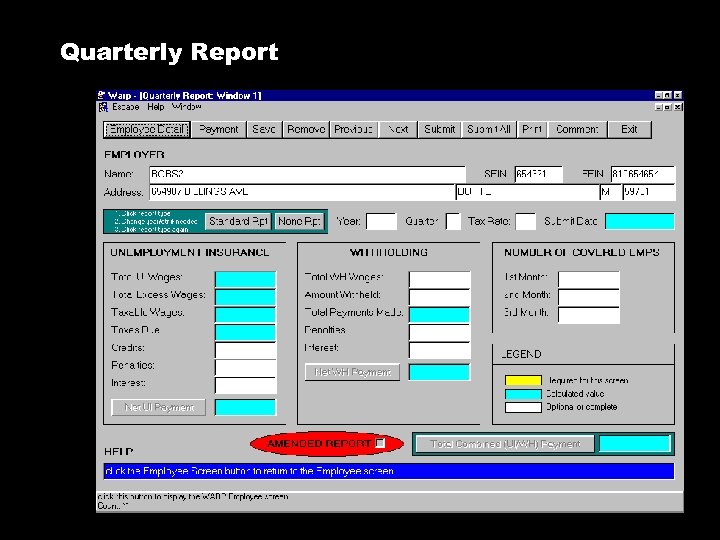
Quarterly Report
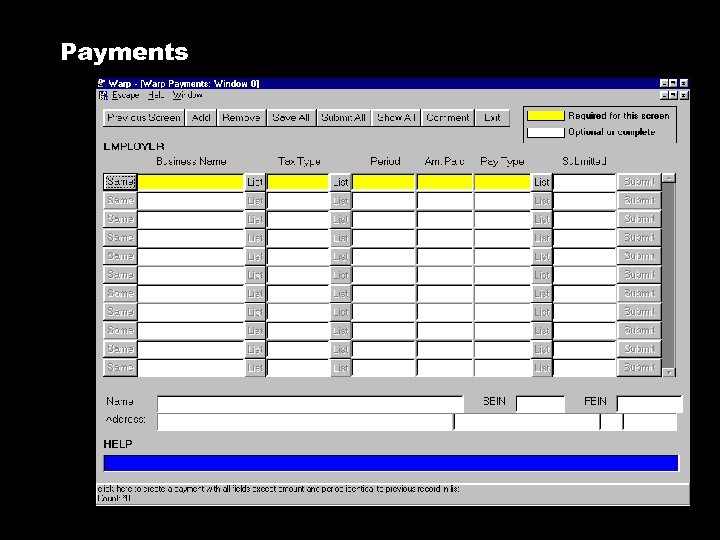
Payments
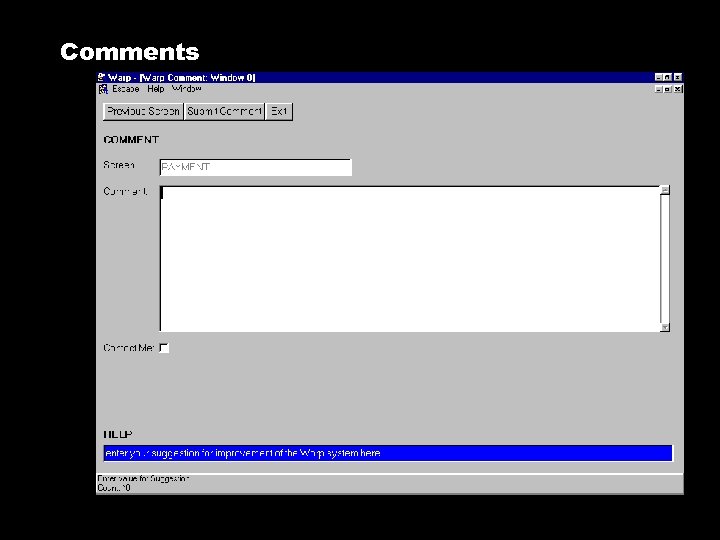
Comments

Central Office / Administration
Employer & Transmitter
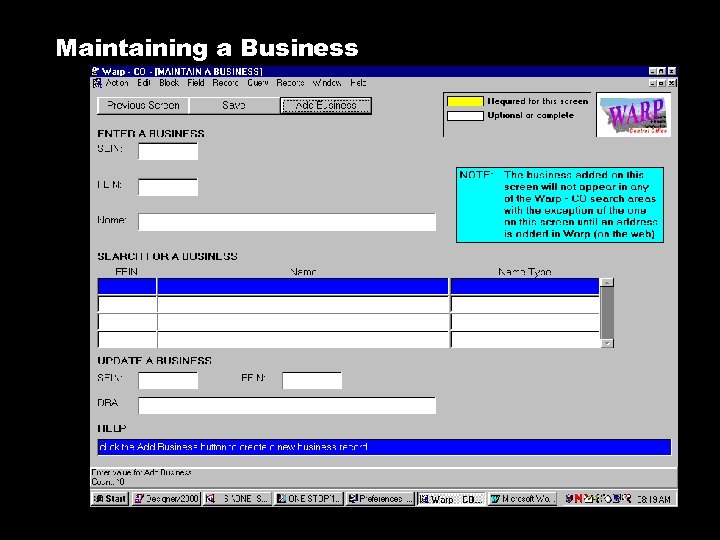
Maintaining a Business
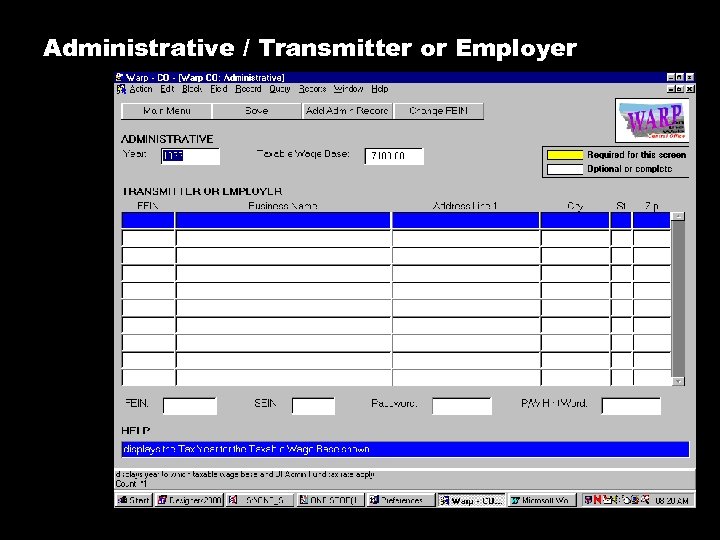
Administrative / Transmitter or Employer
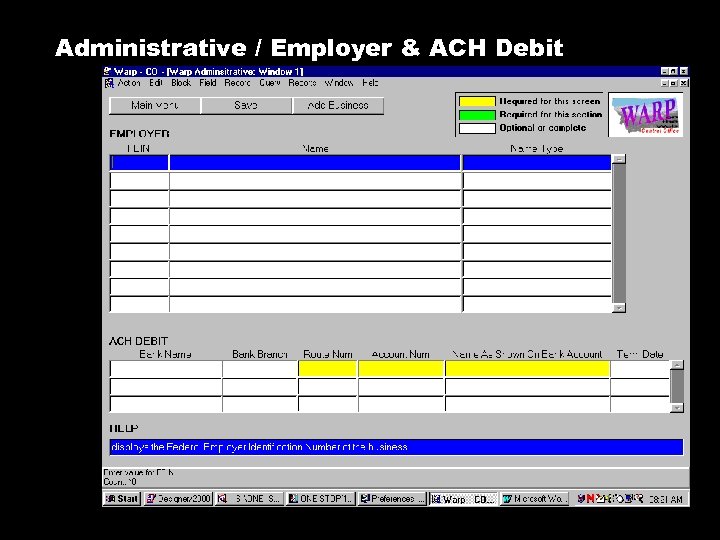
Administrative / Employer & ACH Debit
Lessons Learned • Beware of New Technology • Customer Participation • Internal Communication and Buy-In • Training Sessions • Software Business Preparation • Internet Can ( and will ) Take More Time to Develop 8 -17 -99 WARP on the Web 35

For more information about WARP on the Web please contact: Margaret Kauska mkauska@state. mt. us or Steve Tesinsky stesinsky@state. mt. us Thank You!
Скачать презентацию Montana s Internet-Enabled Wage Automated Reporting Program Nashville Tennessee
de56ff3fddd82fa19e9e66819f109106.ppt