



 Module 5 Reading and Writing Files
 Module Overview • Accessing the File System • Reading and Writing Files by Using Streams
 Lesson 1: Accessing the File System • Manipulating Files • Reading from and Writing to Files • Manipulating Directories • Manipulating Paths • Using the Common File System Dialog Boxes
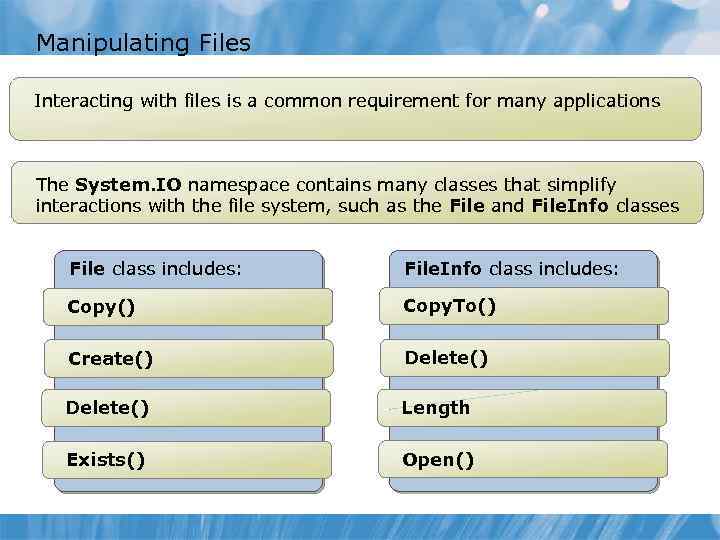 Manipulating Files Interacting with files is a common requirement for many applications The System. IO namespace contains many classes that simplify interactions with the file system, such as the File and File. Info classes File class includes: File. Info class includes: Copy() Copy. To() Create() Delete() Length Exists() Open()
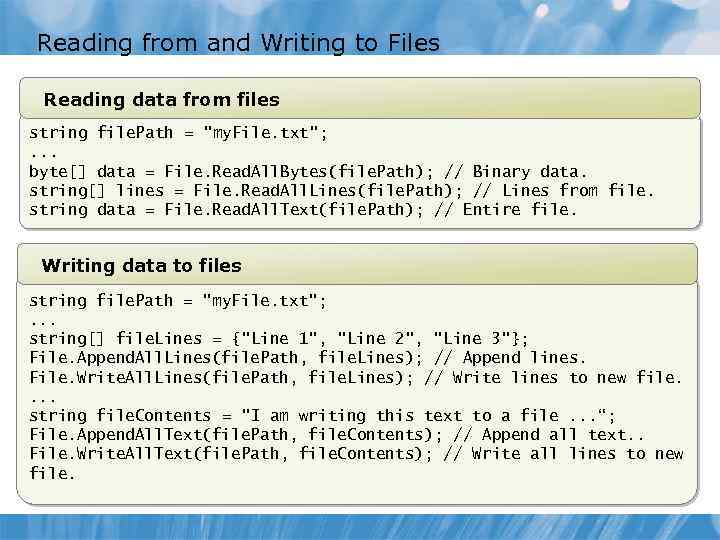 Reading from and Writing to Files Reading data from files string file. Path = "my. File. txt"; . . . byte[] data = File. Read. All. Bytes(file. Path); // Binary data. string[] lines = File. Read. All. Lines(file. Path); // Lines from file. string data = File. Read. All. Text(file. Path); // Entire file. Writing data to files string file. Path = "my. File. txt"; . . . string[] file. Lines = {"Line 1", "Line 2", "Line 3"}; File. Append. All. Lines(file. Path, file. Lines); // Append lines. File. Write. All. Lines(file. Path, file. Lines); // Write lines to new file. . string file. Contents = "I am writing this text to a file. . . “; File. Append. All. Text(file. Path, file. Contents); // Append all text. . File. Write. All. Text(file. Path, file. Contents); // Write all lines to new file.
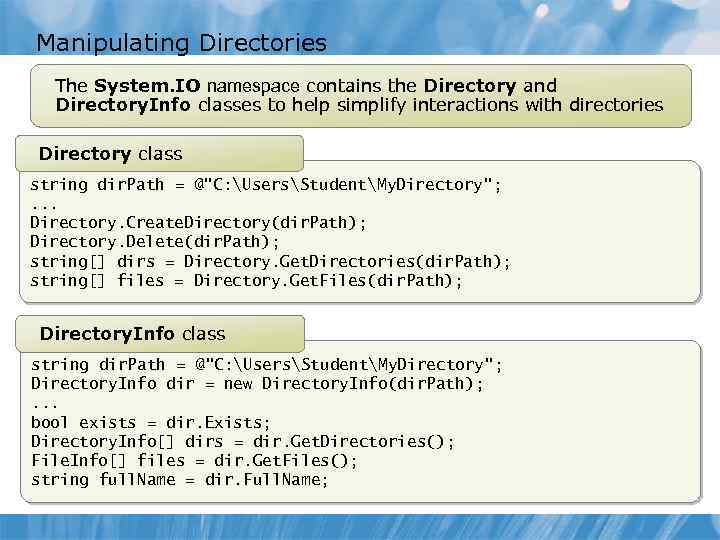 Manipulating Directories The System. IO namespace contains the Directory and Directory. Info classes to help simplify interactions with directories Directory class string dir. Path = @"C: UsersStudentMy. Directory"; . . . Directory. Create. Directory(dir. Path); Directory. Delete(dir. Path); string[] dirs = Directory. Get. Directories(dir. Path); string[] files = Directory. Get. Files(dir. Path); Directory. Info class string dir. Path = @"C: UsersStudentMy. Directory"; Directory. Info dir = new Directory. Info(dir. Path); . . . bool exists = dir. Exists; Directory. Info[] dirs = dir. Get. Directories(); File. Info[] files = dir. Get. Files(); string full. Name = dir. Full. Name;
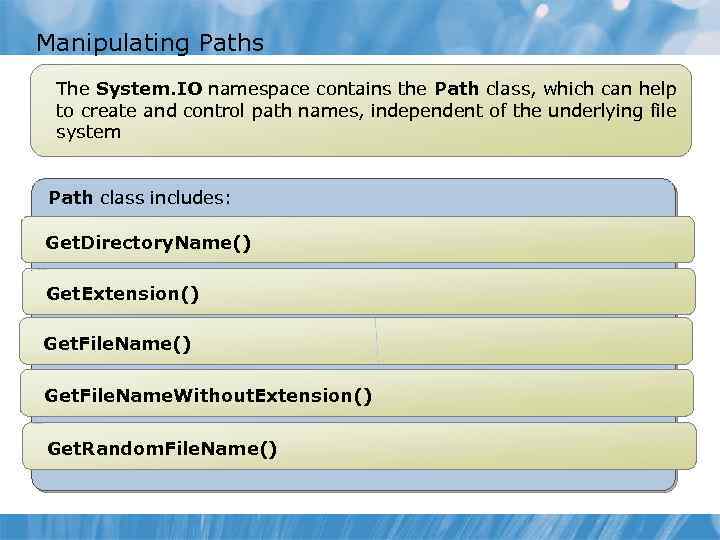 Manipulating Paths The System. IO namespace contains the Path class, which can help to create and control path names, independent of the underlying file system Path class includes: Get. Directory. Name() Get. Extension() Get. File. Name. Without. Extension() Get. Random. File. Name()
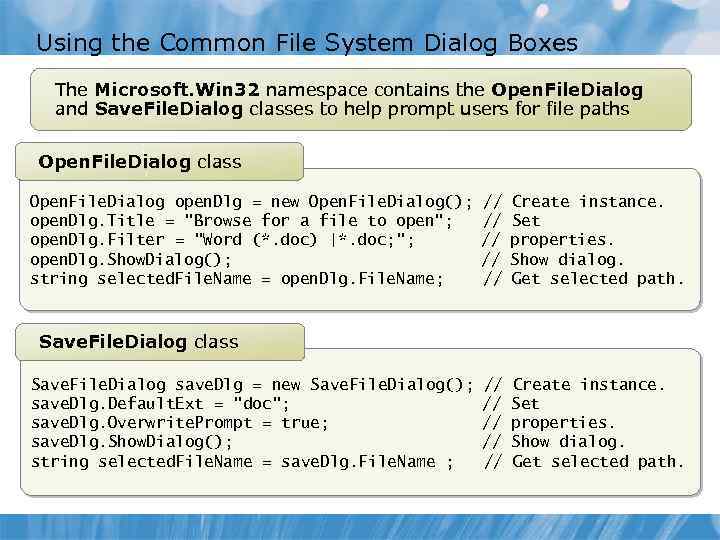 Using the Common File System Dialog Boxes The Microsoft. Win 32 namespace contains the Open. File. Dialog and Save. File. Dialog classes to help prompt users for file paths Open. File. Dialog class Open. File. Dialog open. Dlg = new Open. File. Dialog(); open. Dlg. Title = "Browse for a file to open"; open. Dlg. Filter = "Word (*. doc) |*. doc; "; open. Dlg. Show. Dialog(); string selected. File. Name = open. Dlg. File. Name; // // // Create instance. Set properties. Show dialog. Get selected path. Save. File. Dialog class Save. File. Dialog save. Dlg = new Save. File. Dialog(); save. Dlg. Default. Ext = "doc"; save. Dlg. Overwrite. Prompt = true; save. Dlg. Show. Dialog(); string selected. File. Name = save. Dlg. File. Name ;
 Lesson 2: Reading and Writing Files by Using Streams • What Are Streams? • Reading and Writing Binary Data • Reading and Writing Text • Reading and Writing Primitive Data Types
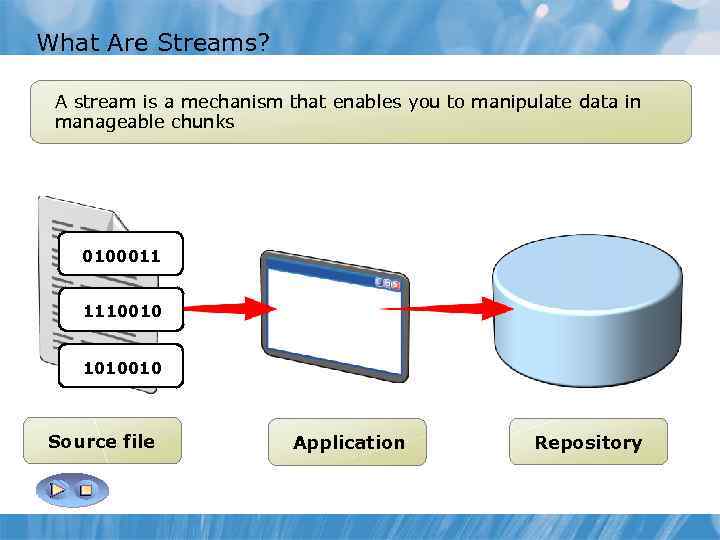 What Are Streams? A stream is a mechanism that enables you to manipulate data in manageable chunks 0100011 1110010 1010010 Source file Application Repository
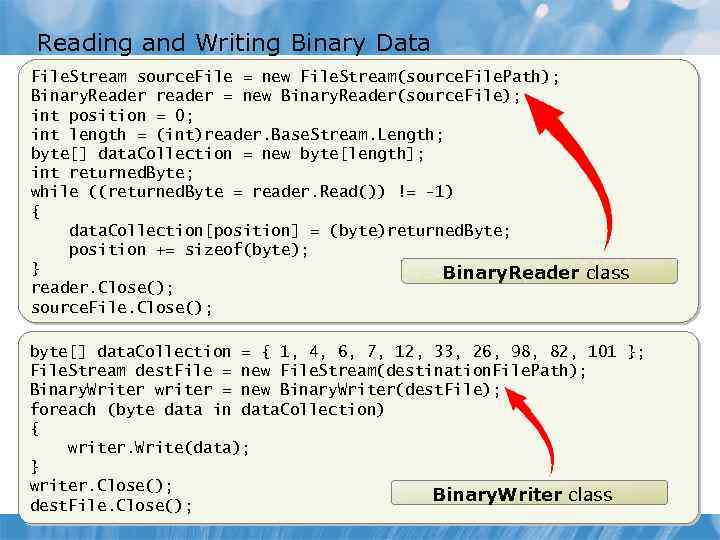 Reading and Writing Binary Data File. Stream source. File = new File. Stream(source. File. Path); Binary. Reader reader = new Binary. Reader(source. File); int position = 0; int length = (int)reader. Base. Stream. Length; byte[] data. Collection = new byte[length]; int returned. Byte; while ((returned. Byte = reader. Read()) != -1) { data. Collection[position] = (byte)returned. Byte; position += sizeof(byte); } Binary. Reader class reader. Close(); source. File. Close(); byte[] data. Collection = { 1, 4, 6, 7, 12, 33, 26, 98, 82, 101 }; File. Stream dest. File = new File. Stream(destination. File. Path); Binary. Writer writer = new Binary. Writer(dest. File); foreach (byte data in data. Collection) { writer. Write(data); } writer. Close(); Binary. Writer class dest. File. Close();
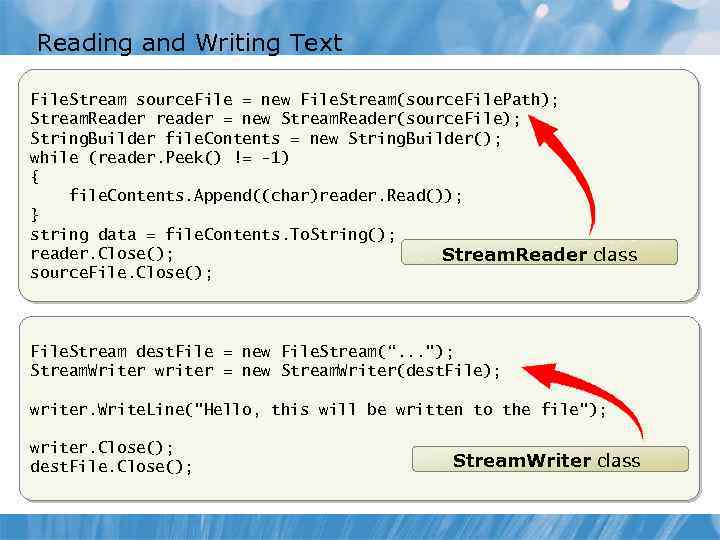 Reading and Writing Text File. Stream source. File = new File. Stream(source. File. Path); Stream. Reader reader = new Stream. Reader(source. File); String. Builder file. Contents = new String. Builder(); while (reader. Peek() != -1) { file. Contents. Append((char)reader. Read()); } string data = file. Contents. To. String(); reader. Close(); Stream. Reader class source. File. Close(); File. Stream dest. File = new File. Stream(“. . . "); Stream. Writer writer = new Stream. Writer(dest. File); writer. Write. Line("Hello, this will be written to the file"); writer. Close(); dest. File. Close(); Stream. Writer class
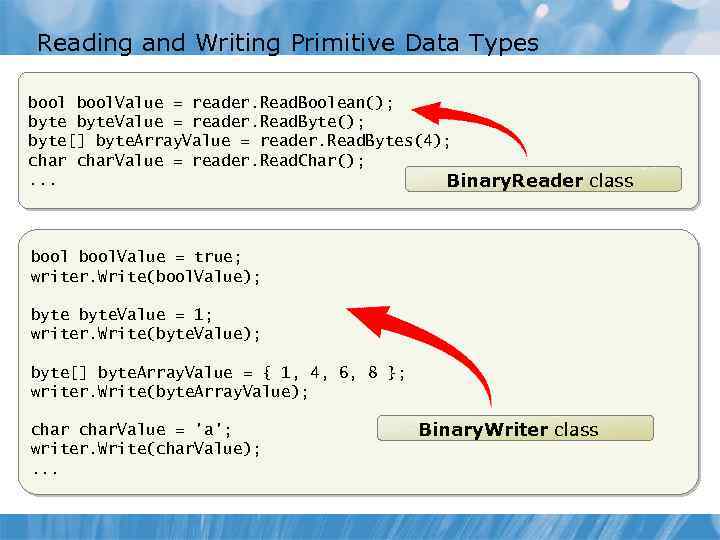 Reading and Writing Primitive Data Types bool. Value = reader. Read. Boolean(); byte. Value = reader. Read. Byte(); byte[] byte. Array. Value = reader. Read. Bytes(4); char. Value = reader. Read. Char(); . . . Binary. Reader class bool. Value = true; writer. Write(bool. Value); byte. Value = 1; writer. Write(byte. Value); byte[] byte. Array. Value = { 1, 4, 6, 8 }; writer. Write(byte. Array. Value); char. Value = 'a'; writer. Write(char. Value); . . . Binary. Writer class
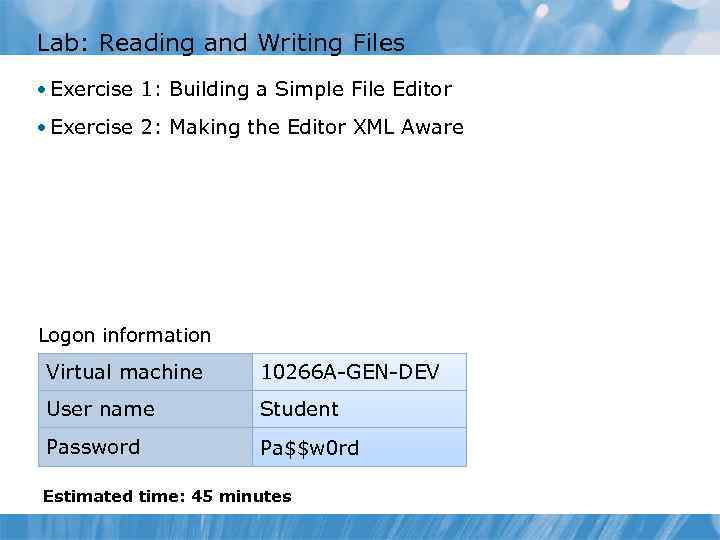 Lab: Reading and Writing Files • Exercise 1: Building a Simple File Editor • Exercise 2: Making the Editor XML Aware Logon information Virtual machine 10266 A-GEN-DEV User name Student Password Pa$$w 0 rd Estimated time: 45 minutes
 Lab Scenario
 Lab Review Questions • Explain the purpose of the File. Load and File. Save static methods. • You have a file that contains text. You want to read the file one character at a time. Which method of the Stream. Reader class would you use?
 Module Review and Takeaways • Review Questions • Best Practices