


 Скачать презентацию Module 10 Ajax Agenda Introduction to
Module 10 - AJAX.pptx
- Количество слайдов: 36
 Module 10: Ajax
 Agenda ▪ Introduction to Ajax ▪ Using XMLHttp. Request object ▪ Ajax with j. Query
 Introduction to Ajax
 What is Ajax? ▪ Ajax - acronym for Asynchronous Java. Script and XML ▪ Technically, Ajax is a set of web-development technologies used on the client-side to create asynchronous webapplications ▪ Web-applications with Ajax can send data to, and retrieve data from, server asynchronously (in the background) without interfering with the display and behavior of the existing page ▪ Ajax is widely used on modern web sites
 Components of Ajax Originally Ajax considered as based on the following components: – HTML (or XHTML) and CSS for presentation – The Document Object Model (DOM) for dynamic display of and interaction with data – XML for the interchange of data, and XSLT for its manipulation – The XMLHttp. Request (XHR) object for asynchronous communication – Java. Script to bring these technologies together
 Modern Ajax ▪ Modern paradigm of Ajax does not require all components listed on the previous screen. ▪ For example, XML is not required for data interchange and, therefore, XSLT is not required for the manipulation of data. These components may be replaced by JSON (Java. Script Object Notation). ▪ Also developers rarely use pure Java. Script code for Ajax requests, it is far more convenient to use libraries like j. Query or Prototype
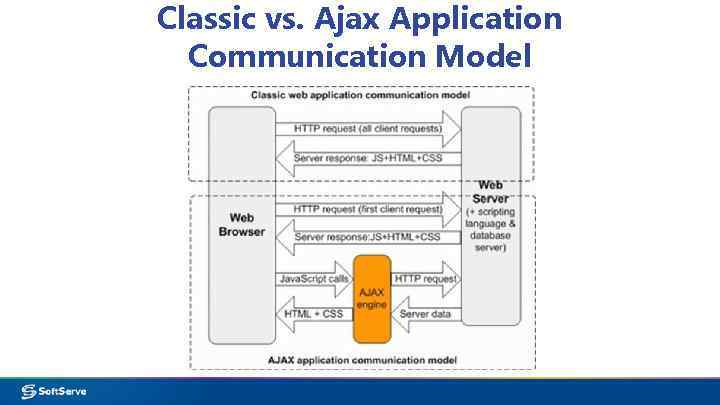 Classic vs. Ajax Application Communication Model
 Same Origin Policy Limitation of Ajax ▪ Due to browser security restrictions, most Ajax requests are subject to the same origin policy; the request cannot successfully retrieve data from a different domain, subdomain, port, or protocol. ▪ To overcome this restriction it is possible to use JSONP (explained later)
 Using XMLHttp. Request object
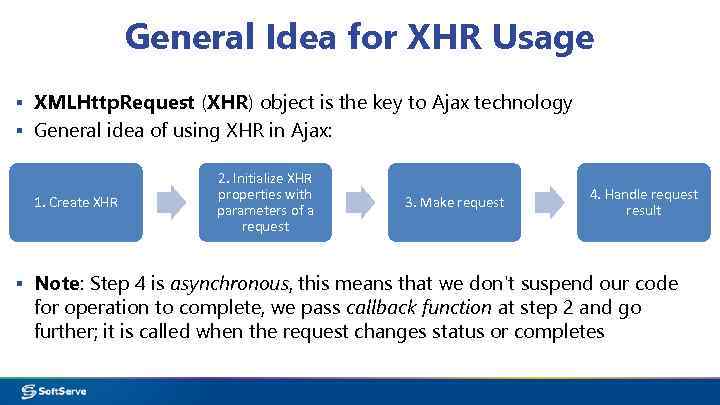 General Idea for XHR Usage ▪ XMLHttp. Request (XHR) object is the key to Ajax technology ▪ General idea of using XHR in Ajax: 1. Create XHR 2. Initialize XHR properties with parameters of a request 3. Make request 4. Handle request result ▪ Note: Step 4 is asynchronous, this means that we don't suspend our code for operation to complete, we pass callback function at step 2 and go further; it is called when the request changes status or completes
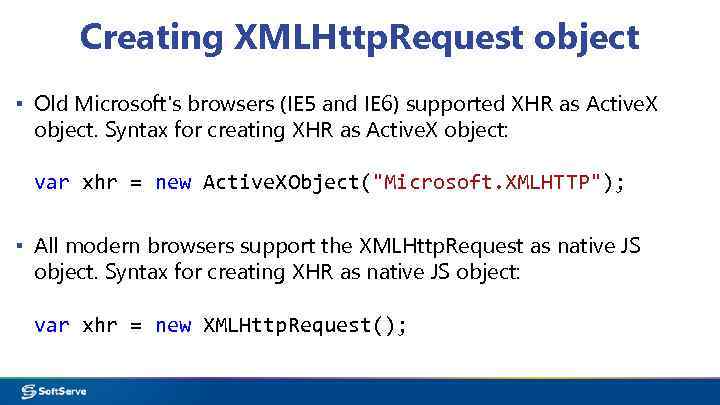 Creating XMLHttp. Request object ▪ Old Microsoft's browsers (IE 5 and IE 6) supported XHR as Active. X object. Syntax for creating XHR as Active. X object: var xhr = new Active. XObject("Microsoft. XMLHTTP"); ▪ All modern browsers support the XMLHttp. Request as native JS object. Syntax for creating XHR as native JS object: var xhr = new XMLHttp. Request();
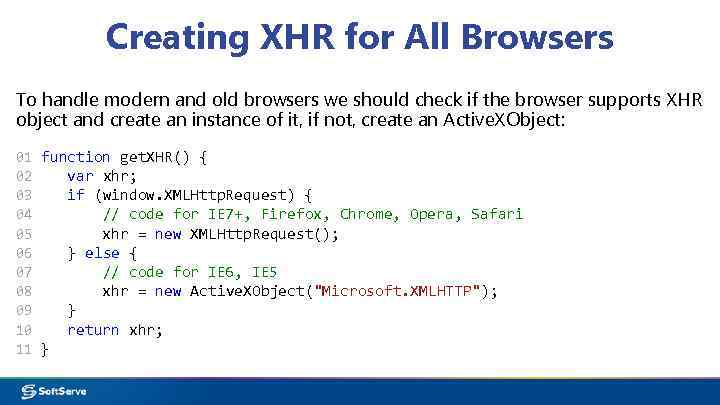 Creating XHR for All Browsers To handle modern and old browsers we should check if the browser supports XHR object and create an instance of it, if not, create an Active. XObject: 01 function get. XHR() { 02 var xhr; 03 if (window. XMLHttp. Request) { 04 // code for IE 7+, Firefox, Chrome, Opera, Safari 05 xhr = new XMLHttp. Request(); 06 } else { 07 // code for IE 6, IE 5 08 xhr = new Active. XObject("Microsoft. XMLHTTP"); 09 } 10 return xhr; 11 }
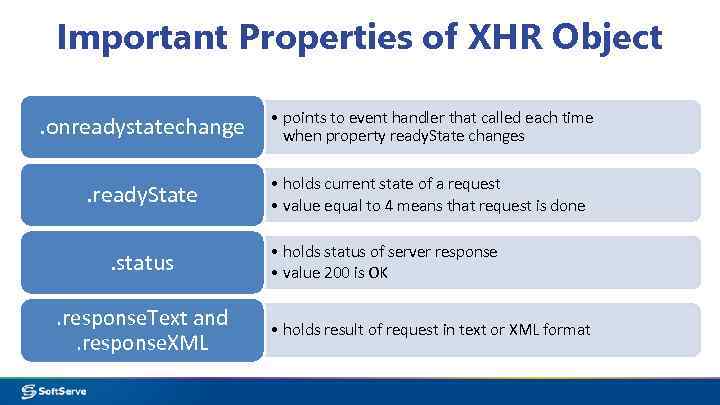 Important Properties of XHR Object. onreadystatechange • points to event handler that called each time when property ready. State changes . ready. State • holds current state of a request • value equal to 4 means that request is done . status. response. Text and. response. XML • holds status of server response • value 200 is OK • holds result of request in text or XML format
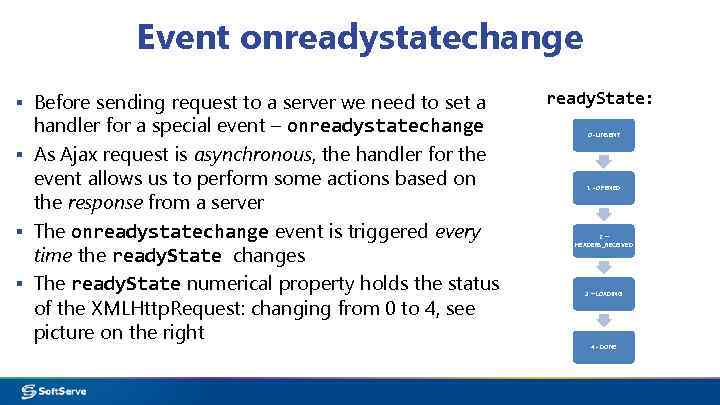 Event onreadystatechange ▪ Before sending request to a server we need to set a handler for a special event – onreadystatechange ▪ As Ajax request is asynchronous, the handler for the event allows us to perform some actions based on the response from a server ▪ The onreadystatechange event is triggered every time the ready. State changes ▪ The ready. State numerical property holds the status of the XMLHttp. Request: changing from 0 to 4, see picture on the right ready. State: 0 - UNSENT 1 - OPENED 2– HEADERS_RECEIVED 3 – LOADING 4 - DONE
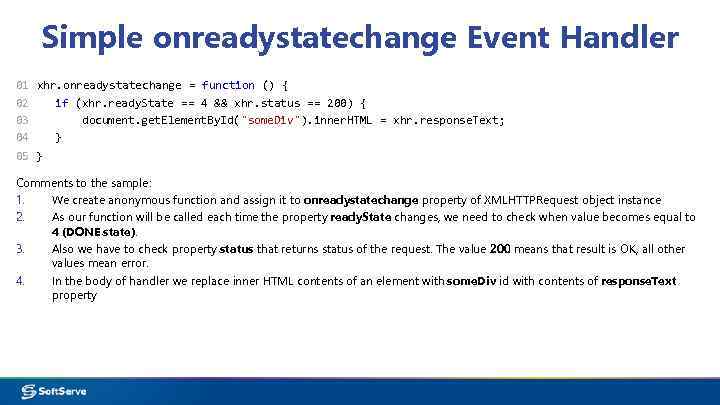 Simple onreadystatechange Event Handler 01 xhr. onreadystatechange = function () { 02 if (xhr. ready. State == 4 && xhr. status == 200) { 03 document. get. Element. By. Id("some. Div"). inner. HTML = xhr. response. Text; 04 } 05 } Comments to the sample: 1. We create anonymous function and assign it to onreadystatechange property of XMLHTTPRequest object instance 2. As our function will be called each time the property ready. State changes, we need to check when value becomes equal to 4 (DONE state). 3. Also we have to check property status that returns status of the request. The value 200 means that result is OK, all other values mean error. 4. In the body of handler we replace inner HTML contents of an element with some. Div id with contents of response. Text property
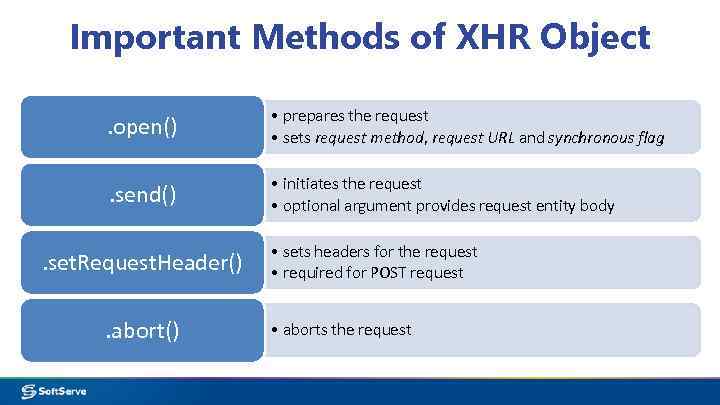 Important Methods of XHR Object. open() • prepares the request • sets request method, request URL and synchronous flag . send() • initiates the request • optional argument provides request entity body . set. Request. Header(). abort() • sets headers for the request • required for POST request • aborts the request
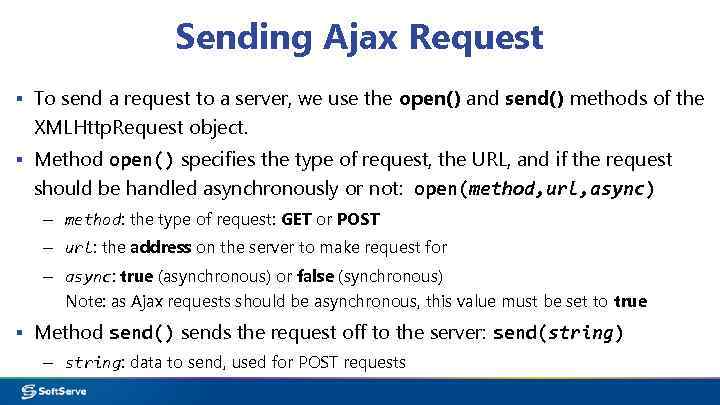 Sending Ajax Request ▪ To send a request to a server, we use the open() and send() methods of the XMLHttp. Request object. ▪ Method open() specifies the type of request, the URL, and if the request should be handled asynchronously or not: open(method, url, async) – method: the type of request: GET or POST – url: the address on the server to make request for – async: true (asynchronous) or false (synchronous) Note: as Ajax requests should be asynchronous, this value must be set to true ▪ Method send() sends the request off to the server: send(string) – string: data to send, used for POST requests
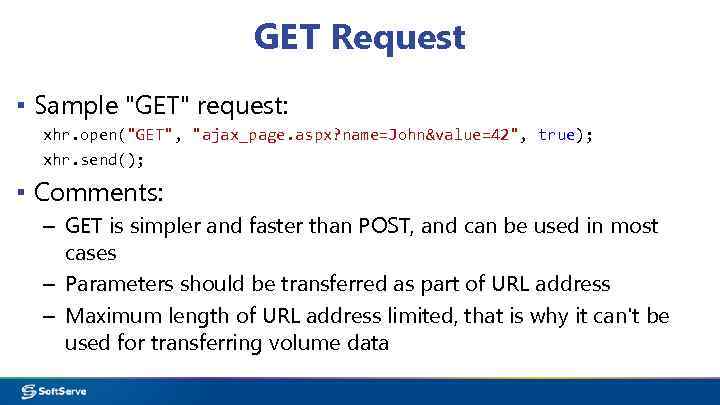 GET Request ▪ Sample "GET" request: xhr. open("GET", "ajax_page. aspx? name=John&value=42", true); xhr. send(); ▪ Comments: – GET is simpler and faster than POST, and can be used in most cases – Parameters should be transferred as part of URL address – Maximum length of URL address limited, that is why it can't be used for transferring volume data
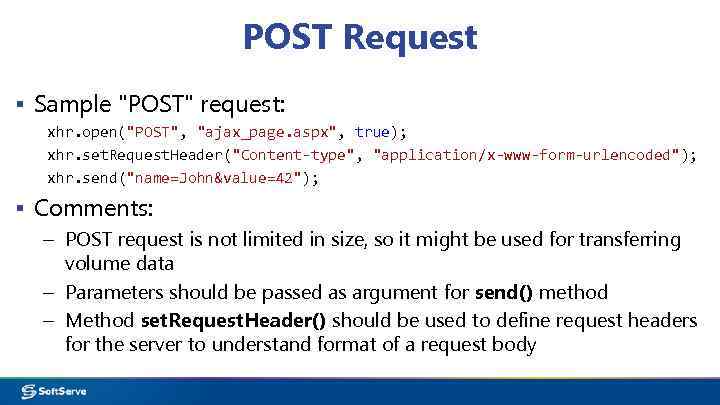 POST Request ▪ Sample "POST" request: xhr. open("POST", "ajax_page. aspx", true); xhr. set. Request. Header("Content-type", "application/x-www-form-urlencoded"); xhr. send("name=John&value=42"); ▪ Comments: – POST request is not limited in size, so it might be used for transferring volume data – Parameters should be passed as argument for send() method – Method set. Request. Header() should be used to define request headers for the server to understand format of a request body
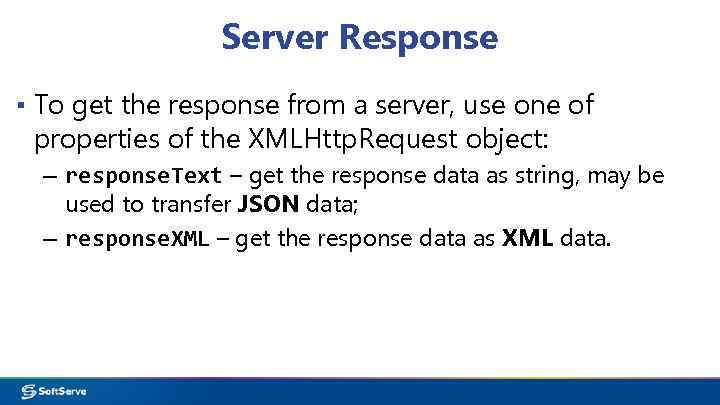 Server Response ▪ To get the response from a server, use one of properties of the XMLHttp. Request object: – response. Text – get the response data as string, may be used to transfer JSON data; – response. XML – get the response data as XML data.
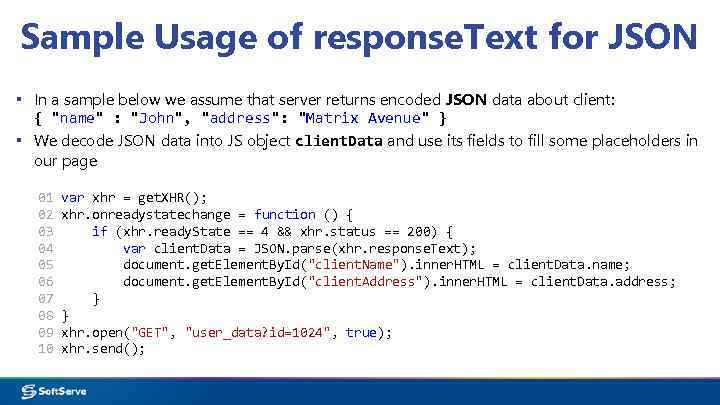 Sample Usage of response. Text for JSON ▪ In a sample below we assume that server returns encoded JSON data about client: { "name" : "John", "address": "Matrix Avenue" } ▪ We decode JSON data into JS object client. Data and use its fields to fill some placeholders in our page 01 02 03 04 05 06 07 08 09 10 var xhr = get. XHR(); xhr. onreadystatechange = function () { if (xhr. ready. State == 4 && xhr. status == 200) { var client. Data = JSON. parse(xhr. response. Text); document. get. Element. By. Id("client. Name"). inner. HTML = client. Data. name; document. get. Element. By. Id("client. Address"). inner. HTML = client. Data. address; } } xhr. open("GET", "user_data? id=1024", true); xhr. send();
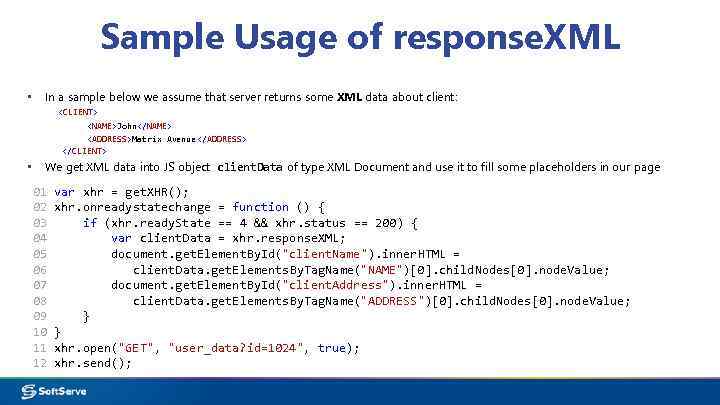 Sample Usage of response. XML ▪ In a sample below we assume that server returns some XML data about client:
 Ajax with j. Query
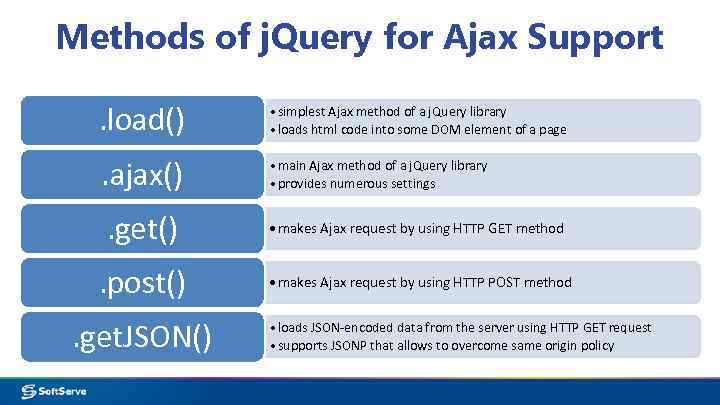 Methods of j. Query for Ajax Support. load() • simplest Ajax method of a j. Query library • loads html code into some DOM element of a page . ajax() • main Ajax method of a j. Query library • provides numerous settings . get() • makes Ajax request by using HTTP GET method . post() • makes Ajax request by using HTTP POST method . get. JSON() • loads JSON-encoded data from the server using HTTP GET request • supports JSONP that allows to overcome same origin policy
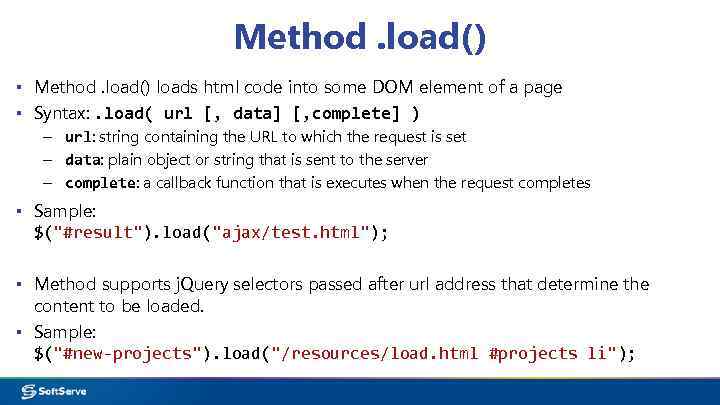 Method. load() ▪ Method. load() loads html code into some DOM element of a page ▪ Syntax: . load( url [, data] [, complete] ) – url: string containing the URL to which the request is set – data: plain object or string that is sent to the server – complete: a callback function that is executes when the request completes ▪ Sample: $("#result"). load("ajax/test. html"); ▪ Method supports j. Query selectors passed after url address that determine the content to be loaded. ▪ Sample: $("#new-projects"). load("/resources/load. html #projects li");
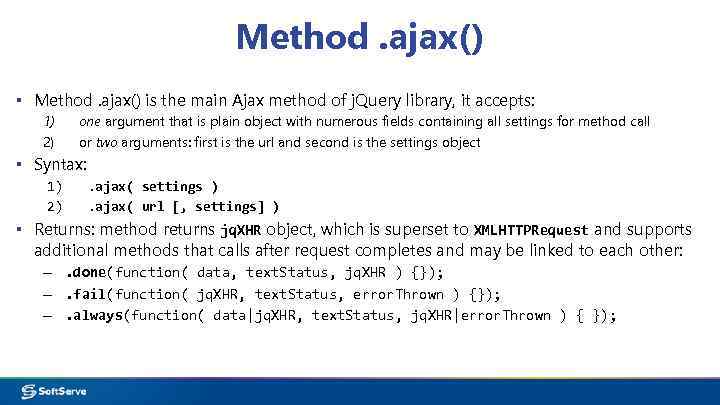 Method. ajax() ▪ Method. ajax() is the main Ajax method of j. Query library, it accepts: 1) 2) one argument that is plain object with numerous fields containing all settings for method call or two arguments: first is the url and second is the settings object ▪ Syntax: 1) 2) . ajax( settings ). ajax( url [, settings] ) ▪ Returns: method returns jq. XHR object, which is superset to XMLHTTPRequest and supports additional methods that calls after request completes and may be linked to each other: –. done(function( data, text. Status, jq. XHR ) {}); –. fail(function( jq. XHR, text. Status, error. Thrown ) {}); –. always(function( data|jq. XHR, text. Status, jq. XHR|error. Thrown ) { });
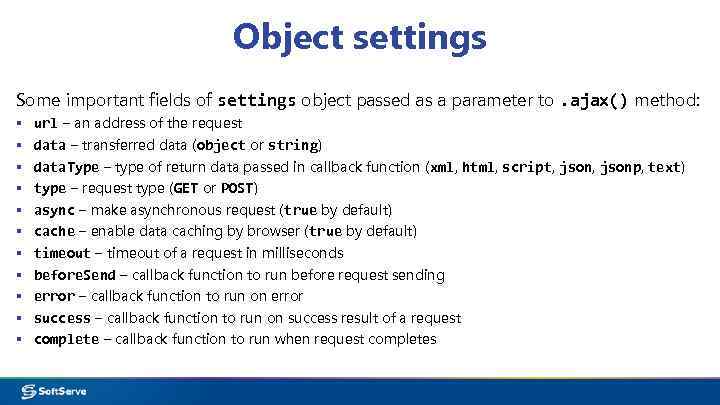 Object settings Some important fields of settings object passed as a parameter to. ajax() method: ▪ ▪ ▪ url – an address of the request data – transferred data (object or string) data. Type – type of return data passed in callback function (xml, html, script, jsonp, text) type – request type (GET or POST) async – make asynchronous request (true by default) cache – enable data caching by browser (true by default) timeout – timeout of a request in milliseconds before. Send – callback function to run before request sending error – callback function to run on error success – callback function to run on success result of a request complete – callback function to run when request completes
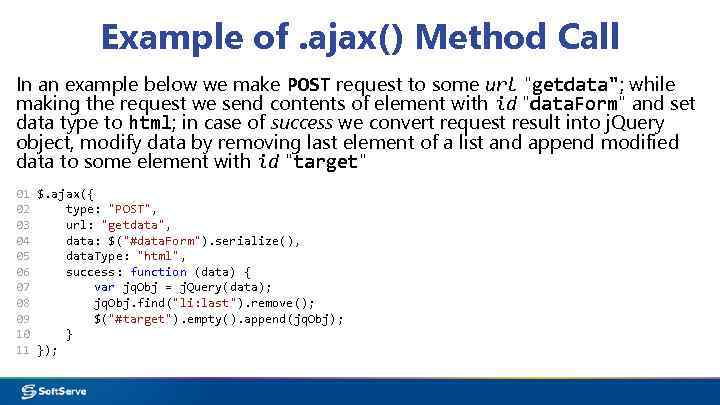 Example of. ajax() Method Call In an example below we make POST request to some url "getdata"; while making the request we send contents of element with id "data. Form" and set data type to html; in case of success we convert request result into j. Query object, modify data by removing last element of a list and append modified data to some element with id "target" 01 $. ajax({ 02 type: "POST", 03 url: "getdata", 04 data: $("#data. Form"). serialize(), 05 data. Type: "html", 06 success: function (data) { 07 var jq. Obj = j. Query(data); 08 jq. Obj. find("li: last"). remove(); 09 $("#target"). empty(). append(jq. Obj); 10 } 11 });
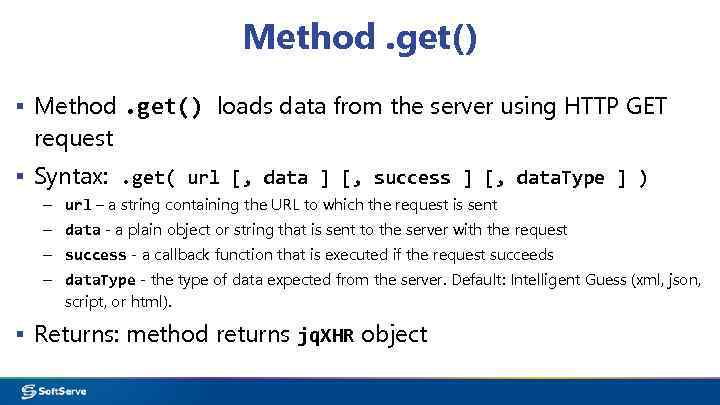 Method. get() ▪ Method. get() loads data from the server using HTTP GET request ▪ Syntax: . get( url [, data ] [, success ] [, data. Type ] ) – url – a string containing the URL to which the request is sent – data - a plain object or string that is sent to the server with the request – success - a callback function that is executed if the request succeeds – data. Type - the type of data expected from the server. Default: Intelligent Guess (xml, json, script, or html). ▪ Returns: method returns jq. XHR object
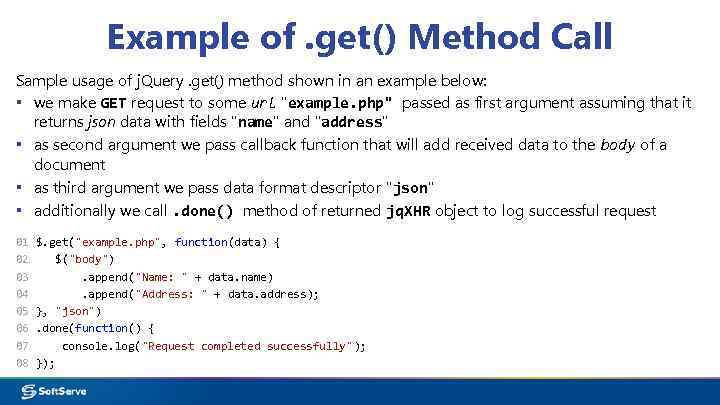 Example of. get() Method Call Sample usage of j. Query. get() method shown in an example below: ▪ we make GET request to some url "example. php" passed as first argument assuming that it returns json data with fields "name" and "address" ▪ as second argument we pass callback function that will add received data to the body of a document ▪ as third argument we pass data format descriptor "json" ▪ additionally we call. done() method of returned jq. XHR object to log successful request 01 02 03 04 05 06 07 08 $. get("example. php", function(data) { $("body"). append("Name: " + data. name). append("Address: " + data. address); }, "json"). done(function() { console. log("Request completed successfully"); });
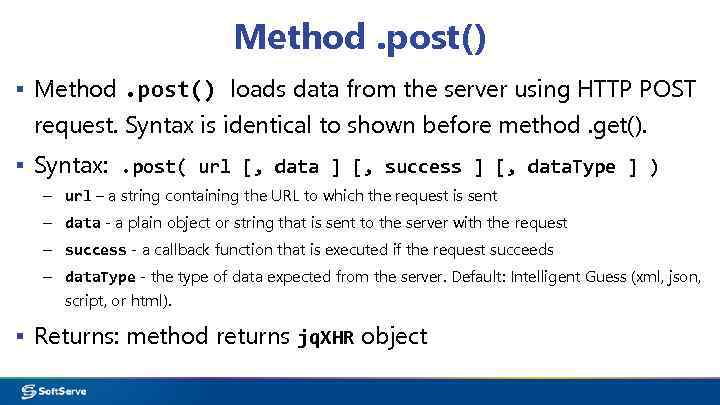 Method. post() ▪ Method. post() loads data from the server using HTTP POST request. Syntax is identical to shown before method. get(). ▪ Syntax: . post( url [, data ] [, success ] [, data. Type ] ) – url – a string containing the URL to which the request is sent – data - a plain object or string that is sent to the server with the request – success - a callback function that is executed if the request succeeds – data. Type - the type of data expected from the server. Default: Intelligent Guess (xml, json, script, or html). ▪ Returns: method returns jq. XHR object
 Method. get. JSON() ▪ Method. get. JSON() loads JSON-encoded data from the server using HTTP GET request. ▪ Syntax: . post( url [, data ] [, success ] ) – url – a string containing the URL to which the request is sent – data - a plain object that is sent to the server with the request – success - a callback function that is executed if the request succeeds ▪ Returns: method returns jq. XHR object ▪ Important Note: If the URL includes the string "callback=? " (or similar, as defined by the server-side API), the request is treated as JSONP instead. This allows to overcome same origin policy limitation of Ajax and make request to other domains
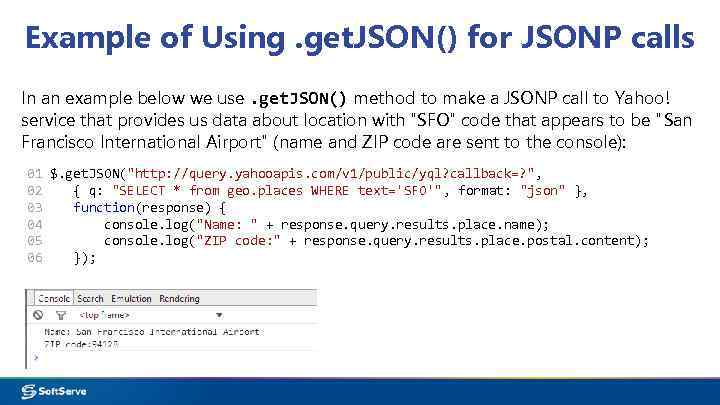 Example of Using. get. JSON() for JSONP calls In an example below we use. get. JSON() method to make a JSONP call to Yahoo! service that provides us data about location with "SFO" code that appears to be "San Francisco International Airport" (name and ZIP code are sent to the console): 01 $. get. JSON("http: //query. yahooapis. com/v 1/public/yql? callback=? ", 02 { q: "SELECT * from geo. places WHERE text='SFO'", format: "json" }, 03 function(response) { 04 console. log("Name: " + response. query. results. place. name); 05 console. log("ZIP code: " + response. query. results. place. postal. content); 06 });
 Useful links
 Links ▪ XMLHttp. Request on W 3 C: http: //www. w 3. org/TR/XMLHttp. Request/ ▪ Official j. Query Website: http: //jquery. com/ ▪ Ajax Tutorial on W 3 Schools. com http: //www. w 3 schools. com/ajax/
 Thank you!