


 Скачать презентацию Module 1 Introducing C and the NET Framework
10266A_01.ppt
- Количество слайдов: 41
 Module 1 Introducing C# and the. NET Framework
 Module Overview • Introduction to the. NET Framework 4 • Creating Projects Within Visual Studio 2010 • Writing a C# Application • Building a Graphical Application • Documenting an Application • Debugging Applications By Using Visual Studio 2010
 Lesson 1: Introduction to the. NET Framework 4 • What Is the. NET Framework 4? • The Purpose of Visual C# • What Is an Assembly? • How the Common Language Runtime Loads, Compiles, and Runs Assemblies • What Tools Does the. NET Framework Provide?
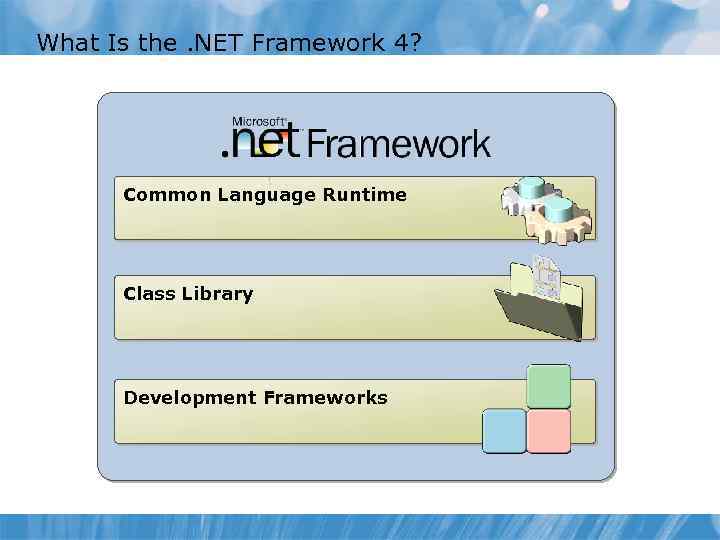 What Is the. NET Framework 4? Common Language Runtime Class Library Development Frameworks
 The Purpose of Visual C# C# C# is the language of choice for many developers who build. NET Framework applications C# uses a very similar syntax to C, C++, and Java C# has been standardized and is described by the ECMA-334 C# Language Specification
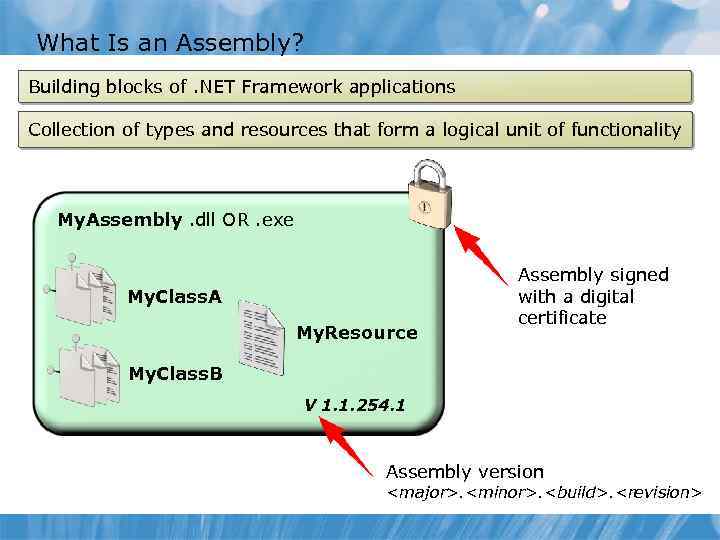 What Is an Assembly? Building blocks of. NET Framework applications Collection of types and resources that form a logical unit of functionality My. Assembly. dll OR. exe My. Class. A My. Resource Assembly signed with a digital certificate My. Class. B V 1. 1. 254. 1 Assembly version
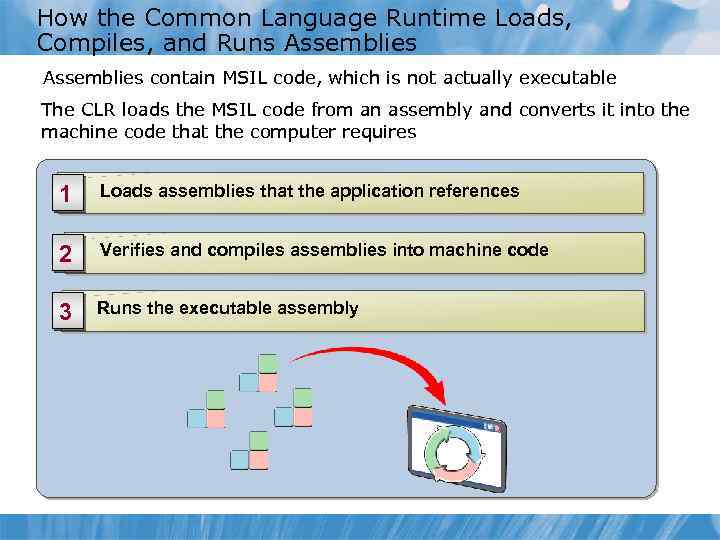 How the Common Language Runtime Loads, Compiles, and Runs Assemblies contain MSIL code, which is not actually executable The CLR loads the MSIL code from an assembly and converts it into the machine code that the computer requires 1 Loads assemblies that the application references 2 Verifies and compiles assemblies into machine code 3 Runs the executable assembly
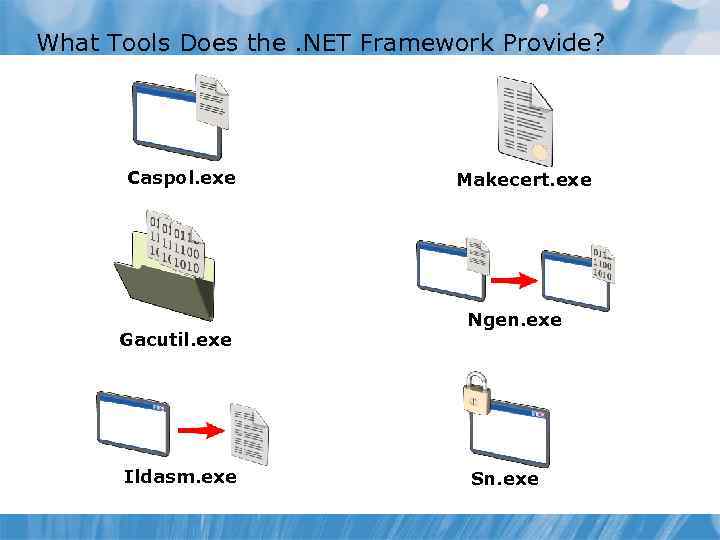 What Tools Does the. NET Framework Provide? Caspol. exe Gacutil. exe Ildasm. exe Makecert. exe Ngen. exe Sn. exe
 Lesson 2: Creating Projects Within Visual Studio 2010 • Key Features of Visual Studio 2010 • Templates in Visual Studio 2010 • The Structure of Visual Studio Projects and Solutions • Creating a. NET Framework Application • Building and Running a. NET Framework Application • Demonstration: Disassembling a. NET Framework Assembly
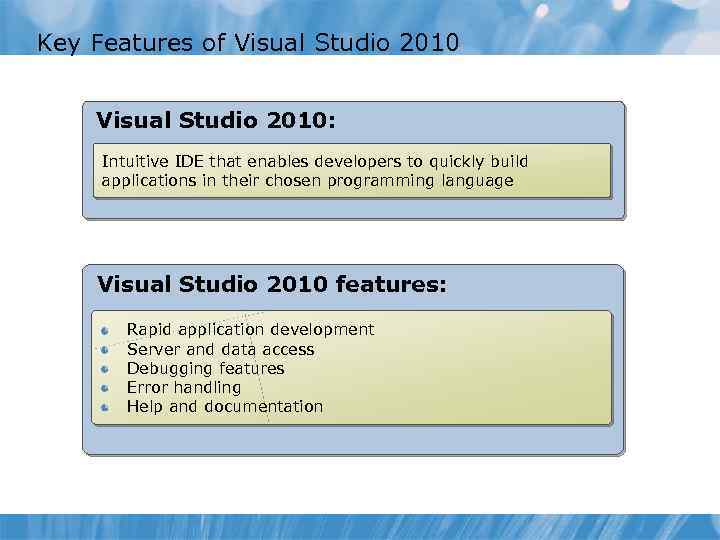 Key Features of Visual Studio 2010: Intuitive IDE that enables developers to quickly build applications in their chosen programming language Visual Studio 2010 features: Rapid application development Server and data access Debugging features Error handling Help and documentation
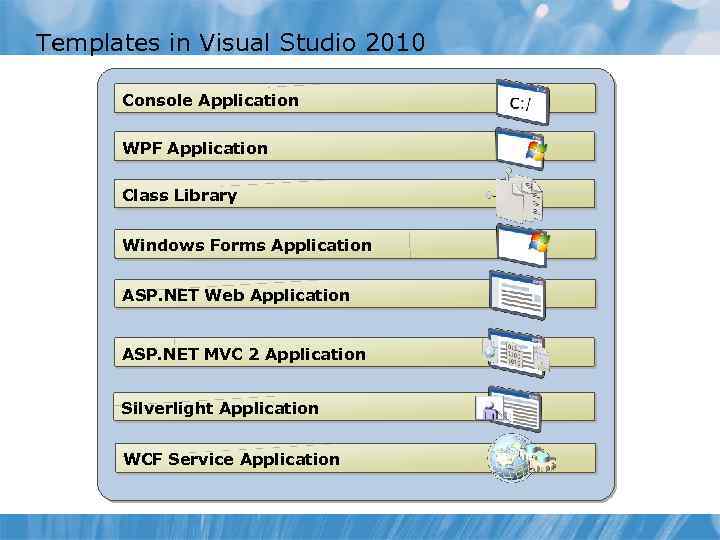 Templates in Visual Studio 2010 Console Application WPF Application Class Library Windows Forms Application ASP. NET Web Application ASP. NET MVC 2 Application Silverlight Application WCF Service Application
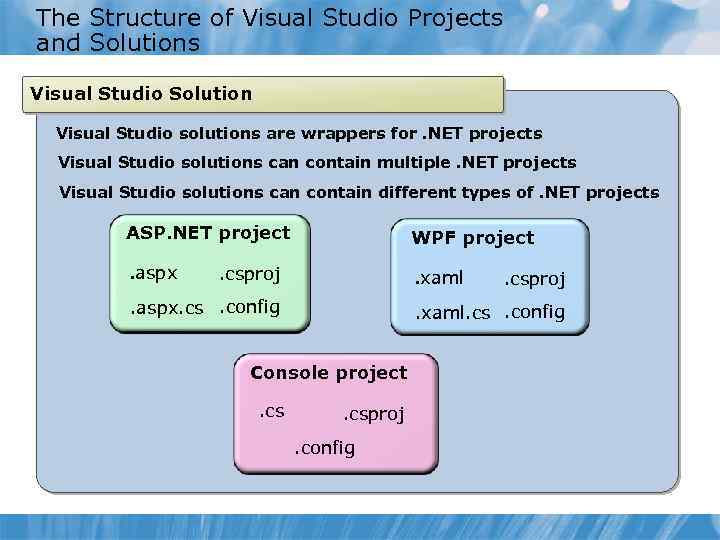 The Structure of Visual Studio Projects and Solutions Visual Studio Solution Visual Studio solutions are wrappers for. NET projects Visual Studio solutions can contain multiple. NET projects Visual Studio solutions can contain different types of. NET projects ASP. NET project WPF project . aspx . xaml . csproj . aspx. cs. config . xaml. cs. config Console project. csproj. config
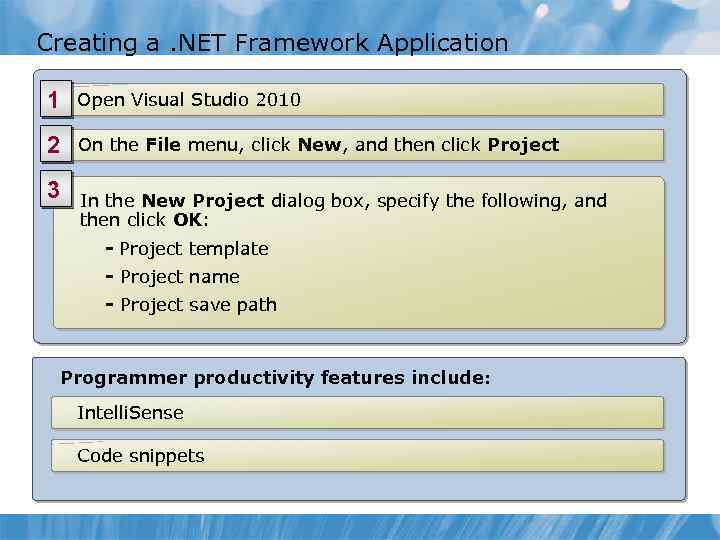 Creating a. NET Framework Application 1 Open Visual Studio 2010 2 On the File menu, click New, and then click Project 3 In the New Project dialog box, specify the following, and then click OK: - Project template - Project name - Project save path Programmer productivity features include: Intelli. Sense Code snippets
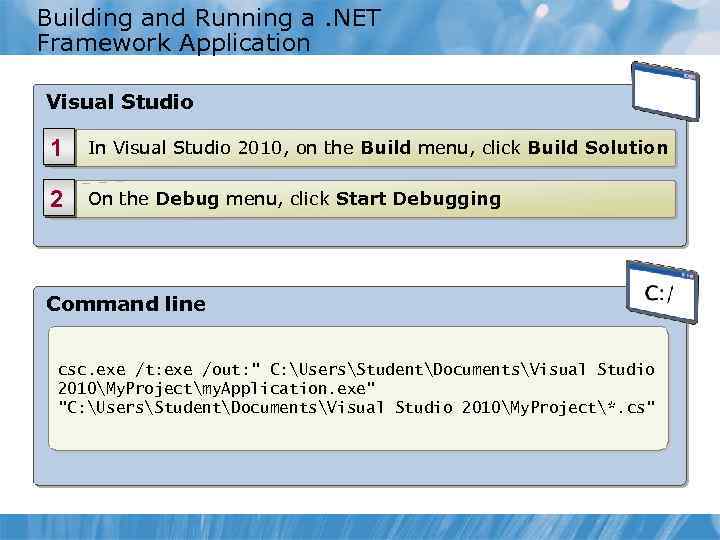 Building and Running a. NET Framework Application Visual Studio 1 In Visual Studio 2010, on the Build menu, click Build Solution 2 On the Debug menu, click Start Debugging Command line csc. exe /t: exe /out: " C: UsersStudentDocumentsVisual Studio 2010My. Projectmy. Application. exe" "C: UsersStudentDocumentsVisual Studio 2010My. Project*. cs"
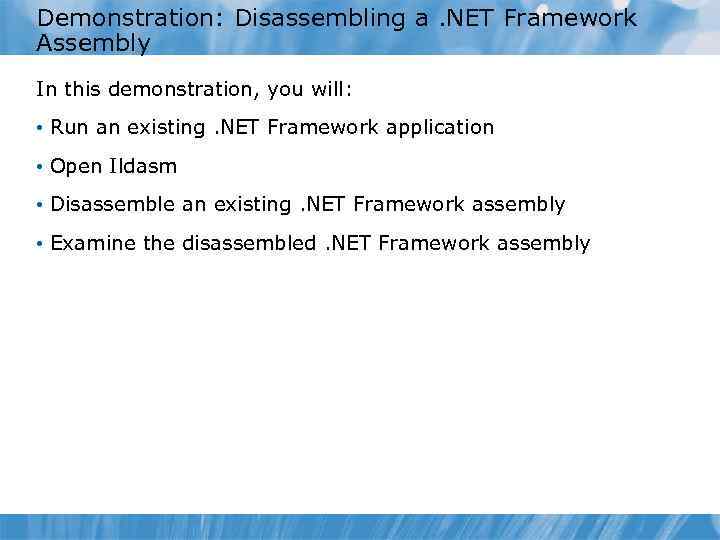 Demonstration: Disassembling a. NET Framework Assembly In this demonstration, you will: • Run an existing. NET Framework application • Open Ildasm • Disassemble an existing. NET Framework assembly • Examine the disassembled. NET Framework assembly
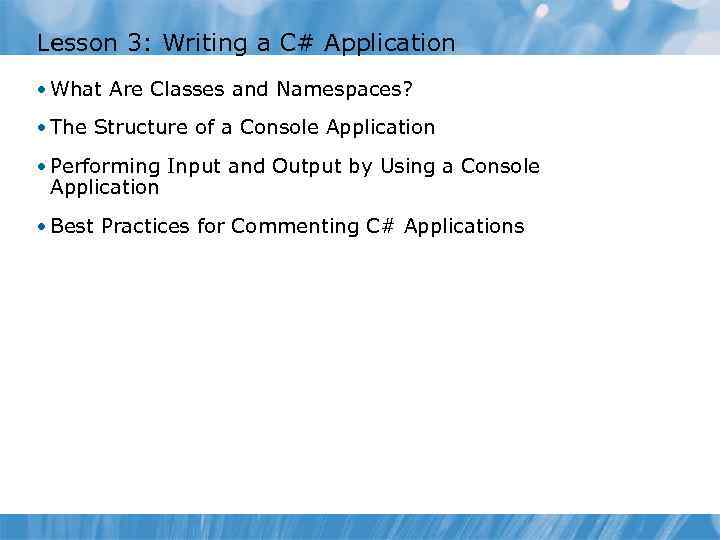 Lesson 3: Writing a C# Application • What Are Classes and Namespaces? • The Structure of a Console Application • Performing Input and Output by Using a Console Application • Best Practices for Commenting C# Applications
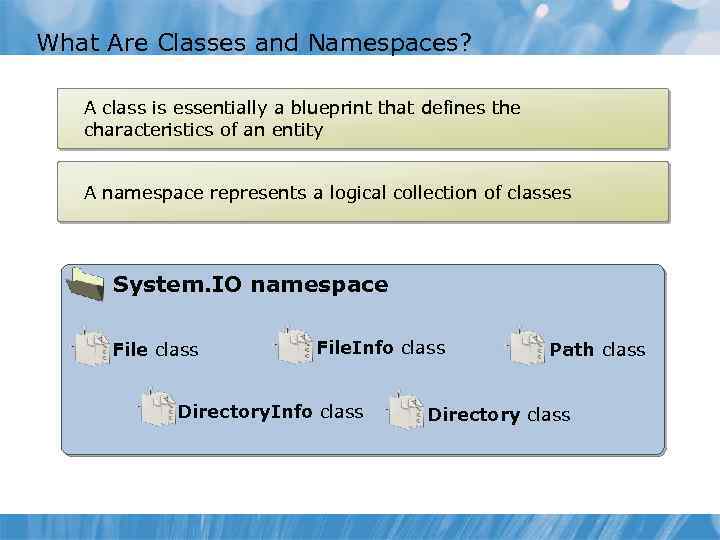 What Are Classes and Namespaces? A class is essentially a blueprint that defines the characteristics of an entity A namespace represents a logical collection of classes System. IO namespace File class File. Info class Directory. Info class Path class Directory class
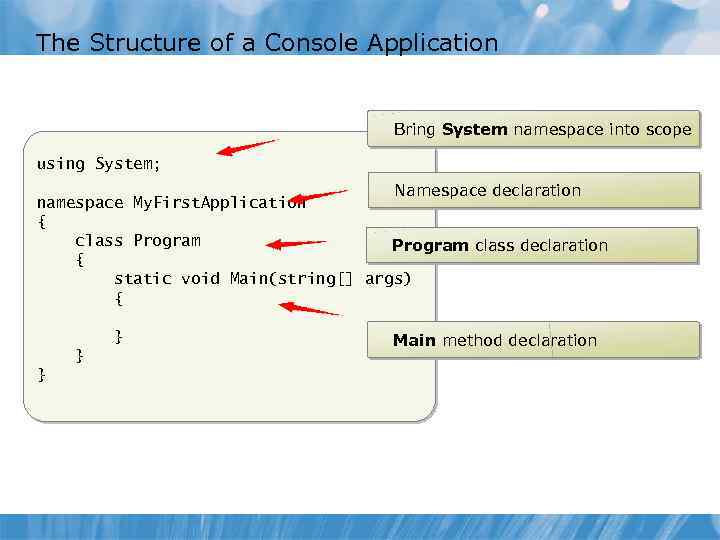 The Structure of a Console Application Bring System namespace into scope using System; Namespace declaration namespace My. First. Application { class Program class declaration { static void Main(string[] args) { } Main method declaration } }
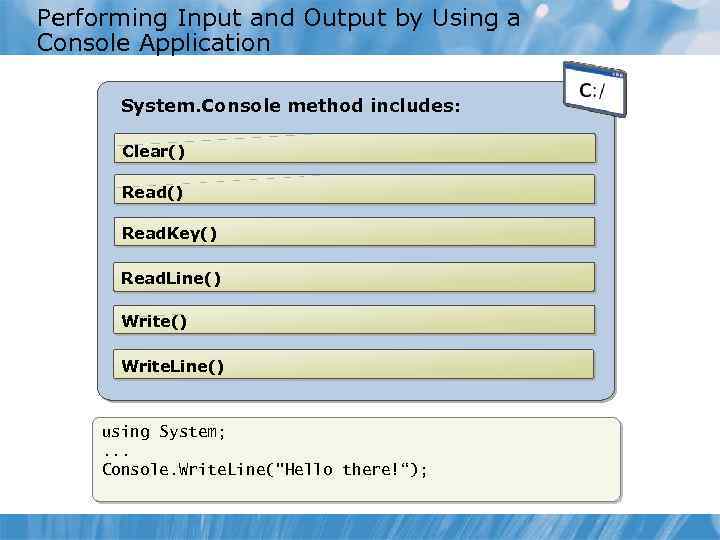 Performing Input and Output by Using a Console Application System. Console method includes: Clear() Read. Key() Read. Line() Write. Line() using System; . . . Console. Write. Line("Hello there!“);
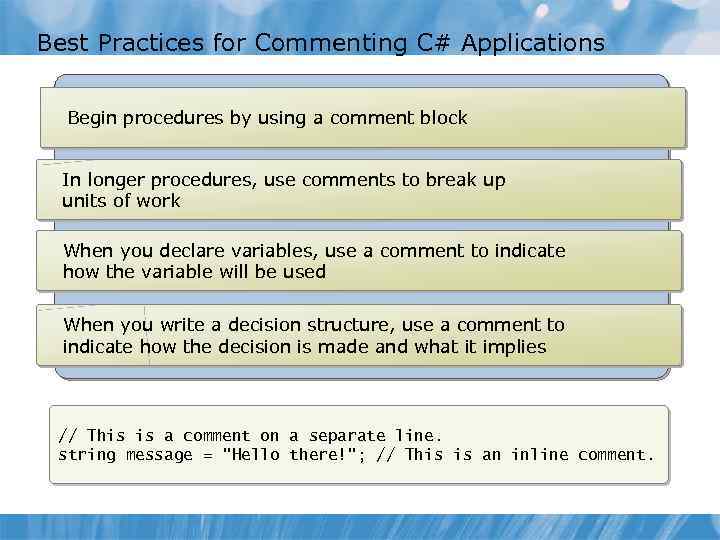 Best Practices for Commenting C# Applications Begin procedures by using a comment block In longer procedures, use comments to break up units of work When you declare variables, use a comment to indicate how the variable will be used When you write a decision structure, use a comment to indicate how the decision is made and what it implies // This is a comment on a separate line. string message = "Hello there!"; // This is an inline comment.
 Lesson 4: Building a Graphical Application • What Is WPF? • The Structure of a WPF Application • The WPF Control Library • WPF Events • Building a Simple WPF Application • Demonstration: Building a Simple WPF Application
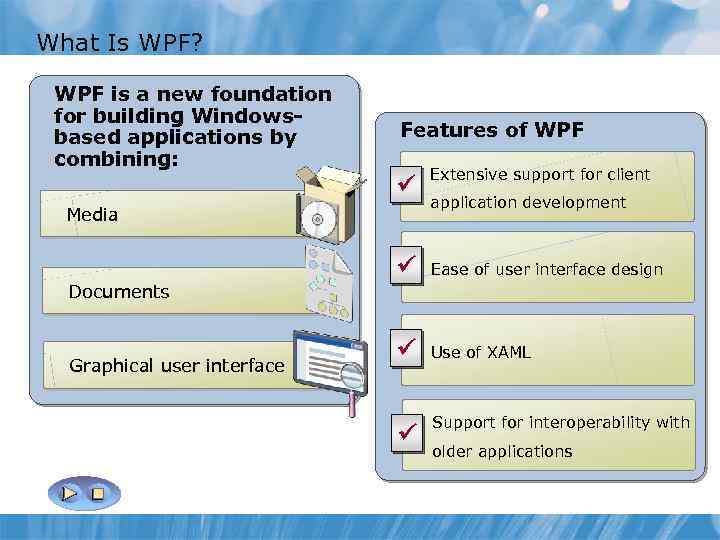 What Is WPF? WPF is a new foundation for building Windowsbased applications by combining: Features of WPF ü Media Extensive support for client application development ü Ease of user interface design ü Use of XAML Documents Graphical user interface ü Support for interoperability with older applications
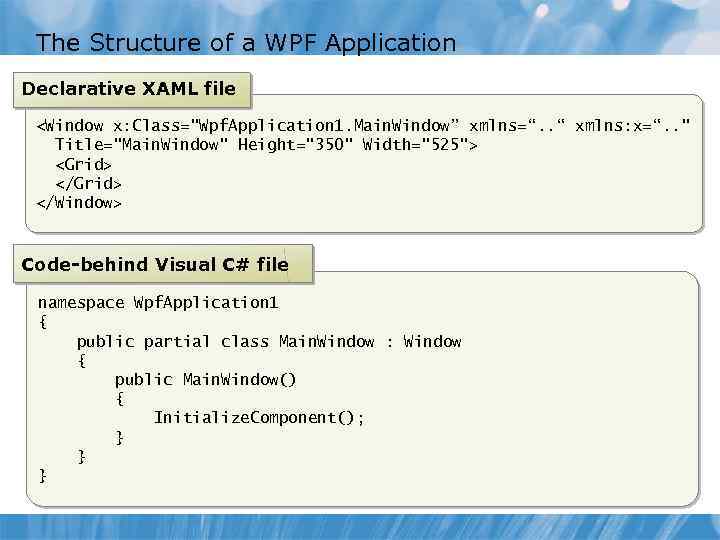 The Structure of a WPF Application Declarative XAML file
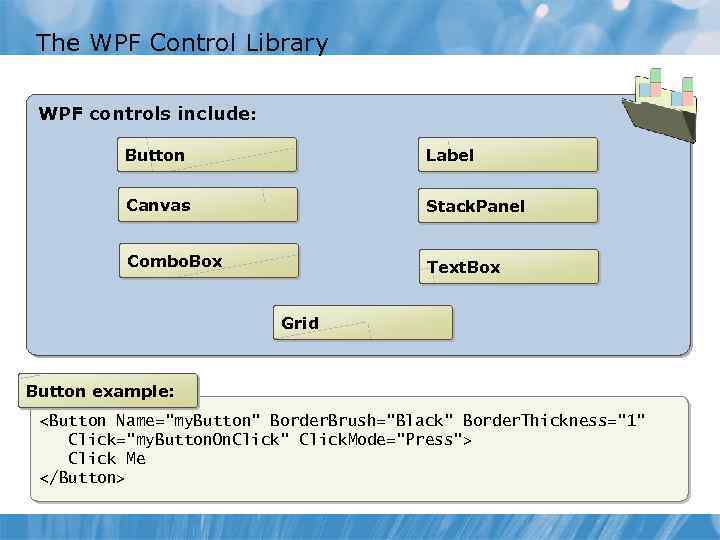 The WPF Control Library WPF controls include: Button Label Canvas Stack. Panel Combo. Box Text. Box Grid Button example:
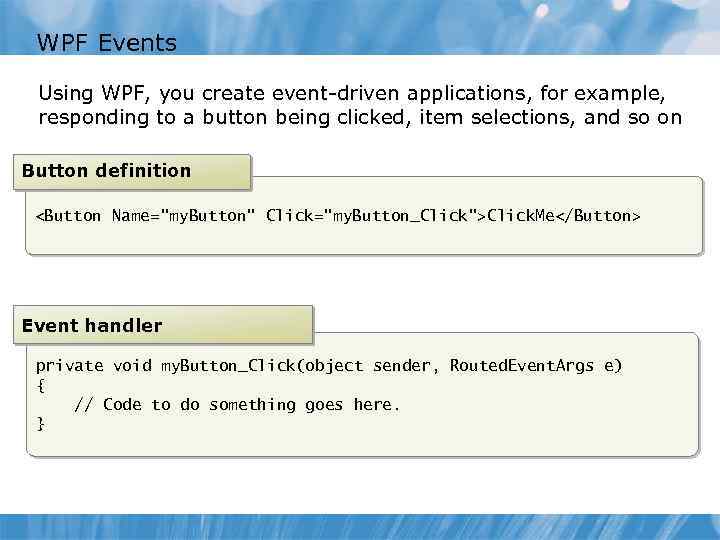 WPF Events Using WPF, you create event-driven applications, for example, responding to a button being clicked, item selections, and so on Button definition Event handler private void my. Button_Click(object sender, Routed. Event. Args e) { // Code to do something goes here. }
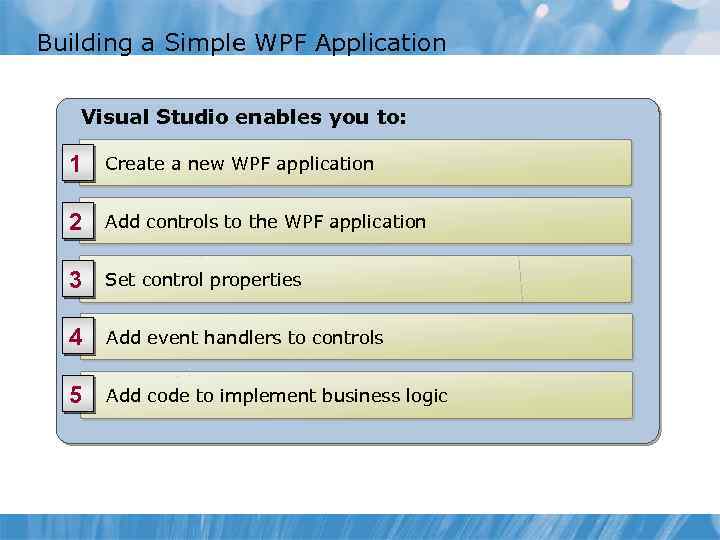 Building a Simple WPF Application Visual Studio enables you to: 1 Create a new WPF application 2 Add controls to the WPF application 3 Set control properties 4 Add event handlers to controls 5 Add code to implement business logic
 Demonstration: Building a Simple WPF Application In this demonstration, you will: • Create a new WPF application • Add controls to the WPF application • Set the properties for the controls • Add code to the application • Build and run the application
 Lesson 5: Documenting an Application • What Are XML Comments? • Common XML Comment Tags • Generating Documentation from XML Comments • Demonstration: Generating Documentation by Using Sandcastle Help File Builder
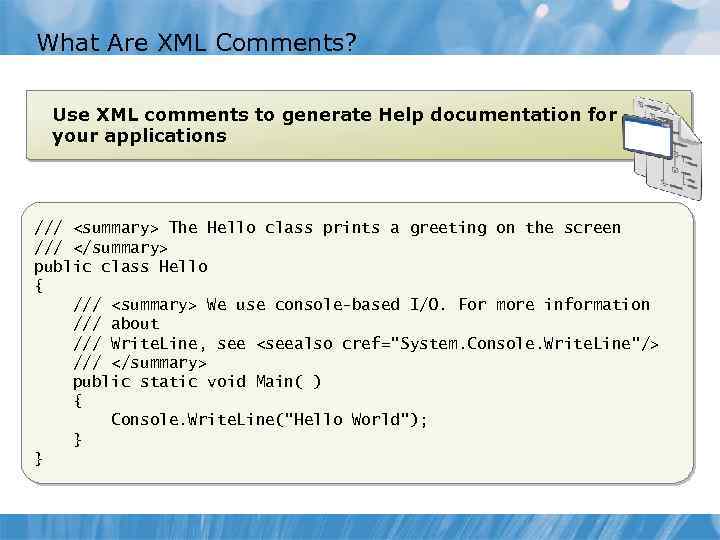 What Are XML Comments? Use XML comments to generate Help documentation for your applications ///
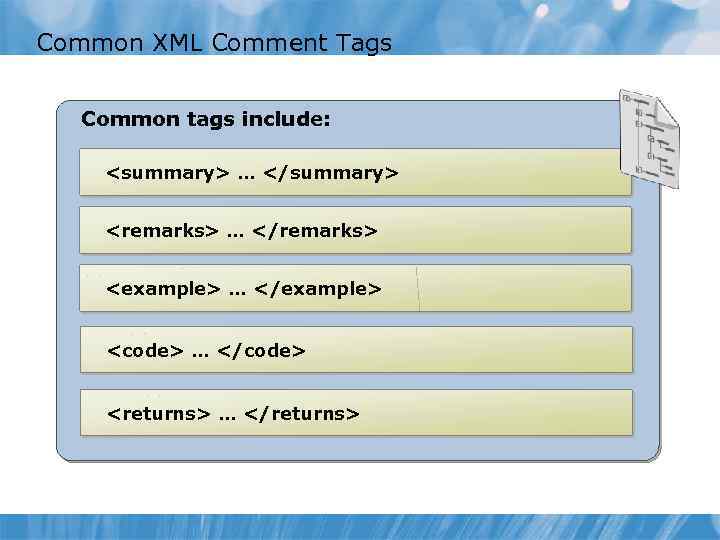 Common XML Comment Tags Common tags include:
 …
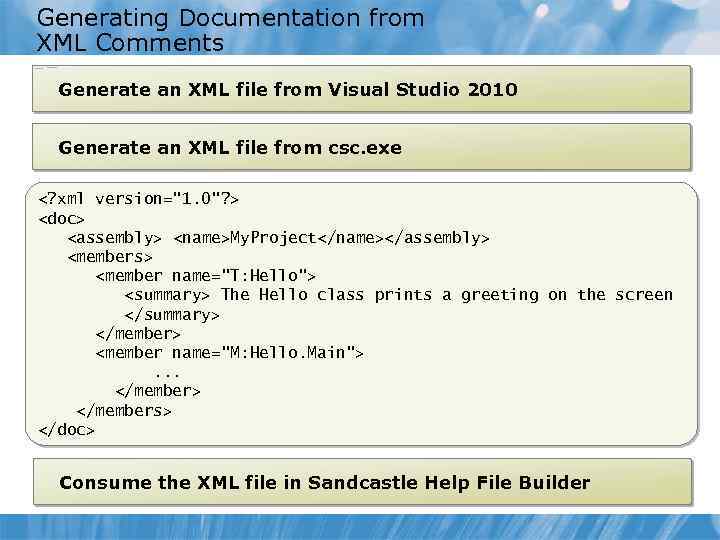 Generating Documentation from XML Comments Generate an XML file from Visual Studio 2010 Generate an XML file from csc. exe
 Demonstration: Generating Documentation by Using Sandcastle Help File Builder In this demonstration, you will: • Create a new Sandcastle project • Reference the XML output from the. NET application • Build a. chm file • Examine the output
 Lesson 6: Debugging Applications by Using Visual Studio 2010 • Debugging in Visual Studio 2010 • Using Breakpoints • Stepping Through and Over Code • Using the Debug Windows
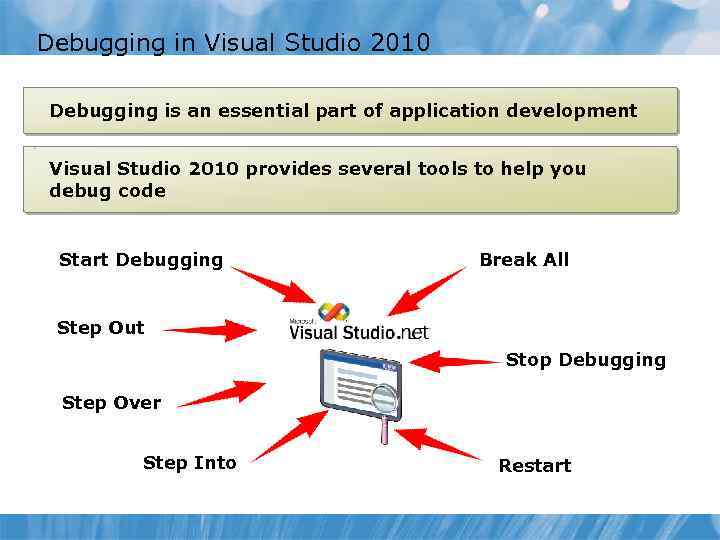 Debugging in Visual Studio 2010 Debugging is an essential part of application development Visual Studio 2010 provides several tools to help you debug code Start Debugging Break All Step Out Stop Debugging Step Over Step Into Restart
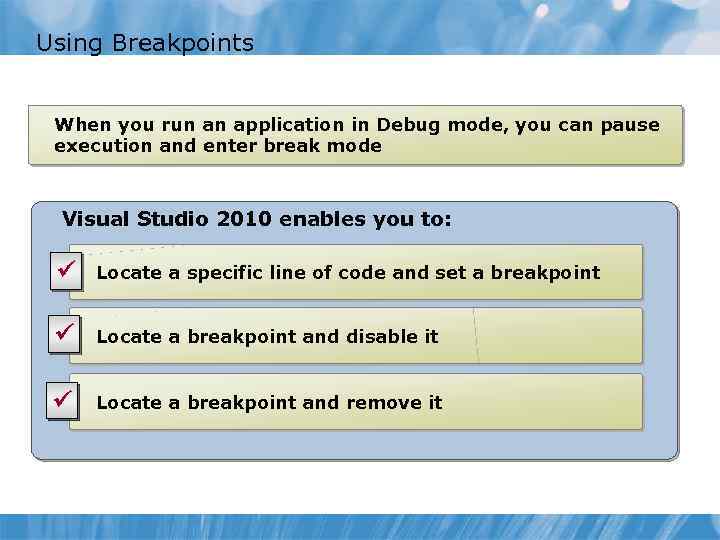 Using Breakpoints When you run an application in Debug mode, you can pause execution and enter break mode Visual Studio 2010 enables you to: ü Locate a specific line of code and set a breakpoint ü Locate a breakpoint and disable it ü Locate a breakpoint and remove it
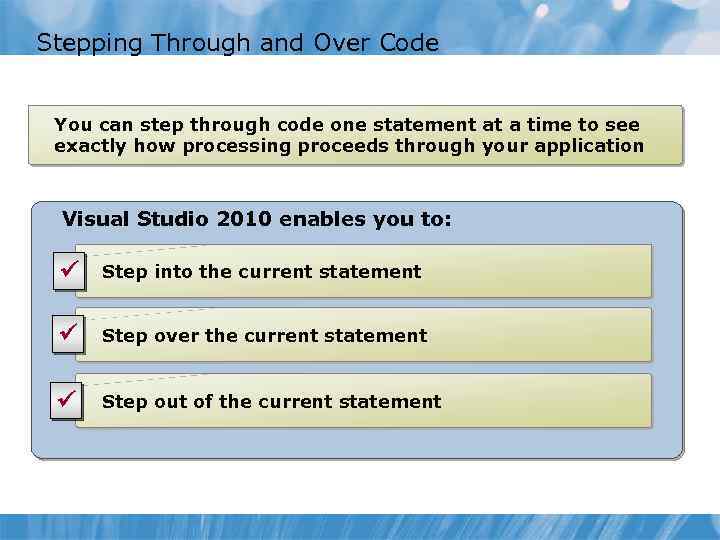 Stepping Through and Over Code You can step through code one statement at a time to see exactly how processing proceeds through your application Visual Studio 2010 enables you to: ü Step into the current statement ü Step over the current statement ü Step out of the current statement
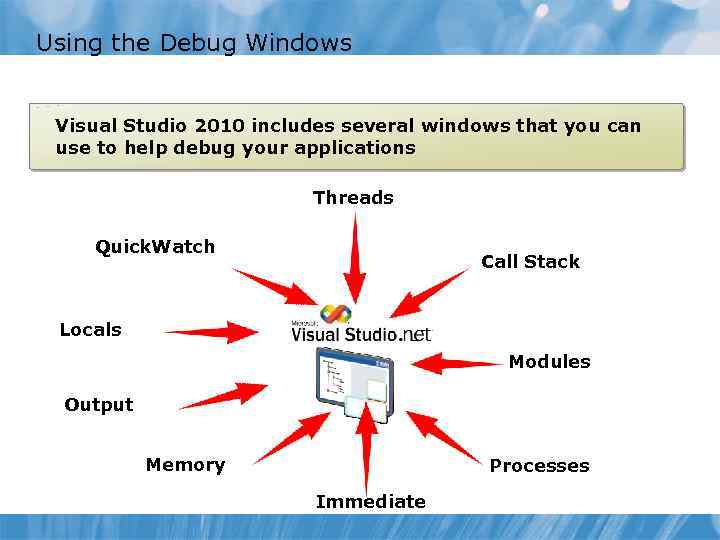 Using the Debug Windows Visual Studio 2010 includes several windows that you can use to help debug your applications Threads Quick. Watch Call Stack Locals Modules Output Memory Processes Immediate
 Lab: Introducing C# and the. NET Framework • Exercise 1: Building a Simple Console Application • Exercise 2: Building a WPF Application • Exercise 3: Verifying the Application • Exercise 4: Generating Documentation for an Application Logon information Virtual machine 10266 A-GEN-DEV User name Student Password Pa$$w 0 rd Estimated time: 60 minutes
 Lab Scenario
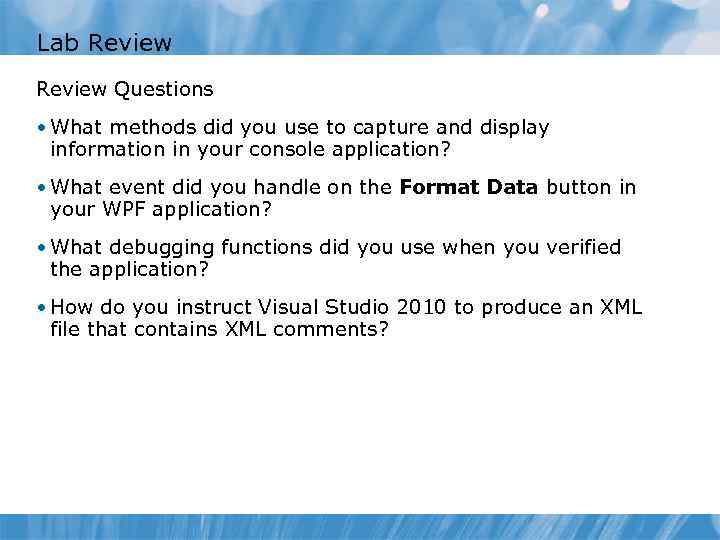 Lab Review Questions • What methods did you use to capture and display information in your console application? • What event did you handle on the Format Data button in your WPF application? • What debugging functions did you use when you verified the application? • How do you instruct Visual Studio 2010 to produce an XML file that contains XML comments?
 Module Review and Takeaways • Review Questions • Best Practices • Tools