 Скачать презентацию MLAB 1415 Hematology Micros 60 Quality Control
966a58c359137a6886f571311614d9da.ppt
- Количество слайдов: 13



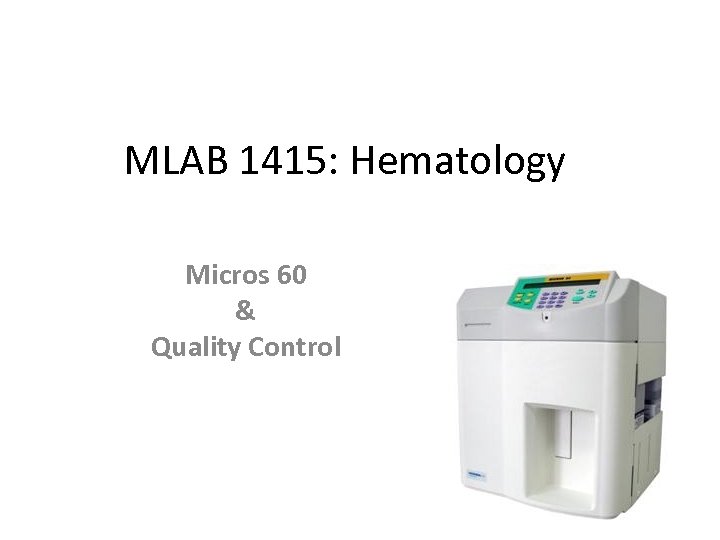
MLAB 1415: Hematology Micros 60 & Quality Control
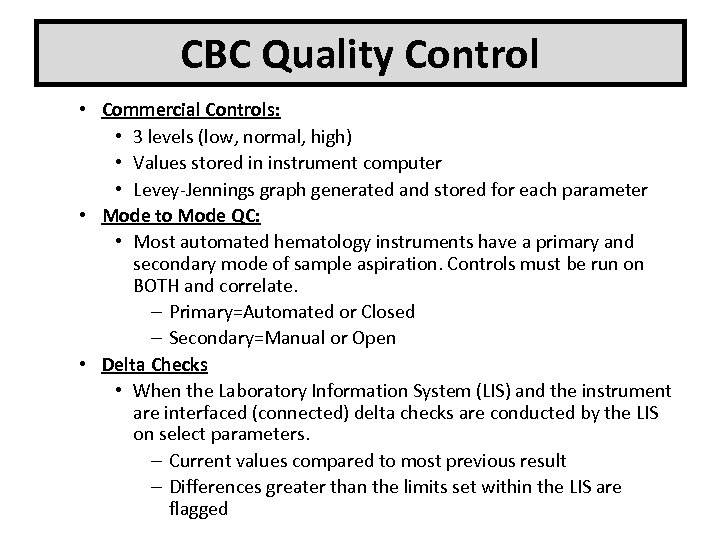
CBC Quality Control • Commercial Controls: • 3 levels (low, normal, high) • Values stored in instrument computer • Levey-Jennings graph generated and stored for each parameter • Mode to Mode QC: • Most automated hematology instruments have a primary and secondary mode of sample aspiration. Controls must be run on BOTH and correlate. – Primary=Automated or Closed – Secondary=Manual or Open • Delta Checks • When the Laboratory Information System (LIS) and the instrument are interfaced (connected) delta checks are conducted by the LIS on select parameters. – Current values compared to most previous result – Differences greater than the limits set within the LIS are flagged
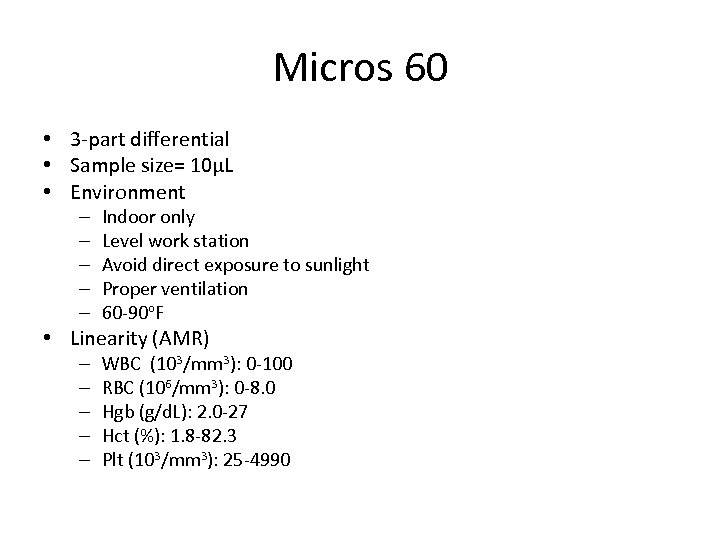
Micros 60 • 3 -part differential • Sample size= 10µL • Environment – – – Indoor only Level work station Avoid direct exposure to sunlight Proper ventilation 60 -90 o. F • Linearity (AMR) – – – WBC (103/mm 3): 0 -100 RBC (106/mm 3): 0 -8. 0 Hgb (g/d. L): 2. 0 -27 Hct (%): 1. 8 -82. 3 Plt (103/mm 3): 25 -4990
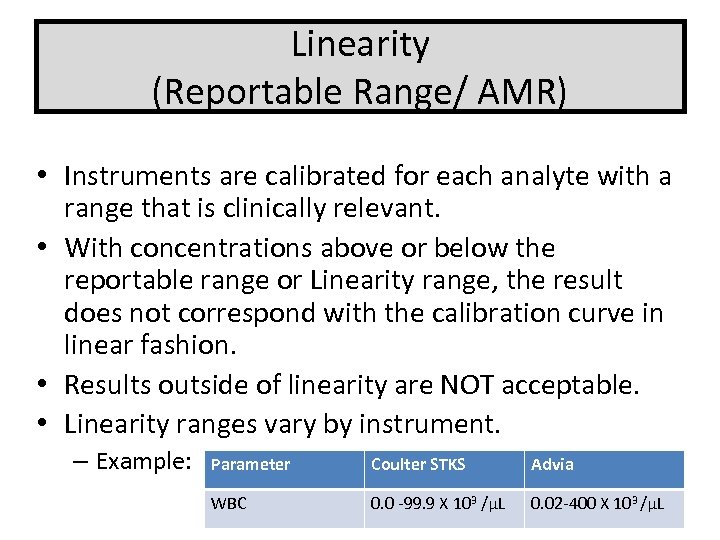
Linearity (Reportable Range/ AMR) • Instruments are calibrated for each analyte with a range that is clinically relevant. • With concentrations above or below the reportable range or Linearity range, the result does not correspond with the calibration curve in linear fashion. • Results outside of linearity are NOT acceptable. • Linearity ranges vary by instrument. – Example: Parameter Coulter STKS Advia WBC 0. 0 -99. 9 X 10³ /µL 0. 02 -400 X 103 /µL
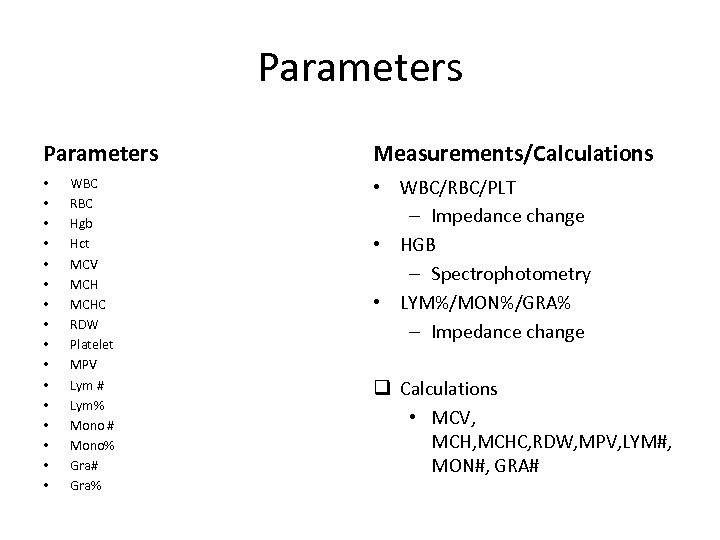
Parameters • • • • WBC RBC Hgb Hct MCV MCHC RDW Platelet MPV Lym # Lym% Mono # Mono% Gra# Gra% Measurements/Calculations • WBC/RBC/PLT – Impedance change • HGB – Spectrophotometry • LYM%/MON%/GRA% – Impedance change q Calculations • MCV, MCHC, RDW, MPV, LYM#, MON#, GRA#
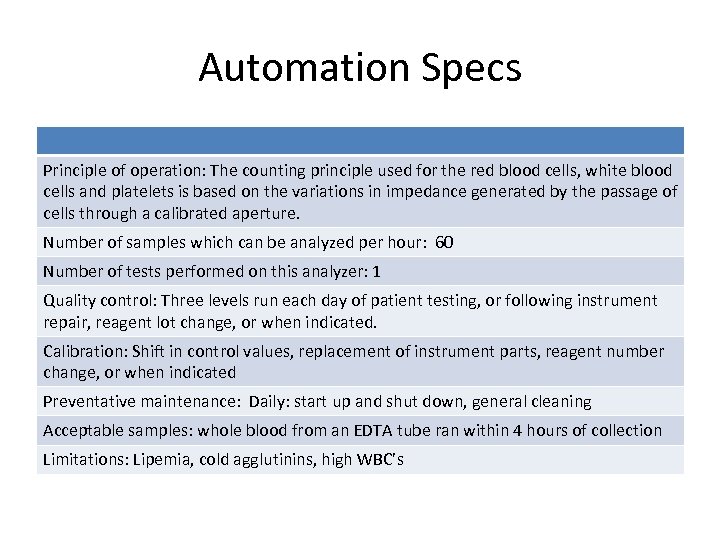
Automation Specs Principle of operation: The counting principle used for the red blood cells, white blood cells and platelets is based on the variations in impedance generated by the passage of cells through a calibrated aperture. Number of samples which can be analyzed per hour: 60 Number of tests performed on this analyzer: 1 Quality control: Three levels run each day of patient testing, or following instrument repair, reagent lot change, or when indicated. Calibration: Shift in control values, replacement of instrument parts, reagent number change, or when indicated Preventative maintenance: Daily: start up and shut down, general cleaning Acceptable samples: whole blood from an EDTA tube ran within 4 hours of collection Limitations: Lipemia, cold agglutinins, high WBC’s
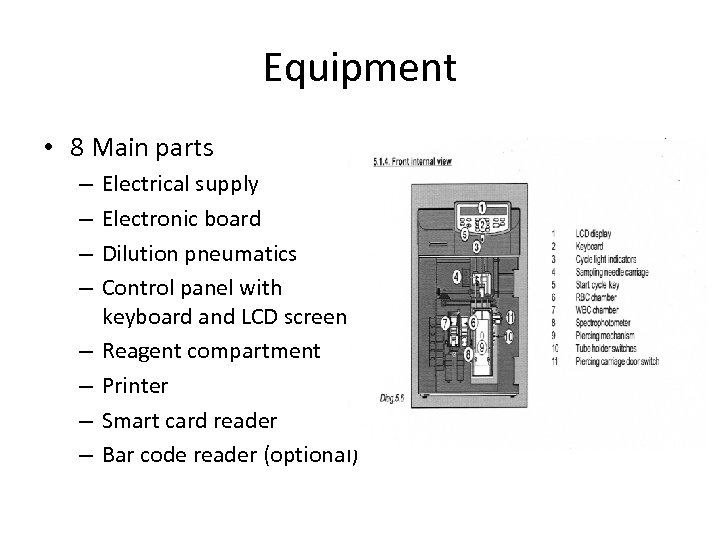
Equipment • 8 Main parts – – – – Electrical supply Electronic board Dilution pneumatics Control panel with keyboard and LCD screen Reagent compartment Printer Smart card reader Bar code reader (optional)
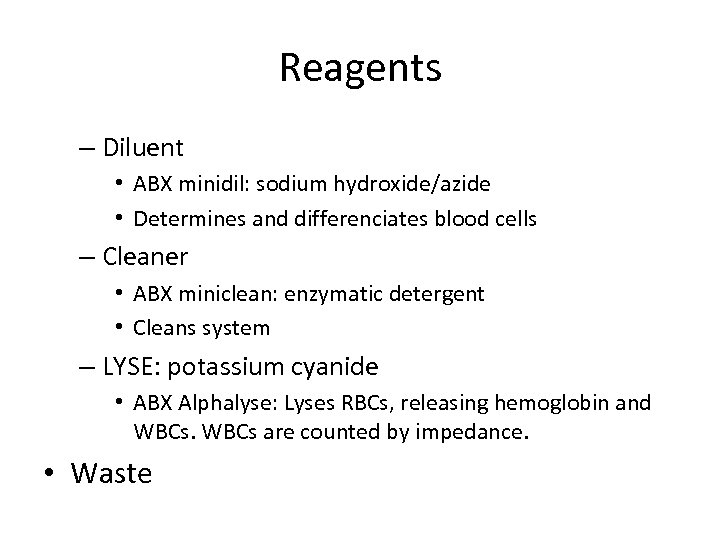
Reagents – Diluent • ABX minidil: sodium hydroxide/azide • Determines and differenciates blood cells – Cleaner • ABX miniclean: enzymatic detergent • Cleans system – LYSE: potassium cyanide • ABX Alphalyse: Lyses RBCs, releasing hemoglobin and WBCs are counted by impedance. • Waste
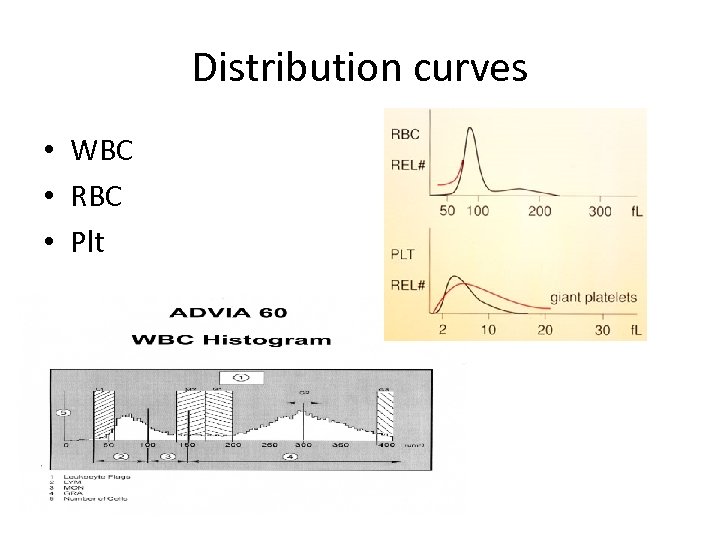
Distribution curves • WBC • RBC • Plt
Daily Start Up 1. Turn on instrument, once on, the start-up will begin automatically 1. Instrument is performing a cleaning and rinsing cycle: detergent in the chamber is rinsed with diluent 2. Cycle lasts about 130 seconds 2. At cycle completion, background values will be displayed. These values must be less than the below: 1. WBC < 0. 3 x 10³/mm 3 2. RBC < 0. 02 x 106/mm 3 3. Hgb < 0. 0 g/d. L 4. Plt < 10 x 103/ mm 3 5. If the values are not within this range, another cycle will begin. If still not in range, the Micros will do another start-up. After 3 failed cycles, it will give a “start-up failed” message. Troubleshooting will now start.
Daily start-up con’t 3. 4. 5. 6. Run a primer sample Perform QC and evaluate Complete maintenance sheet If all QC in, can continue with patient samples.
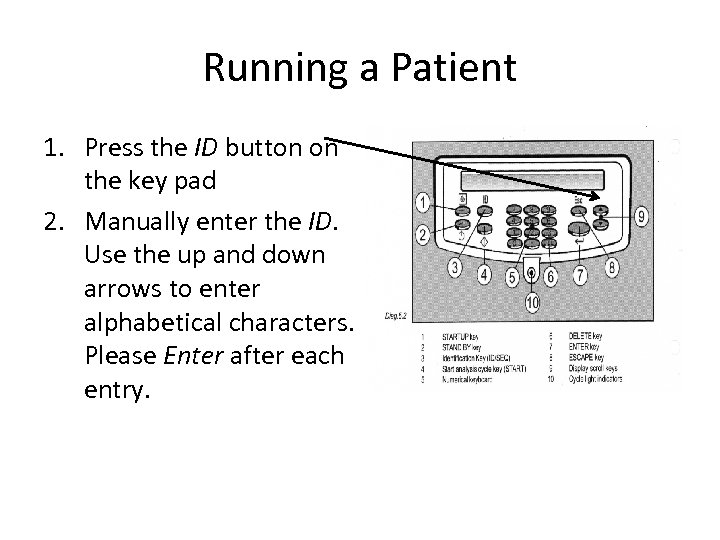
Running a Patient 1. Press the ID button on the key pad 2. Manually enter the ID. Use the up and down arrows to enter alphabetical characters. Please Enter after each entry.
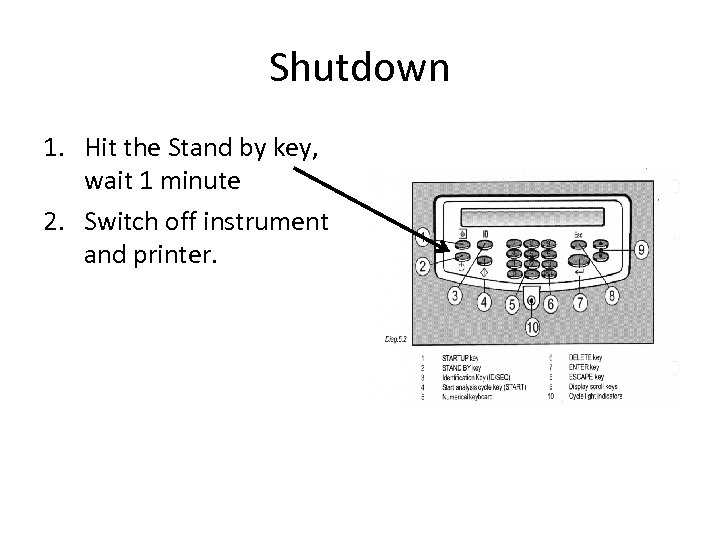
Shutdown 1. Hit the Stand by key, wait 1 minute 2. Switch off instrument and printer.
Скачать презентацию MLAB 1415 Hematology Micros 60 Quality Control
966a58c359137a6886f571311614d9da.ppt