 Скачать презентацию Mining the Michael Hunter Reference Librarian Hobart and
9de1e71bcba92a479c9794c9cfc55715.ppt
- Количество слайдов: 74



Mining the Michael Hunter Reference Librarian Hobart and William Smith Colleges For Western New York Library Resources Council Member Libraries’ Staff Sponsored by the Western New York Library Resources Council
For today. . . n n n n From Web to Deep Web Search Services: Genres and Differences The Topography of the Internet Mining the Deep Web: Techniques and Tips Hands-on Session Evaluating Deep Web Resources Using Proprietary Software
Web to Deep Web n 1991 – Gopher • Menu-based text only • You had to KNOW the sites n 1992 – Veronica • Menus of menus • Difficult to access
Web to Deep Web n 1991 - Hyper-Text Markup Language • Linkage capability leads you to related information elsewhere n “Classic” Web Site • Relatively stable content of static, separate documents or files • Typically no larger than 1, 000 documents navigated via static directory structures
Web to Deep Web n 1994 – Lycos launched • First crawler-based search engine with database of 54, 000 html documents (CMU) n Growth of html documents unprecedented and unanticipated • 2000 (April) “The Web is doubling in size every 8 months” (FAST)
Web to Deep Web n n 1996 – Three phenomena pivotal for the development of the Deep Web: HTML-based database technology introduced • Bluestone’s Sapphire/Web, Oracle n Commercialization of the Web • Growth of home PC-users and ecommerce n Web Servers adapted to embrace “dynamic” serving of data • Microsoft’s ASP, Unix PHP and others
Web to Deep Web n 1998 – Deep Web comes of Age Larger sites redesigned with a database orientation rather than static directory structure • U. S Bureau of the Census • Securities and Exchange Commission • Patent and Trademark Office
Search Services: Genres and Differences n Exclusively crawler-created • Search engines • Meta search engines n Human created and/or influenced • Directories • Specialized search engines • Subject metasites • Deep Web gateway sites
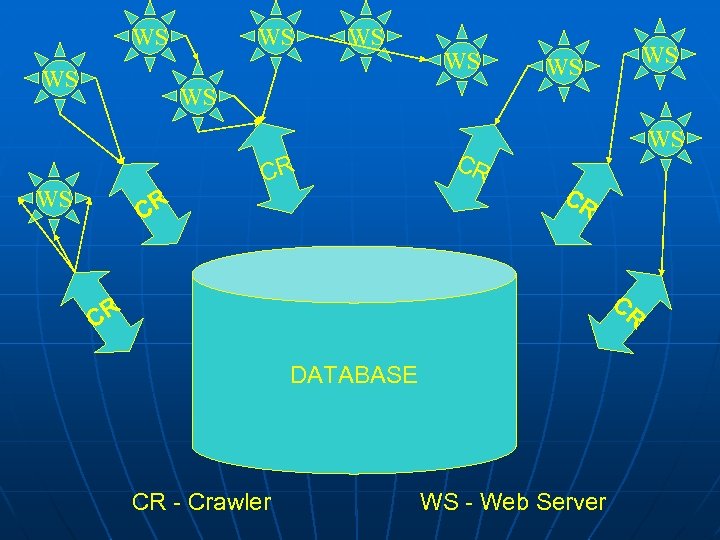
WS WS CR WS CR CR CR DATABASE CR - Crawler WS - Web Server
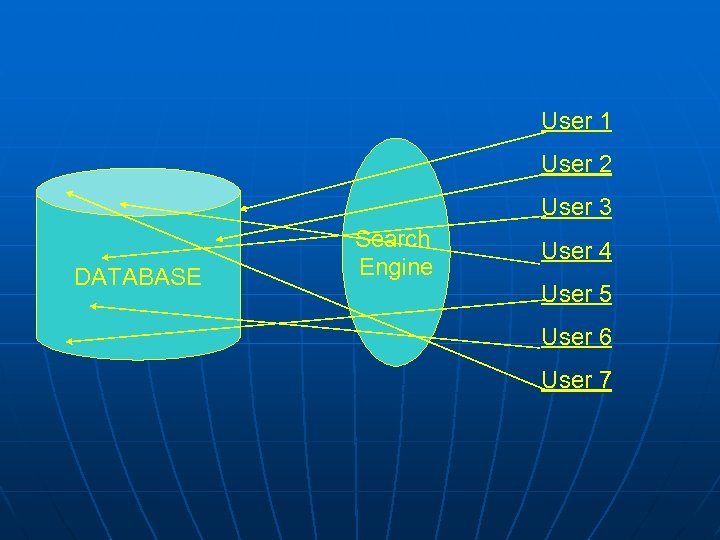
User 1 User 2 User 3 DATABASE Search Engine User 4 User 5 User 6 User 7
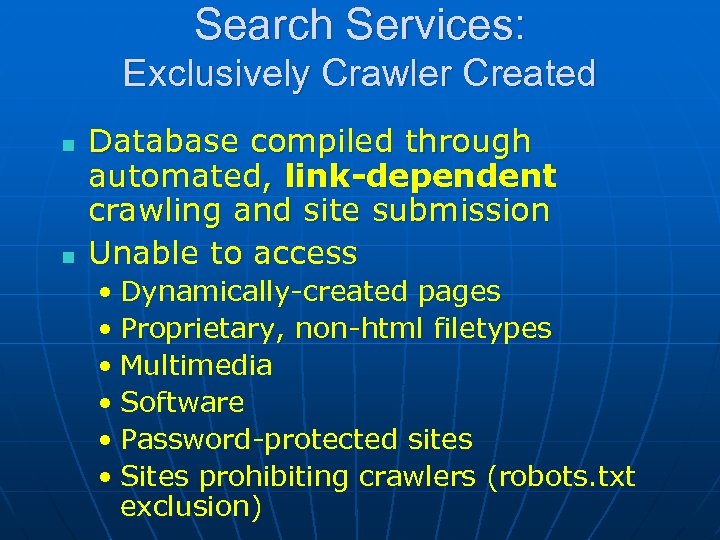
Search Services: Exclusively Crawler Created n n Database compiled through automated, link-dependent crawling and site submission Unable to access • Dynamically-created pages • Proprietary, non-html filetypes • Multimedia • Software • Password-protected sites • Sites prohibiting crawlers (robots. txt exclusion)
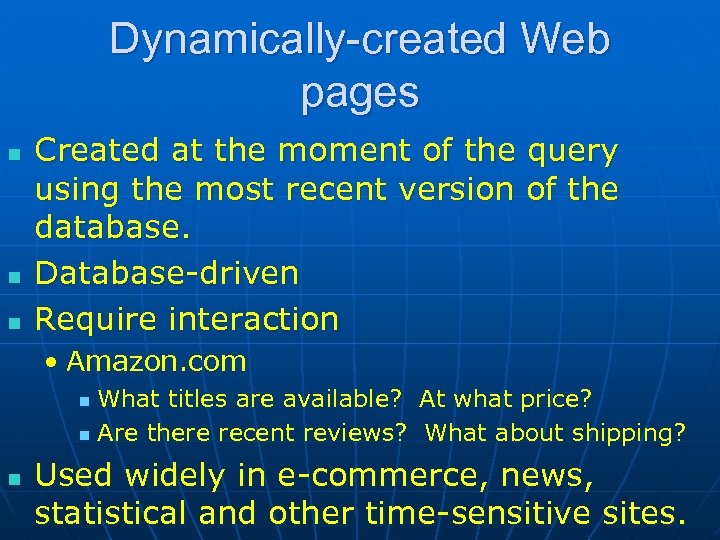
Dynamically-created Web pages n n n Created at the moment of the query using the most recent version of the database. Database-driven Require interaction • Amazon. com What titles are available? At what price? n Are there recent reviews? What about shipping? n n Used widely in e-commerce, news, statistical and other time-sensitive sites.
Dynamically-created Web pages n Why can’t crawlers download them? Technically they can interact, within limits of programming capability Very costly and time-consuming for general search services
Dynamically-created Web pages n How can a crawler detect a dynamically-created page? • From any of the following in the URL ? , % , $ , = , ASP , PHP , CFM and others
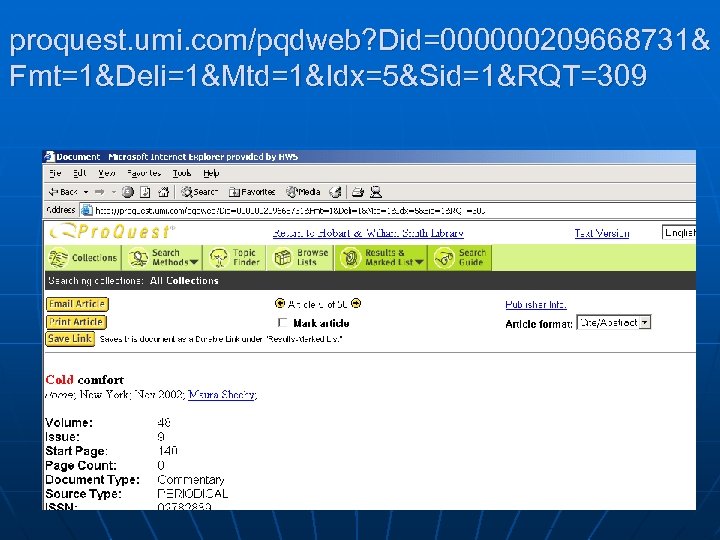
proquest. umi. com/pqdweb? Did=000000209668731& Fmt=1&Deli=1&Mtd=1&Idx=5&Sid=1&RQT=309
Proprietary Filetypes n PDF Spreadsheets Word-processed documents n Google does it! Why can’t you? n n
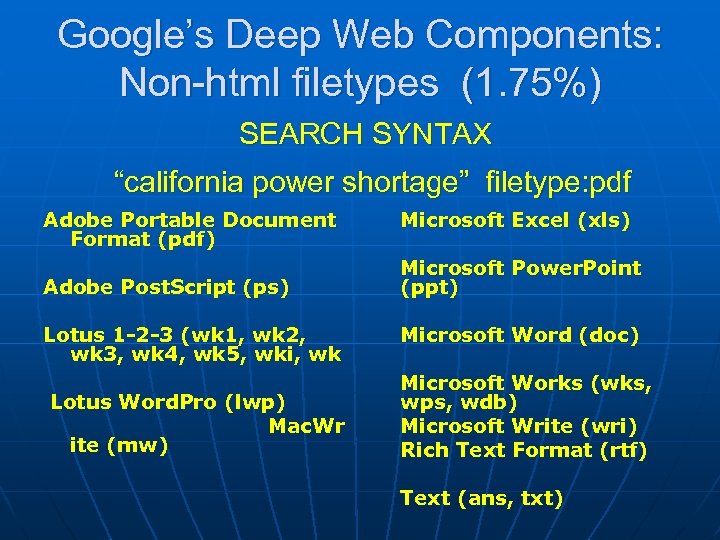
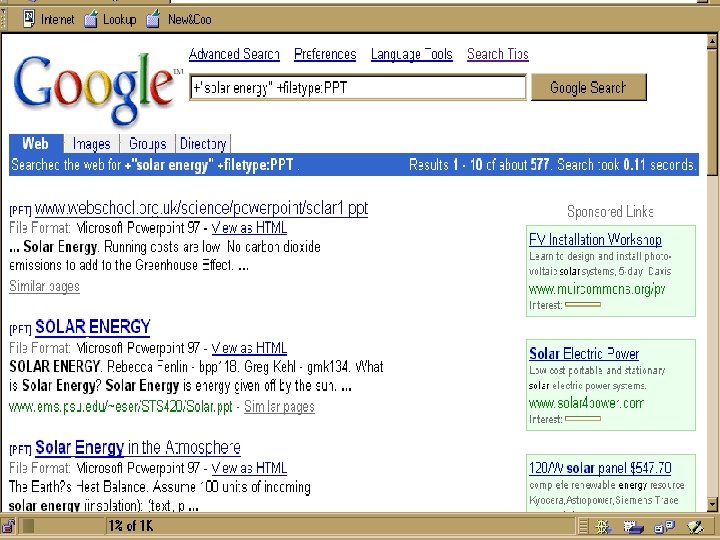
Google’s Deep Web Components: Non-html filetypes (1. 75%) SEARCH SYNTAX “california power shortage” filetype: pdf Adobe Portable Document Format (pdf) Microsoft Excel (xls) Adobe Post. Script (ps) Microsoft Power. Point (ppt) Lotus 1 -2 -3 (wk 1, wk 2, wk 3, wk 4, wk 5, wki, wk Microsoft Word (doc) Lotus Word. Pro (lwp) Mac. Wr ite (mw) Microsoft Works (wks, wps, wdb) Microsoft Write (wri) Rich Text Format (rtf) Text (ans, txt)
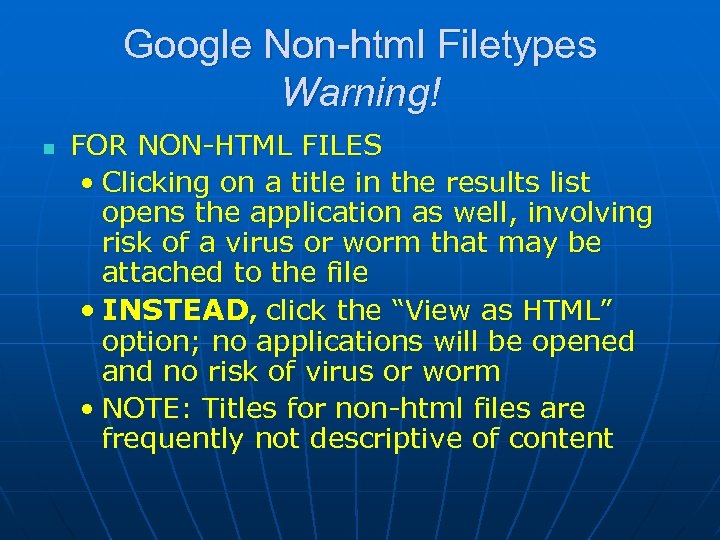
Google Non-html Filetypes Warning! n FOR NON-HTML FILES • Clicking on a title in the results list opens the application as well, involving risk of a virus or worm that may be attached to the file • INSTEAD, click the “View as HTML” option; no applications will be opened and no risk of virus or worm • NOTE: Titles for non-html files are frequently not descriptive of content
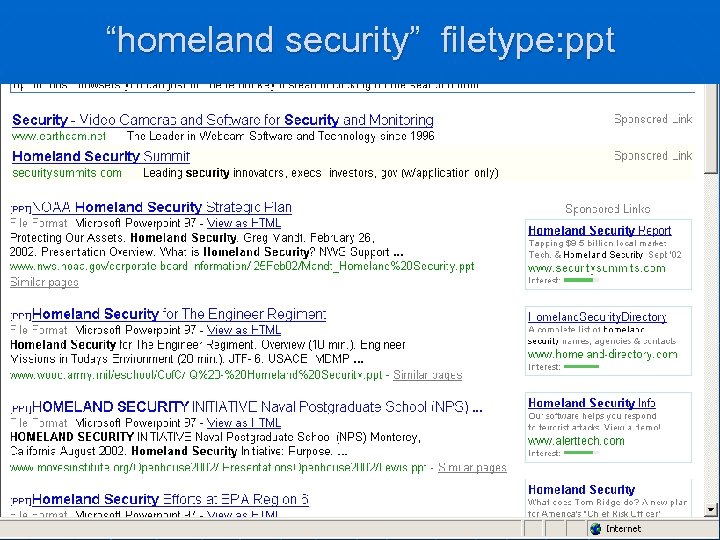
“homeland security” filetype: ppt
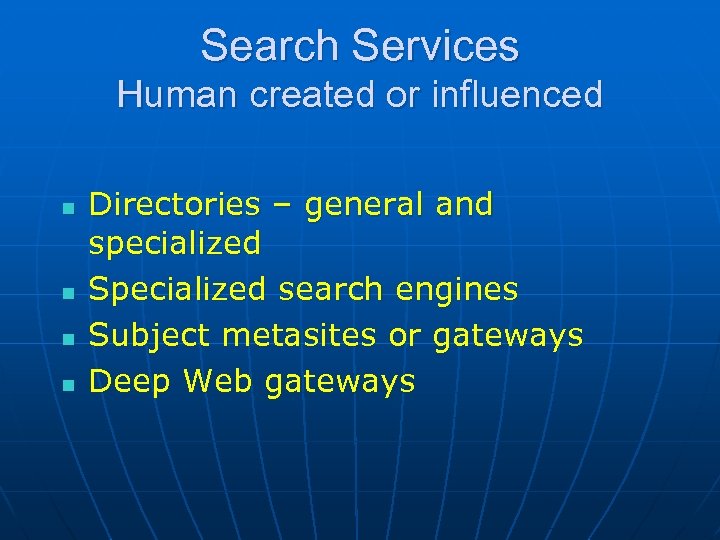
Search Services Human created or influenced n n Directories – general and specialized Specialized search engines Subject metasites or gateways Deep Web gateways
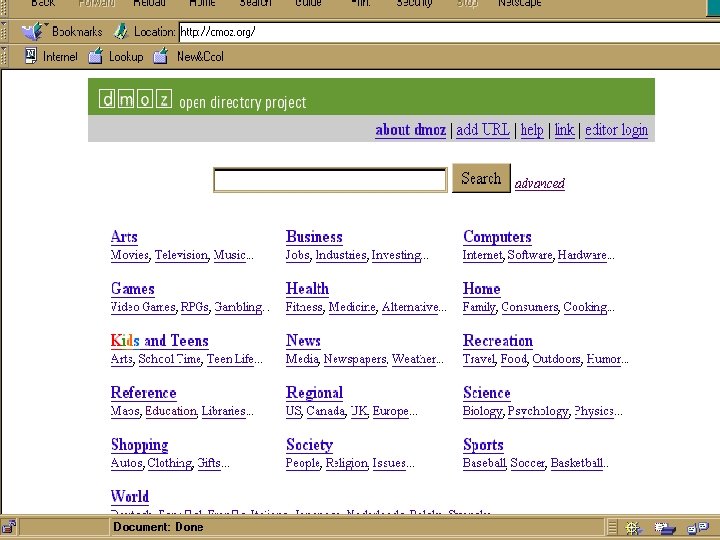
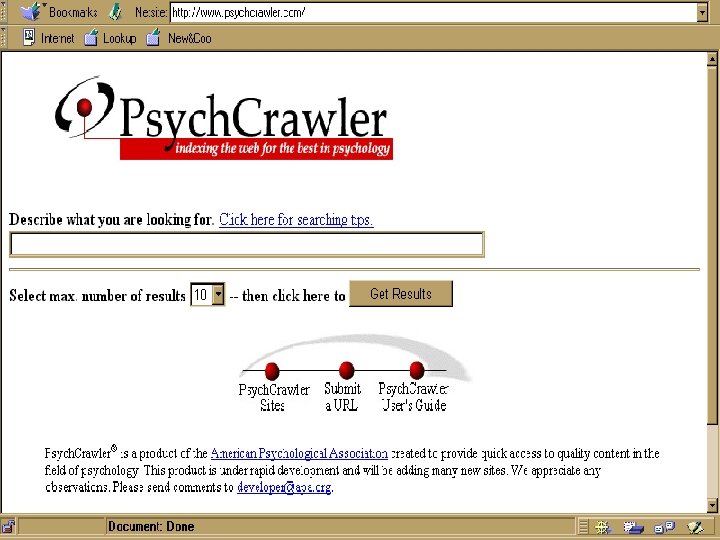
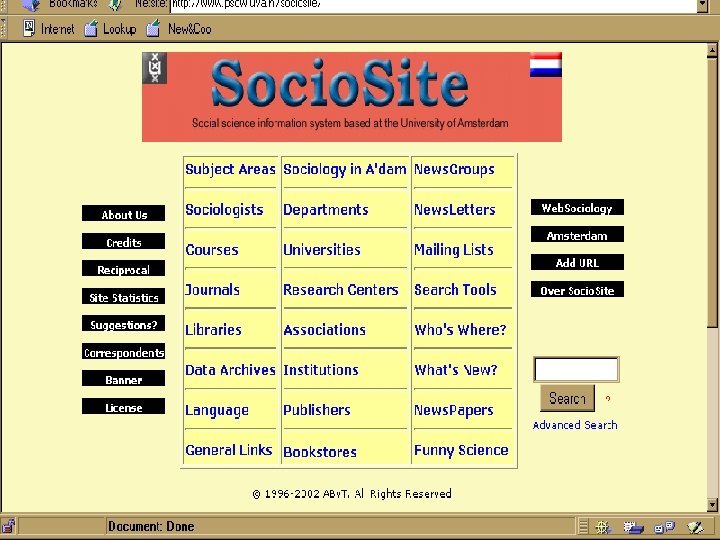
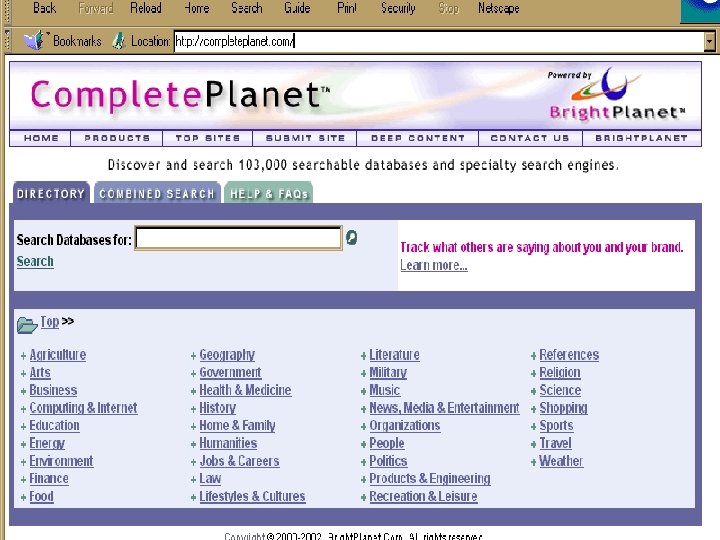
Search Services Human created or influenced n n Content of sites is examined and categorized or crawling is human-focused and refined CAN include sites with dynamically created pages CAN be limited to database-driven sites (Deep Web) CAN include non-html files NOTE: Some specialized search engines may include little human influence eg. Search. edu
The Topography of the Internet or The Layers of the Web n Mapping the web is challenging • Unregulated in nature • Influences from all over the globe • Fulfills many purposes, from personal to commercial • Changes rapidly and unexpectedly n Divisions and terminology are inherently ambiguous eg. “Deep” vs “Invisible” Web
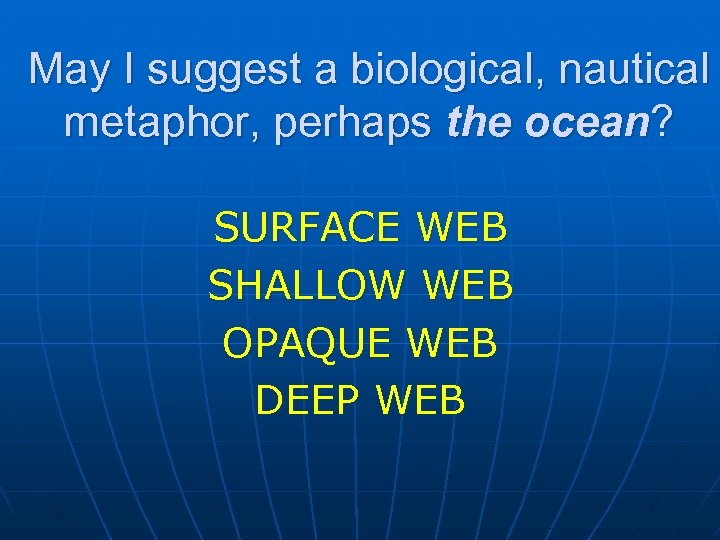
May I suggest a biological, nautical metaphor, perhaps the ocean? SURFACE WEB SHALLOW WEB OPAQUE WEB DEEP WEB
Surface Web n Static html documents n Crawler-accessible
Shallow Web n n Static html documents loaded on servers that use Cold. Fusion or Lotus Domino or other similar software A different URL for the same page is created each time it is served. Crawlers skip these to avoid multiple copies of the same page in their database Technically human accessible via directories, Deep Web gateways or links from other sites
Opaque Web n n n Static html documents Technically crawler accessible 2 types: • Downloaded and indexed by crawler • Not downloaded or indexed by crawler
Opaque Web n Downloaded and indexed by crawler • Buried in search results you never look at • A casualty of “relevance” ranking n Not downloaded or indexed by crawler due to programmed download limits • Document buried deep in the site • Part of a large document that did not get downloaded (Typical crawl per page is 110 K or less) • Document added since last crawler visit (Even the best revisit on an average of every 2 weeks, depending on amount of
Opaque Web n Access to the Opaque Web • Specialized search engines • General and specialized directories • Subject metasites n These services typically index more thoroughly and more often than large, general search engines
Deep Web Two Categories n Technically inaccessible to crawlers n Technically accessible to crawlers
Deep Web n Technically inaccessible to crawlers • Dynamically created pages • Databases • Non-textual files • Password protected sites • Sites prohibiting crawlers
Deep Web n Technically accessible to crawlers • Textual files in non-html formats (Google does it!) • Pages excluded from crawler by editorial policy or bias
Mining the Deep Web Techniques and Tips
How large is the Deep Web? n White Paper by Michael K. Bergman published in the Journal of Electronic Publishing in 2000. • http: //www. brightplanet. com/deepco ntent/ tutorials/Deep. Web/index. asp n Currently a scarcity of unbiased research due to its fluid nature, dynamic content and multiple points of access
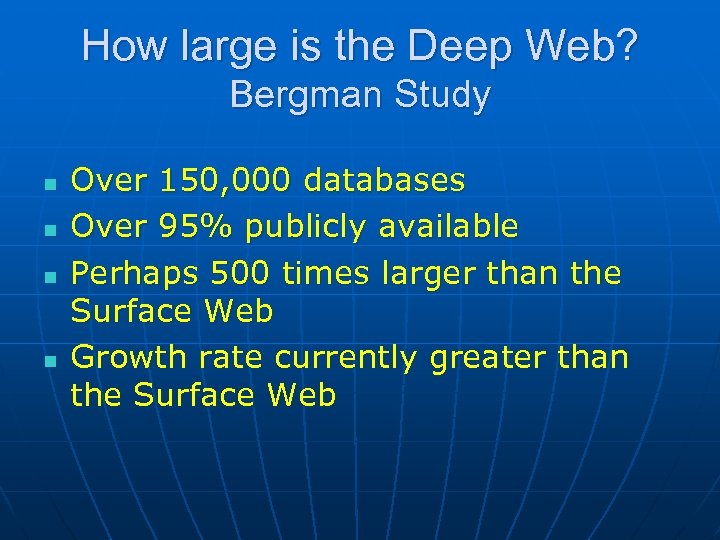
How large is the Deep Web? Bergman Study n n Over 150, 000 databases Over 95% publicly available Perhaps 500 times larger than the Surface Web Growth rate currently greater than the Surface Web
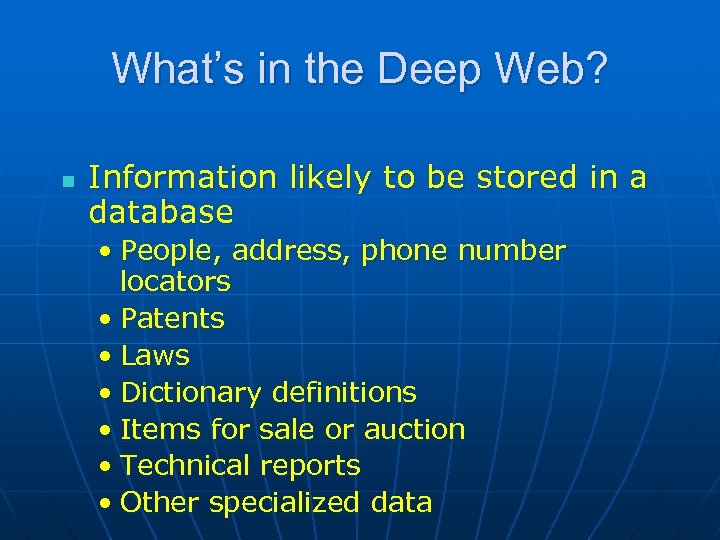
What’s in the Deep Web? n Information likely to be stored in a database • People, address, phone number locators • Patents • Laws • Dictionary definitions • Items for sale or auction • Technical reports • Other specialized data
What’s in the Deep Web? n Information that is new and dynamically changing • News • Job postings • Travel schedules and prices • Financial data • Library catalogs and databases n Topical coverage is extremely varied.
Mining the Deep Web A world different from search engines. . . Hunter’s Maxim for Searching the Deep Web Plan to first locate the category of information you want, then browse. Don’t be too specific in your searches. Cast a wide net. Brush up on your Gopher-type search skills (if you were searching the ‘Net back then). We’ve become accustomed to search engine free-text searching. This is a different world.
Basic Strategies for Mining the Deep Web Using directories, general and specialized n Using general search engines n Using specialized (subject-focused) search engines n Using subject metasites (link-oriented) n Using Deep Web gateway sites (databaseoriented) NOTE: Many sites contain elements of all of the above, in varying degrees and combinations n
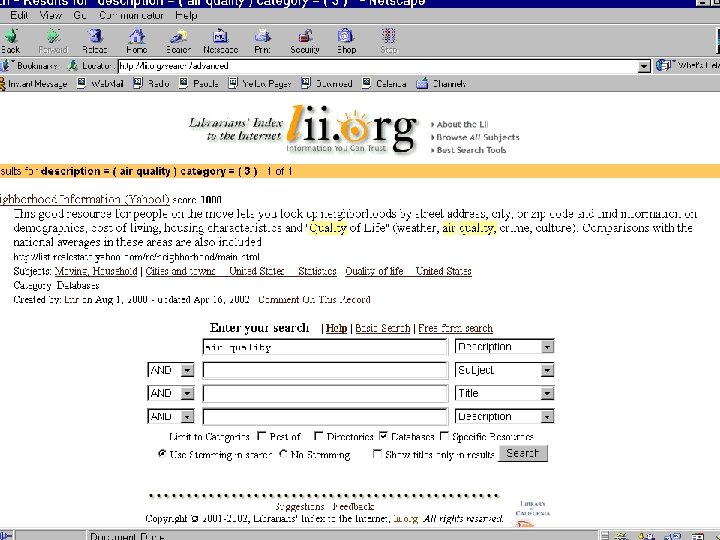
Using directories n n n Yahoo! > “web directories” > 840 category matches Yahoo! > database > 22 categories and 7423 site matches Google Directory > link collections > 493, 000 Databases may also be found under general subject categories Also use research directories such as Infomine, LII, WWWVL and others
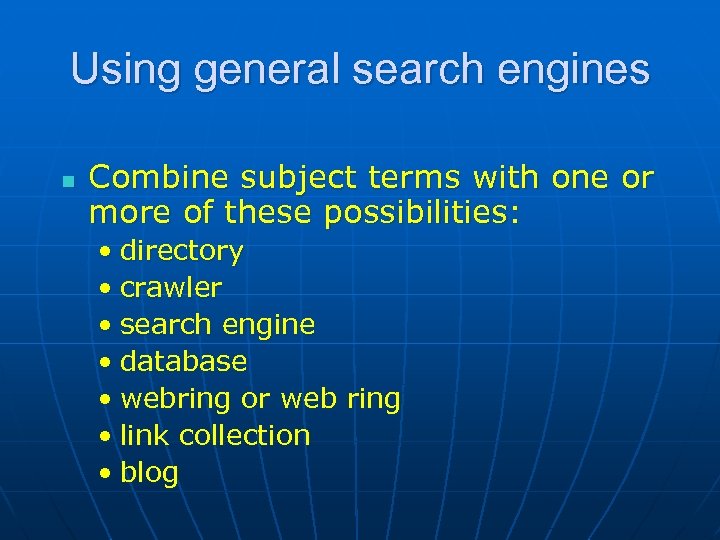
Using general search engines n Combine subject terms with one or more of these possibilities: • directory • crawler • search engine • database • webring or web ring • link collection • blog
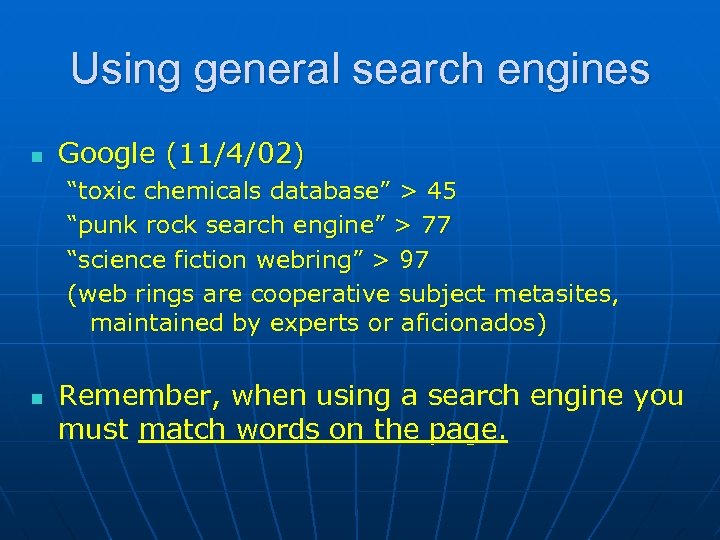
Using general search engines n Google (11/4/02) “toxic chemicals database” > 45 “punk rock search engine” > 77 “science fiction webring” > 97 (web rings are cooperative subject metasites, maintained by experts or aficionados) n Remember, when using a search engine you must match words on the page.
Using specialized (subjectfocused) search engines n AKA • Limited-area engines • Targeted search engines • Expert search services • Vertical Portals • Vortals
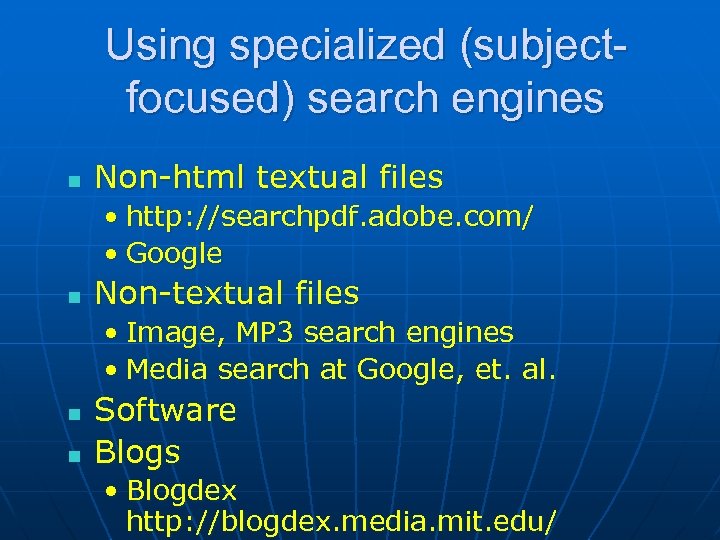
Using specialized (subjectfocused) search engines n Non-html textual files • http: //searchpdf. adobe. com/ • Google n Non-textual files • Image, MP 3 search engines • Media search at Google, et. al. n n Software Blogs • Blogdex http: //blogdex. media. mit. edu/
Web logs or blogs n n Online personal journals Postings are often centered around a particular topic or issue and may contain links to recent relevant information Frequently updated Differ from newsgroups in that they are generally by one author
Web logs or blogs n How do you search them? • Blogdex http: //blogdex. media. mit. edu • Open Directory http: //dmoz. org Computers / Internet / On the Web / Weblogs n Are they part of the Deep Web? • Yes and No
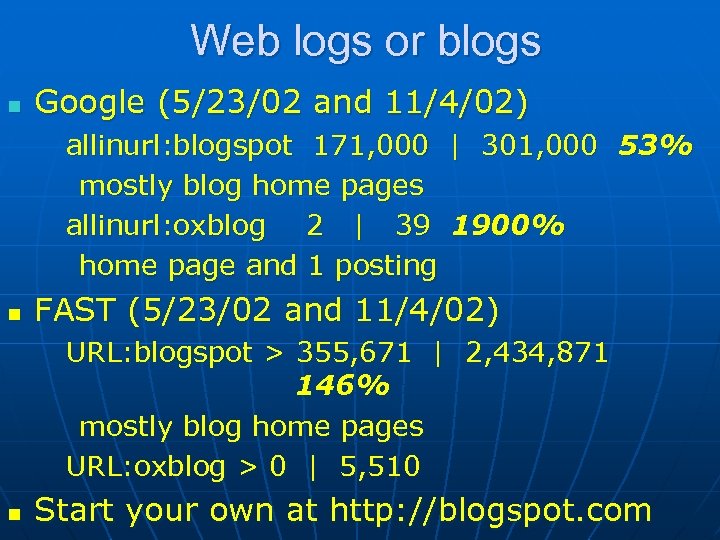
Web logs or blogs n Google (5/23/02 and 11/4/02) allinurl: blogspot 171, 000 | 301, 000 53% mostly blog home pages allinurl: oxblog 2 | 39 1900% home page and 1 posting n FAST (5/23/02 and 11/4/02) URL: blogspot > 355, 671 | 2, 434, 871 146% mostly blog home pages URL: oxblog > 0 | 5, 510 n Start your own at http: //blogspot. com
Using subject metasites (link-oriented) n n Locate subject metasites via • Directories • Professional Organizations home pages • Specialized search engine gateways (handout) • Colleagues/Researchers Once into a subject metasite scan the page for search boxes and determine if they search the “surface web” of the site only or embedded databases. (This is often not clearly indicated)
Using Deep Web gateway sites (database-oriented) n n Become familiar with several (see handout) Most search only the home pages of the databases they include. A few will actually enter your search terms and display results Explore their subject areas; some subjects may not be included at all. Deep Web gateways are still in an early stage of development, seeking broad appeal rather than a narrow focus.
Using serendipity n n Sometimes the Deep Web “comes to you”! Mine your bookmarks/favorites and add Deep Web resources when you come across them by chance.
Evaluating Information from the Deep Web
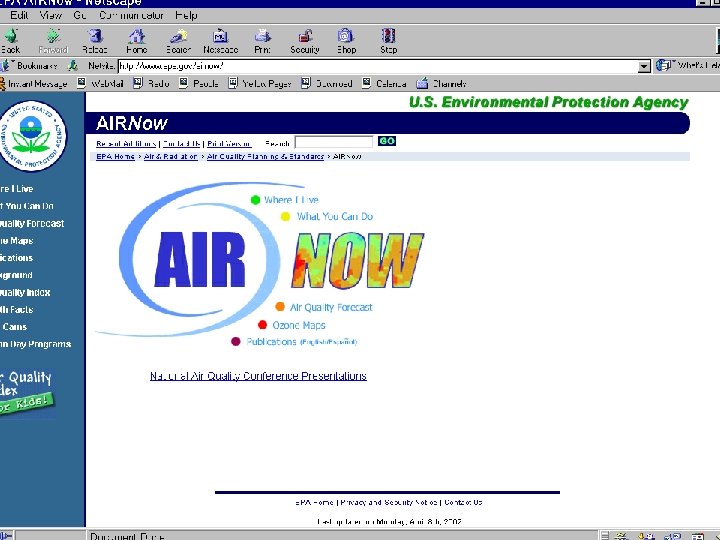
Evaluating Deep Web Information n n Embedded databases Non-html textual files and password protected sites Non-textual files Software
Embedded Databases n n Typically targeted, focused information Content usually generated and used by knowledgeable parties Database creation and maintenance requires expertise and commitment Site location is usually stable
Embedded Databases n n Check author and/or sponsor Check for freshness Check for breadth or range of coverage Compare with other Deep Web sources offering similar information, especially for online shopping or other e-commerce uses.
Non-html textual files and password protected sites n n Evaluate as you would any other information from the Internet BEWARE: If using Google, open nonhtml textual files as html when possible. Opening the file and its application may transmit a virus.
Image, audio, multimedia files n n Check for image/audio quality Check for plug-in requirements Check for depth of coverage in the area of your query FEE or FREE? ? ?
Software n Check for sponsor/source/maintainer • Is there a contact person? n Check for freshness • Latest versions available? n Check for stability and reliability • Has any virus scanning been done? n Check for breadth • Are programs available for all operating systems? n FEE or FREE? ? ?
Mining the Deep Web with Proprietary Software
Directed Query Engines or Intelligent Agents n n Designed to access distributed Deep Web resources Can be configured to search specific URL’s • Databases • Subject metasites • report collections • dynamic pages • online newsletters
Directed Query Engines or Intelligent Agents n n Several DQE’s can be “nested” – one query launches several others in a cascading fashion Publicly-available examples: • Pub. Med • Department of Energy’s Information Bridge • NASA’s Technical Report Server n Apple’s Sherlock (bundled with Mac OS 8. 5 or higher) • Searches Deep Web databases that you specify
Directed Query Engines for purchase n n Simultaneous search of Deep Web and other resources with many additional features Lexibot http: //www. lexibot. com • If you complete survey: $189 upgrades $15 • If you don’t: $289 upgrades $50 n Bulls. Eye http: //info. intelliseek. com • Bulls. Eye Pro: 6 months $199 with free upgrades for
How does the Deep Web fit into my overall search strategy? n n What types of queries are wellsuited to the Deep Web? Information stored in databases • “One of many similar things” • Statistics, census data • City, county, state, national and international public records, data and laws • Online reference books
What types of queries are wellsuited to the Deep Web? n Information that is new and dynamically changing • News • Pricing and availability of goods and services • Financial data, national and international • Job postings • Travel schedules and pricing • Library catalogs and databases
What types of queries are wellsuited to the Deep Web? n n Non-html textual files Non-textual files Software Searching blogs
A few words from Sherman and Price … Authors of The Invisible Web Cyber Age Books, 2000 n n Datamine your Bookmark/Favorites Collection Explore reviewed sites thoroughly; • They often contain Deep Web resources not mentioned by the reviewer n Subscribe to lists that are focused and relevant to your needs • No main Deep Web list exists • Resources appear in subject-based lists
A few words from Sherman and Price … n Create your own “monitoring service” • Identify “What’s New” pages and key sites you find valuable • Use C 4 U to alert you to changes at these sites. Gives you the type of change and keywords from the new text. Enables you to determine whether it’s worth checking or not • Available FREE at http: //www. c 4 u. com
Remember Hunter’s Maxim for the Deep Web Plan to first locate the category of information you want, then browse. Don’t be too specific in your searches. Cast a wide net.

Thank you and best of luck in discovering and taming this new Cyber Frontier!!! Michael Hunter Reference Librarian Warren Hunting Smith Library Hobart and William Smith Colleges Geneva, NY 14456 (315) 781 -3552 hunter@hws. edu
Скачать презентацию Mining the Michael Hunter Reference Librarian Hobart and
9de1e71bcba92a479c9794c9cfc55715.ppt