


 Скачать презентацию Millennium Express Lane INNOVATIVE INTERFACES INC Peter Zeimet
2734bb230adee7be3cd59e8536eba17f.ppt
- Количество слайдов: 36
 Millennium Express Lane INNOVATIVE INTERFACES INC Peter Zeimet WILIUG June 2008
 Millennium Express Lane ü Benefits ü Basics ü Optional Ecommerce ü Developed for Release 2007
 Millennium Express Lane - Benefits ü Only self-check option that is fully integrated with Millennium Circulation ü Inexpensive self-check option ü Consistent Millennium environment ü Optional Ecommerce
 Millennium Express Lane - Benefits ü Can work with pre-existing hardware ü Hardware upgrades are not mandatory ü PC + Monitor + keyboard = Express Lane ü Touch Screen option available
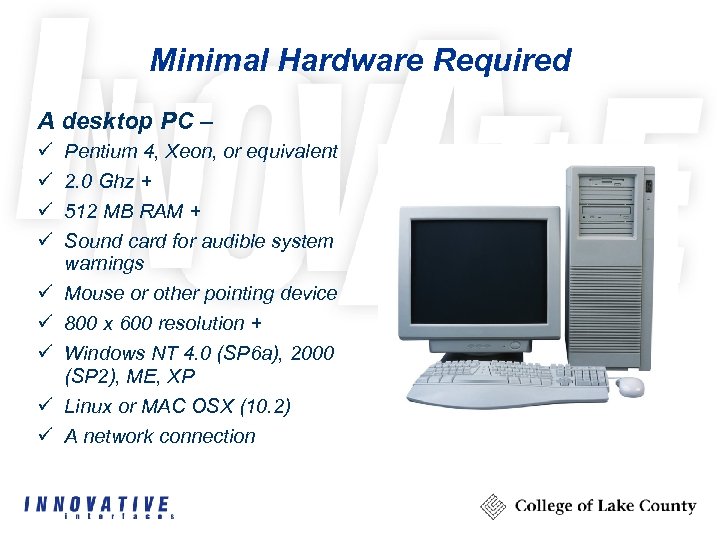 Minimal Hardware Required A desktop PC – ü ü ü ü ü Pentium 4, Xeon, or equivalent 2. 0 Ghz + 512 MB RAM + Sound card for audible system warnings Mouse or other pointing device 800 x 600 resolution + Windows NT 4. 0 (SP 6 a), 2000 (SP 2), ME, XP Linux or MAC OSX (10. 2) A network connection
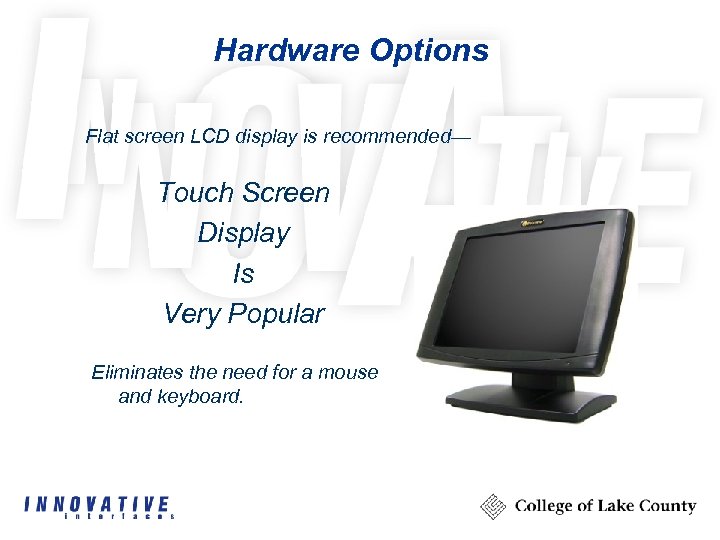 Hardware Options Flat screen LCD display is recommended— Touch Screen Display Is Very Popular Eliminates the need for a mouse and keyboard.
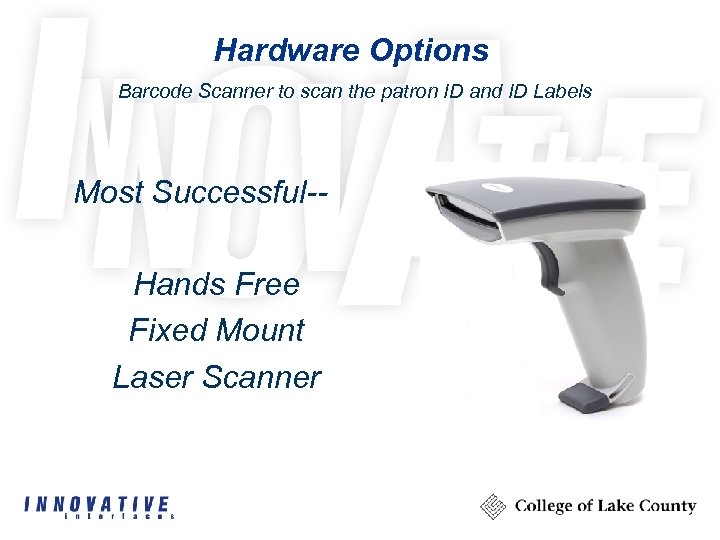 Hardware Options Barcode Scanner to scan the patron ID and ID Labels Most Successful-Hands Free Fixed Mount Laser Scanner
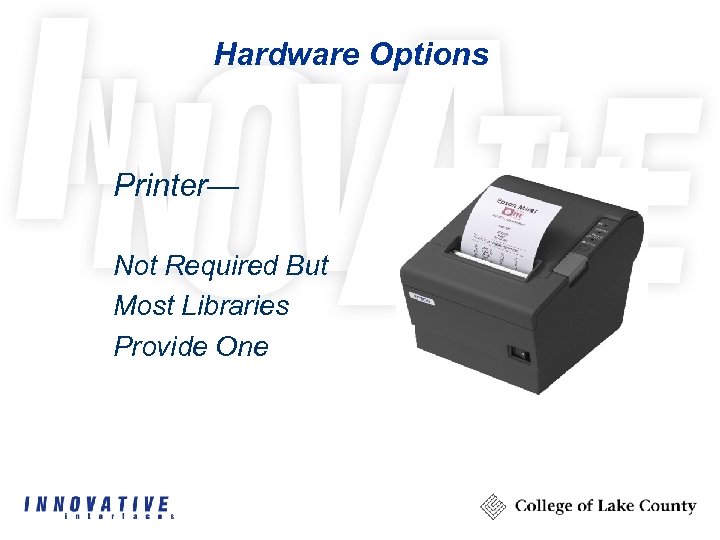 Hardware Options Printer— Not Required But Most Libraries Provide One
 Millennium Express Lane - Benefits ü Workstation mobility ü Anywhere a pc and monitor can be set up is an Express Lane workstation ü Customizable messages
 The Basics Highly customizable… – Colors can be changed – Graphics – Wording of text messages – Patron PINs are optional – Express Lane Date Due Slips – Preferred Language for Date Due Slips – Display of patron name
 The Basics ü Quick and easy Check Out ü Checked out items display ü Holds display ü Fines display
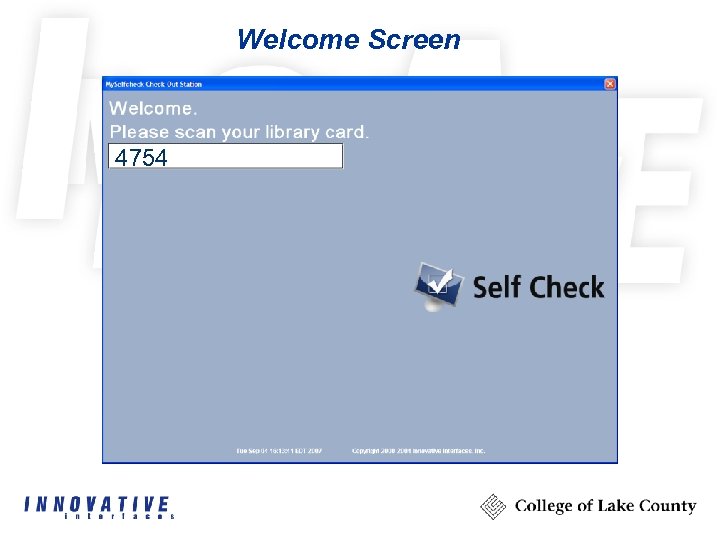 Welcome Screen 4754
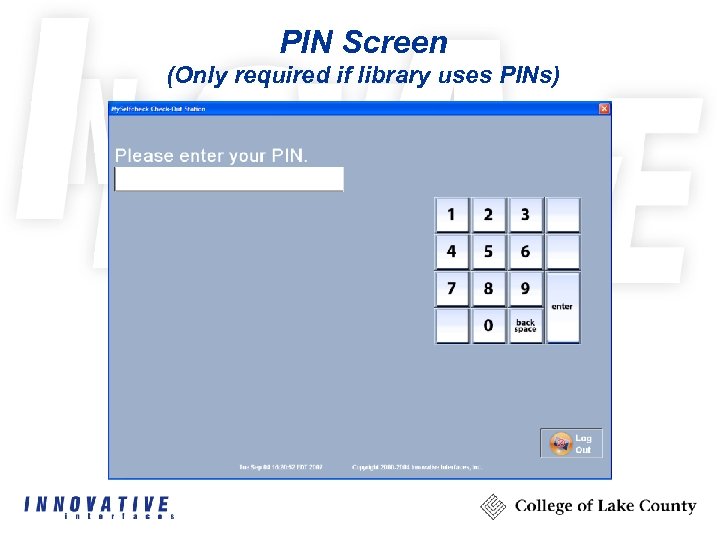 PIN Screen (Only required if library uses PINs)
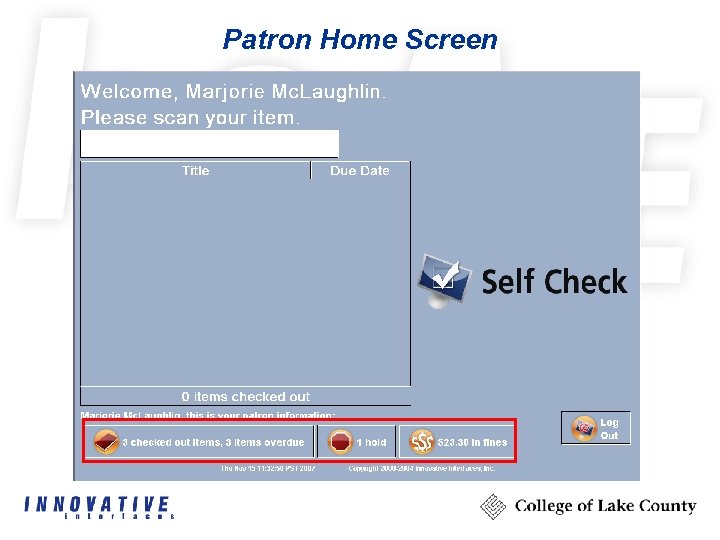 Patron Home Screen
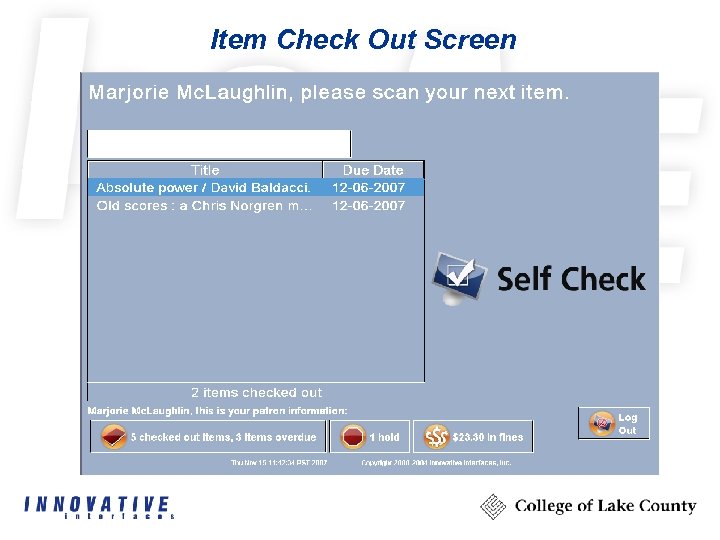 Item Check Out Screen
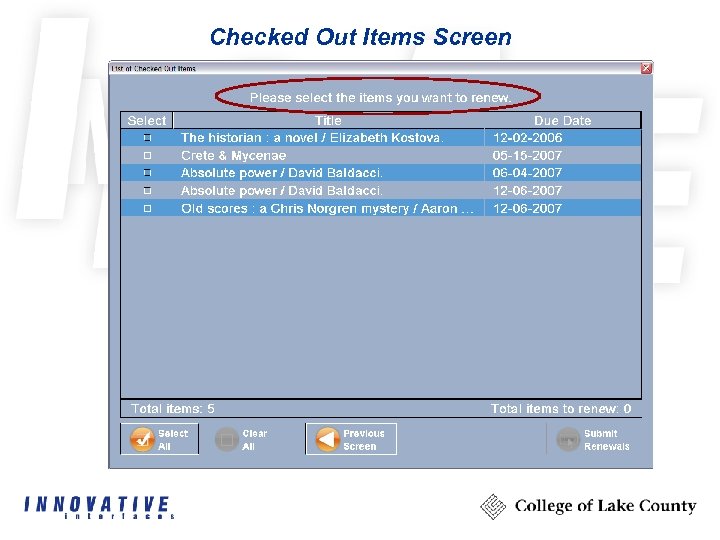 Checked Out Items Screen
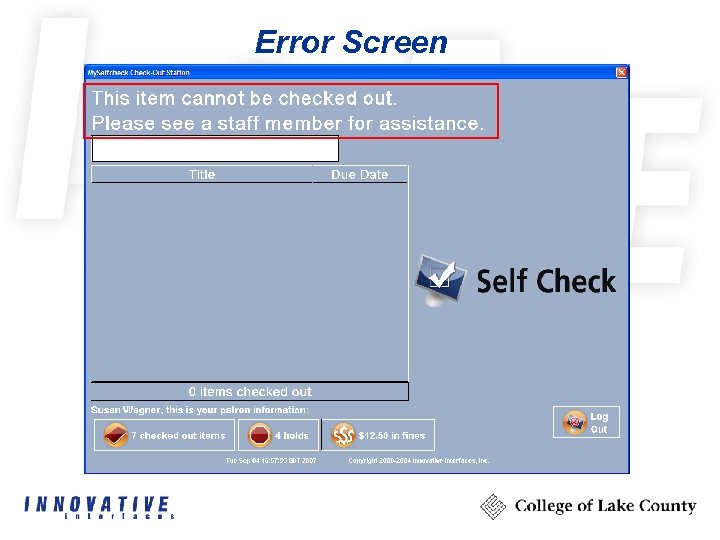 Error Screen
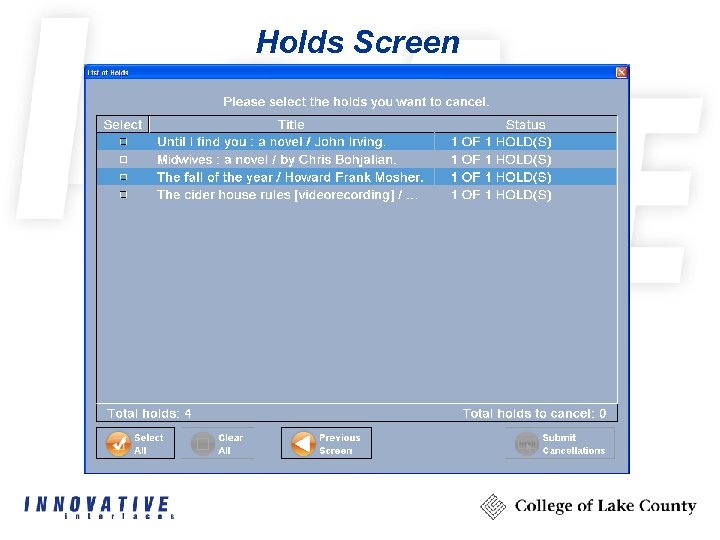 Holds Screen
 Ecommerce for Express Lane (optional)
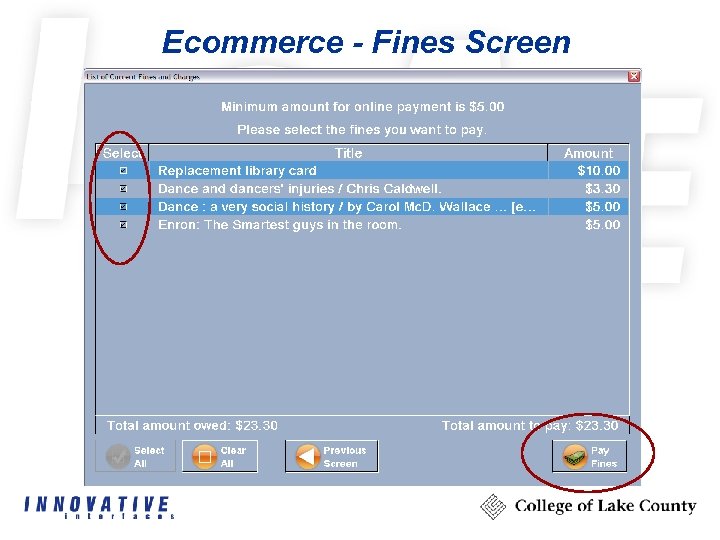 Ecommerce - Fines Screen
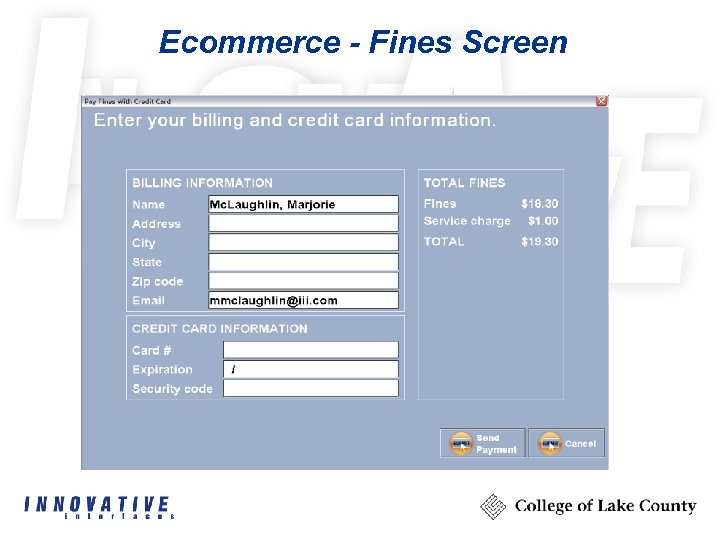 Ecommerce - Fines Screen
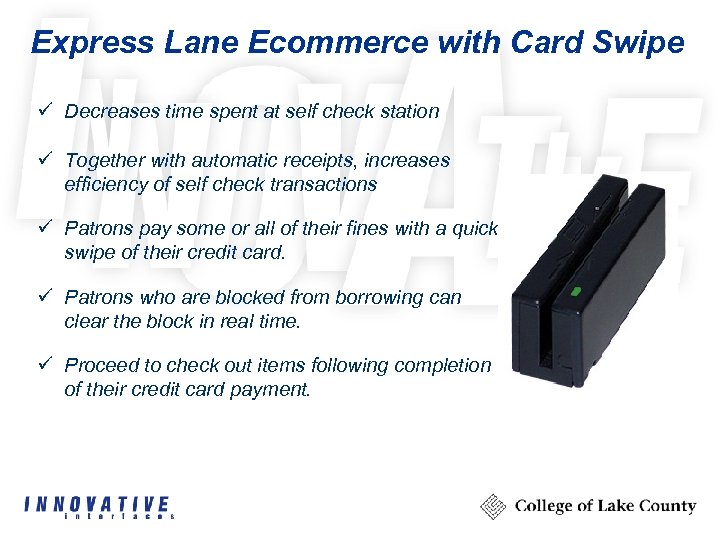 Express Lane Ecommerce with Card Swipe ü Decreases time spent at self check station ü Together with automatic receipts, increases efficiency of self check transactions ü Patrons pay some or all of their fines with a quick swipe of their credit card. ü Patrons who are blocked from borrowing can clear the block in real time. ü Proceed to check out items following completion of their credit card payment.
 Receipts for Ecommerce ü Can be set to “No” or “Always” ü Suppresses the “Print” button
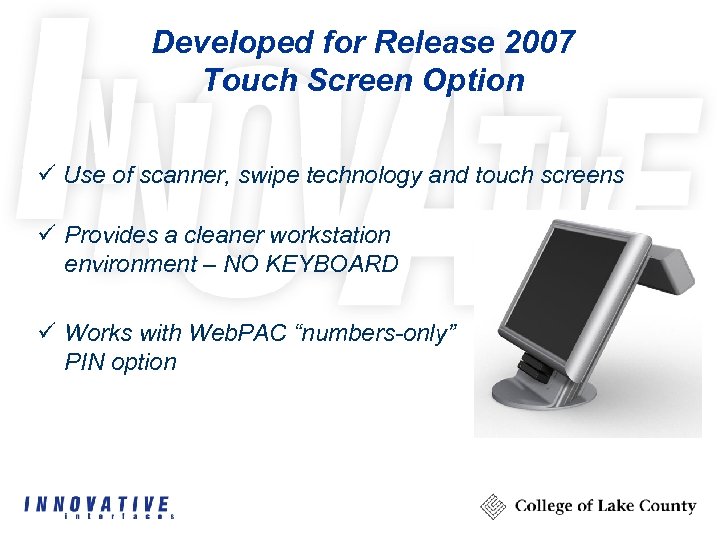 Developed for Release 2007 Touch Screen Option ü Use of scanner, swipe technology and touch screens ü Provides a cleaner workstation environment – NO KEYBOARD ü Works with Web. PAC “numbers-only” PIN option
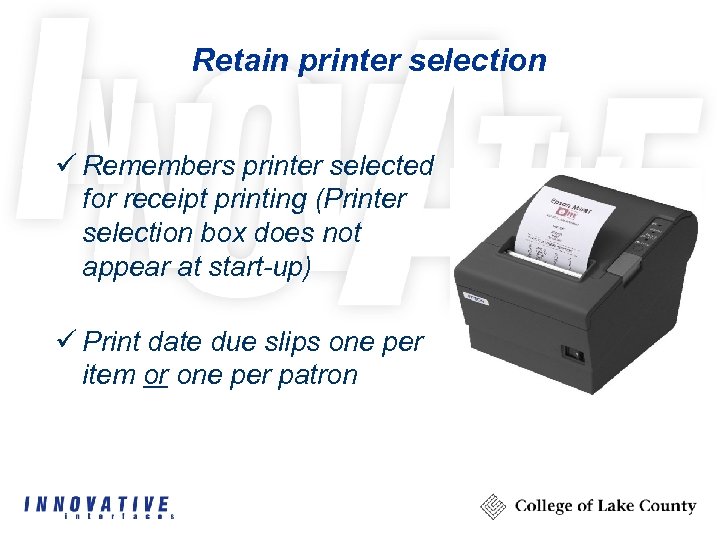 Retain printer selection ü Remembers printer selected for receipt printing (Printer selection box does not appear at start-up) ü Print date due slips one per item or one per patron
 What if items are already checked-out? Scenario: item was returned but not checked-in – Item is considered “checked out” yet on the shelf – Second patron chooses the item – can check it out using Express Lane – All relevant fields are automatically updated – Previous patron is not charged overdue fines
 Check out items with holds Settings are the same as in Millennium Circulation – two options: 1. Items with holds allowed for check out via self check, i. e. the in-person patron has priority 2. Patron is allowed unless item status is “on holdshelf”
 Check out if item is booked ü Items with bookings allowed for check out via self check Patron initiated holds cancellation ü Patrons cancel holds from self check ü Further integration with My Millennium Patron initiated holds cancellation ü Item renewal allowed at self check workstation
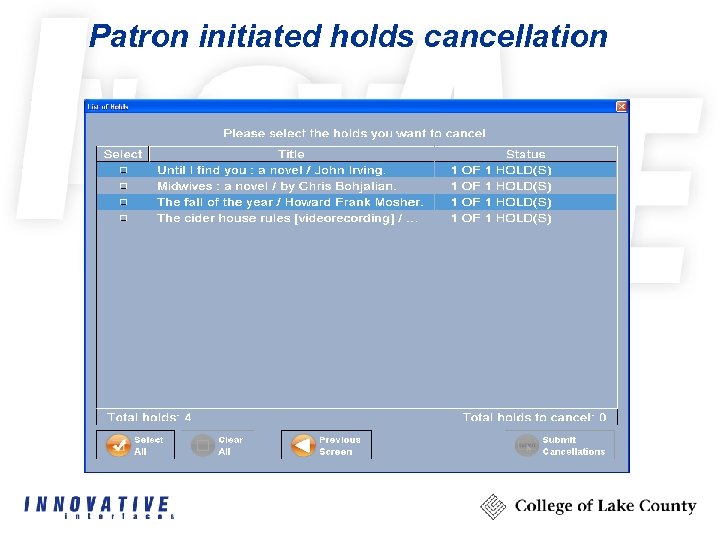 Patron initiated holds cancellation
 Patron initiated item renewal ü Item renewal allowed at self check workstation ü Further integration with My Millennium
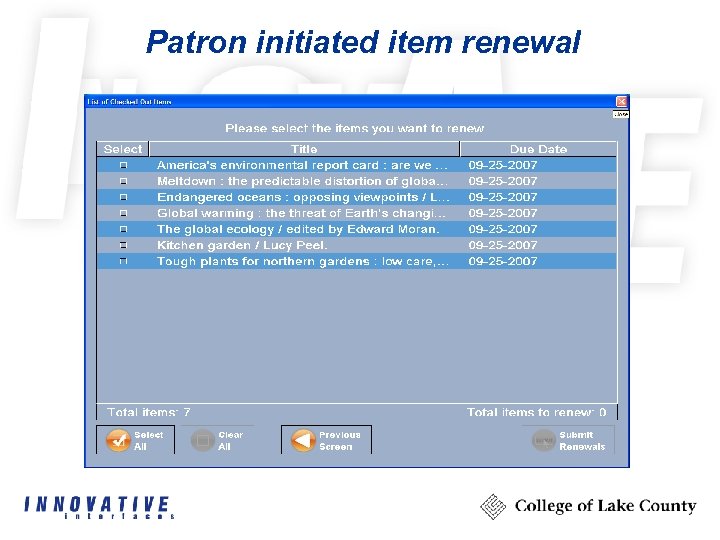 Patron initiated item renewal
 Language Selection Offered To Patrons ü Welcoming screen can offer choice of languages ü Provides multi-lingual options on each workstation ü Default language set by login
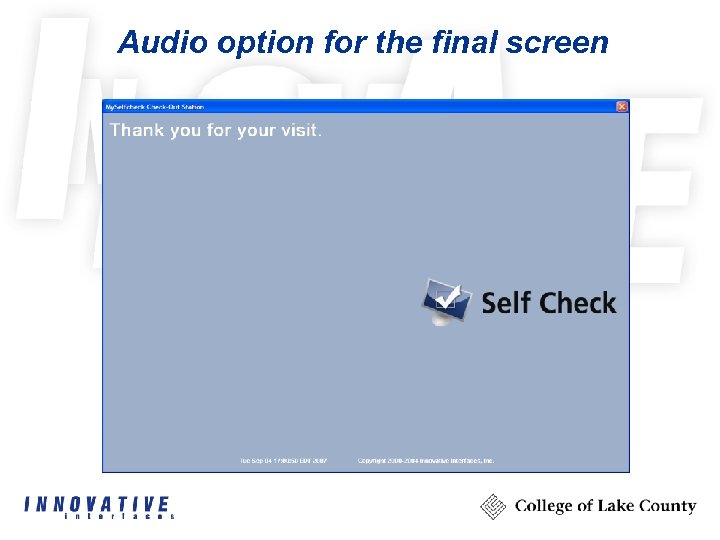
 Audio option for the final screen ü Provide audio capability for the “Thank you for your visit” screen ü Can be any message the library wishes to use
 Audio option for the final screen
 Millennium Express Lane Customers ü ü ü King County Library System, WA (156) Nashville Public Library, TN (95) Suffolk County Cooperative Library, NY (18) Jefferson County Library System, CO (41) Toledo-Lucas County, OH (25) London Public Library, ON (20) Arapahoe County, CO (27) Cuyahoga County, OH (11) Ann Arbor District Library, MI (6) Aurora Public Library, CO (11) CLAMS, MA (6) St. Paul Public Library (27)
 Millennium Express Lane Customers Thank you