


 Скачать презентацию Microsoft Virtual PC Virtual Server 2005 Product
3d4f429652e1e612d0515a7a14014b87.ppt
- Количество слайдов: 29
 Microsoft Virtual PC & Virtual Server 2005 Product Overview Tyler Farmer – tylerf@microsoft. com Sr. Technology Specialist II Education Solutions Group Microsoft Corporation
 Agenda ¢ ¢ ¢ ¢ Introduction / Flavors Key Scenarios Dynamic Systems Initiative Support Hardware Emulation Differences VPC / VS Licensing & Pricing
 What is Virtual PC / Server ¢ ¢ ¢ Allows you to Virtualize systems Run multiple virtualized systems on a single hardware box Each virtual system functions as an independent, self-contained computer
 Main Uses ¢ ¢ Hardware Consolidation Development & Testing p ¢ ¢ N-Tier Applications on a single box! Legacy app re-hosting Software Demos Training Support smaller departments
 Dynamic Systems Initiative ¢ ¢ Long-term plan for automation Automate how businesses design, deploy, and operate increasingly complex & distributed systems
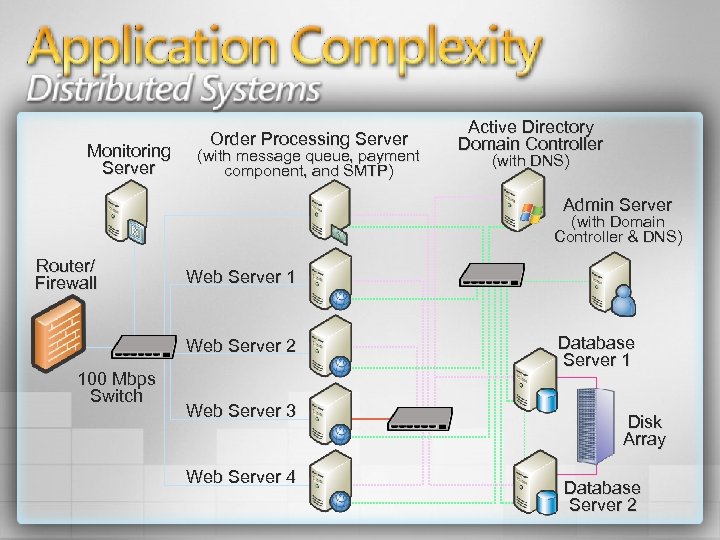 Monitoring Server Order Processing Server (with message queue, payment component, and SMTP) Active Directory Domain Controller (with DNS) Admin Server (with Domain Controller & DNS) Router/ Firewall Web Server 1 Web Server 2 100 Mbps Switch Web Server 3 Web Server 4 Database Server 1 Disk Array Database Server 2
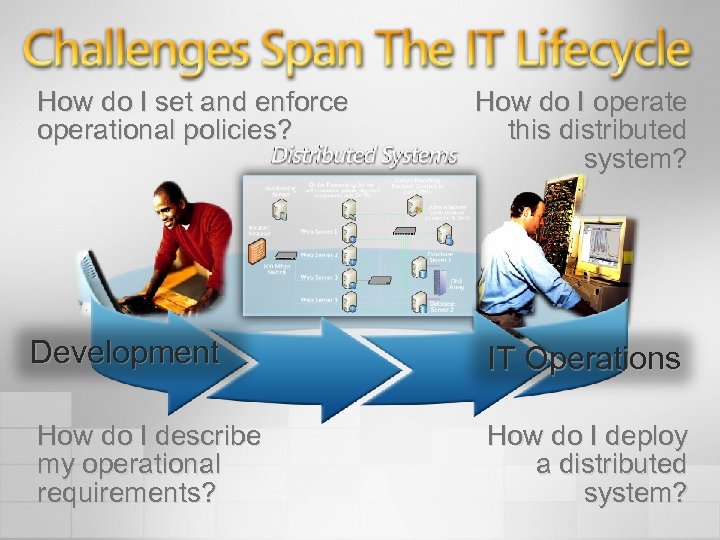 How do I set and enforce operational policies? How do I operate this distributed system? Development IT Operations How do I describe my operational requirements? How do I deploy a distributed system?
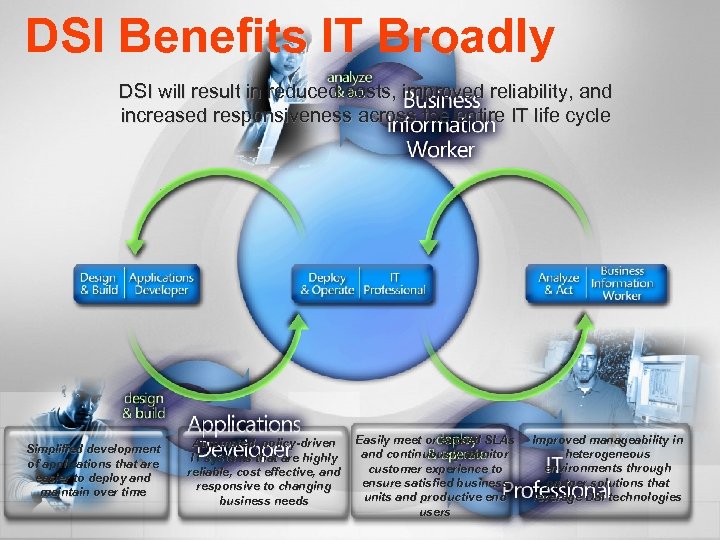 DSI Benefits IT Broadly DSI will result in reduced costs, improved reliability, and increased responsiveness across the entire IT life cycle Simplified development of applications that are easier to deploy and maintain over time Automated, policy-driven IT systems that are highly reliable, cost effective, and responsive to changing business needs Easily meet or exceed SLAs and continuously monitor customer experience to ensure satisfied business units and productive end users Improved manageability in heterogeneous environments through partner solutions that leverage DSI technologies
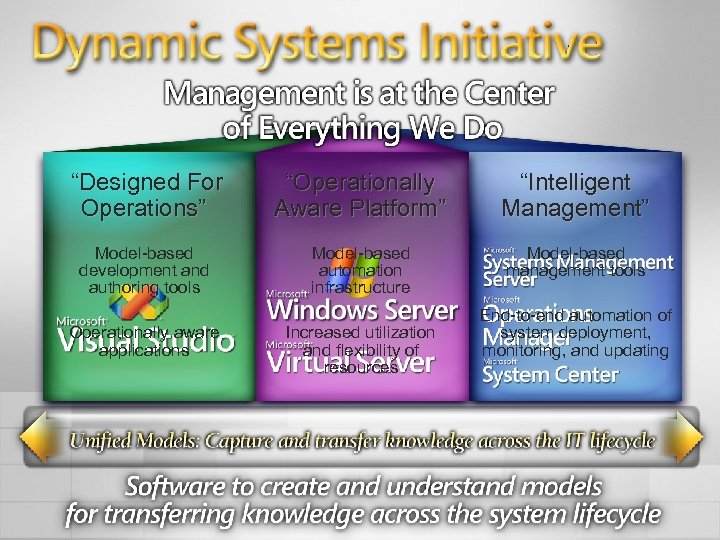 “Designed For Operations” “Operationally Aware Platform” “Intelligent Management” Model-based development and authoring tools Model-based automation infrastructure Model-based management tools Operationally aware applications Increased utilization and flexibility of resources End-to-end automation of system deployment, monitoring, and updating
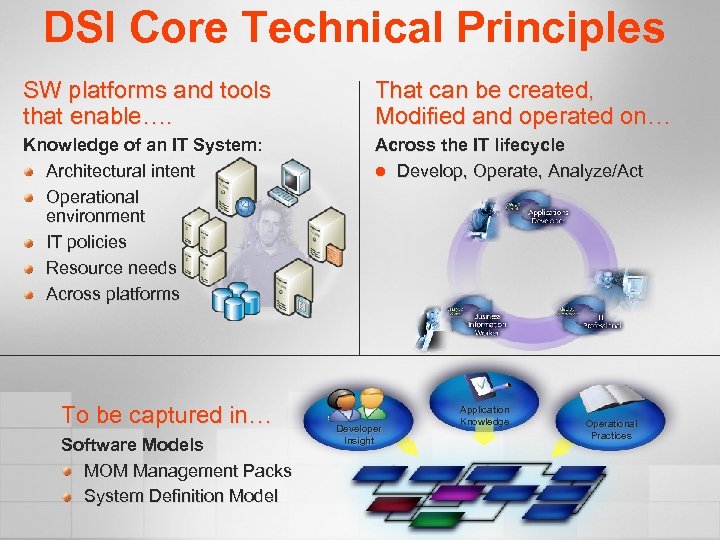 DSI Core Technical Principles SW platforms and tools that enable…. That can be created, Modified and operated on… Knowledge of an IT System: Architectural intent Operational environment IT policies Resource needs Across platforms Across the IT lifecycle l Develop, Operate, Analyze/Act To be captured in… Software Models MOM Management Packs System Definition Model Developer Insight Application Knowledge Operational Practices
 DSI Components for our Discussion ¢ ¢ ¢ Virtual Server 2005 Automated Deployment Services Virtual Server Migration Toolkit Goal: Take a physical NT 4 (or other legacy system) and turn it into a Virtualized Machine. Long-Term Goal – dynamically create any server/service on an as needed basis p MOM 200 x / System Center
 Support ¢ Virtual Server p p ¢ Virtual PC for Windows p p ¢ Windows Server 2003 (std, ent, datacenter) Windows XP (non-production) Windows XP Windows Server (non-production) Virtual PC for Macintosh p OSX 10. 2. 8
 Support ¢ ¢ ¢ 32 -bit hardware only 64 -bit in the future Only virtualization technology fully supported by Microsoft Support
 Support ¢ Guest Operating Systems: p p ¢ ¢ Mainly Windows software OS/2 Other x 86 Operating Systems will work, but not supported by Microsoft Support x 86 Operating Systems only p No Macintosh OS as a guest
 Hardware Emulation ¢ ¢ Up to 4 IDE/ATA devices (hard drives, CDROM, etc. ) SCSI – emulates the Adaptec 7870 p p ¢ ¢ Up to 4 adapters Up to 7 devices to adapter Up to 2 TB per device 4 x 7 x 2 = 56 TB per VM SAN Support (as configured by the host) Can do Microsoft Clustering (fail-over)
 Hardware Emulation ¢ Hard Drive Types p p ¢ ¢ ¢ Dynamically expanding Fixed size (grows as need up to fixed size) Differencing disks (shared parent with multiple child disks) Undo Disk support Video – S 3 Trio 64, 4 MB of VRAM, 2 D accelerator, Direct. X Floppy Drive Support (map to a physical device or floppy disk image) CD-ROM Support (map to physical device or ISO image)
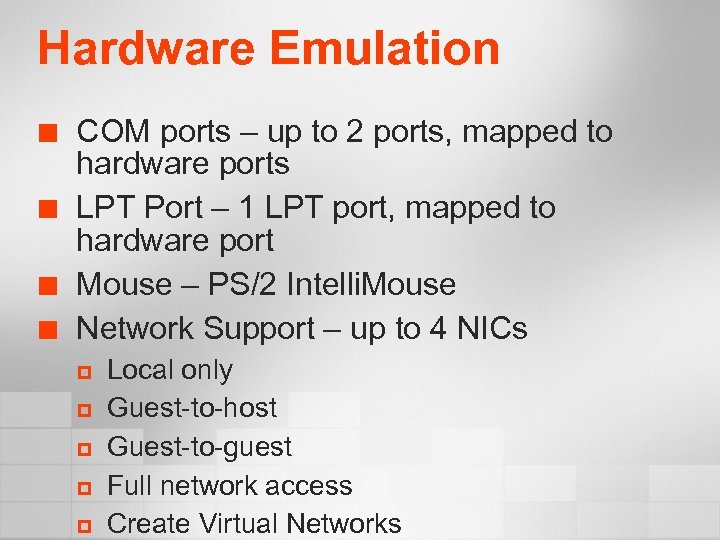 Hardware Emulation ¢ ¢ COM ports – up to 2 ports, mapped to hardware ports LPT Port – 1 LPT port, mapped to hardware port Mouse – PS/2 Intelli. Mouse Network Support – up to 4 NICs p p p Local only Guest-to-host Guest-to-guest Full network access Create Virtual Networks
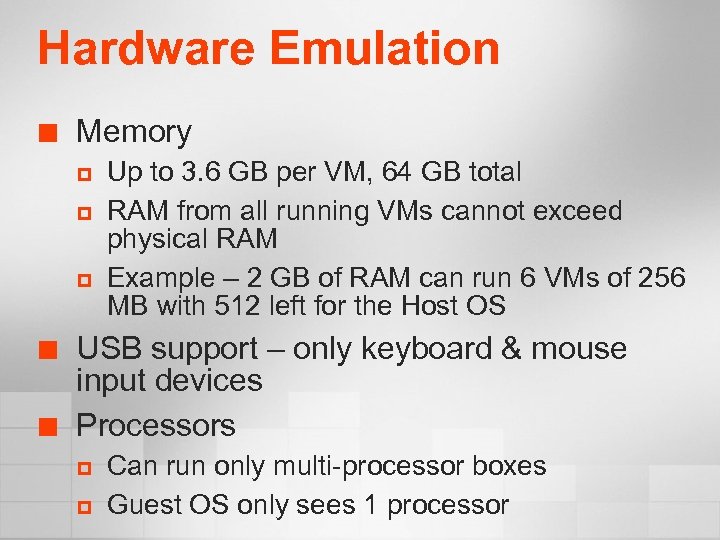 Hardware Emulation ¢ Memory p p p ¢ ¢ Up to 3. 6 GB per VM, 64 GB total RAM from all running VMs cannot exceed physical RAM Example – 2 GB of RAM can run 6 VMs of 256 MB with 512 left for the Host OS USB support – only keyboard & mouse input devices Processors p p Can run only multi-processor boxes Guest OS only sees 1 processor
 Management ¢ ¢ Config file is XML Fully scriptable p ¢ ¢ ¢ Creation, startup, shutdown, etc COM API SDK MOM 2005 Management Pack
 Differences Virtual PC / Server ¢ Can move virtual images between Virtual PC and Virtual Server p ¢ ¢ Except for machines in a “saved state” – these must be shut down before moving Sound – Virtual PC has it, Server does not SCSI – Virtual Server has it, PC does not
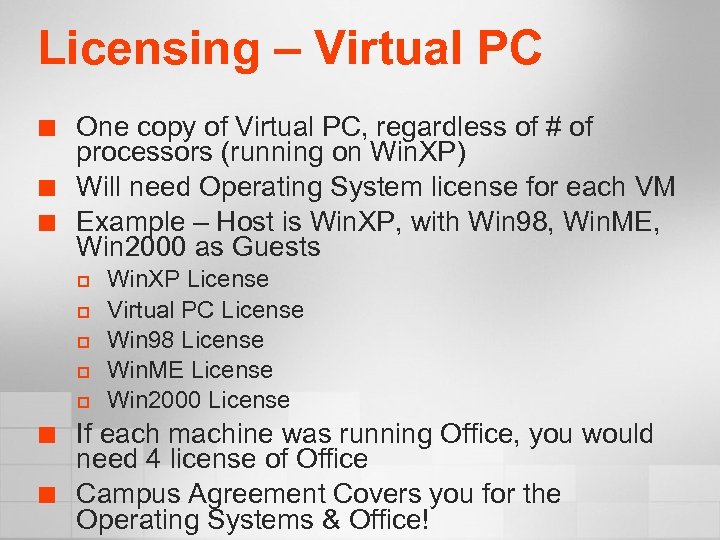 Licensing – Virtual PC ¢ ¢ ¢ One copy of Virtual PC, regardless of # of processors (running on Win. XP) Will need Operating System license for each VM Example – Host is Win. XP, with Win 98, Win. ME, Win 2000 as Guests p p p ¢ ¢ Win. XP License Virtual PC License Win 98 License Win. ME License Win 2000 License If each machine was running Office, you would need 4 license of Office Campus Agreement Covers you for the Operating Systems & Office!
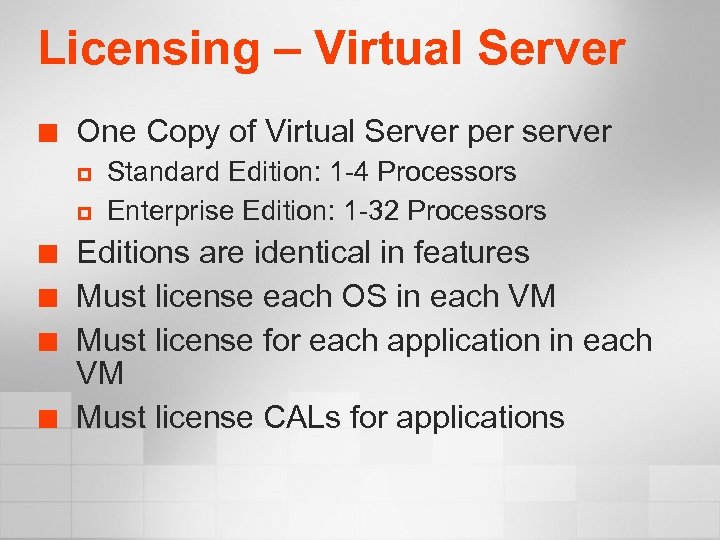 Licensing – Virtual Server ¢ One Copy of Virtual Server per server p p ¢ ¢ Standard Edition: 1 -4 Processors Enterprise Edition: 1 -32 Processors Editions are identical in features Must license each OS in each VM Must license for each application in each VM Must license CALs for applications
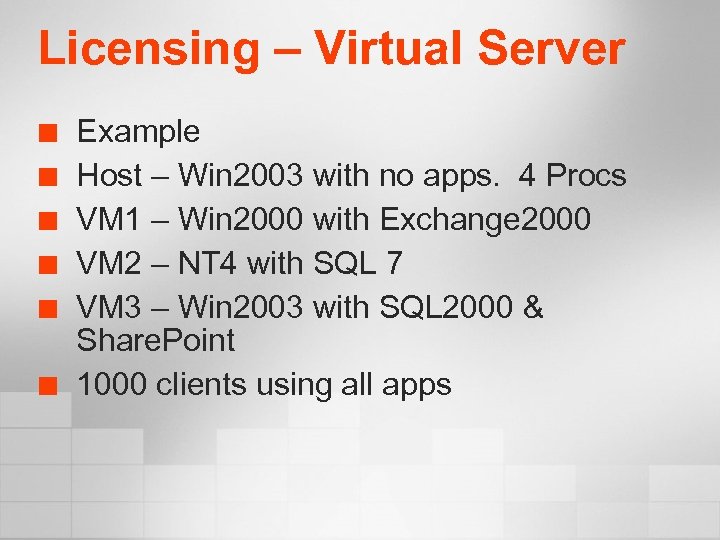 Licensing – Virtual Server ¢ ¢ ¢ Example Host – Win 2003 with no apps. 4 Procs VM 1 – Win 2000 with Exchange 2000 VM 2 – NT 4 with SQL 7 VM 3 – Win 2003 with SQL 2000 & Share. Point 1000 clients using all apps
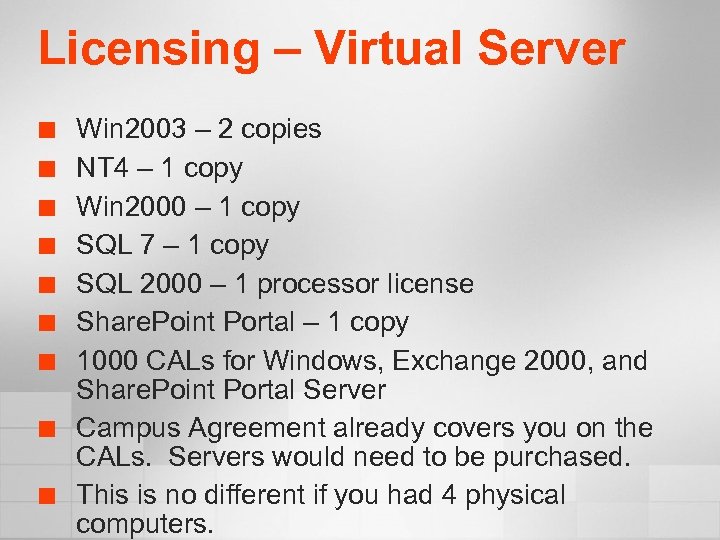 Licensing – Virtual Server ¢ ¢ ¢ ¢ ¢ Win 2003 – 2 copies NT 4 – 1 copy Win 2000 – 1 copy SQL 7 – 1 copy SQL 2000 – 1 processor license Share. Point Portal – 1 copy 1000 CALs for Windows, Exchange 2000, and Share. Point Portal Server Campus Agreement already covers you on the CALs. Servers would need to be purchased. This is no different if you had 4 physical computers.
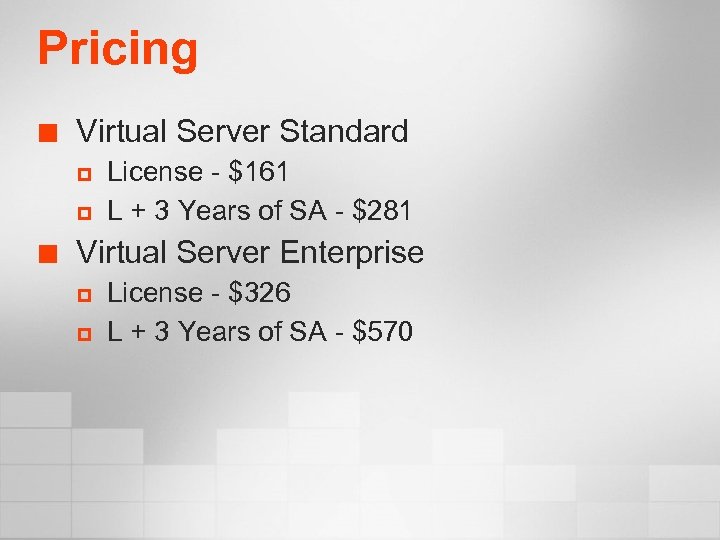 Pricing ¢ Virtual Server Standard p p ¢ License - $161 L + 3 Years of SA - $281 Virtual Server Enterprise p p License - $326 L + 3 Years of SA - $570
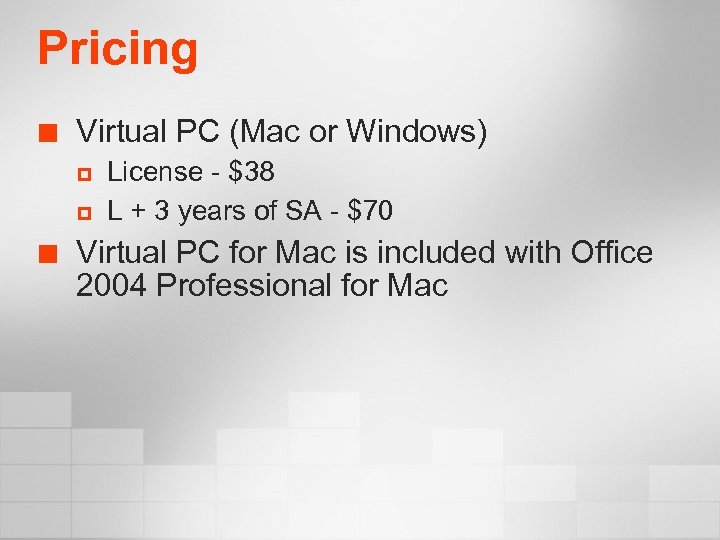 Pricing ¢ Virtual PC (Mac or Windows) p p ¢ License - $38 L + 3 years of SA - $70 Virtual PC for Mac is included with Office 2004 Professional for Mac
 Demo
Demo
 Questions?
 © 2004 Microsoft Corporation. All rights reserved. This presentation is for informational purposes only. Microsoft makes no warranties, express or implied, in this summary.