 Скачать презентацию Microsoft Publisher Simple Desktop Publishing at Your Fingertips
cc5e850cf3eb237e5ff3cf4608723f05.ppt
- Количество слайдов: 34



Microsoft Publisher: Simple Desktop Publishing at Your Fingertips May 23, 2013
Using Ready. Talk • Chat and raise hand • All lines are muted • If you lose your Internet connection, reconnect using the link emailed to you. • If you lose your phone connection, re-dial the phone number and re-join. • Ready. Talk support: 800 -843 -9166 Your audio will play through your computer’s speakers.
You are being recorded… • This seminar will be available on the Tech. Soup website along with past webinar presentations: www. techsoup. org/community/eventswebinars • You will receive a link to this presentation, material and links. • Twitter hashtag: #techsoup
Microsoft Publisher: Simple Desktop Publishing at Your Fingertips With Leslie Cole of Microsoft
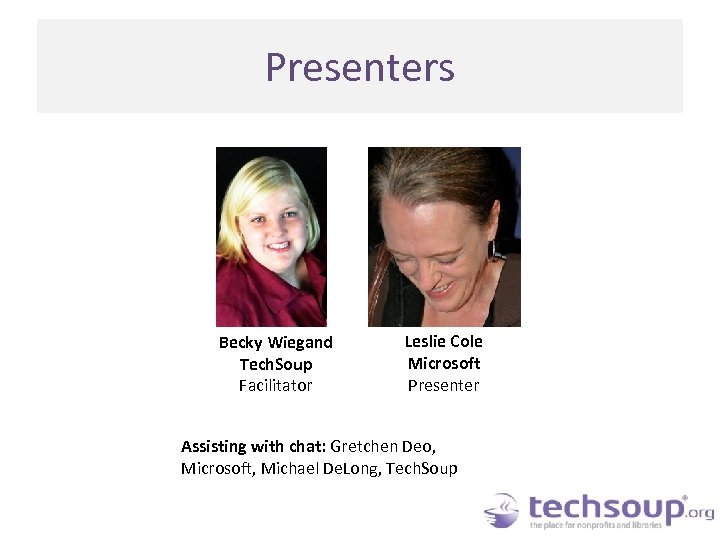
Presenters Becky Wiegand Tech. Soup Facilitator Leslie Cole Microsoft Presenter Assisting with chat: Gretchen Deo, Microsoft, Michael De. Long, Tech. Soup
Today’s Agenda: • • Introducing Tech. Soup Participant Poll – How do you use Publisher? Intro to Publisher 2013 Live Demo of Publisher Best Practices for Design and Print Getting Publisher Q&A
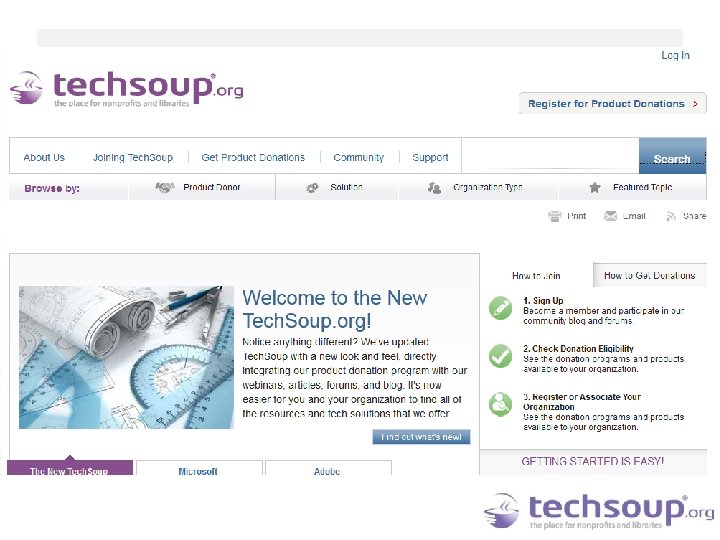
Who Is Tech. Soup? Tech. Soup is part of Tech. Soup Global, working towards the day when every nonprofit, library, and social benefit organization on the planet has the technology, knowledge, and resources they need to operate at their full potential.
Who Is Tech. Soup? • Tech. Soup is a 501(c)(3) nonprofit organization. • As of June 2012, Tech. Soup served more than 183, 000 organizations, distributed more than 9. 7 million technology donations, and enabled nonprofit recipients to save more than $3. 1 billion in IT expenses in 40 countries around the world. We have 52 donor partners including Microsoft, Adobe, Cisco, and Symantec, and there are currently 469 technology donations available through the Tech. Soup catalog.
Participant Poll • What’s your experience using Publisher already
Participant Poll • Which version of Publisher or Office suite are you using?
Designing with Publisher Leslie Cole of Microsoft
Introducing Publisher 2013 • • • Ribbon interface with new design options. New and improved templates. Scratch area to work with multiple images. New design elements to customize your publications. Publisher 2013 introduction (Live demo).
Participant Poll • What publications do you create?
Create a Publication • • Start with a template (email or print). Replace the template images with your own. Always check image copyright restrictions. Create a publication from a template (Live demo).
Make the Template Your Own • • Coordinated themes and colors. Text effects. Graphics effects. Customizing your publication (Live demo).
Print Your Publication • • How many copies do you want to print? Organization printer or commercial printer? Choose your print options. Print your publication (Live demo print options).

Best Practices for Design Becky Wiegand, Tech. Soup
Developing Your Design Overall marketing strategy Clear goal to every piece Bottom line up front (BLUF) Consistent voice and brand. Look to your website. • Define the audience for each piece up front • Offer ways to engage • Include your website on everything! • •
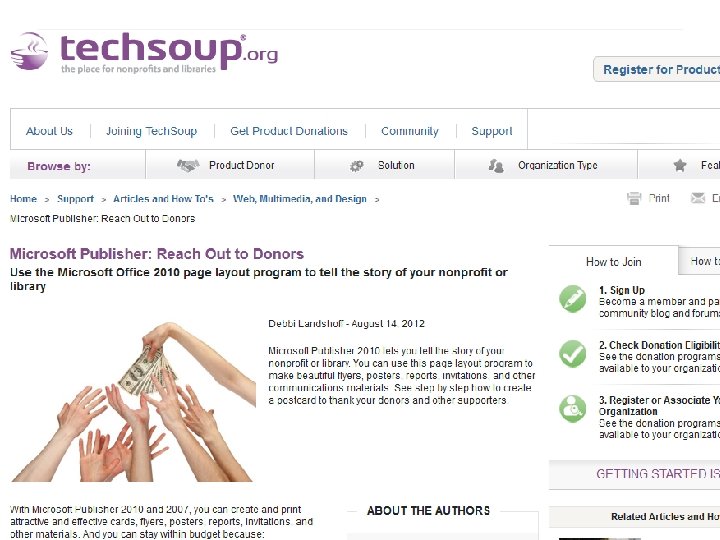
Reach Out to Donors • 2012 article from Tech. Soup with step-by-step instructions for creating a custom donor thank you post card. • Microsoft Publisher: Reach Out to Donors http: //www. techsoup. org/support/articlesand-how-tos/microsoft-publisher-reach-out-to -donors
Get Creative • Creative brief: http: //gettingattention. org/articles/197/planni ng-budgets/nonprofit-creative-brieftemplate. html • Think outside the paper • Aim for readability • Invert text for impact • Templates can be changed midway. You won’t lose work. (Page Design>>Change Template)
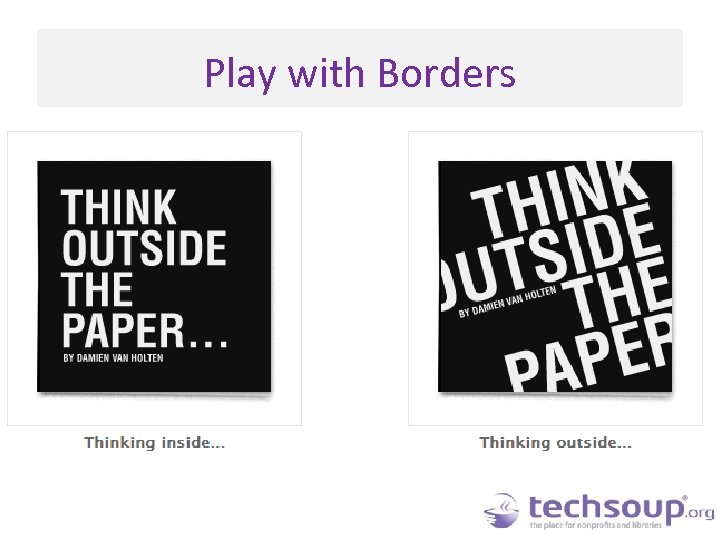
Play with Borders
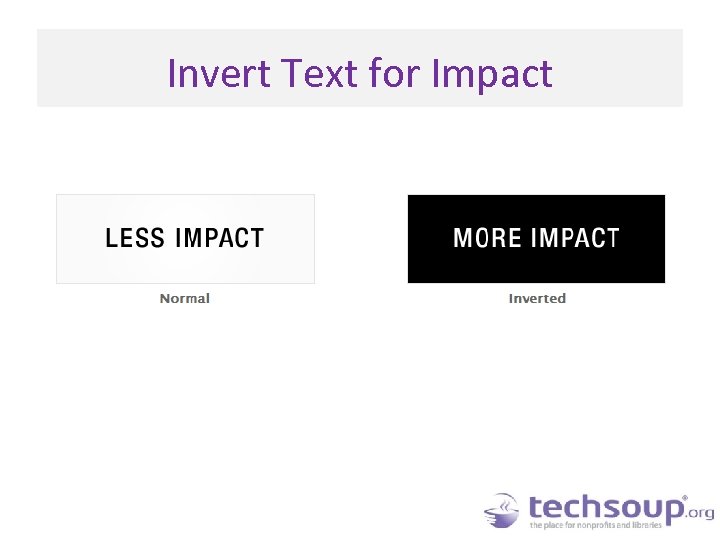
Invert Text for Impact
General Tips for Design • Use high quality and hi-res images and logo • Group items so you don’t accidentally move or delete one element • Layer items with “Arrange” options to Send Backward, Bring Forward
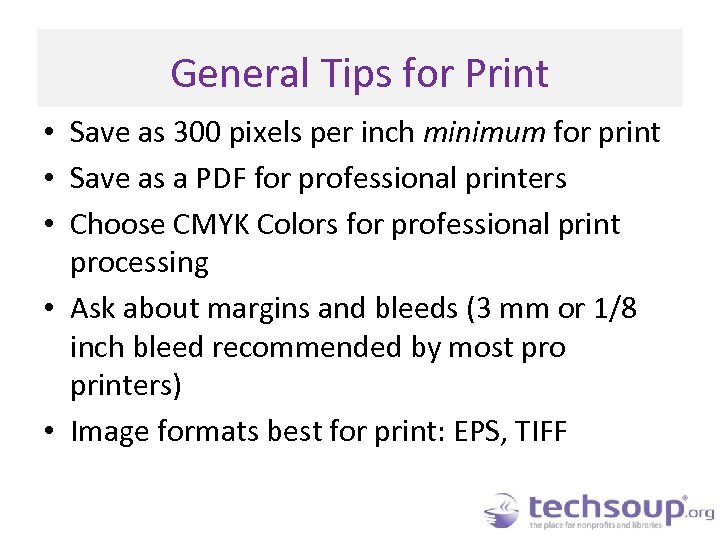
General Tips for Print • Save as 300 pixels per inch minimum for print • Save as a PDF for professional printers • Choose CMYK Colors for professional print processing • Ask about margins and bleeds (3 mm or 1/8 inch bleed recommended by most pro printers) • Image formats best for print: EPS, TIFF
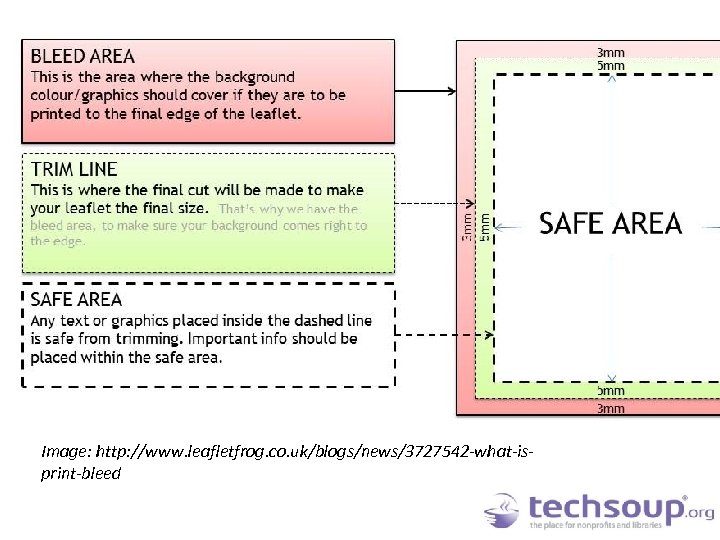
Image: http: //www. leafletfrog. co. uk/blogs/news/3727542 -what-isprint-bleed
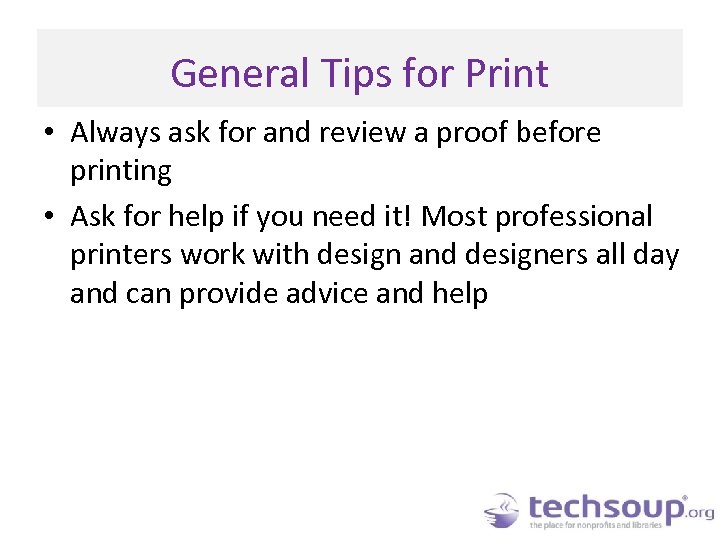
General Tips for Print • Always ask for and review a proof before printing • Ask for help if you need it! Most professional printers work with design and designers all day and can provide advice and help
Getting Publisher
Donations of Publisher Tech. Soup’s Microsoft Software Donation Program: • Publisher 2013 - $8 admin fee • Office Professional Plus 2013 - $32 admin fee • Office Standard 2013 - $24 admin fee • Software Assurance upgrades – free within two years of prior license through Tech. Soup
Additional Resources • • • And more… bit. ly/TUhg 39 One-month free trial of Publisher 2013 Make the Switch to Publisher 2013 video Microsoft Office Publisher Answers forum Microsoft Publisher Office Blog Software Assurance e-learning courses for Publisher (log in to Volume Licensing Service Center to see courses available as part of your SA benefits)
Q&A Please type your questions in the chat window. Follow-up questions can be posted in the community forum:
Related Events • Microsoft One. Note: Capture Your Creativity Thursday, May 30, 11 a. m. Pacific time https: //cc. readytalk. com/r/e 7 s 3 sqj 5 b 8 hn&eom • Tour the New Microsoft Office archive http: //www. techsoup. org/community/eventswebinars/take-tour-of-new-microsoft-office 2013 -02 -01
Thank You to Our Webinar Sponsor! Ready. Talk offers dedicated product demos for Tech. Soup organizations 4 times per week. For more information: pages. readytalk. com/techsoup. html
Скачать презентацию Microsoft Publisher Simple Desktop Publishing at Your Fingertips
cc5e850cf3eb237e5ff3cf4608723f05.ppt