


 Скачать презентацию Microsoft Office System UK Developers Conference Radisson Edwardian
54e62a226902144f1add0b5d8d1f511b.ppt
- Количество слайдов: 24
 Microsoft Office System UK Developers Conference Radisson Edwardian, Heathrow 29 th & 30 th June 2005
 Developing Info. Path Forms Using Managed Code Jessica Gruber Microsoft Consulting Services
 Problem Statement How can you use Visual Studio to add the power of managed code to your forms in a secure way?
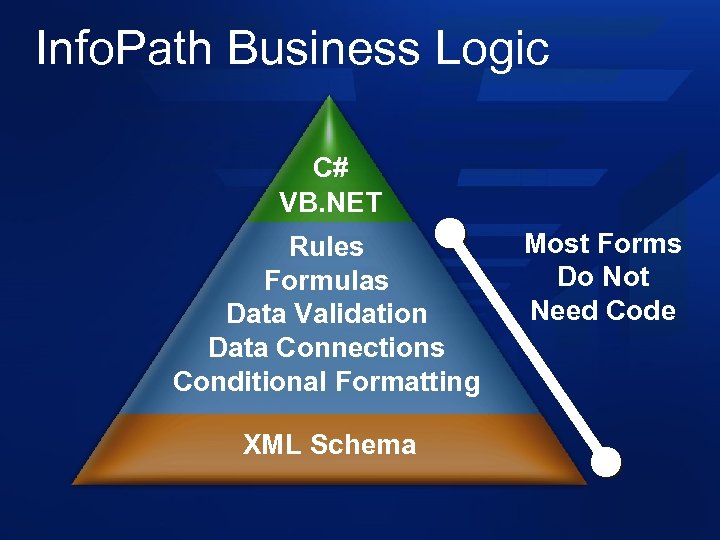 Info. Path Business Logic C# VB. NET Rules Formulas Data Validation Data Connections Conditional Formatting XML Schema Most Forms Do Not Need Code
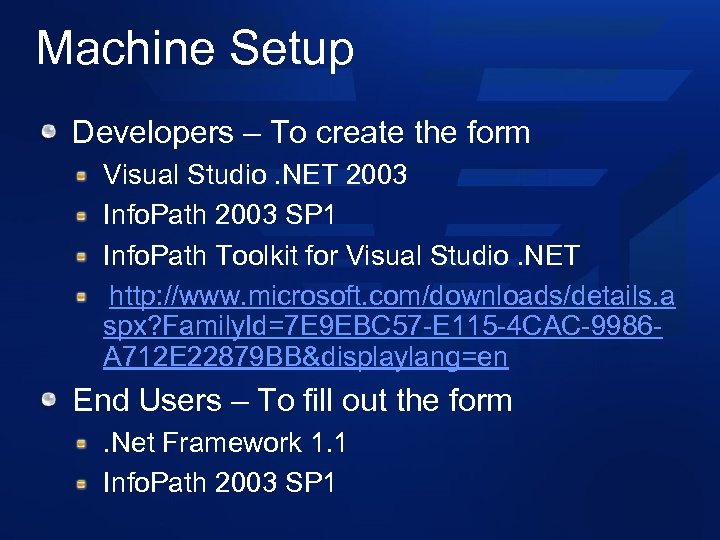 Machine Setup Developers – To create the form Visual Studio. NET 2003 Info. Path 2003 SP 1 Info. Path Toolkit for Visual Studio. NET http: //www. microsoft. com/downloads/details. a spx? Family. Id=7 E 9 EBC 57 -E 115 -4 CAC-9986 A 712 E 22879 BB&displaylang=en End Users – To fill out the form. Net Framework 1. 1 Info. Path 2003 SP 1
 Visual Studio Integration
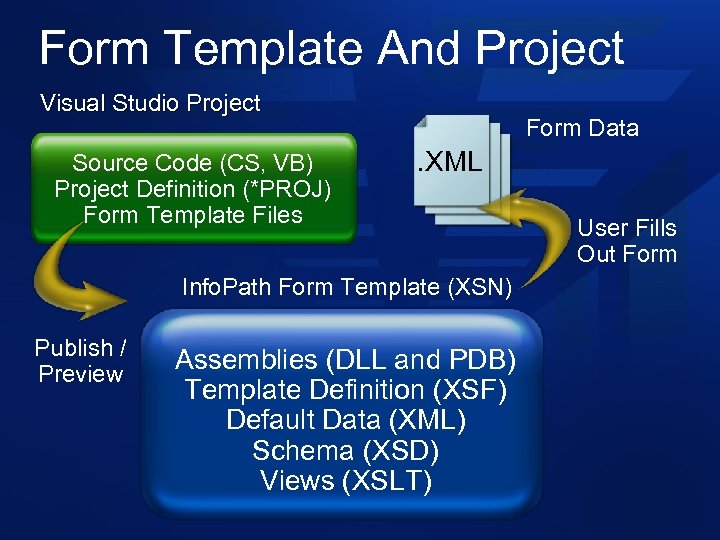 Form Template And Project Visual Studio Project Source Code (CS, VB) Project Definition (*PROJ) Form Template Files Form Data . XML Info. Path Form Template (XSN) Publish / Preview Assemblies (DLL and PDB) Template Definition (XSF) Default Data (XML) Schema (XSD) Views (XSLT) User Fills Out Form
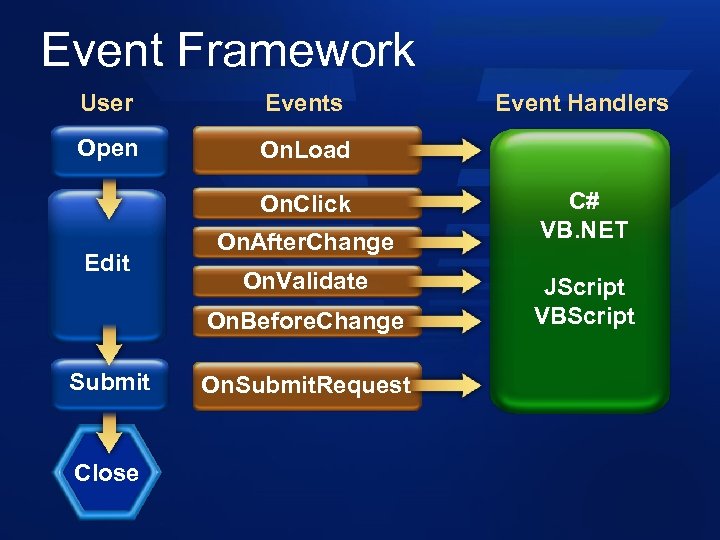 Event Framework User Events Open On. Load On. Click Edit On. After. Change On. Validate On. Before. Change Submit Close On. Submit. Request Event Handlers C# VB. NET JScript VBScript
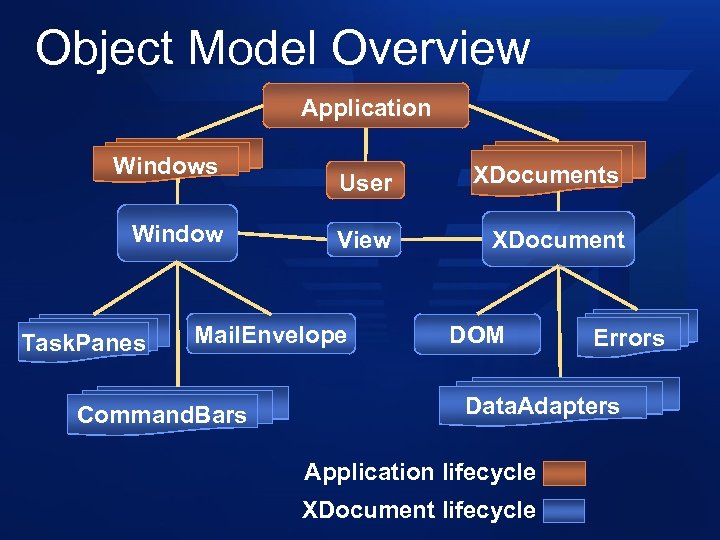 Object Model Overview Application Windows Window Task. Panes User XDocuments View XDocument Mail. Envelope Command. Bars DOM Errors Data. Adapters Application lifecycle XDocument lifecycle
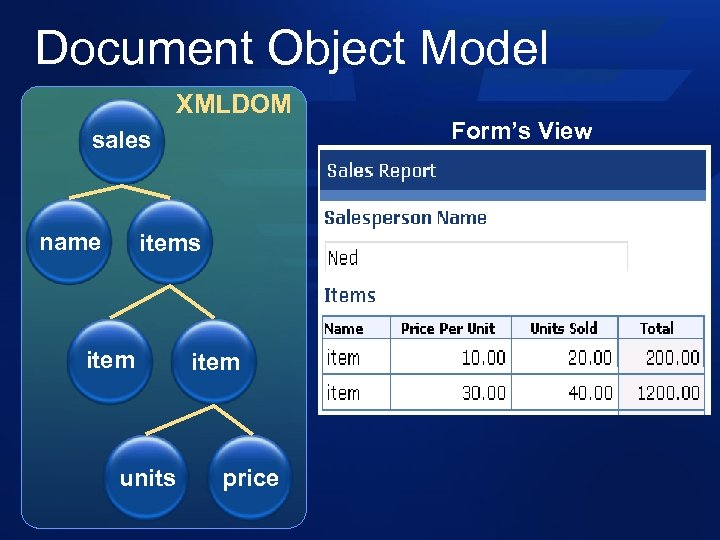 Document Object Model XMLDOM sales name items item units item price Form’s View
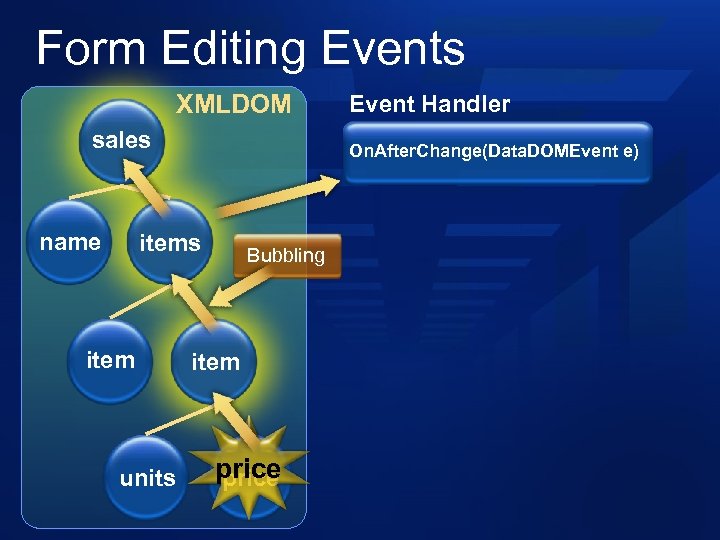 Form Editing Events XMLDOM sales name On. After. Change(Data. DOMEvent e) items item units Event Handler Bubbling item price
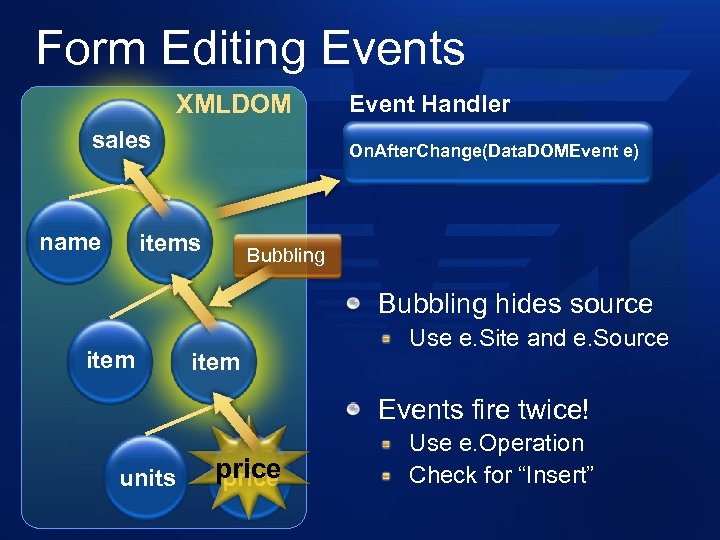 Form Editing Events XMLDOM sales name Event Handler On. After. Change(Data. DOMEvent e) items Bubbling hides source item Use e. Site and e. Source Events fire twice! units price Use e. Operation Check for “Insert”
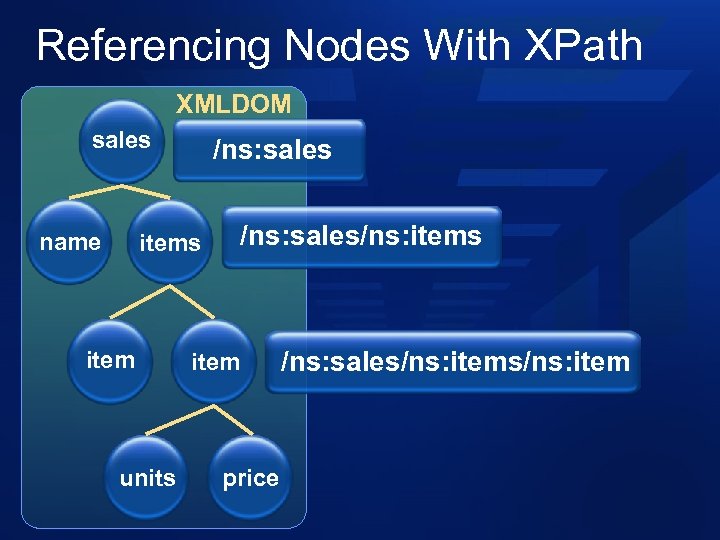 Referencing Nodes With XPath XMLDOM sales name /ns: sales item units /ns: sales/ns: items item price /ns: sales/ns: item
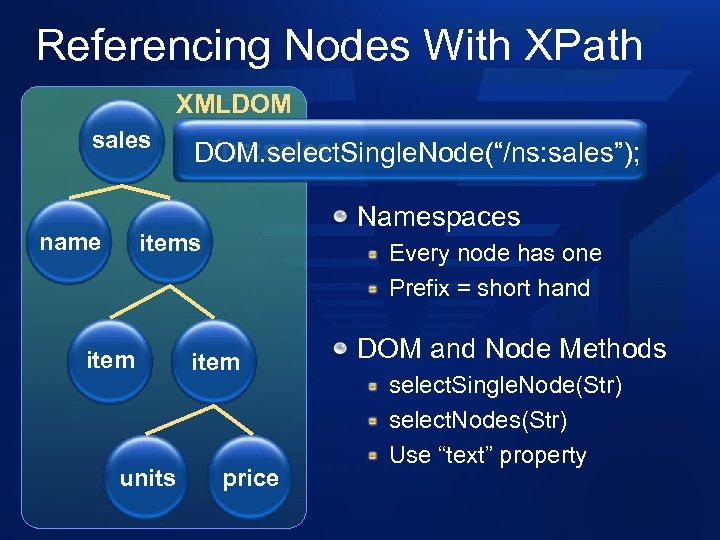 Referencing Nodes With XPath XMLDOM sales name /ns: sales DOM. select. Single. Node(“/ns: sales”); Namespaces item units Every node has one Prefix = short hand item price DOM and Node Methods select. Single. Node(Str) select. Nodes(Str) Use “text” property
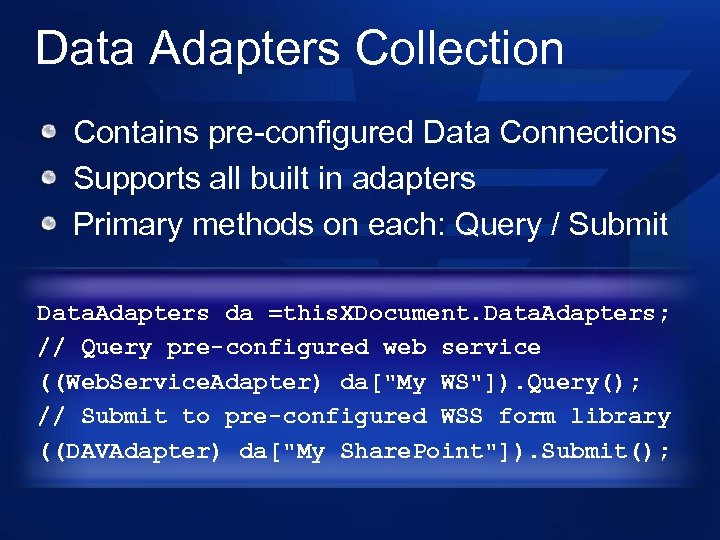 Data Adapters Collection Contains pre-configured Data Connections Supports all built in adapters Primary methods on each: Query / Submit Data. Adapters da =this. XDocument. Data. Adapters; // Query pre-configured web service ((Web. Service. Adapter) da["My WS"]). Query(); // Submit to pre-configured WSS form library ((DAVAdapter) da["My Share. Point"]). Submit();
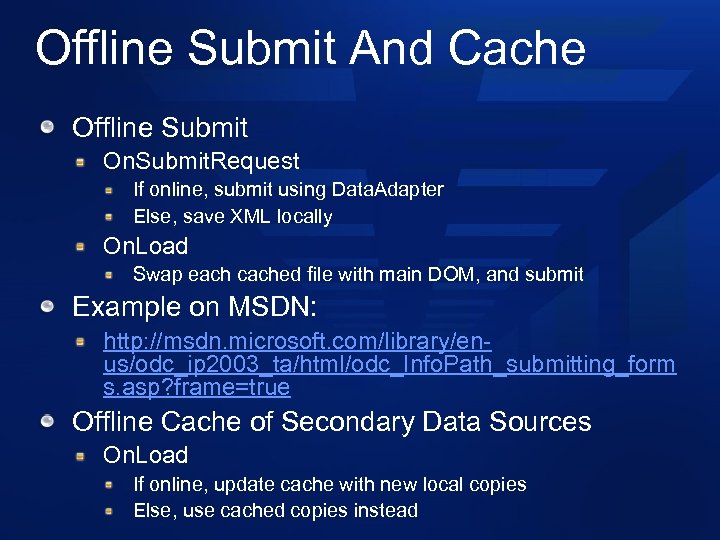 Offline Submit And Cache Offline Submit On. Submit. Request If online, submit using Data. Adapter Else, save XML locally On. Load Swap each cached file with main DOM, and submit Example on MSDN: http: //msdn. microsoft. com/library/enus/odc_ip 2003_ta/html/odc_Info. Path_submitting_form s. asp? frame=true Offline Cache of Secondary Data Sources On. Load If online, update cache with new local copies Else, use cached copies instead
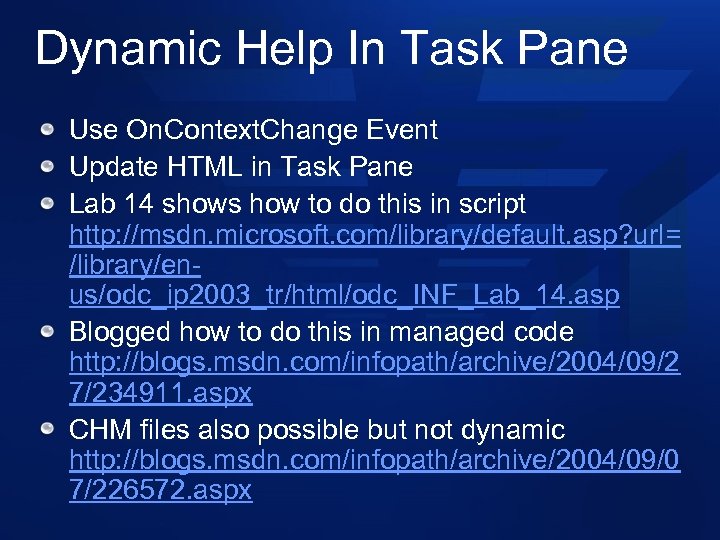 Dynamic Help In Task Pane Use On. Context. Change Event Update HTML in Task Pane Lab 14 shows how to do this in script http: //msdn. microsoft. com/library/default. asp? url= /library/enus/odc_ip 2003_tr/html/odc_INF_Lab_14. asp Blogged how to do this in managed code http: //blogs. msdn. com/infopath/archive/2004/09/2 7/234911. aspx CHM files also possible but not dynamic http: //blogs. msdn. com/infopath/archive/2004/09/0 7/226572. aspx
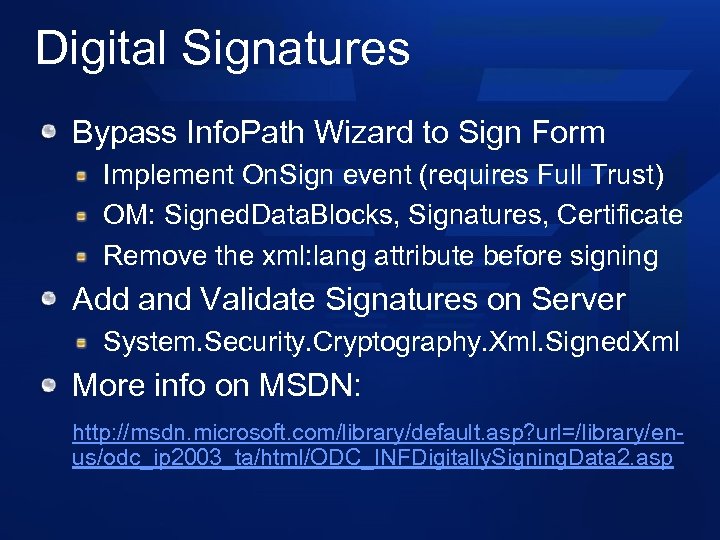 Digital Signatures Bypass Info. Path Wizard to Sign Form Implement On. Sign event (requires Full Trust) OM: Signed. Data. Blocks, Signatures, Certificate Remove the xml: lang attribute before signing Add and Validate Signatures on Server System. Security. Cryptography. Xml. Signed. Xml More info on MSDN: http: //msdn. microsoft. com/library/default. asp? url=/library/enus/odc_ip 2003_ta/html/ODC_INFDigitally. Signing. Data 2. asp
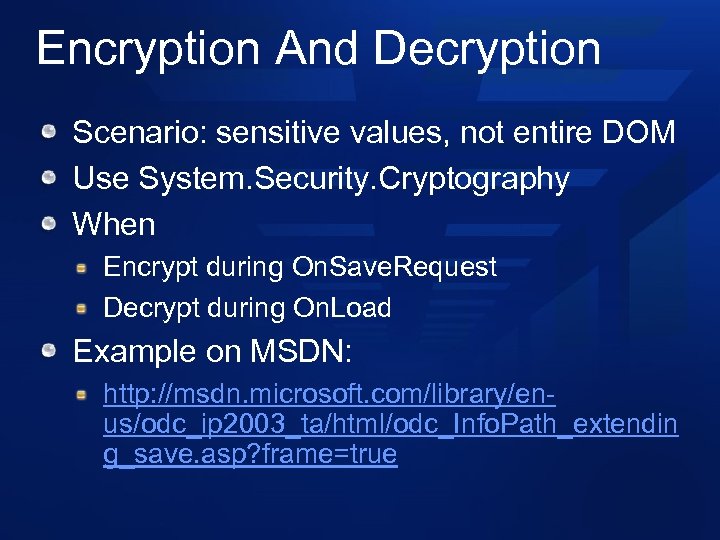 Encryption And Decryption Scenario: sensitive values, not entire DOM Use System. Security. Cryptography When Encrypt during On. Save. Request Decrypt during On. Load Example on MSDN: http: //msdn. microsoft. com/library/enus/odc_ip 2003_ta/html/odc_Info. Path_extendin g_save. asp? frame=true
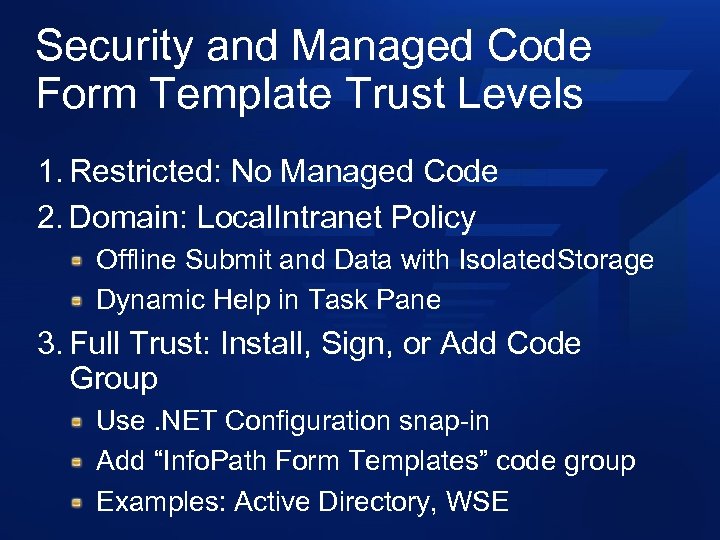 Security and Managed Code Form Template Trust Levels 1. Restricted: No Managed Code 2. Domain: Local. Intranet Policy Offline Submit and Data with Isolated. Storage Dynamic Help in Task Pane 3. Full Trust: Install, Sign, or Add Code Group Use. NET Configuration snap-in Add “Info. Path Form Templates” code group Examples: Active Directory, WSE
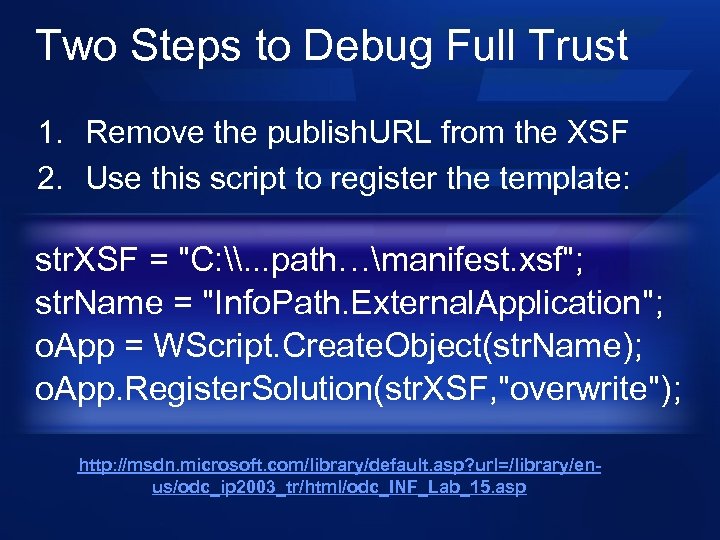 Two Steps to Debug Full Trust 1. Remove the publish. URL from the XSF 2. Use this script to register the template: str. XSF = "C: \. . . path…manifest. xsf"; str. Name = "Info. Path. External. Application"; o. App = WScript. Create. Object(str. Name); o. App. Register. Solution(str. XSF, "overwrite"); http: //msdn. microsoft. com/library/default. asp? url=/library/enus/odc_ip 2003_tr/html/odc_INF_Lab_15. asp
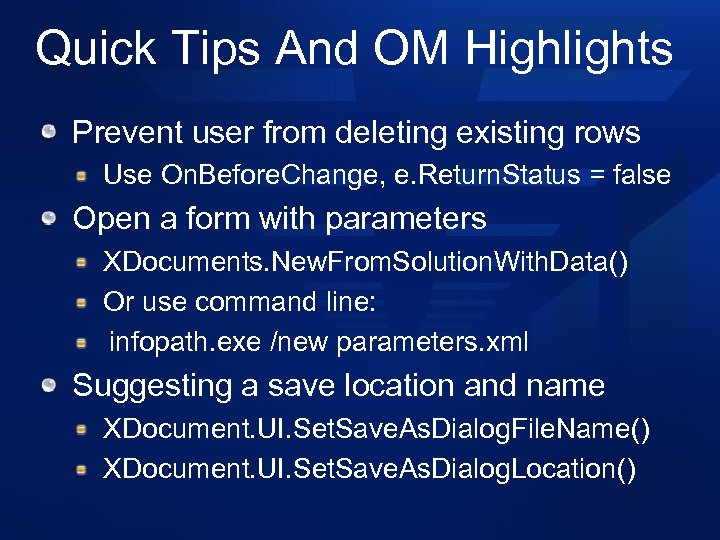 Quick Tips And OM Highlights Prevent user from deleting existing rows Use On. Before. Change, e. Return. Status = false Open a form with parameters XDocuments. New. From. Solution. With. Data() Or use command line: infopath. exe /new parameters. xml Suggesting a save location and name XDocument. UI. Set. Save. As. Dialog. File. Name() XDocument. UI. Set. Save. As. Dialog. Location()
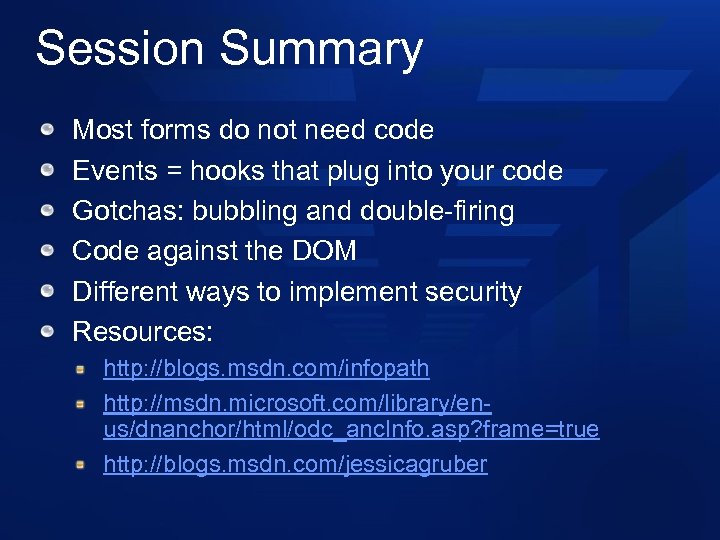 Session Summary Most forms do not need code Events = hooks that plug into your code Gotchas: bubbling and double-firing Code against the DOM Different ways to implement security Resources: http: //blogs. msdn. com/infopath http: //msdn. microsoft. com/library/enus/dnanchor/html/odc_anc. Info. asp? frame=true http: //blogs. msdn. com/jessicagruber
 © 2005 Microsoft Corporation. All rights reserved. This presentation is for informational purposes only. Microsoft makes no warranties, express or implied, in this summary.