


 Скачать презентацию Mesleki İngilizce — Technical English II Prof Dr
7c0f45aae7db77137e6769c1c8b03448.ppt
- Количество слайдов: 55
 Mesleki İngilizce - Technical English II Prof. Dr. Nizamettin AYDIN naydin@yildiz. edu. tr http: //www. yildiz. edu. tr/~naydin 1
 • Notes: – In the slides, • texts enclosed by curly parenthesis, {…}, are examples. • texts enclosed by square parenthesis, […], are explanations related to examples. 2
 ILOVEYOU worm • Learning Objectives – to understand why the ILOVEYOU worm was so successful – to understand the architecture of the ILOVEYOU worm as a basic script virus – to recognize how big an effect a single virus can have on global IT • Sub-areas covered – Computer virus – Computer worm – Popular worms/viruses 3
 ILOVEYOU worm • Keywords – malware • software designed to infiltrate or damage a computer system without the owner’s informed consent – VBScript • Visual Basic Scripting Edition - an Active Scripting; technology used in Windows to implement component-based scripting support; a language developed by Microsoft – social engineering • practice of obtaining confidential information by manipulating users – Barok trojan • this trojan horse gathers information such as user name, IP address and passwords, and attempts to send the information to the creator of the virus 4
 ILOVEYOU worm • Reading text • Pre-reading questions – What attacks have you heard about? – Have you ever had a virus or worm in your mail? – Name a few of the most famous viruses. 5
 ILOVEYOU worm • a computer worm written in VBScript – also known as VBS/Loveletter and Love Bug worm • first discovered in Hong Kong, – arrived in e-mail boxes on May 4, 2000, • with the simple subject of “ILOVEYOU” and an attachment “LOVE-LETTER-FOR-YOU. TXT. vbs”. 6
 ILOVEYOU worm • Two aspects of the worm that made it effective – It relied on social engineering to entice users to open the e-mail and ensure its continued propagation. – It employed a mechanism — VBScripts — that, while not entirely novel, had not been exploited to such a degree previously to direct attention to their potential, reducing the layers of protection that would have to be navigated for success. 7
 Spreading mechanism • used mailing lists as its source of targets, – the messages often appeared to come from an acquaintance and so might be considered “safe”, • providing further incentive to open them. • All it took was a few users at each site to access the VBS attachment to generate thousands and thousands of e-mails that would cripple e-mail systems under their weight 8
 Effects • It began in the Philippines on May 4, 2000, and spread across the world in one day – travelling from Hong-Kong to Europe to the United States • infected 10 percent of all computers connected to the Internet • caused about $5. 5 billion in damage – Most of the “damage” was the labor of getting rid of the virus. • The Pentagon, CIA, and the British Parliament had to shut down their e-mail systems to get rid of the worm, as did most large corporations 9
 Authorship • The ILOVEYOU worm is believed to have been written by Michael Buen. • The Barok trojan horse used by the worm is believed to have been written by Onel de Guzman, – a Filipino student of AMA Computer University in Makati, Philippines. • On May 11 (one week after the virus spread), he held a news conference and said that he did not mean to cause so much harm. – He was unable to graduate because the university rejected his thesis on the basis of its illegality. 10
 Detection • Narinnat Suksawat, a 25 -year-old Thai software engineer, was the first person to write software that repaired the damage caused by the worm, • releasing it to the public on May 5, 2000, 24 hours after the worm had spread. • “Rational Killer”, the program he created, removed virus files and restored the previously removed system files so they again functioned normally. • Two months later, Narinnat was offered a senior consultant job at Sun Microsystems and worked there for two years. • He resigned to start his own business. – Today, Narinnat owns a software company named Moscii Systems, a system management software company in Thailand. 11
 Architecture of the worm • The worm is written using Microsoft Visual Basic Scripting (VBS), • It requires that the end-user run the script in order to deliver its payload. • It will add a set of registry keys to the Windows registry that will allow the malware to start up at every boot. • The worm will then search all drives which are connected to the infected computer and replace files with the extensions *. JPG, *. JPEG, *. VBS, *. VBE, *. JSE, *. CSS, *. WSH, *. SCT, *. DOC *. HTA with copies of itself, while appending to the file name a. VBS. extension. • The malware will also locate *. MP 3 and *. MP 2 files, and when found, makes the files hidden, copies itself with the same file name and appends a. VBS. 12
 Architecture of the worm • The worm propagates by sending out copies of itself to all entries in the Microsoft Outlook address book. • It also has an additional component, in which it will download and execute an infected program called variously “WIN-BUGSFIX. EXE” or “Microsoftv 25. exe”. – This is a password-stealing program which will email cached passwords. 13
 Variants • LOVE-LETTER-FOR-YOU. TXT. vbs – Subject Line: • ILOVEYOU – Message Body: • kindly check the attached LOVELETTER coming from me. • Very Funny. vbs – Subject Line: • fwd: Joke – Message Body: • empty 14
 Variants • mothersday. vbs – Subject Line: • Mothers Day Order Confirmation – Message Body: • We have proceeded to charge your credit card for the amount of $326. 92 for the mothers day diamond special. We have attached a detailed invoice to this email. Please print out the attachment and keep it in a safe place. Thanks Again and Have a Happy Mothers Day! mothersday@subdimension. com 15
 Variants • virus_warning. jpg. vbs – Subject Line: • Dangerous Virus Warning – Message Body: • There is a dangerous virus circulating. Please click attached Picture to view it and learn to avoid it. • protect. vbs – Subject Line: • Virus ALERT!!! – Message Body: • a long message regarding VBS. Love. Letter. A 16
 Variants • Important. TXT. vbs – Subject Line: • Important! Read carefully!! – Message Body: • Check the attached IMPORTANT coming from me! • Virus-Protection-Instructions. vbs – Subject Line: • How to protect yourself from the IL 0 VEYOU bug! – Message Body: • Here’s the easy way to fix the love virus. 17
 Variants • Arab. Air. TXT. vbs – Subject Line: • Thank You For Flying With Arab Airlines – Message Body: • Please check if the bill is correct, by opening the attached file • IMPORTANT. TXT. vbs – Subject Line: • Variant Test – Message Body: • This is a variant to the vbs virus. • … 18
 Legislative aftermath • As there were no laws against virus-writing at the time, on August 21, 2000, the prosecutors dropped all charges against Onel A. de Guzman – The original charges brought up against de Guzman dealt with the illegal use of passwords for credit card and bank transactions. • The Philippines E-Commerce Law (Republic Act No. 8792), passed on June 14, 2000, laid out penalties for cybercrime. 19
 Legislative aftermath • Under the law, those who spread computer viruses or otherwise engage in cybercrime (including copyright infringement and software cracking) can be fined a minimum of 100, 000 pesos (about USD$2, 000), and a maximum commensurate with the damage caused, and imprisoned for six months to three years. • [aftermath: the consequences or after-effects of a significant unpleasant event] 20
 Possible topics for discussion • Why was this virus so dangerous and harmful? – The worm overwrote important files, as well as music, multimedia and more, with a copy of itself. – It also sent the worm to everyone on a user’s contact list. • Why did it attack only Windows Operating Systems? – Bad security policy – holes in the security mechanism system – a lot of users oblivious of danger • [oblivious: not aware of or concerned about what is happening around one] 21
 Possible topics for discussion • What legal consequences should be faced by the authors of computer viruses? – high fines – ban on access to computers • What action each computer user can take to protect their computers against computer worms? – install anti-virus software – be careful what e-mail attachment you open, what websites you visit – check source of software which you install – check data mediums, before you open them • especially pen-drives 22
 Some Data-Security Measures • Establish strong passwords – use a combination of capital and lower-case letters, numbers and symbols and make it 8 to 12 characters long – you should avoid using • any personal data (such as your birthdate) • common words spelled backwards and sequences of characters or numbers, or those that are close together on the keyboard. – change your password • the industry standard is "every 90 days" • more frequently if your data is highly-sensitive. – make sure every individual has their own username and password for any login system – Never just use one shared password – Never write it down. 23
 Some Data-Security Measures • Put up a strong firewall – In order to have a properly protected network, firewalls are a must. – A firewall protects your network by controlling internet traffic coming into and flowing out of your business. • Install antivirus protection – Antivirus and anti-malware software essentials in your arsenal of online security weapons. • They're the last line of defense" should an unwanted attack get through to your network. 24
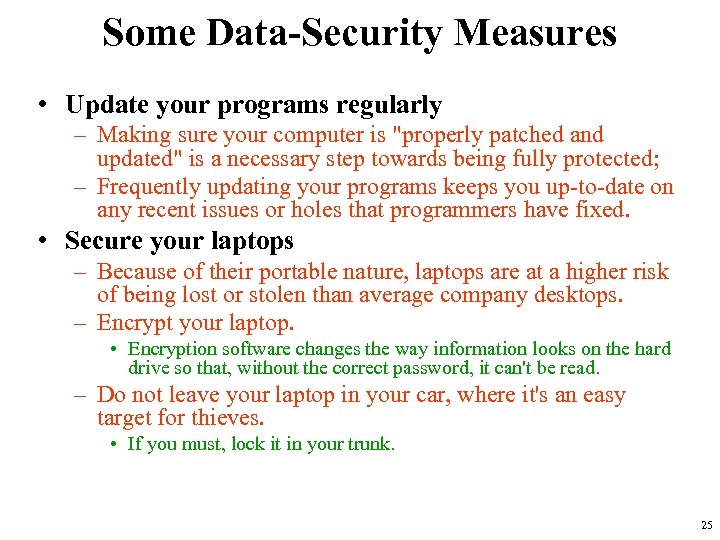 Some Data-Security Measures • Update your programs regularly – Making sure your computer is "properly patched and updated" is a necessary step towards being fully protected; – Frequently updating your programs keeps you up-to-date on any recent issues or holes that programmers have fixed. • Secure your laptops – Because of their portable nature, laptops are at a higher risk of being lost or stolen than average company desktops. – Encrypt your laptop. • Encryption software changes the way information looks on the hard drive so that, without the correct password, it can't be read. – Do not leave your laptop in your car, where it's an easy target for thieves. • If you must, lock it in your trunk. 25
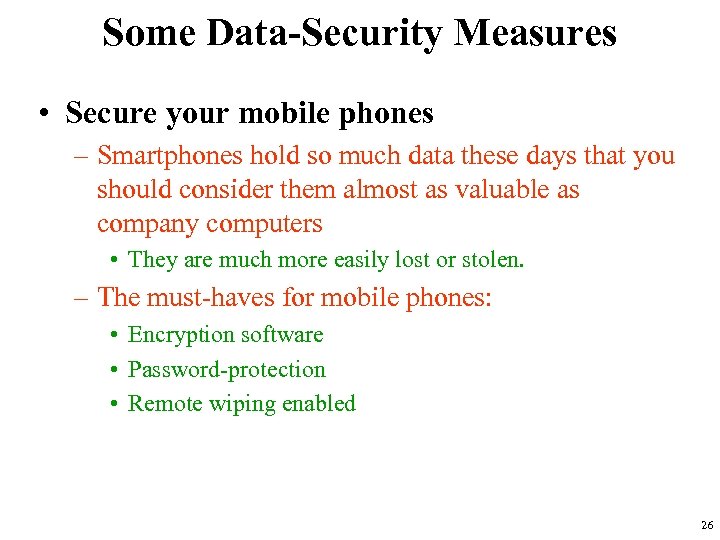 Some Data-Security Measures • Secure your mobile phones – Smartphones hold so much data these days that you should consider them almost as valuable as company computers • They are much more easily lost or stolen. – The must-haves for mobile phones: • Encryption software • Password-protection • Remote wiping enabled 26
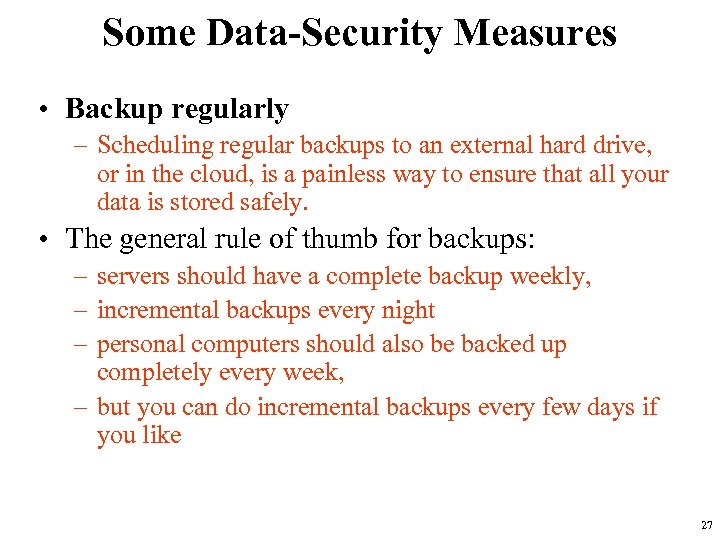 Some Data-Security Measures • Backup regularly – Scheduling regular backups to an external hard drive, or in the cloud, is a painless way to ensure that all your data is stored safely. • The general rule of thumb for backups: – servers should have a complete backup weekly, – incremental backups every night – personal computers should also be backed up completely every week, – but you can do incremental backups every few days if you like 27
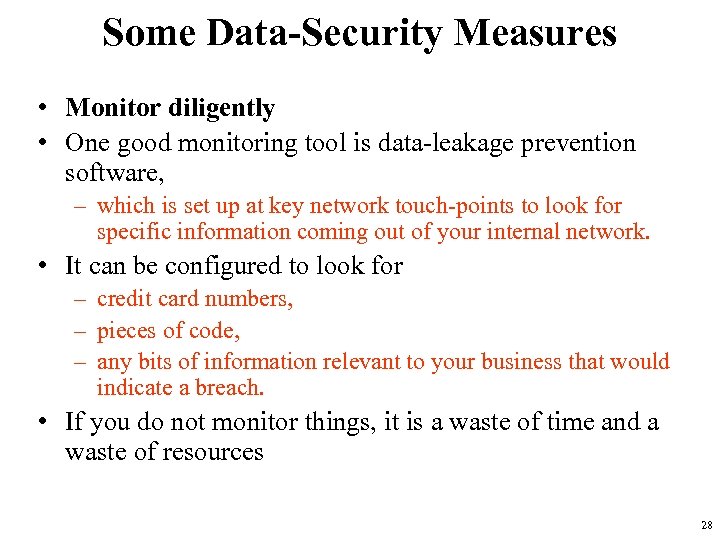 Some Data-Security Measures • Monitor diligently • One good monitoring tool is data-leakage prevention software, – which is set up at key network touch-points to look for specific information coming out of your internal network. • It can be configured to look for – credit card numbers, – pieces of code, – any bits of information relevant to your business that would indicate a breach. • If you do not monitor things, it is a waste of time and a waste of resources 28
 Some Data-Security Measures • Be careful with e-mail, IM and surfing the Web • It's not uncommon for an unsuspecting employee to click on a link or download an attachment that they believe is harmless – only to discover they've been infected with a nasty virus, or worse. • Never click on a link that you were not expecting or you do not know the origination of in an e-mail or IM. • You have to be smart when surfing the Web, – You should take every "warning box" that appears on your screen seriously and understand that every new piece of software comes with its own set of security vulnerabilities. 29
 Some Data-Security Measures • Educate yourself and your employees • Learning and understanding safe online habits and proactive defense is crucial. • "Educating them about what they are doing and why it is dangerous is a more effective strategy than expecting your IT security staff to constantly react to end users’ bad decisions, ". • One of the most difficult things to do is protect end users against themselves. – prevention is the best approach to handling your data security. • Make sure your employees understand how important your company's data is, and all the measures they can take to protect it. 30
 Types of Internet Security Threats and Its Prevention • Viruses – A computer program developed intentionally to corrupt the files, applications, data, etc. of a computer. – It gets back door entry (from storage devices, internet, USB etc. ) without the knowledge of the user, and exploits the system mercilessly. • Prevention – Beware of downloading applications, files (mp 3, mp 4, gif, etc) from the sites and also from the attachments of the emails. – Use/buy certified and secured products from the vendors. – Keep a habit of regularly scanning the system also keep updating the virus scanning tools/software. 31
 Types of Internet Security Threats and Its Prevention • Hackers – An intruder or probably an enemy of a particular entity with malicious intentions creates and injects malicious content to steal sensitive information or money or sometimes to destroy some part of data or applications. • Prevention – Initiate strong encryption technology on the website. – Secure your websites with digital SSL certificates. – Avoid exposure to unauthenticated access, unnecessary access to employees or users. – Install tools like anti malware, anti phishing for scanning to detect vulnerabilities. 32
 Types of Internet Security Threats and Its Prevention • Phishing Threats: – Phishing means, when any website impersonates itself as a trustworthy and well established brand most probably to steal the information as well as money by misleading the online users. – DNS farming attack, another type of phishing attack corrupts the DNS server because of which the client is automatically transferred to an imposter website • [imposter website: an illegal website having the look and feel of the original website] • Prevention: – Install updated version of antivirus tool. – Do not click blindly on the hyperlinks appearing in the e-mail that came from the unknown sources. – Secure your website with anti spam and phishing detection tools. – Always look for the “https: ” before trusting the website especially, before providing credit card information and personal information. – Guard the walls of the server with updated firewalls. – Website owners should establish trust & reduce risk of Phishing Attack by implementing EV Certificate. • [EV Certificate: Extended Validation SSL Certificates] 33
 Types of Internet Security Threats and Its Prevention • What is SSL – Secure Sockets Layer • the standard security technology for establishing an encrypted link between a web server and a browser. – ensures that all data passed between the web server and browsers remain private and integral. – SSL is an industry standard and is used by millions of websites in the protection of their online transactions with their customers. • To be able to create an SSL connection a web server requires an SSL Certificate. 34
 Types of Internet Security Threats and Its Prevention – When you choose to activate SSL on your web server you will be prompted to complete a number of questions about the identity of your website and your company. – Your web server then creates two cryptographic keys - a Private Key and a Public Key. – The Public Key does not need to be secret and is placed into a Certificate Signing Request (CSR) • a data file also containing your details. – You should then submit the CSR. • During the SSL Certificate application process, the Certification Authority will validate your details and issue an SSL Certificate containing your details and allowing you to use SSL. – Your web server will match your issued SSL Certificate to your Private Key. – Your web server will then be able to establish an encrypted link between the website and your customer's web browser. 35
 Types of Internet Security Threats and Its Prevention • Infected Websites – Be it in emails or ads on the websites or the normal looking website, you might never know what it is stored in it. – These can be the sources of viruses, Trojans and malwares; • by clicking on the link you install them in your system. • Prevention – Avoid visiting to the suspicious websites • specially those, which are not secured with digital certificates, – install appropriate antivirus, anti malware, anti phishing tools. 36
 Types of Internet Security Threats and Its Prevention • Spywares, Adware, Trojans • Spywares are software that secretly tracks one’s online behavior, and installs malicious software without user’s concern. • Adwares, Trojans also interpret the same behavior. – Downloaded applications, corrupted CDs can be counted as their sources. – They may display loads of disturbing ads and in turn slowing down one’s internet, they can pass one’s information to others. 37
 Types of Internet Security Threats and Its Prevention • Prevention – Present your website with SSL certificates that scans regularly your website against viruses, spyware, trojan horses, worms, adware or other malicious programs and will notify you by email. – Be very much careful before downloading any content from the suspicious or even from the unsecured website. – Ignore clicking on the ad links as these behaviors are marked by the spywares and further leads to unknown threats. 38
 Types of Internet Security Threats and Its Prevention • Insecure Wireless access points • Connecting to a wireless network like say connecting to a broadband router is not that safe. – Devices like, laptop, PDA and mobile those connect with wireless connections are prone to get affected by several threats. • Most common attacks when exposed to insecure wireless access points are: – – – – accidental association, malicious association, ad-hoc networks, identity theft, man-in-the-middle-attack, Denial of Service (DOS), network injection and caffe latte attack. 39
 Types of Internet Security Threats and Its Prevention • Prevention – Keep your Service Set Identifier ID hidden. – Block the non-approved MAC addresses so as to avoid sniffing of the MAC addresses and spoof the address. – Implementing regular WEP (Wired Equivalent Privacy) encryption, • [this is originally designed for securing wireless networks] – WPA (Wi-Fi Protected Access), a better technique than WEP provides stronger protection through encrypted passwords. – TKIP (Temporal Key Integrity Protocol) includes techniques like: • per-packet key mixing along with the re-keying. – Use SSL for the end-to-end encryption. – Entertain network encryption through softwares from trusted authorities like: • Cisco’s Secure Access Control Software, Microsoft’s Internet Authentication Service and so on. 40
 Types of Internet Security Threats and Its Prevention • Social engineering • Tricks like pretexting; quid pro quo, tailgating etc. are accomplished in social engineering. • quid pro quo refers to the old method, in which users are trapped by bogus offers in return they have to provide their personal or bank account information • pretexting refers to theft of the personal and other such sensitive info by impersonating oneself as a legal authority. 41
 Types of Internet Security Threats and Its Prevention • Prevention – Implement strict measures against unauthorized access either from the user side or even from the employee side. – Educate your employees as well as customers regarding various tricks and techniques of social engineering, and warn them to not providing any kind of personal information to irrelevant entity. 42
 Types of Internet Security Threats and Its Prevention • Back Doors • the piece of code or programs that enters into the website without the knowledge of the website owner and that too by defeating the security restrictions. • Prevention – Purchase products from the authorized vendors only that too after ensuring the certainty of the products. – After completing the applications or the softwares, test thoroughly in case if back doors are added in to the code. 43
 Types of Internet Security Threats and Its Prevention • Brute Force • Brute force attack also known as exhaustive key search attack – the encrypted data or messages are hacked, and then with the use of software they are broken down to acquire the messages, user IDs and passwords. – Once a hacker is able to gain the access of the privileged authority, he/she can install a back door future use even if the passwords or the user IDs keep changing. 44
 Types of Internet Security Threats and Its Prevention • Prevention – To secure the passwords and the other sensitive data, implement unbreakable encryption technology and also preserve the keys safely. – Keep the passwords long and keep changing them from time to time. – Frequently scan or test the system to detect vulnerability. – Literate users about security precautions. 45
 Types of Internet Security Threats and Its Prevention • Denial of Service (DOS) • a web server is hanged up because of sending overwhelming number of requests. – DOS attack has a sibling also called DDOS (distributed denial of service) in which the attacker simultaneously launches a dozen of requests to a number of servers until they are hanged up. • Prevention – Keep a data backup and place them at a safer place. – Install tools that can test the capacity of your web server against the DOS or DDOS attacks. 46
 Types of Internet Security Threats and Its Prevention • Password guessing • This is a very serious type of threat, in which the passwords are guessed to gain access to a system by trying all the possible combinations. • Prevention – Make stronger the password policies. – Apply stringent access controls like disable the user ID after several failed login attempts. – Change the passwords on the sensitive network components. – Password must comprise of long & short alphabets, numerical and sensitive characters. 47
 Types of Internet Security Threats and Its Prevention • Hijacking: • When attacker injects malware and takes control of the system and redirects user to another website or home page is called Hijacking. • This attack massively takes place over the remote computers. • There are mainly three types of hijacking and they are – (Network, Browser, Website) hijacking 48
 Types of Internet Security Threats and Its Prevention • Network hijacking – Man-in-the-middle-attack can be counted as the network hijacking. • In this attack, a perpetrator hijacks the connection of the two communicators, without their knowledge, intercepts their messages, and modifies the message and relay back to them. • The two victims think that they are communicating with each other only but the actual scenario is totally different. 49
 Types of Internet Security Threats and Its Prevention • Browser hijacking – Also known as DNS hijacking, • takes the requester to the adulterated site, when requested for the valid one. – The attacker infects the DNS server itself, so that each time a user requests for the legitimate website, he/she ends up at the fake or disturbing site. • Website hijacking – Here, the attacker only has to register a domain name almost similar to that of the actual one. – Now, whenever a user types address of that website either by mistake he/she will be redirected to the corrupted site, in many of the cases to porn sites. 50
 Types of Internet Security Threats and Its Prevention • Prevention – For remote access, strong authentication measures should be implemented. – For sessions, periodic re-authentication should be enforced. – Firewalls should be installed as and when required. – Monitor the network traffic and vulnerable interruptions on a regular basis. – Scanning tools should be installed in order to prevent the ongoing vulnerabilities. – For the most sensitive data, a strong end to end encryption should be implemented. 51
 Types of Internet Security Threats and Its Prevention • Sniffers • They are the softwares that monitor the network to keep a track of keystrokes and the data eavesdropping over the networks. • Prevention – Proper encryption technologies should be implemented. – Monitor your network traffic to avoid any kind of intrusions. – Use strong scanning tools to scan the vulnerabilities that may harm your website. – Enable strong end-to-end encryption techniques for protecting highly sensitive data and applications 52
 Types of Internet Security Threats and Its Prevention • Spoofing • refers to a computer or a network that is impersonating as a legal network. • Hence, corrupt other networks or computers by misleading the signals of the network. – E-mail spoofing means the e-mail reader is misguided to irrelevant path other than that of the original destination, generally by spam e-mails with the help of SMTP and telnet protocols. • Prevention – Ensure and enforce strong authentication as well as encryption techniques for securing the communications, messages transmitted, data and session. – Firewalls should be installed as and when required. – Keep a sharp eye on the network traffic. Regulate the traffic monitoring. 53
 Types of Internet Security Threats and Its Prevention • Trojan horses: • similar to the normal programs • but are slightly different in a way as they contain additional malicious and viral functions or piece of codes. • These are installed with an intention of – theft of the information, – gaining control over the system – impersonating the login screens to get the entire user IDs and the passwords • Sources of the Trojans generally are e-mail attachments and back doors. 54
 Types of Internet Security Threats and Its Prevention • Prevention – Strict security measures should be taken to avoid any kind of installation of the malware or Trojans. • Thorough testing should be a compulsion before a product goes on the platform. – Programs used should be tested thoroughly. – Sensitive data should be protected through encryption and also the employees and other staff members should be educated regarding the avoidance of the Trojan horses in organization. – Customers should be warned about the common risks • like in opening an email from untrusted source, downloading, or purchasing a software product from unauthorized vendors. 55