


 Скачать презентацию Meeting Today s Security Needs With IPsec VPN and
b6894c4e4d06e4a5c10f8ed3ba0bca66.ppt
- Количество слайдов: 42
 Meeting Today’s Security Needs With IPsec VPN and IPFilter 1
 Defense Against The Dark Arts 2
 Presentation Overview § IPFilter (firewall/NAT) § IPsec (VPN) 3
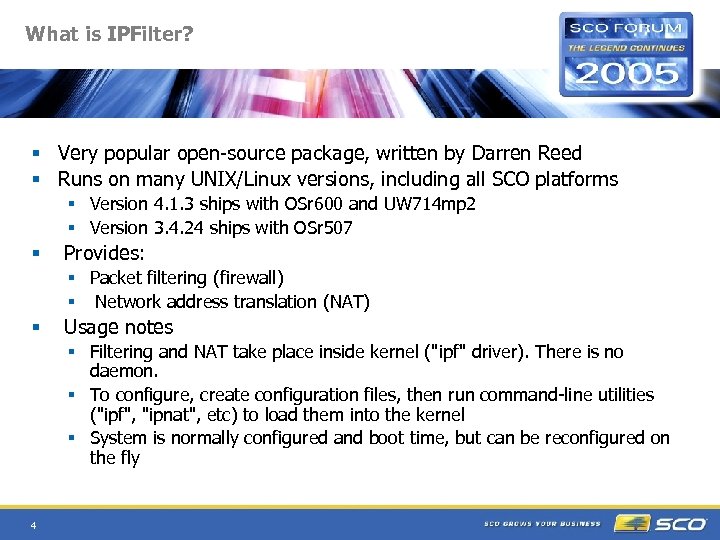 What is IPFilter? § Very popular open-source package, written by Darren Reed § Runs on many UNIX/Linux versions, including all SCO platforms § Version 4. 1. 3 ships with OSr 600 and UW 714 mp 2 § Version 3. 4. 24 ships with OSr 507 § Provides: § Packet filtering (firewall) § Network address translation (NAT) § Usage notes § Filtering and NAT take place inside kernel ("ipf" driver). There is no daemon. § To configure, create configuration files, then run command-line utilities ("ipf", "ipnat", etc) to load them into the kernel § System is normally configured and boot time, but can be reconfigured on the fly 4
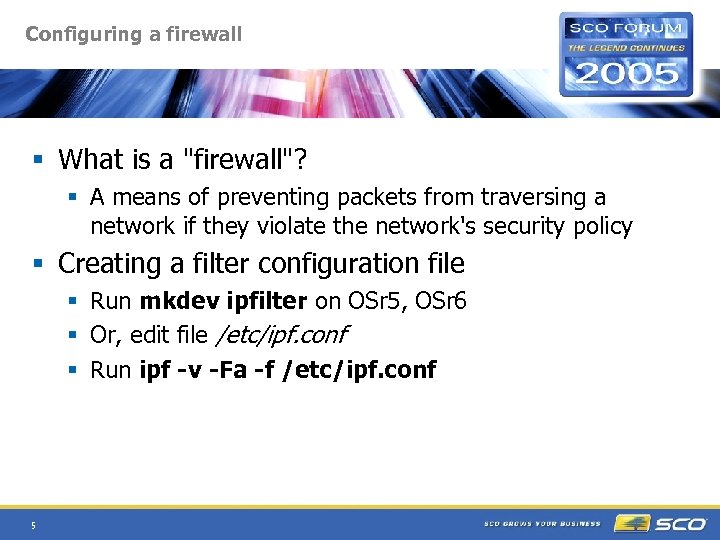 Configuring a firewall § What is a "firewall"? § A means of preventing packets from traversing a network if they violate the network's security policy § Creating a filter configuration file § Run mkdev ipfilter on OSr 5, OSr 6 § Or, edit file /etc/ipf. conf § Run ipf -v -Fa -f /etc/ipf. conf 5
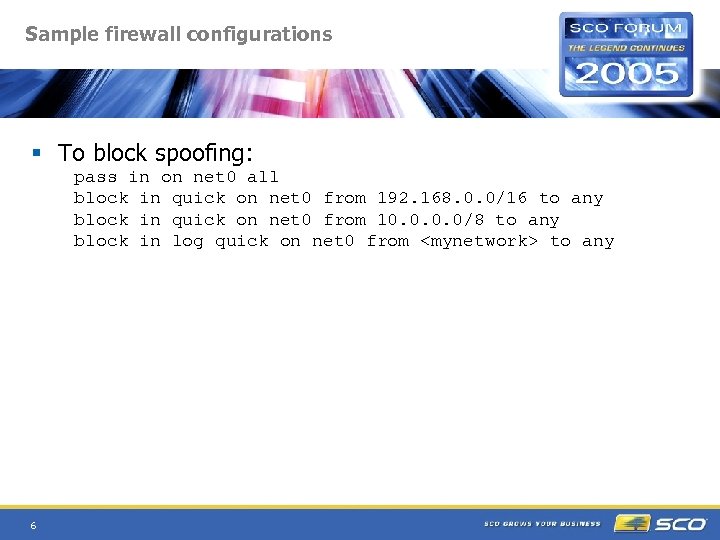 Sample firewall configurations § To block spoofing: pass in on net 0 all block in quick on net 0 from 192. 168. 0. 0/16 to any block in quick on net 0 from 10. 0/8 to any block in log quick on net 0 from
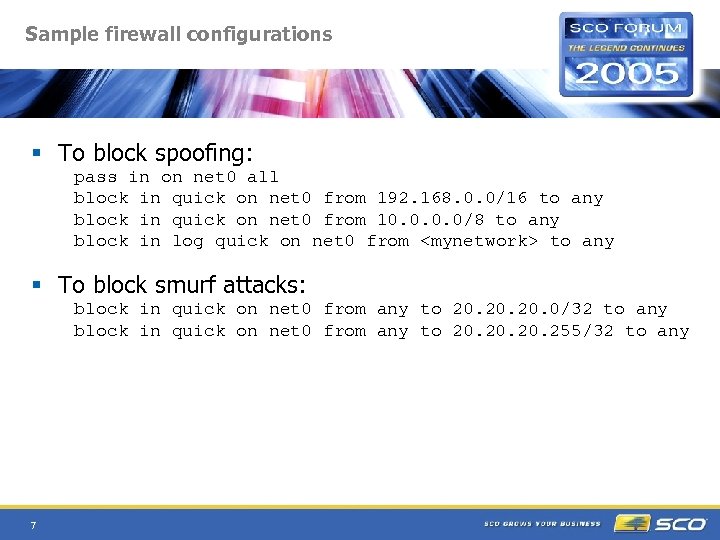 Sample firewall configurations § To block spoofing: pass in on net 0 all block in quick on net 0 from 192. 168. 0. 0/16 to any block in quick on net 0 from 10. 0/8 to any block in log quick on net 0 from
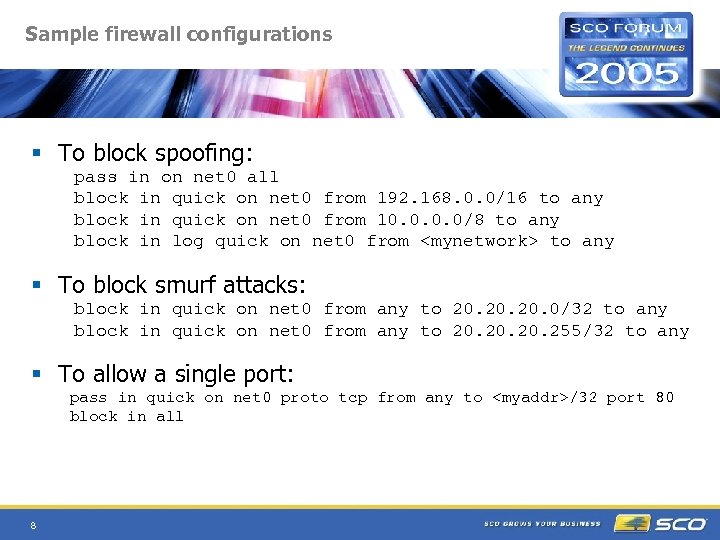 Sample firewall configurations § To block spoofing: pass in on net 0 all block in quick on net 0 from 192. 168. 0. 0/16 to any block in quick on net 0 from 10. 0/8 to any block in log quick on net 0 from
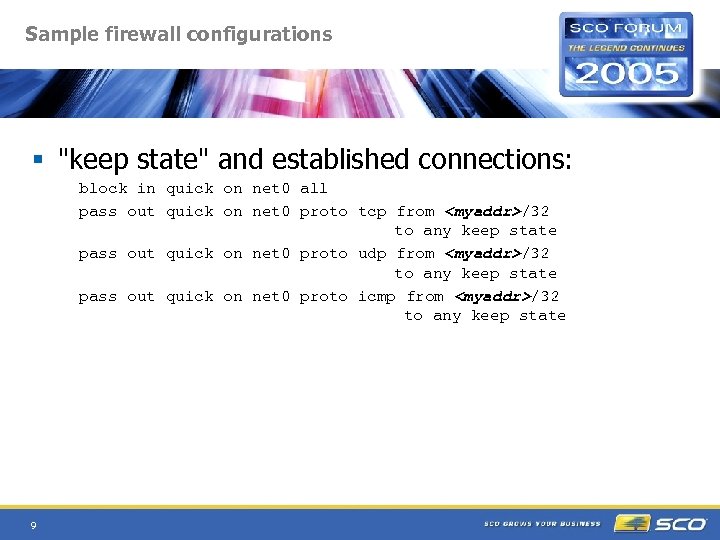 Sample firewall configurations § "keep state" and established connections: block in quick on net 0 all pass out quick on net 0 proto tcp from
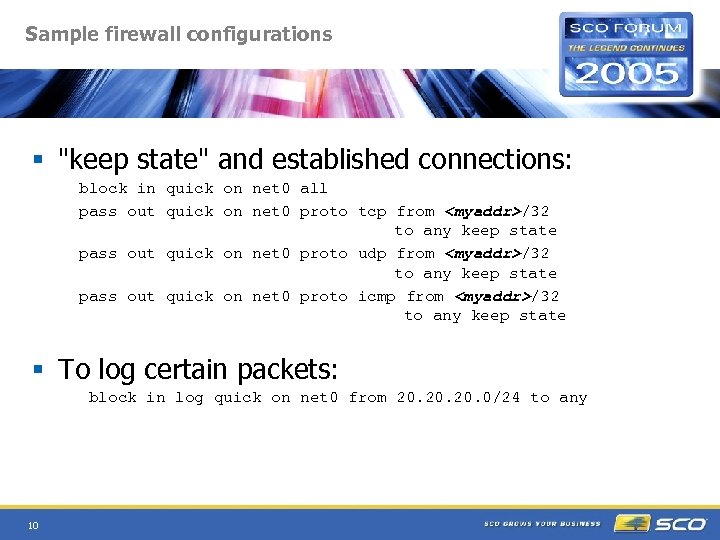 Sample firewall configurations § "keep state" and established connections: block in quick on net 0 all pass out quick on net 0 proto tcp from
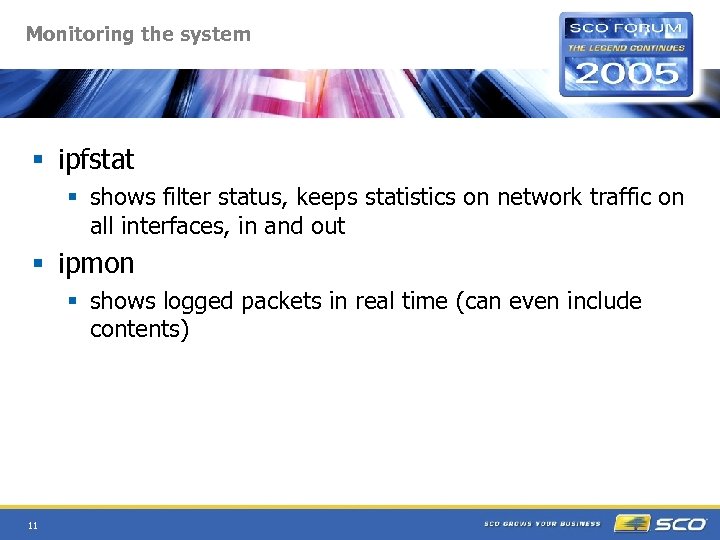 Monitoring the system § ipfstat § shows filter status, keeps statistics on network traffic on all interfaces, in and out § ipmon § shows logged packets in real time (can even include contents) 11
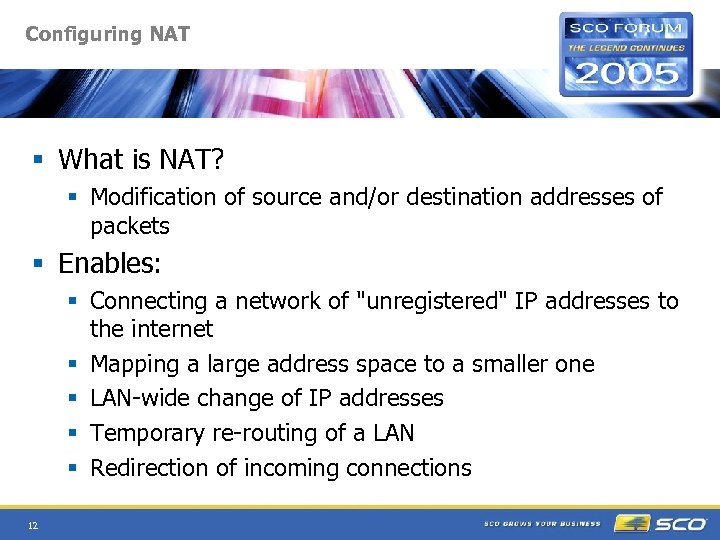 Configuring NAT § What is NAT? § Modification of source and/or destination addresses of packets § Enables: § Connecting a network of "unregistered" IP addresses to the internet § Mapping a large address space to a smaller one § LAN-wide change of IP addresses § Temporary re-routing of a LAN § Redirection of incoming connections 12
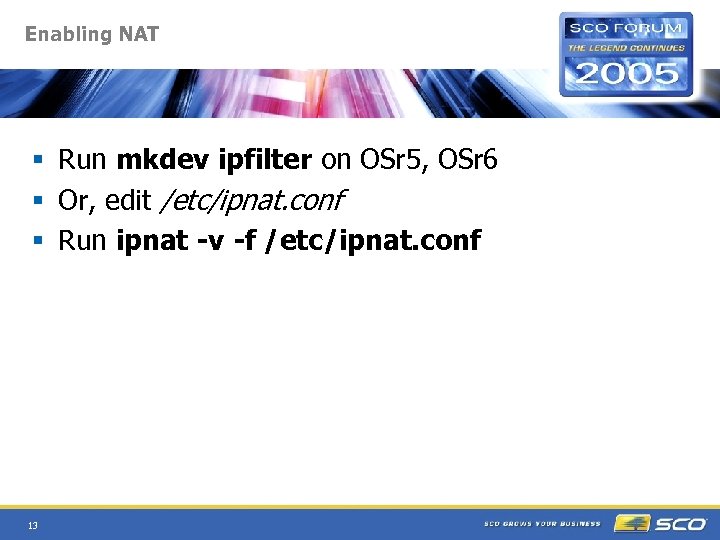 Enabling NAT § Run mkdev ipfilter on OSr 5, OSr 6 § Or, edit /etc/ipnat. conf § Run ipnat -v -f /etc/ipnat. conf 13
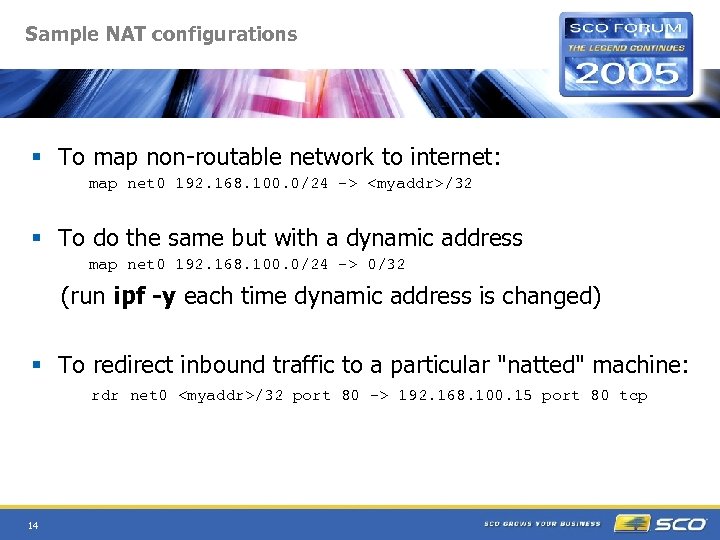 Sample NAT configurations § To map non-routable network to internet: map net 0 192. 168. 100. 0/24 ->
 What is IPsec? § Comprehensive data security architecture for IP and upper-level protocols § Designed for (and obligatory on) IPv 6. Optional on IPv 4. § Supported on OSR 6, UW 714 § SCO IPsec based on KAME, an open source implementation for *BSD 15
 Why IPsec? § Code economy and flexibility: Applications need not be aware of security architecture § Lower costs: Can establish secure links (e. g. between home and brance offices) using public networks rather than private, dedicated circuits 16
 What is IPsec? § IPsec provides: § § § 17 Confidentiality (encryption) Integrity (tampering detection) Access control Replay protection Source address authentication Virtual private network (VPN)
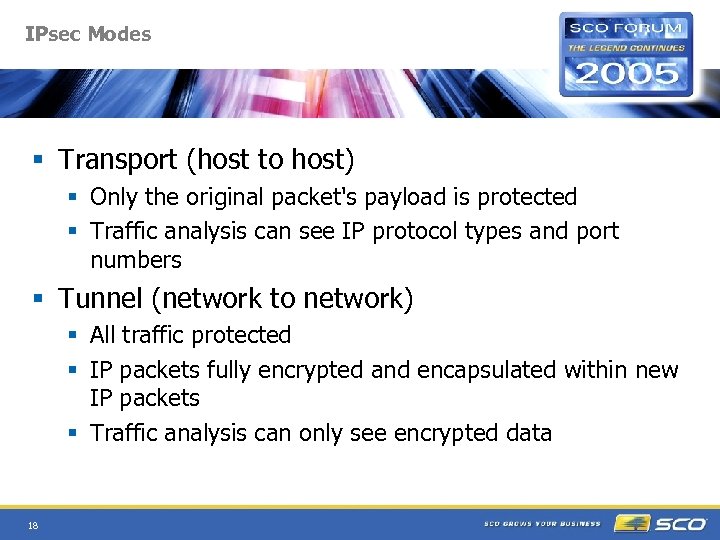 IPsec Modes § Transport (host to host) § Only the original packet's payload is protected § Traffic analysis can see IP protocol types and port numbers § Tunnel (network to network) § All traffic protected § IP packets fully encrypted and encapsulated within new IP packets § Traffic analysis can only see encrypted data 18
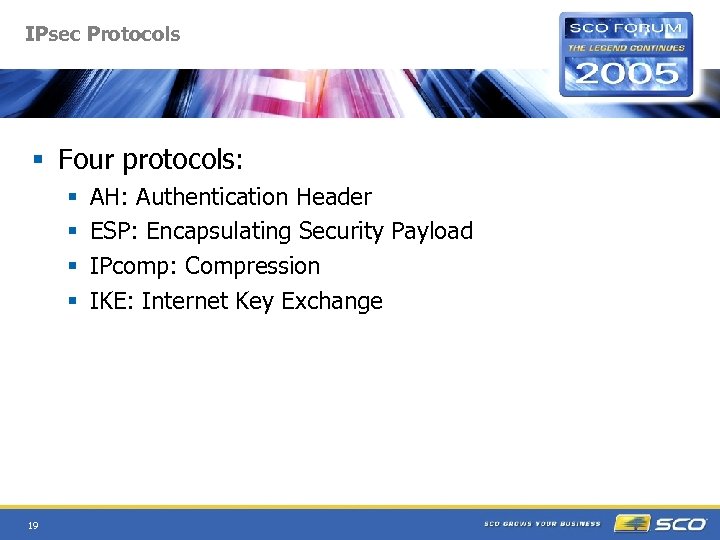 IPsec Protocols § Four protocols: § § 19 AH: Authentication Header ESP: Encapsulating Security Payload IPcomp: Compression IKE: Internet Key Exchange
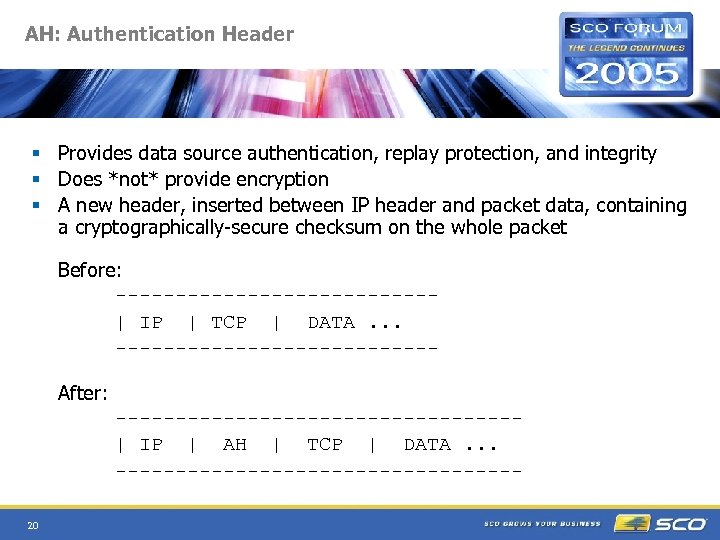 AH: Authentication Header § Provides data source authentication, replay protection, and integrity § Does *not* provide encryption § A new header, inserted between IP header and packet data, containing a cryptographically-secure checksum on the whole packet Before: -------------| IP | TCP | DATA. . . -------------After: -----------------| IP | AH | TCP | DATA. . . -----------------20
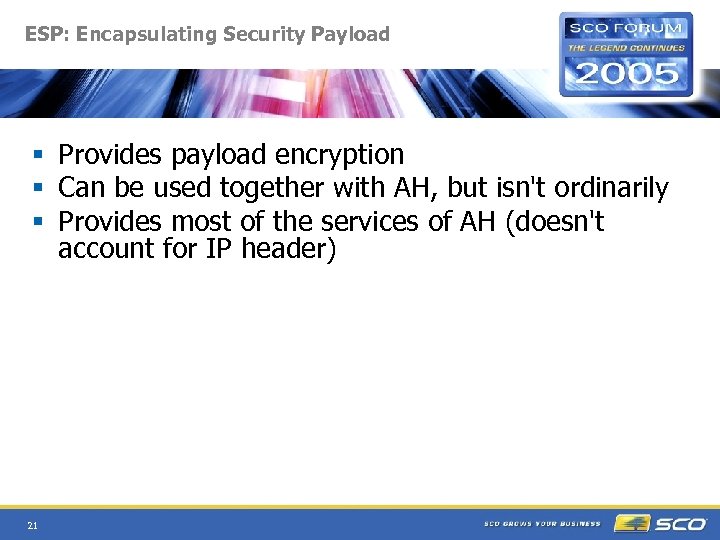 ESP: Encapsulating Security Payload § Provides payload encryption § Can be used together with AH, but isn't ordinarily § Provides most of the services of AH (doesn't account for IP header) 21
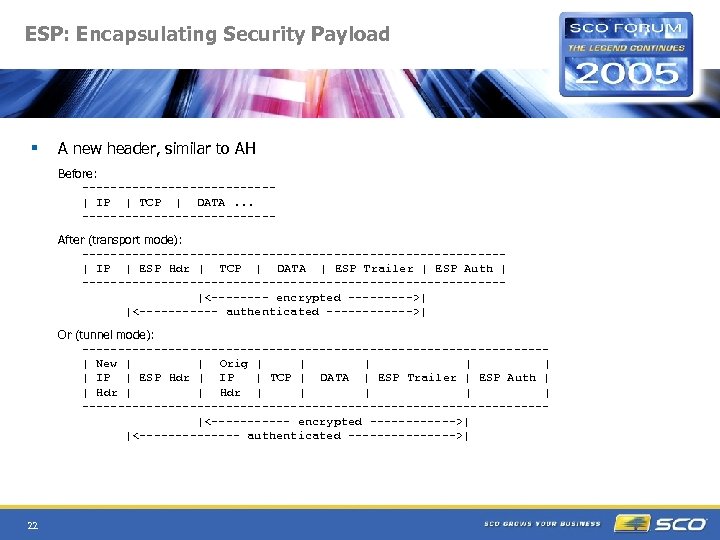 ESP: Encapsulating Security Payload § A new header, similar to AH Before: -------------| IP | TCP | DATA. . . -------------After (transport mode): -----------------------------| IP | ESP Hdr | TCP | DATA | ESP Trailer | ESP Auth | -----------------------------|<---- encrypted ----->| |<------ authenticated ------>| Or (tunnel mode): --------------------------------| New | | Orig | | | IP | ESP Hdr | IP | TCP | DATA | ESP Trailer | ESP Auth | | Hdr | | | --------------------------------|<------ encrypted ------>| |<------- authenticated -------->| 22
 IPcomp: IP Compression § Compresses data prior to encryption § Needed because encryption makes data hard to compress 23
 IPsec encryption algorithms § Data integrity: MD 5, SHA 1, SHA 2 § Confidentiality: AES, DES, 3 DES, blowfish, cast 128, RC 4 § Modular design; can acquire new algorithms as they are developed 24
 IKE: Internet Key Exchange § Implemented by user daemon racoon § Runs as a UDP service, port 500 § Uses Diffie-Hellman key exchange to establish shared secrets on two systems § Updates shared secrets as needed according to Security Policy (e. g. , every N hours, or every M bytes) 25
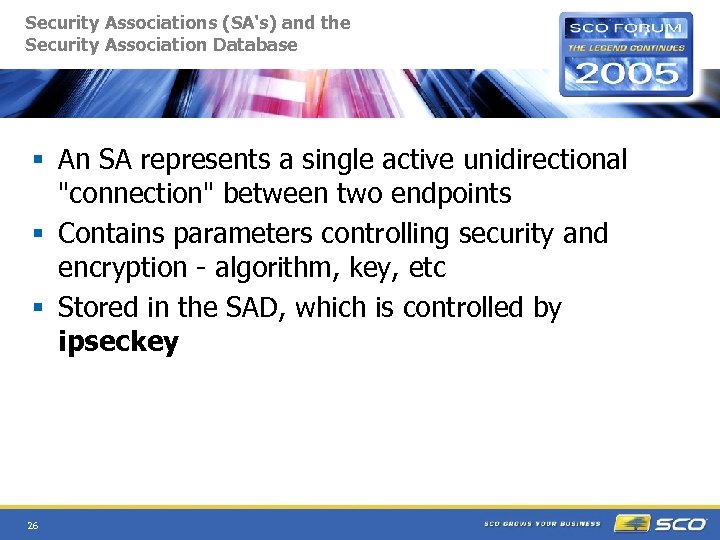 Security Associations (SA's) and the Security Association Database § An SA represents a single active unidirectional "connection" between two endpoints § Contains parameters controlling security and encryption - algorithm, key, etc § Stored in the SAD, which is controlled by ipseckey 26
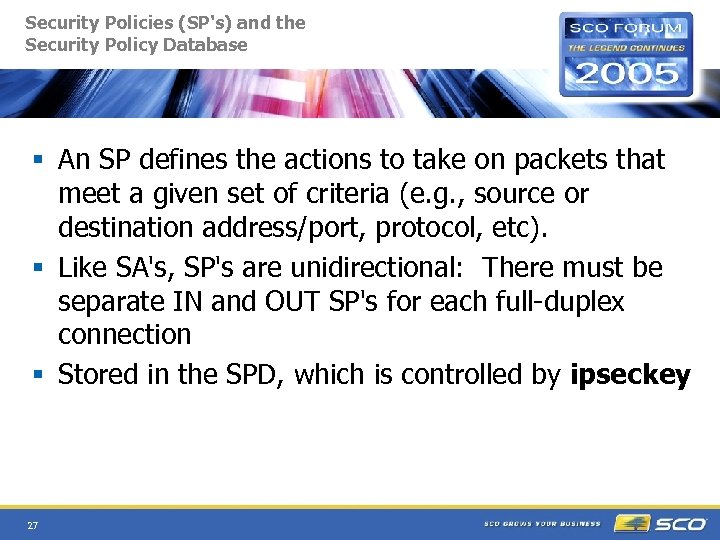 Security Policies (SP's) and the Security Policy Database § An SP defines the actions to take on packets that meet a given set of criteria (e. g. , source or destination address/port, protocol, etc). § Like SA's, SP's are unidirectional: There must be separate IN and OUT SP's for each full-duplex connection § Stored in the SPD, which is controlled by ipseckey 27
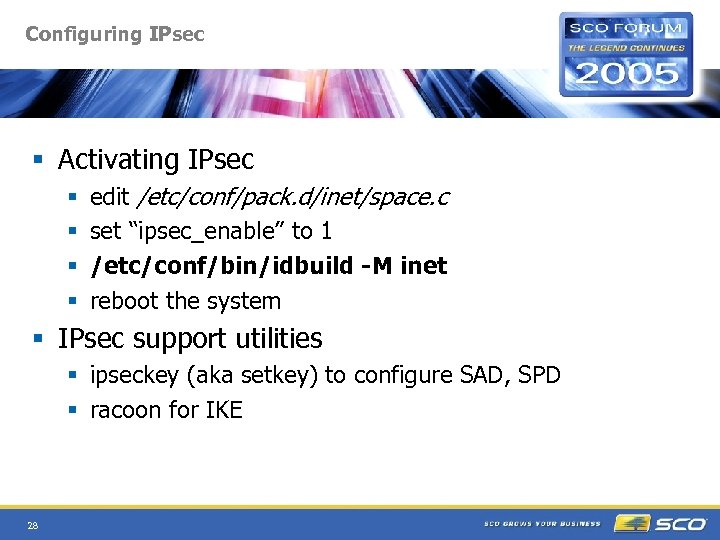 Configuring IPsec § Activating IPsec § § edit /etc/conf/pack. d/inet/space. c set “ipsec_enable” to 1 /etc/conf/bin/idbuild -M inet reboot the system § IPsec support utilities § ipseckey (aka setkey) to configure SAD, SPD § racoon for IKE 28
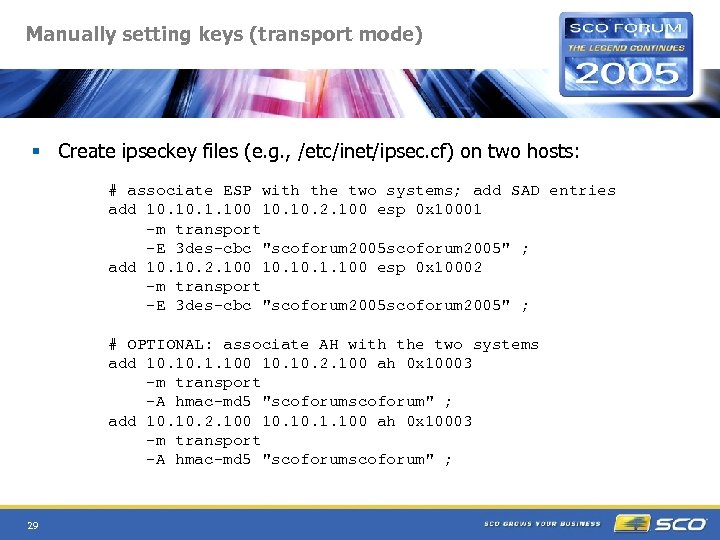 Manually setting keys (transport mode) § Create ipseckey files (e. g. , /etc/inet/ipsec. cf) on two hosts: # associate ESP with the two systems; add SAD entries add 10. 1. 100 10. 2. 100 esp 0 x 10001 -m transport -E 3 des-cbc "scoforum 2005" ; add 10. 2. 100 10. 1. 100 esp 0 x 10002 -m transport -E 3 des-cbc "scoforum 2005" ; # OPTIONAL: associate AH with the two systems add 10. 1. 100 10. 2. 100 ah 0 x 10003 -m transport -A hmac-md 5 "scoforum" ; add 10. 2. 100 10. 1. 100 ah 0 x 10003 -m transport -A hmac-md 5 "scoforum" ; 29
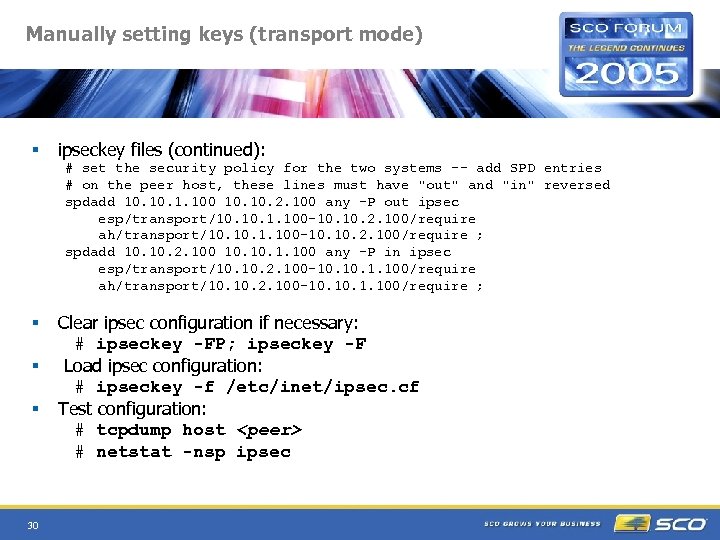 Manually setting keys (transport mode) § ipseckey files (continued): # set the security policy for the two systems -- add SPD entries # on the peer host, these lines must have "out" and "in" reversed spdadd 10. 1. 100 10. 2. 100 any -P out ipsec esp/transport/10. 1. 100 -10. 2. 100/require ah/transport/10. 1. 100 -10. 2. 100/require ; spdadd 10. 2. 100 10. 1. 100 any -P in ipsec esp/transport/10. 2. 100 -10. 1. 100/require ah/transport/10. 2. 100 -10. 1. 100/require ; § § § 30 Clear ipsec configuration if necessary: # ipseckey -FP; ipseckey -F Load ipsec configuration: # ipseckey -f /etc/inet/ipsec. cf Test configuration: # tcpdump host
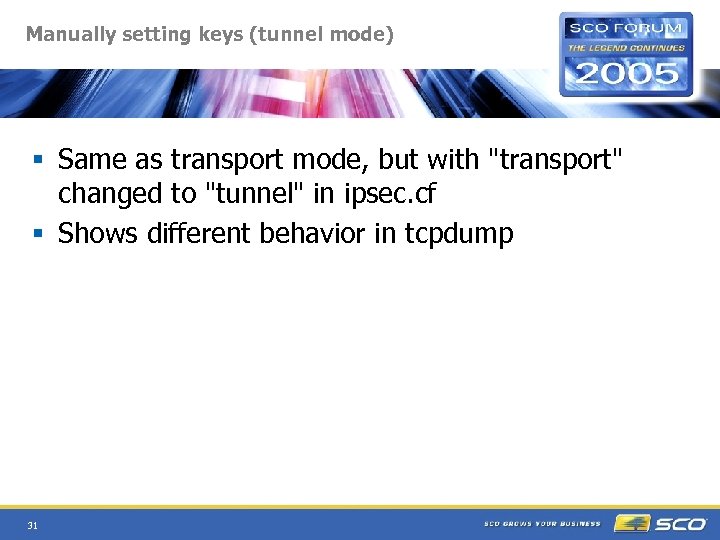 Manually setting keys (tunnel mode) § Same as transport mode, but with "transport" changed to "tunnel" in ipsec. cf § Shows different behavior in tcpdump 31
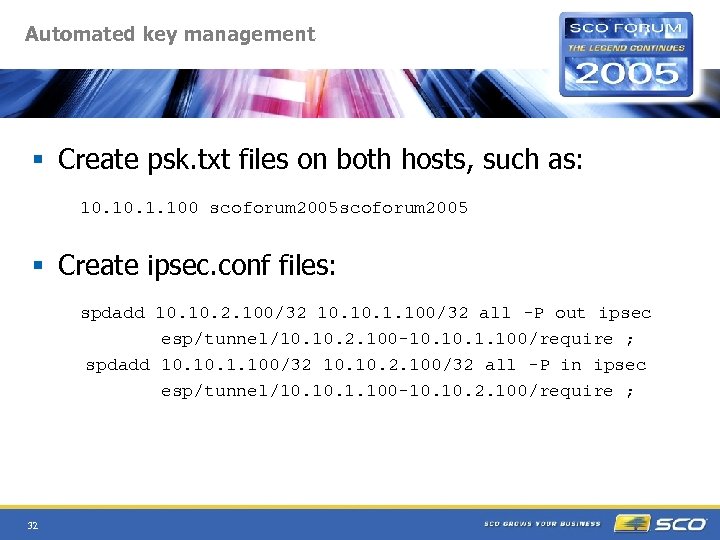 Automated key management § Create psk. txt files on both hosts, such as: 10. 1. 100 scoforum 2005 § Create ipsec. conf files: spdadd 10. 2. 100/32 10. 1. 100/32 all -P out ipsec esp/tunnel/10. 2. 100 -10. 1. 100/require ; spdadd 10. 1. 100/32 10. 2. 100/32 all -P in ipsec esp/tunnel/10. 1. 100 -10. 2. 100/require ; 32
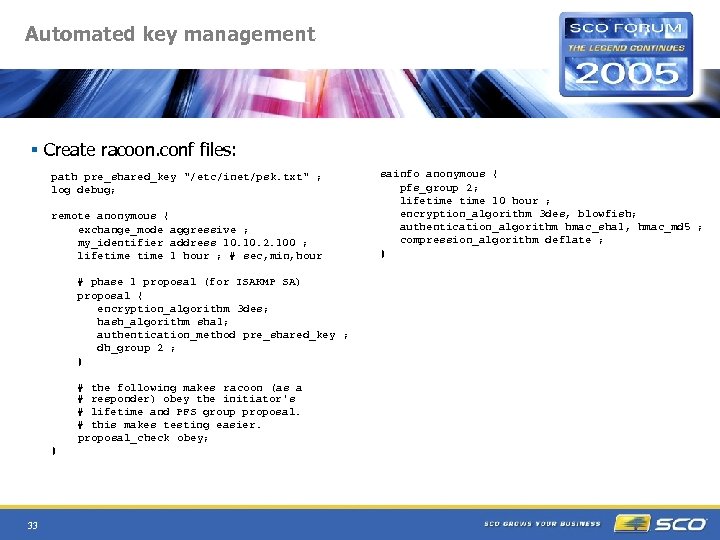 Automated key management § Create racoon. conf files: path pre_shared_key "/etc/inet/psk. txt" ; log debug; remote anonymous { exchange_mode aggressive ; my_identifier address 10. 2. 100 ; lifetime 1 hour ; # sec, min, hour # phase 1 proposal (for ISAKMP SA) proposal { encryption_algorithm 3 des; hash_algorithm sha 1; authentication_method pre_shared_key ; dh_group 2 ; } # the following makes racoon (as a # responder) obey the initiator's # lifetime and PFS group proposal. # this makes testing easier. proposal_check obey; } 33 sainfo anonymous { pfs_group 2; lifetime 10 hour ; encryption_algorithm 3 des, blowfish; authentication_algorithm hmac_sha 1, hmac_md 5 ; compression_algorithm deflate ; }
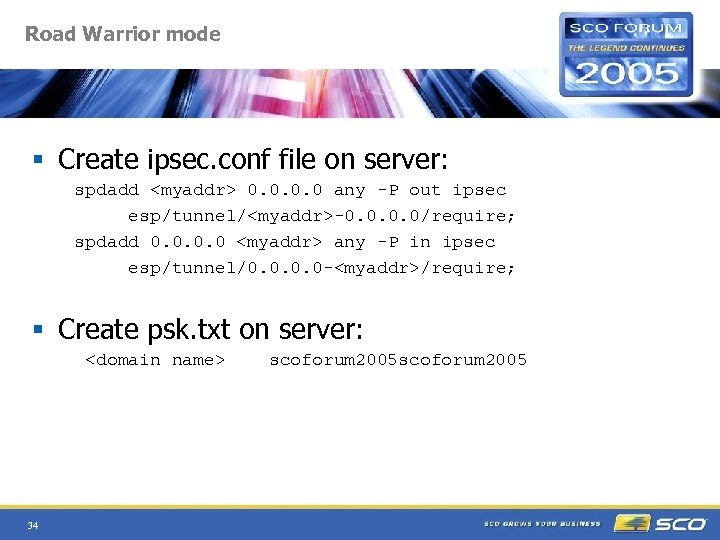 Road Warrior mode § Create ipsec. conf file on server: spdadd
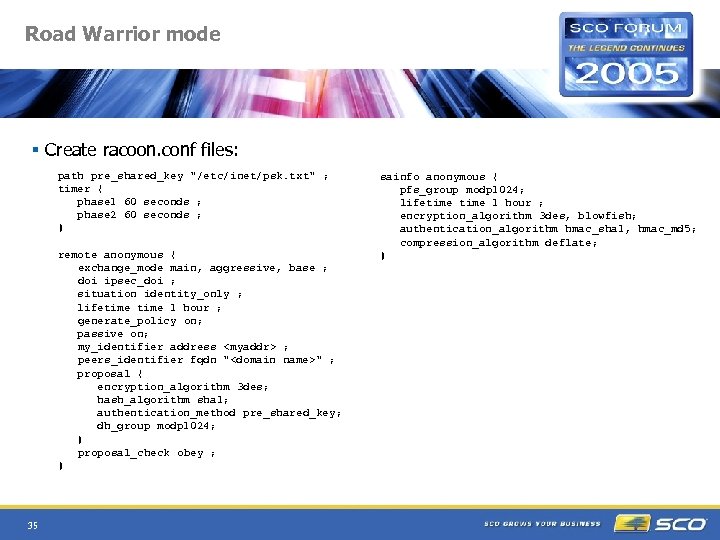 Road Warrior mode § Create racoon. conf files: path pre_shared_key "/etc/inet/psk. txt" ; timer { phase 1 60 seconds ; phase 2 60 seconds ; } remote anonymous { exchange_mode main, aggressive, base ; doi ipsec_doi ; situation identity_only ; lifetime 1 hour ; generate_policy on; passive on; my_identifier address
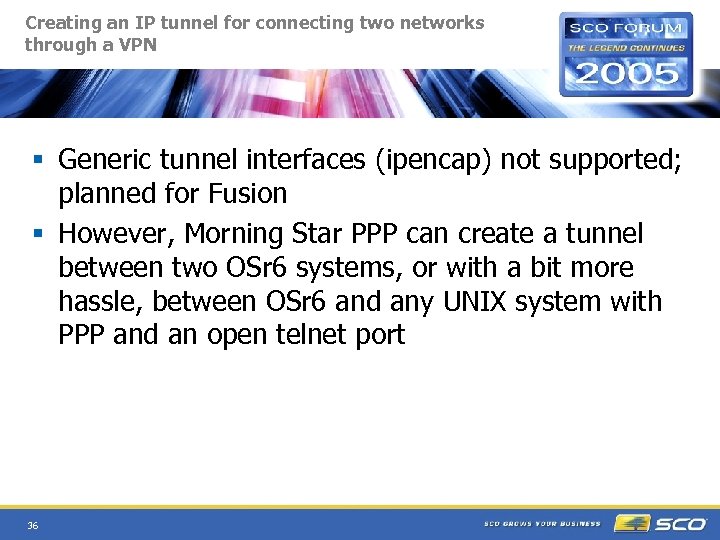 Creating an IP tunnel for connecting two networks through a VPN § Generic tunnel interfaces (ipencap) not supported; planned for Fusion § However, Morning Star PPP can create a tunnel between two OSr 6 systems, or with a bit more hassle, between OSr 6 and any UNIX system with PPP and an open telnet port 36
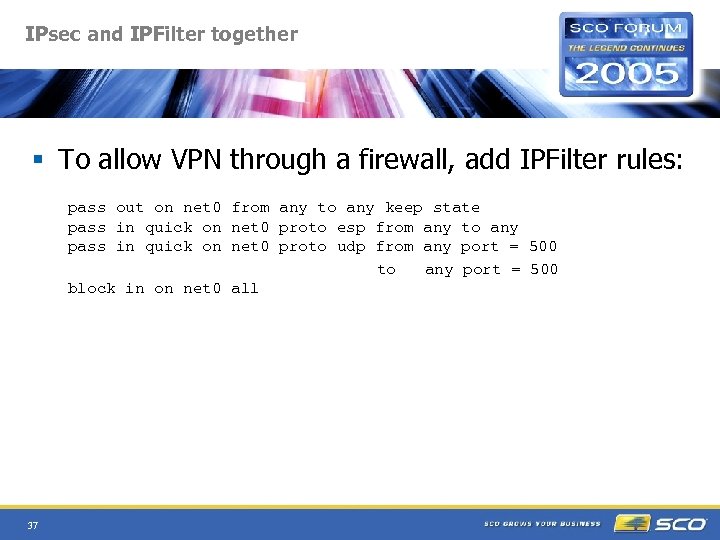 IPsec and IPFilter together § To allow VPN through a firewall, add IPFilter rules: pass out on net 0 from any to any keep state pass in quick on net 0 proto esp from any to any pass in quick on net 0 proto udp from any port = 500 to any port = 500 block in on net 0 all 37
 IPsec limitations § § 38 Arcane Long development cycle (e. g. IKE) Interoperability problems Difficult to traverse NAT
 SSL VPN § Limited access control § Poorer performance than IPsec 39
 Future § New IKEv 2 protocol (racoon 2) § NAT traversal support (RFC 3948, RFC 3715) § Generic IP-over-IP tunneling interfaces (ipencap) 40
 Online resources - IPFilter § SCO IP Filter documentation: http: //osr 600 doc. sco. com/en/NET_tcp/ipfintro. html § IP Filter website (with source): http: //coombs. anu. edu. au/~avalon/ § IP Filter FAQ: http: //www. phildev. net/ipf § IP Filter HOWTO: http: //www. obfuscation. org/ipf/ 41
 Online resources - IPsec § SCO IPsec documentation: http: //osr 600 doc. sco. com/en/NET_ipsec/ipsec_top. html § KAME site (with source): http: //www. kame. org § IPsec related RFCs, 2401 - 2412: http: //www. ietf. org/rfc 2401. txt - Security Architecture for IP http: //www. ietf. org/rfc 2402. txt - Authentication Header http: //www. ietf. org/rfc 2406. txt - Encapsulating Security Payload http: //www. ietf. org/rfc 2407. txt - IPsec Do. I for ISAKMP http: //www. ietf. org/rfc 2408. txt - ISAKMP http: //www. ietf. org/rfc 2409. txt - Internet Key Exchange http: //www. ietf. org/rfc 2410. txt - NULL encryption algorithm http: //www. ietf. org/rfc 2411. txt - IP Security Document Roadmap http: //www. ietf. org/rfc 2412. txt - OAKLEY Key Determination Protocol 42