


 Скачать презентацию Meeting 3 Advanced Apache Topics Rutgers University Internet
56418569c5bec588b504a46843ea2787.ppt
- Количество слайдов: 27
 Meeting 3: Advanced Apache Topics Rutgers University Internet Institute Instructor: Chris Uriarte (non IPVH exc) Web Technology – Web Server Setup : Chris Uriarte
 Virtual Hosting • General term used when you run more than one website on a single system. • Allows ISPs and hosting providers to make money by sharing resources among clients. Allows companies and individuals to save time and money - a single machine can host many websites. Web Technology – Web Server Setup : Chris Uriarte
 Options for Hosting More than One Website on a Single System • Run separate instances of httpd servers: httpd –f /usr/local/apache/conf/httpd-virtual. conf • Run a server that will listen on multiple ports and serve different content depending on the port. • True Virtual Hosting - Allows multiple IP address and/or host names to be served through a single Apache server. – IP-Based – Name-Based (not supported by very early Web browsers…Netscape 2. 0/IE 3. 0) Web Technology – Web Server Setup : Chris Uriarte
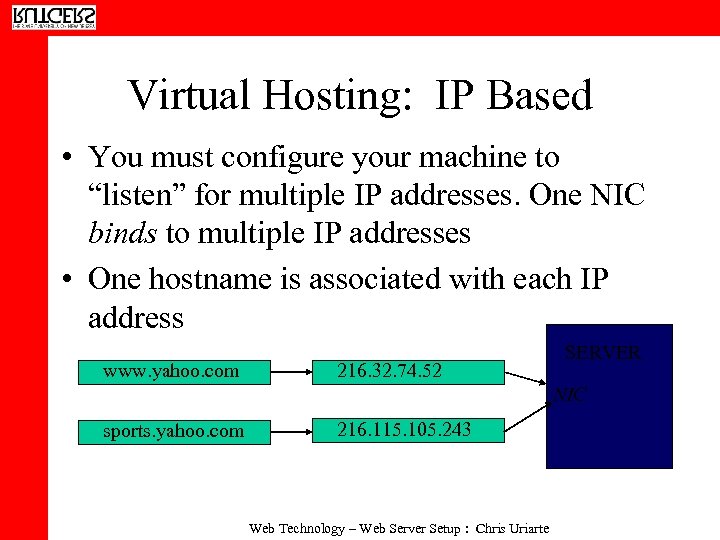 Virtual Hosting: IP Based • You must configure your machine to “listen” for multiple IP addresses. One NIC binds to multiple IP addresses • One hostname is associated with each IP address www. yahoo. com 216. 32. 74. 52 SERVER NIC sports. yahoo. com 216. 115. 105. 243 Web Technology – Web Server Setup : Chris Uriarte
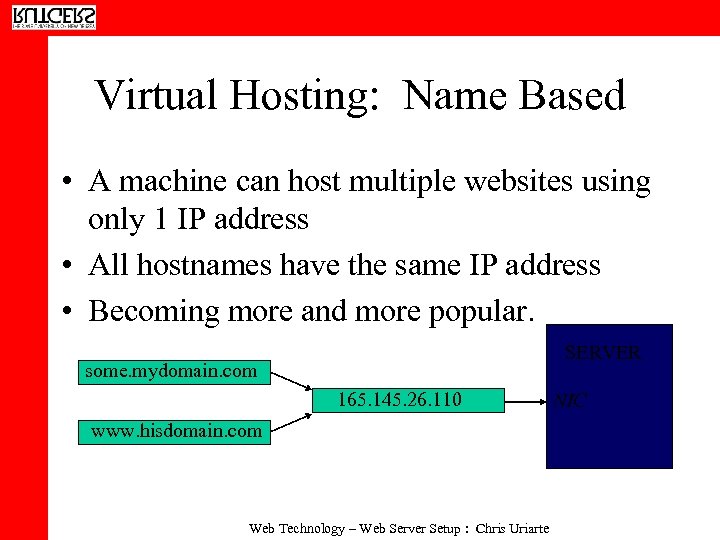 Virtual Hosting: Name Based • A machine can host multiple websites using only 1 IP address • All hostnames have the same IP address • Becoming more and more popular. SERVER some. mydomain. com 165. 145. 26. 110 www. hisdomain. com Web Technology – Web Server Setup : Chris Uriarte NIC
 Setting-Up IP-Based Virtual Hosting: An Overview • Once you have secured the domain names/hostnames you want to use for your website, you need to assign each of them a unique IP address. • Some ISPs can assign you additional IP addresses. • Blocks of IP addresses are usually assigned with business T 1 s or DSL lines. Web Technology – Web Server Setup : Chris Uriarte
 Setting-Up IP-Based Virtual Hosting, Con’t. • You need to have DNS properly configured for your domains, e. g. The world needs to know that www. yourdomain. com is at the IP address 123. 34. 56. • Remember, your ISP can usually provide DNS service for your domains. Web Technology – Web Server Setup : Chris Uriarte
 IP-Based Virtual Hosting: Setting Up Your Machine • Your web server needs to be configured to listen for the IP addresses related to your websites: • UNIX-based OSs allow you to configure multiple IP addresses using the ifconfig command (must be run as root) • Usage: ifconfig interface:
 Configuring Apache for IP-Based Virtual Hosting • Configuring Apache for Virtual Hosting is quite simple: Simply add a
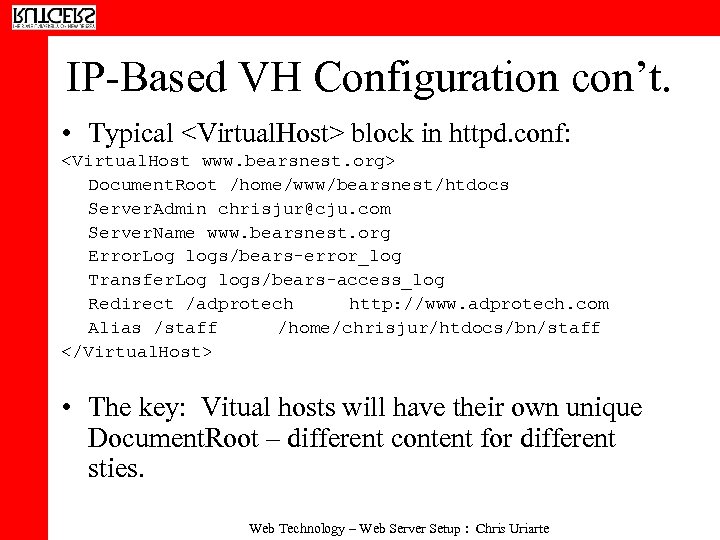 IP-Based VH Configuration con’t. • Typical
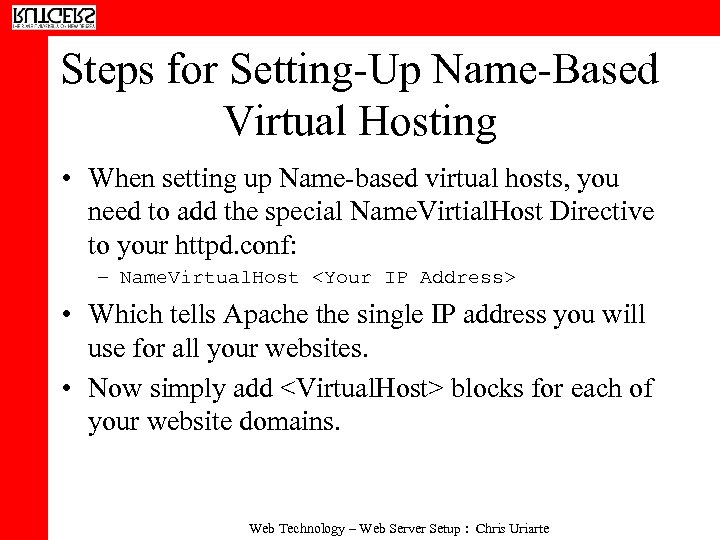 Steps for Setting-Up Name-Based Virtual Hosting • When setting up Name-based virtual hosts, you need to add the special Name. Virtial. Host Directive to your httpd. conf: – Name. Virtual. Host
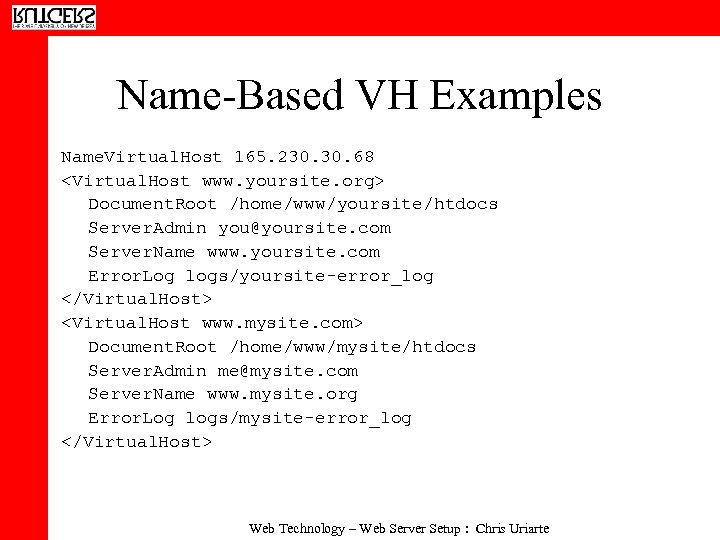 Name-Based VH Examples Name. Virtual. Host 165. 230. 68
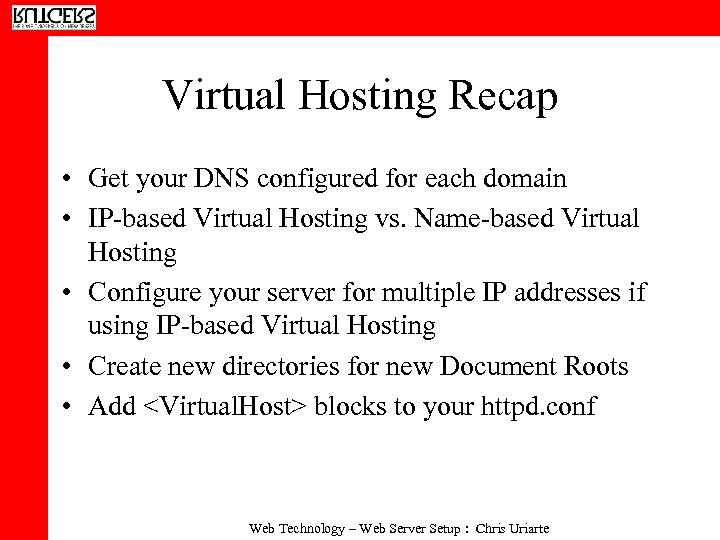 Virtual Hosting Recap • Get your DNS configured for each domain • IP-based Virtual Hosting vs. Name-based Virtual Hosting • Configure your server for multiple IP addresses if using IP-based Virtual Hosting • Create new directories for new Document Roots • Add
 Delivering Dynamic Content • Two ways of delivering dynamic content for the Web: client-side or server-side technologies • Client-Side – Elements are downloaded to the browser and execute on the client’s system. – Examples: Java. Script, Java Applets, client-side image maps. – Web server administrator needs to see that MIME types are set correctly. Web Technology – Web Server Setup : Chris Uriarte
 Dynamic Content, con’t. • Server-Side – Server processes “on-the-fly” content that is passed to client browser. – Examples: server-side includes, CGI (Common Gateway Interface), server-side image maps, ASP (Active Server Pages), Java Servlets. PHP – Server-side technologies generally require additional configuration of the Web server in order to function properly. Usually require specific Apache modules. – Enabling server-side technologies generally has security implications. Web Technology – Web Server Setup : Chris Uriarte
 Server-Side Includes • Server-side includes are directives that can be placed in HTML documents to execute other programs or to output data. • Requires mod_include. • To enable SSI, make the following modifications to httpd. conf: – Options Includes (or Includes. NOEXEC) • The options directive only works within a specific Directory or Virtual. Host container. Web Technology – Web Server Setup : Chris Uriarte
 Enabling Server Side Includes, con’t… • To tell Apache how to interpret SSI documents, add the following to httpd. conf: Add. Type text/html. shtml Add. Handler server-parsed. shtml • These lines are usually commented out by default, so you just need to uncomment them. • All files with indicated extension(s) will be parsed by Apache server prior to being transmitted to the client, e. g. web page files that end with. shtml can contain SSI’s. Web Technology – Web Server Setup : Chris Uriarte
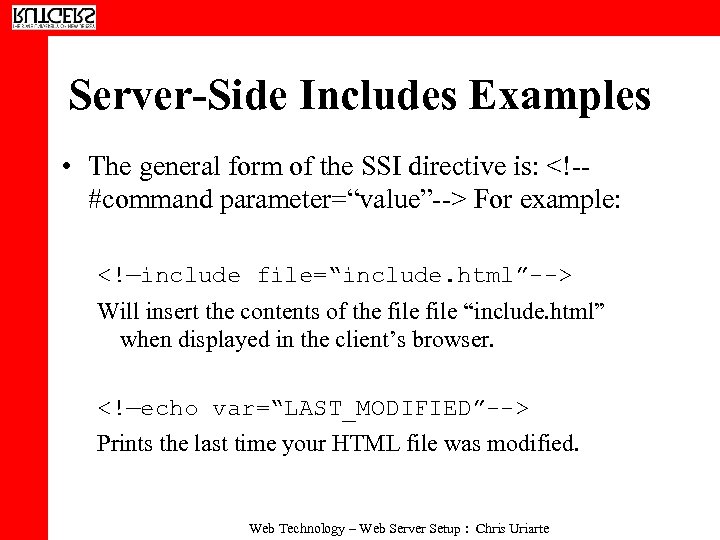 Server-Side Includes Examples • The general form of the SSI directive is: For example: Will insert the contents of the file “include. html” when displayed in the client’s browser. Prints the last time your HTML file was modified. Web Technology – Web Server Setup : Chris Uriarte
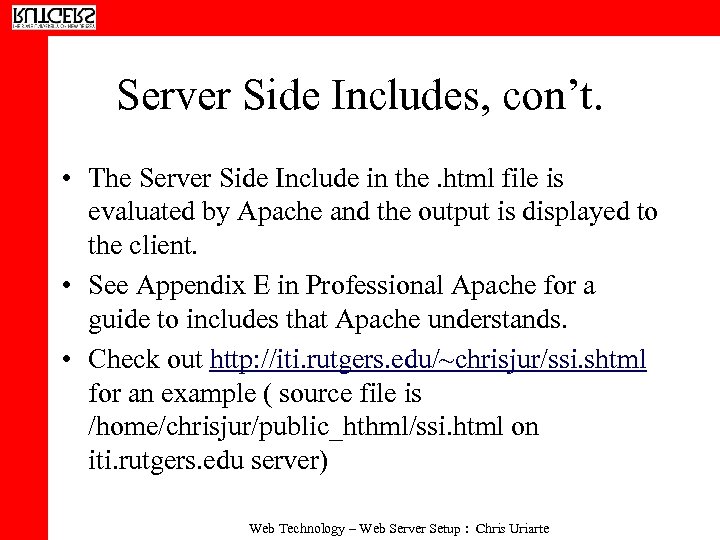 Server Side Includes, con’t. • The Server Side Include in the. html file is evaluated by Apache and the output is displayed to the client. • See Appendix E in Professional Apache for a guide to includes that Apache understands. • Check out http: //iti. rutgers. edu/~chrisjur/ssi. shtml for an example ( source file is /home/chrisjur/public_hthml/ssi. html on iti. rutgers. edu server) Web Technology – Web Server Setup : Chris Uriarte
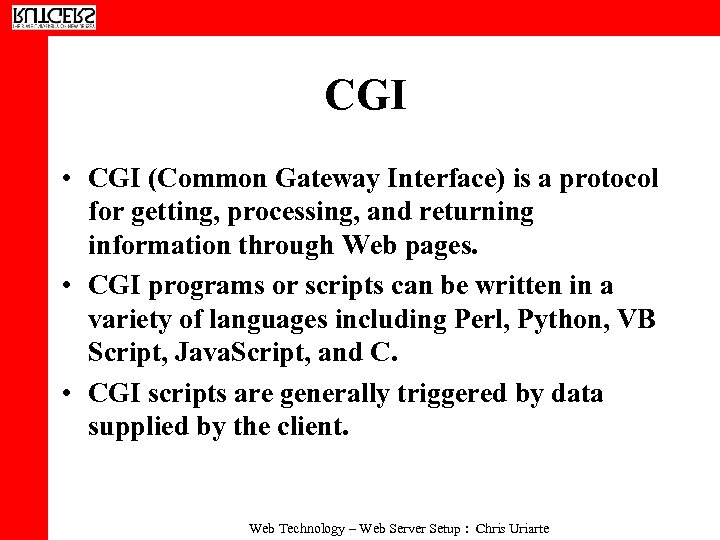 CGI • CGI (Common Gateway Interface) is a protocol for getting, processing, and returning information through Web pages. • CGI programs or scripts can be written in a variety of languages including Perl, Python, VB Script, Java. Script, and C. • CGI scripts are generally triggered by data supplied by the client. Web Technology – Web Server Setup : Chris Uriarte
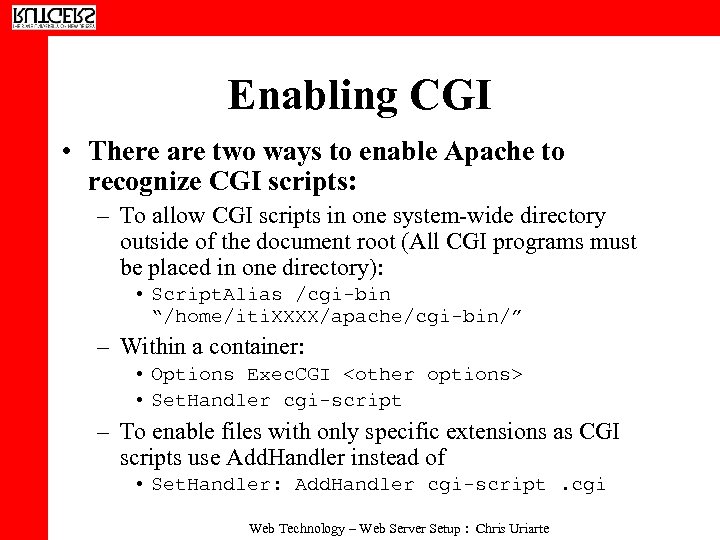 Enabling CGI • There are two ways to enable Apache to recognize CGI scripts: – To allow CGI scripts in one system-wide directory outside of the document root (All CGI programs must be placed in one directory): • Script. Alias /cgi-bin “/home/iti. XXXX/apache/cgi-bin/” – Within a container: • Options Exec. CGI
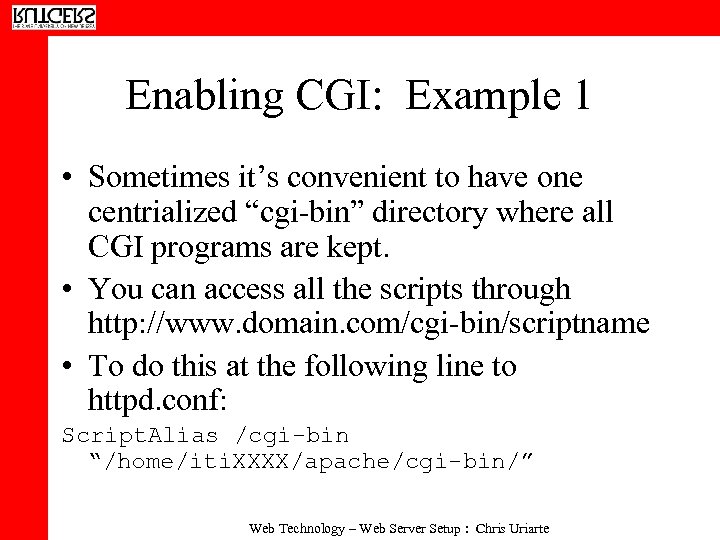 Enabling CGI: Example 1 • Sometimes it’s convenient to have one centrialized “cgi-bin” directory where all CGI programs are kept. • You can access all the scripts through http: //www. domain. com/cgi-bin/scriptname • To do this at the following line to httpd. conf: Script. Alias /cgi-bin “/home/iti. XXXX/apache/cgi-bin/” Web Technology – Web Server Setup : Chris Uriarte
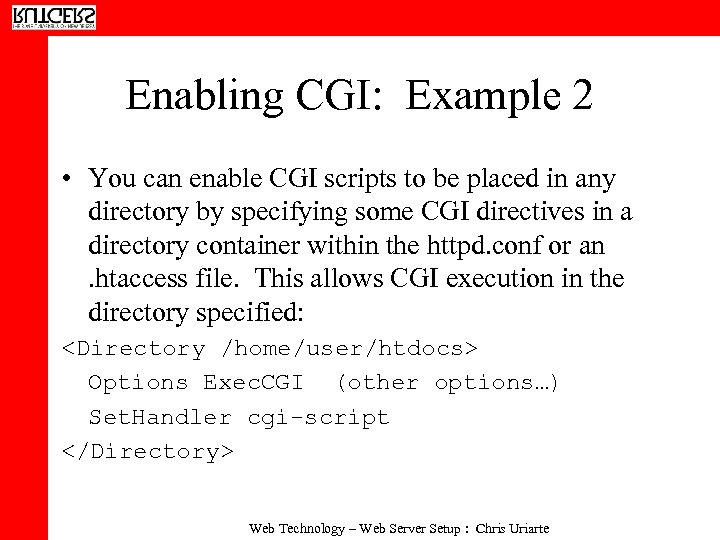 Enabling CGI: Example 2 • You can enable CGI scripts to be placed in any directory by specifying some CGI directives in a directory container within the httpd. conf or an. htaccess file. This allows CGI execution in the directory specified:
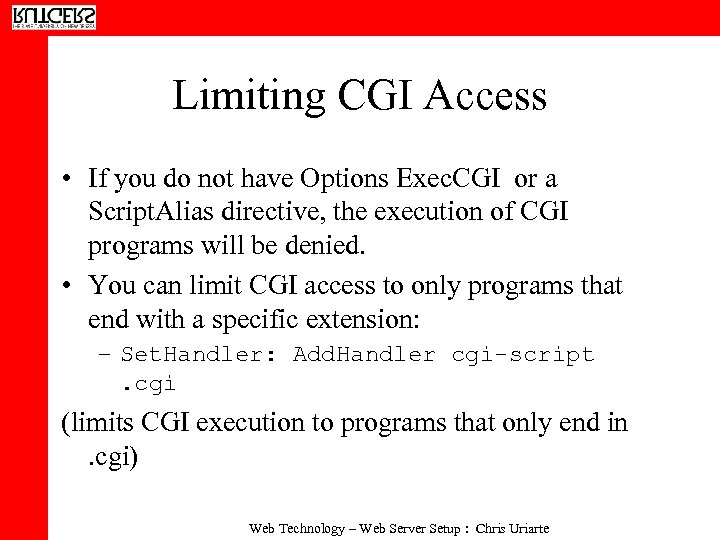 Limiting CGI Access • If you do not have Options Exec. CGI or a Script. Alias directive, the execution of CGI programs will be denied. • You can limit CGI access to only programs that end with a specific extension: – Set. Handler: Add. Handler cgi-script. cgi (limits CGI execution to programs that only end in. cgi) Web Technology – Web Server Setup : Chris Uriarte
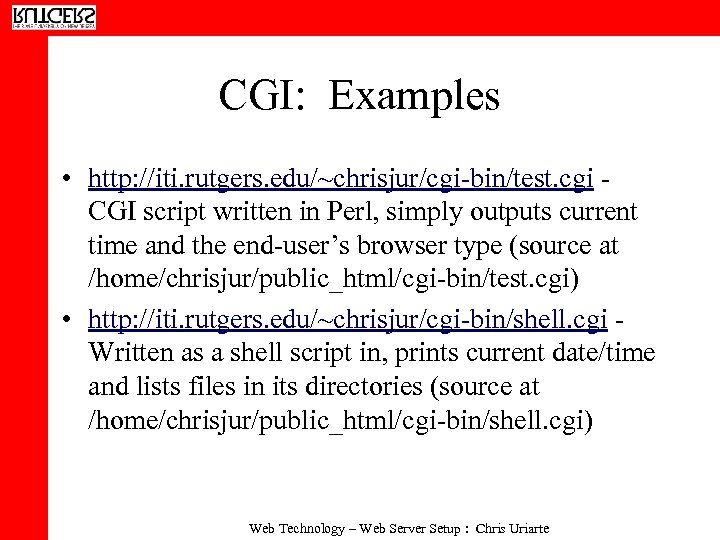 CGI: Examples • http: //iti. rutgers. edu/~chrisjur/cgi-bin/test. cgi CGI script written in Perl, simply outputs current time and the end-user’s browser type (source at /home/chrisjur/public_html/cgi-bin/test. cgi) • http: //iti. rutgers. edu/~chrisjur/cgi-bin/shell. cgi Written as a shell script in, prints current date/time and lists files in its directories (source at /home/chrisjur/public_html/cgi-bin/shell. cgi) Web Technology – Web Server Setup : Chris Uriarte
 More CGI Examples… • http: //iti. rutgers. edu/~chrisjur/feedback. html - More traditional example of what CGI is used for. An HTML form posts to a CGI script written in Perl (/home/chrisjur/public_html/cgibin/feedback. cgi) which emails form contents to a recipient and performs some validation logic. Web Technology – Web Server Setup : Chris Uriarte
 Exercise: Enabling CGI • Enable CGI via the Script. Alias directive in your httpd. conf. Specify a cgi-bin directory to place all your CGI scripts. • Copy /home/chrisjur/test. cgi script to your cgi-bin directory. Make the test. cgi script executeable (chmod a+x test. cgi) • Access the script via http: //iti. rutgers. edu: Your. Port/cgi-bin/test. cgi Web Technology – Web Server Setup : Chris Uriarte