


 Скачать презентацию Medical Imaging Resource Center A Tour of the
e158d02b5a7a85387512bdf3409c0843.ppt
- Количество слайдов: 56
 Medical Imaging Resource Center A Tour of the MIRC Community
 The Objective: Support the production, storage, indexing and distribution of medical imaging resources: – Teaching files – Scientific & technical documentation – Research images & datasets – Clinical trials data MIRC
 A little history… • MIRC was originally conceived as a large central database of images and related clinical information that would be maintained by the RSNA for open access by the medical imaging community. MIRC
 Evolution of the concept… • It soon become evident that a more effective strategy would be to leverage existing on-line electronic resources while creating new ones. MIRC
 The technical approach… • A virtual community – of medical image libraries – with a distributed index – supporting a distributed search mechanism • A kind of radiological Napster • The final result… MIRC
 An open community of medical imaging libraries and teaching files around the world, cooperating by sharing information through a common query format MIRC
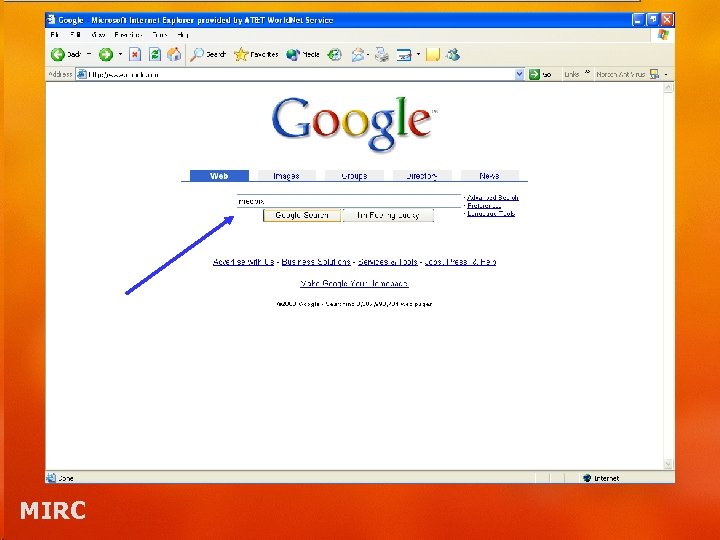
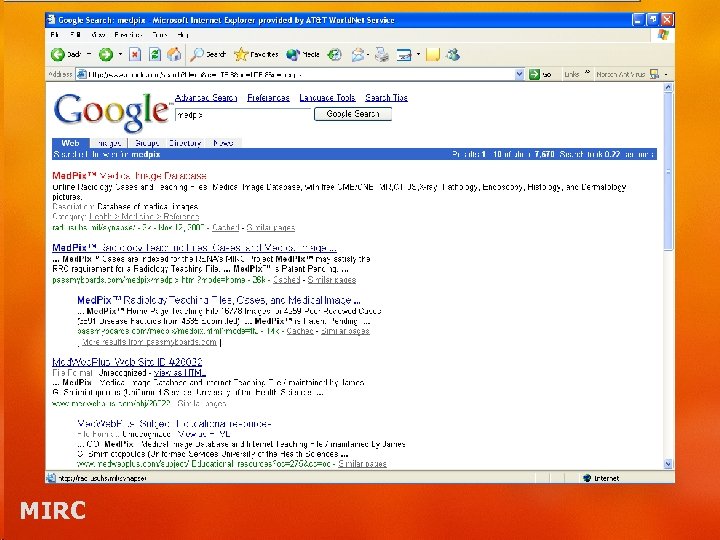
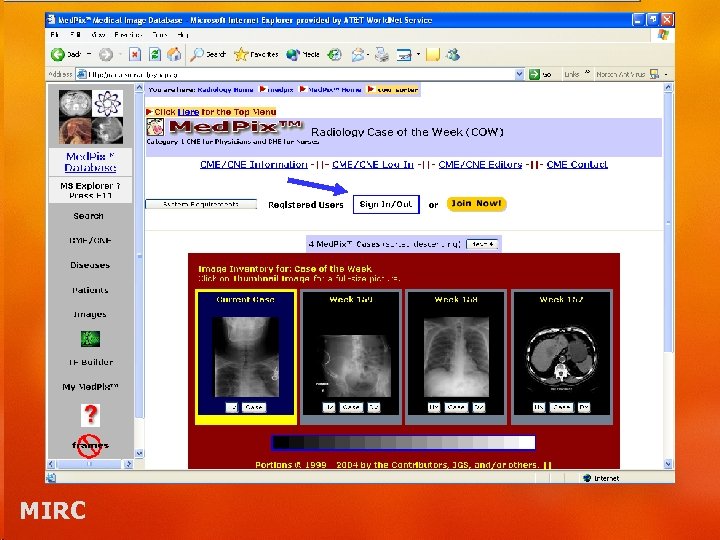
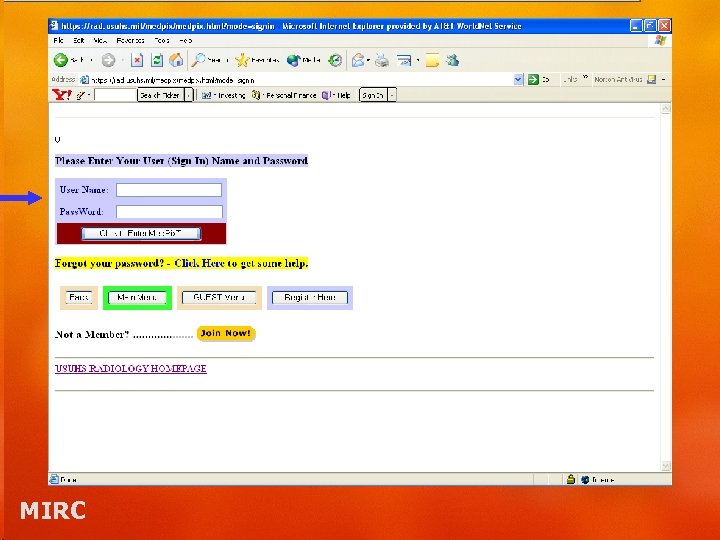
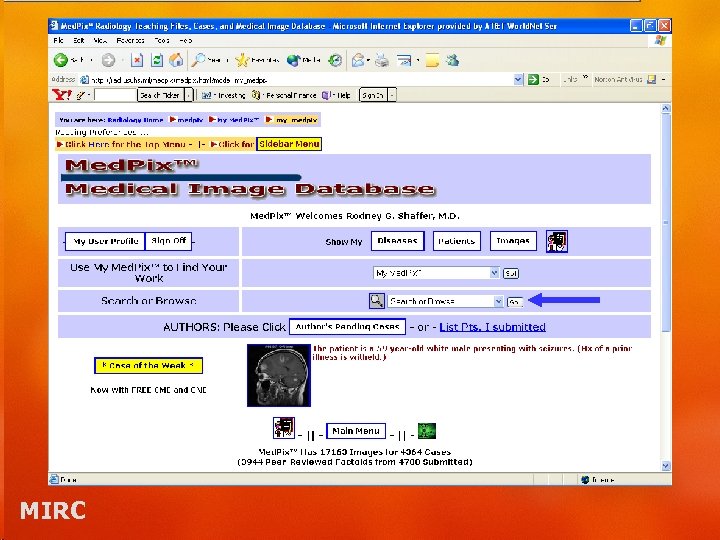
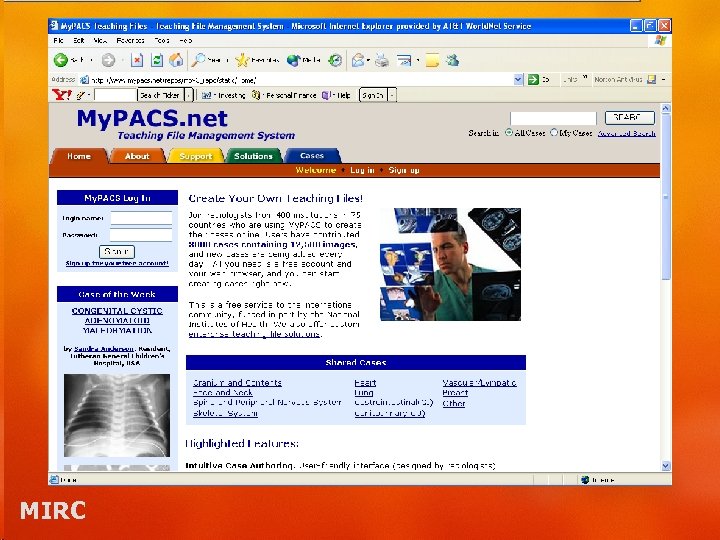
 Image Searching Prior to MIRC • Use of a search engine or multiple search engines to locate specific images or information. • Alternatively, find a website with multiple links to teaching files. MIRC
 MIRC
MIRC
 MIRC
MIRC
 MIRC
MIRC
 MIRC
MIRC
 MIRC
MIRC
 Image Searching Prior to MIRC • Or… • Find another database link via the search engine. MIRC
 MIRC
MIRC
 MIRC Sites • Query Service – An entry point into the MIRC community for a user on the Internet • Storage Service –A cooperating library • Index: the library’s card catalog • Server: the library’s shelves MIRC
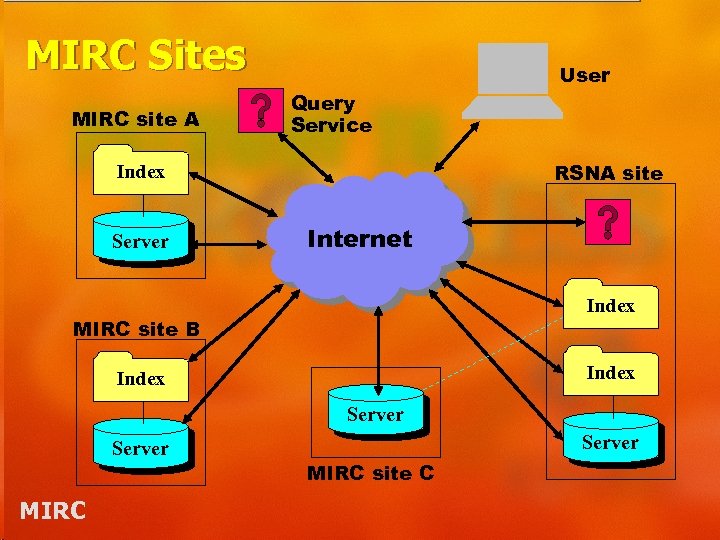 MIRC Sites MIRC site A Query Service RSNA site Index Server User Internet Index MIRC site B Index Server MIRC site C
 MIRC – a technical definition • MIRC is defined to be a set of servers (query services and storage services) that support: – the MIRCquery and – MIRCqueryresult XML schemas • MIRC places no constraints on how servers display their contents MIRC
 Query Services • Provide users with query forms. • Translate a query form into a MIRCquery XML object. • Distribute the MIRCquery to all selected Storage Services. • Collate the results and return them to the user. MIRC
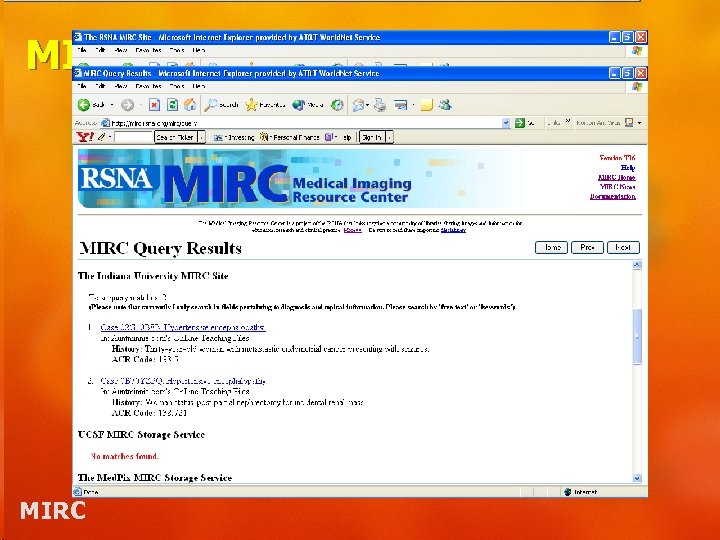
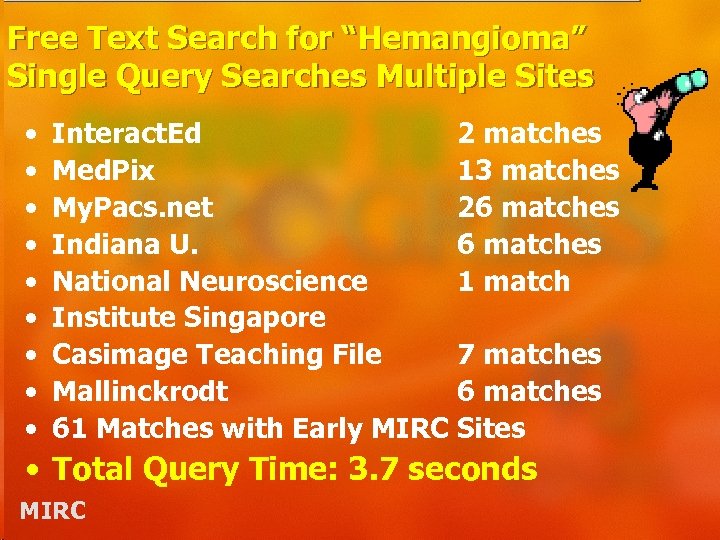 Free Text Search for “Hemangioma” Single Query Searches Multiple Sites • • • Interact. Ed 2 matches Med. Pix 13 matches My. Pacs. net 26 matches Indiana U. 6 matches National Neuroscience 1 match Institute Singapore Casimage Teaching File 7 matches Mallinckrodt 6 matches 61 Matches with Early MIRC Sites • Total Query Time: 3. 7 seconds MIRC
 Standard Query Service • Using the standard query service w/out the case navigator allows you to view the results in a typed page format. MIRC
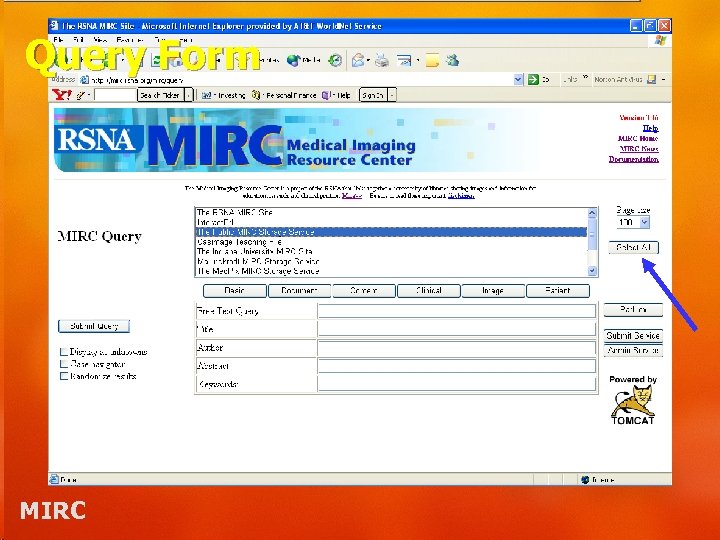 Query Form MIRC
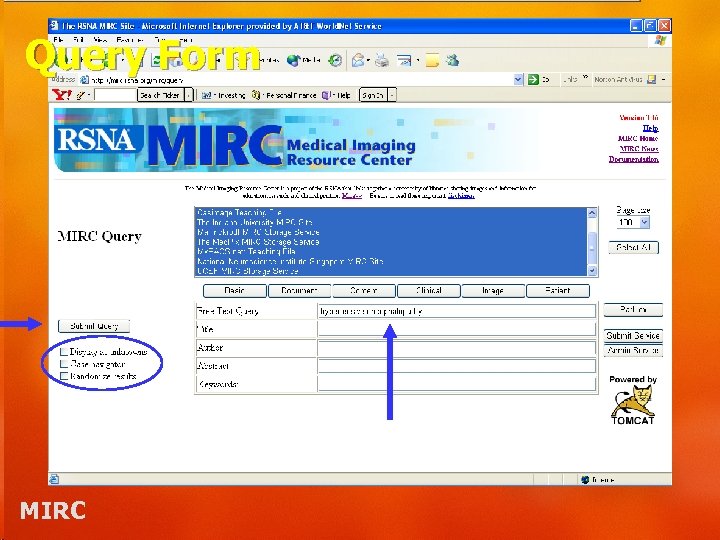 Query Form MIRC
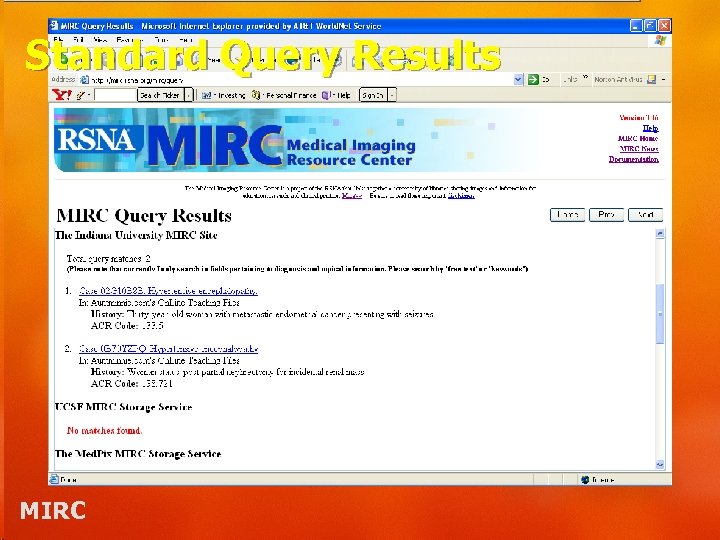 Standard Query Results MIRC
 Query Services • Selecting the case navigator will take you directly to the first case. The next case will be just a click away. MIRC
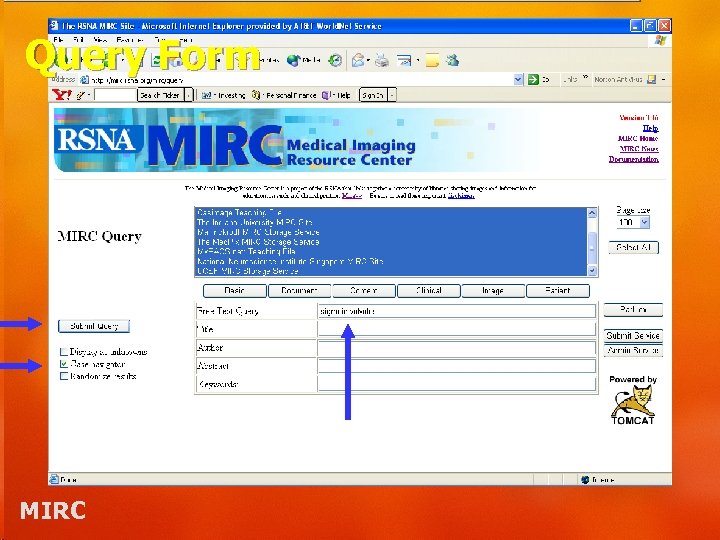 Query Form MIRC
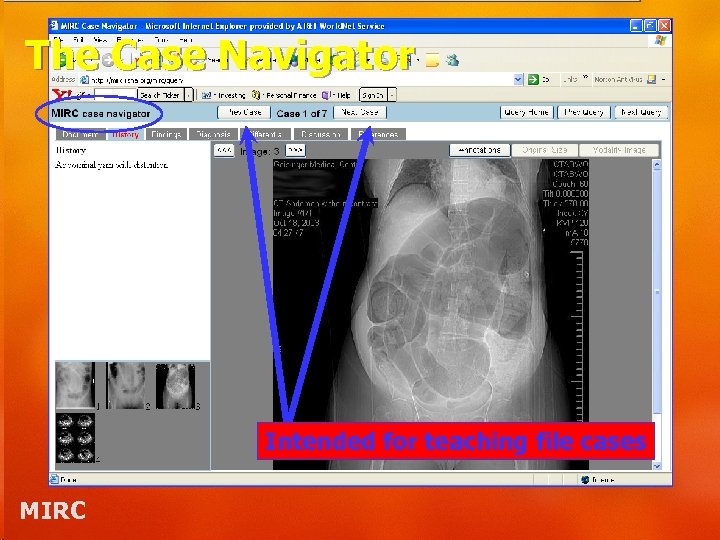 The Case Navigator Intended for teaching file cases MIRC
 Storage Services • Respond to queries from Query Services and serve content to users. • Each storage service maintains its own index • Each storage service is responsible for the display format of its content MIRC
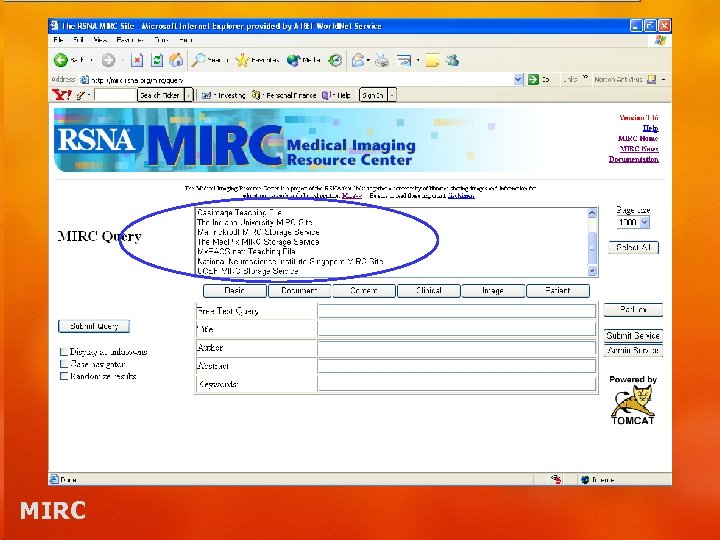 MIRC
MIRC
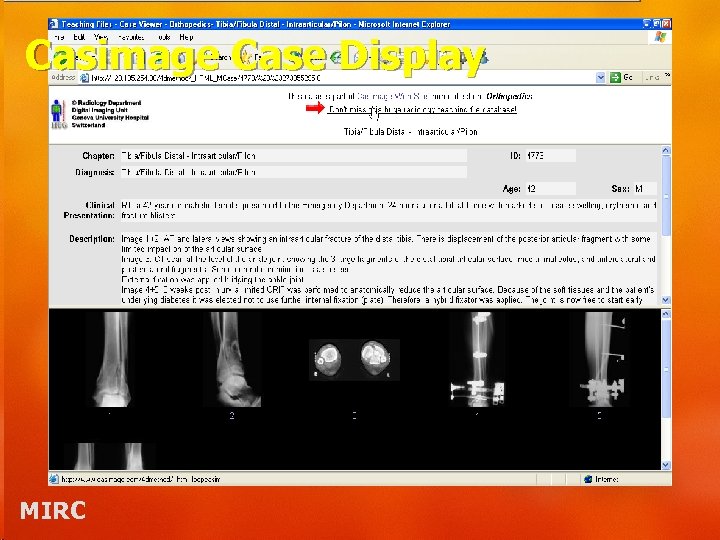 Casimage Case Display MIRC
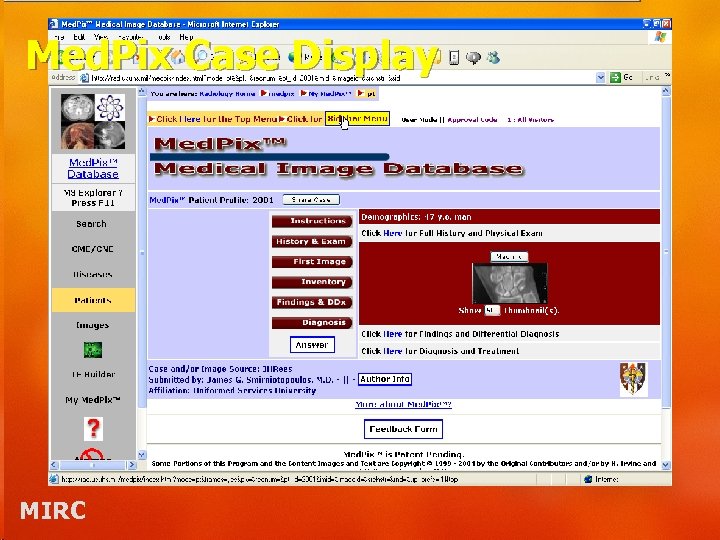 Med. Pix Case Display MIRC
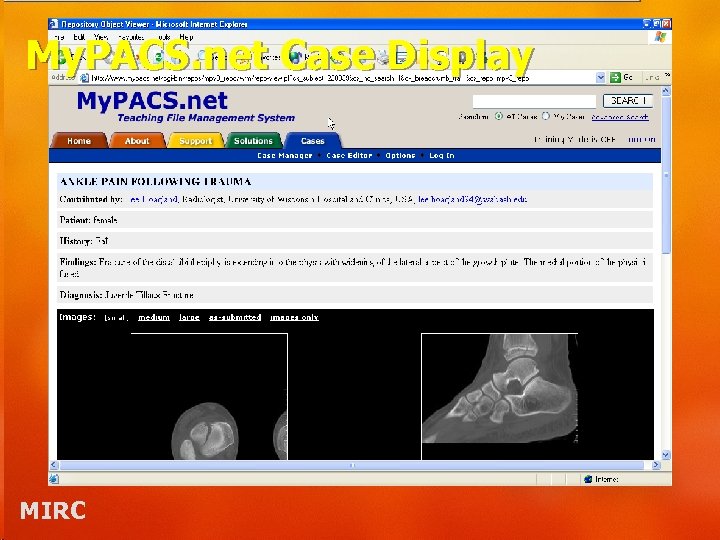 My. PACS. net Case Display MIRC
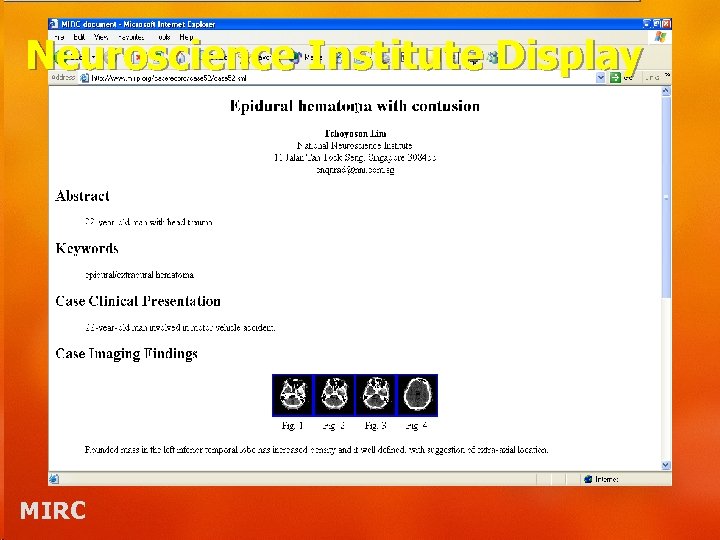 Neuroscience Institute Display MIRC
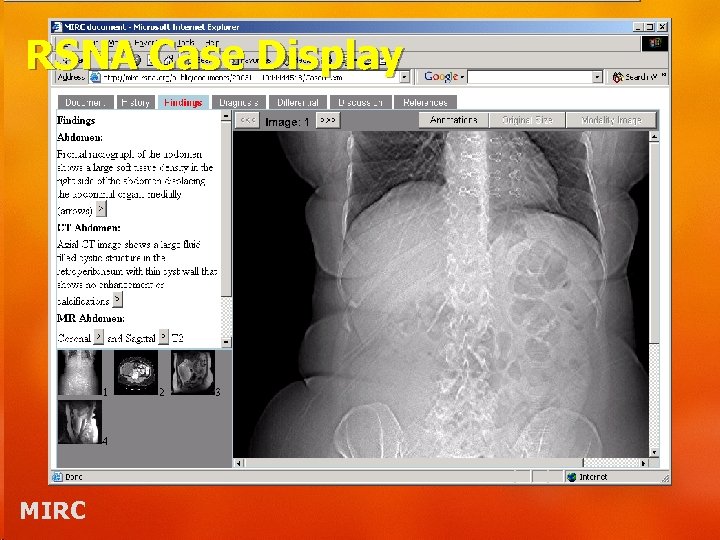 RSNA Case Display MIRC
 Complex Query • Can specify a complex search simultaneously across multiple medical image sites MIRC
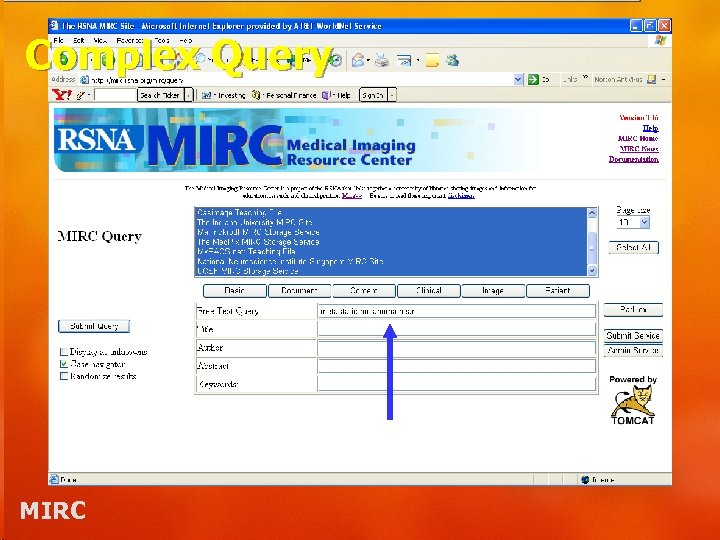 Complex Query MIRC
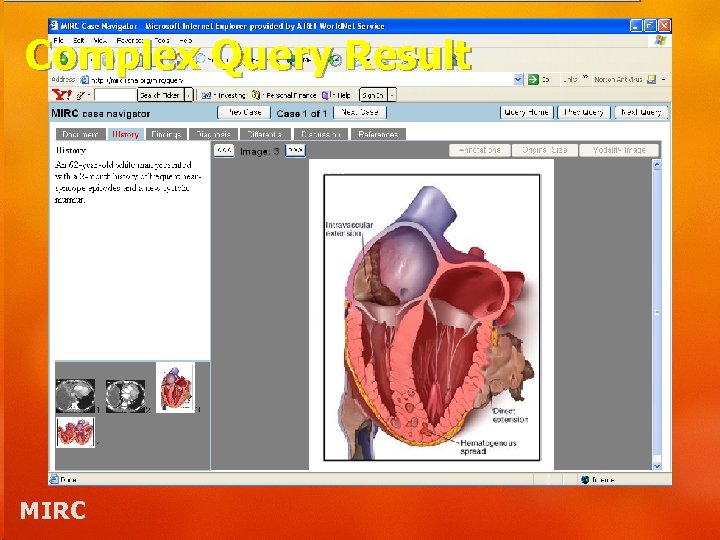 Complex Query Result MIRC
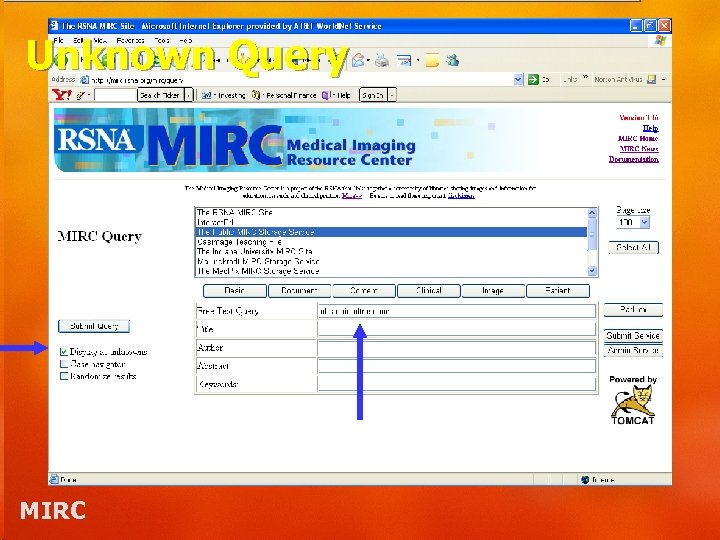
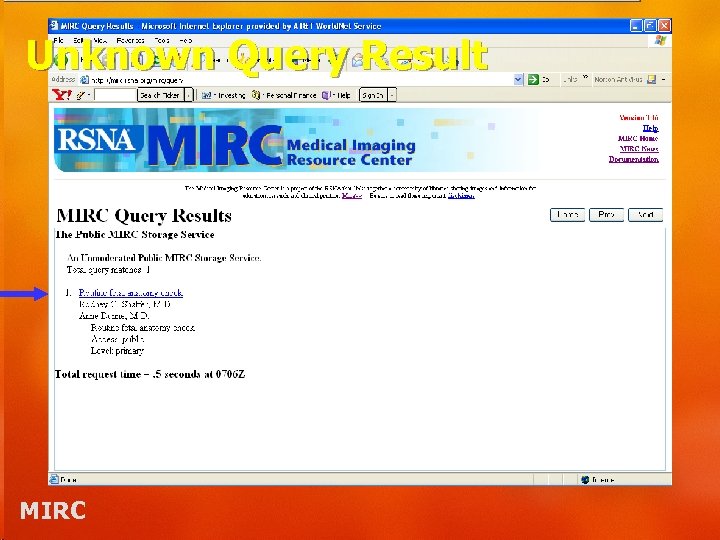
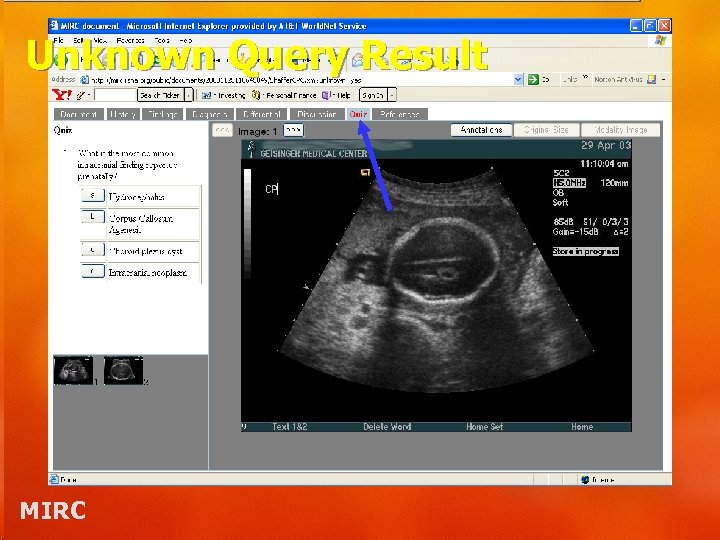
 Unknown Query • Can use for teaching cases – Resident board preparation – Test skills in a specific modality or organ system MIRC
 Unknown Query MIRC
 Unknown Query Result MIRC
 Unknown Query Result MIRC
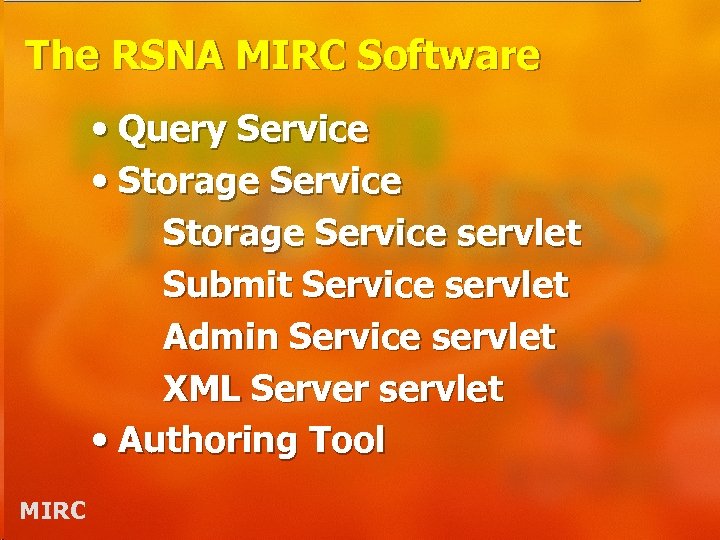 The RSNA MIRC Software • Query Service • Storage Service servlet Submit Service servlet Admin Service servlet XML Server servlet • Authoring Tool MIRC
 The RSNA MIRC Site Software • Serves all kinds of MIRC documents • Runs on all platforms • Personal/departmental teaching file system • Clinical trials support coming soon • Free / open source MIRC
 The RSNA MIRC Authoring Tool • Creates all kinds of MIRC documents • Runs on all platforms • Submits documents to MIRC sites running the RSNA software • DICOM Store SCP and Q/R SCU • Free / open source MIRC
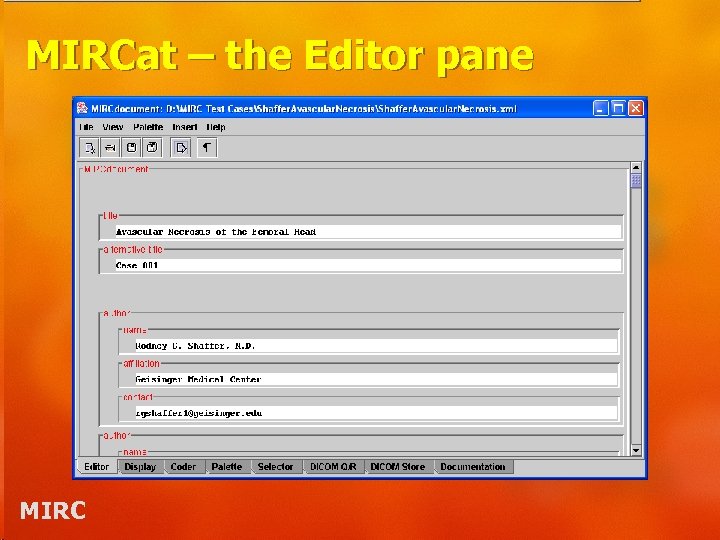 MIRCat – the Editor pane MIRC
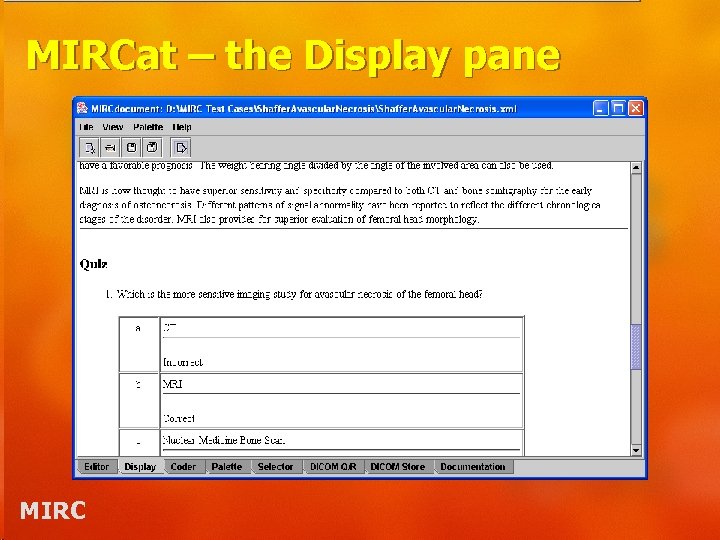 MIRCat – the Display pane MIRC
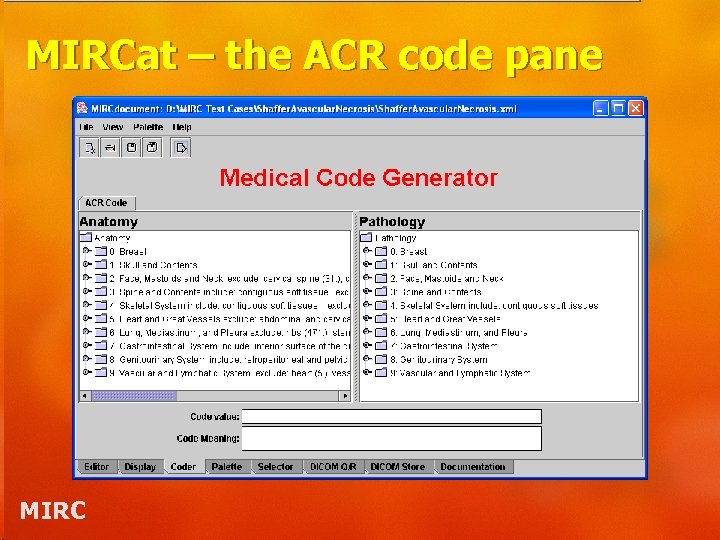 MIRCat – the ACR code pane MIRC
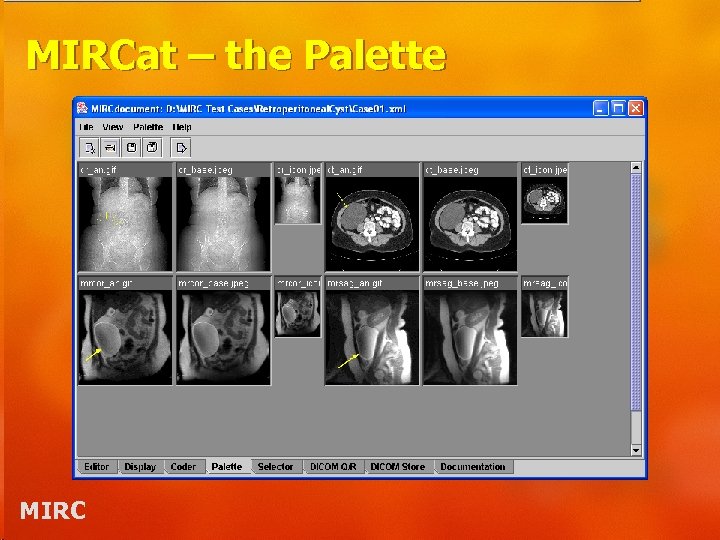 MIRCat – the Palette MIRC
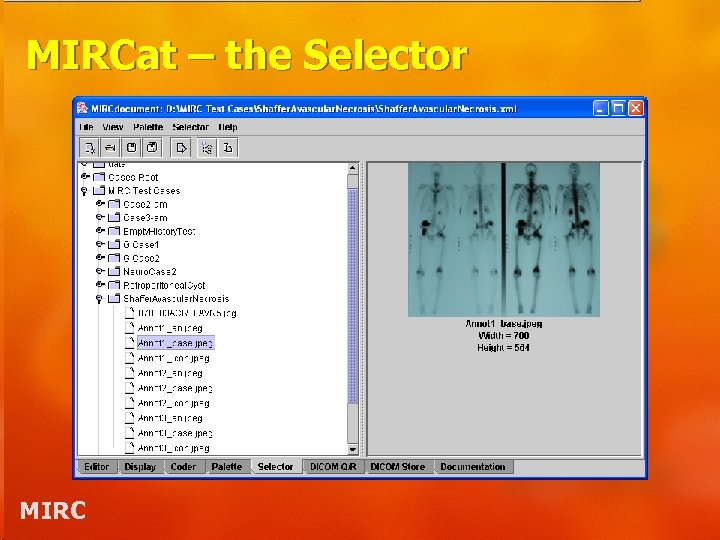 MIRCat – the Selector MIRC
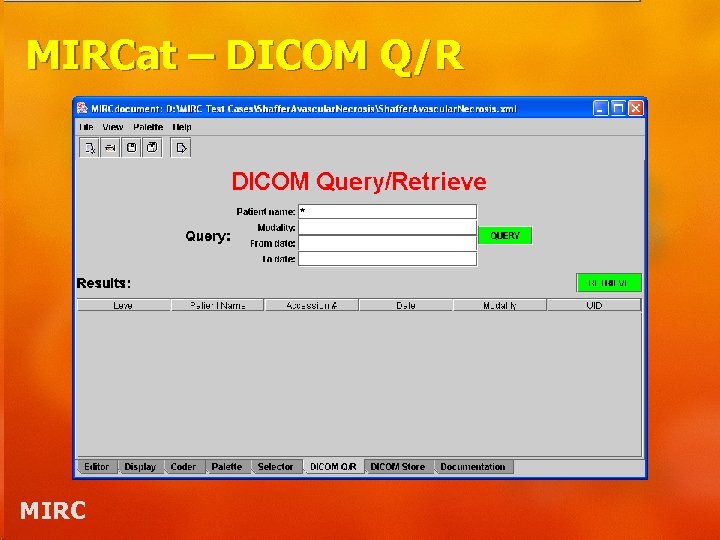 MIRCat – DICOM Q/R MIRC
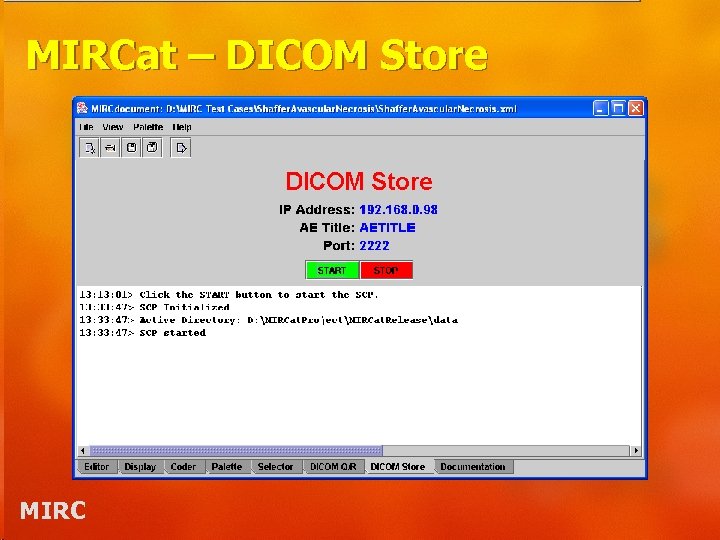 MIRCat – DICOM Store MIRC
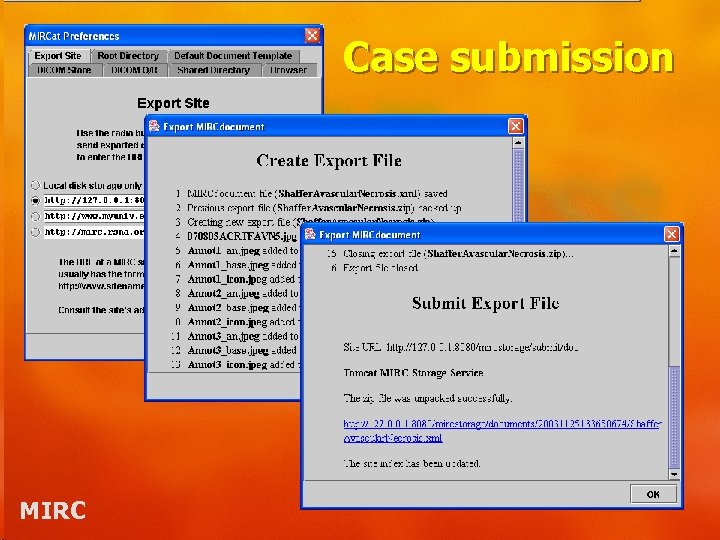 Case submission MIRC
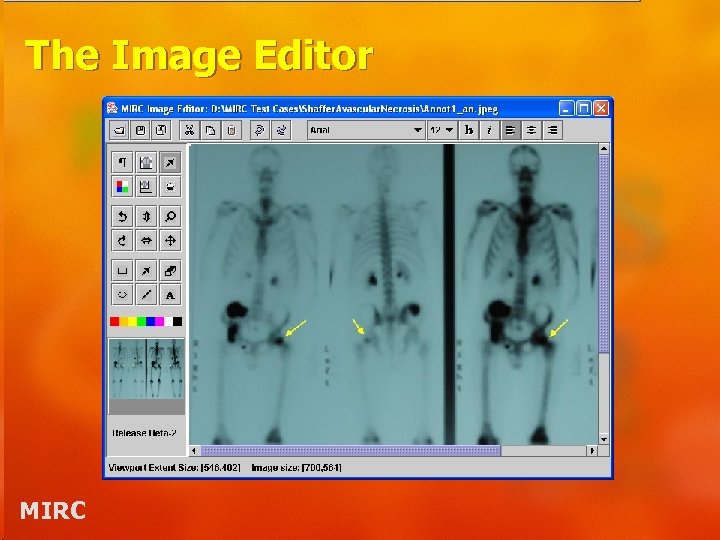 The Image Editor MIRC
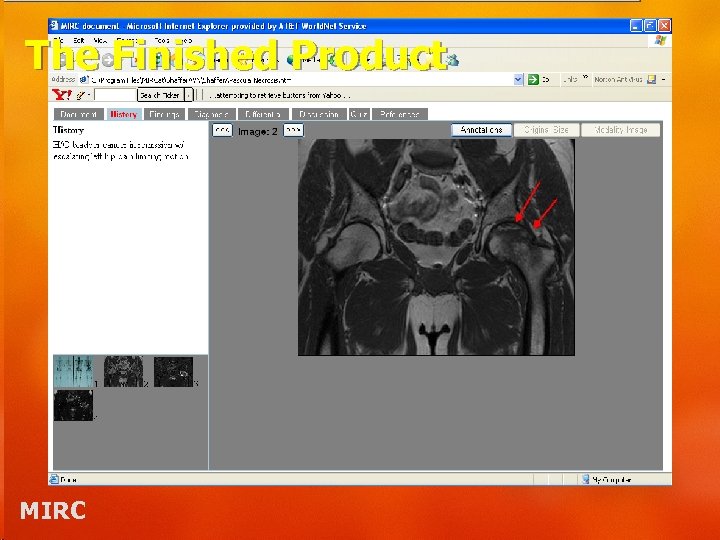 The Finished Product MIRC
 The Future • Clinical Trials data collection software release (early ’ 04) • IHE Teaching File integration profile • Incorporation of Rad. Lex into authoring tool and query form • Research and Normal variant repositories • Additional discussion of how best to move forward with Open Source model MIRC
 Questions/Answers & Help • MIRC Site – http: //mirc. rsna. org • RSNA Forums: – http: //forums. rsna. org – User Comments, Questions and Answers – RSNA MIRC Software Announcements – MIRC Implementers’ Corner – MIRC Technical Review Committee • Subscribe on the Forums site MIRC
 Other Courses This Week • How to Author MIRC Teaching File Documents – 12 p. m. MIRC Classroom • How to Set Up a Personal Teaching File System – 10: 30 a. m. MIRC Classroom • Inside the RSNA MIRC Software – 1: 30 p. m. MIRC Classroom • Tour of MIRC Community – 3: 00 p. m. MIRC Classroom MIRC