 Скачать презентацию Meanwhile back at the ranch Sometimes more
fb9a697c7c1286a6488e38ded36d4768.ppt
- Количество слайдов: 63




Meanwhile back at the ranch.
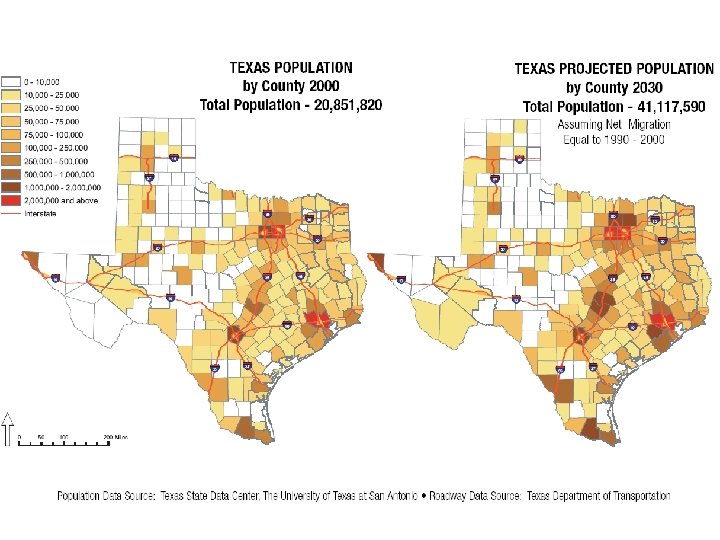

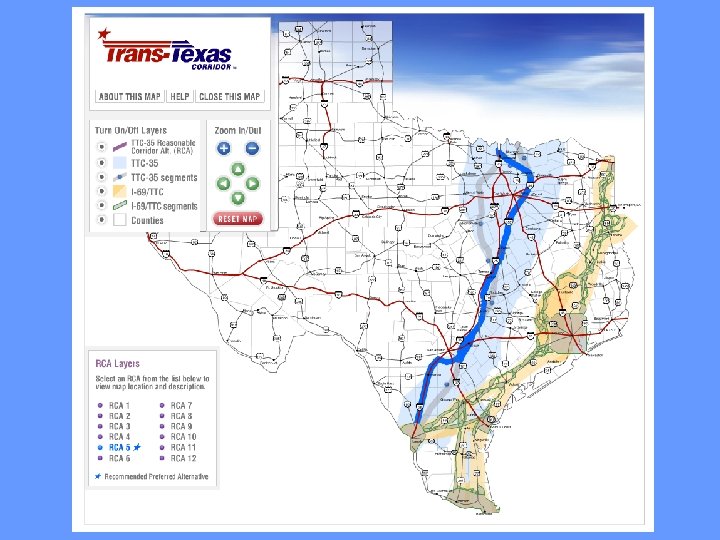

Sometimes “more” can present new challenges.
Tx. DOT Site. Manager Materials • We began designing tools to enhance Site. Manager preimplementation. • More recently we began making small changes to Site. Manager.
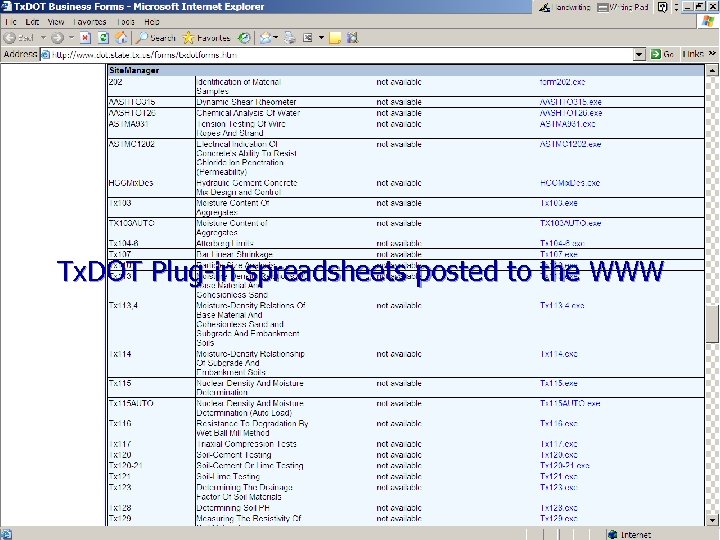
Tx. DOT Plug-in spreadsheets posted to the WWW
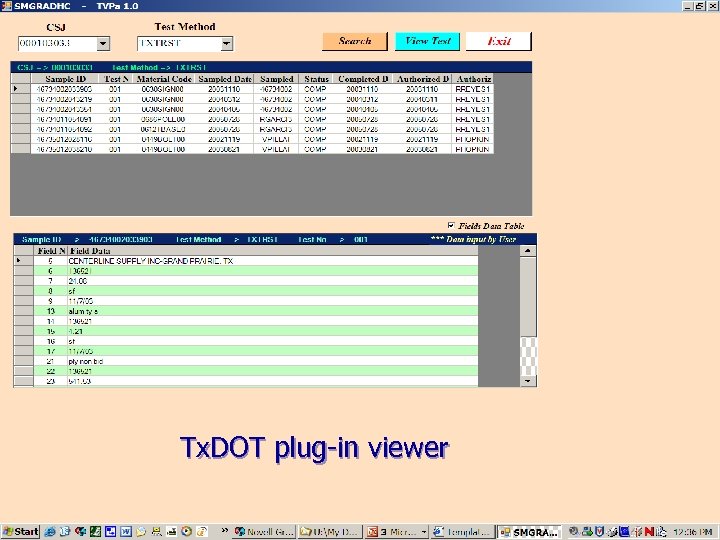
Tx. DOT plug-in viewer
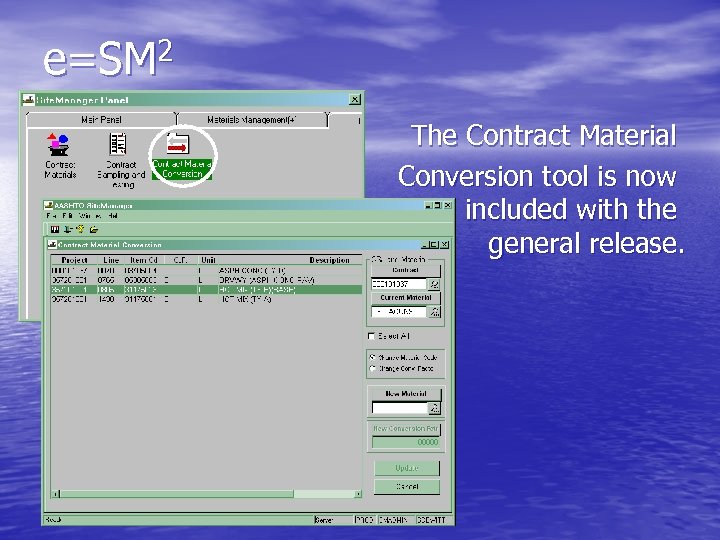
e=SM 2 The Contract Material Conversion tool is now included with the general release.
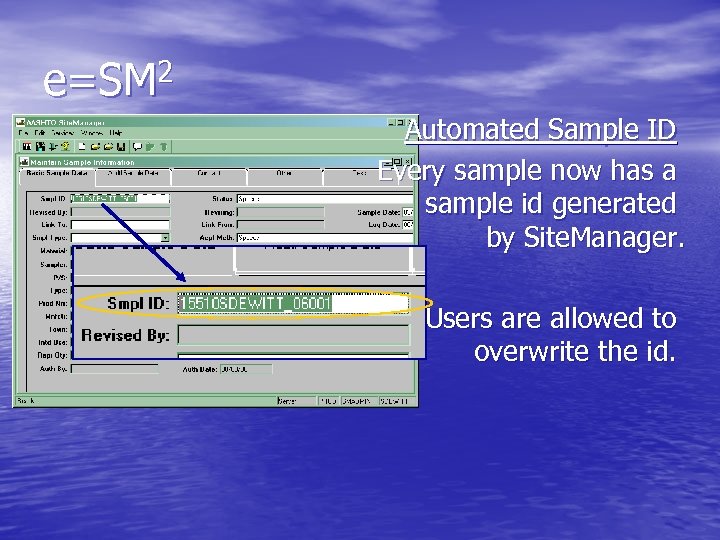
e=SM 2 Automated Sample ID Every sample now has a sample id generated by Site. Manager. Users are allowed to overwrite the id.
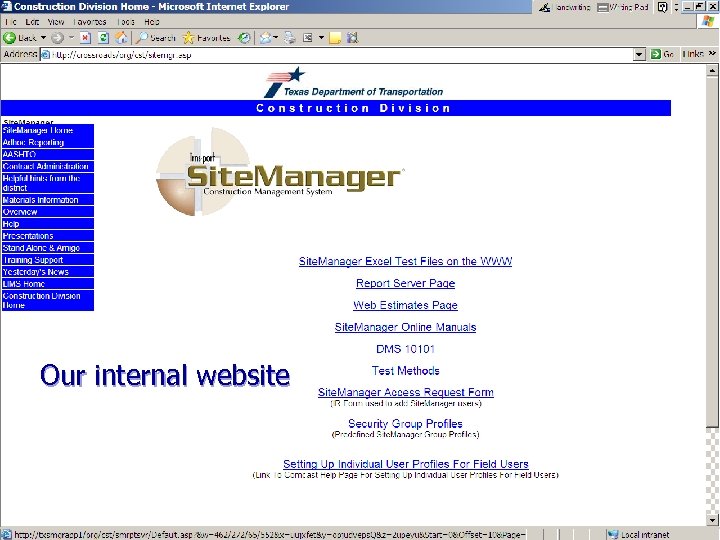
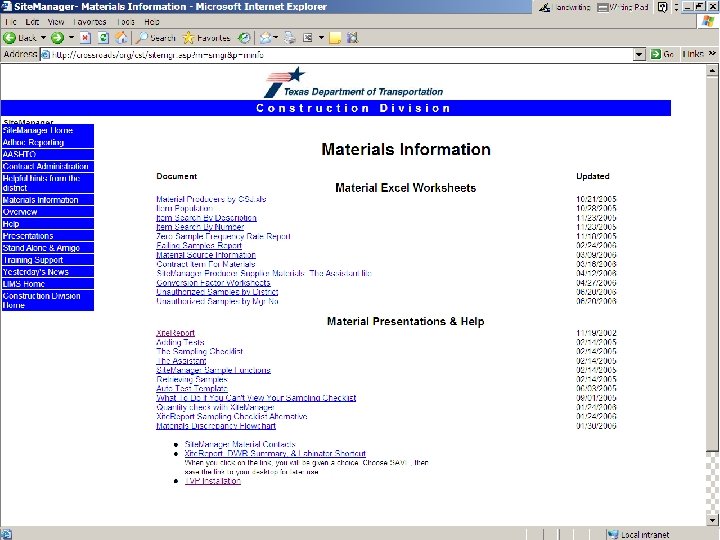
Our internal website
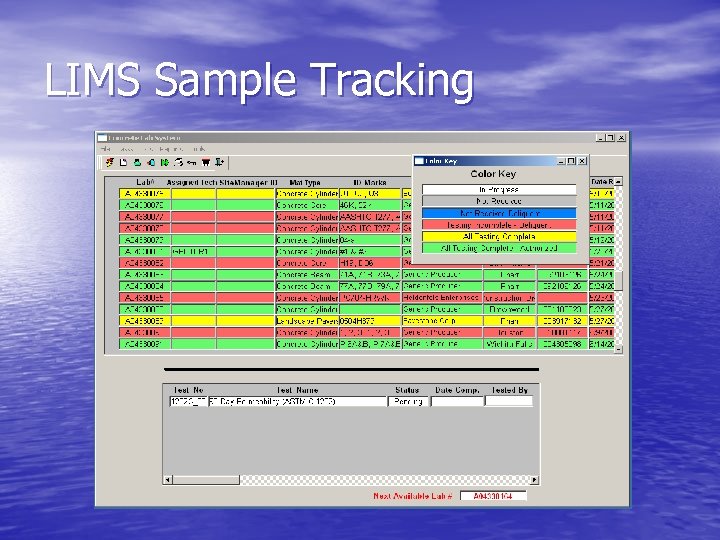
LIMS Sample Tracking
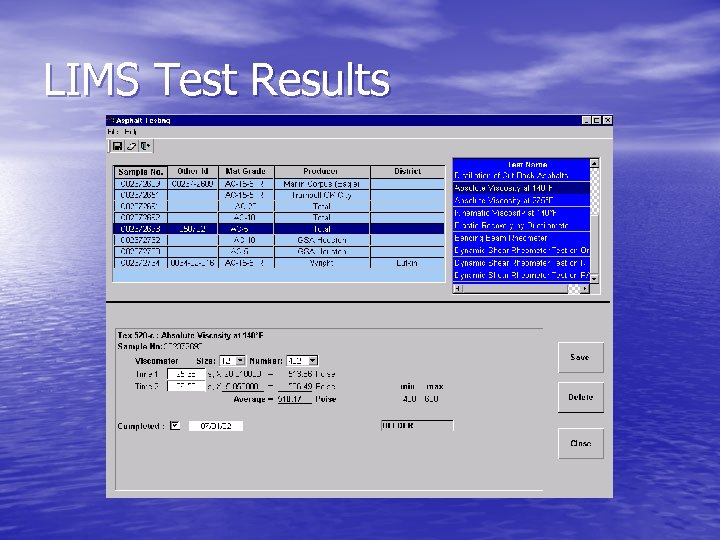
LIMS Test Results
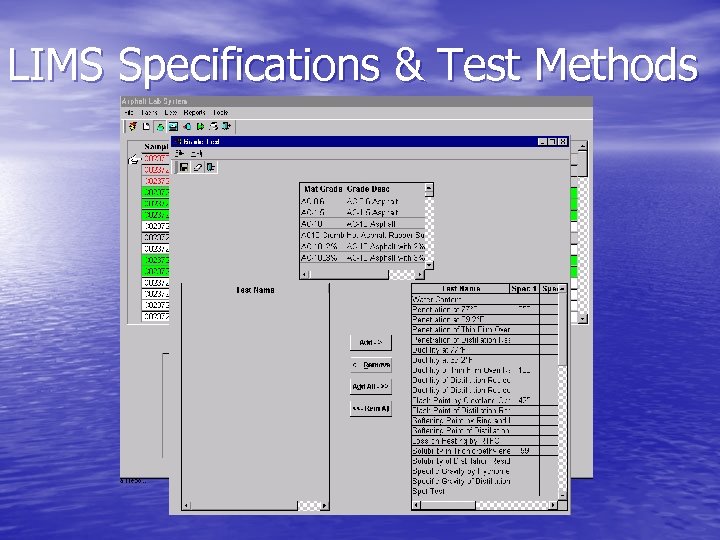
LIMS Specifications & Test Methods
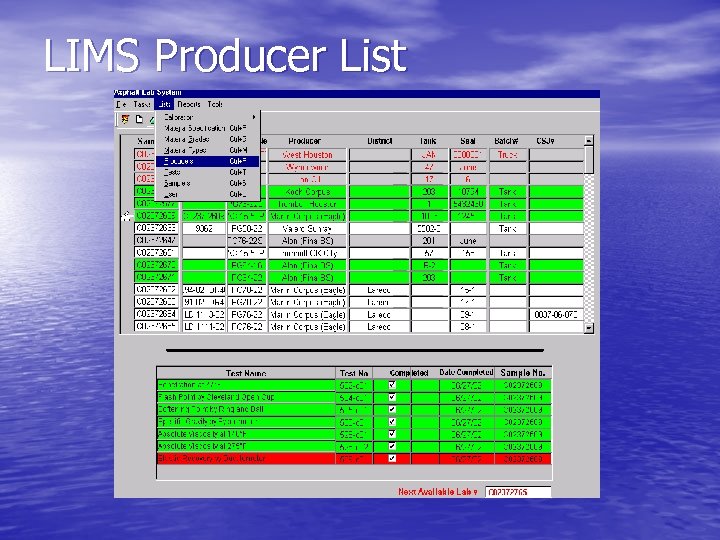
LIMS Producer List
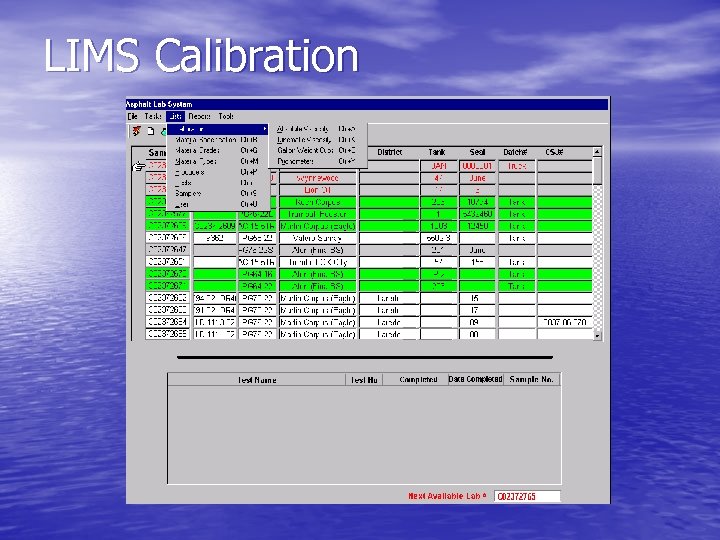
LIMS Calibration

LIMS Certification
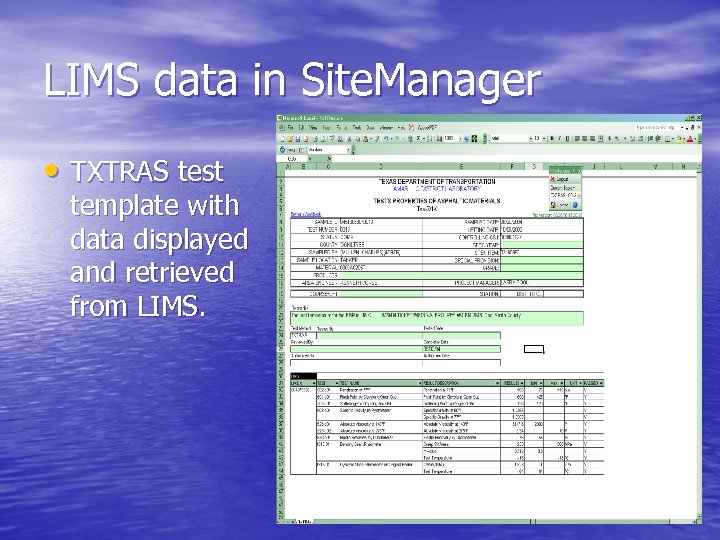
LIMS data in Site. Manager • TXTRAS test template with data displayed and retrieved from LIMS.
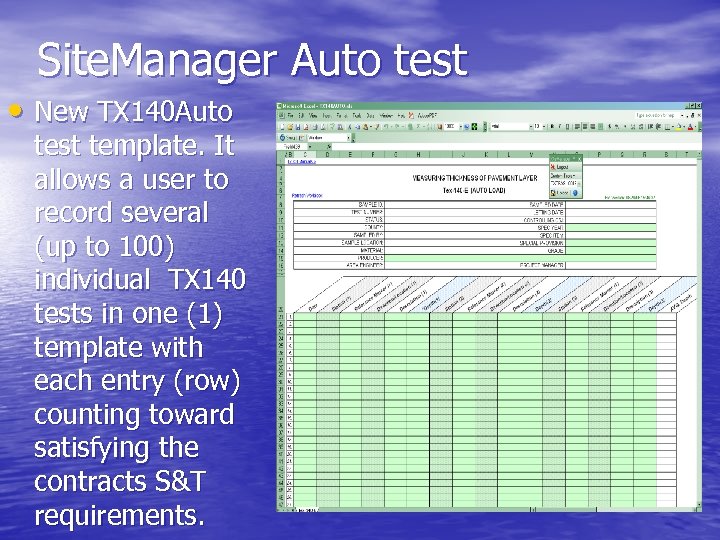
Site. Manager Auto test • New TX 140 Auto test template. It allows a user to record several (up to 100) individual TX 140 tests in one (1) template with each entry (row) counting toward satisfying the contracts S&T requirements.
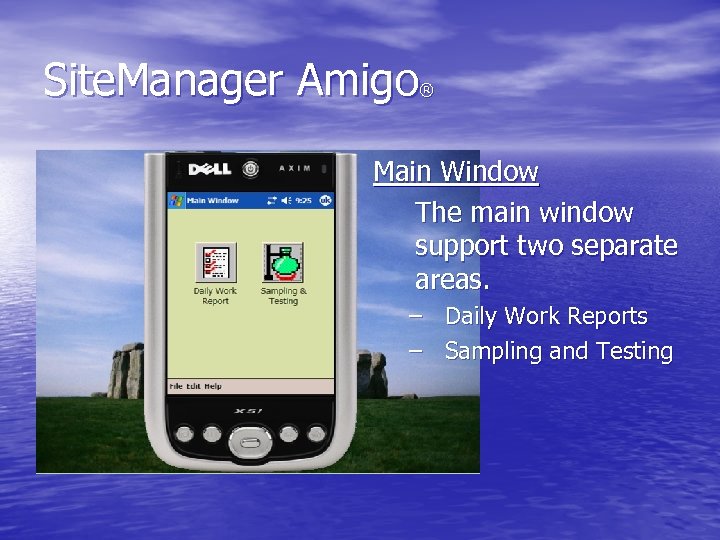
Site. Manager Amigo ® Main Window The main window support two separate areas. – Daily Work Reports – Sampling and Testing
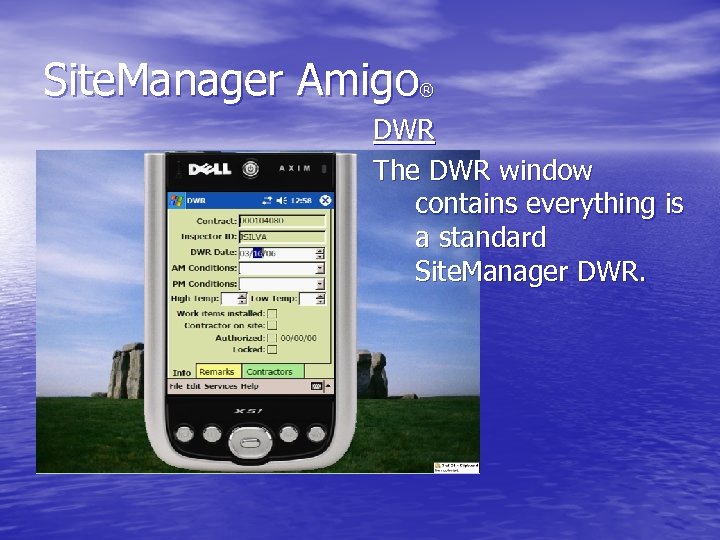
Site. Manager Amigo ® DWR The DWR window contains everything is a standard Site. Manager DWR.
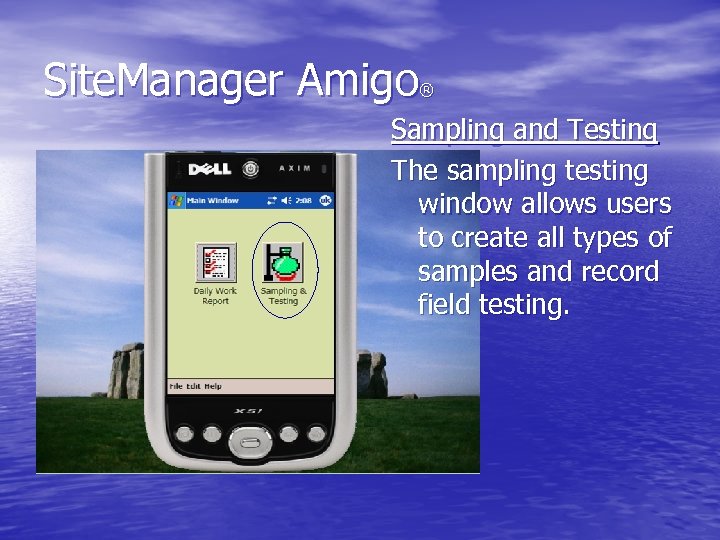
Site. Manager Amigo ® Sampling and Testing The sampling testing window allows users to create all types of samples and record field testing.
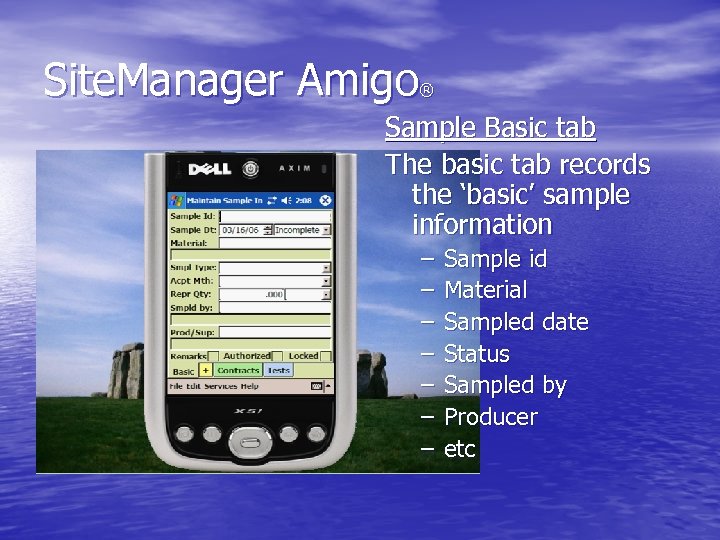
Site. Manager Amigo ® Sample Basic tab The basic tab records the ‘basic’ sample information – – – – Sample id Material Sampled date Status Sampled by Producer etc
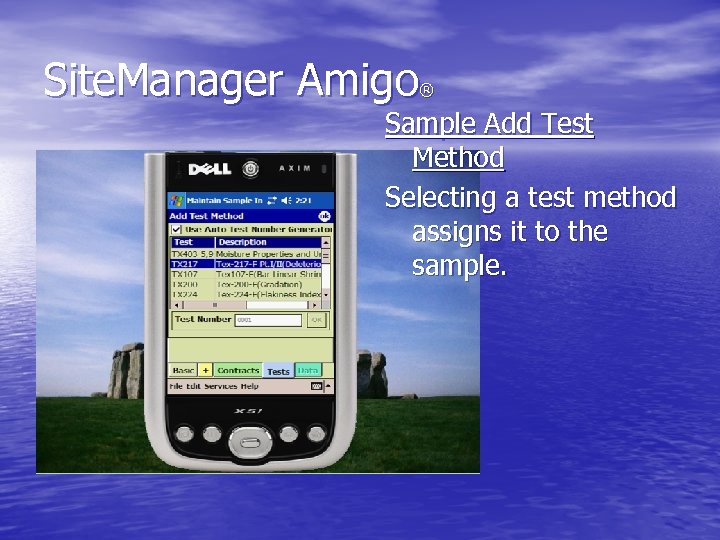
Site. Manager Amigo ® Sample Add Test Method Selecting a test method assigns it to the sample.
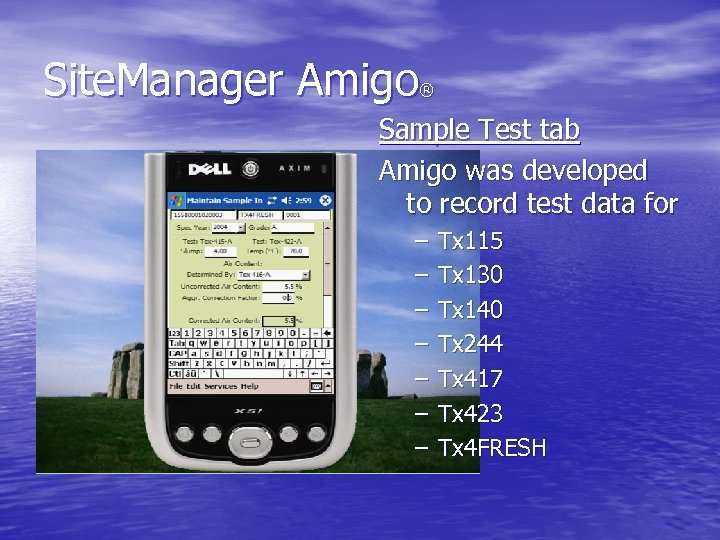
Site. Manager Amigo ® Sample Test tab Amigo was developed to record test data for – – – – Tx 115 Tx 130 Tx 140 Tx 244 Tx 417 Tx 423 Tx 4 FRESH

So what do the natives say?
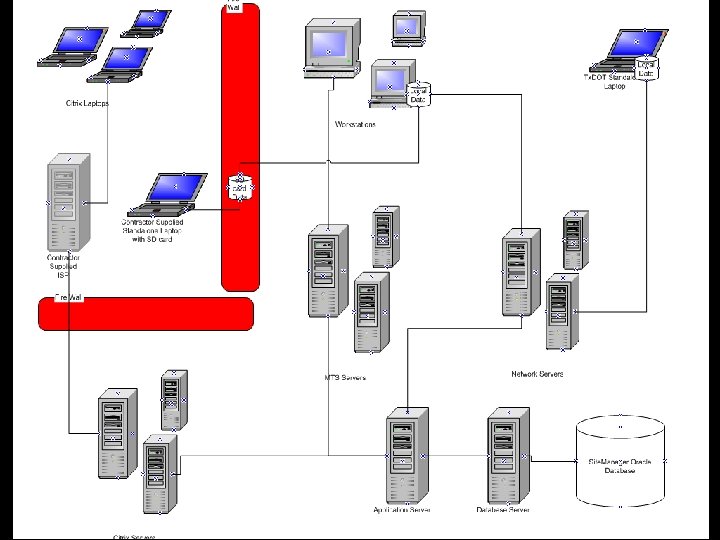
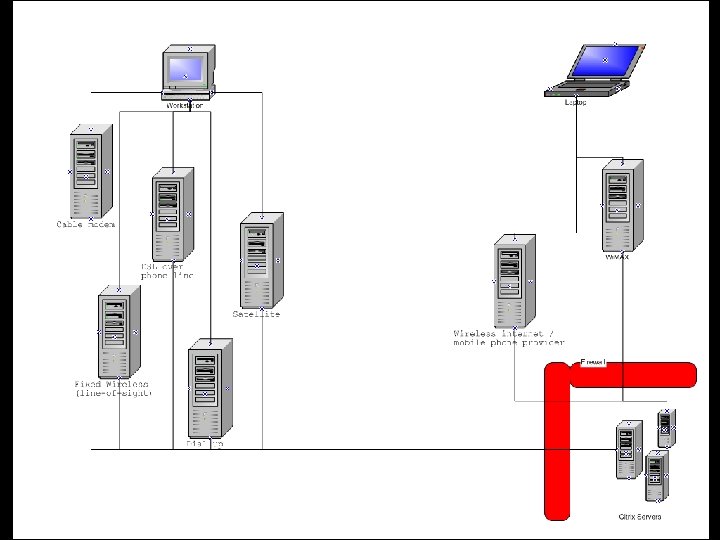
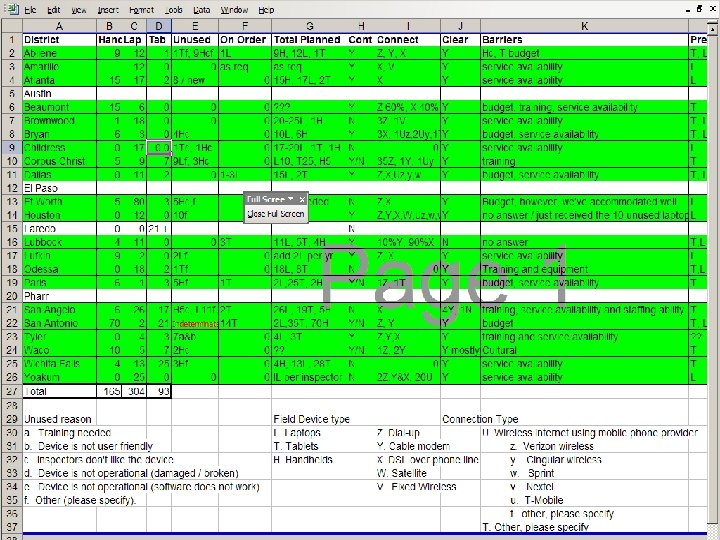
Field Device and Connection Options Available • Standard network Site. Manager connection using Tx. DOT • • • equipment Citrix Site. Manager connection using Tx. DOT equipment on a contractor supplied ISP Citrix Site. Manager connection using contractor supplied equipment on a contractor supplied ISP Microsoft Terminal Server Site. Manager connection using Tx. DOT equipment over a Tx. DOT intranet connection Standalone Site. Manager using Tx. DOT equipment Standalone Site. Manager using contractor supplied equipment with Secure Digital SD card Amigo using Tx. DOT equipment
This ain’t our first rodeo.
Is there room for improvement? Is now a good time to move?
Site. Manager Materials Workgroup
Material Categories • Design materials • QM materials • Quantity based materials • Tested materials
In a perfect world… Mix designs could be associated to CCSJ / items of work. The design would need to be valid (up-to-date) to be used. If a producer was expired the design would no longer be valid. Assuming all producers were valid the mix design would satisfy QM sourcing requirements for the item.
QM Samples (sourcing) • QM based on sourcing. • Once an approved source is added no sample should be required. We have too many samples in the system already. • Need a utility to manage producers / suppliers / materials also need to modify Site. Manager to work off valid producers for QM materials.
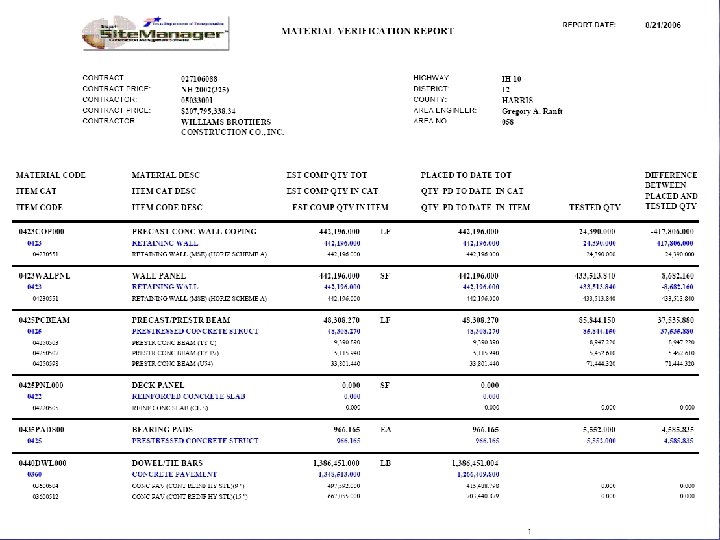

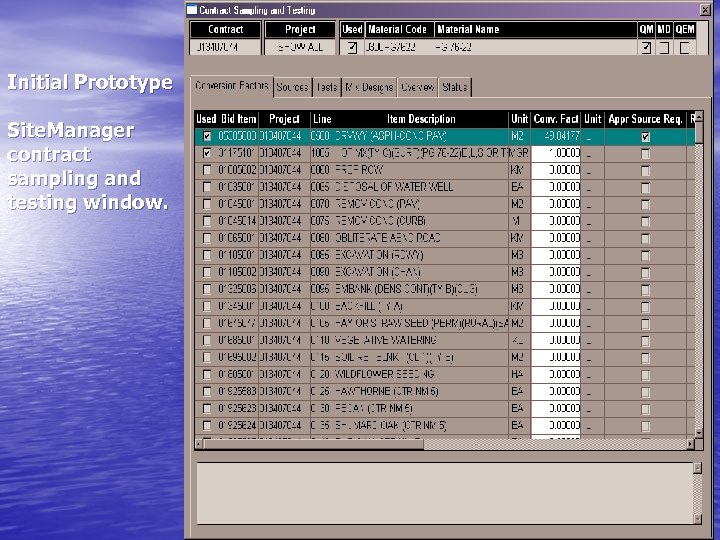
Initial Prototype Site. Manager contract sampling and testing window.
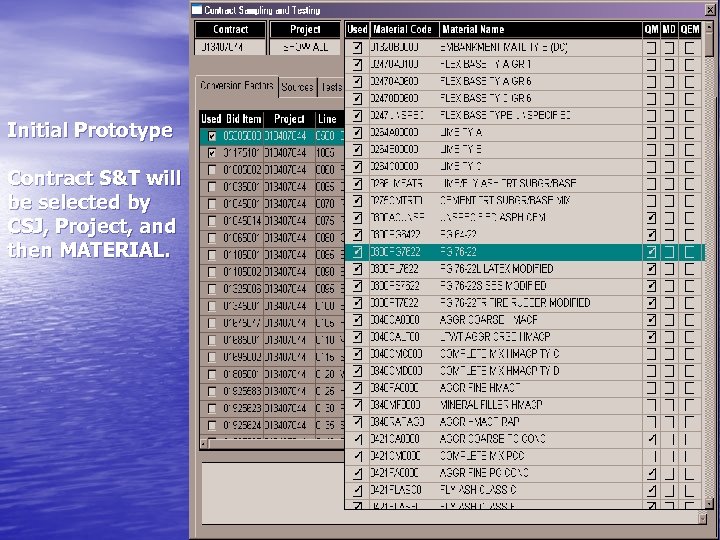
Initial Prototype Contract S&T will be selected by CSJ, Project, and then MATERIAL.
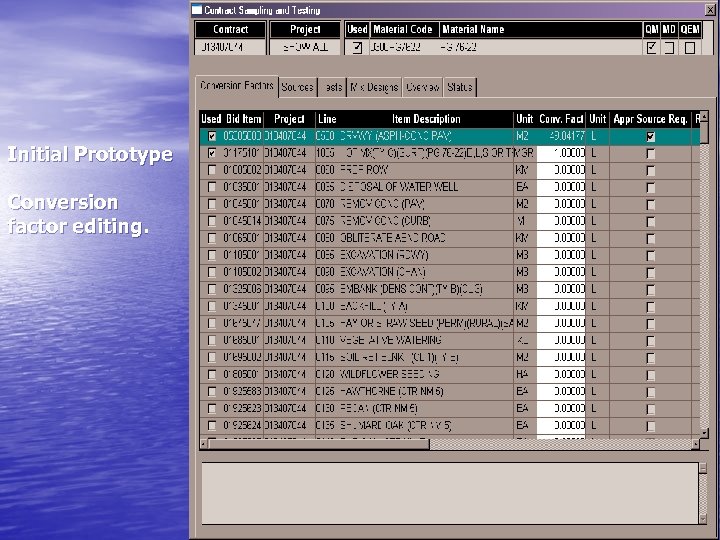
Initial Prototype Conversion factor editing.
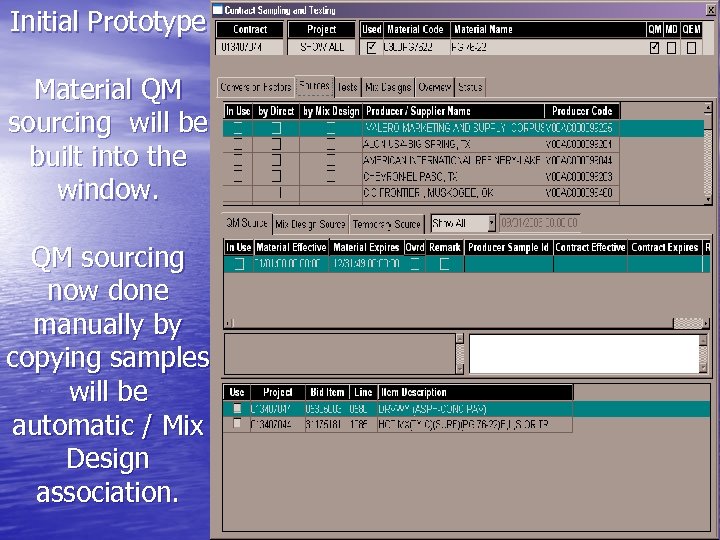
Initial Prototype Material QM sourcing will be built into the window. QM sourcing now done manually by copying samples will be automatic / Mix Design association.
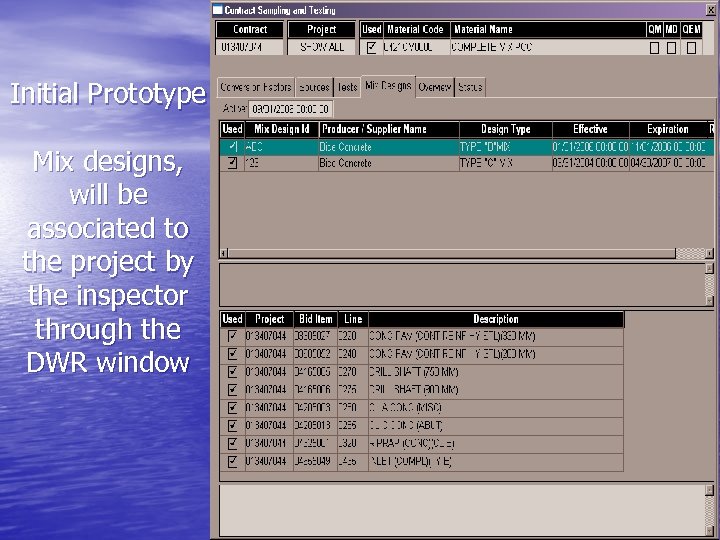
Initial Prototype Mix designs, will be associated to the project by the inspector through the DWR window
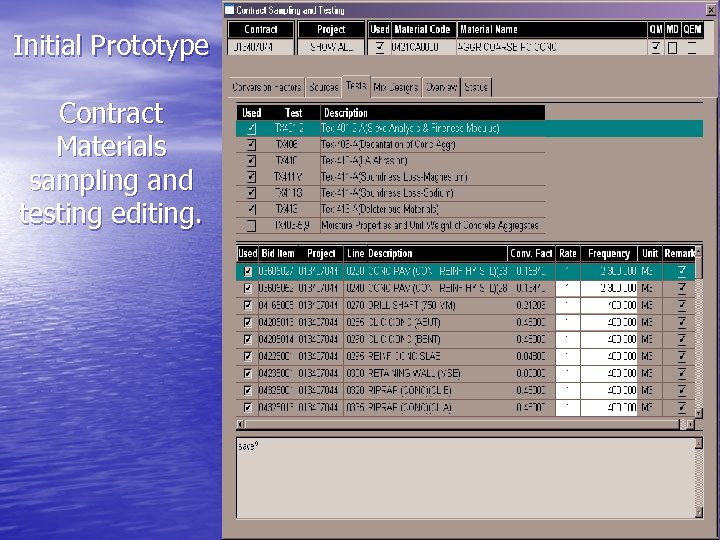
Initial Prototype Contract Materials sampling and testing editing.
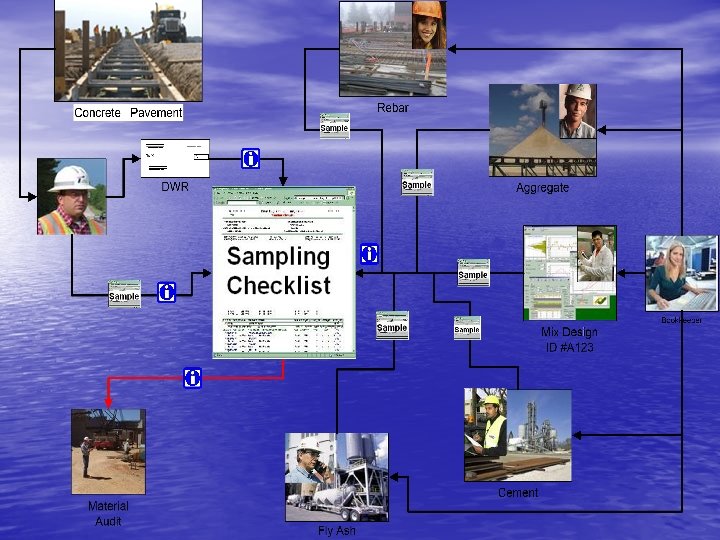
Initial Prototype The sampling checklist report will be moved inside the contract sampling and testing window. To display all materials S&T requirements.
Initial Prototype The “status” tab will display the material’s deficiencies.

Once we went out on the edge we could see more clearly…
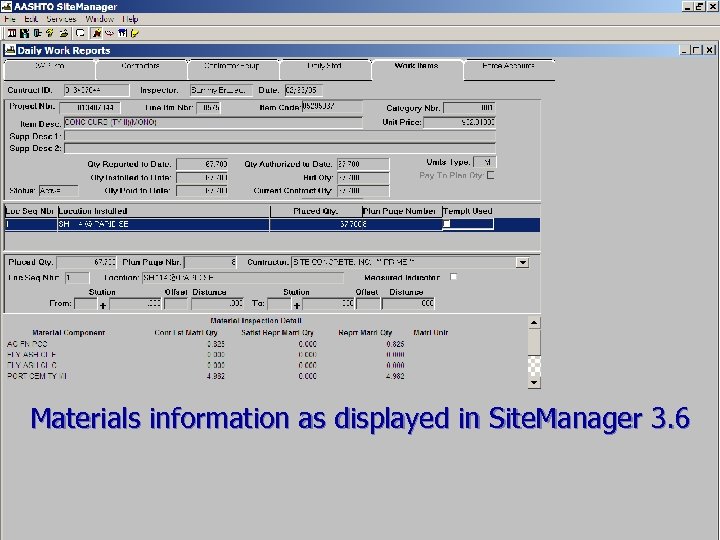
Materials information as displayed in Site. Manager 3. 6
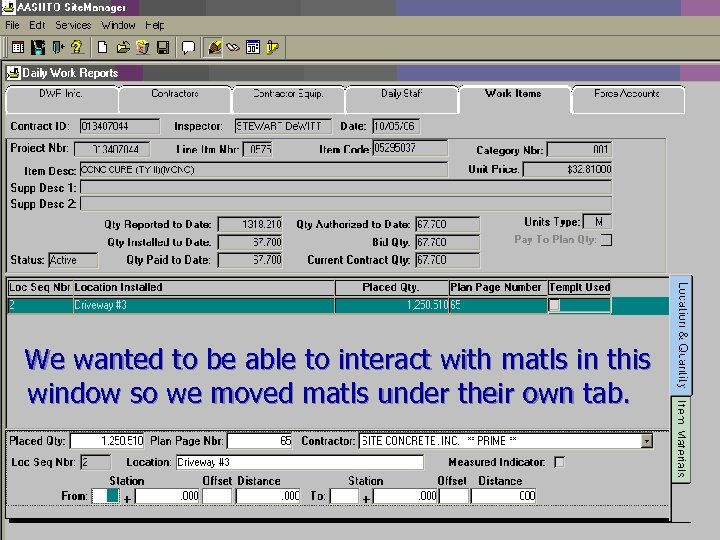
We wanted to be able to interact with matls in this window so we moved matls under their own tab.
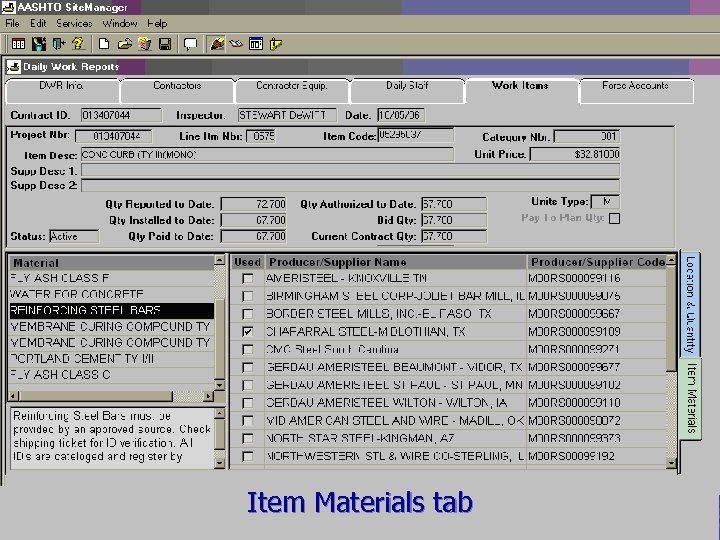
Item Materials tab
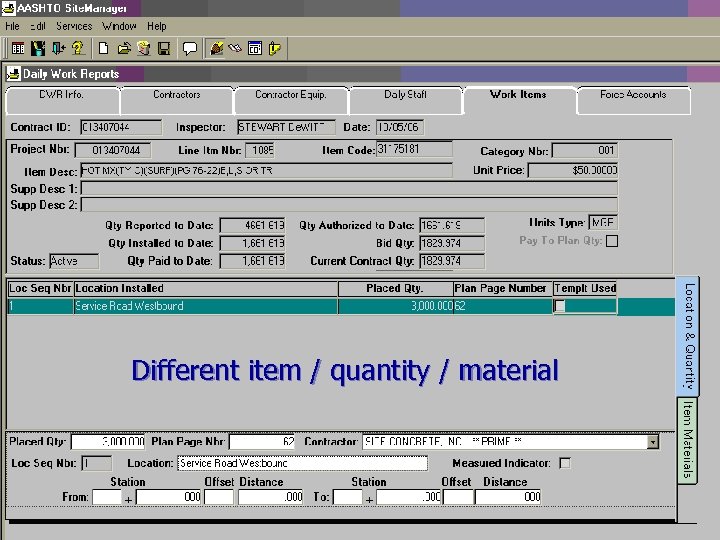
Different item / quantity / material
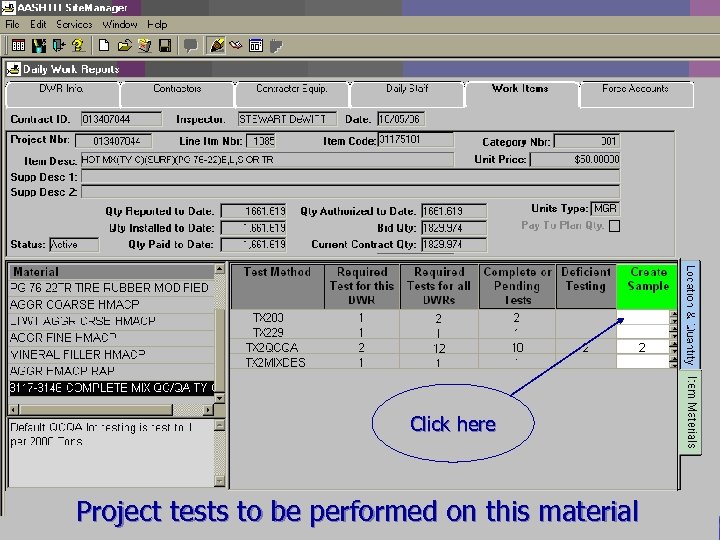
Click here Project tests to be performed on this material
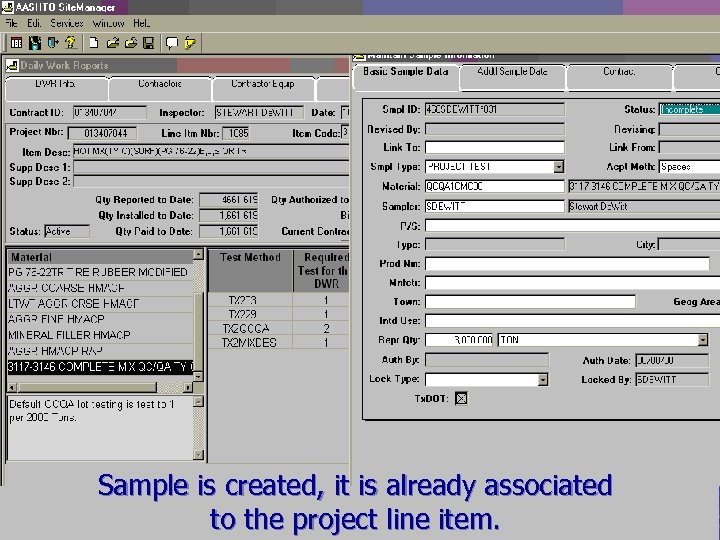
Sample is created, it is already associated to the project line item.
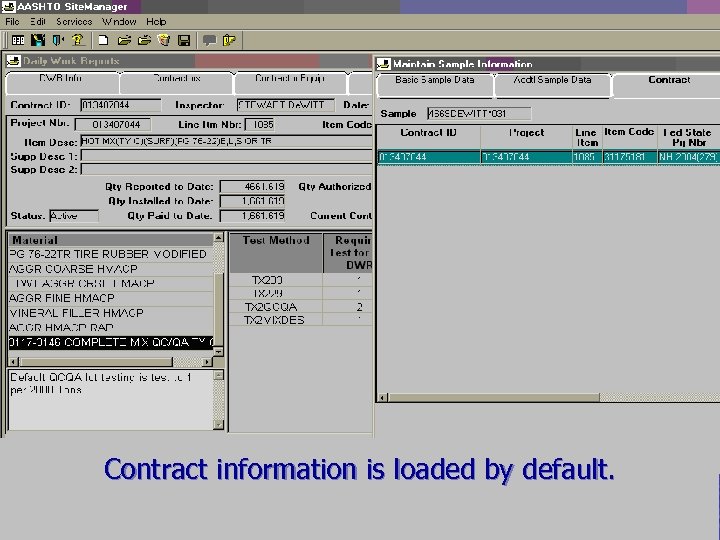
Contract information is loaded by default.
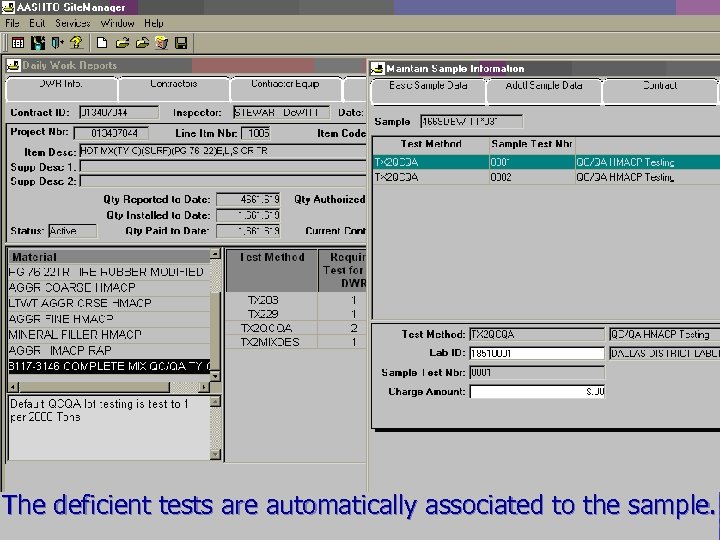
The deficient tests are automatically associated to the sample.

We have to hurry to beat the traffic.
Скачать презентацию Meanwhile back at the ranch Sometimes more
fb9a697c7c1286a6488e38ded36d4768.ppt