


 Скачать презентацию Managing Lidar and other point cloud Data Lindsay
f286e8cfda84a4e17b1c6cd07dbbeb15.ppt
- Количество слайдов: 62
 Managing Lidar (and other point cloud) Data Lindsay Weitz Cody Benkelman
 Presentation Context • What is lidar, and how does it work? Not this presentation! • What can you do with lidar in Arc. GIS? • What does Esri recommend as best practices for processing and managing lidar data? • What about other point clouds (from photogrammetry)? Managing Lidar
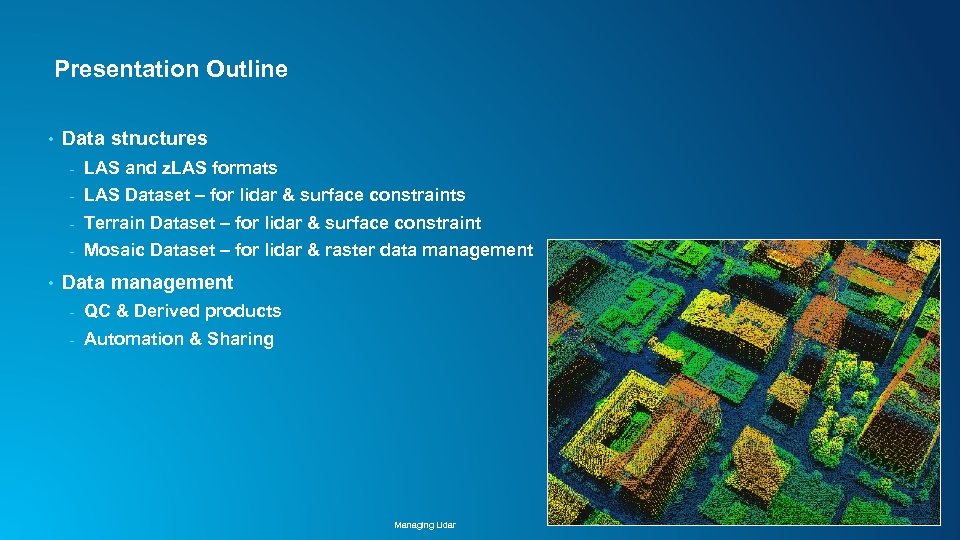 Presentation Outline • Data structures - LAS Dataset – for lidar & surface constraints - Terrain Dataset – for lidar & surface constraint - • LAS and z. LAS formats Mosaic Dataset – for lidar & raster data management Data management - QC & Derived products - Automation & Sharing Managing Lidar
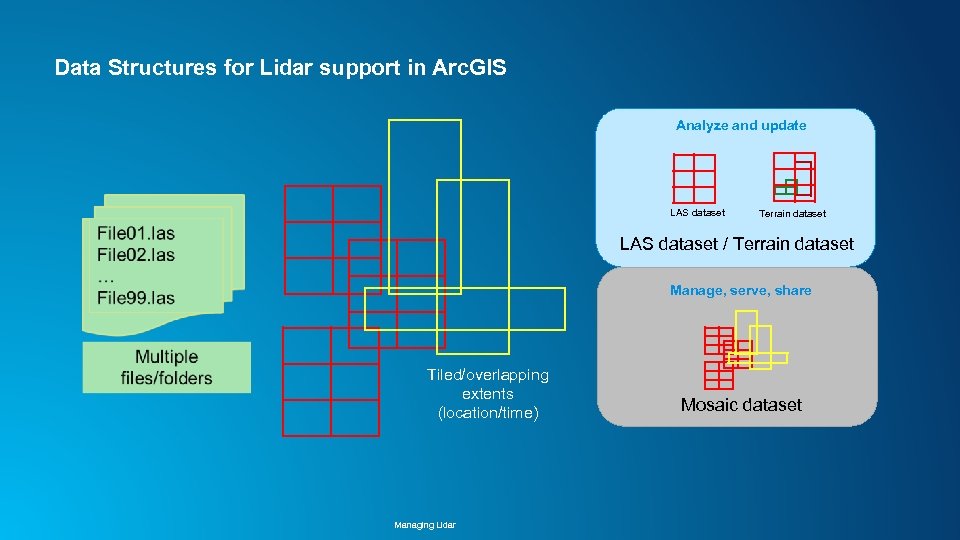 Data Structures for Lidar support in Arc. GIS Analyze and update LAS dataset Terrain dataset LAS dataset / Terrain dataset Manage, serve, share Tiled/overlapping extents (location/time) Managing Lidar Mosaic dataset
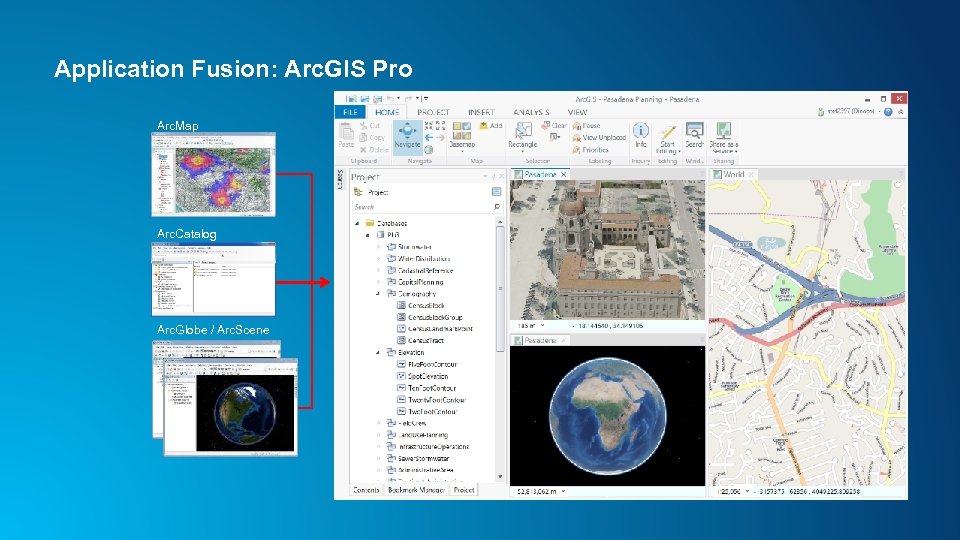 Application Fusion: Arc. GIS Pro Arc. Map Arc. Catalog Arc. Globe / Arc. Scene
 Lidar in Arc. GIS Pro Lindsay Weitz Managing Lidar
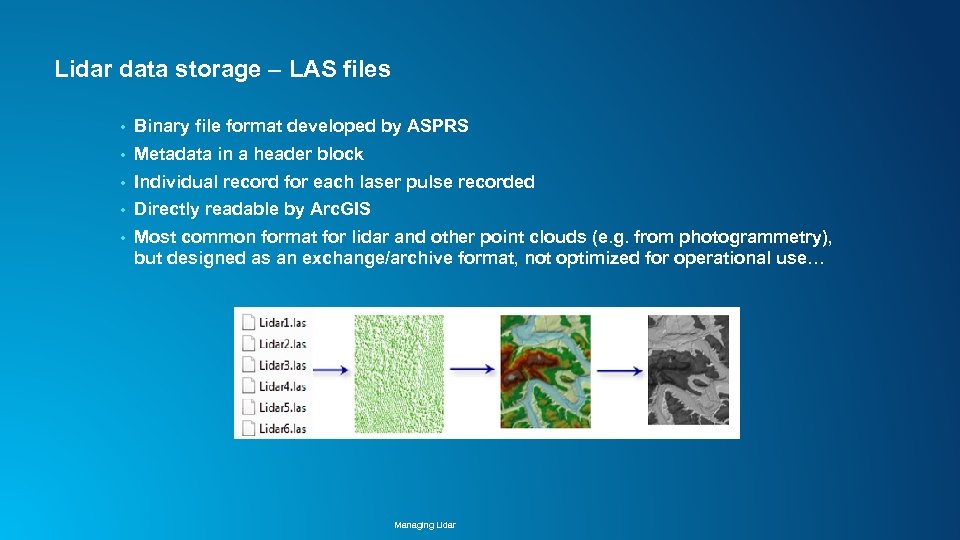 Lidar data storage LAS files • Binary file format developed by ASPRS • Metadata in a header block • Individual record for each laser pulse recorded • Directly readable by Arc. GIS • Most common format for lidar and other point clouds (e. g. from photogrammetry), but designed as an exchange/archive format, not optimized for operational use… Managing Lidar
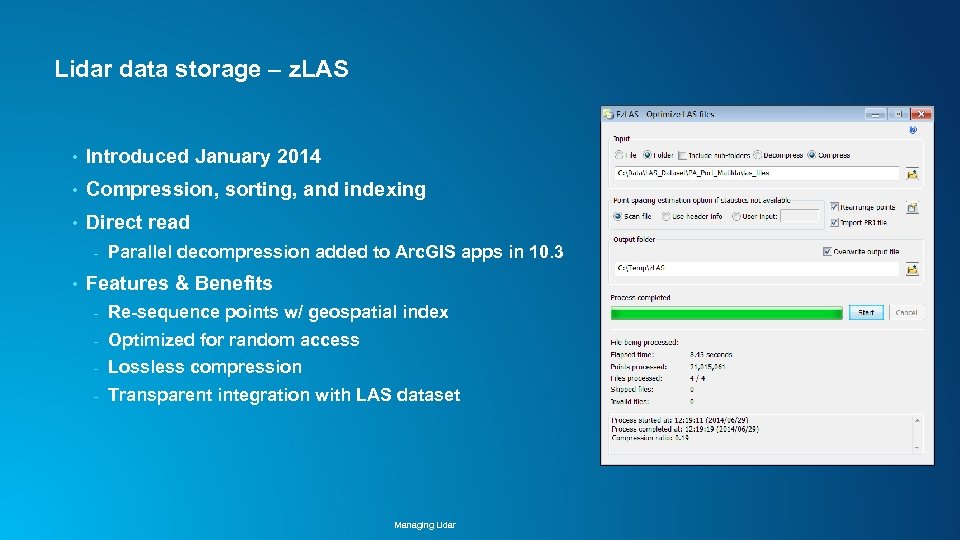 Lidar data storage z. LAS • Introduced January 2014 • Compression, sorting, and indexing • Direct read - • Parallel decompression added to Arc. GIS apps in 10. 3 Features & Benefits - Re-sequence points w/ geospatial index - Optimized for random access - Lossless compression - Transparent integration with LAS dataset Managing Lidar
 z. LAS • Free!! Does not require Arc. GIS • Support added in 10. 2. 1 • Standalone application “Ez. LAS” on Resource Center • • API available for developers • • http: //esriurl. com/z. LAS https: //github. com/Esri/esri-zlas-io-library For more info: - http: //blogs. esri. com/esri/arcgis/2014/01/10/esri-introduces-optimized-las/ - http: //www. lidarnews. com/content/view/10214/2/ Managing Lidar
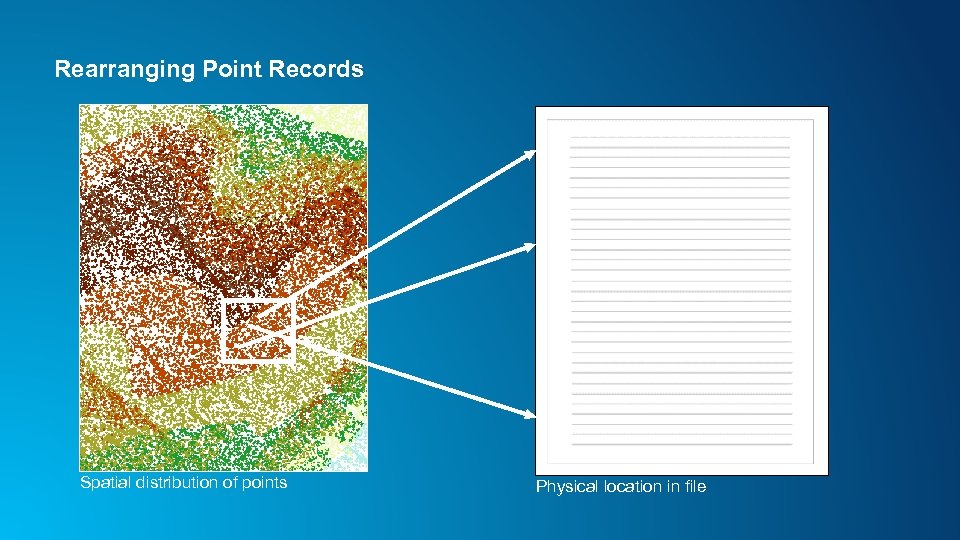 Rearranging Point Records Spatial distribution of points Physical location in file
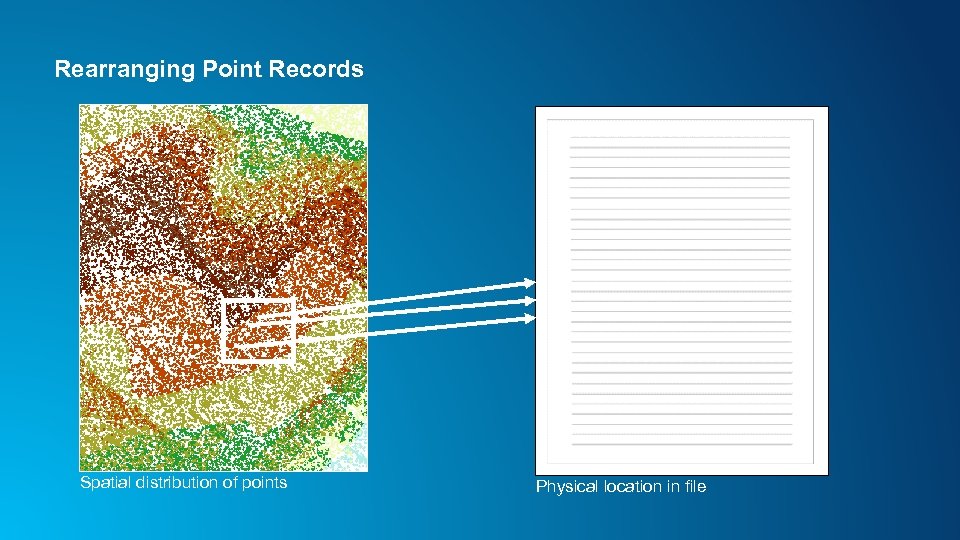 Rearranging Point Records Spatial distribution of points Physical location in file
 LAS dataset Lindsay Weitz Managing Lidar
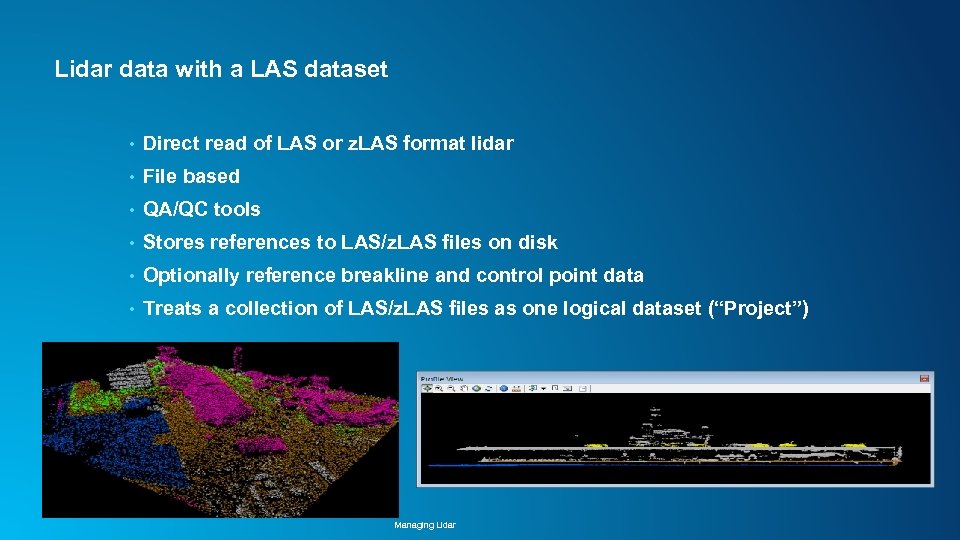 Lidar data with a LAS dataset • Direct read of LAS or z. LAS format lidar • File based • QA/QC tools • Stores references to LAS/z. LAS files on disk • Optionally reference breakline and control point data • Treats a collection of LAS/z. LAS files as one logical dataset (“Project”) Managing Lidar
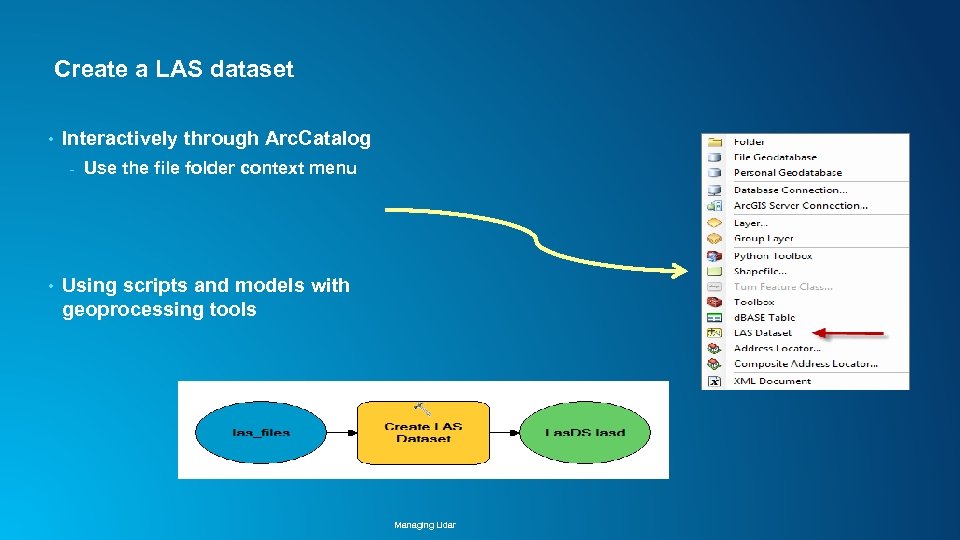 Create a LAS dataset • Interactively through Arc. Catalog - • Use the file folder context menu Using scripts and models with geoprocessing tools Managing Lidar
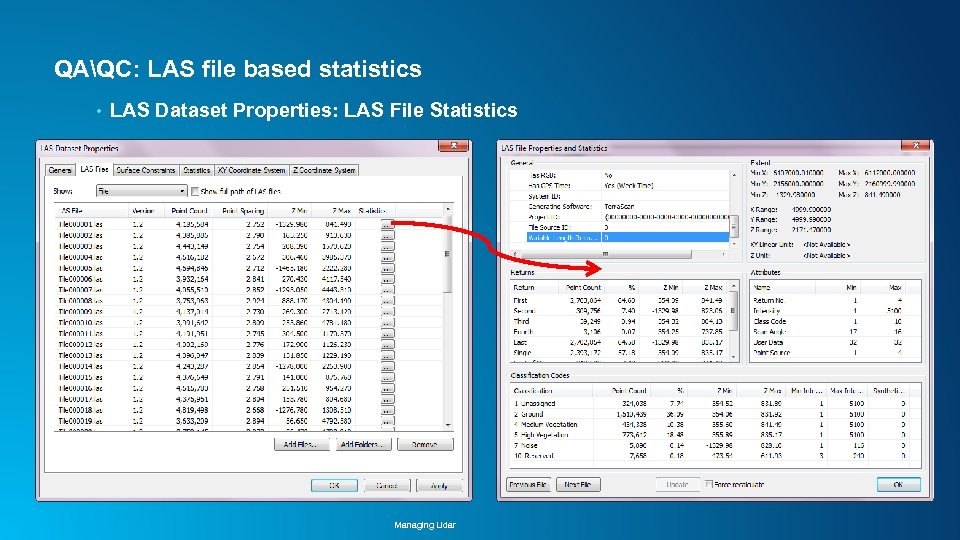 QAQC: LAS file based statistics • LAS Dataset Properties: LAS File Statistics Managing Lidar
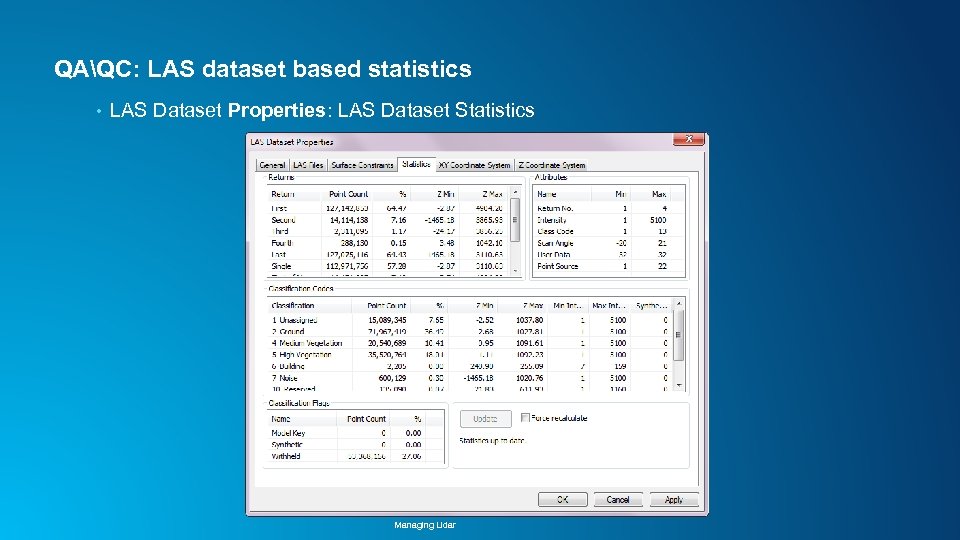 QAQC: LAS dataset based statistics • LAS Dataset Properties: LAS Dataset Statistics Managing Lidar
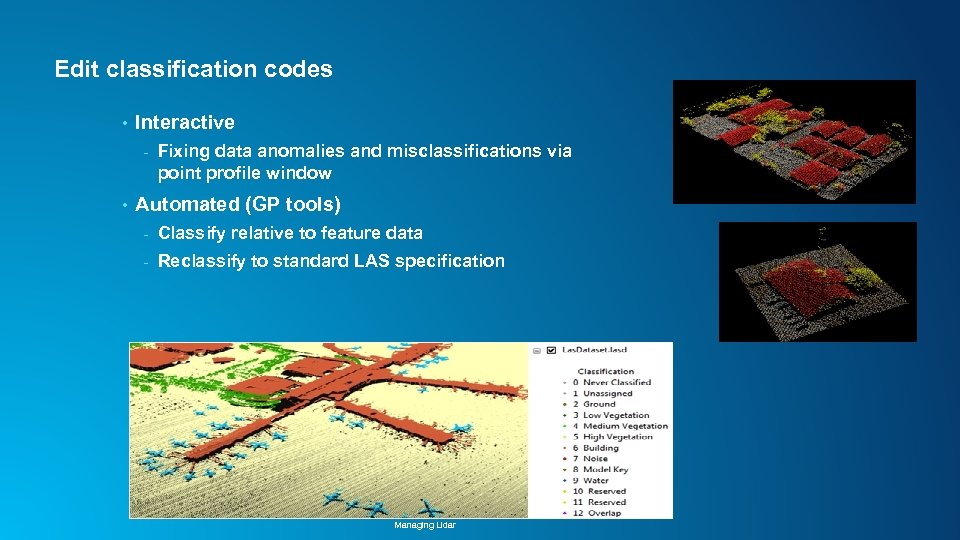 Edit classification codes • Interactive - • Fixing data anomalies and misclassifications via point profile window Automated (GP tools) - Classify relative to feature data - Reclassify to standard LAS specification Managing Lidar
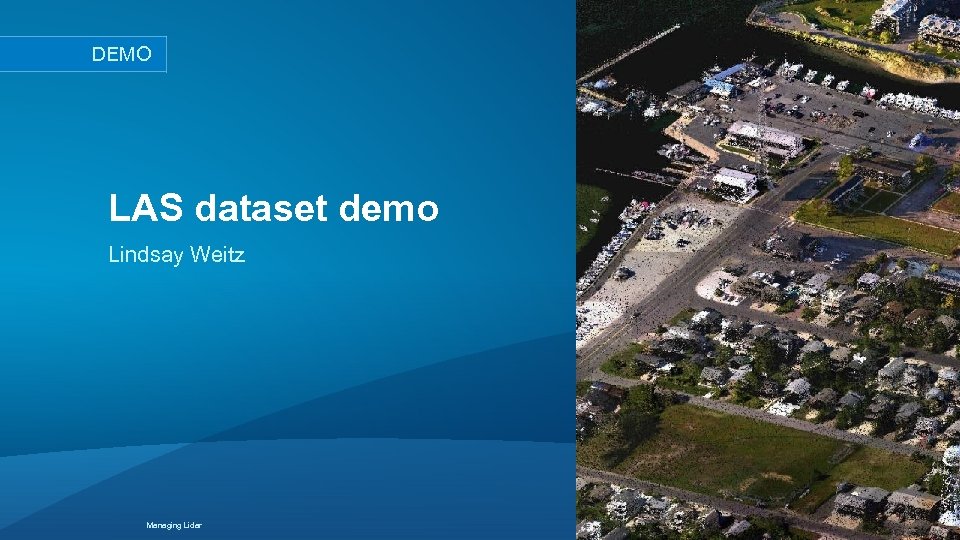 DEMO LAS dataset demo Lindsay Weitz Managing Lidar
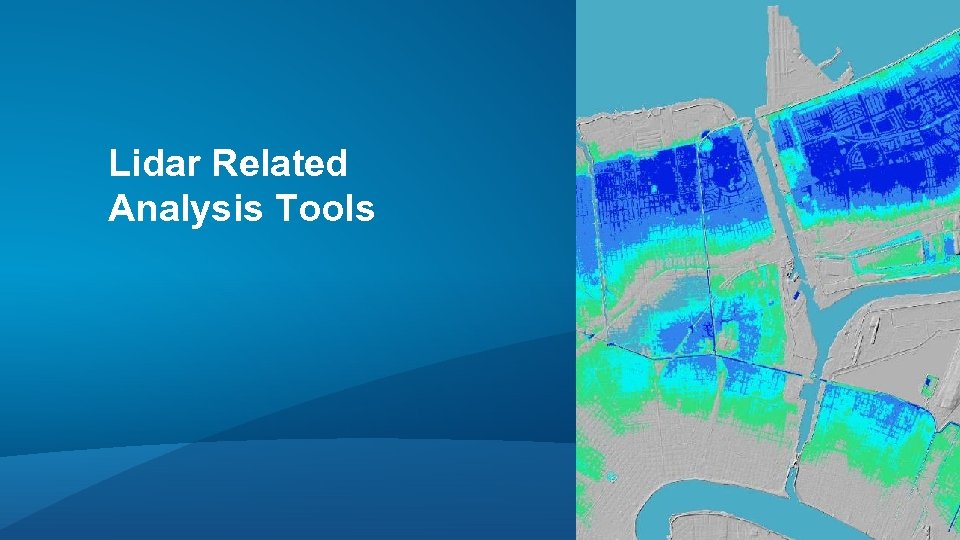 Lidar Related Analysis Tools
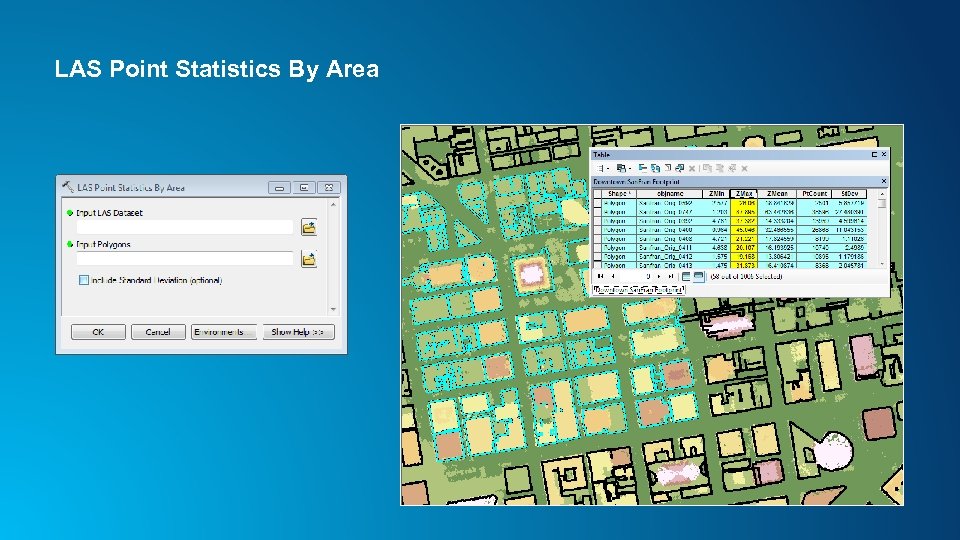 LAS Point Statistics By Area
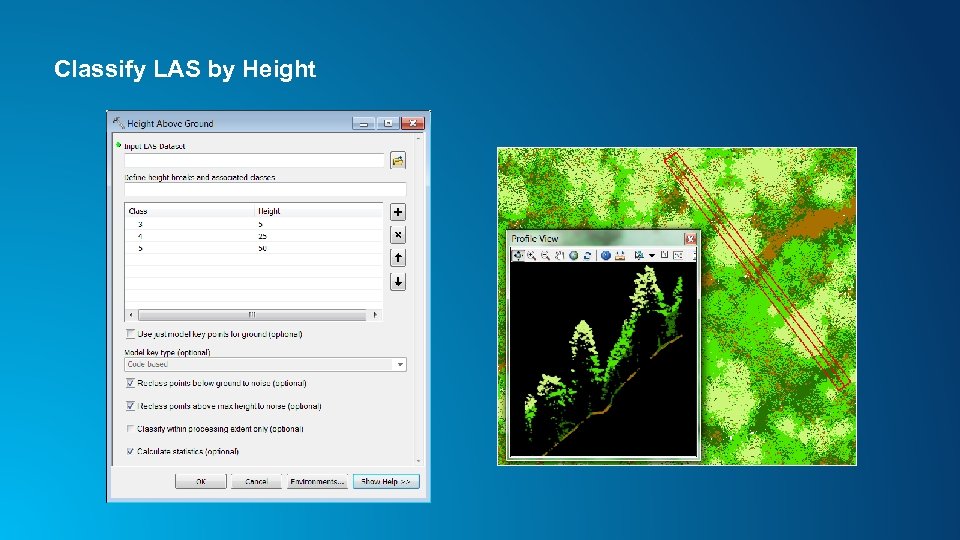 Classify LAS by Height
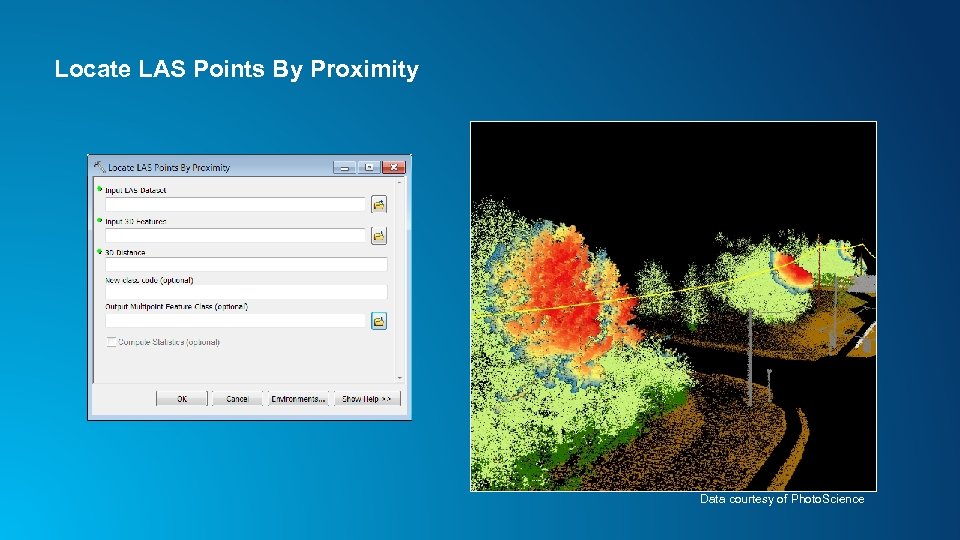 Locate LAS Points By Proximity Data courtesy of Photo. Science
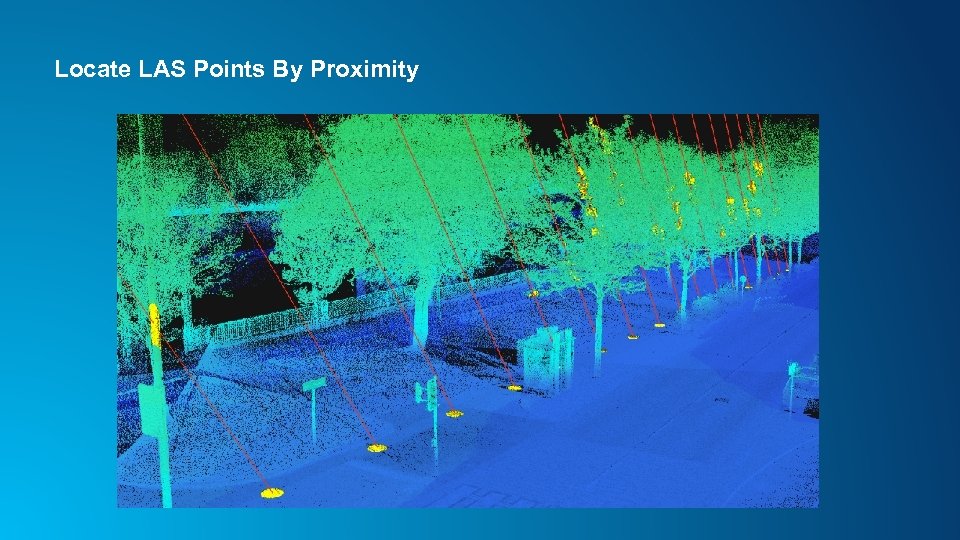 Locate LAS Points By Proximity
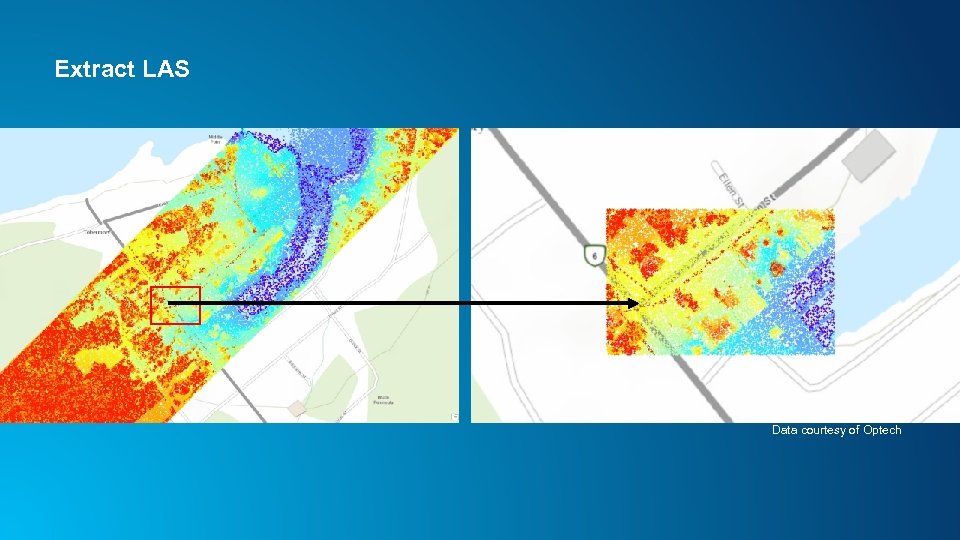 Extract LAS Data courtesy of Optech
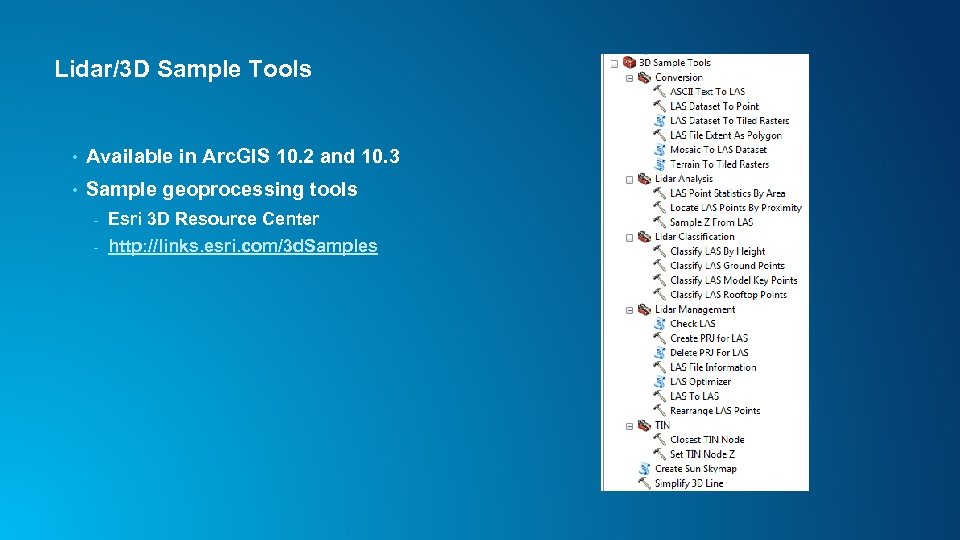 Lidar/3 D Sample Tools • Available in Arc. GIS 10. 2 and 10. 3 • Sample geoprocessing tools - Esri 3 D Resource Center - http: //links. esri. com/3 d. Samples
 Best Practices • Tiled LAS, v 1. 1 or higher • Projected, rearranged, indexed - z. LAS • File size: 1 – 2 GB or less (<500 MB if not rearranged) • Keep file I/O local, avoid network • Study area boundary included as constraint • Airborne lidar - • Classified (bare earth, non-ground) Breaklines for hydro enforcement Terrestrial lidar - RGB & intensity values, classified * Also applies to photogrammetric point clouds
 Terrain dataset Lindsay Weitz Managing Lidar
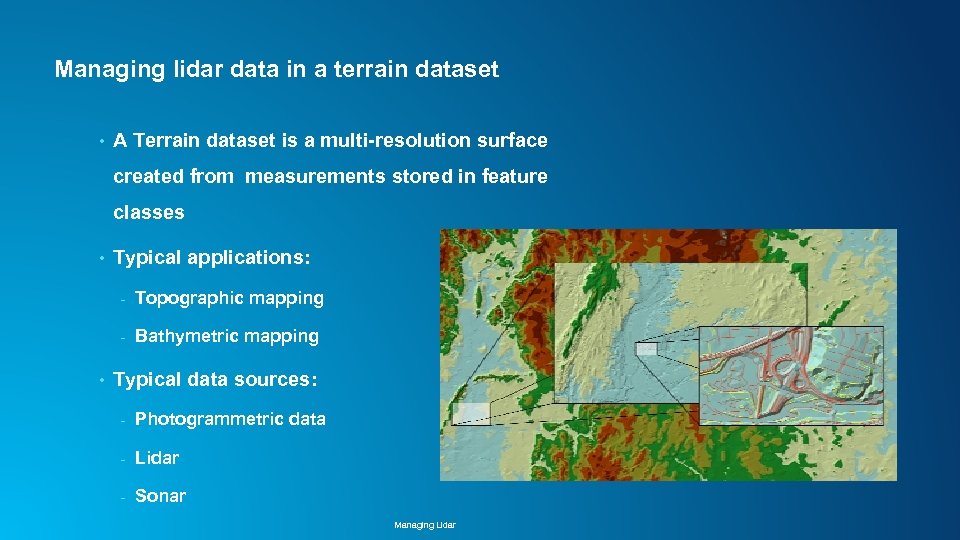 Managing lidar data in a terrain dataset • A Terrain dataset is a multi-resolution surface created from measurements stored in feature classes • Typical applications: - • Topographic mapping Bathymetric mapping Typical data sources: - Photogrammetric data - Lidar - Sonar Managing Lidar
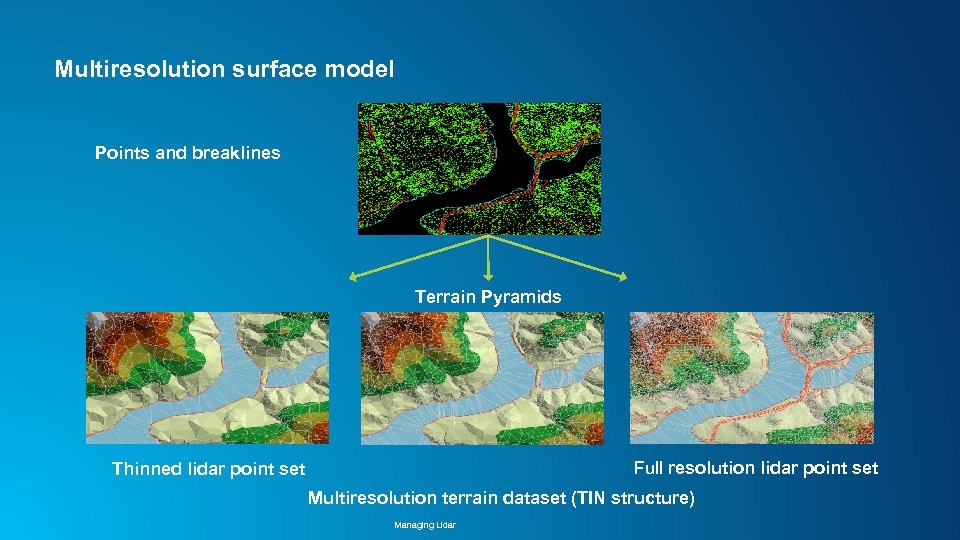 Multiresolution surface model Points and breaklines Terrain Pyramids Full resolution lidar point set Thinned lidar point set Multiresolution terrain dataset (TIN structure) Managing Lidar
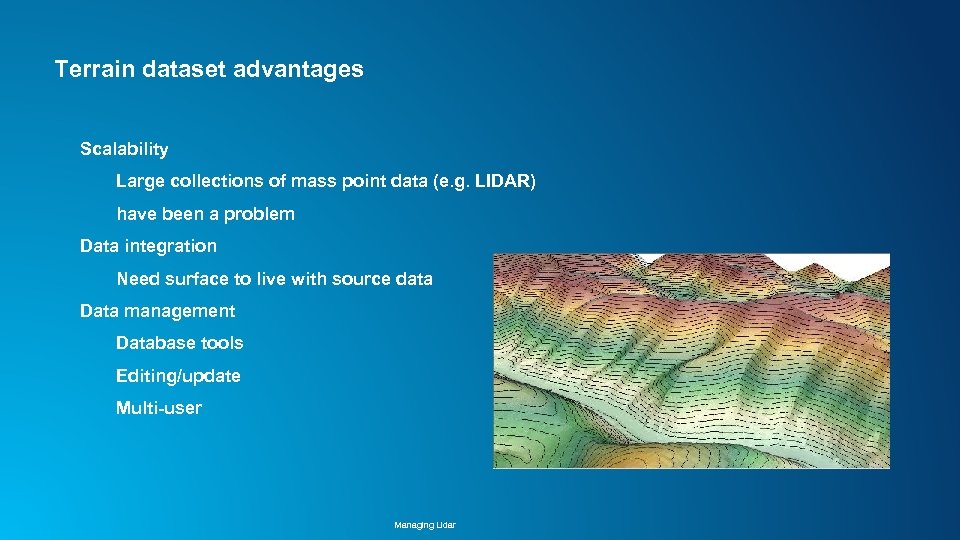 Terrain dataset advantages Scalability Large collections of mass point data (e. g. LIDAR) have been a problem Data integration Need surface to live with source data Data management Database tools Editing/update Multi-user Managing Lidar
 Terrain dataset editing • Updating via editing of source measurements - Standard and custom edit tools for modifying polylines, polygons, spot heights - • Appending, removing, replacing mass points by area Terrain rebuild based on dirty areas Support for versioning in SDE Managing Lidar
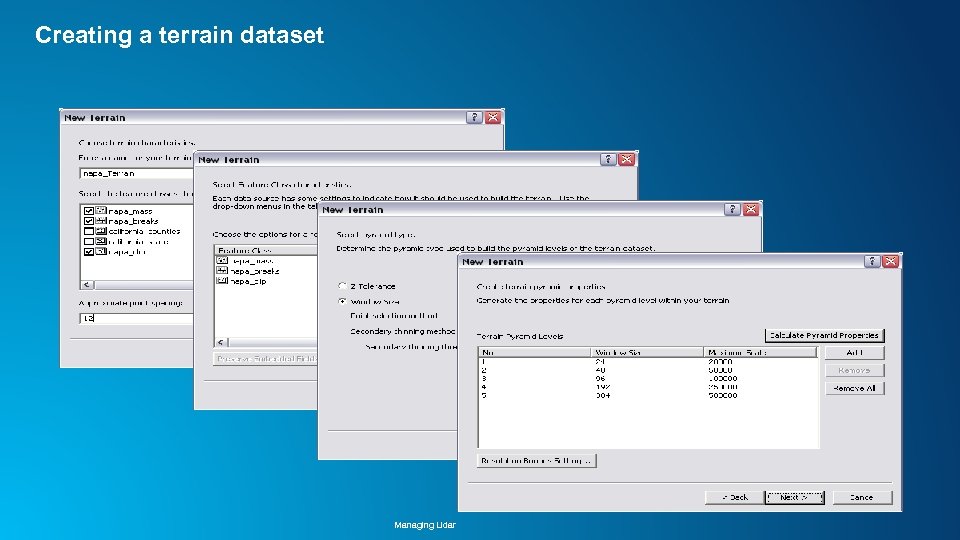 Creating a terrain dataset Managing Lidar
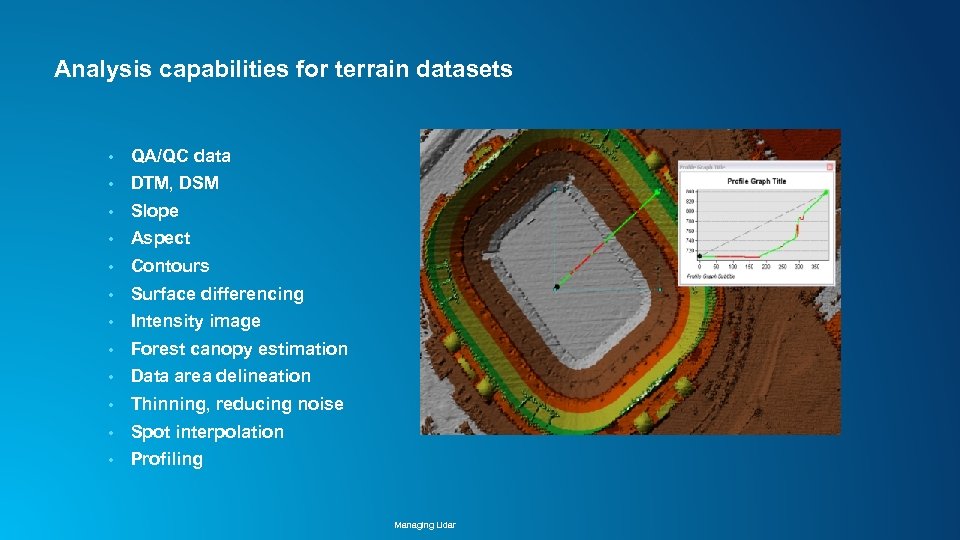 Analysis capabilities for terrain datasets • QA/QC data • DTM, DSM • Slope • Aspect • Contours • Surface differencing • Intensity image • Forest canopy estimation • Data area delineation • Thinning, reducing noise • Spot interpolation • Profiling Managing Lidar
 Mosaic Dataset Cody Benkelman Managing Lidar
 Introduction / Review • LAS Datasets - • Terrain datasets - • For individual projects; support access to 3 D points, w/ filtering, toward analysis For organizations creating, editing, & maintaining authoritative DTM For managing multiple projects, and accessing 3 D surfaces (DTM, DSM), Mosaic Dataset is recommended - Post QC, organized by project via LAS Datasets *or* - Managed within a Terrain Dataset Managing Lidar
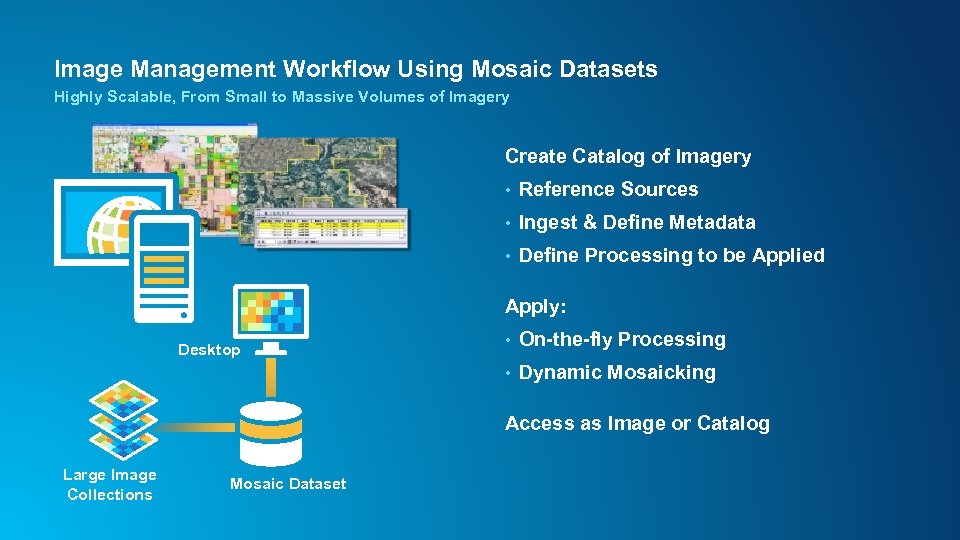 Image Management Workflow Using Mosaic Datasets Highly Scalable, From Small to Massive Volumes of Imagery Create Catalog of Imagery • Reference Sources • Ingest & Define Metadata • Define Processing to be Applied Apply: • On-the-fly Processing • Desktop Dynamic Mosaicking Access as Image or Catalog Large Image Collections Mosaic Dataset
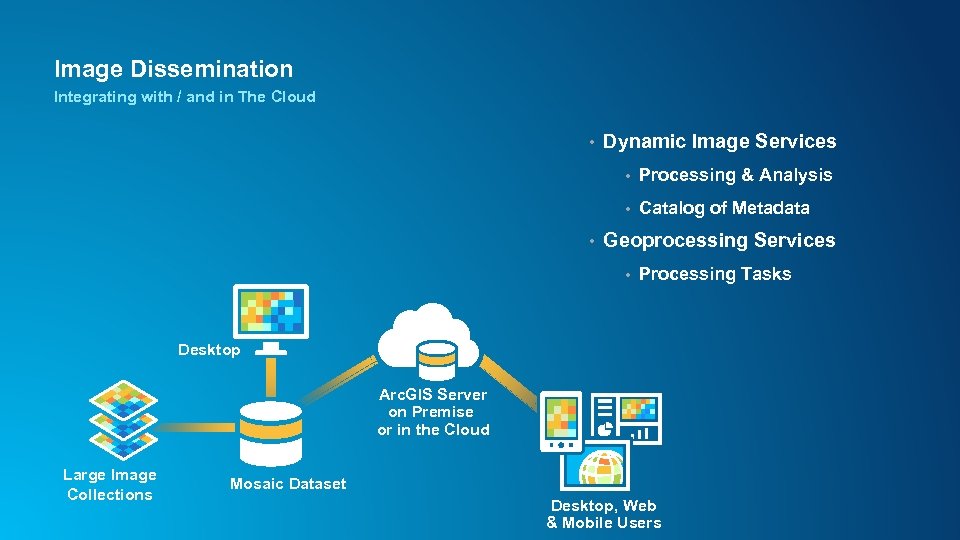 Image Dissemination Integrating with / and in The Cloud • Dynamic Image Services • • • Processing & Analysis Catalog of Metadata Geoprocessing Services • Processing Tasks Desktop Arc. GIS Server on Premise or in the Cloud Large Image Collections Mosaic Dataset Desktop, Web & Mobile Users
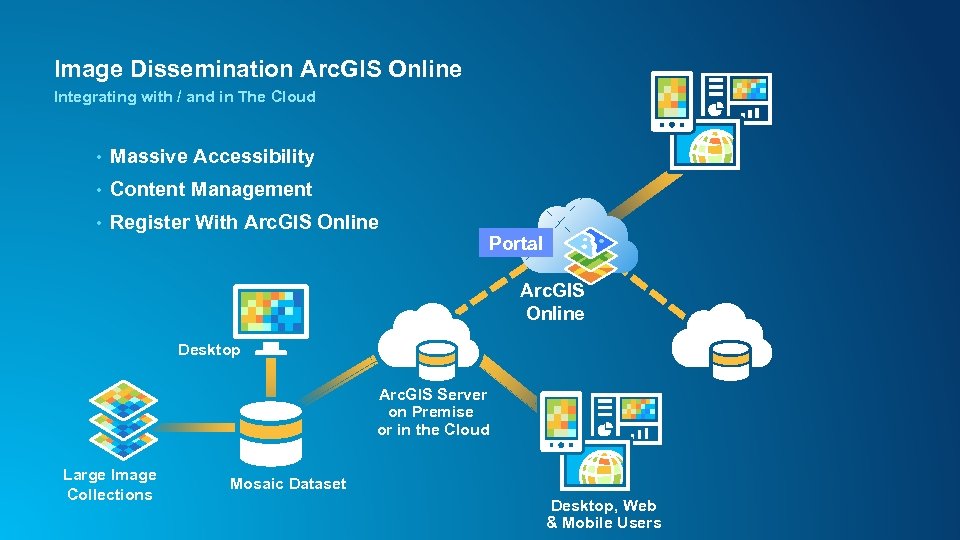 Image Dissemination Arc. GIS Online Integrating with / and in The Cloud • Massive Accessibility • Content Management • Register With Arc. GIS Online Portal Arc. GIS Online Desktop Arc. GIS Server on Premise or in the Cloud Large Image Collections Mosaic Dataset Desktop, Web & Mobile Users
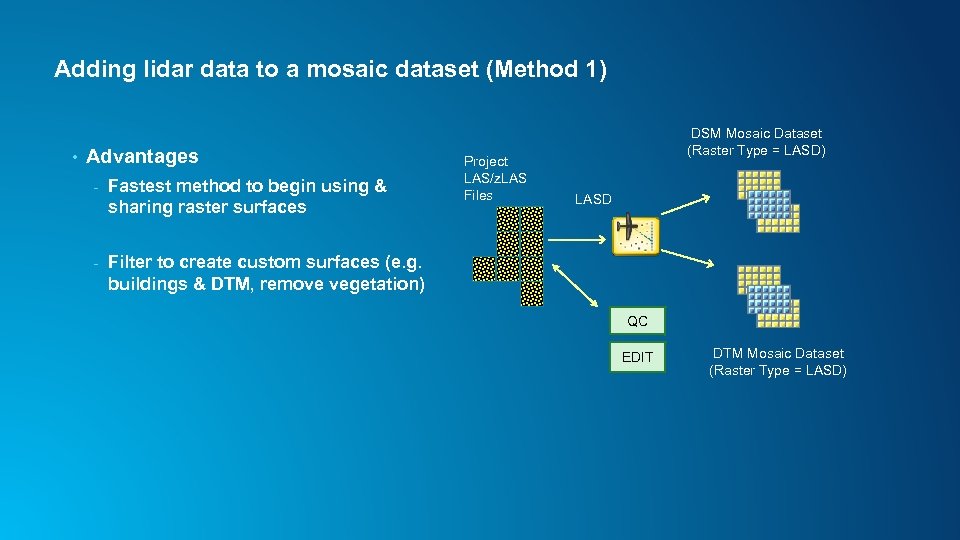 Adding lidar data to a mosaic dataset (Method 1) • Advantages - Fastest method to begin using & sharing raster surfaces - Project LAS/z. LAS Files DSM Mosaic Dataset (Raster Type = LASD) Filter to create custom surfaces (e. g. buildings & DTM, remove vegetation) LASD QC EDIT DTM Mosaic Dataset (Raster Type = LASD)
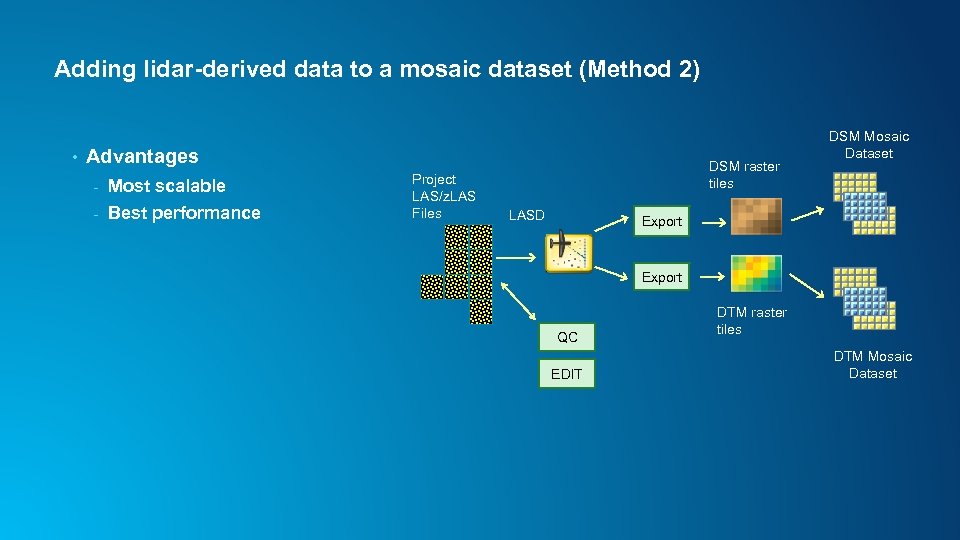 Adding lidar-derived data to a mosaic dataset (Method 2) • Advantages - Most scalable - Best performance Project LAS/z. LAS Files DSM raster tiles LASD DSM Mosaic Dataset Export QC EDIT DTM raster tiles DTM Mosaic Dataset
 Lidar data management using Mosaic Datasets • Design - Begin with Elevation data management - - • Support download for 3 D point data users Build & Maintain - • In most organizations, DTM & DSM supports the majority of users Automation (see Image Management Workflows) Share - Within an organization - With external users Managing Lidar
 Elevation data management using Mosaic Datasets • Manage each project separately (LASD) • Create tiled DTM and DSM for ingestion into Mosaic Dataset • Combine multiple projects into single repository • Manage DTM and DSM as base data, provide other products on demand - • hillshade, slope, ellipsoidal height, etc. For users needing source 3 D points (lidar/photogrammetry), allow data download Managing Lidar
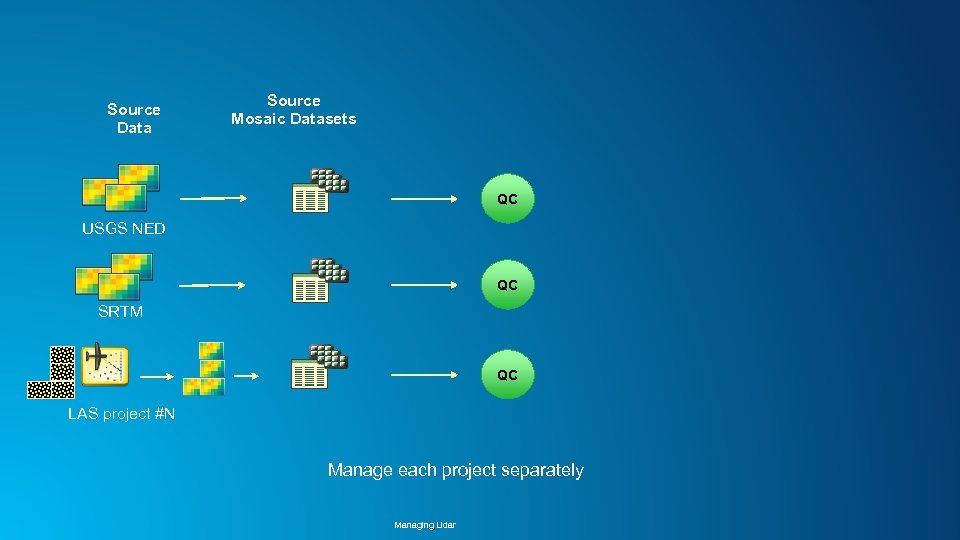 Source Data Source Mosaic Datasets QC USGS NED QC SRTM QC LAS project #N Manage each project separately Managing Lidar
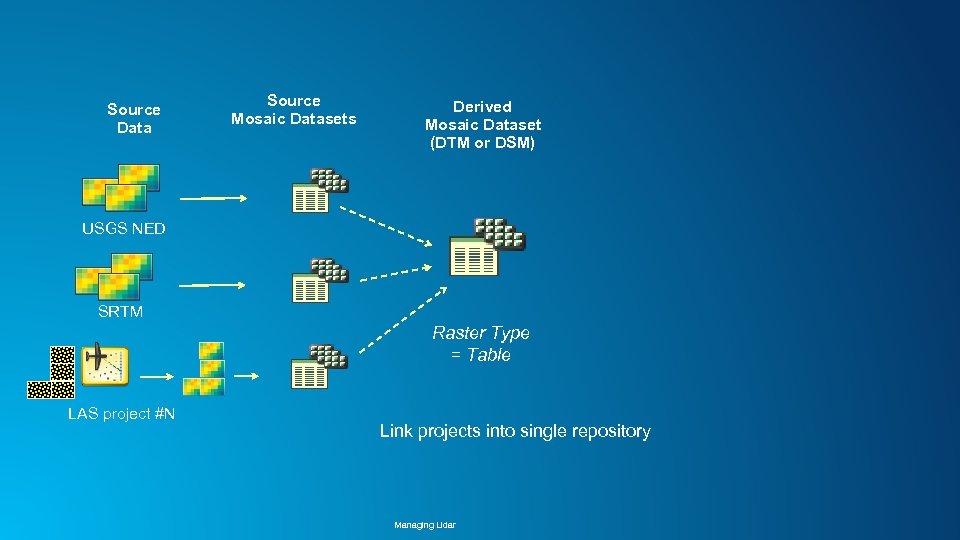 Source Data Source Mosaic Datasets Derived Mosaic Dataset (DTM or DSM) USGS NED SRTM Raster Type = Table LAS project #N Link projects into single repository Managing Lidar
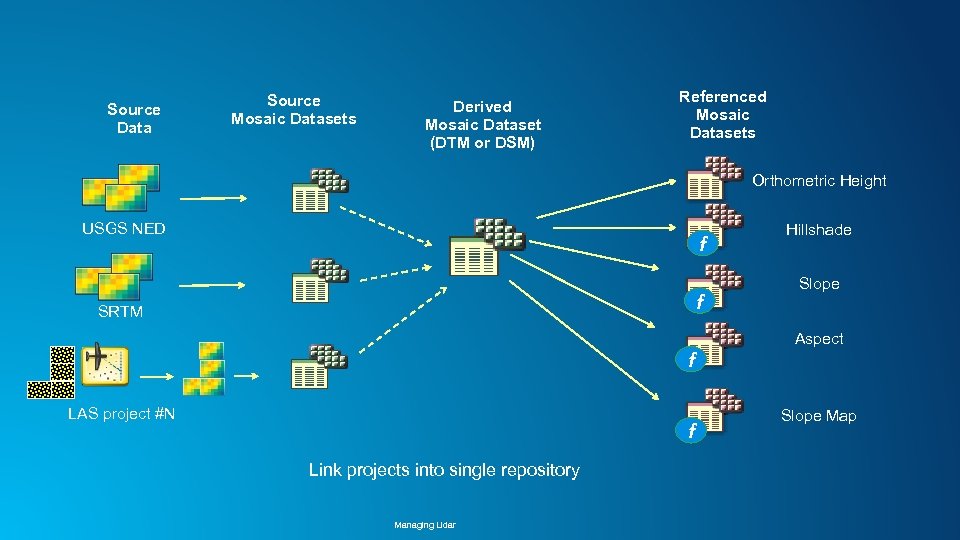 Source Data Source Mosaic Datasets Derived Mosaic Dataset (DTM or DSM) Referenced Mosaic Datasets Orthometric Height USGS NED f f SRTM Hillshade Slope Aspect f LAS project #N f Link projects into single repository Managing Lidar Slope Map
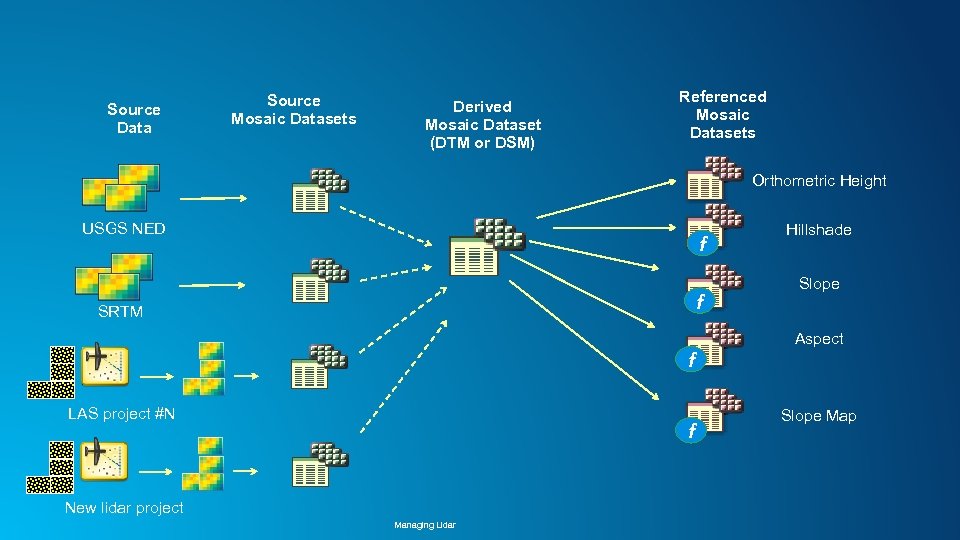 Source Data Source Mosaic Datasets Derived Mosaic Dataset (DTM or DSM) Referenced Mosaic Datasets Orthometric Height USGS NED f f SRTM Hillshade Slope Aspect f LAS project #N f New lidar project Managing Lidar Slope Map
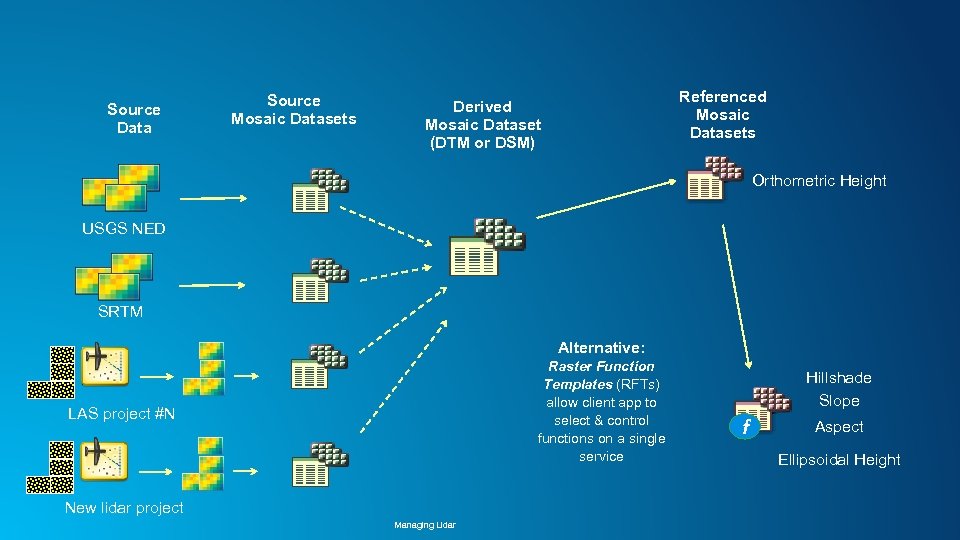 Source Data Source Mosaic Datasets Referenced Mosaic Datasets Derived Mosaic Dataset (DTM or DSM) Orthometric Height USGS NED SRTM Alternative: Raster Function Templates (RFTs) allow client app to select & control functions on a single service LAS project #N New lidar project Managing Lidar Hillshade Slope f Aspect Ellipsoidal Height
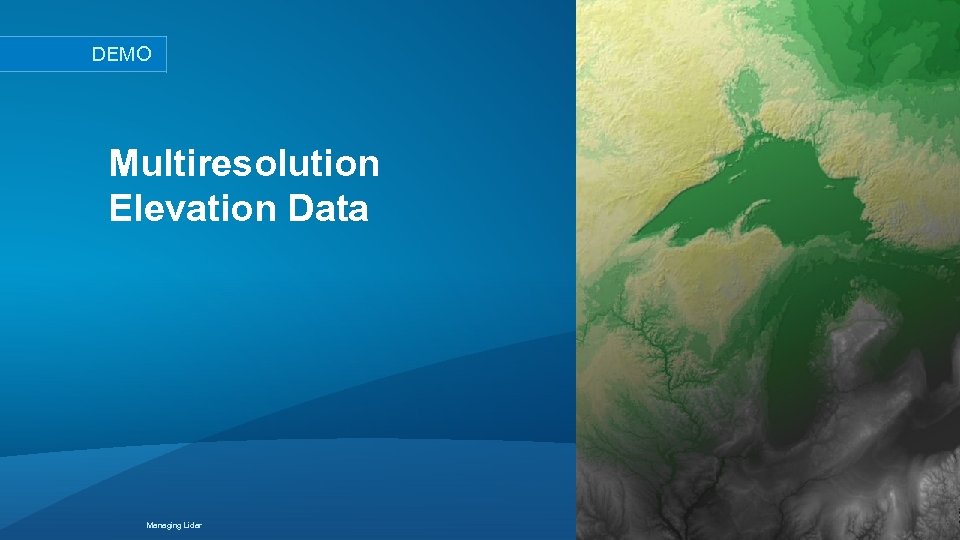 DEMO Multiresolution Elevation Data Managing Lidar
 Advantages/Objectives of Automation • Productivity - • Repeatability, Scalability, Maintainability System Documentation to facilitate QA & QC, Design Review Training/Examples - Encapsulate best practices - Reusable templates • Simplicity • Options for creating Mosaic Datasets: - Manual - Model. Builder - Python Managing Lidar
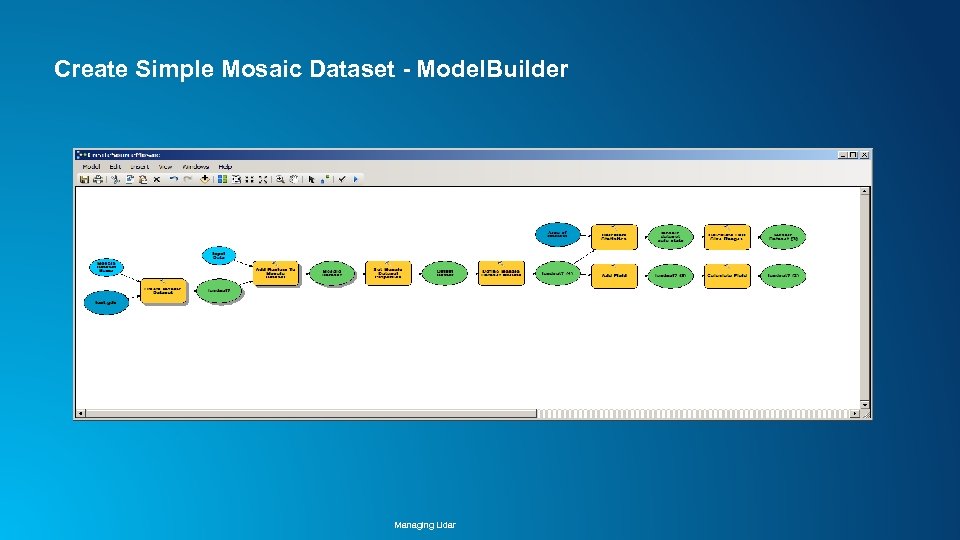 Create Simple Mosaic Dataset - Model. Builder Managing Lidar
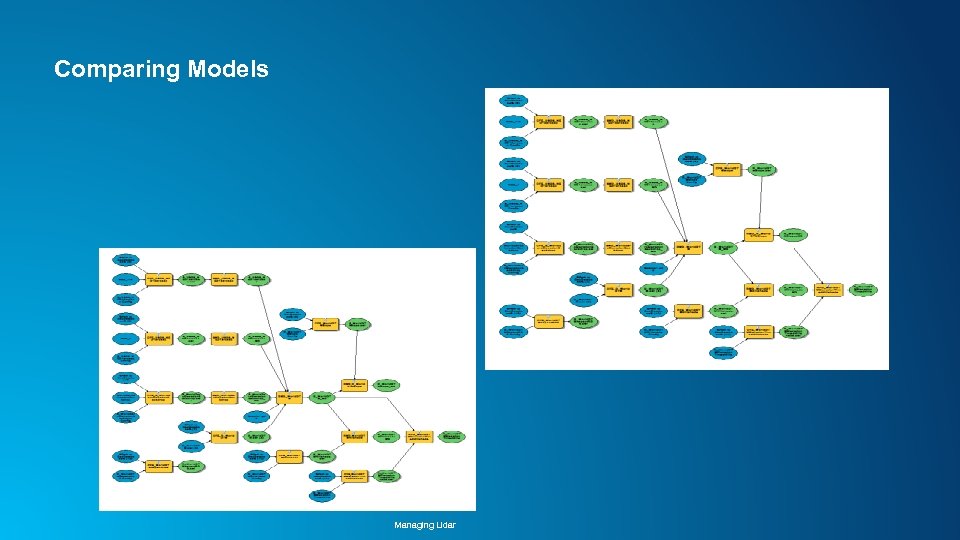 Comparing Models Managing Lidar
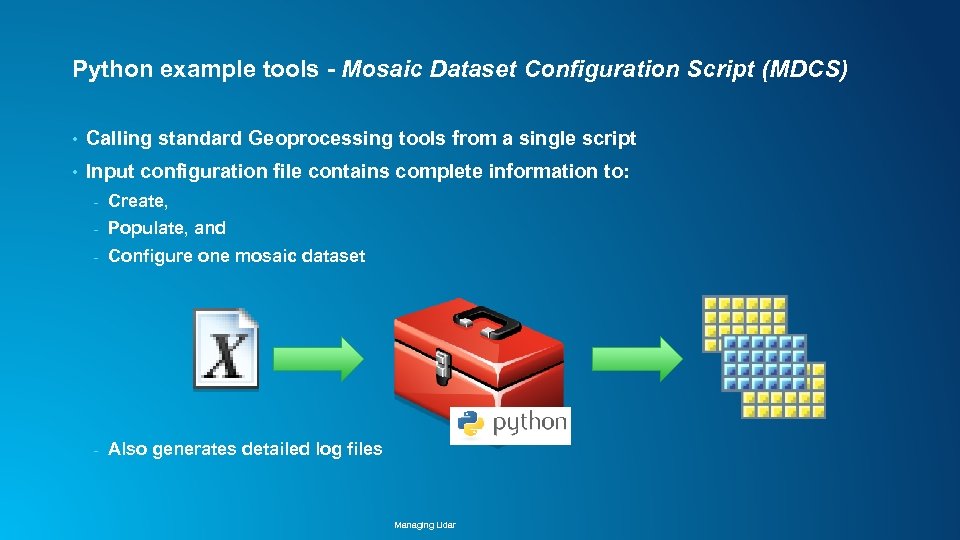 Python example tools - Mosaic Dataset Configuration Script (MDCS) • Calling standard Geoprocessing tools from a single script • Input configuration file contains complete information to: - Create, - Populate, and - Configure one mosaic dataset - Also generates detailed log files Managing Lidar
 Advantages of MDCS • Configuration file encapsulates “Best practices” (mosaic dataset properties) based on image type • “Self Documenting” – - Template is reusable for different image types, or multiple mosaic datasets within a more complex system - Compare versions (difficult with Model. Builder) • Automated Log files – Simple Review • Based on 10. 2, but compatible with upcoming Arc. GIS Pro App Managing Lidar
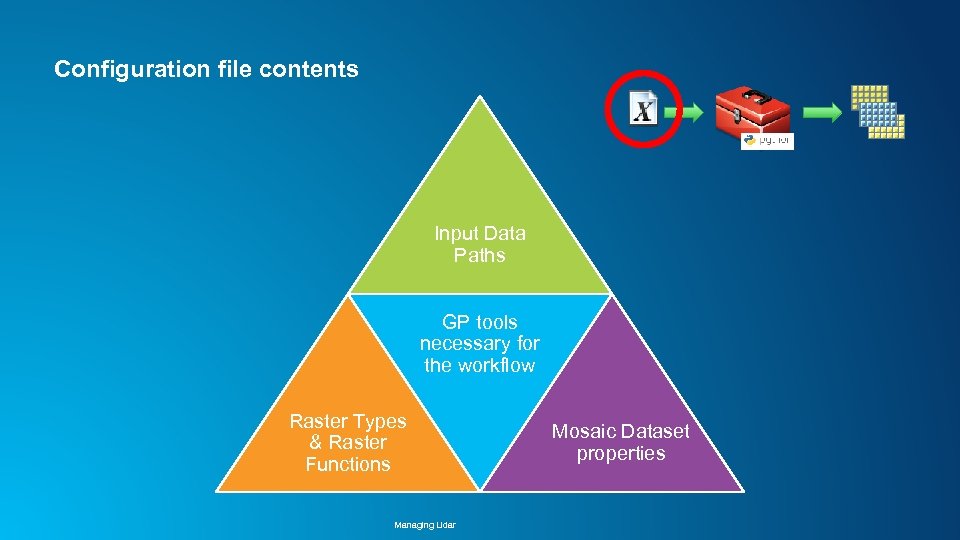 Configuration file contents Input Data Paths GP tools necessary for the workflow Raster Types & Raster Functions Managing Lidar Mosaic Dataset properties
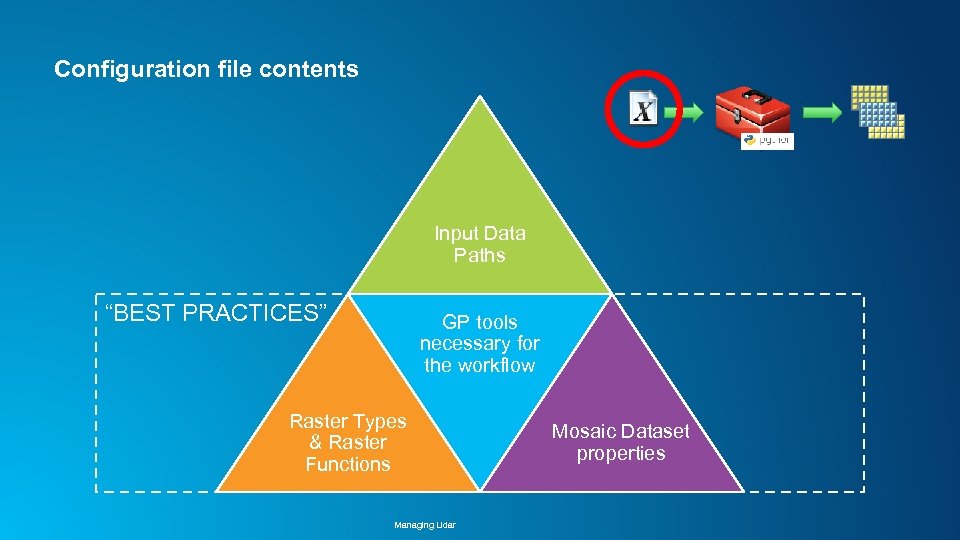 Configuration file contents Input Data Paths “BEST PRACTICES” GP tools necessary for the workflow Raster Types & Raster Functions Managing Lidar Mosaic Dataset properties
 Demo - Automation Adding Lidar to World Elevation If you want to follow on a mobile device: http: //esriurl. com/Add. Lidar Managing Lidar
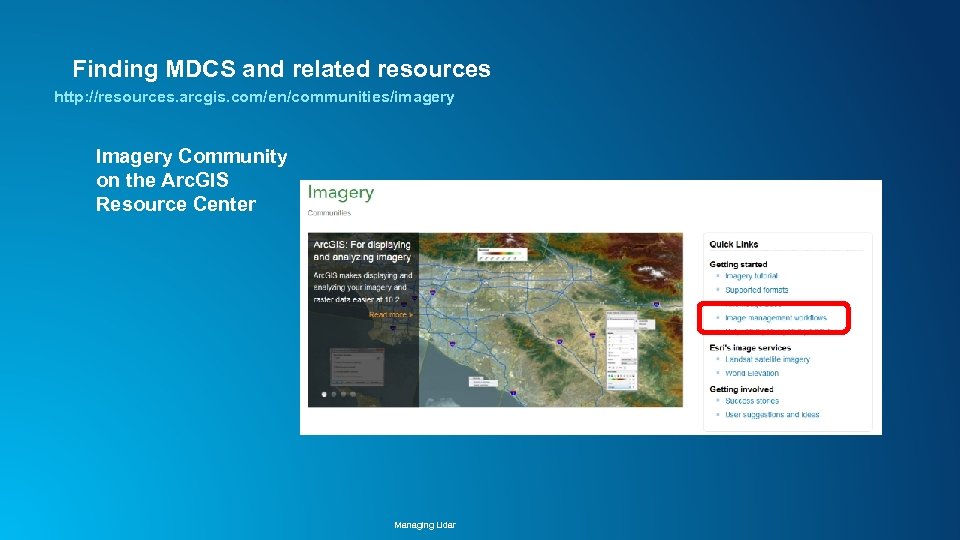 Finding MDCS and related resources http: //resources. arcgis. com/en/communities/imagery Imagery Community on the Arc. GIS Resource Center Managing Lidar
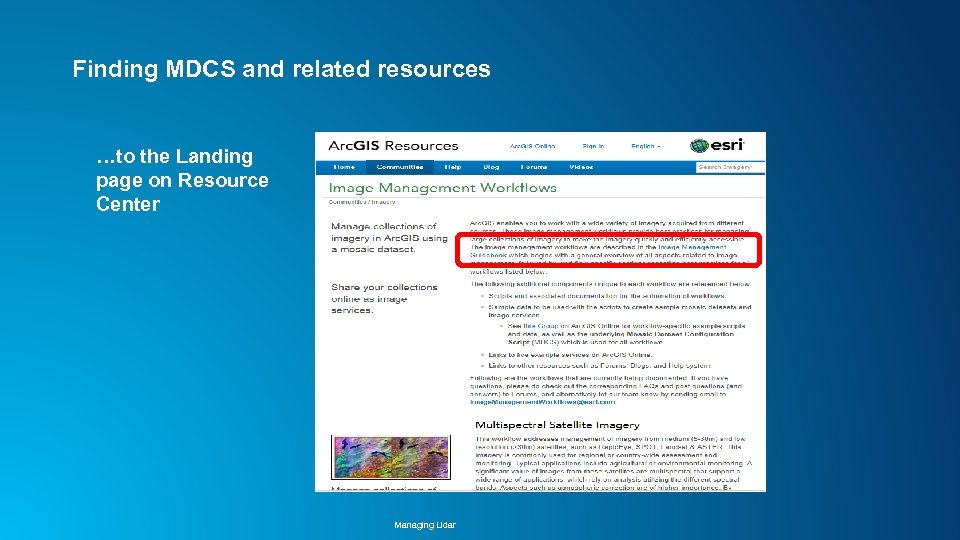 Finding MDCS and related resources …to the Landing page on Resource Center Managing Lidar
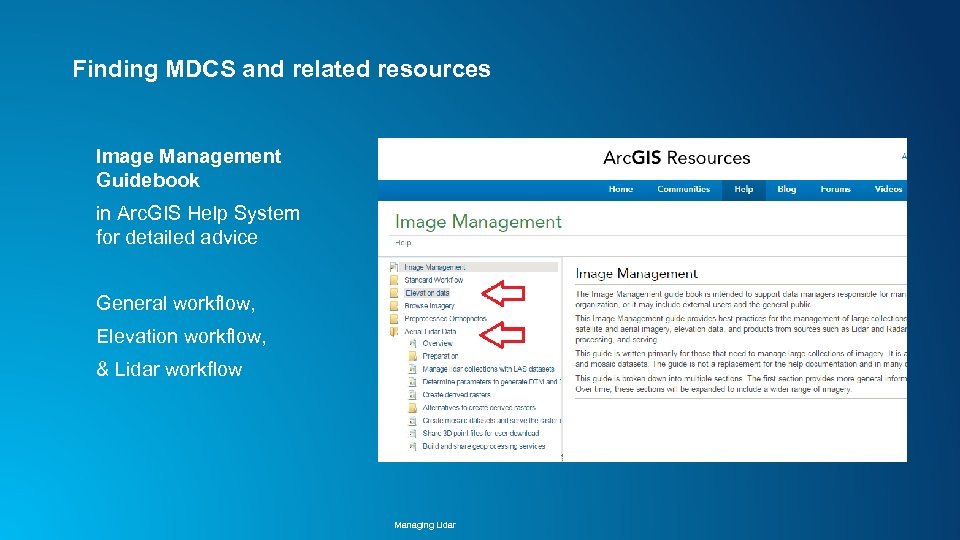 Finding MDCS and related resources Image Management Guidebook in Arc. GIS Help System for detailed advice General workflow, Elevation workflow, & Lidar workflow Managing Lidar
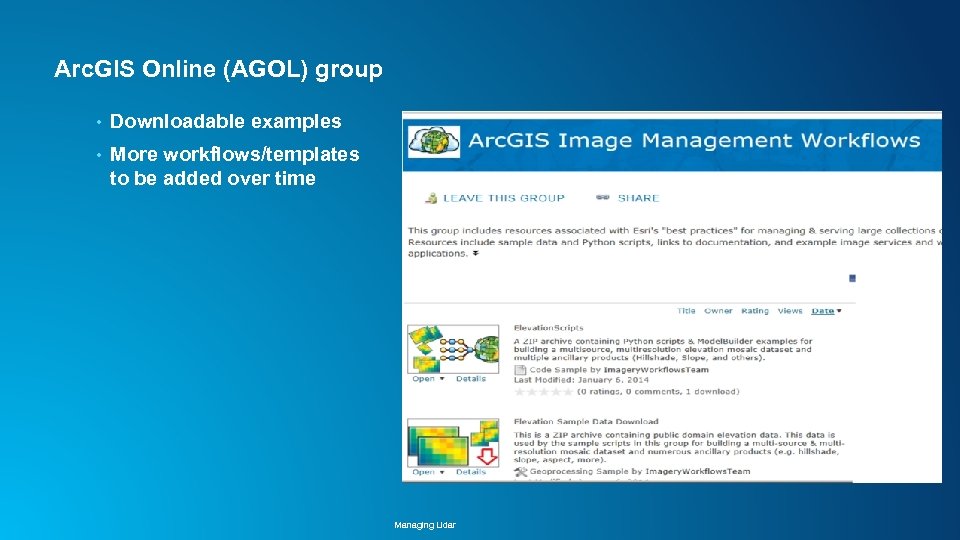 Arc. GIS Online (AGOL) group • Downloadable examples • More workflows/templates to be added over time Managing Lidar
 Resources: “Imagery Management Workflows” • Imagery Resource Center : http: //esriurl. com/6005 • Image Management Workflows: http: //esriurl. com/6550 • Guidebook in Arc. GIS Help: http: //esriurl. com/6007 • Arc. GIS Online Group: • Recorded Webinar on lidar data management: http: //esriurl. com/LTSLidar. Mgmt • Optimized LAS tool: http: //esriurl. com/zlas • Tools from 3 D Team: http: //links. esri. com/3 d. Samples • Contact information: http: //esriurl. com/6539 - Cody Benkelman cbenkelman@esri. com - Lindsay Weitz lweitz@esri. com Managing Lidar
 Managing Lidar