


 Скачать презентацию Managing Information Overload http flickr com photos deapeajay 1928521563 Lisa Spiro
ea82648ae1f4c82929927c413d90e392.ppt
- Количество слайдов: 39
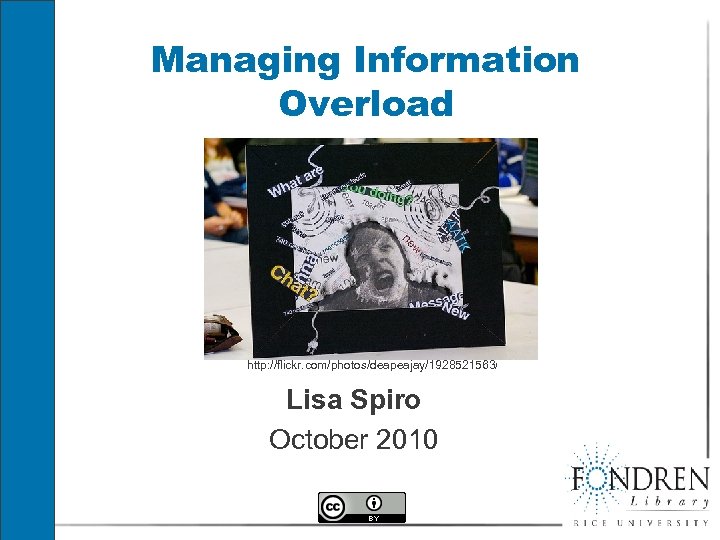 Managing Information Overload http: //flickr. com/photos/deapeajay/1928521563/ Lisa Spiro October 2010
 Do you know anyone with infomania? § Constantly checking email § Flicks from one web page to another without fully digesting anything § Difficulty focusing § Feels that can never know enough § Works way too many hours with too few results
 What is information overload? § “exposure to or provision of too much information; a problematic situation or state of mental stress arising from this” (OED) § Other terms for information overload: § “data smog” § “glut” § “information explosion” § “infomania”
 When Was This Said? “We have reason to fear that the multitude of books which grows every day in a prodigious fashion will make the following centuries fall into a state as barbarous as that of the centuries that followed the fall of the Roman Empire. ” (17 th C French scholar)
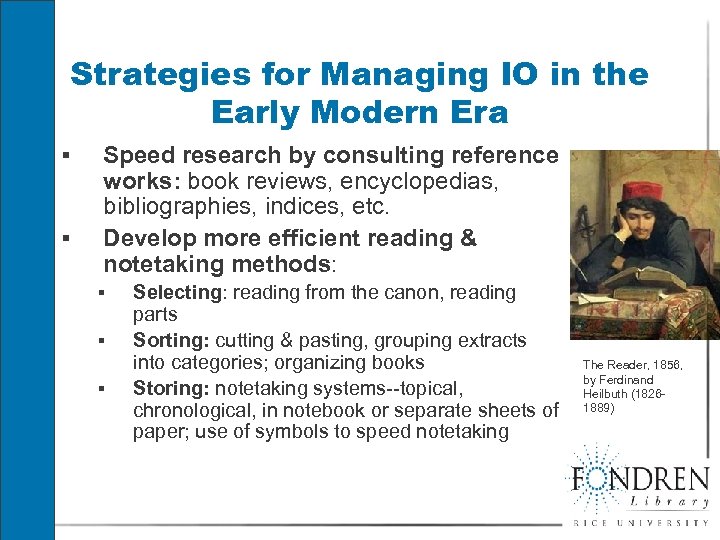 Strategies for Managing IO in the Early Modern Era § § Speed research by consulting reference works: book reviews, encyclopedias, bibliographies, indices, etc. Develop more efficient reading & notetaking methods: § § § Selecting: reading from the canon, reading parts Sorting: cutting & pasting, grouping extracts into categories; organizing books Storing: notetaking systems--topical, chronological, in notebook or separate sheets of paper; use of symbols to speed notetaking The Reader, 1856, by Ferdinand Heilbuth (18261889)
 Development of the Attention Economy § “What information consumes is rather obvious: it consumes the attention of its recipients. Hence a wealth of information creates a poverty of attention, and a need to allocate that attention efficiently among the overabundance of information sources that might consume it. ” (Nobel-winning economist Herbert Simon, 1971) § “The physics of the Media world are changing from a world where attention is abundant and distribution channels are scarce to a world where distribution is unlimited and attention is scarce” (Ian Rogers, Yahoo! Music)
 Manifestations of Information Overload § Interruption: § Knowledge workers get on average 3 minutes of uninterrupted time on a task (Zeldes) § Deluge of data § 50 -100 emails per day average at Intel (Zeldes) § Average American consumes 34 gigabytes per day (UCSD study) § Finding the needle in the haystack: § Difficult to find what you need in 1000 s of Google hits § Too many choices: § Barry Schwartz in The Paradox of Choice argues that “unlimited choice” can “produce genuine suffering. ”
 Information Overload (IO) and Decreased Productivity Zeldes et al of Intel link IO to… § Wasting time § as much as 25% of the work-week at Intel is wasted due to IO § 20 minutes per day spent on unnecessary emails § Interruptions mean having to redo work or take time to retrace steps § Diminished mental capacity § Lack of problem solving ability § IO= temporary decline in IQ by as many as 10 points according to HP study (more than smoking marijuana? ) § Increased rate of error § Less creativity § Lack of “thinking time” § We need time to reflect & generate new ideas
 IO & Decreased Quality of Life § Ignorance § Neil Postman: Too much information makes it meaningless. § Stress § Feeling overwhelmed § Work interferes at home, diminishes quality time § Physical problems: § Poor vision, headaches, sore backs, etc. § Example: § NY Times reported recently that bloggers were suffering health problems from overwork/ stress
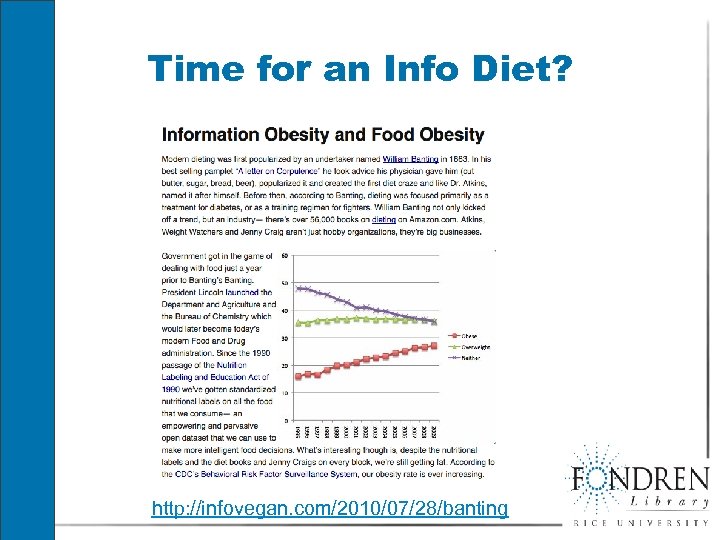 Time for an Info Diet? http: //infovegan. com/2010/07/28/banting
 Or Is Information Overload Hyped? § Tech consultant Stowe Boyd argues we’re moving from a linear, assembly line model to “continuous partial attention”: § rapid, multi-stream, non-linear § social § keeping many things in view (like playing a video game) § “It depends on the situation, but I think we are underestimating the brain’s capacity to adapt to new challenges. Studies have been done showing that people can actually enhance their cognitive abilities, which helps them to process more information at the same time. ” (Fred Mast)
 We have a choice… § "attention is the most powerful tool of the human spirit. We can enhance or augment our attention with practices like meditation and exercise, diffuse it with technologies like email and Blackberries, or alter it with pharmaceuticals. In the end, though, we are fully responsible for how we choose to use this extraordinary tool. ” (Linda Stone)
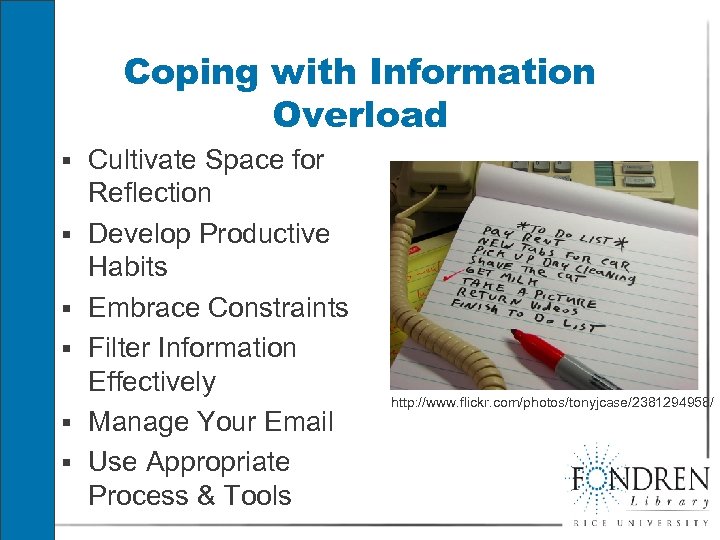 Coping with Information Overload § Cultivate Space for § § § Reflection Develop Productive Habits Embrace Constraints Filter Information Effectively Manage Your Email Use Appropriate Process & Tools http: //www. flickr. com/photos/tonyjcase/2381294958/
 Fighting “Infomania” at Intel (2007 -2008) Intel is experimenting with different methods for reducing information overload, including: §“Quiet time”: Engineers block their calendars for 3 hours on Tuesday mornings §No email Friday: engineers encouraged to talk with each other rather than email §Batching emails rather than constant drip §Moving to RSS subscription model for blast emails §Software-based email effectiveness coach. See http: //blogs. intel. com/it/authors#nathan_zeldes
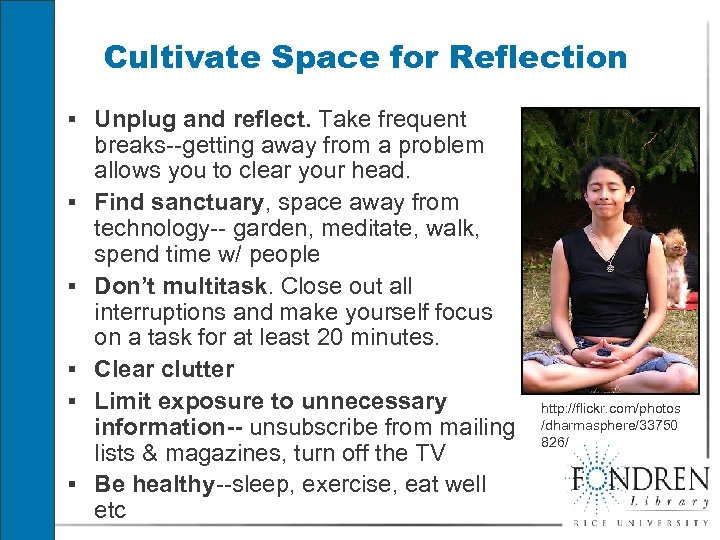 Cultivate Space for Reflection § Unplug and reflect. Take frequent § § § breaks--getting away from a problem allows you to clear your head. Find sanctuary, space away from technology-- garden, meditate, walk, spend time w/ people Don’t multitask. Close out all interruptions and make yourself focus on a task for at least 20 minutes. Clear clutter Limit exposure to unnecessary information-- unsubscribe from mailing lists & magazines, turn off the TV Be healthy--sleep, exercise, eat well etc http: //flickr. com/photos /dharmasphere/33750 826/
 Develop Productive Habits § Do a productivity audit: Where do you waste time? § Tools like slife, time. Edition, wakcopa and Klok § § § help you track your time Map out your day: have goals, organize a schedule Set aside a certain time of the day to process information Make it easy to pick up a task--take notes about what still needs to be done. Write down ideas as they come to you. Create a folder for items you still need to act on Step back: establish a weekly review
 Relaxation Break § Counting backwards, http: //chronicle. com/blogs/profh acker/got-a-minute-countbackwards/22801 OR § Get energy flowing, http: //chronicle. com/blogs/profh acker/got-a-minute-get-yourenergy-flowing/22722
 Embrace Constraints § Say no sometimes § Stop when you’ve found enough information § Make your to-do lists specific and actionable so § you know what to do § tasks don’t seem so huge § Establish deadlines § Turn to trusted information sources—but go beyond your own biases § Establish boundaries: . § “Satisficing”: seeking what is “good enough” (Herbert Simon)
 Filter Failure? http: //www. flickr. com/photos/verbee 28/ “What we're dealing with now is not the problem of information overload, because we're always dealing (and always have been dealing) with information overload. . . Thinking about information overload isn't accurately describing the problem; thinking about filter failure is. ” (Clay Shirky)
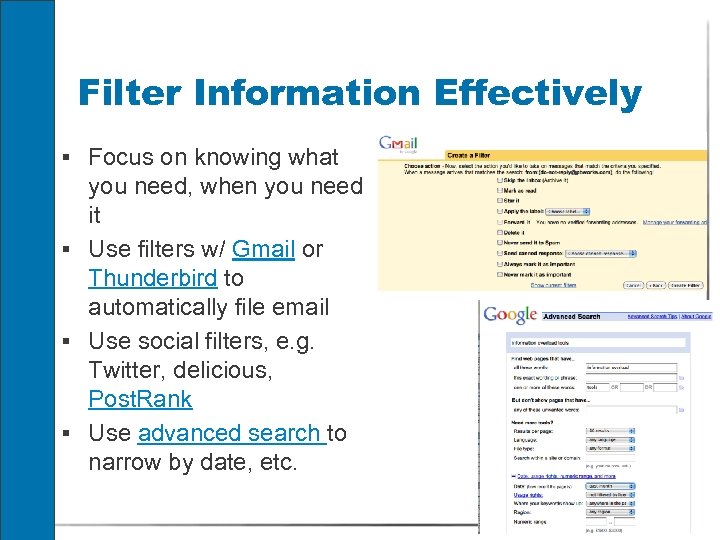 Filter Information Effectively § Focus on knowing what you need, when you need it § Use filters w/ Gmail or Thunderbird to automatically file email § Use social filters, e. g. Twitter, delicious, Post. Rank § Use advanced search to narrow by date, etc.
 Manage Your Email § Turn off automatic alerts § Check only 3 or 4 times a day at set times (not first § § § thing in the morning) Consider adopting “quiet time” Rather than letting the email linger, act on it, put it in a folder of items to be acted on later, file it, or delete it Get off email lists that are no longer relevant Use “canned responses, ” e. g. in Gmail Be concise and direct in your responses. Adopt the 5 sentence email Don’t CC people who don’t need to be included
 Managing IO while researching § Consult a reference work to get a general § § § knowledge of the field and find references Establish a hypothesis, then filter information by looking for data to back up or refute that hypothesis Prioritize. Focus on what you need to know: when do you have enough? Organize your stuff through tagging, filing, etc. (or depend on search tools to find your stuff for you) Take notes. Connect what new information to what you already know. Learning depends on connecting & contextualizing. Skim.
 “Getting Things Done” (GTD) http: //www. flickr. com/photos/petehin dle/4691312748/ § Popular productivity system by David Allen for dealing with information overload § Key principles: § Get “stuff” out of your head onto paper (or another medium) § Have a system for deciding what to do with your stuff when it appears. § Organize your stuff, and set up reminders § Keep your system current; review it frequently
 GTD Workflow Overview 1. 2. 3. 4. 5. Collect: Identify what you have. Gather everything into “buckets”. Process: Empty your bucket. Decide whether tasks are actionable or can be filed or thrown away. If it can be done in 2 minutes, do it. Otherwise, defer or delegate. Organize: Figure out where to put your stuff-- & put it there. Non-actionable stuff goes in reference file, incubation (tickler) file, or trash. Actionable stuff goes on calendar, project list, etc. Review: Regularly review goals, stuff & system. Do: Act based on context (where you are), time available, energy available, and priority.
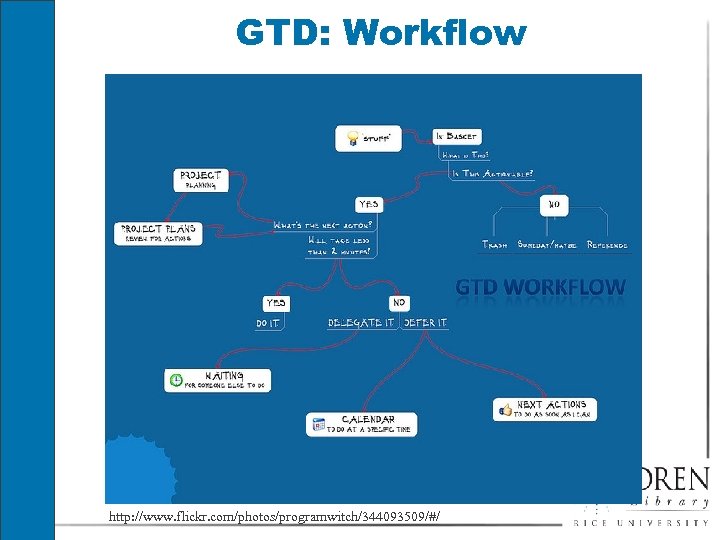 GTD: Workflow http: //www. flickr. com/photos/programwitch/344093509/#/
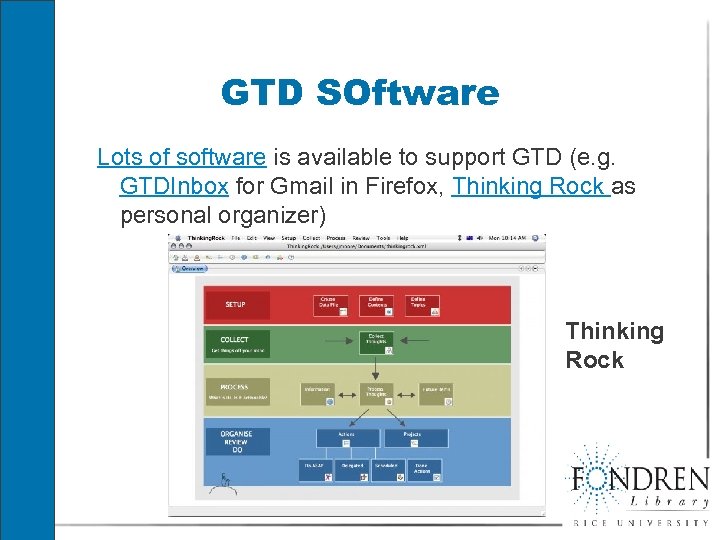 GTD SOftware Lots of software is available to support GTD (e. g. GTDInbox for Gmail in Firefox, Thinking Rock as personal organizer) Thinking Rock
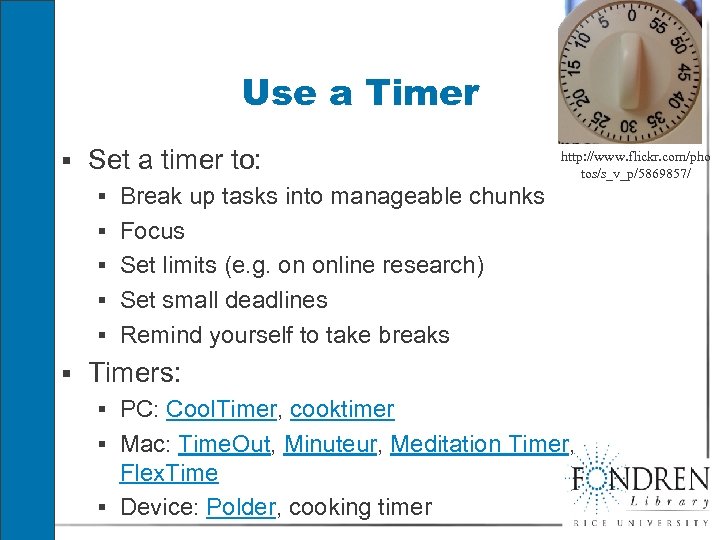 Use a Timer § Set a timer to: § Break up tasks into manageable chunks § Focus § Set limits (e. g. on online research) § Set small deadlines § Remind yourself to take breaks http: //www. flickr. com/pho tos/s_v_p/5869857/ § Timers: § PC: Cool. Timer, cooktimer § Mac: Time. Out, Minuteur, Meditation Timer, Flex. Time § Device: Polder, cooking timer
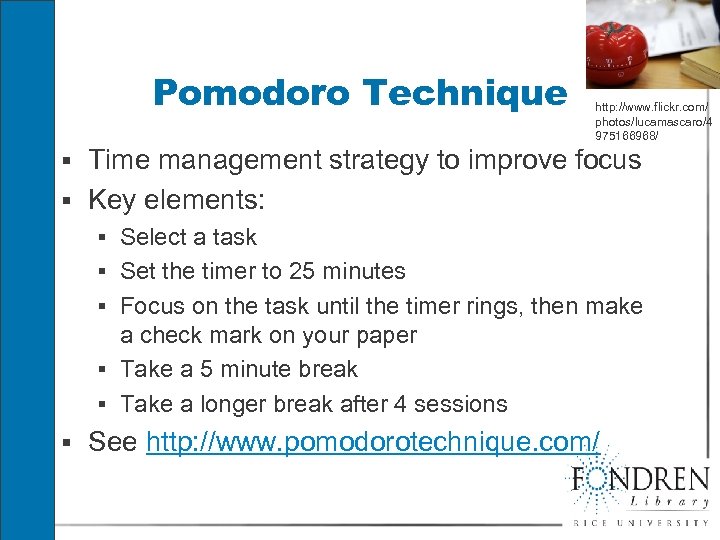 Pomodoro Technique http: //www. flickr. com/ photos/lucamascaro/4 975166968/ § Time management strategy to improve focus § Key elements: § Select a task § Set the timer to 25 minutes § Focus on the task until the timer rings, then make a check mark on your paper § Take a 5 minute break § Take a longer break after 4 sessions § See http: //www. pomodorotechnique. com/
 Exercise: Make This To-Do List Actionable § Be less overwhelmed by information § Relax § Research information fluency presentation
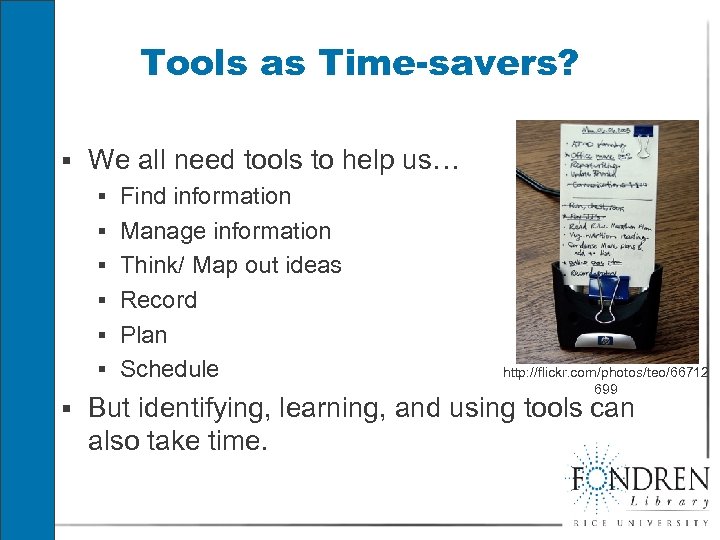 Tools as Time-savers? § We all need tools to help us… § Find information § Manage information § Think/ Map out ideas § Record § Plan § Schedule http: //flickr. com/photos/teo/66712 699 § But identifying, learning, and using tools can also take time.
 Five Tools to Manage Information Overload 1. Use calming technologies 2. Remove clutter 3. Track tasks with to-do lists 4. Develop an “external brain”: information management tools 5. Research, not Re-search: Zotero
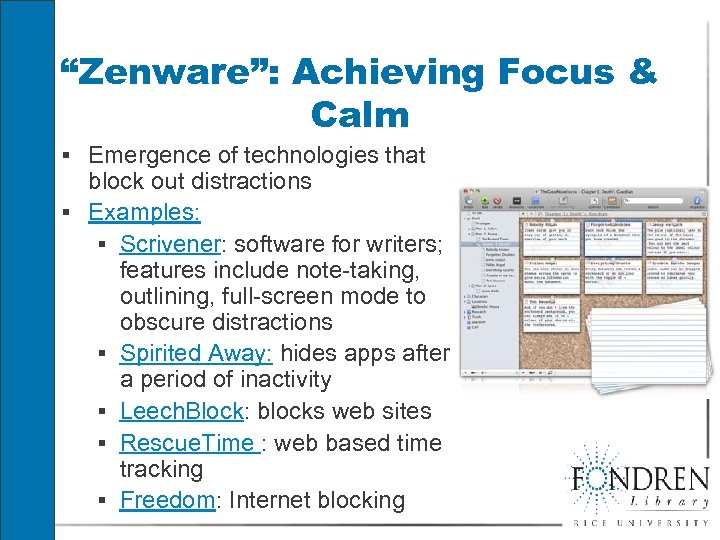 “Zenware”: Achieving Focus & Calm § Emergence of technologies that block out distractions § Examples: § Scrivener: software for writers; features include note-taking, outlining, full-screen mode to obscure distractions § Spirited Away: hides apps after a period of inactivity § Leech. Block: blocks web sites § Rescue. Time : web based time tracking § Freedom: Internet blocking
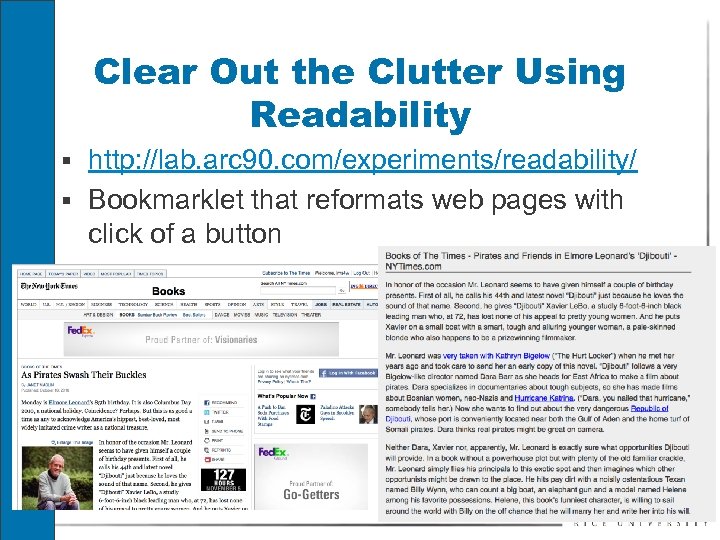 Clear Out the Clutter Using Readability § http: //lab. arc 90. com/experiments/readability/ § Bookmarklet that reformats web pages with click of a button
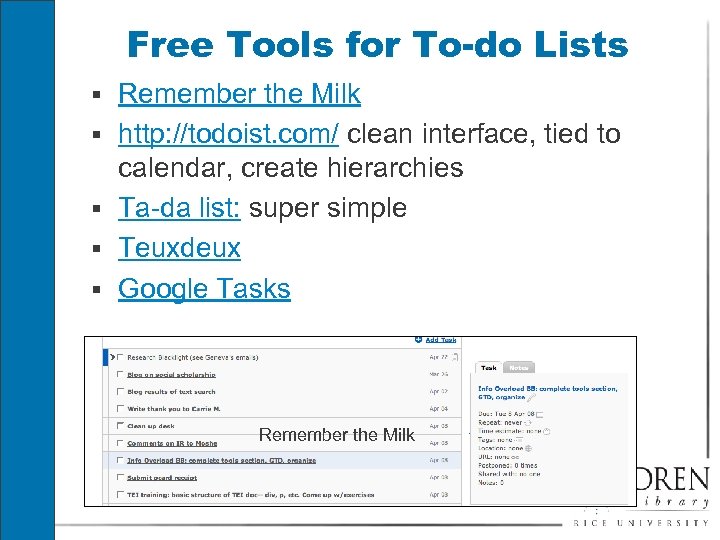 Free Tools for To-do Lists § Remember the Milk § http: //todoist. com/ clean interface, tied to calendar, create hierarchies § Ta-da list: super simple § Teuxdeux § Google Tasks Remember the Milk
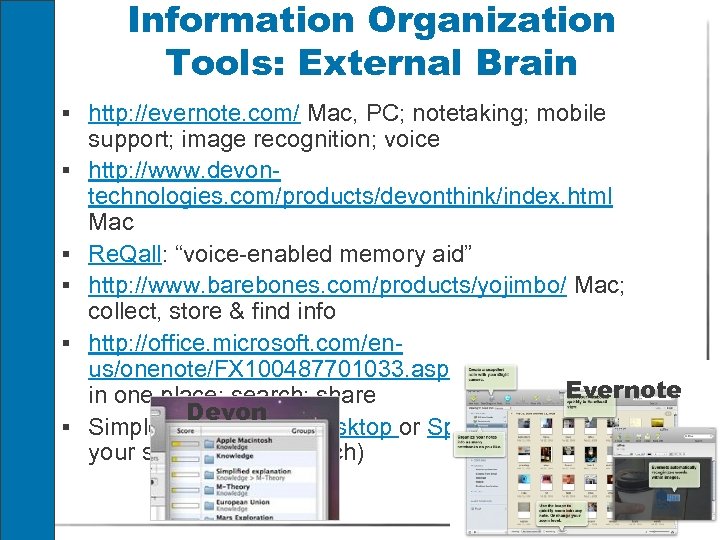 Information Organization Tools: External Brain § http: //evernote. com/ Mac, PC; notetaking; mobile § § § support; image recognition; voice http: //www. devontechnologies. com/products/devonthink/index. html Mac Re. Qall: “voice-enabled memory aid” http: //www. barebones. com/products/yojimbo/ Mac; collect, store & find info http: //office. microsoft. com/enus/onenote/FX 100487701033. aspx PC; gather notes Evernote in one place; search; share Devon Simple: use Google Desktop or Spotlight (Mac) to find your stuff (full text search)
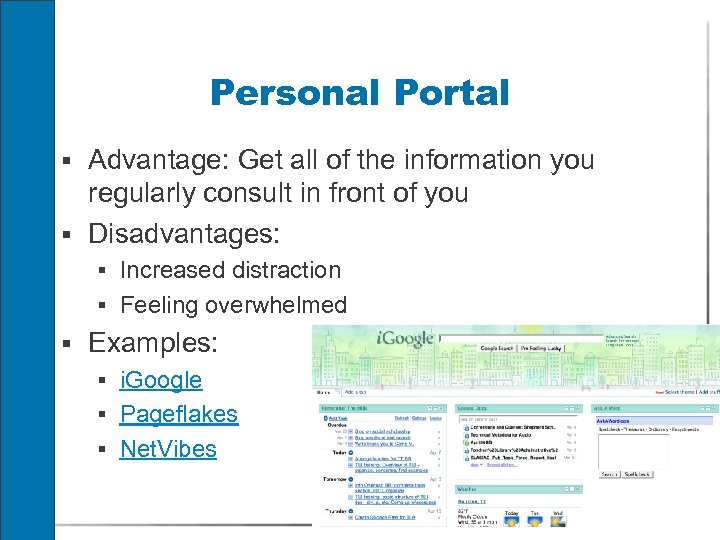 Personal Portal § Advantage: Get all of the information you regularly consult in front of you § Disadvantages: § Increased distraction § Feeling overwhelmed § Examples: § i. Google § Pageflakes § Net. Vibes
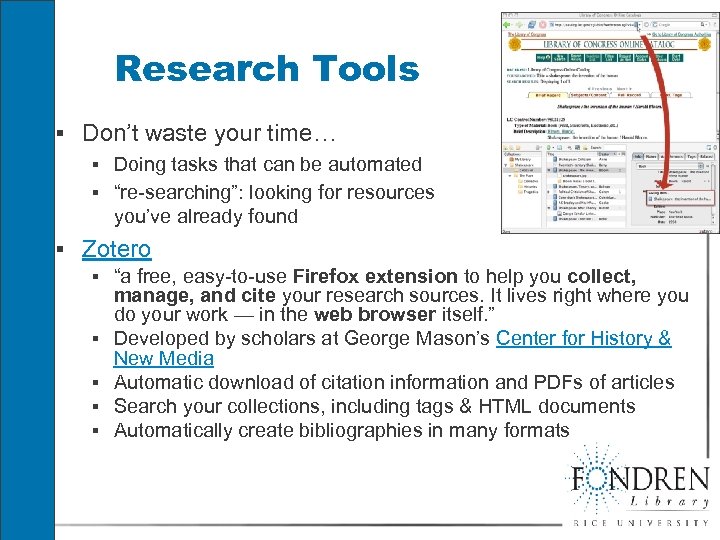 Research Tools § Don’t waste your time… § Doing tasks that can be automated § “re-searching”: looking for resources you’ve already found § Zotero § “a free, easy-to-use Firefox extension to help you collect, manage, and cite your research sources. It lives right where you do your work — in the web browser itself. ” § Developed by scholars at George Mason’s Center for History & New Media § Automatic download of citation information and PDFs of articles § Search your collections, including tags & HTML documents § Automatically create bibliographies in many formats
 How to “compete” in the info economy Given the abundance of information, how can you make your research stand out? Michael Jensen, “The New Metrics of Scholarly Authority” (2007): “In the Web 3. 0 world, we will also start seeing heavily computed reputation-and-authority metrics” § Make full-text available for indexing § Provide rich descriptive information § Make it possible for others to comment on it and link to it (digg)
 Key Sources § This presentation is a synthesis of information § § bookmarked at http: //www. diigo. com/user/lspiro/information_overload Prof. Hacker: http: //chronicle. com/blogs/profhacker/ Blair, Ann. “Reading Strategies for Coping With Information Overload ca. 1550 -1700. ” Journal of the History of Ideas 64. 1 (2003) 11 -28 Kirilenko, Kaedra. “Information Overload” (November 2007), http: //www. slais. ubc. ca/COURSES/libr 500/07 -08 wt 1/www/K_Kirilenko-WWW/index. htm Zeldes, Nathan, David Sward, and Sigal Louchheim “Infomania: Why we can’t afford to ignore it any longer” First Monday 12. 8 (August 2007) http: //firstmonday. org/issues/issue 12_8/zeldes/