 Скачать презентацию MANAGING A SOFTWARE UPGRADE Shauna Borger Evergreen Indiana
8cf06151c0ea42557c92cead30b61e5a.ppt
- Количество слайдов: 13




MANAGING A SOFTWARE UPGRADE Shauna Borger, Evergreen Indiana
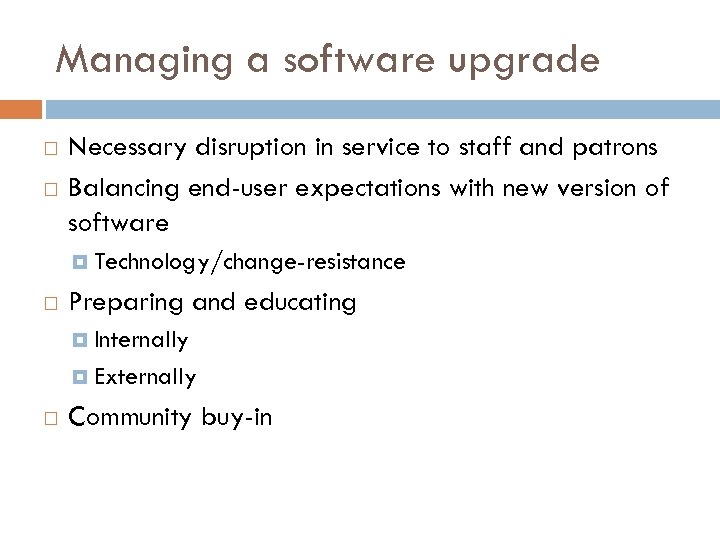
Managing a software upgrade Necessary disruption in service to staff and patrons Balancing end-user expectations with new version of software Technology/change-resistance Preparing and educating Internally Externally Community buy-in
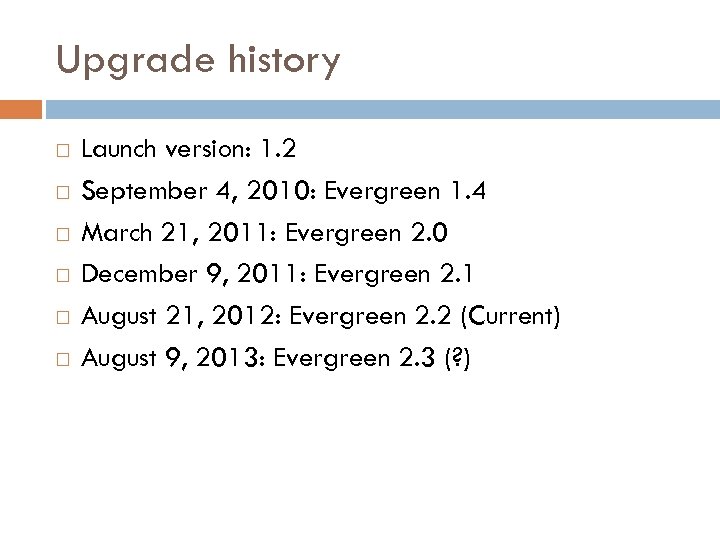
Upgrade history Launch version: 1. 2 September 4, 2010: Evergreen 1. 4 March 21, 2011: Evergreen 2. 0 December 9, 2011: Evergreen 2. 1 August 21, 2012: Evergreen 2. 2 (Current) August 9, 2013: Evergreen 2. 3 (? )
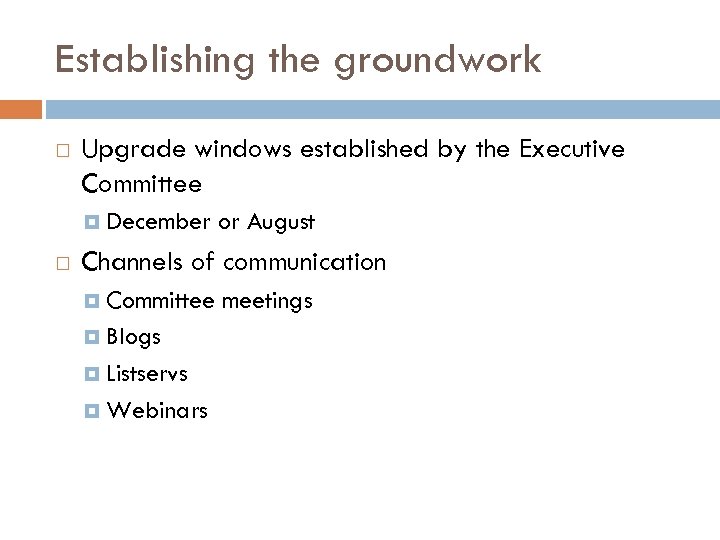
Establishing the groundwork Upgrade windows established by the Executive Committee December or August Channels of communication Committee Blogs Listservs Webinars meetings
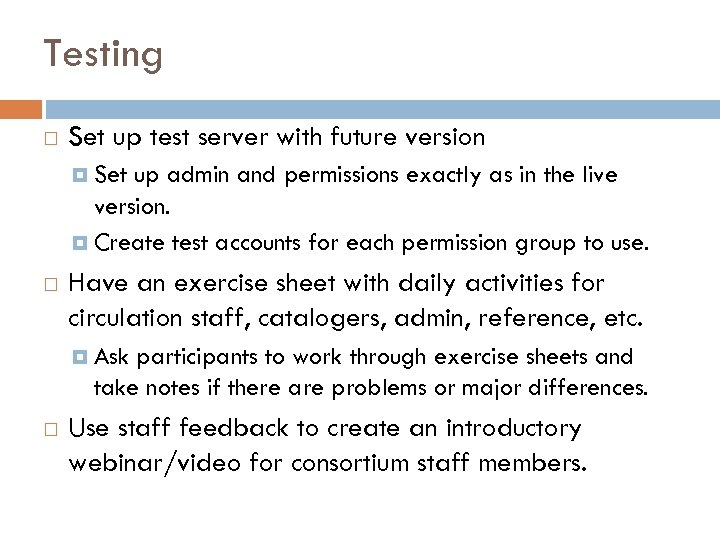
Testing Set up test server with future version Set up admin and permissions exactly as in the live version. Create test accounts for each permission group to use. Have an exercise sheet with daily activities for circulation staff, catalogers, admin, reference, etc. Ask participants to work through exercise sheets and take notes if there are problems or major differences. Use staff feedback to create an introductory webinar/video for consortium staff members.
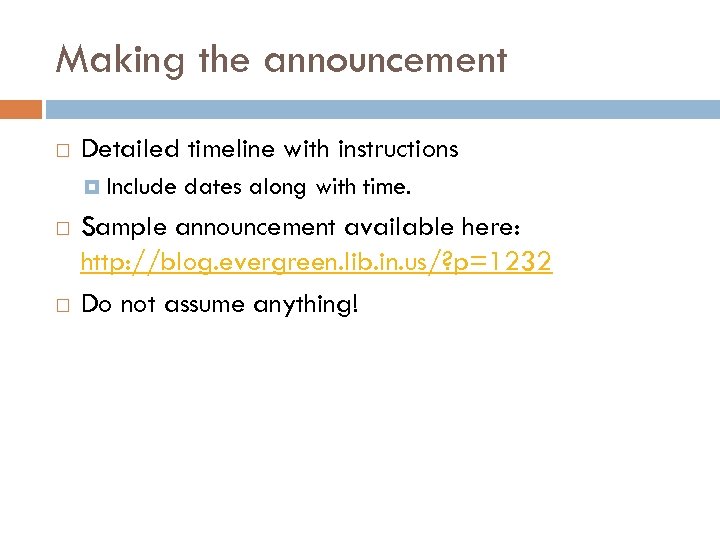
Making the announcement Detailed timeline with instructions Include dates along with time. Sample announcement available here: http: //blog. evergreen. lib. in. us/? p=1232 Do not assume anything!
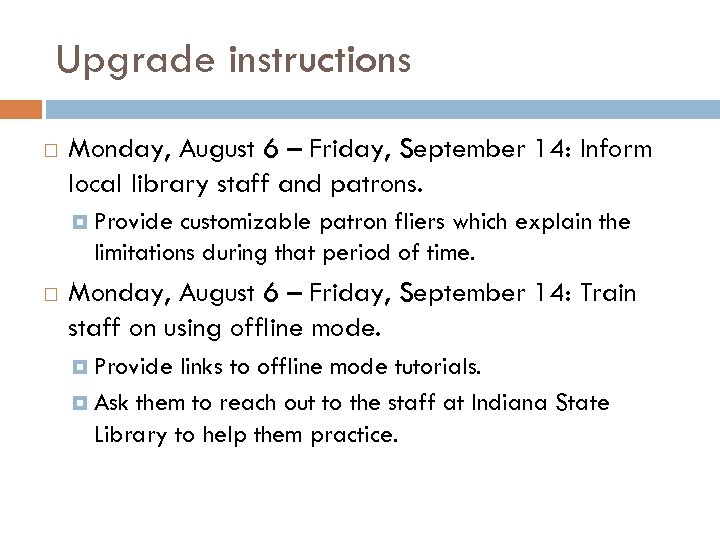
Upgrade instructions Monday, August 6 – Friday, September 14: Inform local library staff and patrons. Provide customizable patron fliers which explain the limitations during that period of time. Monday, August 6 – Friday, September 14: Train staff on using offline mode. Provide links to offline mode tutorials. Ask them to reach out to the staff at Indiana State Library to help them practice.
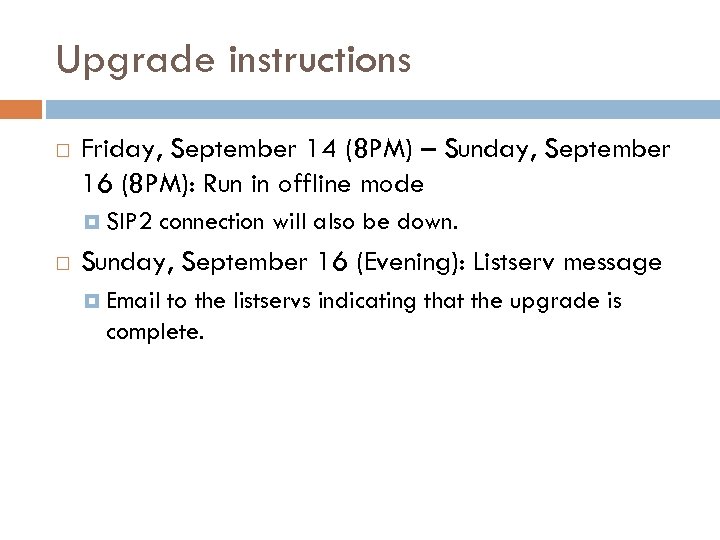
Upgrade instructions Friday, September 14 (8 PM) – Sunday, September 16 (8 PM): Run in offline mode SIP 2 connection will also be down. Sunday, September 16 (Evening): Listserv message Email to the listservs indicating that the upgrade is complete.
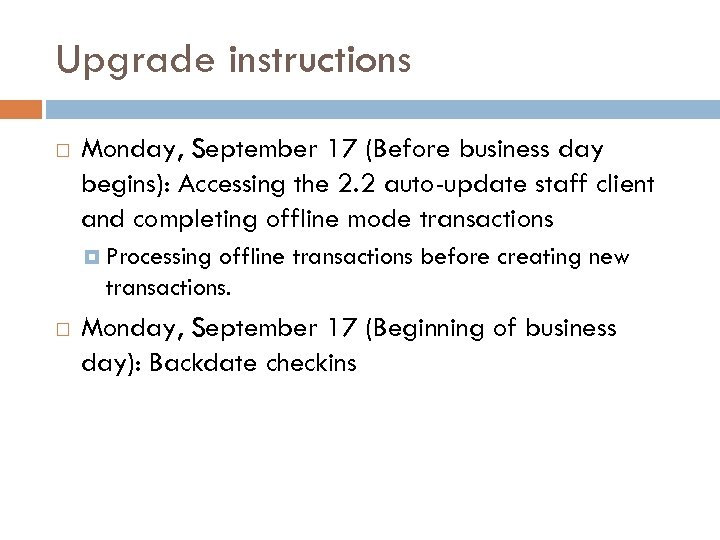
Upgrade instructions Monday, September 17 (Before business day begins): Accessing the 2. 2 auto-update staff client and completing offline mode transactions Processing offline transactions before creating new transactions. Monday, September 17 (Beginning of business day): Backdate checkins
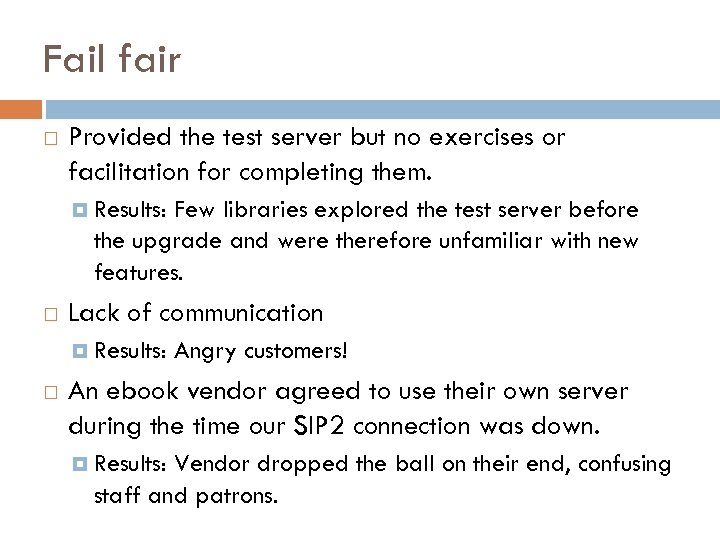
Fail fair Provided the test server but no exercises or facilitation for completing them. Results: Few libraries explored the test server before the upgrade and were therefore unfamiliar with new features. Lack of communication Results: Angry customers! An ebook vendor agreed to use their own server during the time our SIP 2 connection was down. Results: Vendor dropped the ball on their end, confusing staff and patrons.
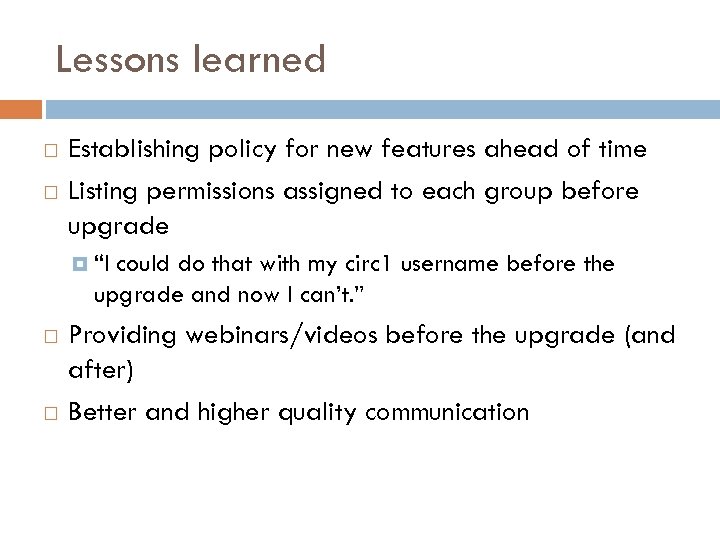
Lessons learned Establishing policy for new features ahead of time Listing permissions assigned to each group before upgrade “I could do that with my circ 1 username before the upgrade and now I can’t. ” Providing webinars/videos before the upgrade (and after) Better and higher quality communication
What about you? Upgrade horror stories? Upgrade success stories? What types of training opportunities have worked best? What types of communication do you use? How does your team recover after an upgrade? Organization techniques that work well?
Thank you! Shauna Borger, sborger@library. in. gov
Скачать презентацию MANAGING A SOFTWARE UPGRADE Shauna Borger Evergreen Indiana
8cf06151c0ea42557c92cead30b61e5a.ppt