 Скачать презентацию Making Your Website Shine Writing for the web
bc02476a275a6bb563086e4b352080a4.ppt
- Количество слайдов: 46




Making Your Website Shine: Writing for the web and other tips ________________________ Tonya Moyle, White Whale Web Services tonya@whitewhale. net
What we’ll talk about • Strategy • Site structure (“information architecture”) • Writing for the web • Making it real

Content Strateg y
Content Strategy: Why? _________________________________________ Hurry! We need to get this information up on the web! The dean really wants x, y, z on the site. . . someone add that to our homepage.
Content Strategy: Why? _________________________________________ Who - main audience Why - reasons / goals What - should they know? How - words, photos, video
Content Strategy: Why? _________________________________________ Pen, Paper?
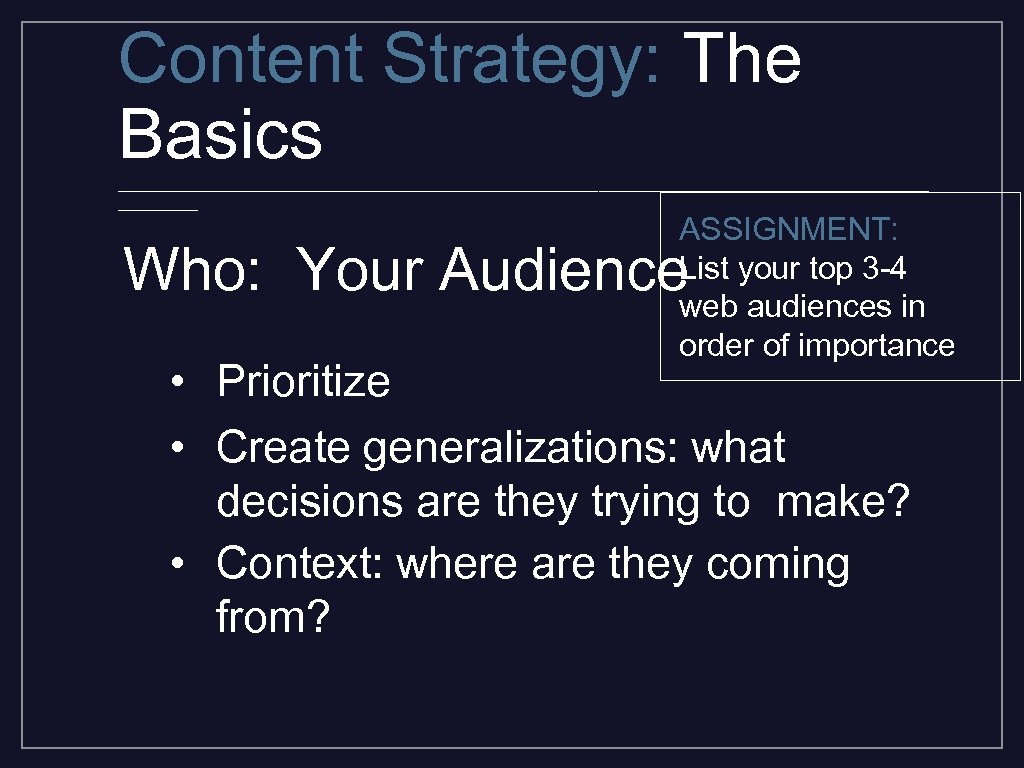
Content Strategy: The Basics _________________________________________ ASSIGNMENT: List your top 3 -4 web audiences in order of importance Who: Your Audience • Prioritize • Create generalizations: what decisions are they trying to make? • Context: where are they coming from?
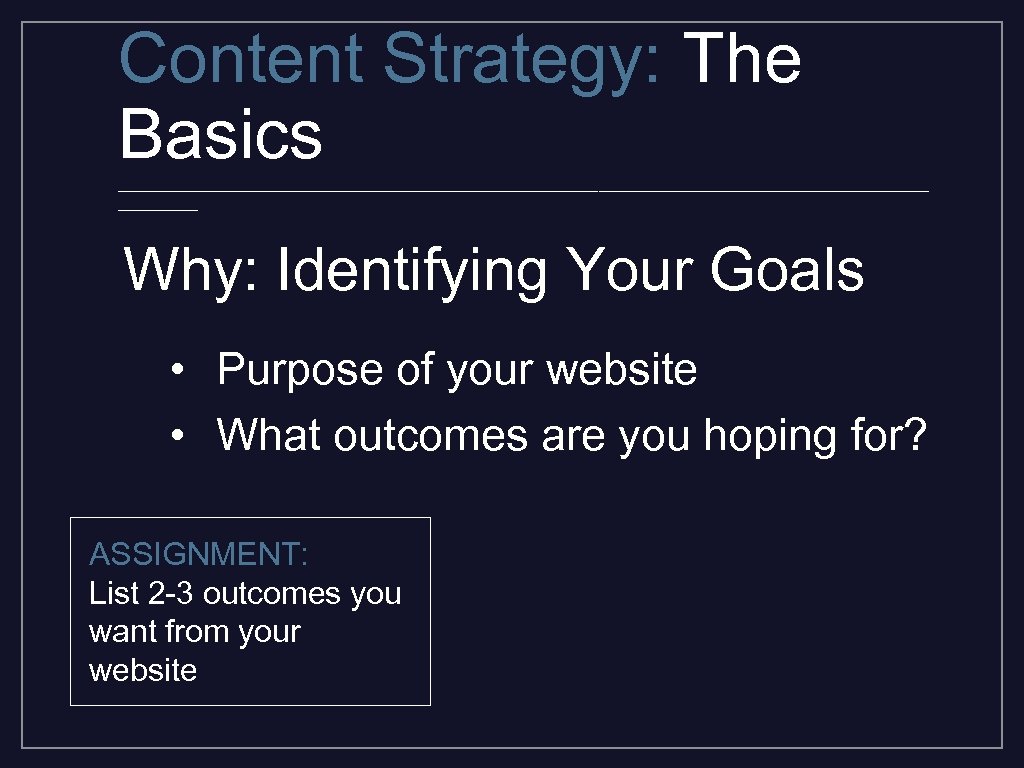
Content Strategy: The Basics _________________________________________ Why: Identifying Your Goals • Purpose of your website • What outcomes are you hoping for? ASSIGNMENT: List 2 -3 outcomes you want from your website
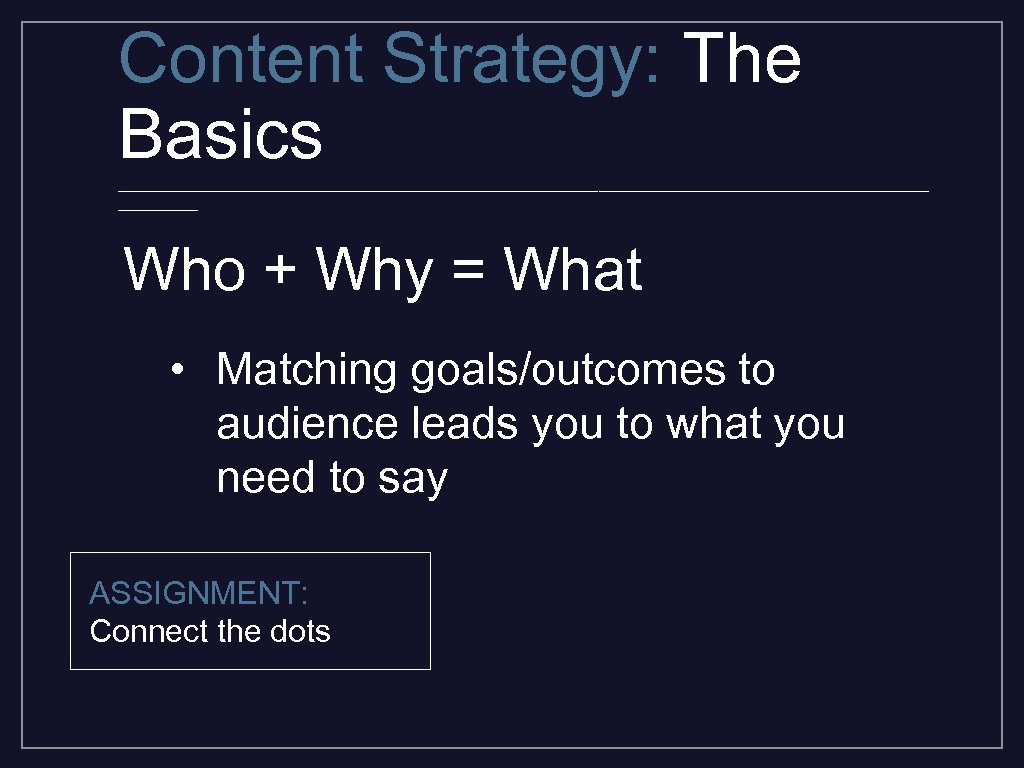
Content Strategy: The Basics _________________________________________ Who + Why = What • Matching goals/outcomes to audience leads you to what you need to say ASSIGNMENT: Connect the dots
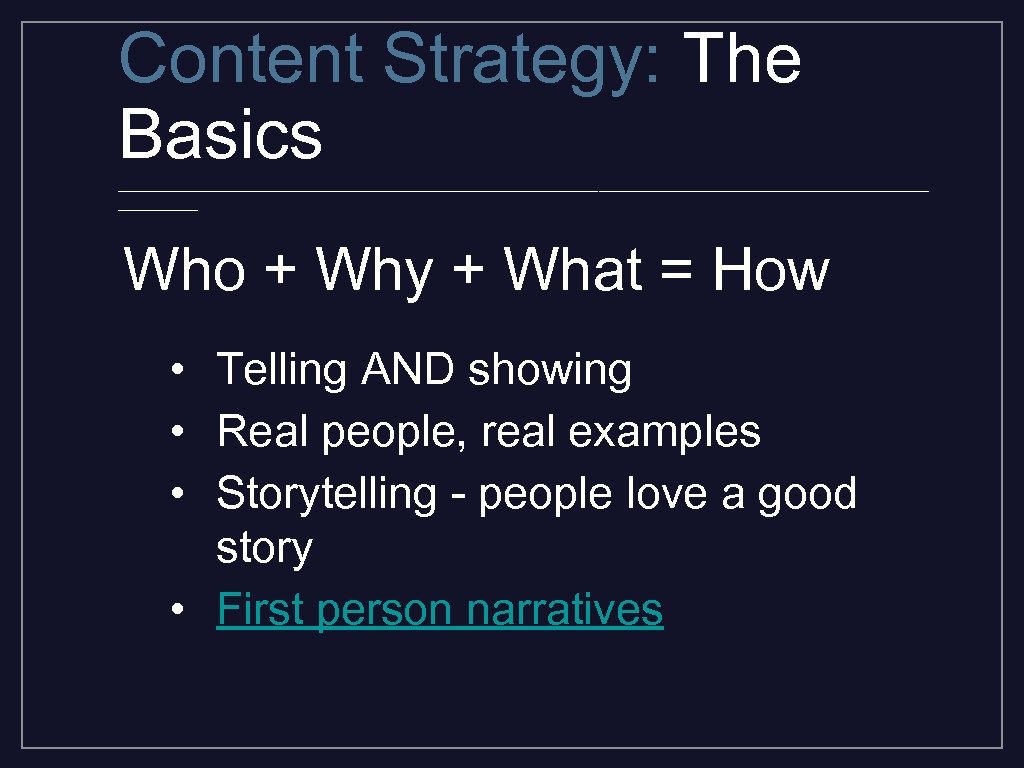
Content Strategy: The Basics _________________________________________ Who + Why + What = How • Telling AND showing • Real people, real examples • Storytelling - people love a good story • First person narratives
Content Strategy: The Basics _________________________________________ How to present it • • text lists of links photos / photo galleries -- **captions** stories -- **headlines** **summaries** events -- **titles** social media feeds profiles, FAQs
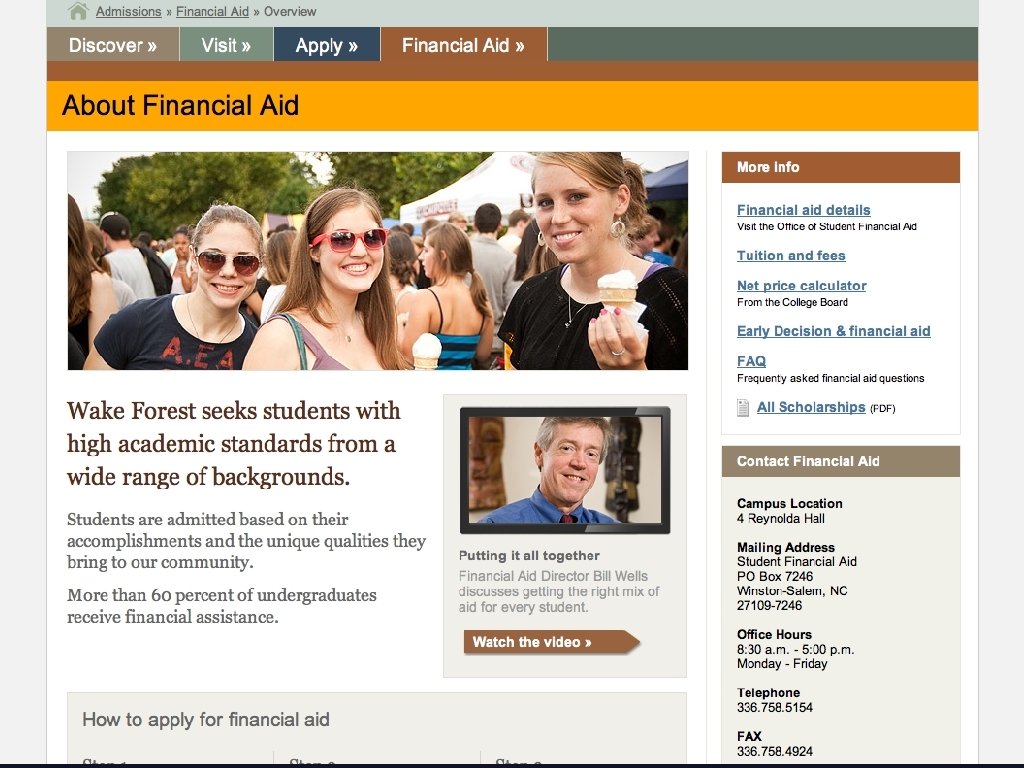
Content Strategy: The Basics _________________________________________ Be a guide ASSIGNMENT: Match 1 -2 audiences to each content area • Step your audience through the process • If someone called your office, what would you say to them on the phone? • Links in the text (be judicious)
Content Strategy: The Basics _________________________________________ How to say it • Your voice • Empathy ASSIGNMENT: List 5 adjectives that describe your office
Content Strategy: The Basics _________________________________________ Headlines • Are YOU interested in clicking? Reading more? • Who are you writing for? Summaries • Same rules as headlines but can be more descriptive • less is more
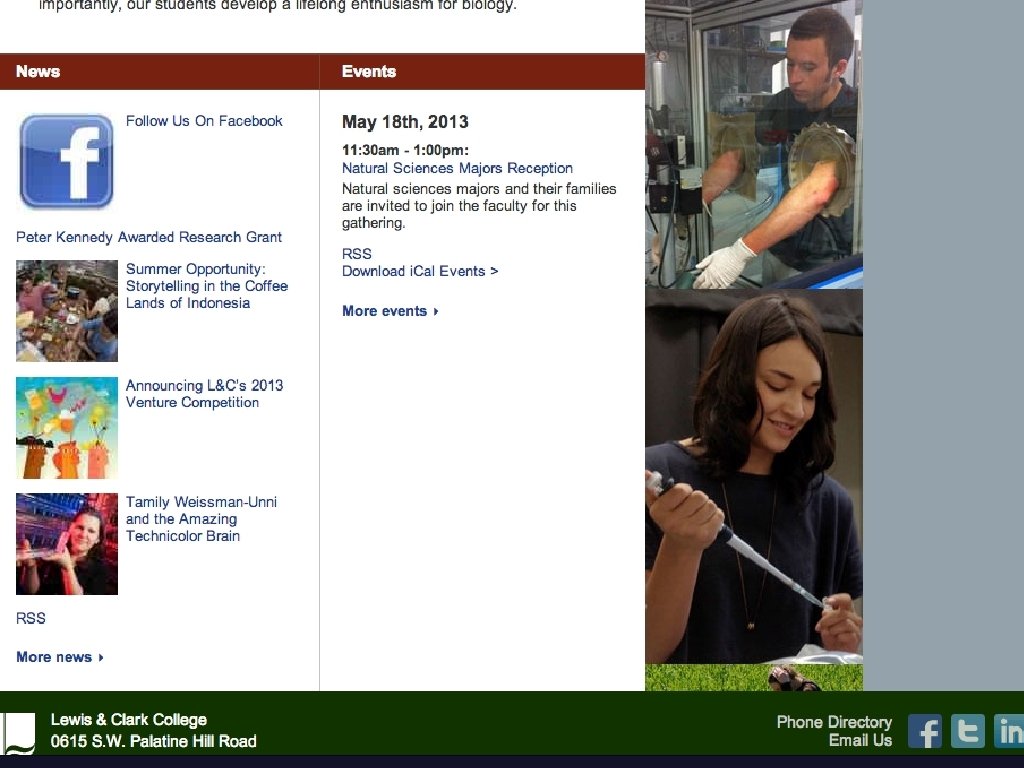
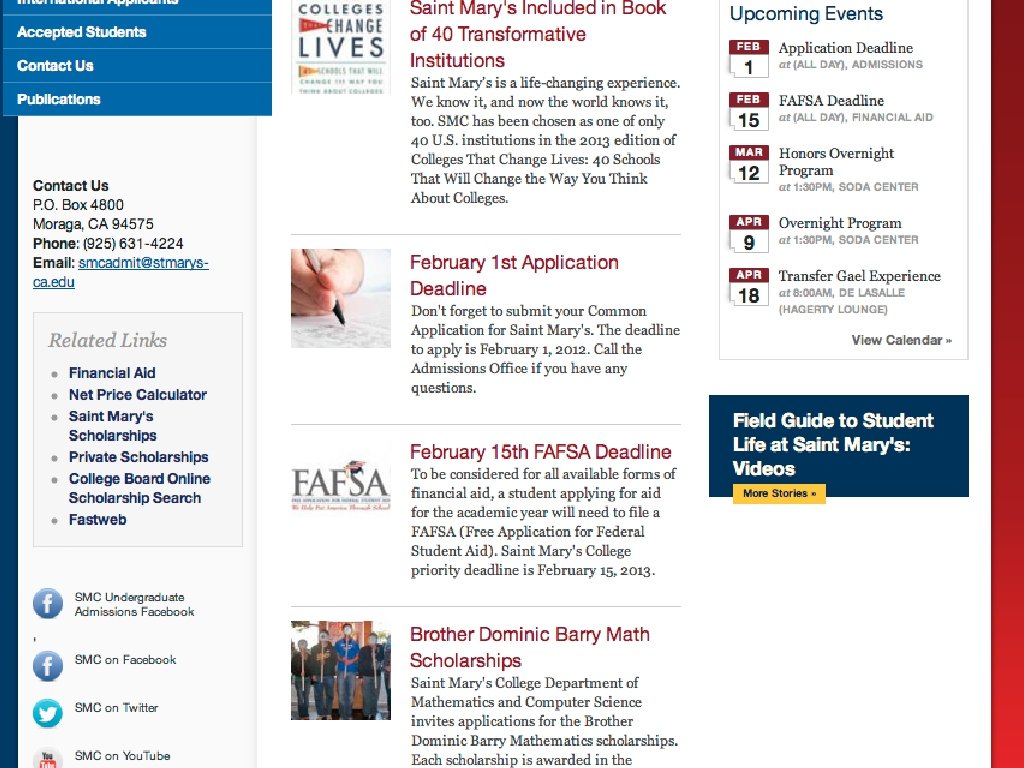

Content Strategy: The Basics _________________________________________ ENGAGING HEADLINES http: //www. bu. edu/today/ http: //southwestern. edu/newsroo m/ http: //www. upworthy. com/ http: //www. slate. com/
Content Strategy: The Basics _________________________________________ Keeping it simple • • Cleaning house Manageable number of pages It’s your job: planning for upkeep Flag dated material

Structur e
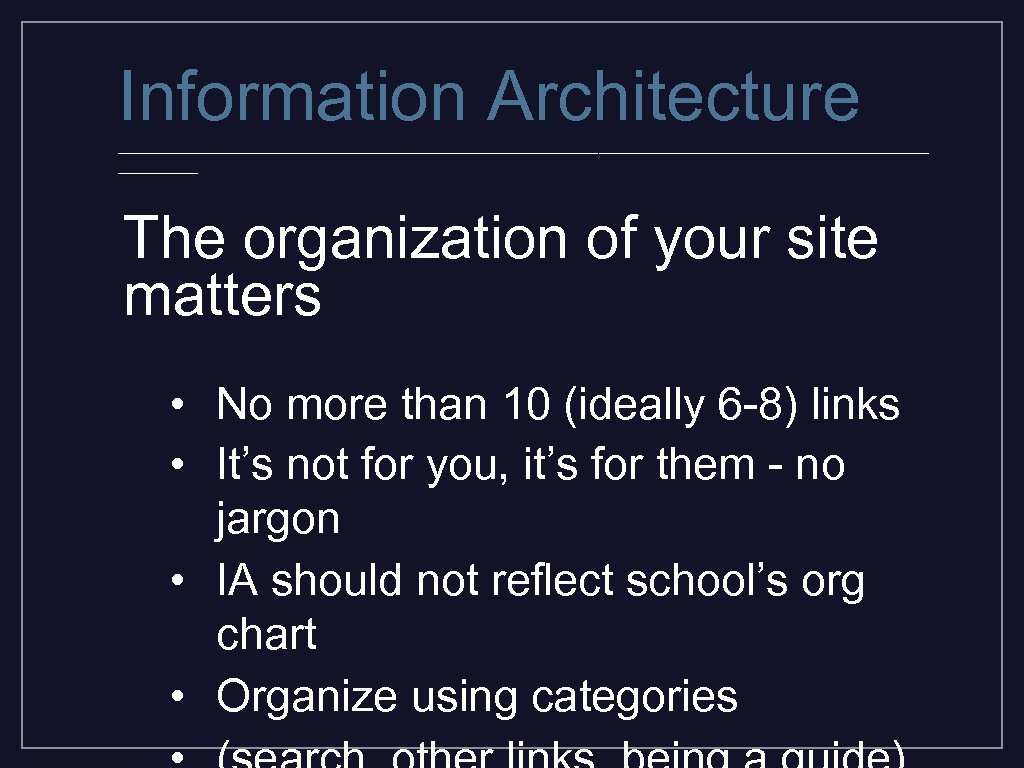
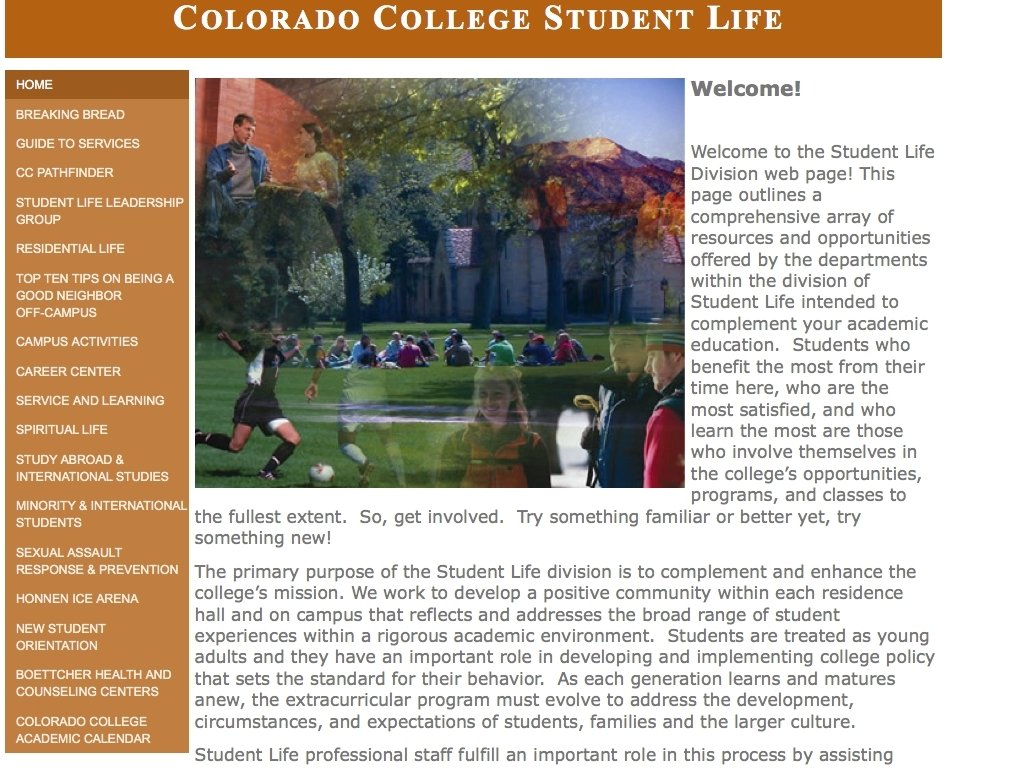
Information Architecture _________________________________________ The organization of your site matters • No more than 10 (ideally 6 -8) links • It’s not for you, it’s for them - no jargon • IA should not reflect school’s org chart • Organize using categories
Writing for the Web
Writing for the Web _________________________________________ Be Concise • Keep word counts low • Show more than tell (especially on your homepage and top-level pages) • People read slower on a screen
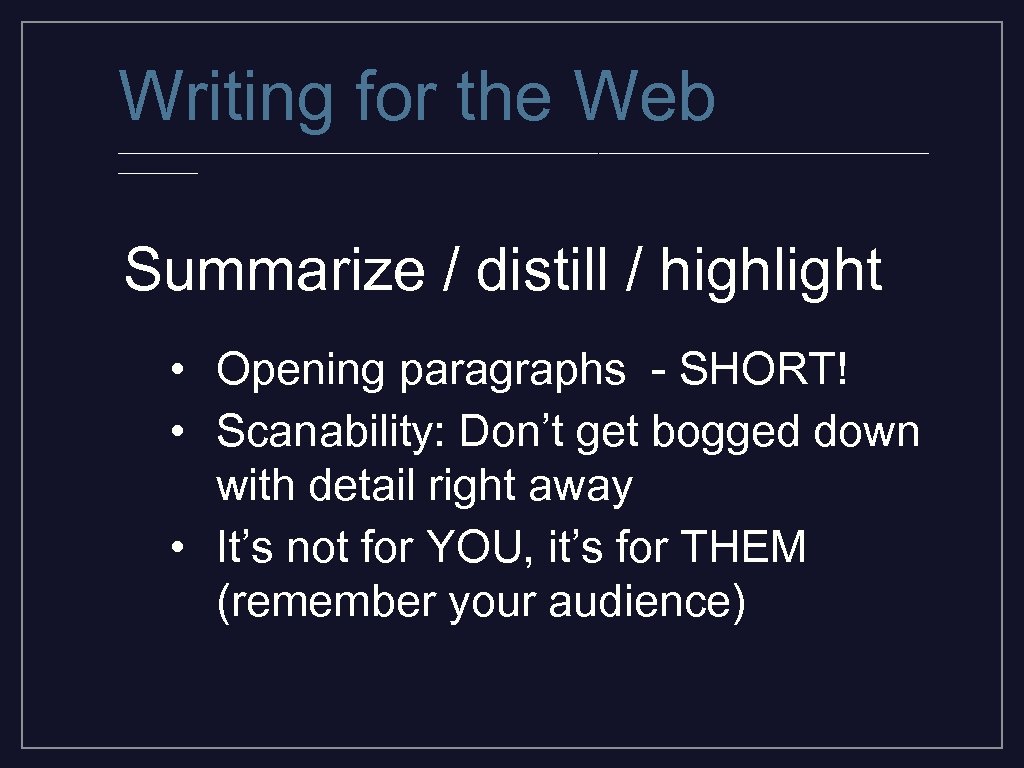
Writing for the Web _________________________________________ Summarize / distill / highlight • Opening paragraphs - SHORT! • Scanability: Don’t get bogged down with detail right away • It’s not for YOU, it’s for THEM (remember your audience)
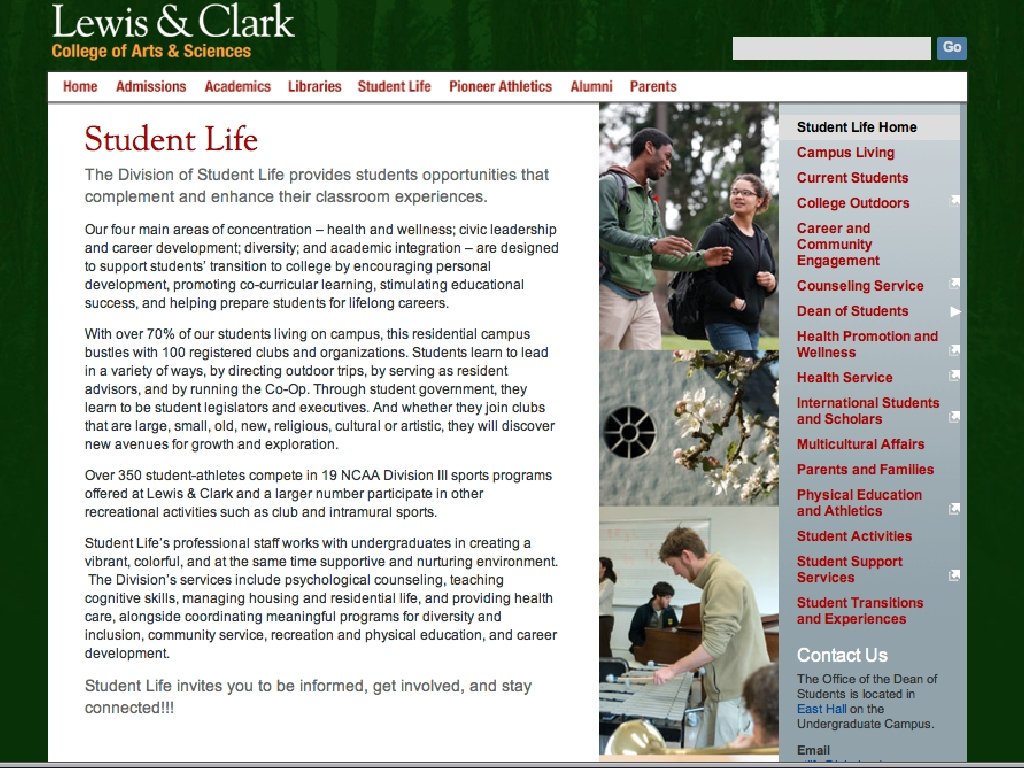
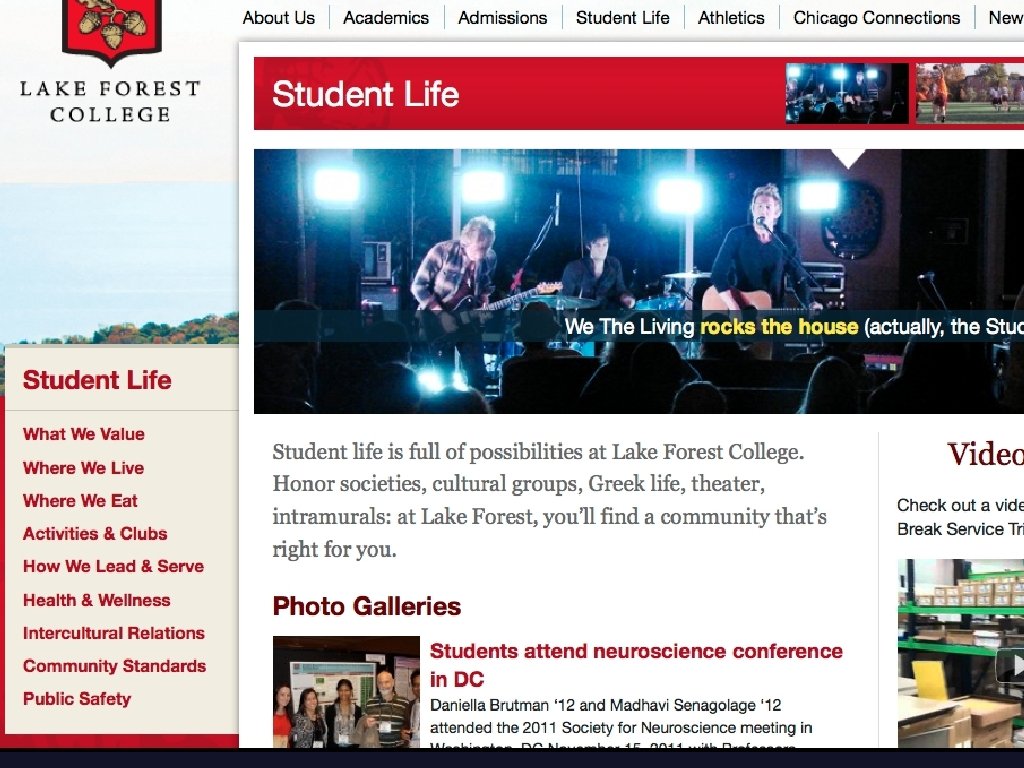

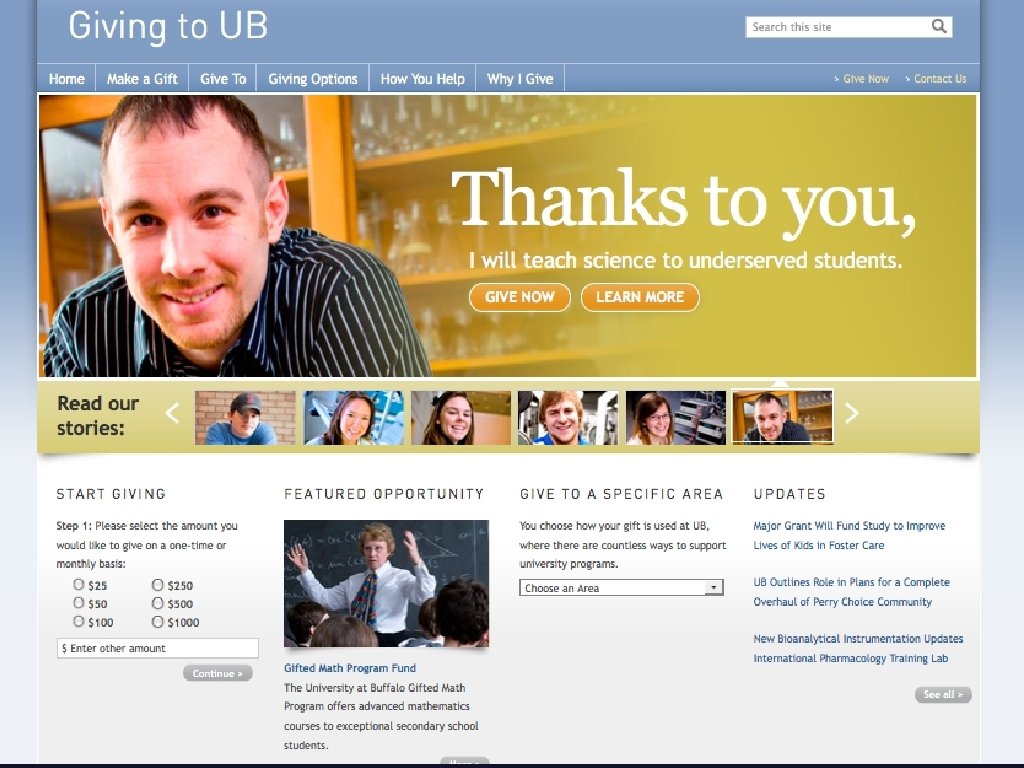
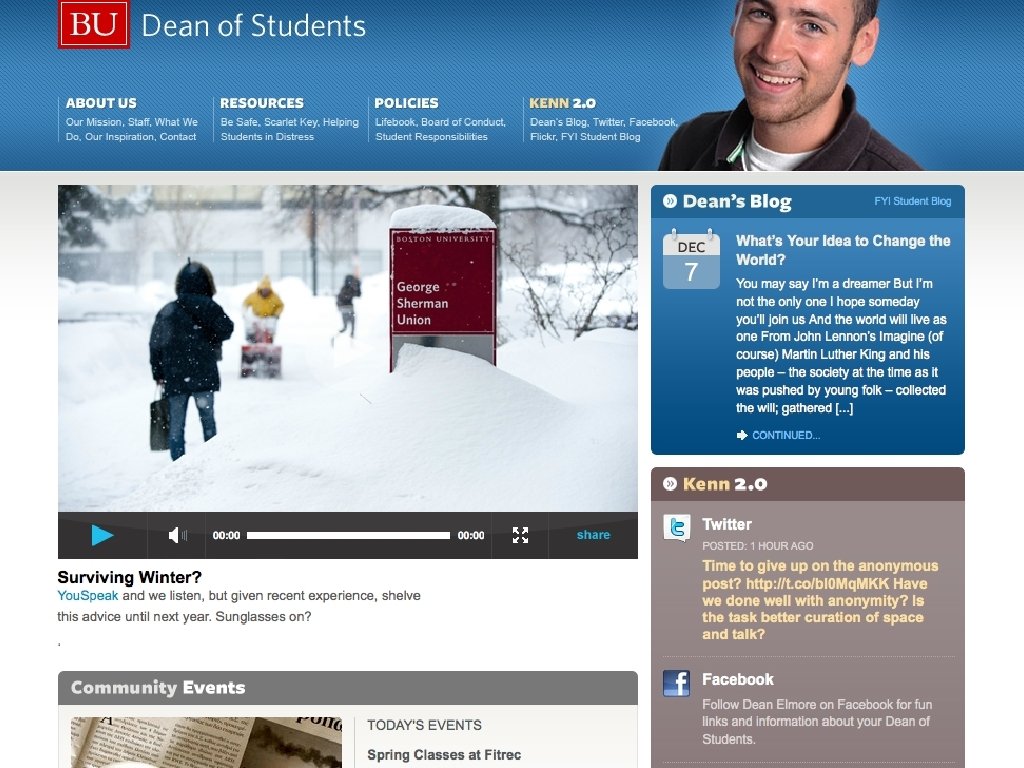
Writing for the Web _________________________________________ Use straightforward language • Clearer you are the more likely your audience grasps your information • **Less is more**
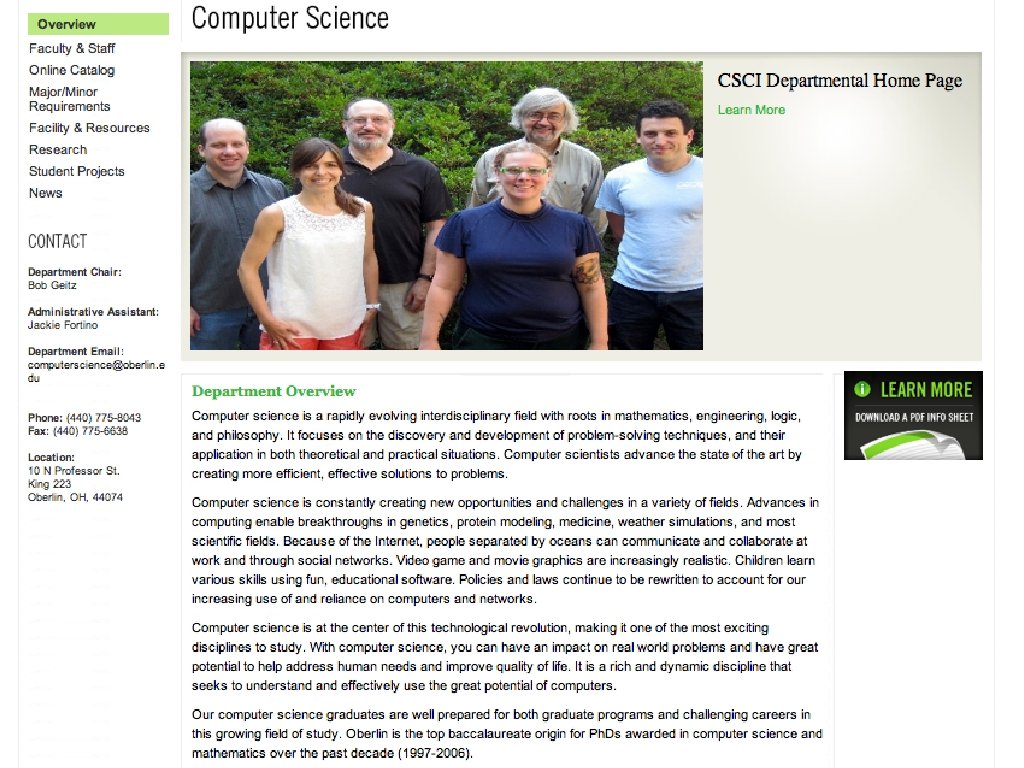
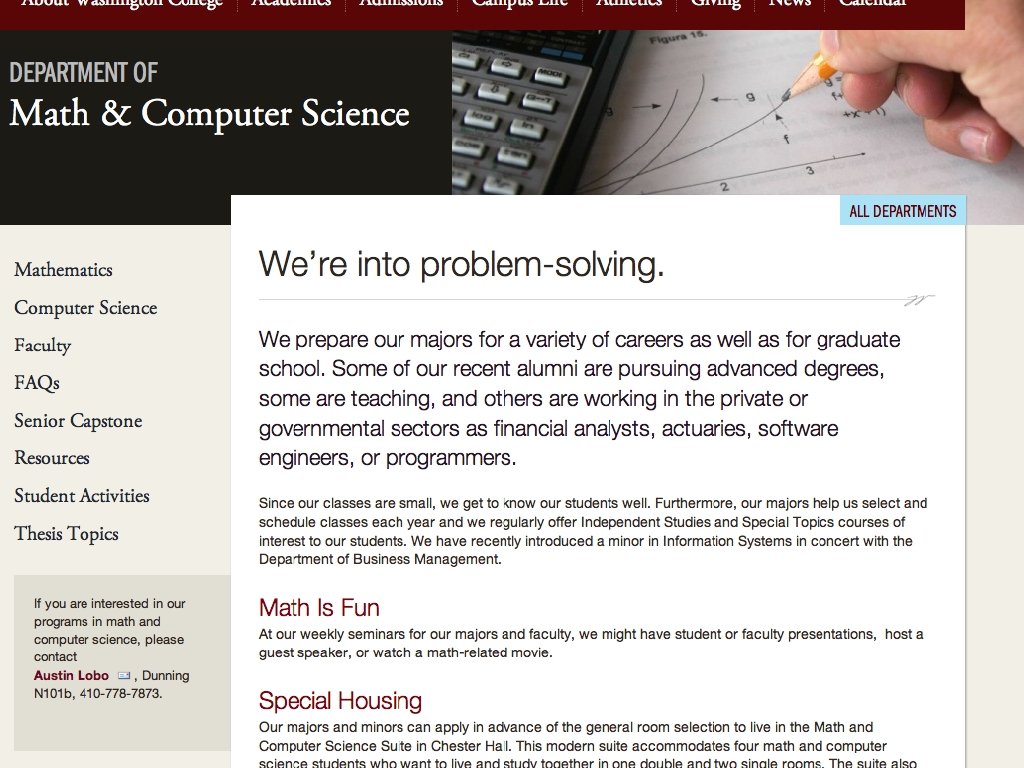
Writing for the Web _________________________________________ Be conversational • Web content is a two-way street (build relationships!) • Remember your voice • **Read it aloud**
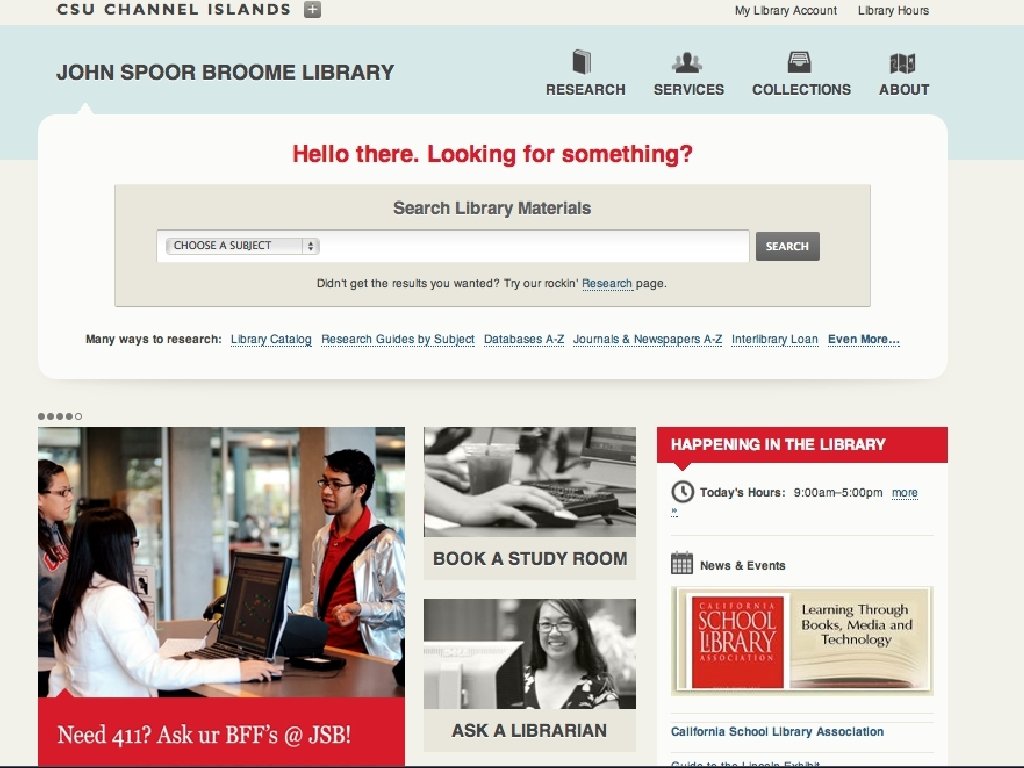
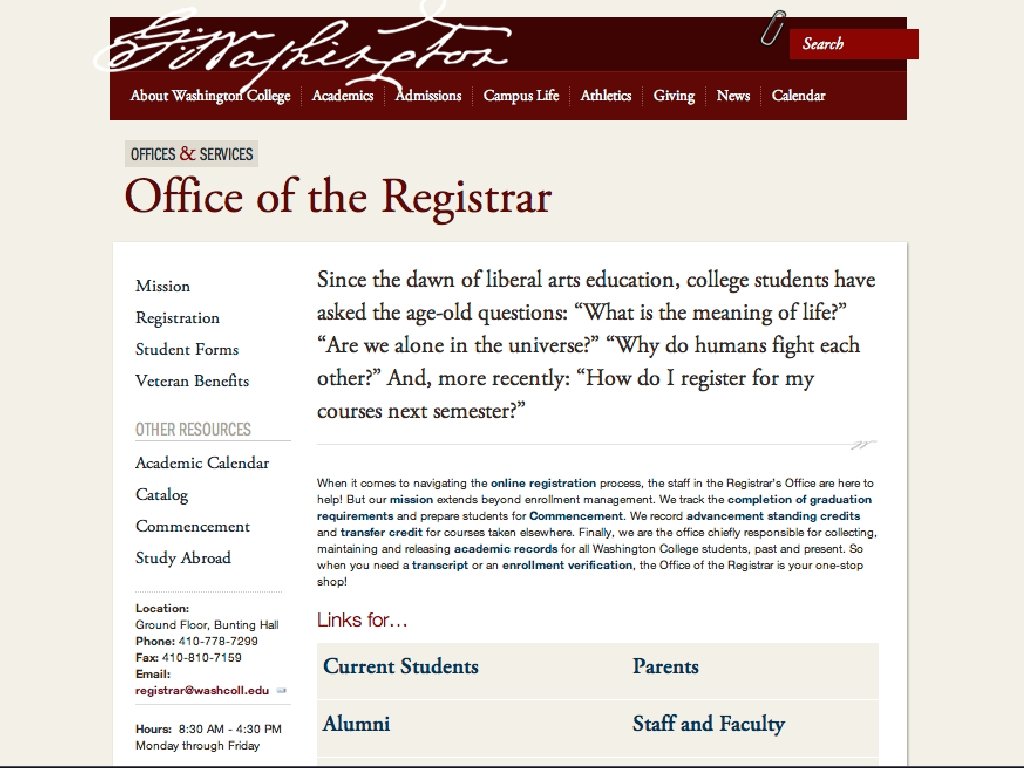
Writing for the Web _________________________________________ Read it aloud! • Does it flow? • Are you stumbling over words? • Does it sound natural?
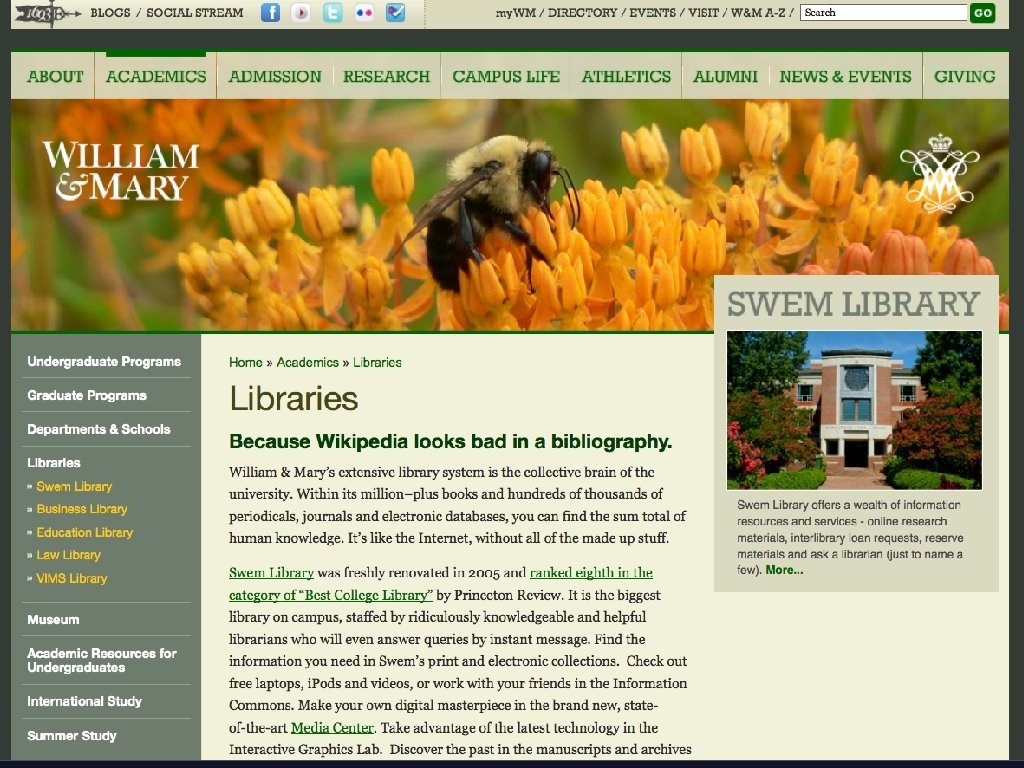
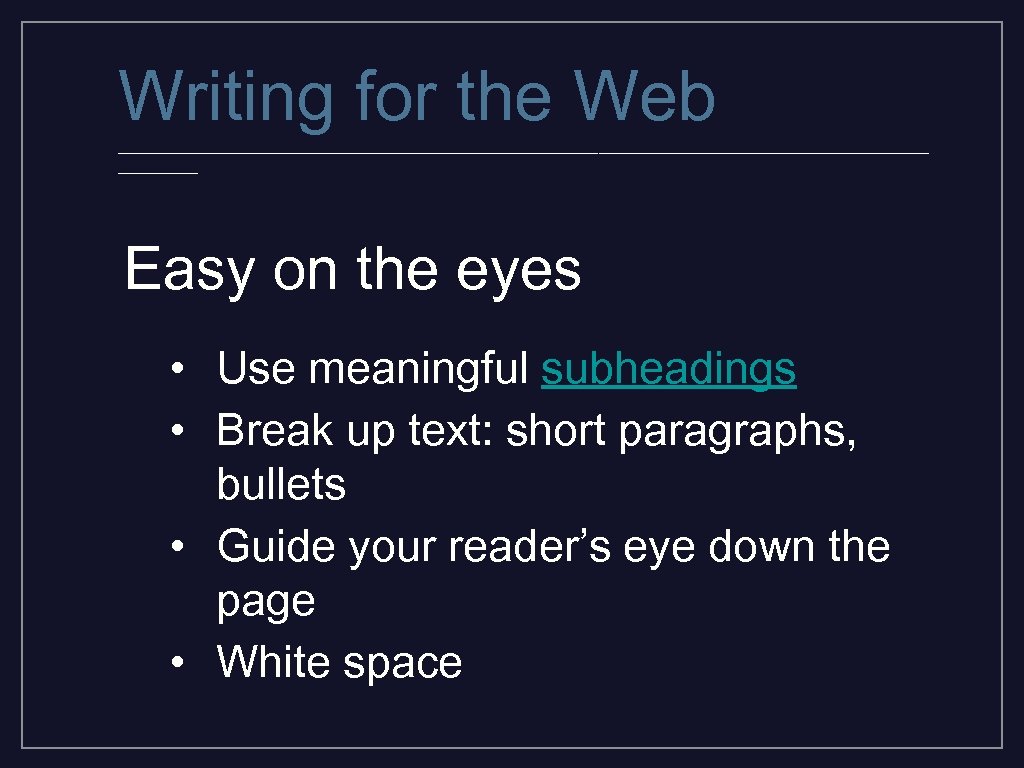
Writing for the Web _________________________________________ Easy on the eyes • Use meaningful subheadings • Break up text: short paragraphs, bullets • Guide your reader’s eye down the page • White space

Where to go from here _________________________________________ What about your
Where to go from here _________________________________________ Inventory. • Click through every page (broken links? old information? ) • What else is out there? (sharing content, faculty blog, student photos/video, facebook, twitter)
Where to go from here _________________________________________ Evaluate. • Who, What, Why, How • PS. No mission statements!
less is more

read out loud

captions headline

Now let’s DO this.
Скачать презентацию Making Your Website Shine Writing for the web
bc02476a275a6bb563086e4b352080a4.ppt