


 Скачать презентацию Making Things Work and User Centered Design Marti
b94e6d948783ff17cf376816ab6e7cab.ppt
- Количество слайдов: 34
 Making Things Work and User Centered Design Marti Hearst (UCB SIMS) SIMS 213, UI Design & Development January 26, 1999
 Today Course Time Line l Making Things Work l User-Centered Design l
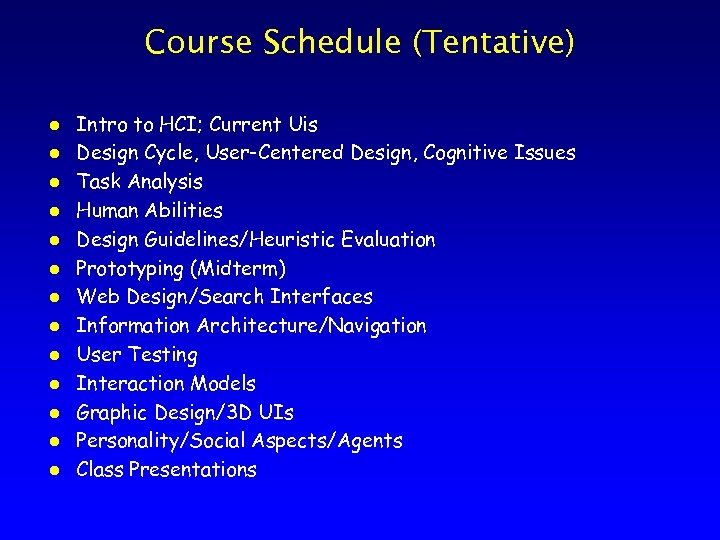 Course Schedule (Tentative) l l l l Intro to HCI; Current Uis Design Cycle, User-Centered Design, Cognitive Issues Task Analysis Human Abilities Design Guidelines/Heuristic Evaluation Prototyping (Midterm) Web Design/Search Interfaces Information Architecture/Navigation User Testing Interaction Models Graphic Design/3 D UIs Personality/Social Aspects/Agents Class Presentations
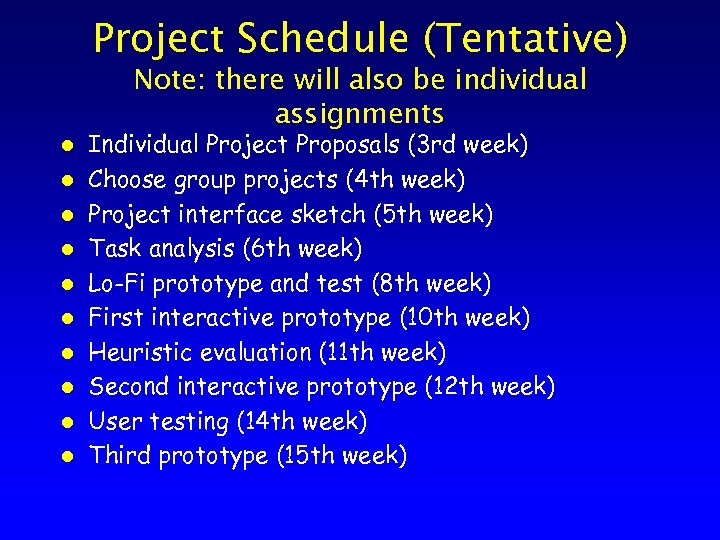 Project Schedule (Tentative) Note: there will also be individual assignments l l l l l Individual Project Proposals (3 rd week) Choose group projects (4 th week) Project interface sketch (5 th week) Task analysis (6 th week) Lo-Fi prototype and test (8 th week) First interactive prototype (10 th week) Heuristic evaluation (11 th week) Second interactive prototype (12 th week) User testing (14 th week) Third prototype (15 th week)
 Announcements Handing out course accounts l Today at the HCC seminar: l – Lucy Suchman, Xerox PARC. “Putting Working Document Collections Online”. » 402 Barrows, 4 -5: 30 pm » To join the mailing list, send email to majordomo@sims with the line: l l subscribe hcc-talks Demystifying Quicktime VR – Wed, Jan 26 12 -1: 30, 3110 Etcheverry
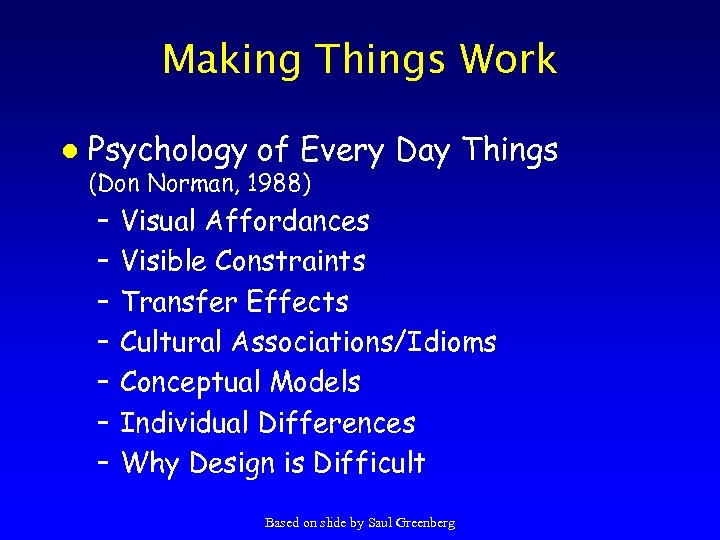 Making Things Work l Psychology of Every Day Things (Don Norman, 1988) – – – – Visual Affordances Visible Constraints Transfer Effects Cultural Associations/Idioms Conceptual Models Individual Differences Why Design is Difficult Based on slide by Saul Greenberg
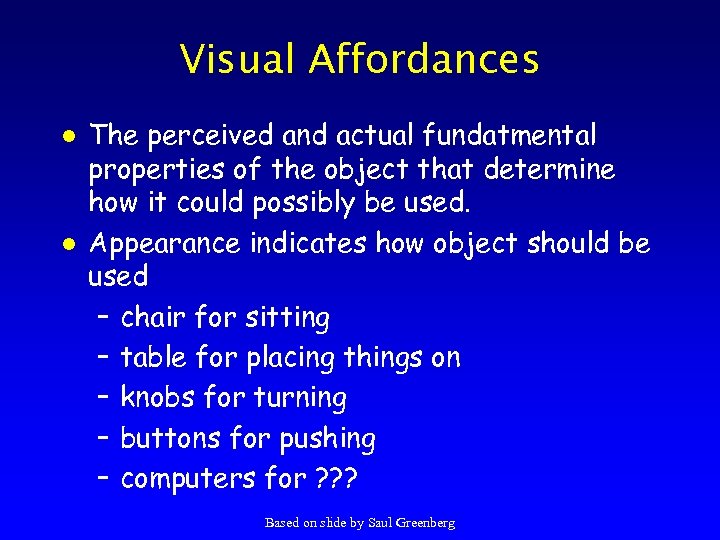 Visual Affordances l l The perceived and actual fundatmental properties of the object that determine how it could possibly be used. Appearance indicates how object should be used – chair for sitting – table for placing things on – knobs for turning – buttons for pushing – computers for ? ? ? Based on slide by Saul Greenberg
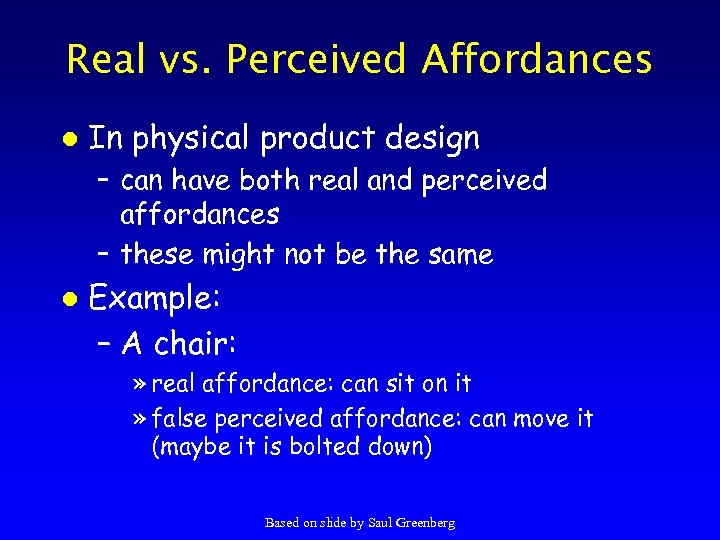 Real vs. Perceived Affordances l In physical product design – can have both real and perceived affordances – these might not be the same l Example: – A chair: » real affordance: can sit on it » false perceived affordance: can move it (maybe it is bolted down) Based on slide by Saul Greenberg
 Visual Affordances Complex things may need explaining l Simple things should not l – Which way does the door open? – If something simple needs instructions, the design has failed l Videos – The Strauss Mouse (Marilyn Mantei, Chi 90) – Light Switch Exploration (S. Hecht, CHI 96) Based on slide by Saul Greenberg
 Affordances in Computer Screen-Based Interfaces l Designer only has control over perceived affordances – display screen, pointing device, selection buttons, keyboard – These afford touching, pointing, looking, clicking on every pixel of the display. Based on slide by Saul Greenberg
 Affordances in Computer Screen-Based Interfaces l Most of this affordance is of no value – Example: if the display is not touchsensitive, even though the screen affords touching, touching has no effect. – Example: » does a graphical object on the screen afford clicking? » yes, but the real question is does the user perceive this affordance; does the user recognize that clicking on the icon is a meaningful, useful action? Based on slide by Saul Greenberg
 Visible Constraints l Limitations of actions are perceivable from the object’s appearance – key in lock – plug in electric outlet – door handle -- push or pull? l How does this transfer to computer interfaces? Based on slide by Saul Greenberg
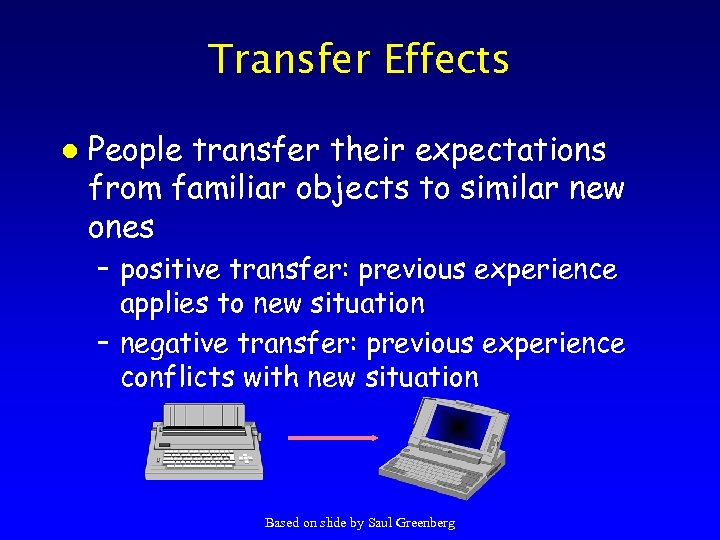 Transfer Effects l People transfer their expectations from familiar objects to similar new ones – positive transfer: previous experience applies to new situation – negative transfer: previous experience conflicts with new situation Based on slide by Saul Greenberg
 Cultural Associations l Groups of people learn idioms – red = danger, green = go l But these differ in different places – Light switches » America: down is off » Britain: down is on – Faucets » America: counter-clockwise is on » Britain: counter-clockwise is off Based on slide by Saul Greenberg
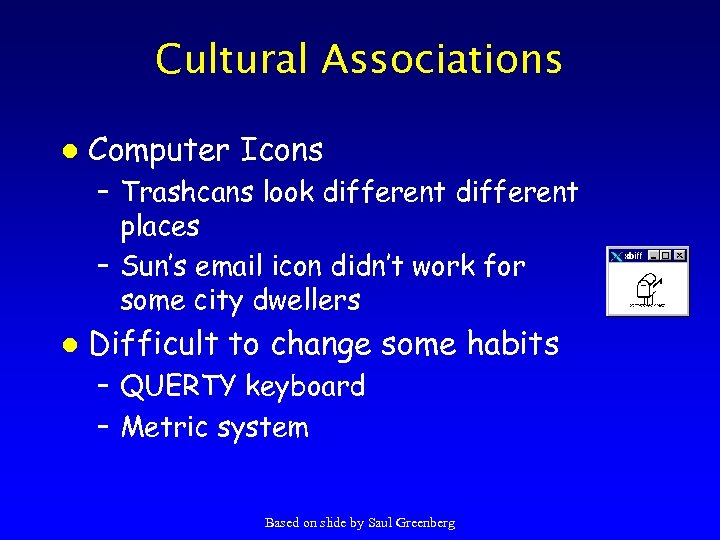 Cultural Associations l Computer Icons – Trashcans look different places – Sun’s email icon didn’t work for some city dwellers l Difficult to change some habits – QUERTY keyboard – Metric system Based on slide by Saul Greenberg
 Mental Models l People have mental models of how things work: – how does your car start? – how does an ATM machine work? – how does your computer boot? l Allows people to make predictions about how things will work Based on slide by Saul Greenberg
 Mental Models l Mental models built from – – – – l affordances constraints mappings positive transfer cultural associations/standards instructions interactions Mental models are often wrong! Based on slide by Saul Greenberg
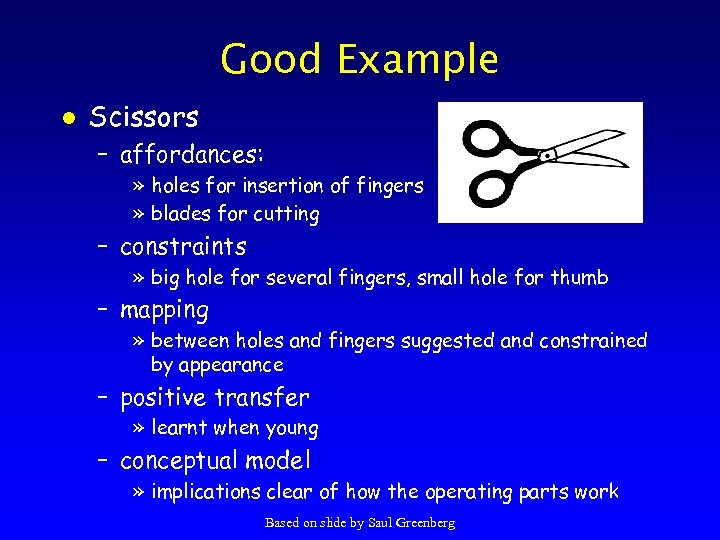 Good Example l Scissors – affordances: » holes for insertion of fingers » blades for cutting – constraints » big hole for several fingers, small hole for thumb – mapping » between holes and fingers suggested and constrained by appearance – positive transfer » learnt when young – conceptual model » implications clear of how the operating parts work Based on slide by Saul Greenberg
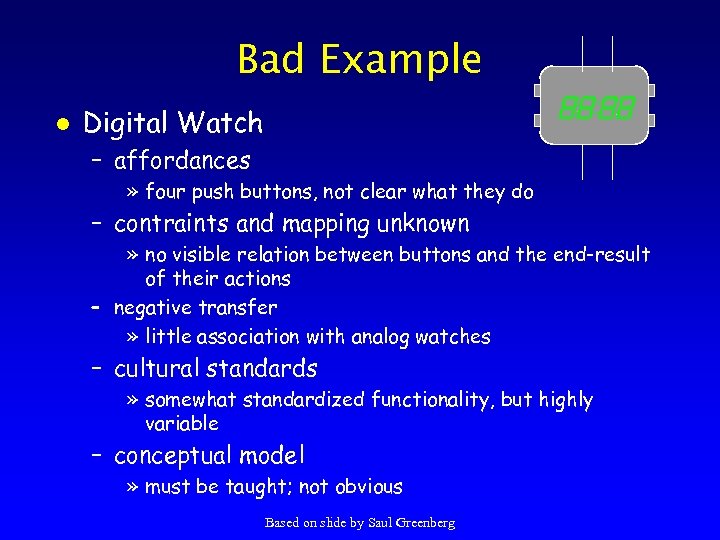 Bad Example l Digital Watch – affordances » four push buttons, not clear what they do – contraints and mapping unknown » no visible relation between buttons and the end-result of their actions – negative transfer » little association with analog watches – cultural standards » somewhat standardized functionality, but highly variable – conceptual model » must be taught; not obvious Based on slide by Saul Greenberg
 Guidelines for Design l Provide a good conceptual model – allows users to predict consequences of actions – communicated thorugh the image of the system l Make things visible – relations between user’s intentions, required actions, and results should be » sensible » consistent » meaningful (non-arbitrary) – make use of visible affordances, mappings, and constraints – remind person of what can be done and how to do it Based on slide by Saul Greenberg
 User-Centered Design Chapter 5 in textbook
 How to Design l Design is driven by requirements – what the artifact is for – not how it is to be implemented » e. g. , PDA not as important as “mobile” app. l Design represents the artifact – for UIs these include » screen sketches or storyboards » flow diagrams/outline showing task structure » executable prototypes – representations simplify Slide by James Landay
 Design Process l Waterfall model – sequence of steps from software engineering – customer is not the user l Spiral model – only continue after step if feedback is positive l Prototyping – design by constructing executable models – should the prototype become the system? l User-centered design Slide by James Landay
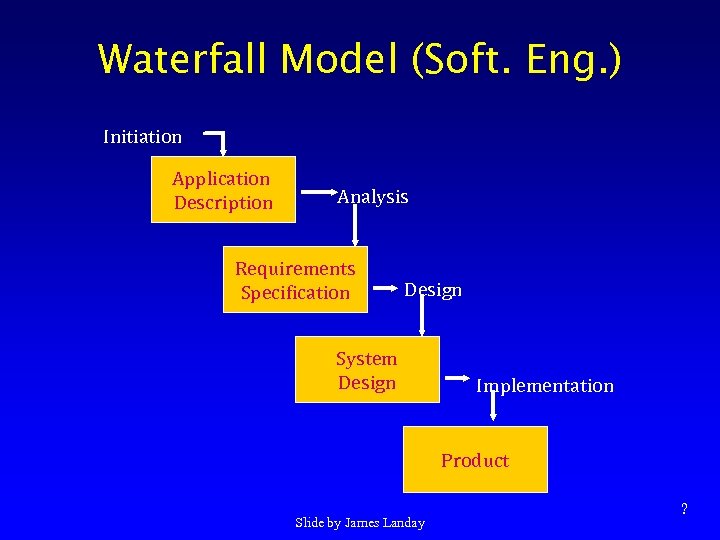 Waterfall Model (Soft. Eng. ) Initiation Application Description Analysis Requirements Specification Design System Design Implementation Product Slide by James Landay ?
 Other Models of Design l Product life cycle – design & implementation < 50% of cost – look at other stages » documentation, testing, release, bug fixes, enhancements. . . l Design / implementation models – Waterfall vs. Iterative Design? » notations differ (WF lacks user’s perspective) » cost of fixing errors in requirements increases by a factor of 10 at each stage l iterative design find these earlier Slide by James Landay
 What is User-centered Design? l Developers working with target users – help define what the system will do & how – lots of iterative exploration & feedback l Think of the world in users’ terms – user & customer not the same person ->? » don’t design for manager’s work process l Understanding work process – points where humans and computers intersect l Not technology-centered/feature driven Slide by James Landay
 Why do it? l Nearly 25% of all applications projects fail. Why? – overrun budgets & management pulls the plug – others complete, but are too hard to learn/use – avoid failure if pay attention to needs of users l Solution is user-centered design. Why? – – easier to learn & use products sell better can help keep a product on/ahead of schedule training costs reduced improved usability! Slide by James Landay
 What is Usability? l Ease of learning – faster the second time and so on. . . l Recall – remember how from one session to the next l Productivity – perform tasks quickly and efficiently l Minimal error rates – if they occur, good feedback so user can recover l High user satisfaction – confident of success Slide by James Landay TTN
 Understanding the User l How do your users work? – task analysis, interviews, & observation l How do your users think? – understand human cognition – observe users performing tasks l How do your users interact with UIs? – observe! Slide by James Landay
 Involving the User l Users help designers learn – what is involved in their jobs – what tools they use – i. e, what they do l Developers reveal technical capabilities – builds rapport & an idea of what is possible l Users try prototype & comment on it – developers make incremental changes & iterate Slide by James Landay
 Observation Techniques In the work place l Use recording technologies l – notebooks – tape recorders – video cameras l Ask users to think out loud while working – look for job-specific procedures / terminology l Show users transcript & ask about it Slide by James Landay
 What Users Might Say ? l “This is too difficult” l “You don’t have the steps in the order we do them” l Do not take comments personally l – you shouldn’t have a personal stake l Goal is to make the system easy to use for your intended users Slide by James Landay
 Caveats l Politics – advocating change can cause controversy – get a sense of the organization – important to get buy-in from all those involved l Don’t design forever without prototyping – rapid prototyping, evaluation, & iteration is key to technique l Systems level apps are poor candidates – networking, etc. Slide by James Landay
 Summary User-centered design is different than traditional methodologies l Leads to solving problems up front (cheaper) l Know thy user & involve them in design l Slide by James Landay