


 Скачать презентацию Machine Emulation Developer Workstation Environment Microsoft s
b2f73023483edd310a3917d7c37358be.ppt
- Количество слайдов: 16
 Machine Emulation & Developer Workstation Environment – Microsoft’s Virtual. PC Dan Dyer Metrolist, Inc.
 Examples of what Virtual PC can do: • Enable installation of a refrigerator in your workspace • Increase quality of life by 2% per year • Allow you to build a trebuchet
 How a VPC works • Simulates generic Intel hardware and drivers • Emulation begins with the BIOS • Shares hardware with host machine – Optical Drives/ISO image mounting
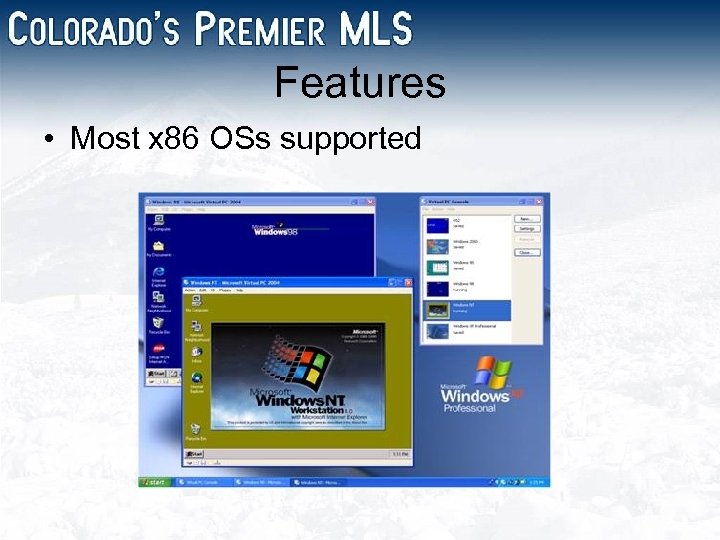 Features • Most x 86 OSs supported
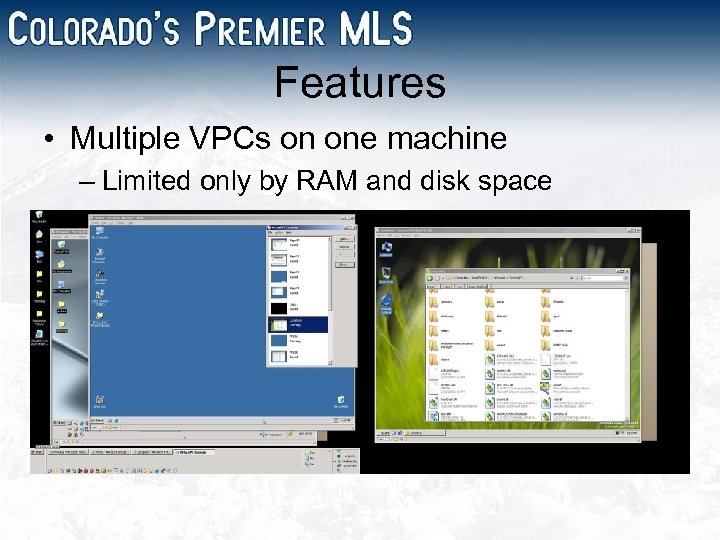 Features • Multiple VPCs on one machine – Limited only by RAM and disk space
 Results: More machines & space Multiple VPCs per computer = more floor space Increased floor space + lower heat output = refrigerator* in your workspace *Not provided by Virtual PC
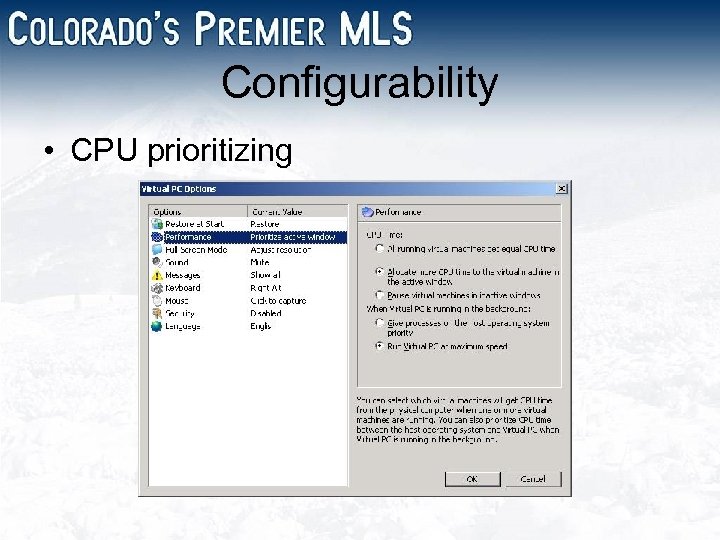 Configurability • CPU prioritizing
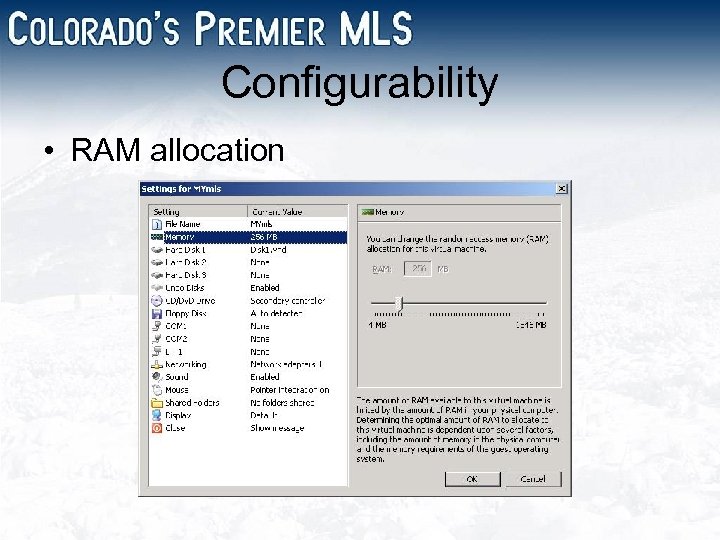 Configurability • RAM allocation
 Features • Dynamic/Fixed virtual hard drives – Expand/contract • Linked hard drives – Link directly to physical disk • Differencing hard drives – Users all share one network drive – Differences saved in local file
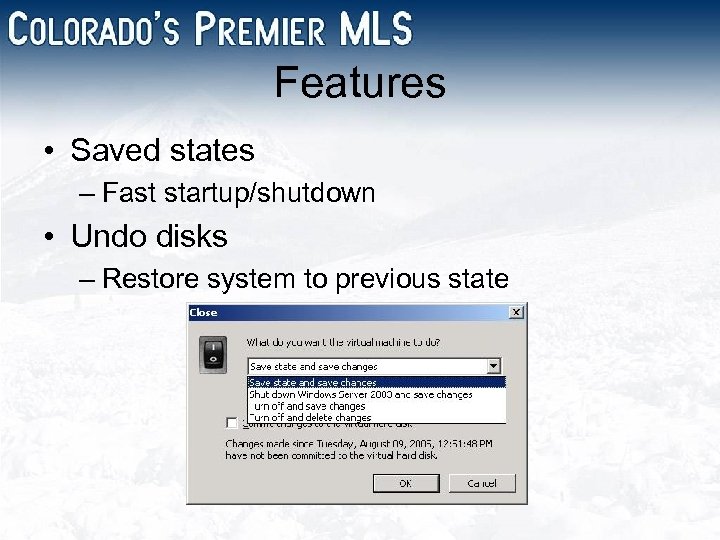 Features • Saved states – Fast startup/shutdown • Undo disks – Restore system to previous state
 Results: Efficient machine mgmt VPC State management and restoration = 7. 63% reduction in stress* Average stress reduction per week = 3. 6 hours Additional stress-free days per year = 7. 8 Approximate yearly happiness increase = 2. 1% *Individual results may vary
 Benefits • Portability – Copy virtual machines to any location • Stability – Crashes only affect specific virtual machine • Archivability – Preserve legacy/reference sites • Compartmentalizationability – Conflicting products run on same machine
 Benefits • Test installations – Reset OS environment between tests – Test automated OS deployment • Networking – Test remote deployment – Simulate production network – Honeypots
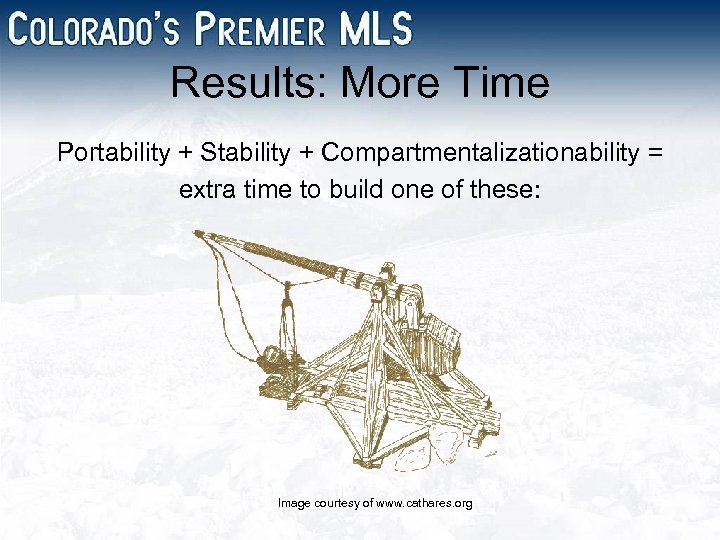 Results: More Time Portability + Stability + Compartmentalizationability = extra time to build one of these: Image courtesy of www. cathares. org
 Coming: Virtual Server 2005 • Release date: November 2005 • Web-based Administrative Interface • Migration Toolkit – Transfer physical installations to virtual • Supports Windows Server 2003 64 -bit • Expanded Linux support • 180 day trial now available
 Additional Link http: //www. microsoft. com/windows/virtualpc/evaluation/evalguide. mspx