


 Скачать презентацию M 874 Weekend School An Introduction to Java
abd845cf2072f5b4b8e7afbe82dafe18.ppt
- Количество слайдов: 154
 M 874 Weekend School An Introduction to Java Programming M 874 Java 1
 Contents • Presentation 1, Objects • Presentation 2, Inheritance • Presentation 3, Exceptions • Presentation 4, Abstraction • Presentation 5, Threads • Presentation 6, • HCI • Presentation 7, Packages • Presentation 8, Applets • Presentation 9, Network facilities M 874 Java 2
 Presentation 1 Aims • • Describe what an object is Outline how objects communicate Introduce the idea of a class Provide explanations of the vocabulary terms method, argument, class and object M 874 Java 3
 Objects • Objects occur in everyday life. • Typical objects in an air-traffic control system are planes, radars and slots. • An object is associated with data (state) • Objects can send messages to each other. • One of the first activities in a project that uses Java is identifying objects. M 874 Java 4
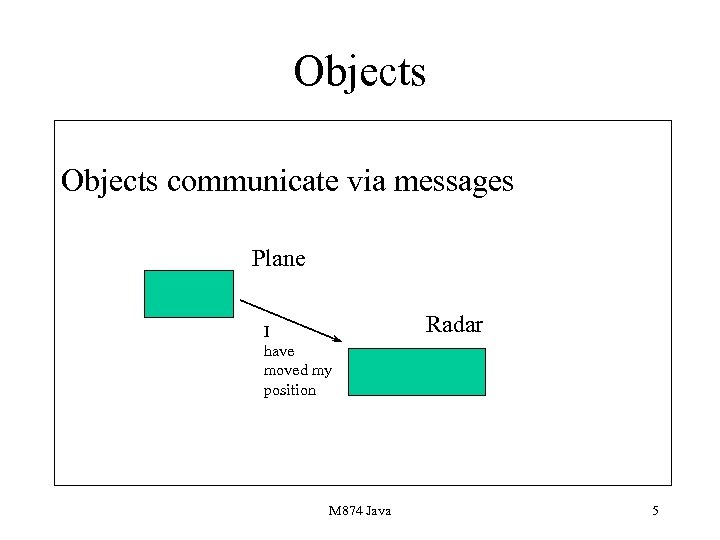 Objects communicate via messages Plane I have moved my position M 874 Java Radar 5
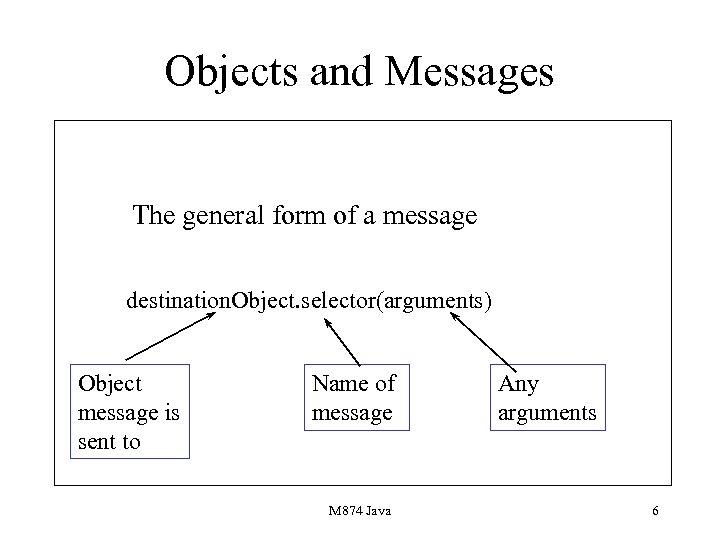 Objects and Messages The general form of a message destination. Object. selector(arguments) Object message is sent to Name of message M 874 Java Any arguments 6
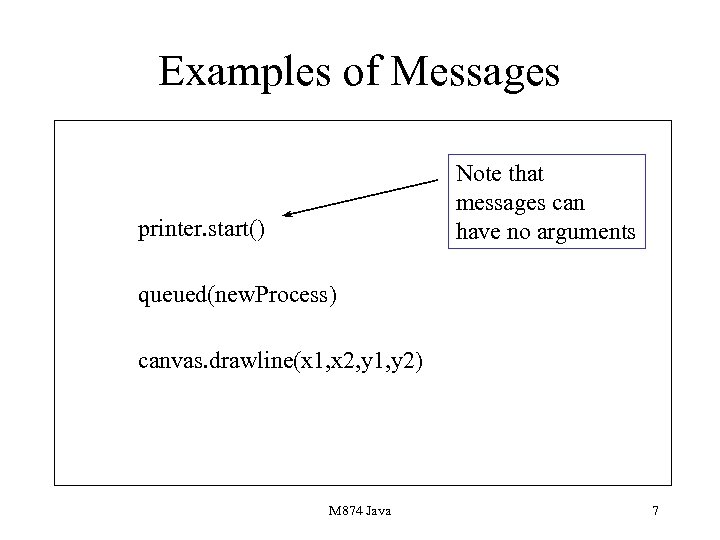 Examples of Messages Note that messages can have no arguments printer. start() queued(new. Process) canvas. drawline(x 1, x 2, y 1, y 2) M 874 Java 7
 Java Errors 1 • Forgetting that there is a destination object. • Missing the arguments. • If the message has no arguments then omitting the brackets. M 874 Java 8
 Classes • The class is the key idea in an OO language. • Classes are like biscuit cutters: they can be used to create objects. • Classes define the data that makes up an object. • They also define the messages sent to an object and the processing that occurs. M 874 Java 9
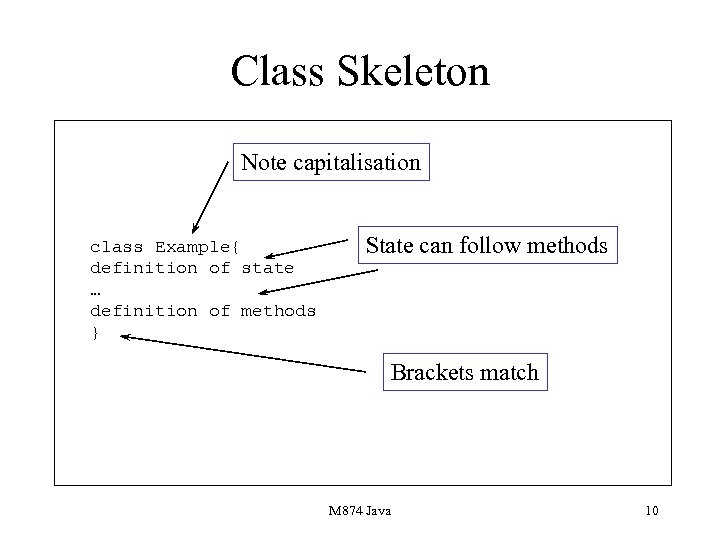 Class Skeleton Note capitalisation class Example{ definition of state … definition of methods } State can follow methods Brackets match M 874 Java 10
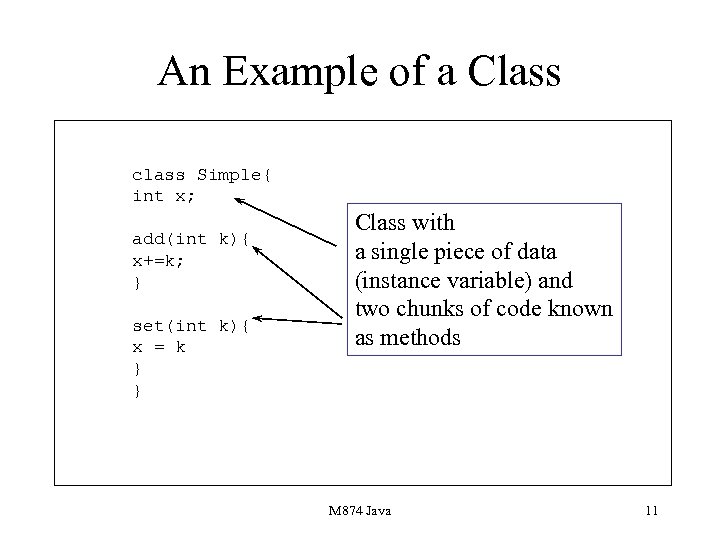 An Example of a Class class Simple{ int x; add(int k){ x+=k; } set(int k){ x = k } } Class with a single piece of data (instance variable) and two chunks of code known as methods M 874 Java 11
 The main Method • This is a method inserted into the only public class in a file. • It carries out execution of a program and acts like a driver program. • It must be placed in the class: it is a method. • It is of the form public static void main. M 874 Java 12
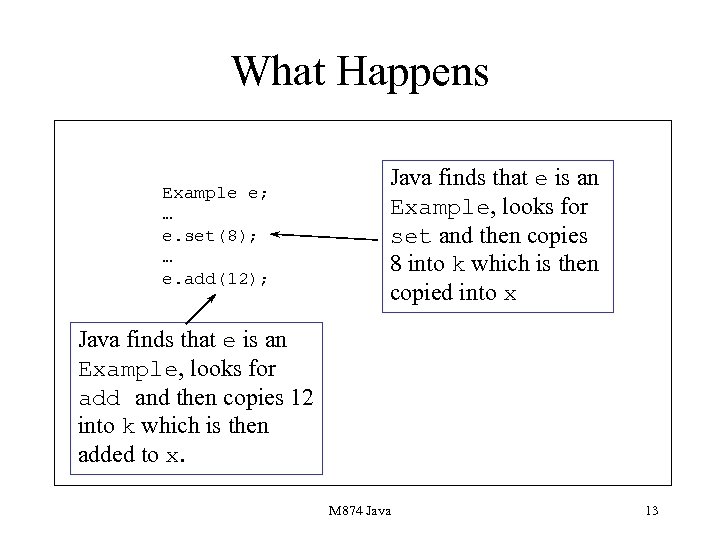 What Happens Example e; … e. set(8); … e. add(12); Java finds that e is an Example, looks for set and then copies 8 into k which is then copied into x Java finds that e is an Example, looks for add and then copies 12 into k which is then added to x. M 874 Java 13
 Constructors • Constructors are special methods which are used to create space for objects. • They have a special syntax. • They are used in conjunction with the new facility. • They can be associated with any number of arguments ranging from zero. M 874 Java 14
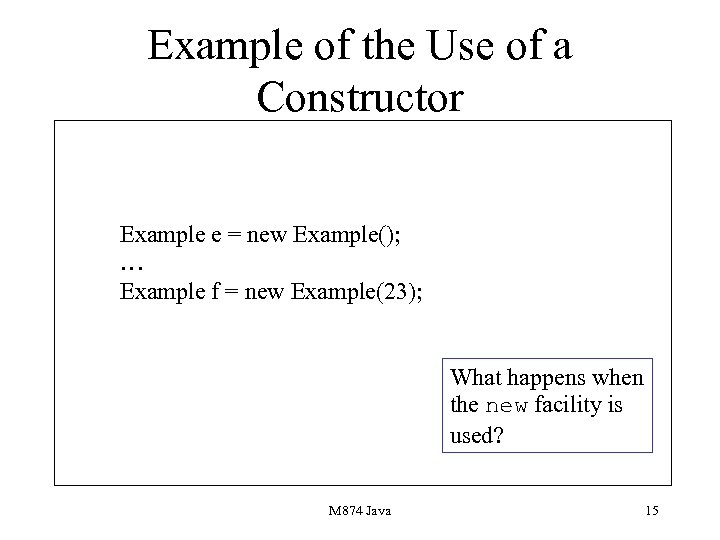 Example of the Use of a Constructor Example e = new Example(); … Example f = new Example(23); What happens when the new facility is used? M 874 Java 15
 How it Works • If you declare no constructors then the Java system will initialise all your scalar instance variables to some default, for example an int will be 0. It will also initialise all object instance variables to null • This is poor programming so you need to define all your constructors. • Roughly same syntax as methods. M 874 Java 16
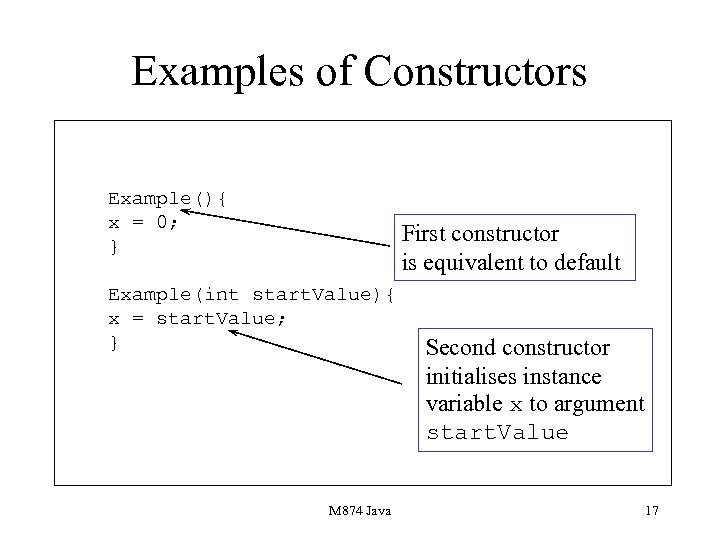 Examples of Constructors Example(){ x = 0; } First constructor is equivalent to default Example(int start. Value){ x = start. Value; } M 874 Java Second constructor initialises instance variable x to argument start. Value 17
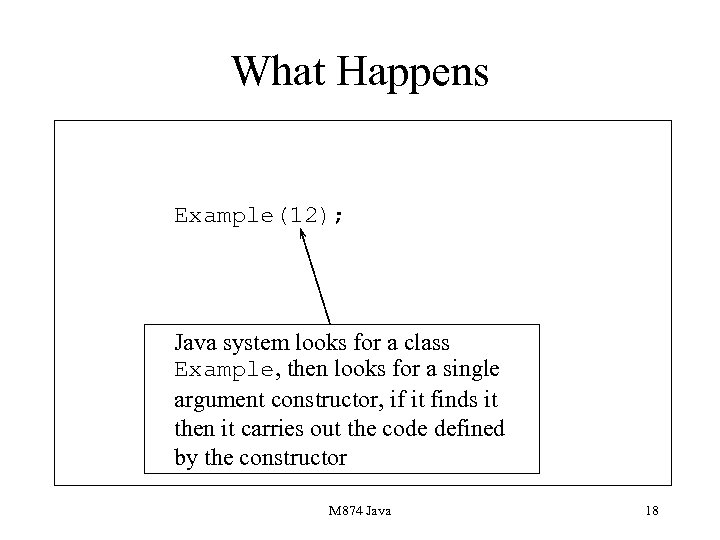 What Happens Example(12); Java system looks for a class Example, then looks for a single argument constructor, if it finds it then it carries out the code defined by the constructor M 874 Java 18
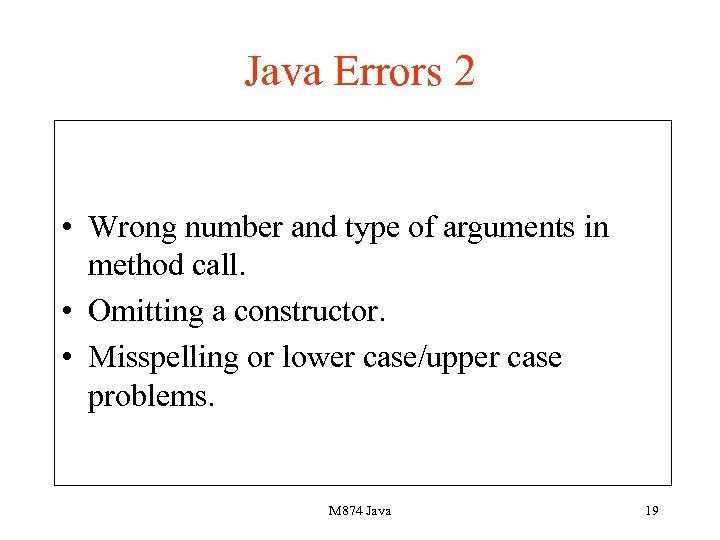 Java Errors 2 • Wrong number and type of arguments in method call. • Omitting a constructor. • Misspelling or lower case/upper case problems. M 874 Java 19
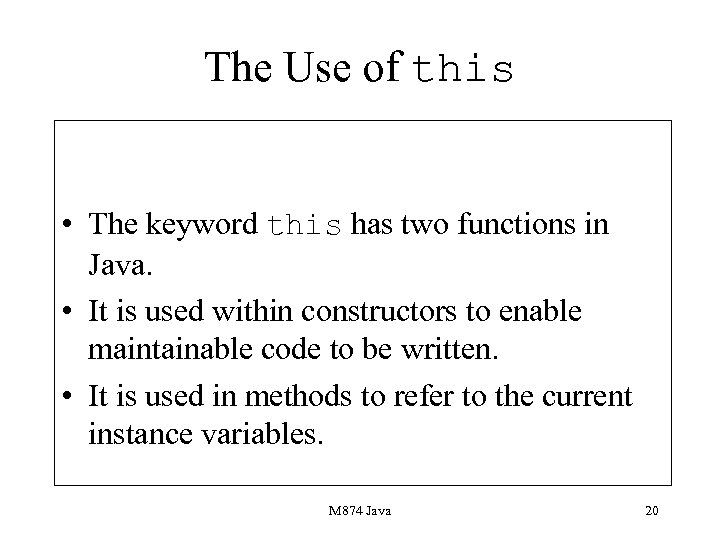 The Use of this • The keyword this has two functions in Java. • It is used within constructors to enable maintainable code to be written. • It is used in methods to refer to the current instance variables. M 874 Java 20
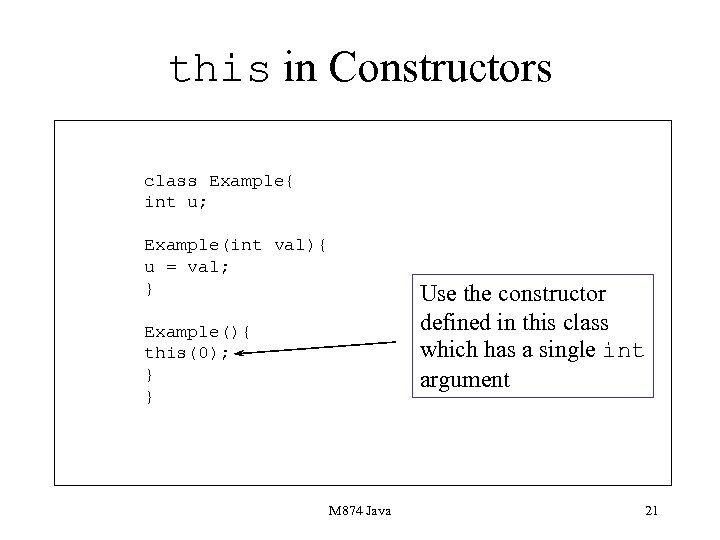 this in Constructors class Example{ int u; Example(int val){ u = val; } Use the constructor defined in this class which has a single int argument Example(){ this(0); } } M 874 Java 21
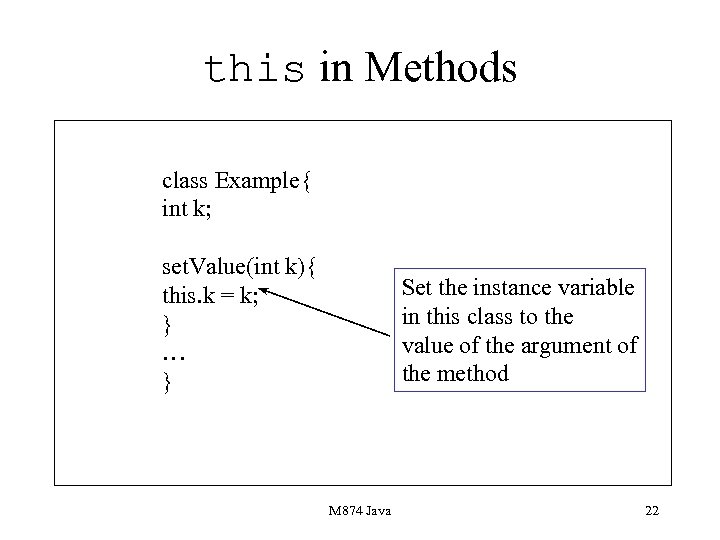 this in Methods class Example{ int k; set. Value(int k){ this. k = k; } … } Set the instance variable in this class to the value of the argument of the method M 874 Java 22
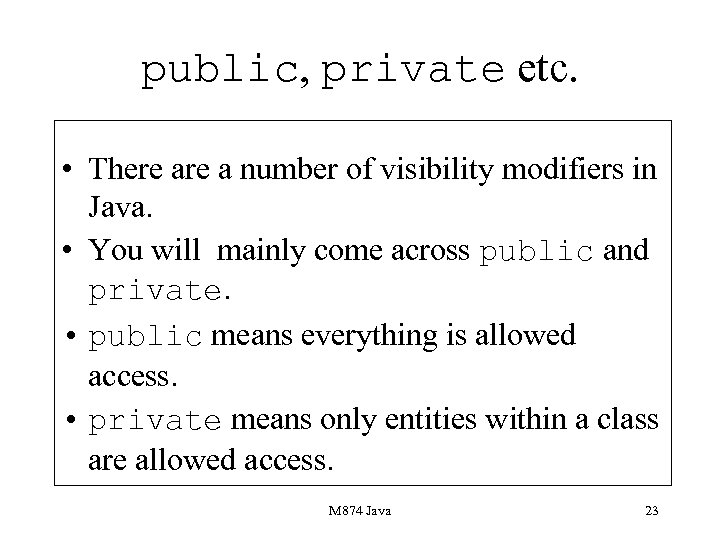 public, private etc. • There a number of visibility modifiers in Java. • You will mainly come across public and private. • public means everything is allowed access. • private means only entities within a class are allowed access. M 874 Java 23
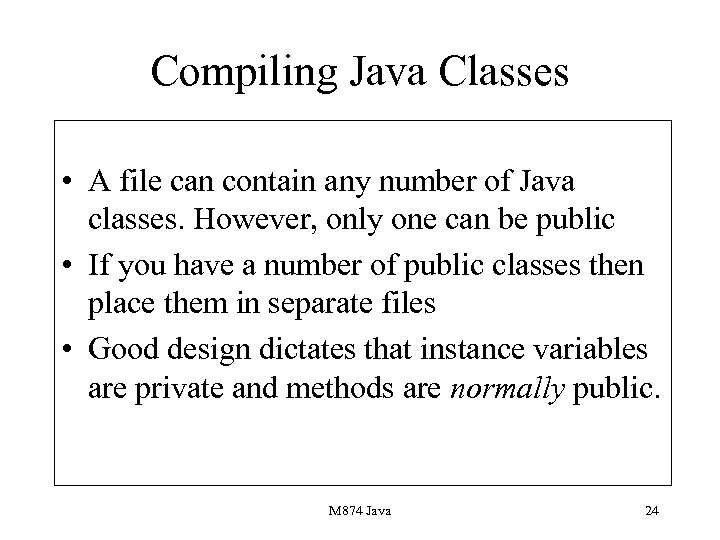 Compiling Java Classes • A file can contain any number of Java classes. However, only one can be public • If you have a number of public classes then place them in separate files • Good design dictates that instance variables are private and methods are normally public. M 874 Java 24
 Java Errors 3 • Forgetting that one class in a file must be public. • Forgetting to name the source file the same as the class name. M 874 Java 25
 Methods • Just like subroutines. • Pass objects as references and scalar types as values. • Prefaced with visibility modifiers. • A number of return types including scalar, classes and void. M 874 Java 26
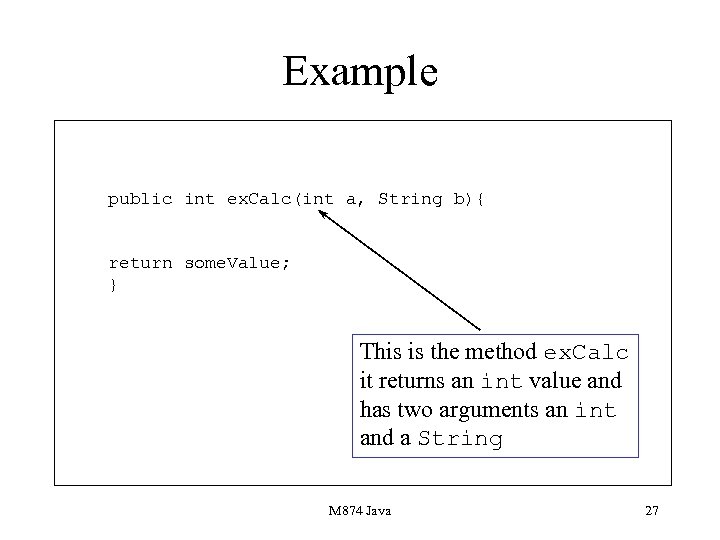 Example public int ex. Calc(int a, String b){ return some. Value; } This is the method ex. Calc it returns an int value and has two arguments an int and a String M 874 Java 27
 Presentation 2 Aims • Describe the rationale behind OO languages. • Show an OO system consist of class hierarchies. • Describe the main reuse facility within Java: inheritance. • Describe the use of class (static methods). M 874 Java 28
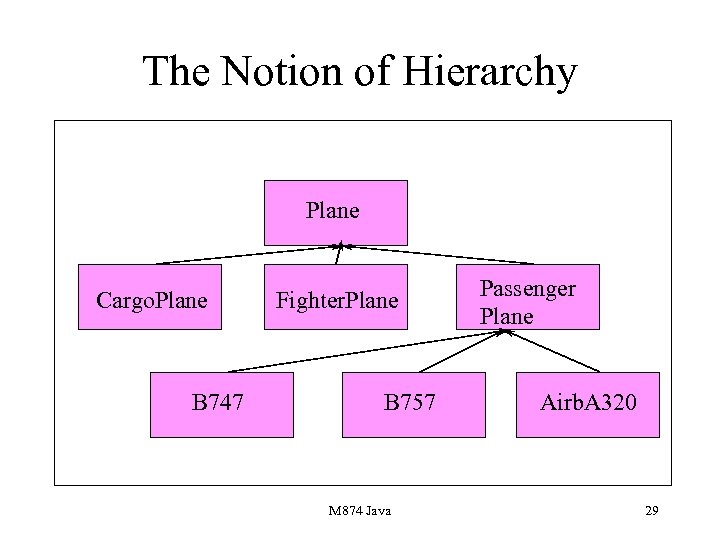 The Notion of Hierarchy Plane Cargo. Plane B 747 Fighter. Plane B 757 M 874 Java Passenger Plane Airb. A 320 29
 Hierarchy 1 • Classes in a computer system can be arranged in a hierarchy. • As you go down the hierarchy the classes become more and more specialised: Plane, Passenger. Plane, B 757. • As you go down the hierarchy more and more facilities are added. M 874 Java 30
 Hierarchy 2 • For example, in a Personnel system you might have a section of hierarchy: Employee - Salaried. Employee Comission. Paid. Salaried. Employee. • In this example more and more methods and instance variables are added as you proceed down the hierarchy. The way that this is achieved is via inheritance. M 874 Java 31
 Inheritance 1 • Is the most important concept in OO languages. • Implemented mainly by the extends facility. • Various rules are used to determine what methods and instance variables are inherited. M 874 Java 32
 Inheritance 2 • If a class A inherits from a class B, then the methods and instance variables of A become associated with objects defined by A. • For example, if Passenger. Plane inherits from Plane then an instance variable describing the size of the plane would be inherited from Plane. M 874 Java 33
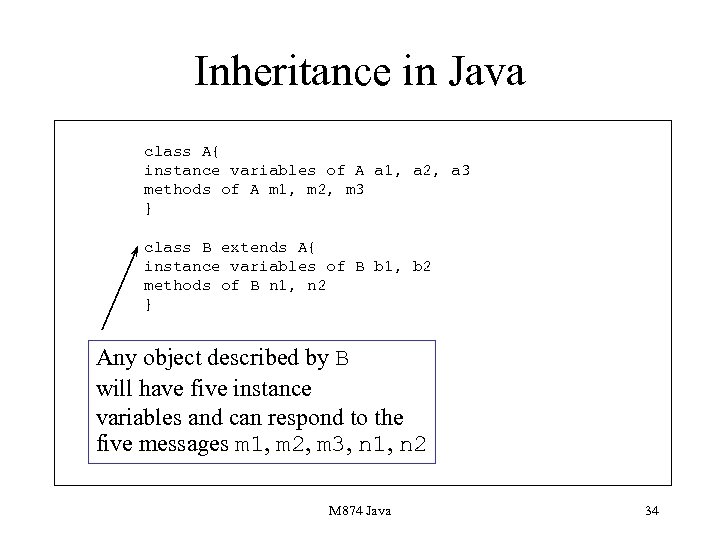 Inheritance in Java class A{ instance variables of A a 1, a 2, a 3 methods of A m 1, m 2, m 3 } class B extends A{ instance variables of B b 1, b 2 methods of B n 1, n 2 } Any object described by B will have five instance variables and can respond to the five messages m 1, m 2, m 3, n 1, n 2 M 874 Java 34
 Reuse Inheritance is the way that reuse is implemented in any OO language. You will need to be completely happy with this notion to use such a language. It will crop up time and time again, for example, to create a window in Java you will need to inherit from a built-in class Frame. M 874 Java 35
 The two Uses of Inheritance • There are two uses of inheritance in Java. • The first use is where functionality is added to an existing class, for example a Weekly. Paid. Employee class might inherit from an Employee class. • The second use is where functionality is changed. This is an example of overriding. M 874 Java 36
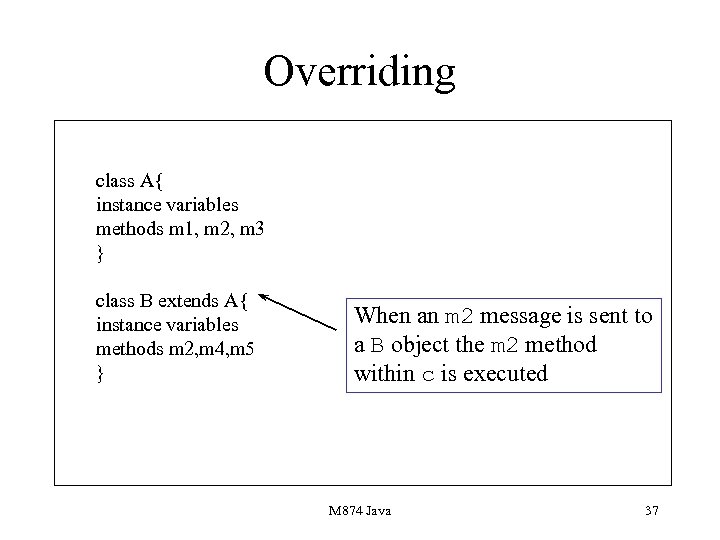 Overriding class A{ instance variables methods m 1, m 2, m 3 } class B extends A{ instance variables methods m 2, m 4, m 5 } When an m 2 message is sent to a B object the m 2 method within c is executed M 874 Java 37
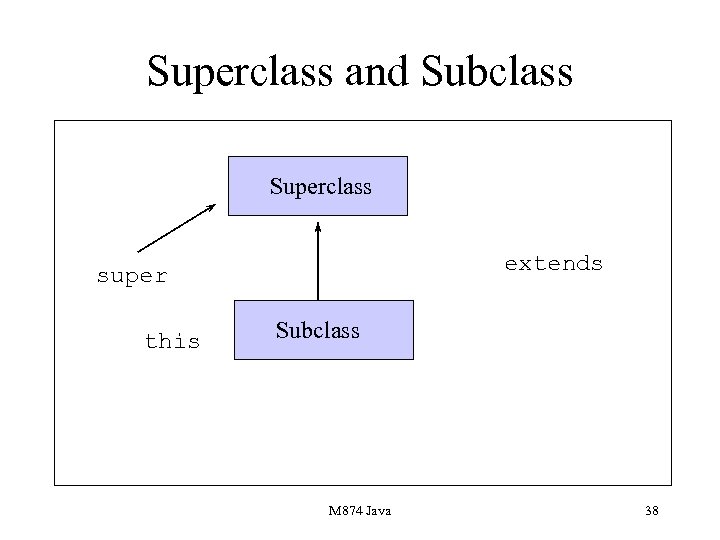 Superclass and Subclass Superclass extends super this Subclass M 874 Java 38
 Conventions for Naming • this refers to this class. • super refers to the superclass. • both this and super allow you to refer to the instance variables and methods in a class and its immediate super class. M 874 Java 39
 Using super in Constructors • You may remember that we can use the keyword this within constructors. • In a similar fashion we can use super in constructors. • When it is used it calls on the constructor in the superclass. M 874 Java 40
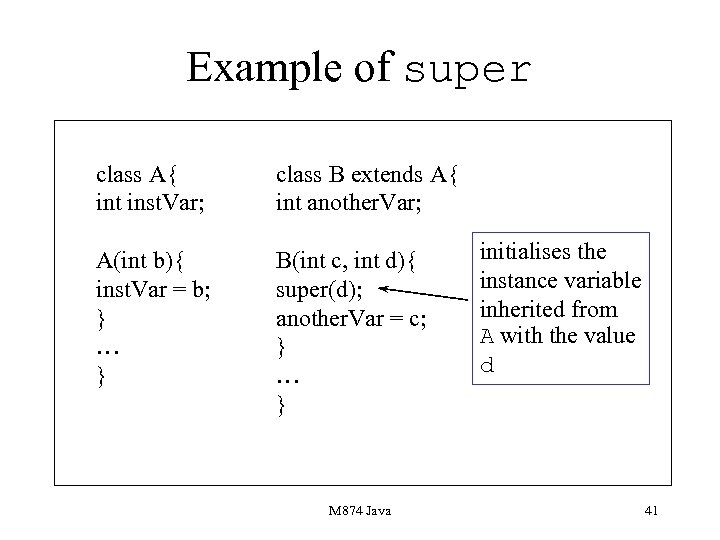 Example of super class A{ int inst. Var; class B extends A{ int another. Var; A(int b){ inst. Var = b; } … } B(int c, int d){ super(d); another. Var = c; } … } M 874 Java initialises the instance variable inherited from A with the value d 41
 Static Methods These are methods whose messages are not sent to objects but to classes. A static method is prefaced with the keyword static. You can also have static variables. These are class globals which are not replicated in each object defined by a class. In Java static methods are usually used to implement general purpose functions such as sin, cos and string conversion functions. M 874 Java 42
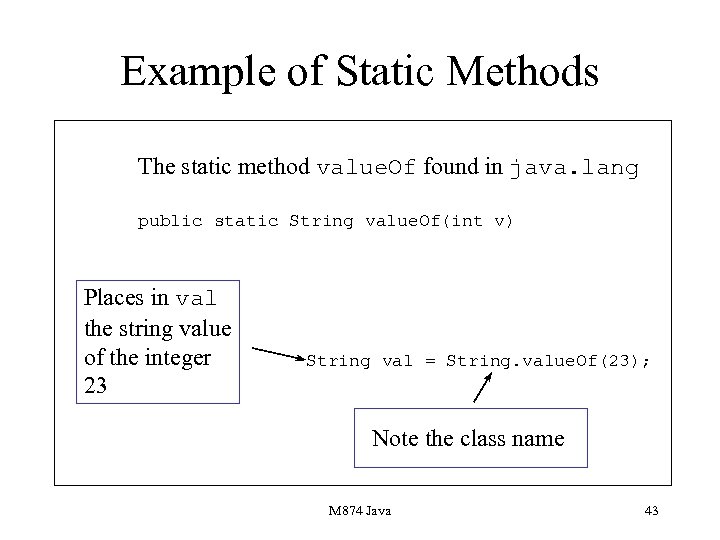 Example of Static Methods The static method value. Of found in java. lang public static String value. Of(int v) Places in val the string value of the integer 23 String val = String. value. Of(23); Note the class name M 874 Java 43
 Java Errors 3 • Forgetting the class name when calling a static method. • Forgetting to use super within a constructor. • Initialising instance variables in their definitions rather than in the constructors. M 874 Java 44
 Presentation 3 Aims • To describe how Java handles errors. • To show exception objects can be used for monitoring errors. • To describe the use of the throws and throw keyword. • To describe the use of the try-catch facility. M 874 Java 45
 Errors can occur any time within a Java program • A program runs out of memory. • An invalid URL is accessed. • A user types in a floating point number when an integer is expected. • A program which expects a file containing data is connected up to an empty file. • An array overflows. M 874 Java 46
 Exceptions • Are a way of handling errors which cannot be anticipated such as mistyped data being provided by the user. • Based on the idea of an exception object. • The keyword throw creates an exception object which indicates that a problem has occurred. M 874 Java 47
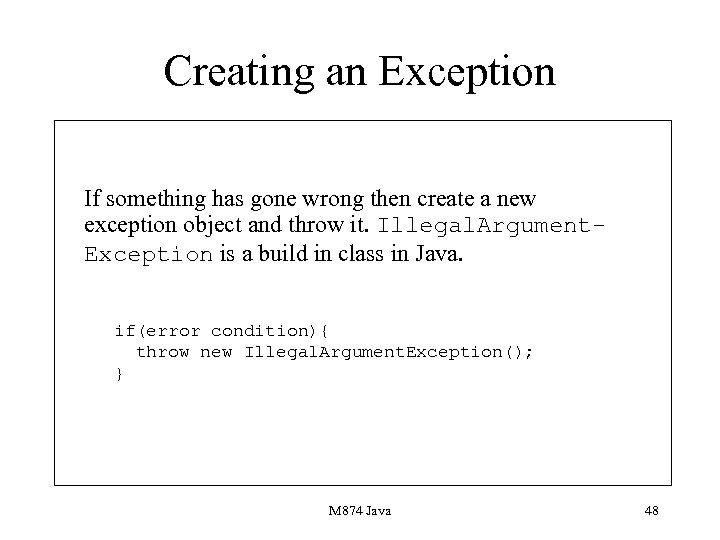 Creating an Exception If something has gone wrong then create a new exception object and throw it. Illegal. Argument. Exception is a build in class in Java. if(error condition){ throw new Illegal. Argument. Exception(); } M 874 Java 48
 Handling Exceptions • When an exception is created control is passed to error-handling code. • This error handling code is introduced by means of the try-catch facility. • A number of exceptions can be handled in the same body of code. M 874 Java 49
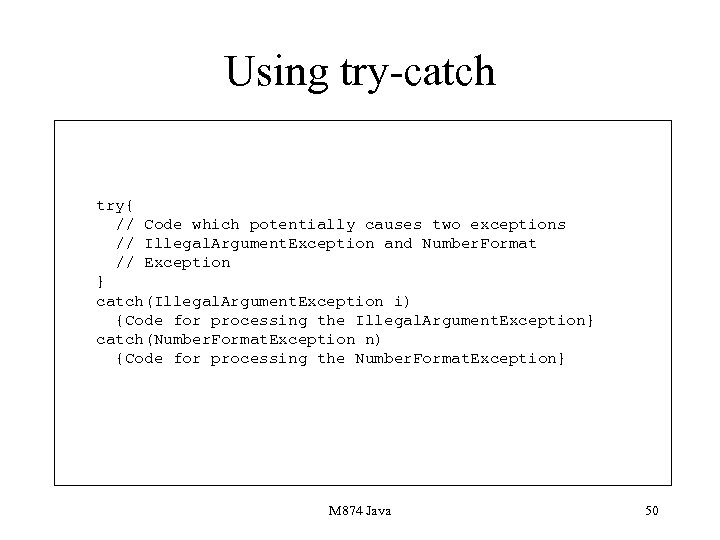 Using try-catch try{ // Code which potentially causes two exceptions // Illegal. Argument. Exception and Number. Format // Exception } catch(Illegal. Argument. Exception i) {Code for processing the Illegal. Argument. Exception} catch(Number. Format. Exception n) {Code for processing the Number. Format. Exception} M 874 Java 50
 try-catch • When an Exception object has been created in the code enclosed by a trycatch control is transferred to the code corresponding to the exception. • The identifier introduced, for example i in the previous slide is assigned to the exception object and the code within the curly brackets executed. M 874 Java 51
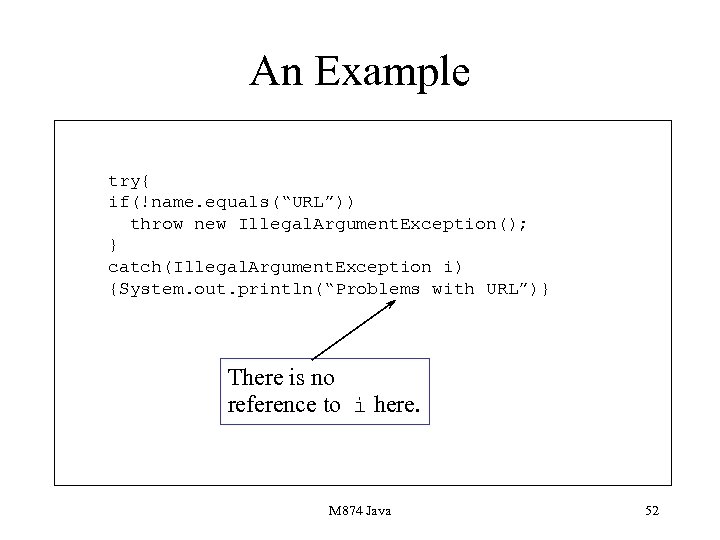 An Example try{ if(!name. equals(“URL”)) throw new Illegal. Argument. Exception(); } catch(Illegal. Argument. Exception i) {System. out. println(“Problems with URL”)} There is no reference to i here. M 874 Java 52
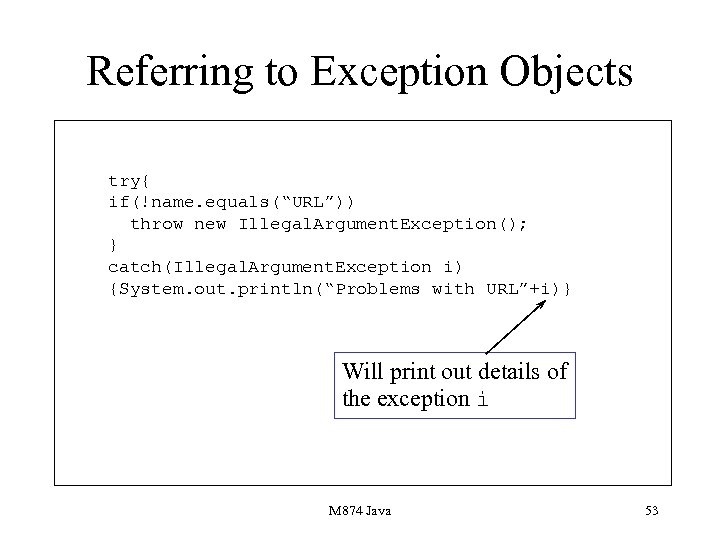 Referring to Exception Objects try{ if(!name. equals(“URL”)) throw new Illegal. Argument. Exception(); } catch(Illegal. Argument. Exception i) {System. out. println(“Problems with URL”+i)} Will print out details of the exception i M 874 Java 53
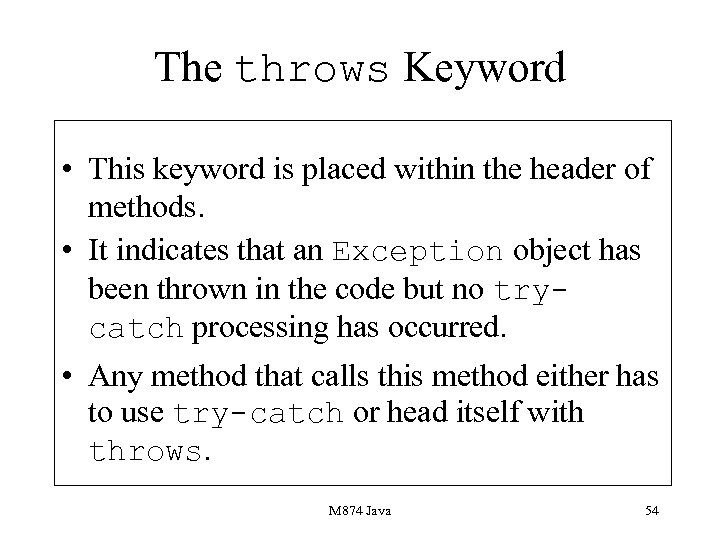 The throws Keyword • This keyword is placed within the header of methods. • It indicates that an Exception object has been thrown in the code but no trycatch processing has occurred. • Any method that calls this method either has to use try-catch or head itself with throws. M 874 Java 54
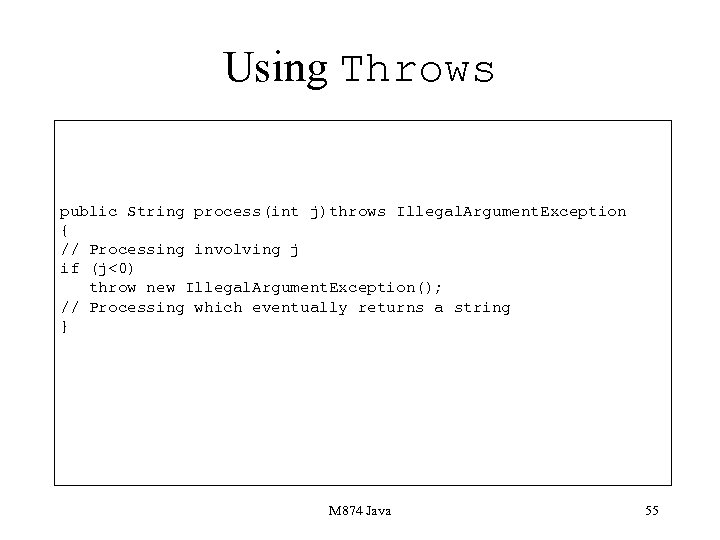 Using Throws public String process(int j)throws Illegal. Argument. Exception { // Processing involving j if (j<0) throw new Illegal. Argument. Exception(); // Processing which eventually returns a string } M 874 Java 55
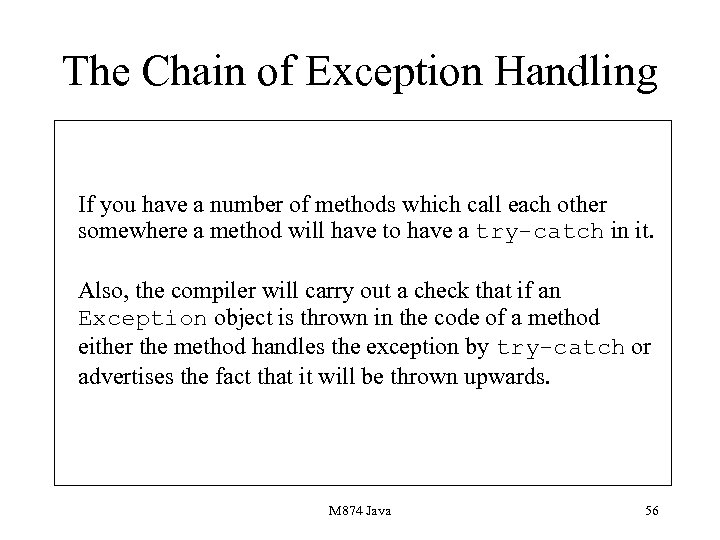 The Chain of Exception Handling If you have a number of methods which call each other somewhere a method will have to have a try-catch in it. Also, the compiler will carry out a check that if an Exception object is thrown in the code of a method either the method handles the exception by try-catch or advertises the fact that it will be thrown upwards. M 874 Java 56
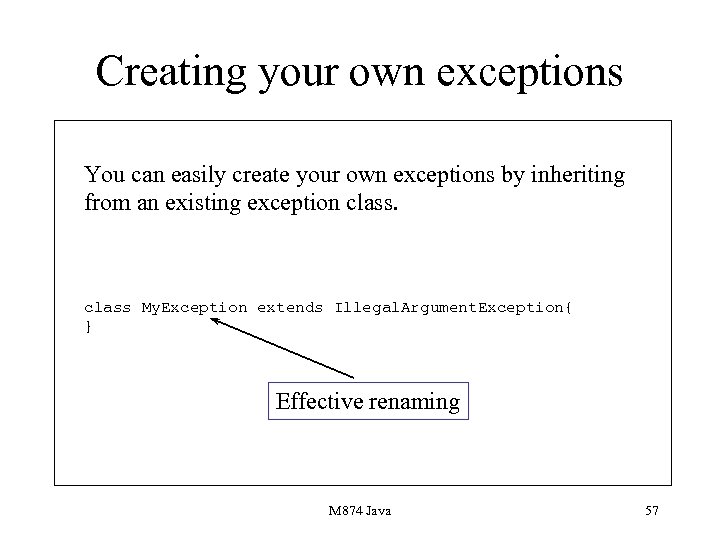 Creating your own exceptions You can easily create your own exceptions by inheriting from an existing exception class My. Exception extends Illegal. Argument. Exception{ } Effective renaming M 874 Java 57
 Presentation 4 Aims • To introduce the concept of design facilities in Java. • To show abstract classes embody ideas of abstraction. • To show interfaces implement a form of multiple inheritance. M 874 Java 58
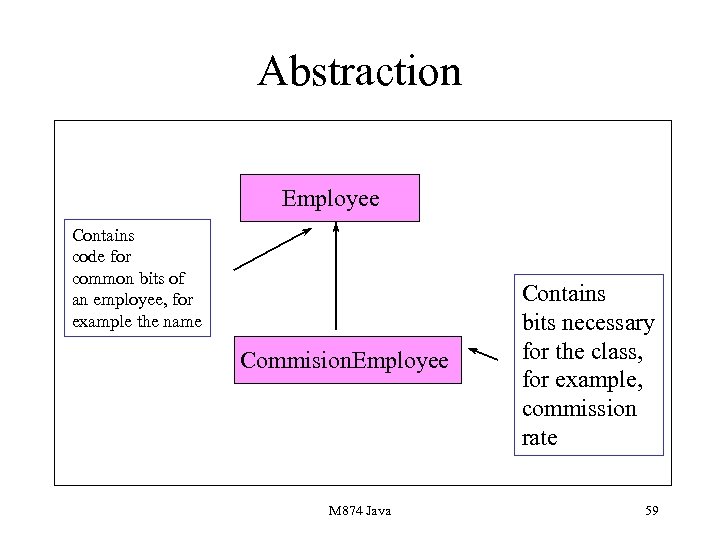 Abstraction Employee Contains code for common bits of an employee, for example the name Commision. Employee M 874 Java Contains bits necessary for the class, for example, commission rate 59
 Abstract classes • Are classes where some of the methods are left blank. • If a programmer wishes to create an object from an abstract class then an error will occur. • To produce objects classes need to inherit from the abstract class and override blank methods. M 874 Java 60
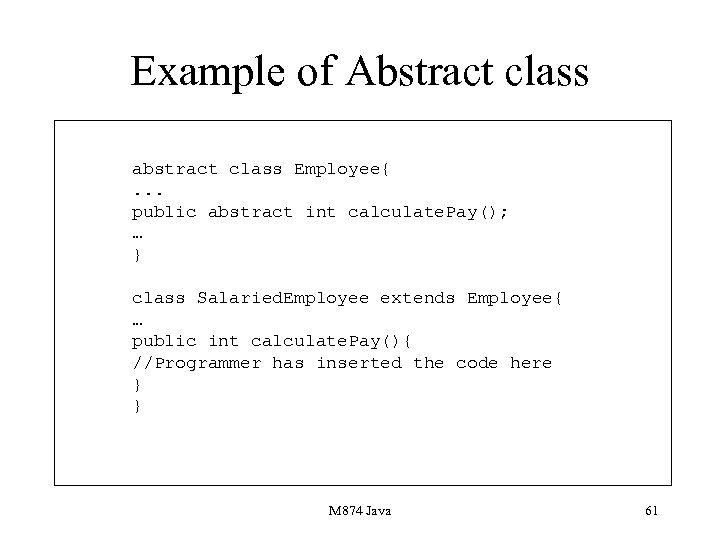 Example of Abstract class abstract class Employee{. . . public abstract int calculate. Pay(); … } class Salaried. Employee extends Employee{ … public int calculate. Pay(){ //Programmer has inserted the code here } } M 874 Java 61
 Abstract classes • If you inherit from an abstract class then you have to provide the code for the absytact methods in the class, otherwise your resulting class will still be abstract. • Abstract classes provide a way of saying: if you are going to create an object of a certain class you are going to have to implement certain method(s). M 874 Java 62
 Interfaces • Interfaces are similar to abstract classes. • The main difference is that all the methods in an interface are blank. • Used to implement multiple inheritance. • Can deliver constants but not variables. M 874 Java 63
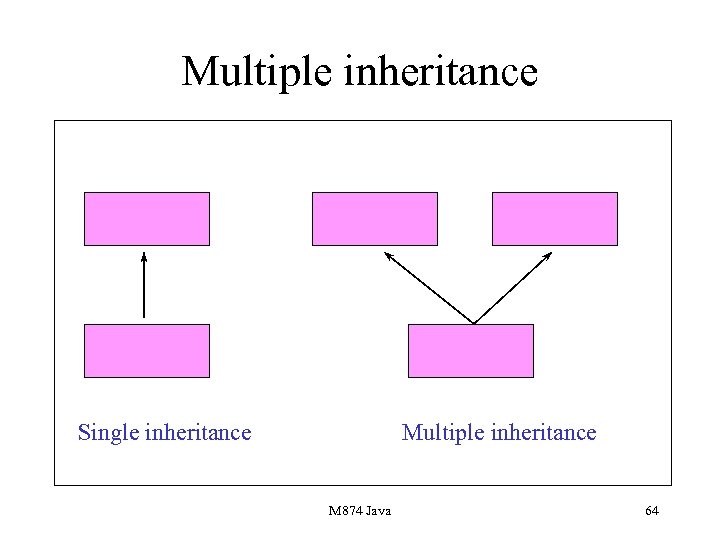 Multiple inheritance Single inheritance Multiple inheritance M 874 Java 64
 Problems with Multiple Inheritance • Inefficient. • Unreliable. • Complex naming conventions. M 874 Java 65
 The Solution- Interfaces • If a class implements an interface then it must provide code for all the methods in the interface. • It provides a form of certification of all the classes that carry out the implements operation. • Important uses include implementing threads and also enumerators. • Has achieved greater importance due to its use in the Java event model. M 874 Java 66
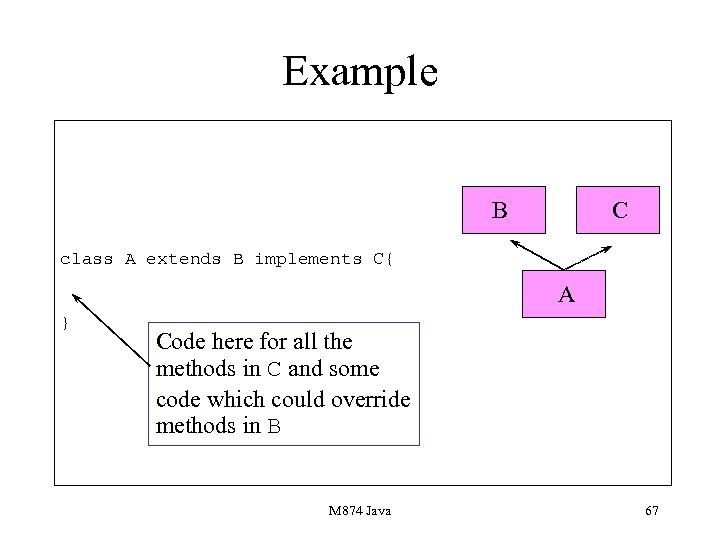 Example B C class A extends B implements C{ A } Code here for all the methods in C and some code which could override methods in B M 874 Java 67
 The Enumeration Interface • One of the most difficult concepts to understand in Java. • Enables the programmer to iterate over the elements of a collection without knowing how the collection is stored. • You need to form an iterator with a constructor which supplies code for the Enumeration methods. M 874 Java 68
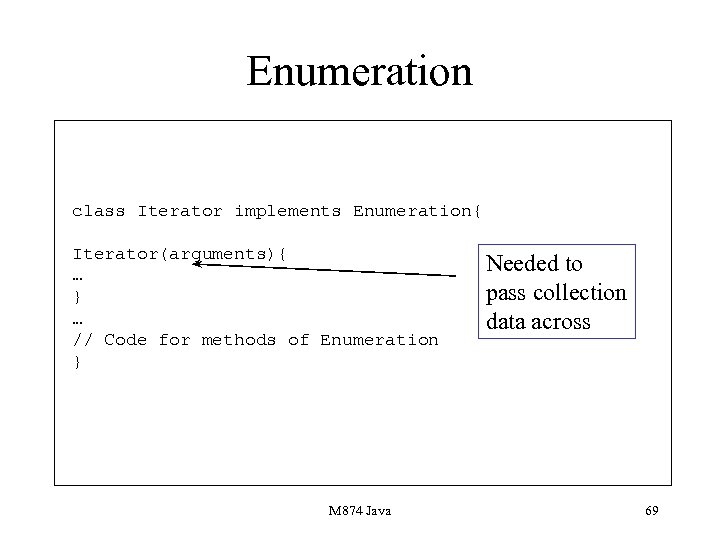 Enumeration class Iterator implements Enumeration{ Iterator(arguments){ … } … // Code for methods of Enumeration } M 874 Java Needed to pass collection data across 69
 Enumeration methods • Contains two methods. • has. More. Elements, returns true if there are more elements to process. • next. Element returns a value from an Enumeration and moves to the next object, note that it returns an object defined by Object. M 874 Java 70
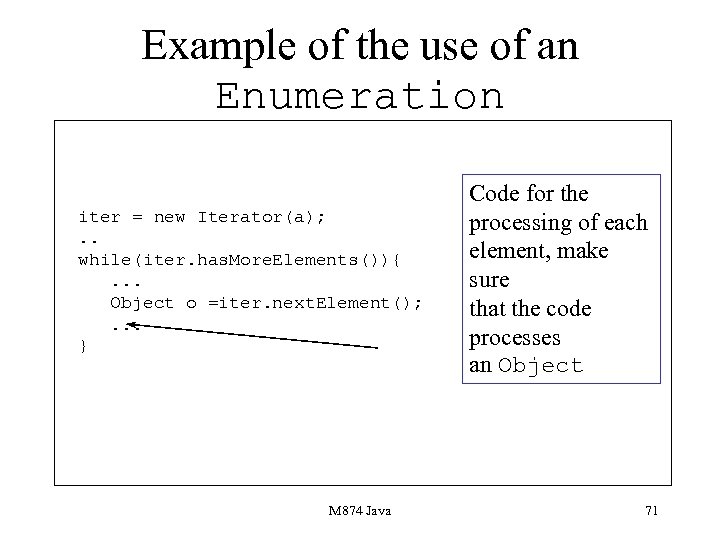 Example of the use of an Enumeration iter = new Iterator(a); . . while(iter. has. More. Elements()){. . . Object o =iter. next. Element(); . . . } M 874 Java Code for the processing of each element, make sure that the code processes an Object 71
 Presentation 5 Aims • To describe the concept of a Thread. • To show Java implements threads via the Runnable interface. • To describe some thread methods. M 874 Java 72
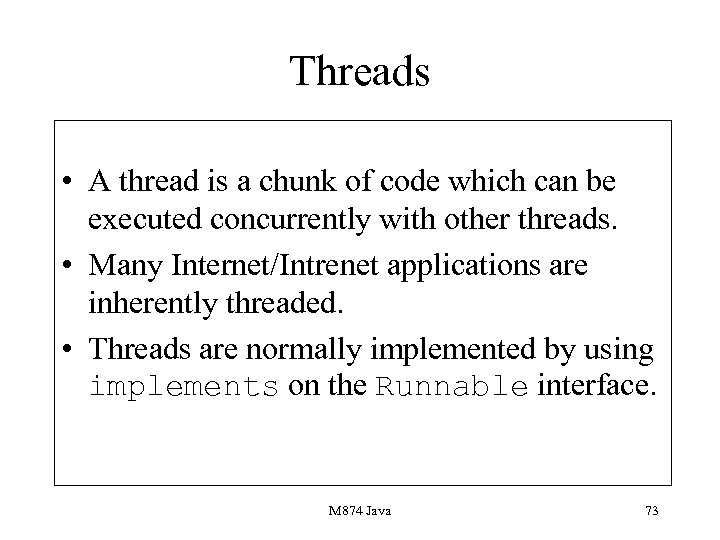 Threads • A thread is a chunk of code which can be executed concurrently with other threads. • Many Internet/Intrenet applications are inherently threaded. • Threads are normally implemented by using implements on the Runnable interface. M 874 Java 73
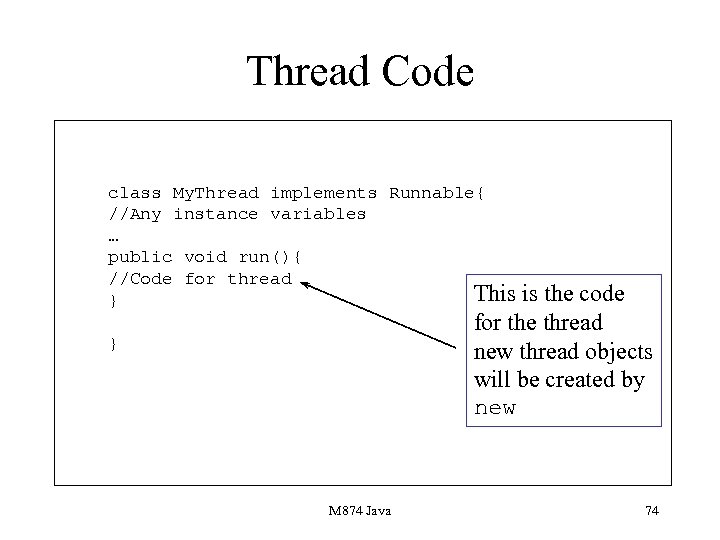 Thread Code class My. Thread implements Runnable{ //Any instance variables … public void run(){ //Code for thread This } is the code for the thread new thread objects will be created by new } M 874 Java 74
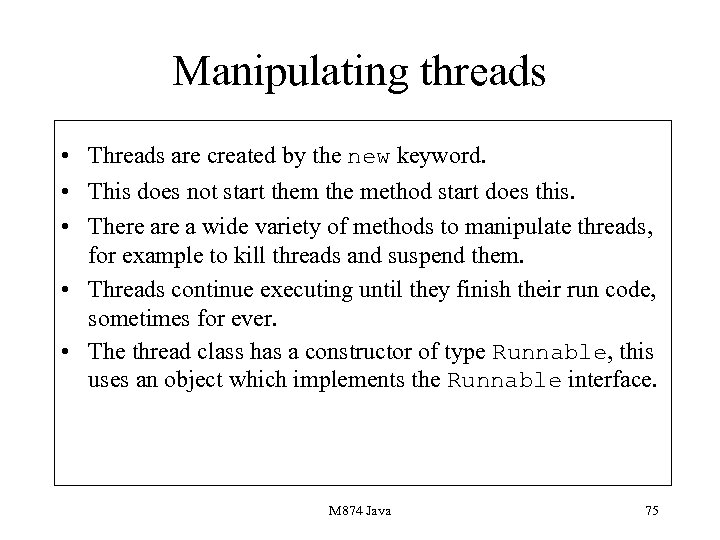 Manipulating threads • Threads are created by the new keyword. • This does not start them the method start does this. • There a wide variety of methods to manipulate threads, for example to kill threads and suspend them. • Threads continue executing until they finish their run code, sometimes for ever. • The thread class has a constructor of type Runnable, this uses an object which implements the Runnable interface. M 874 Java 75
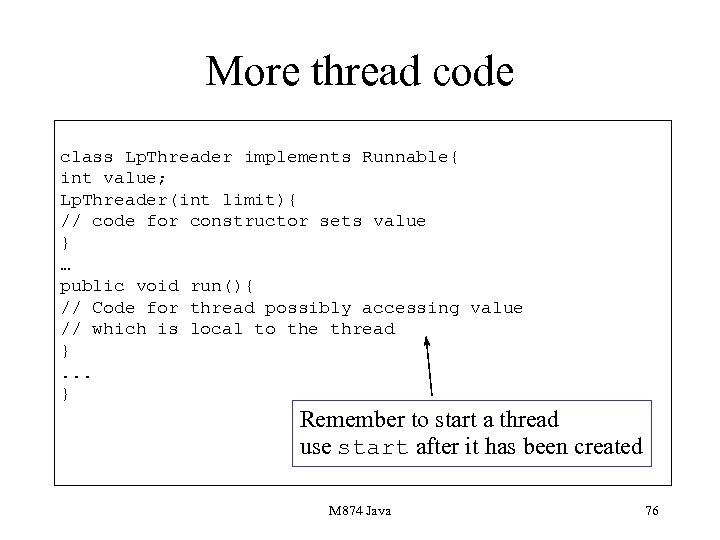 More thread code class Lp. Threader implements Runnable{ int value; Lp. Threader(int limit){ // code for constructor sets value } … public void run(){ // Code for thread possibly accessing value // which is local to the thread }. . . } Remember to start a thread use start after it has been created M 874 Java 76
 Thread Methods • start, starts a created thread executing. • stop, stops a thread from running. • suspend, temporarily stops a thread from executing. • resume, starts a suspended thread up again. • set. Priority, sets the priority of a thread. M 874 Java 77
 The sleep Method • This puts a thread to sleep for a number of milliseconds. • It is static. • Used when there is no work yet for a thread to do, for example it may be waiting for some data to process. • Throws an Interrupted. Exception. M 874 Java 78
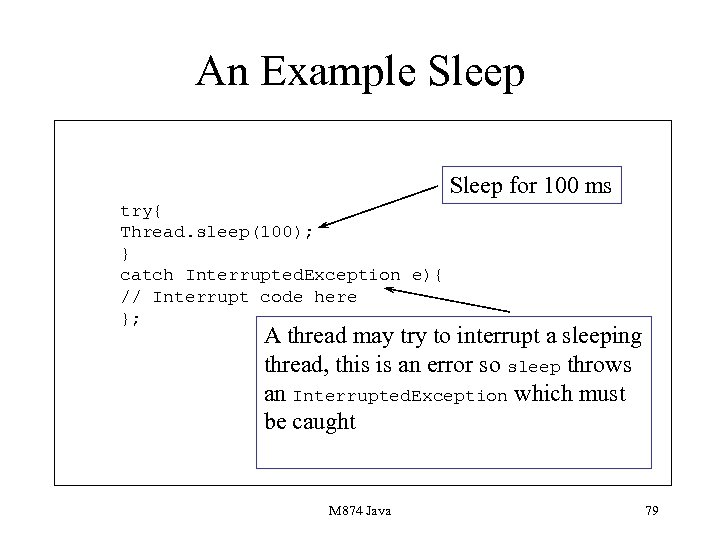 An Example Sleep for 100 ms try{ Thread. sleep(100); } catch Interrupted. Exception e){ // Interrupt code here }; A thread may try to interrupt a sleeping thread, this is an error so sleep throws an Interrupted. Exception which must be caught M 874 Java 79
 Presentation 6 Aims • To describe how windows-based programming is carried out in Java. • To show widgets are laid out. • To describe the main Java widgets. • To describe how user events are caught and processed. M 874 Java 80
 The Java AWT • Implemented as a package. • Portable-draws on the underlying widget set of the base OS, for example Motif or System 7 widgets. • A number of aspects to programming: creation, layout and responding to events. M 874 Java 81
 Components and Containers • In Java you have widgets and containers. • Widgets are individual elements such as Button and Text. Area. • Containers hold components, for example Frame. M 874 Java 82
 Containers • These are the elements used to contain widgets. • Typical Java containers are Frame, Dialog, Panel and Applet. • Panel is a notional container used for layout purposes: a Panel can be nested inside a Panel which in turn can be nested in a Panel etc. M 874 Java 83
 Programming the AWT • First you need to extend an AWT class like Frame. • Next you need to create the components in a constructor. • Next you need to set a layout in the constructor. • Then you need to add the components to the container. M 874 Java 84
 The final step is to program what should occur when some action such as pressing a button occurs. This is rather picky programming but not too difficult to grasp. M 874 Java 85
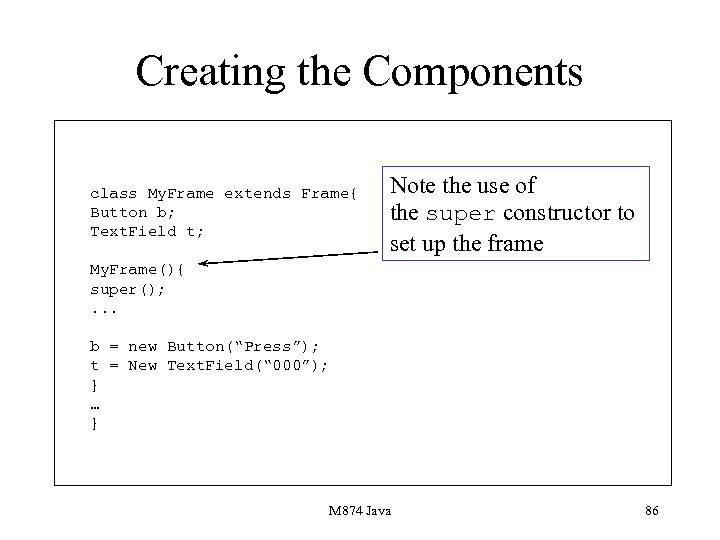 Creating the Components class My. Frame extends Frame{ Button b; Text. Field t; Note the use of the super constructor to set up the frame My. Frame(){ super(); . . . b = new Button(“Press”); t = New Text. Field(“ 000”); } … } M 874 Java 86
 Java Errors 4 • Forgetting to create the widget in the constructor. • For a container forgetting to use super to create an instance of the container. M 874 Java 87
 Layout The next step is to lay the components out. For this you will need to set some layout pattern on your container. You use the method set. Layout for this, but before you use this method you will need to create a layout object. There a number of layout classes. The course concentrates on the simplest. M 874 Java 88
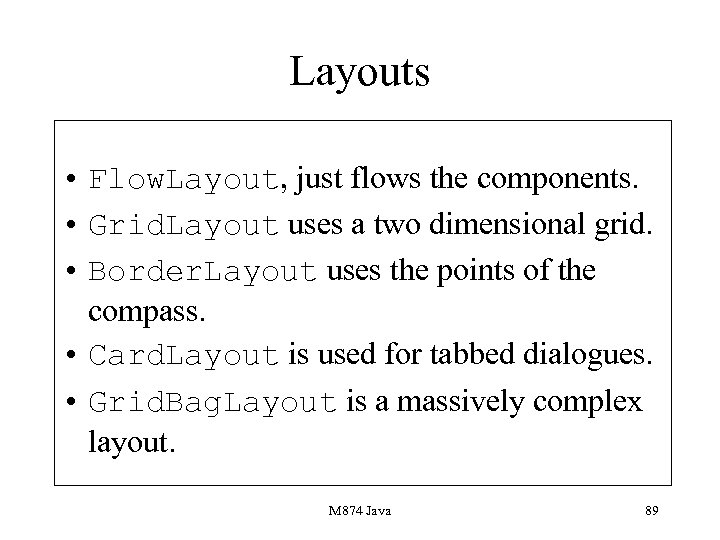 Layouts • Flow. Layout, just flows the components. • Grid. Layout uses a two dimensional grid. • Border. Layout uses the points of the compass. • Card. Layout is used for tabbed dialogues. • Grid. Bag. Layout is a massively complex layout. M 874 Java 89
 Flow. Layout As components are added they are flowed into the container at the next available position. This is the default layout for applets. There is no default layout for any other container, they need to be specified. M 874 Java 90
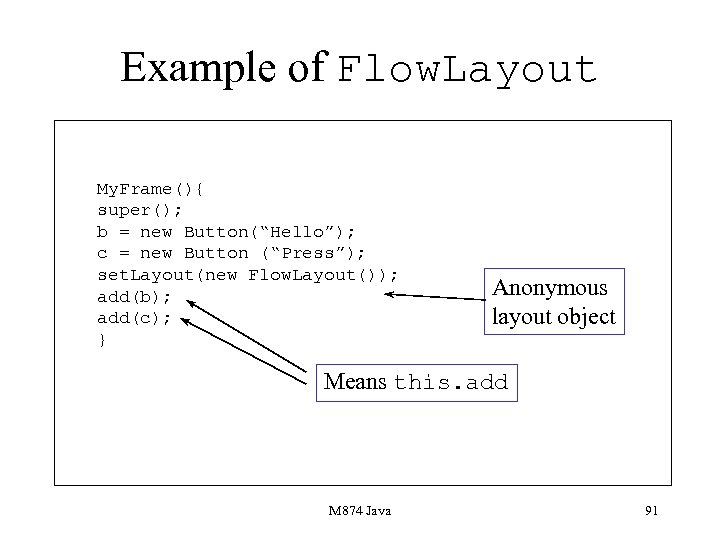 Example of Flow. Layout My. Frame(){ super(); b = new Button(“Hello”); c = new Button (“Press”); set. Layout(new Flow. Layout()); add(b); add(c); } Anonymous layout object Means this. add M 874 Java 91
 Grid. Layout • Based on a row and column grid. • Constructor requires to int values for rows and column numbers. • add works left to right and top to bottom. M 874 Java 92
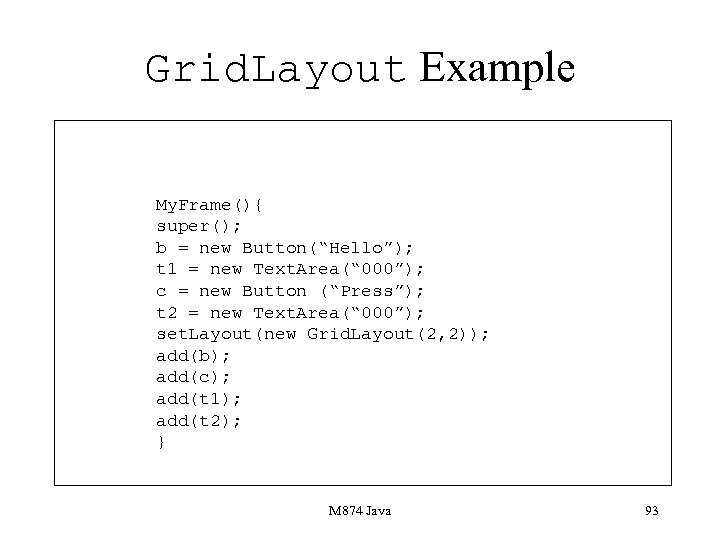 Grid. Layout Example My. Frame(){ super(); b = new Button(“Hello”); t 1 = new Text. Area(“ 000”); c = new Button (“Press”); t 2 = new Text. Area(“ 000”); set. Layout(new Grid. Layout(2, 2)); add(b); add(c); add(t 1); add(t 2); } M 874 Java 93
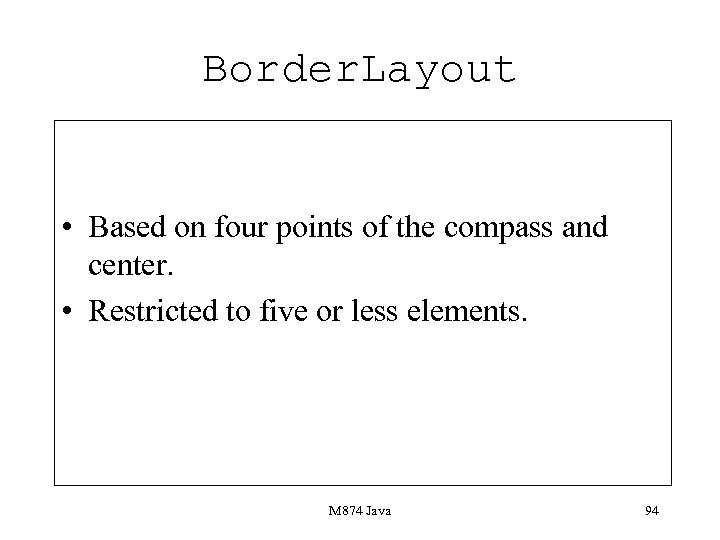 Border. Layout • Based on four points of the compass and center. • Restricted to five or less elements. M 874 Java 94
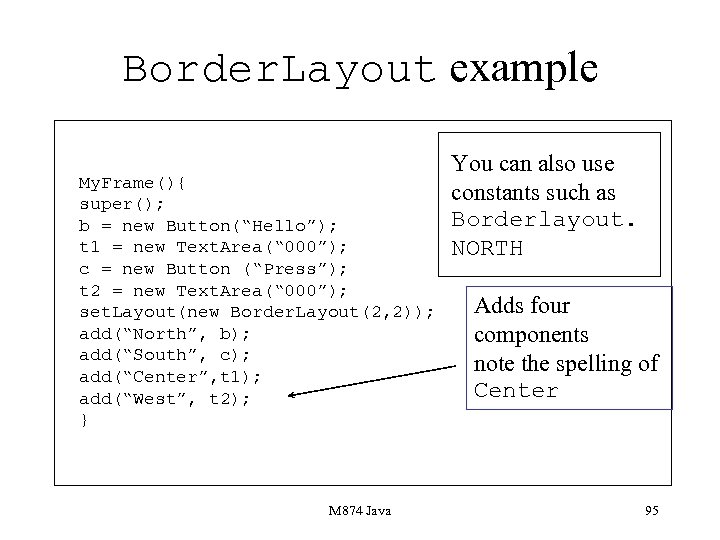 Border. Layout example My. Frame(){ super(); b = new Button(“Hello”); t 1 = new Text. Area(“ 000”); c = new Button (“Press”); t 2 = new Text. Area(“ 000”); set. Layout(new Border. Layout(2, 2)); add(“North”, b); add(“South”, c); add(“Center”, t 1); add(“West”, t 2); } M 874 Java You can also use constants such as Borderlayout. NORTH Adds four components note the spelling of Center 95
 Processing user actions • There are various user actions which the AWT is designed to catch. • Examples are: button pressed, slider moved, menu clicked, text entered into an text component. • A new event model was introduced into Java 1. 1 to process events. M 874 Java 96
 The Java event model • Requires objects such as applets which need to respond to events to be registered as listeners to the event. • These objects must implement listener interfaces. • These objects must be registered to listen to events, usually in the constructor. M 874 Java 97
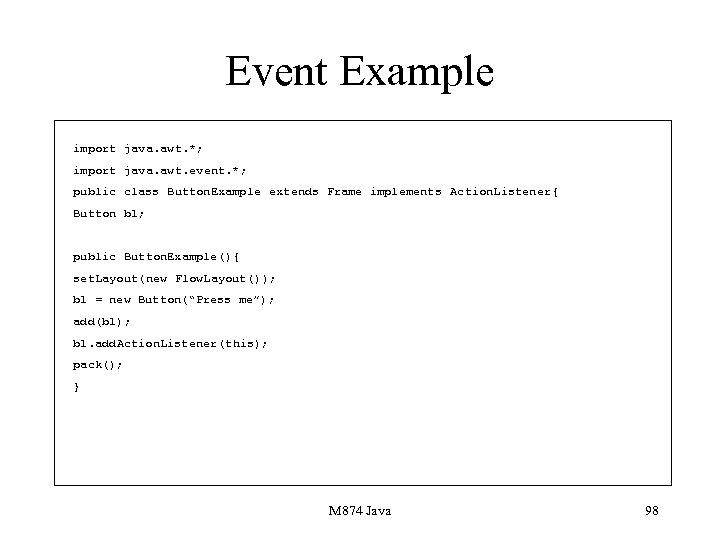 Event Example import java. awt. *; import java. awt. event. *; public class Button. Example extends Frame implements Action. Listener{ Button b 1; public Button. Example(){ set. Layout(new Flow. Layout()); b 1 = new Button(“Press me”); add(b 1); b 1. add. Action. Listener(this); pack(); } M 874 Java 98
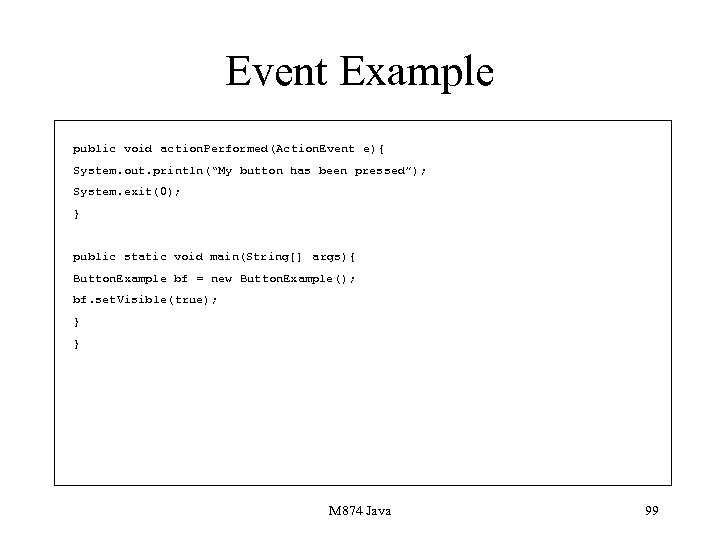 Event Example public void action. Performed(Action. Event e){ System. out. println(“My button has been pressed”); System. exit(0); } public static void main(String[] args){ Button. Example bf = new Button. Example(); bf. set. Visible(true); } } M 874 Java 99
 Events • Although this is a simple example it shows the general form of processing. • An object implements a listener interface. • An object which implements a listener interface is registered as being a listener of the object causing the event. • Code is provided in the methods that have to be implemented to respond to events. M 874 Java 100
 Events • There a wide variety of events that can occur, for example events associated with windows or the mouse. • However, the general model is the same. • One problem is that some interfaces contain a number of methods and you may only need to provide code for a few. M 874 Java 101
 Events • One solution is to include blank bodies within the code for these methods. • Another solution is to develop an inner class. • This is a class which has access to the class in which it is embedded and which extends an adapter class. M 874 Java 102
 Adapter classes • An adapter class is a class which corresponds to a listener interface but has blank code supplied for all its methods. • The inner class just extends the adapter class and supplies code for any of the methods which are required to respond to events. M 874 Java 103
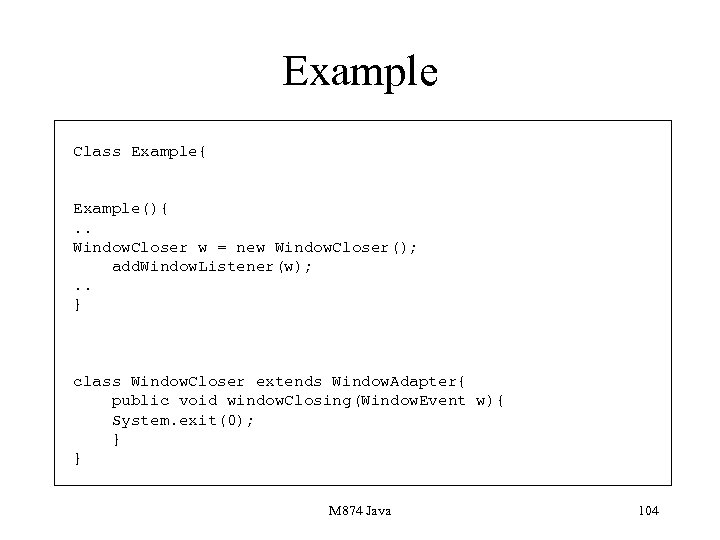 Example Class Example{ Example(){. . Window. Closer w = new Window. Closer(); add. Window. Listener(w); . . } class Window. Closer extends Window. Adapter{ public void window. Closing(Window. Event w){ System. exit(0); } } M 874 Java 104
 The Canvas class • Is an invisible container. • Used to arrange items on a visible container. • Panels can be nested within each other providing a high degree of flexibility. M 874 Java 105
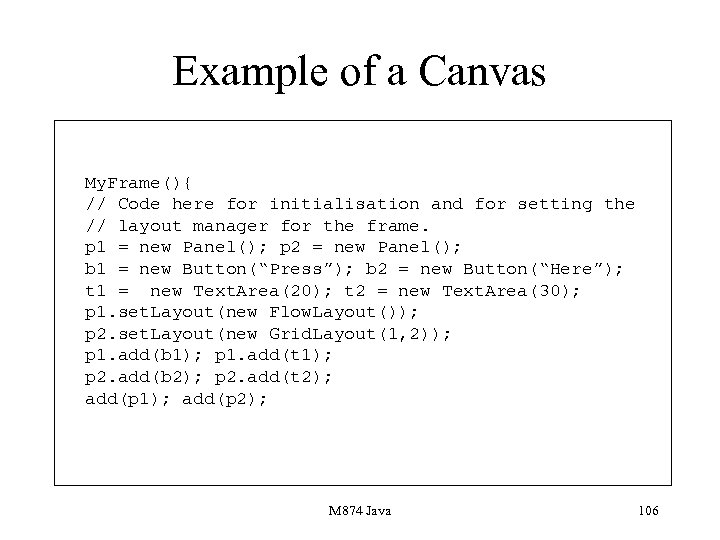 Example of a Canvas My. Frame(){ // Code here for initialisation and for setting the // layout manager for the frame. p 1 = new Panel(); p 2 = new Panel(); b 1 = new Button(“Press”); b 2 = new Button(“Here”); t 1 = new Text. Area(20); t 2 = new Text. Area(30); p 1. set. Layout(new Flow. Layout()); p 2. set. Layout(new Grid. Layout(1, 2)); p 1. add(b 1); p 1. add(t 1); p 2. add(b 2); p 2. add(t 2); add(p 1); add(p 2); M 874 Java 106
 Drawing • You can draw on any component. • Every component provides a method paint which can be overridden to provide drawing. • Normally we only draw on objects described by the Canvas class. M 874 Java 107
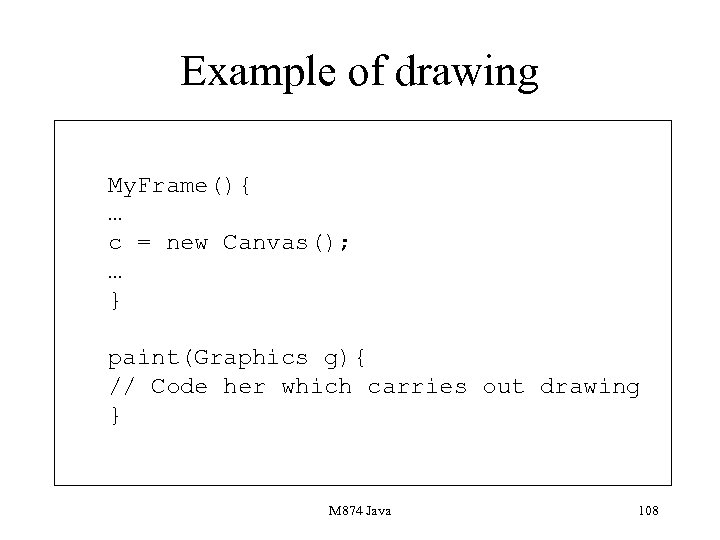 Example of drawing My. Frame(){ … c = new Canvas(); … } paint(Graphics g){ // Code her which carries out drawing } M 874 Java 108
 paint • paint has a Graphics object as its argument. • paint is called automatically when containers are moved, resized etc. • In order to program a paint operation you need to call repaint. • All drawing is done via sending messages to the Graphics argument. M 874 Java 109
 Presentation 7 Aims • • To introduce the idea of a package. To introduce the main Java packages. To detail the role of the Object class. To show the Object class can be used for general purpose data structures. M 874 Java 110
 Packages • These provide the libraries which Java uses, Java is a small language and gets its power from the facilities found in the libraries. • Packages, apart from java. lang have to be imported. • You can import individual classes. M 874 Java 111
 HTML Documentation • Documentation for the class libraries is stored using HTML and can be accessed using your favourite browser. • The documentation gives the naem of the class all its instance variables and all its methods. • You should be totally familiar with ways of accessing this documentation. M 874 Java 112
 Java Errors 5 • Forgetting to import a package. • When consulting a class description for a method forgetting that it may inherit from a class which contains that method, for example Text. Area. • Forgetting that a method may be static • Treating * as a full wildcard. M 874 Java 113
 import • Is used to tell the compiler which classes could be used. • import can import the whole of a package or a single class import java. awt. *; import java. awt. Button; M 874 Java 114
 The Main Packages • java. lang contains base facilities. • java. io contains stream-based facilities. • java. net contains network programming facilities. • java. util is a general purpose package containing data structure and useful classes such as Date. • java. awt contains HCI facilities. M 874 Java 115
 The Object Class • One feature of some of the classes in the Java library is the fact that the Object class is used. • Object is a class which lies at the top of the object hierarchy. • Every class either explicitly or implicity inherits from Object. M 874 Java 116
 Assignments and casting • Assignments between objects in a hierarchy are allowed provided they are on an inheritance chain. • Two categories of assignment up-casting or down-casting. • Up-casting can use normal assignment. • Down-casting involves a cast construct. M 874 Java 117
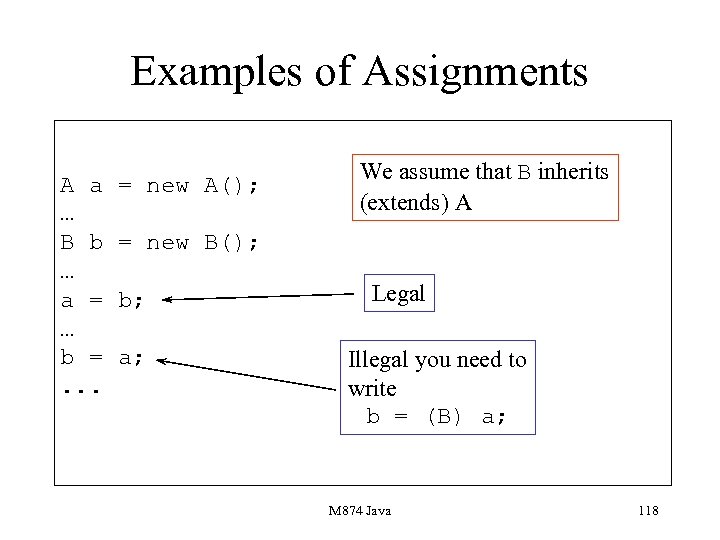 Examples of Assignments A a … B b … a = … b =. . . = new A(); We assume that B inherits (extends) A = new B(); b; a; Legal Illegal you need to write b = (B) a; M 874 Java 118
 Rules • In an assignment a = b, provided a is a superclass of a then everything will be ok. • However b = a requires the bracketed cast. • In the first instance the values of instance variables associated with the subclass object are hidden. • In the second instance they are made visible. M 874 Java 119
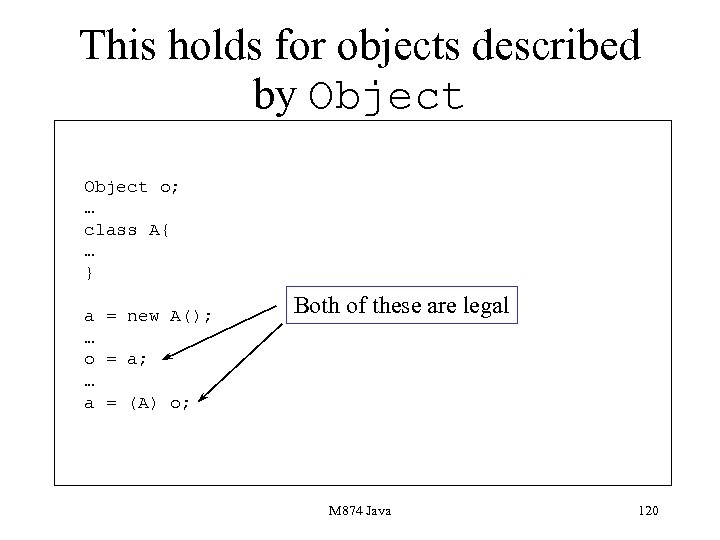 This holds for objects described by Object o; … class A{ … } a = new A(); … o = a; … a = (A) o; Both of these are legal M 874 Java 120
 Why use Object? • In the course there is one important use of Object. • It is used as a container for any type of object. • Gives a number of difficulties when retrieving or adding an item from a collection. M 874 Java 121
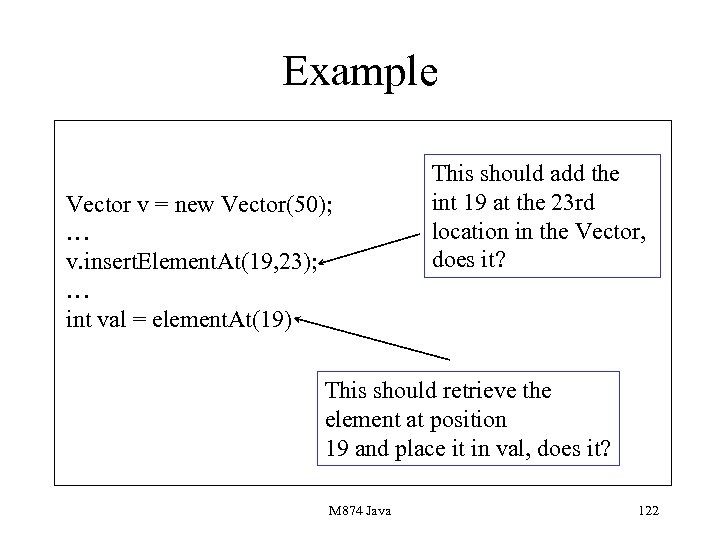 Example Vector v = new Vector(50); … v. insert. Element. At(19, 23); … int val = element. At(19) This should add the int 19 at the 23 rd location in the Vector, does it? This should retrieve the element at position 19 and place it in val, does it? M 874 Java 122
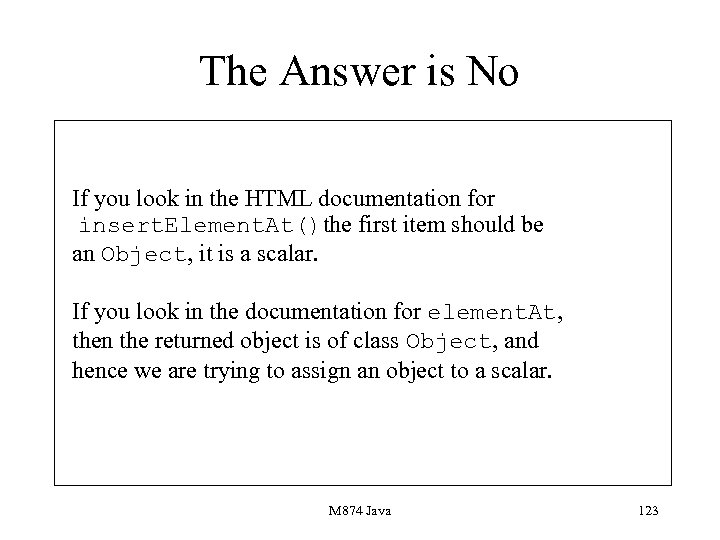 The Answer is No If you look in the HTML documentation for insert. Element. At()the first item should be an Object, it is a scalar. If you look in the documentation for element. At, then the returned object is of class Object, and hence we are trying to assign an object to a scalar. M 874 Java 123
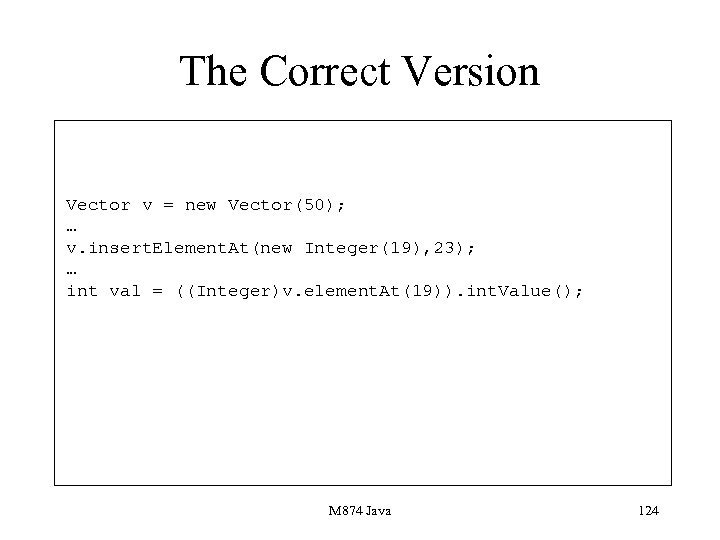 The Correct Version Vector v = new Vector(50); … v. insert. Element. At(new Integer(19), 23); … int val = ((Integer)v. element. At(19)). int. Value(); M 874 Java 124
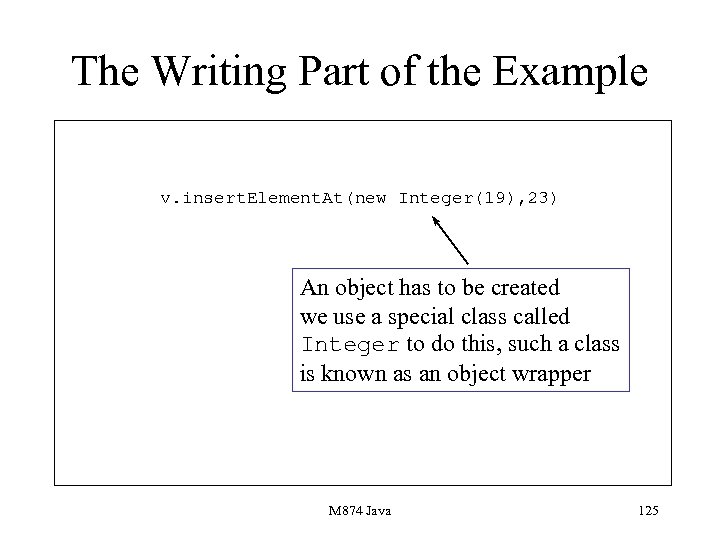 The Writing Part of the Example v. insert. Element. At(new Integer(19), 23) An object has to be created we use a special class called Integer to do this, such a class is known as an object wrapper M 874 Java 125
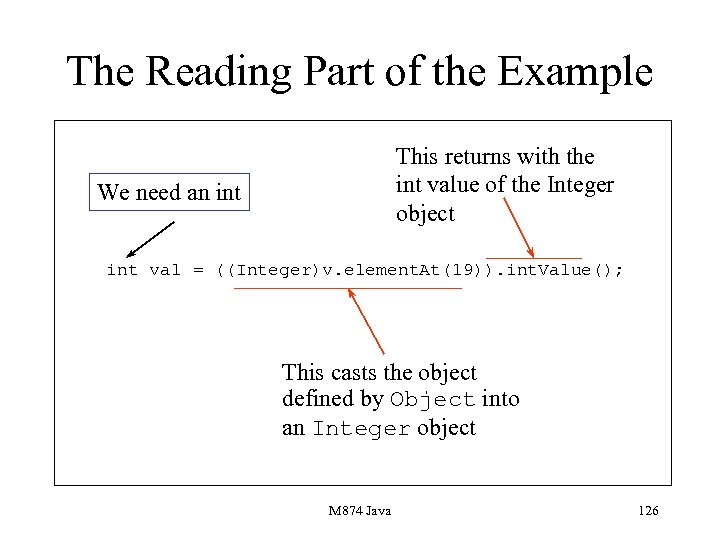 The Reading Part of the Example This returns with the int value of the Integer object We need an int val = ((Integer)v. element. At(19)). int. Value(); This casts the object defined by Object into an Integer object M 874 Java 126
 Object Wrappers • Used to move between objects and scalars in impure object-oriented languages. • Java contains a number of object wrappers for its scalars. • Each object wrapper contains methods for conversions, warning: they are often static. M 874 Java 127
 Presentation 8 Aims • To describe how applets are constructed. • To describe the main applet methods. • To show applets interact with a browser. M 874 Java 128
 Applets • Snippets of compiled code embedded in a Web page. • Applets loaded when browser page is invoked. • There a number of applet life-cycle methods. • Developing applets is different to normal development. M 874 Java 129
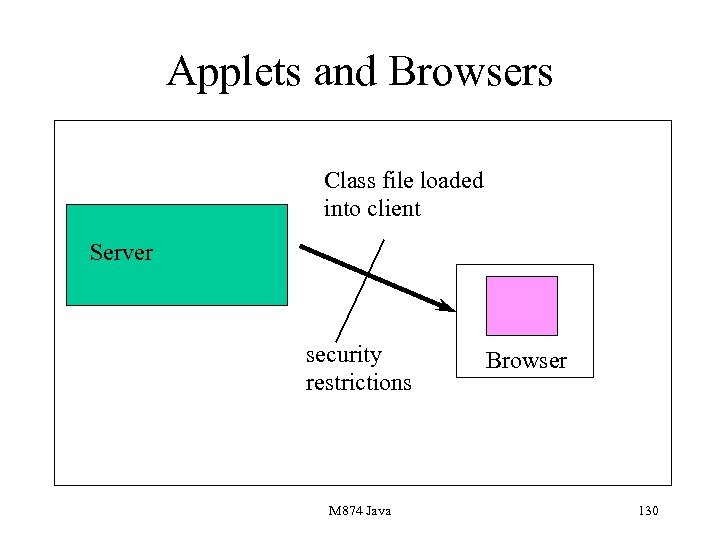 Applets and Browsers Class file loaded into client Server security restrictions M 874 Java Browser 130
 Security Restrictions The applet cannot • Execute programs on the client. • Read a file on the client. • Write to the client. • Find out system information about the client. M 874 Java 131
 Developing Applets • Extend the class Applet. • Provide the code. • Compile the code. • Embed the class file produced by compilation in a Web page via special HTML tags. M 874 Java 132
 Applets and Containers • An applet is just like a container. • It inherits all the methods associated with containers. • It can have a layout manager associated with it although the default is flow. Layout. M 874 Java 133
 Applet Code • The main difference between an applet and other containers such as Frame is that there is no applet constructor. • Initialisation is done in a method init. • init is an example of a life-cycle method. • Applets are created by inheriting from Applet which contains these methods. M 874 Java 134
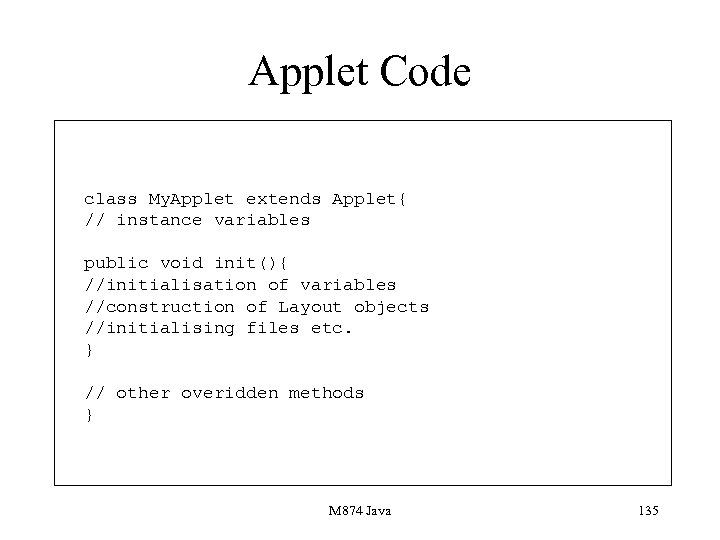 Applet Code class My. Applet extends Applet{ // instance variables public void init(){ //initialisation of variables //construction of Layout objects //initialising files etc. } // other overidden methods } M 874 Java 135
 Other Life-cycle Methods • init, called by the Java system when the applet is loaded or reloaded. • start, called when the applet has been loaded and can start. • stop, called when the user leaves the browser page or exits from the browser. M 874 Java 136
 Java Errors 6 • Attempting to execute an applet using java. • Writing a constructor for an Applet. • Missing out the full signature of a life-cycle method, for example missing public. • Trying to embed an applet inside another container such as a frame. M 874 Java 137
 Applets as Containers • Applets are containers. • Hence other containers such as Panel and Canvas can be embedded in them. • Also, components such as buttons and sliders can be placed in them. • They inherit all the component methods such as paint, mouse. Down. M 874 Java 138
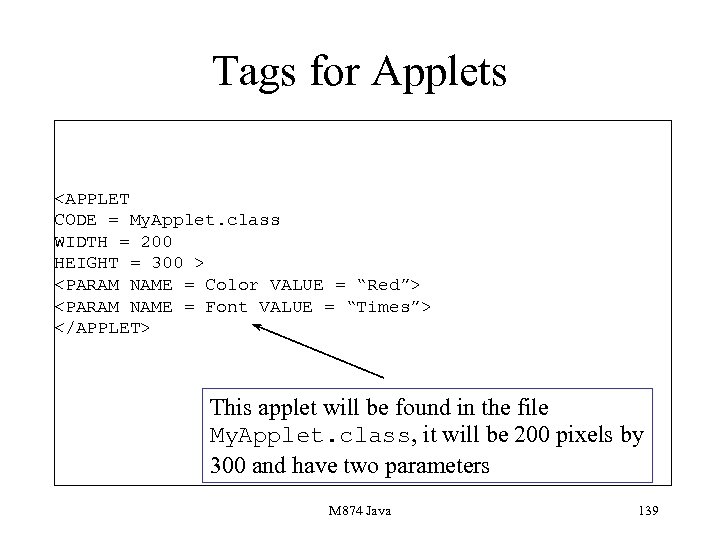 Tags for Applets This applet will be found in the file My. Applet. class, it will be 200 pixels by 300 and have two parameters M 874 Java 139
 Applet Methods • The Applet class is a small one, but it does contain a number of important methods. • Contains life-cycle methods. • get. Parameter which gets parameter values. • show. Status which displays strings on your browser’s status bar. M 874 Java 140
 Presentation 9 Aims • To outline the main net facilities of Java. • To describe the URL class. • To describe the URLConnection class. • To show connections can be made to remote computers. M 874 Java 141
 The URL class • Describes URLs, Universal Resource Locators. • Contains a number of constructors to form URLs. • Also contains a number of methods which access various components of a URL. M 874 Java 142
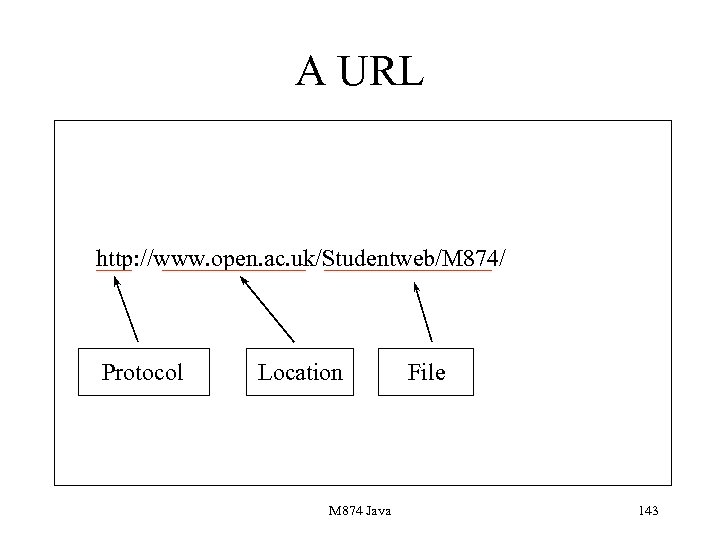 A URL http: //www. open. ac. uk/Studentweb/M 874/ Protocol Location M 874 Java File 143
 The class URLConnection • Establishes a network connection to a given URL. • Used to connect across to files on a remote computer. • Also enables some information to be extracted from a URL. M 874 Java 144
 Some accessor methods • get. Last. Modified() • get. Content. Length() • get. Date() All return information about the file referenced by the URL M 874 Java 145
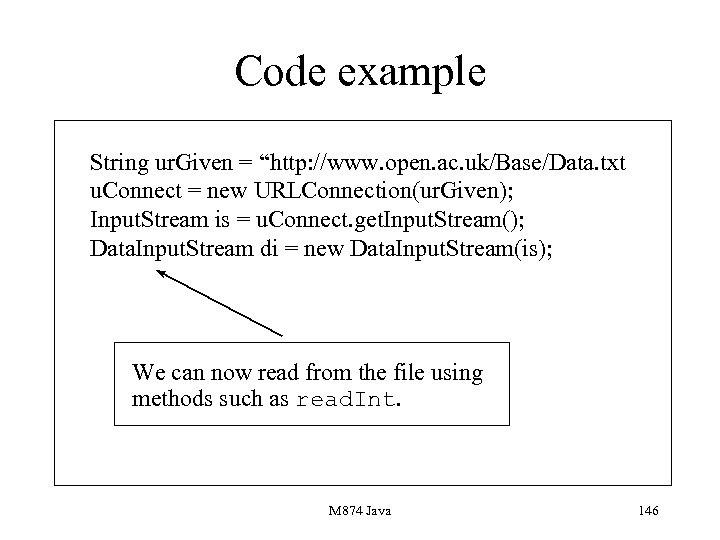 Code example String ur. Given = “http: //www. open. ac. uk/Base/Data. txt u. Connect = new URLConnection(ur. Given); Input. Stream is = u. Connect. get. Input. Stream(); Data. Input. Stream di = new Data. Input. Stream(is); We can now read from the file using methods such as read. Int. M 874 Java 146
 Applet transfer • The previous example described how to connect up to a file which has a URL. • If you want to transfer browser control to a URL which references a web page you need to use. M 874 Java 147
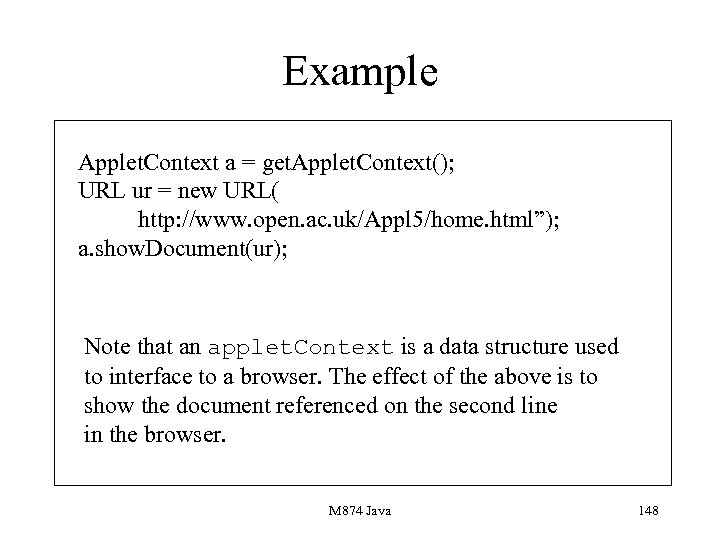 Example Applet. Context a = get. Applet. Context(); URL ur = new URL( http: //www. open. ac. uk/Appl 5/home. html”); a. show. Document(ur); Note that an applet. Context is a data structure used to interface to a browser. The effect of the above is to show the document referenced on the second line in the browser. M 874 Java 148
 Sockets • Sockets are used to plug into a remote computer. • A number of constructors are associated with a socket. • Objects described by Socket can be used to transfer data into and out of a remote computer. M 874 Java 149
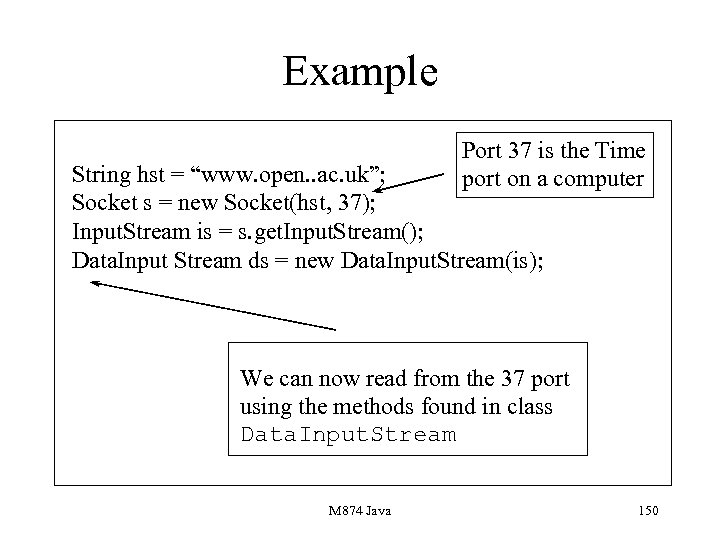 Example Port 37 is the Time port on a computer String hst = “www. open. . ac. uk”; Socket s = new Socket(hst, 37); Input. Stream is = s. get. Input. Stream(); Data. Input Stream ds = new Data. Input. Stream(is); We can now read from the 37 port using the methods found in class Data. Input. Stream M 874 Java 150
 Server. Sockets • These are used to establish connections to clients. • Are associated with a port. • Use the accept method which waits for a connection. • Uses input and output streams. M 874 Java 151
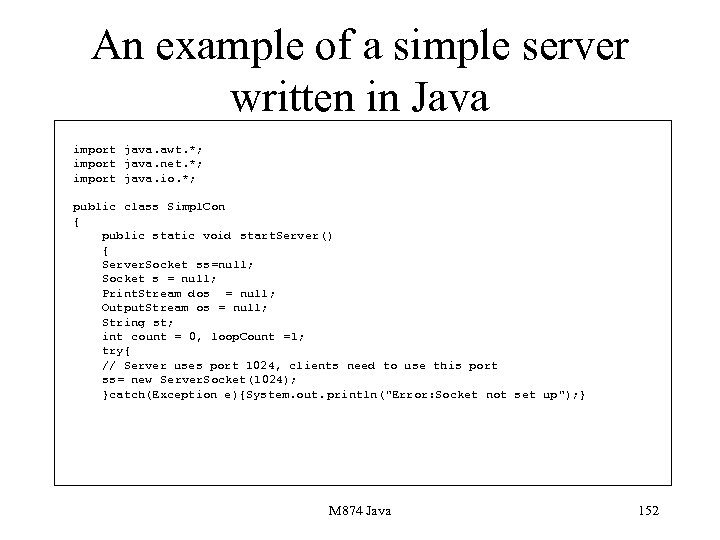 An example of a simple server written in Java import java. awt. *; import java. net. *; import java. io. *; public class Simpl. Con { public static void start. Server() { Server. Socket ss=null; Socket s = null; Print. Stream dos = null; Output. Stream os = null; String st; int count = 0, loop. Count =1; try{ // Server uses port 1024, clients need to use this port ss= new Server. Socket(1024); }catch(Exception e){System. out. println("Error: Socket not set up"); } M 874 Java 152
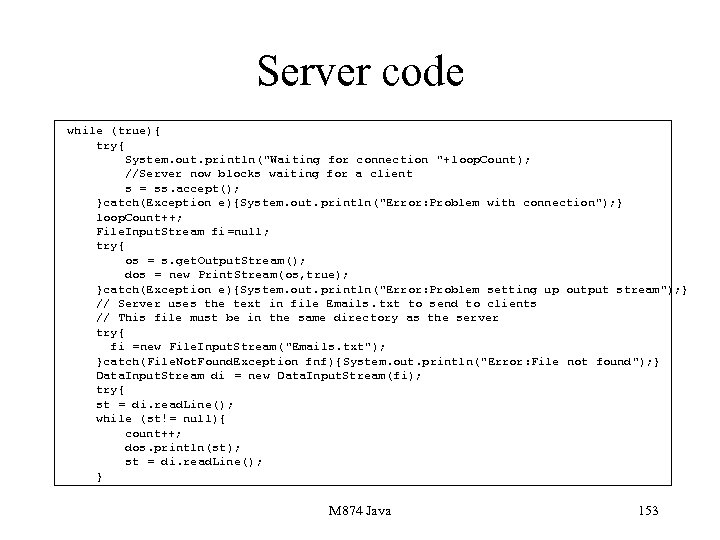 Server code while (true){ try{ System. out. println("Waiting for connection "+ loop. Count); //Server now blocks waiting for a client s = ss. accept(); }catch(Exception e){System. out. println("Error: Problem with connection"); } loop. Count++; File. Input. Stream fi=null; try{ os = s. get. Output. Stream(); dos = new Print. Stream(os, true); }catch(Exception e){System. out. println("Error: Problem setting up output stream"); } // Server uses the text in file Emails. txt to send to clients // This file must be in the same directory as the server try{ fi =new File. Input. Stream("Emails. txt"); }catch(File. Not. Found. Exception fnf ){System. out. println("Error: File not found"); } Data. Input. Stream di = new Data. Input. Stream(fi); try{ st = di. read. Line(); while (st!= null){ count++; dos. println(st); st = di. read. Line(); } M 874 Java 153
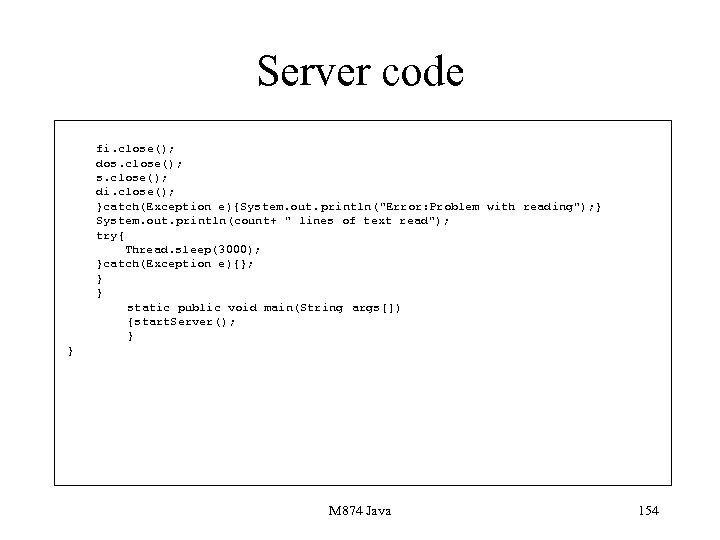 Server code fi. close(); dos. close(); di. close(); }catch(Exception e){System. out. println("Error: Problem with reading"); } System. out. println(count+ " lines of text read"); try{ Thread. sleep(3000); }catch(Exception e){}; } } static public void main(String args[]) {start. Server(); } } M 874 Java 154