 Скачать презентацию Lotus Domino Security White and black box testing
50960857734b7aef4b913075a344ea23.ppt
- Количество слайдов: 41



Lotus Domino Security White and black box testing Ari Elias-Bachrach Casey Pike
Outline • Why is This Necessary? • Introduction to Domino • Domino Commands • Blackbox • Whitebox • Default Files • Architecture
Outline • Why is This Necessary? • Introduction to Domino • Domino Commands • Blackbox • Whitebox • Default Files • Architecture
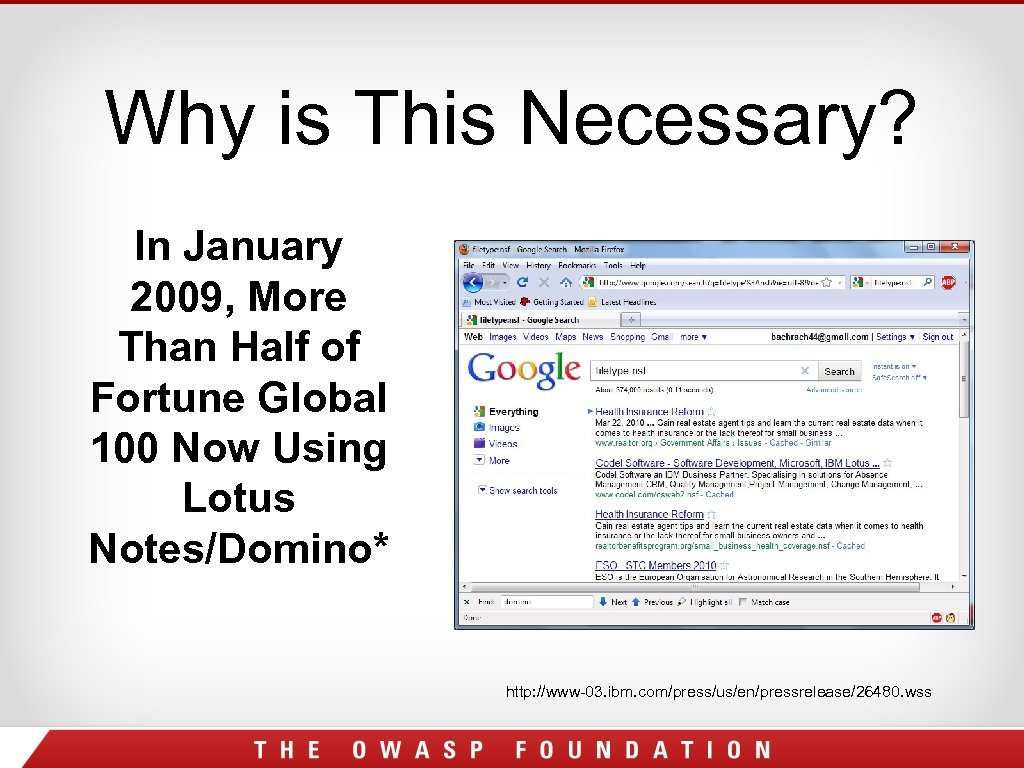
Why is This Necessary? In January 2009, More Than Half of Fortune Global 100 Now Using Lotus Notes/Domino* http: //www-03. ibm. com/press/us/en/pressrelease/26480. wss
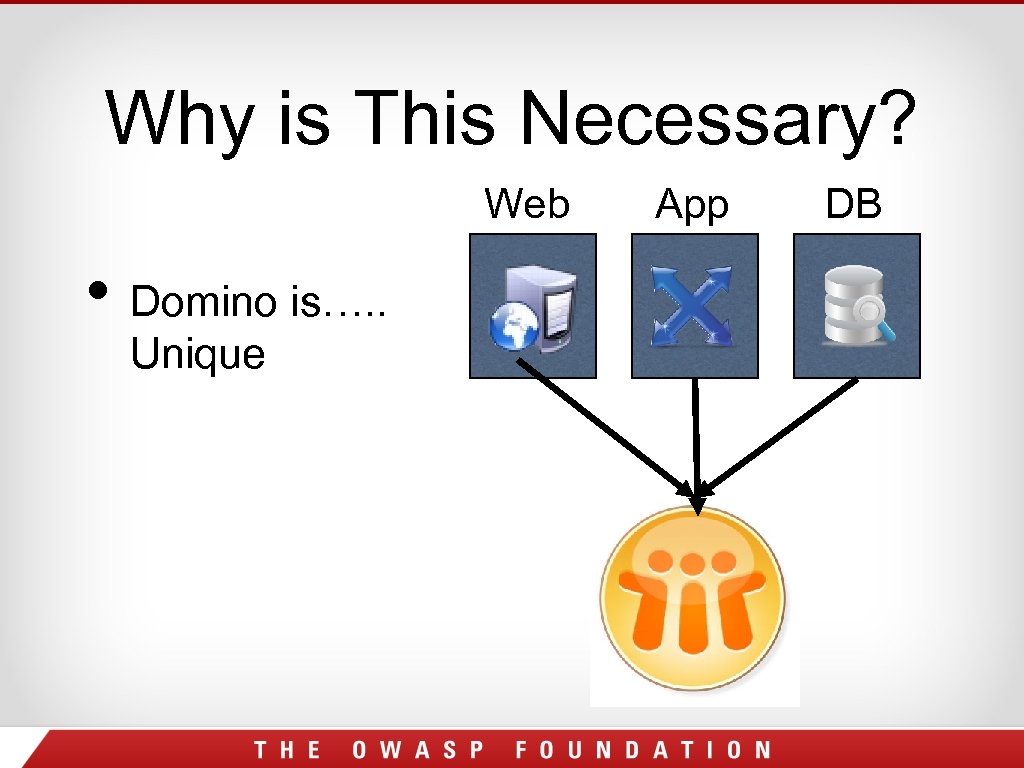
Why is This Necessary? Web • Domino is…. . Unique App DB
Why is This Necessary? • Automated scanners seem to have a hard time with Domino apps • Many “normal” attacks don’t work (SQL injection) • There are many other attacks which will work • Not a lot of good information out there
Outline • Why is This Necessary? • Introduction to Domino • Domino Commands • Blackbox • Whitebox • Default Files • Architecture
Introduction to Domino • Domino stores data in custom database files with the. nsf extension http: //server/database. nsf/Domino. Obj? Action • View • Frameset • Form • Navigator • Agent • Document • Page
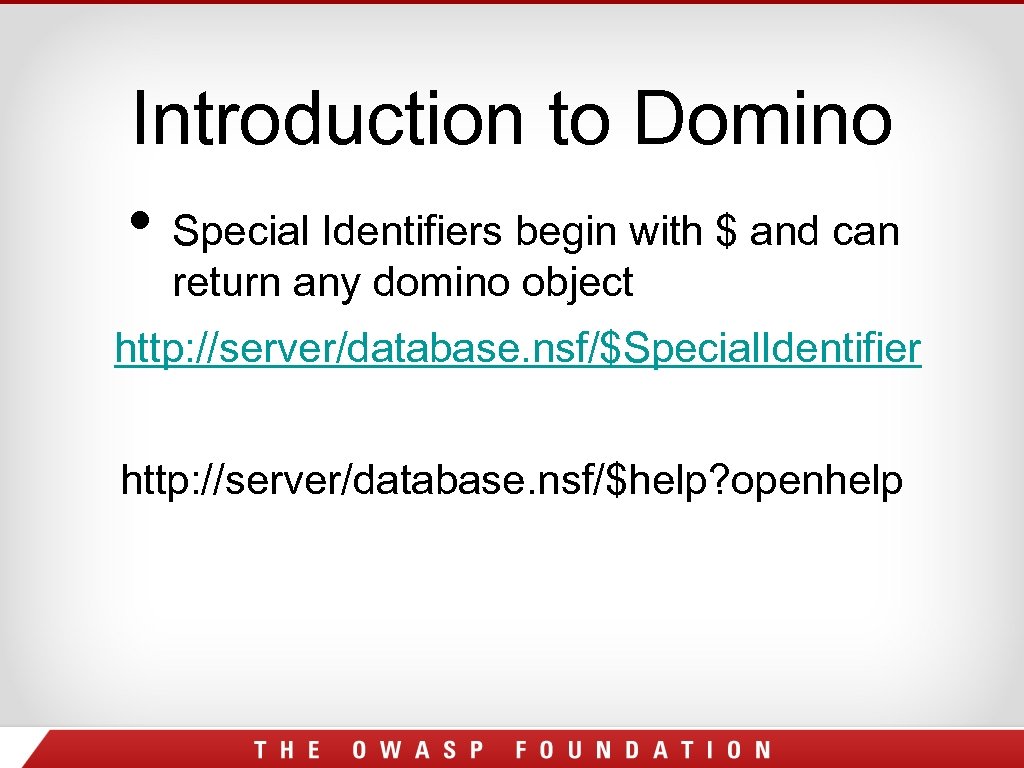
Introduction to Domino • Special Identifiers begin with $ and can return any domino object http: //server/database. nsf/$Special. Identifier http: //server/database. nsf/$help? openhelp
Outline • Why is This Necessary? • Introduction to Domino • Domino Commands • Blackbox • Whitebox • Default Files • Architecture
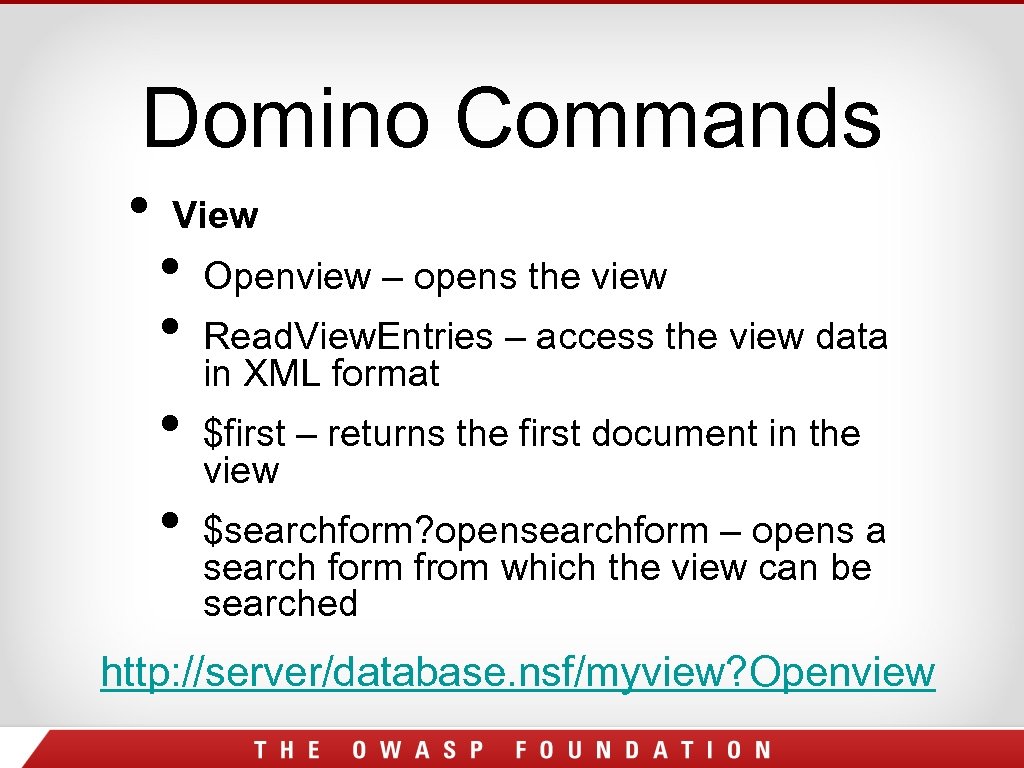
Domino Commands • View • • Openview – opens the view Read. View. Entries – access the view data in XML format $first – returns the first document in the view $searchform? opensearchform – opens a search form from which the view can be searched http: //server/database. nsf/myview? Openview
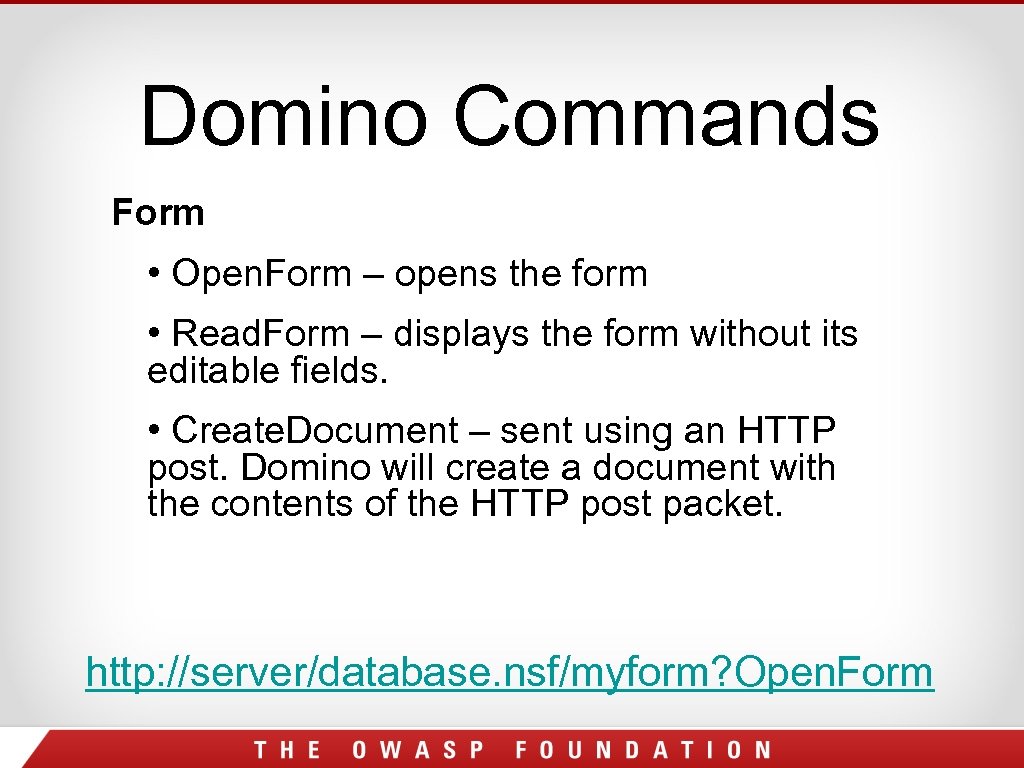
Domino Commands Form • Open. Form – opens the form • Read. Form – displays the form without its editable fields. • Create. Document – sent using an HTTP post. Domino will create a document with the contents of the HTTP post packet. http: //server/database. nsf/myform? Open. Form
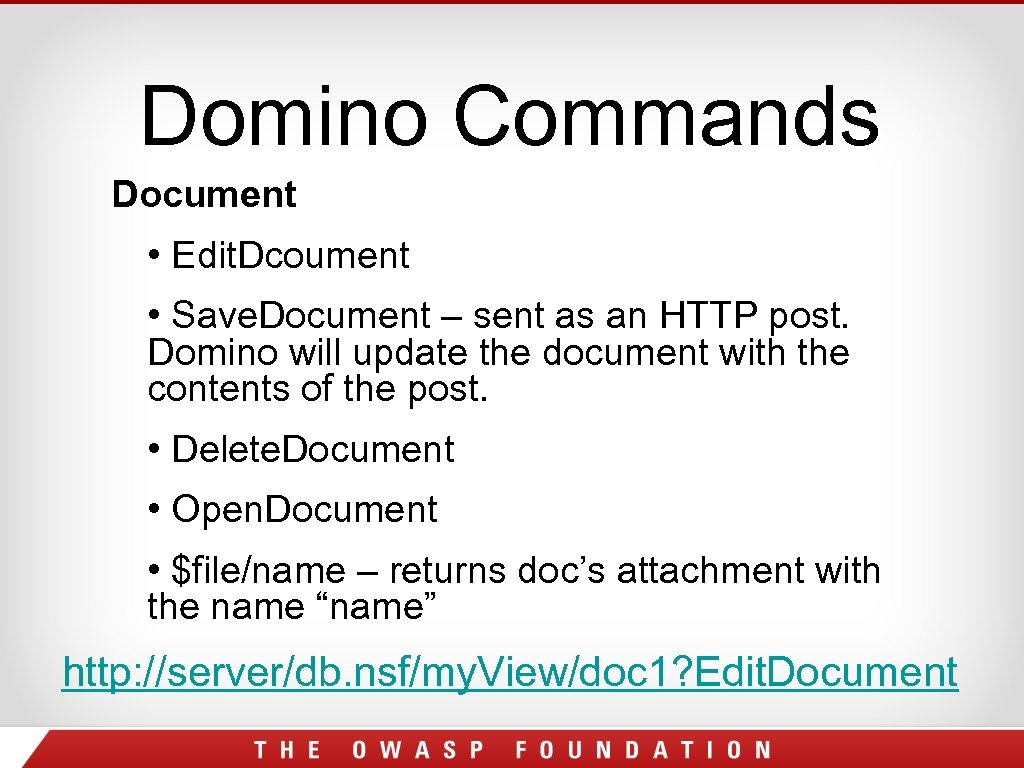
Domino Commands Document • Edit. Dcoument • Save. Document – sent as an HTTP post. Domino will update the document with the contents of the post. • Delete. Document • Open. Document • $file/name – returns doc’s attachment with the name “name” http: //server/db. nsf/my. View/doc 1? Edit. Document
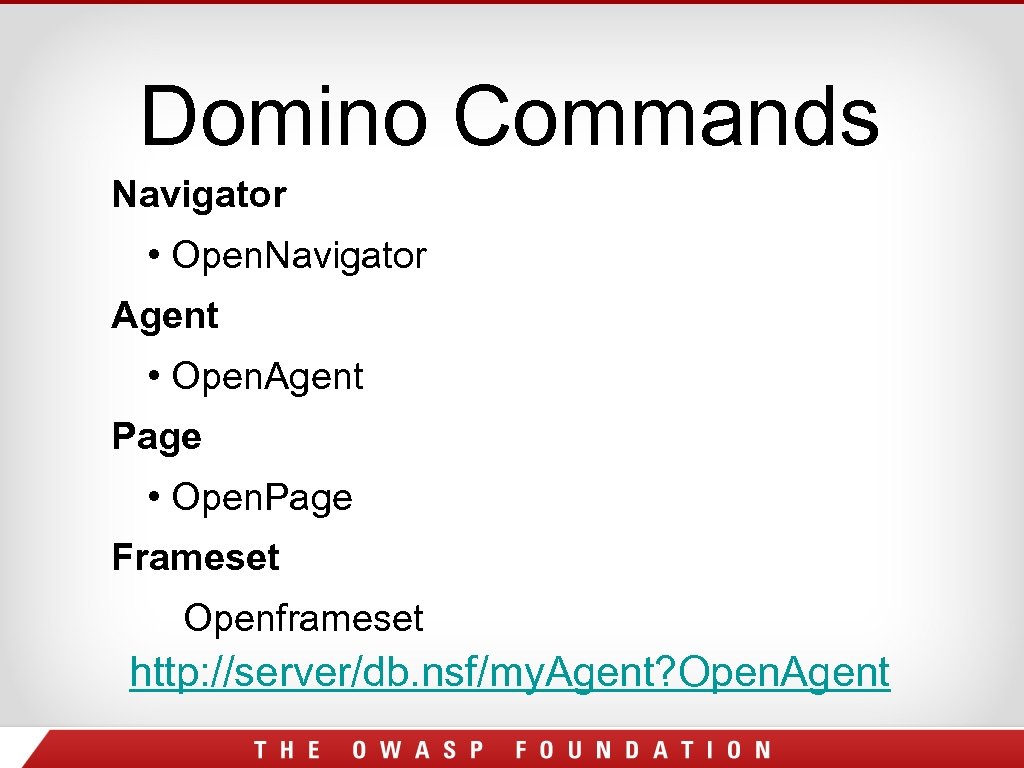
Domino Commands Navigator • Open. Navigator Agent • Open. Agent Page • Open. Page Frameset Openframeset http: //server/db. nsf/my. Agent? Open. Agent
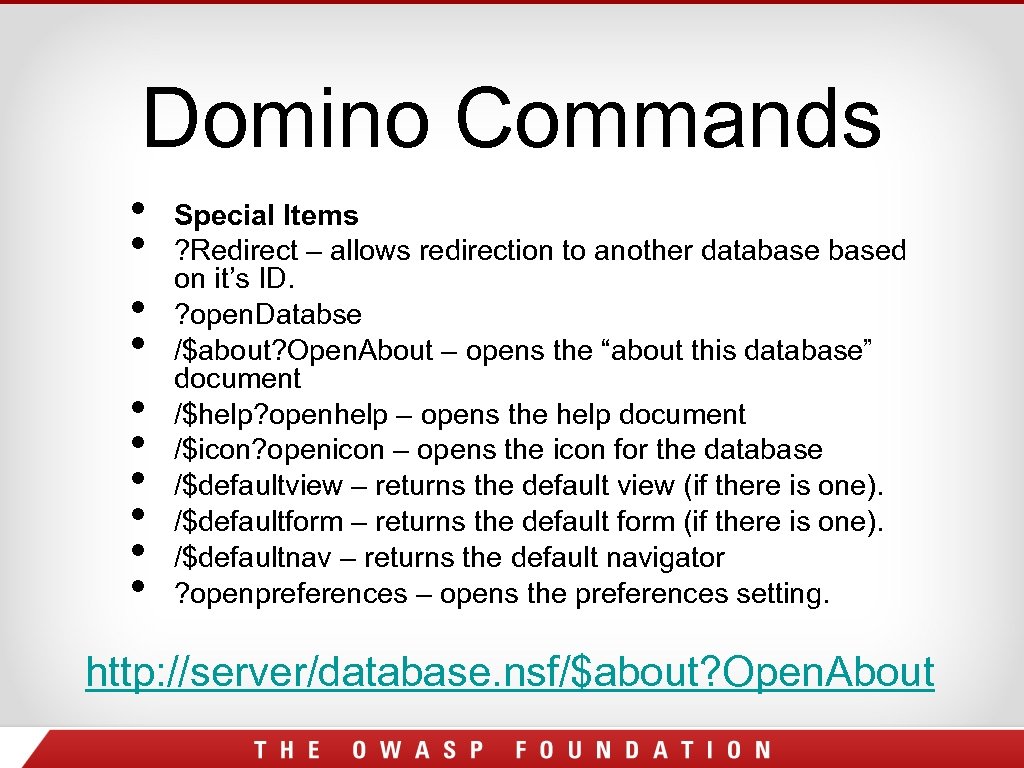
Domino Commands • • • Special Items ? Redirect – allows redirection to another databased on it’s ID. ? open. Databse /$about? Open. About – opens the “about this database” document /$help? openhelp – opens the help document /$icon? openicon – opens the icon for the database /$defaultview – returns the default view (if there is one). /$defaultform – returns the default form (if there is one). /$defaultnav – returns the default navigator ? openpreferences – opens the preferences setting. http: //server/database. nsf/$about? Open. About
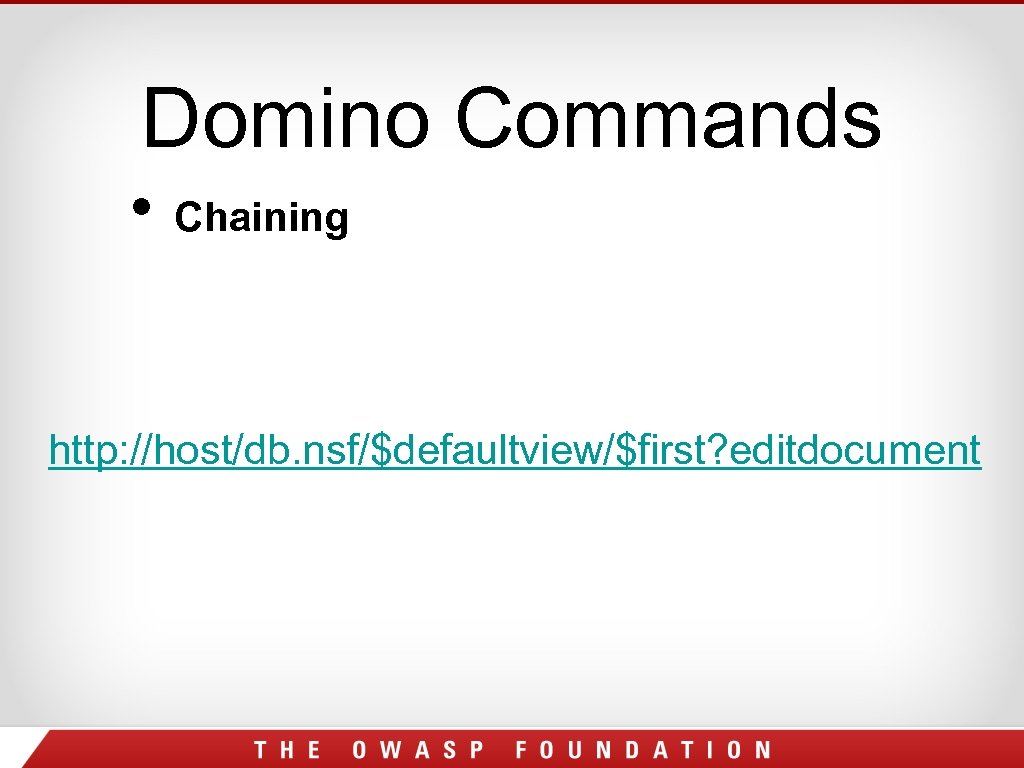
Domino Commands • Chaining http: //host/db. nsf/$defaultview/$first? editdocument
Pause for Questions
Outline • Why is This Necessary? • Introduction to Domino • Domino Commands • Blackbox • Whitebox • Default Files • Architecture
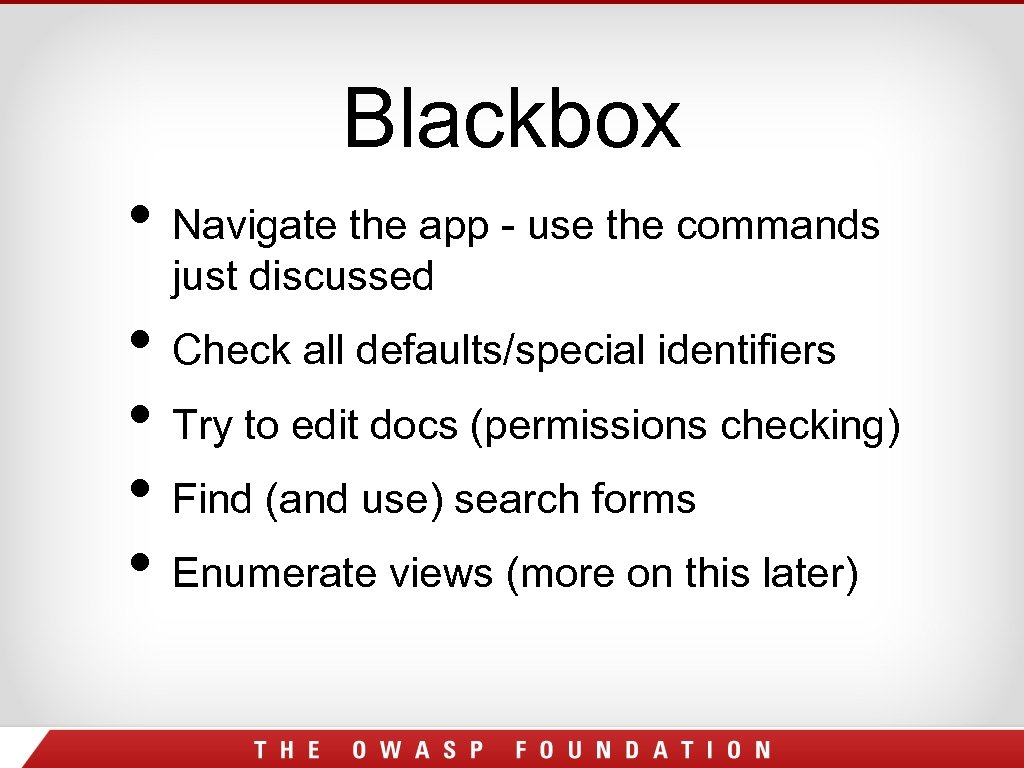
Blackbox • Navigate the app - use the commands just discussed • Check all defaults/special identifiers • Try to edit docs (permissions checking) • Find (and use) search forms • Enumerate views (more on this later)
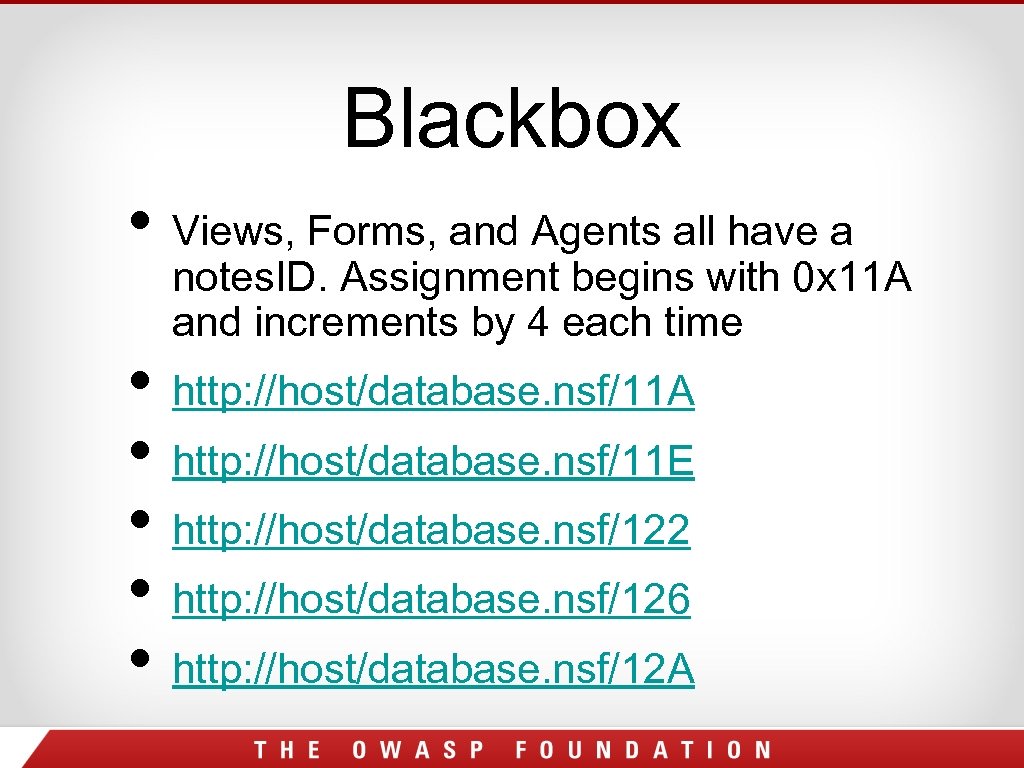
Blackbox • Views, Forms, and Agents all have a notes. ID. Assignment begins with 0 x 11 A and increments by 4 each time • http: //host/database. nsf/11 A • http: //host/database. nsf/11 E • http: //host/database. nsf/122 • http: //host/database. nsf/126 • http: //host/database. nsf/12 A
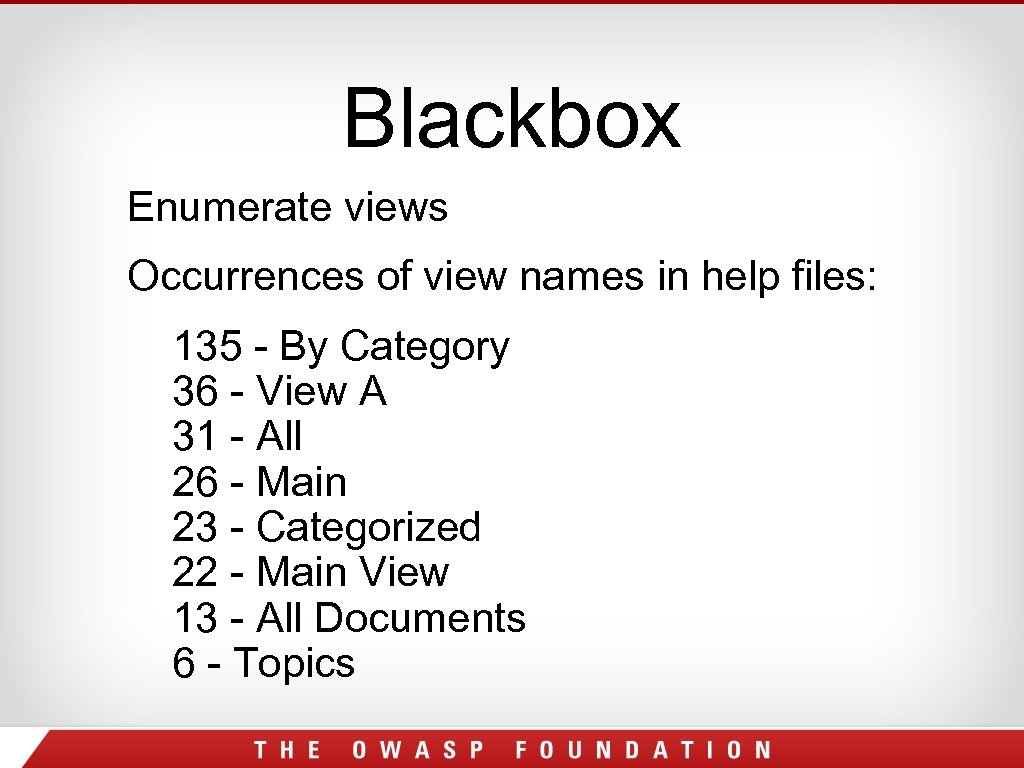
Blackbox Enumerate views Occurrences of view names in help files: 135 - By Category 36 - View A 31 - All 26 - Main 23 - Categorized 22 - Main View 13 - All Documents 6 - Topics
Outline • Why is This Necessary? • Introduction to Domino • Domino Commands • Blackbox • Whitebox • Default Files • Architecture
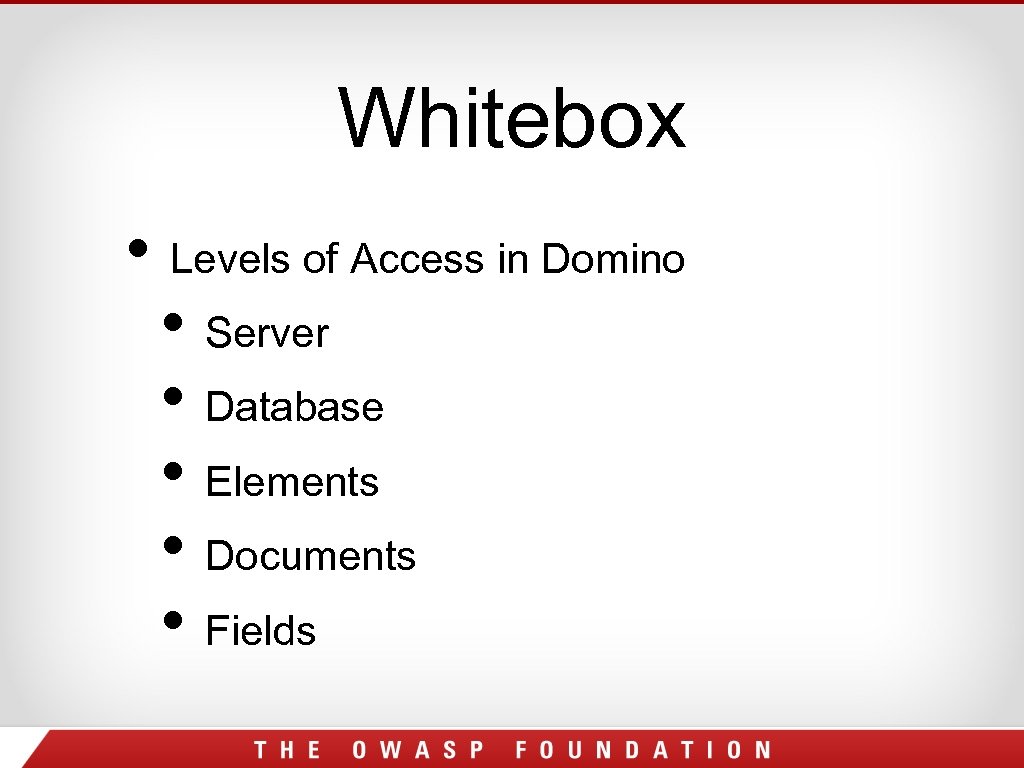
Whitebox • Levels of Access in Domino • Server • Database • Elements • Documents • Fields
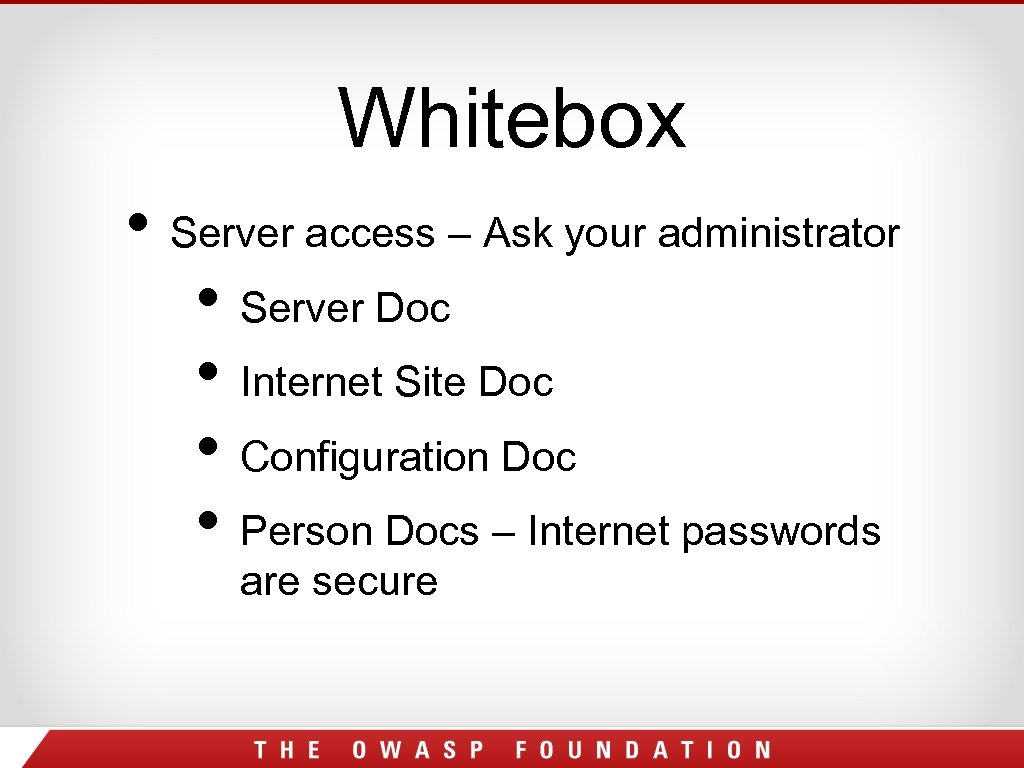
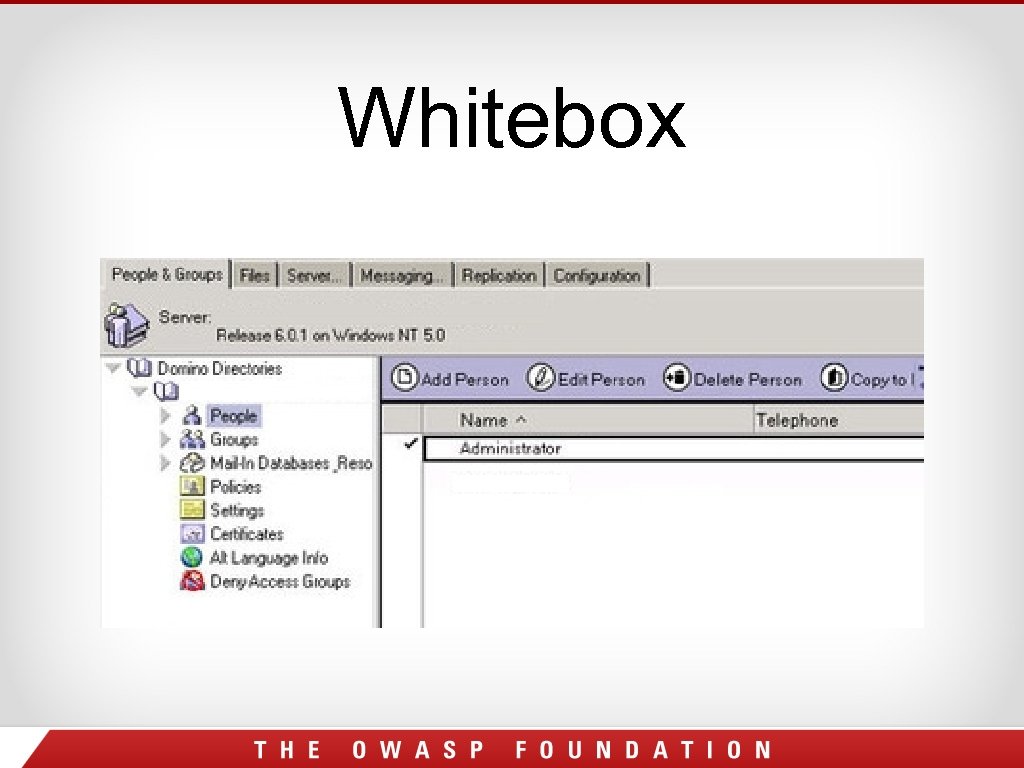
Whitebox • Server access – Ask your administrator • Server Doc • Internet Site Doc • Configuration Doc • Person Docs – Internet passwords are secure
Whitebox
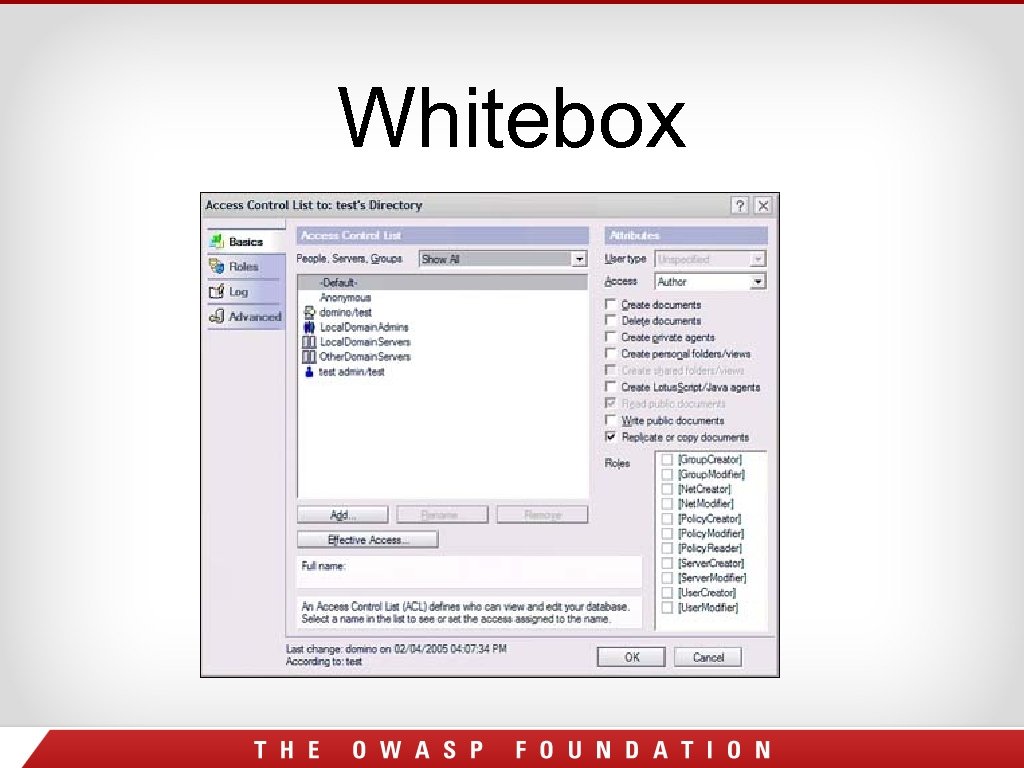
Whitebox Web • Database access – ACLs for Access • Editor – Create and edit docs • Author – Create and edit own docs • Reader – Read docs • Depositor – Create docs • No access – Be careful public documents
Whitebox ACL Mistakes • Even though Anonymous is set to No Access, it is possible to overlook Read Public documents which will give access. • Common App – Mail File* • Do not overlook any setting
Whitebox ACL Mistakes • -Default- is any user who has authenticated. If allowed access, make sure to audit the Domino Directory for test accounts or LDAP if directory assistance is used.
Whitebox
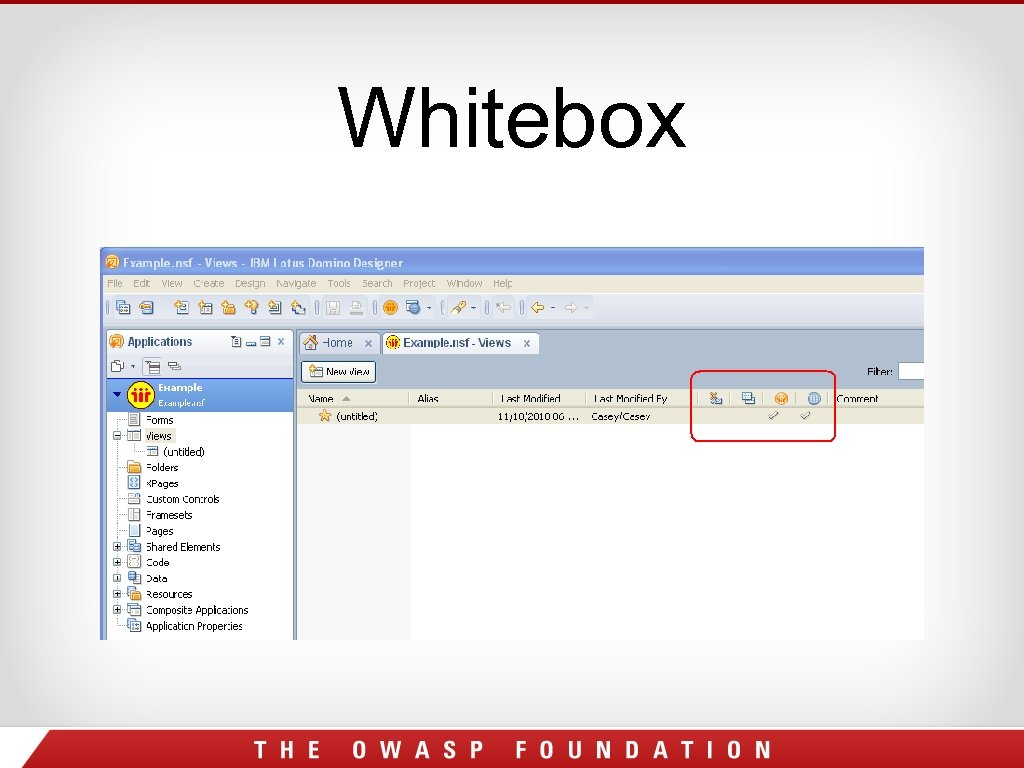
Whitebox Elements access – Check them ALL • Forms, Views, Navigators, etc. - If they are not used, hide them from the web. • Security Tab – Set who can access the element based on ACL • Allow public access
Whitebox
Whitebox for • Restrict more in-depth audits elements that are exposed to the web • Views, Forms, Pages… • Ask to see config or profile documents (make sure they are protected) • Review All Agents – Can be called from the web to run code. Can write to DB 2, SQL, FTP, basically do anything.
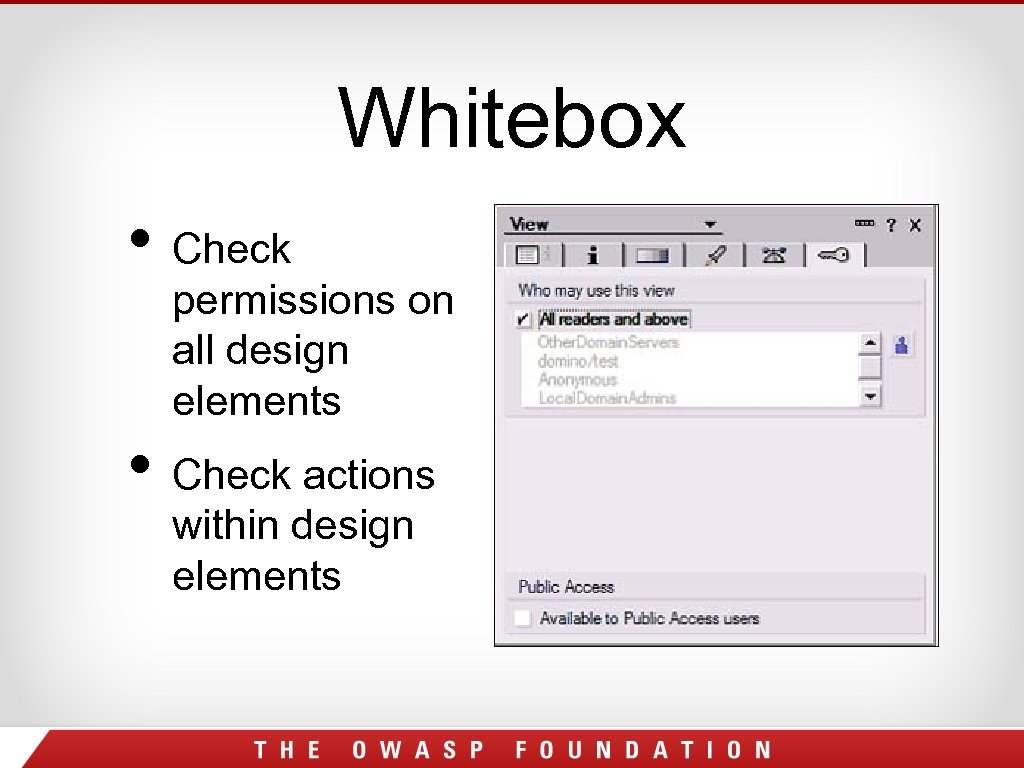
Whitebox • Check permissions on all design elements • Check actions within design elements
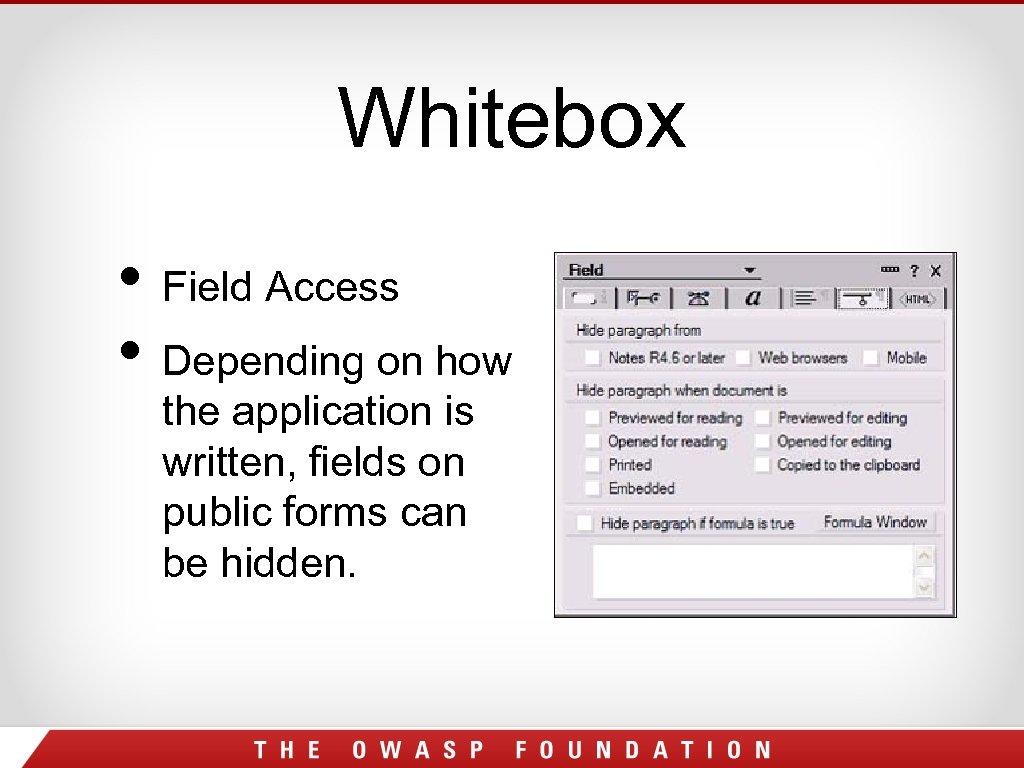
Whitebox • Field Access • Depending on how the application is written, fields on public forms can be hidden.
Outline • Why is This Necessary? • Introduction to Domino • Domino Commands • Blackbox • Whitebox • Default Files • Architecture
Default Files • Names. nsf – The most important database • Log. nsf – Shows events on server • Web. Admin. nsf – A web version of admin client • Help Files – Should never be left on the server When upgrade a server, it could re-add databases you thought you deleted!!!
Where to Start? • Talk to the Administrator – Learn about the different documents (server, config, internet site) of the NAB • Learn the default ACL and how it is audited. • Talk to the Developers – Its impossible to go through every element and to look at field security. Establish security practices
Where to Start? Get a good tool • Team Studio – Build Manager to write checks before a application is refreshed into production. Preventive Security! • Domino. Scan II – NGS Software • App. Detective. Pro – Application Security Inc. • Power. Tools and Scan. Ez – Admin Tools
Outline • Why is This Necessary? • Introduction to Domino • Domino Commands • Blackbox • Whitebox • Default Files • Architecture
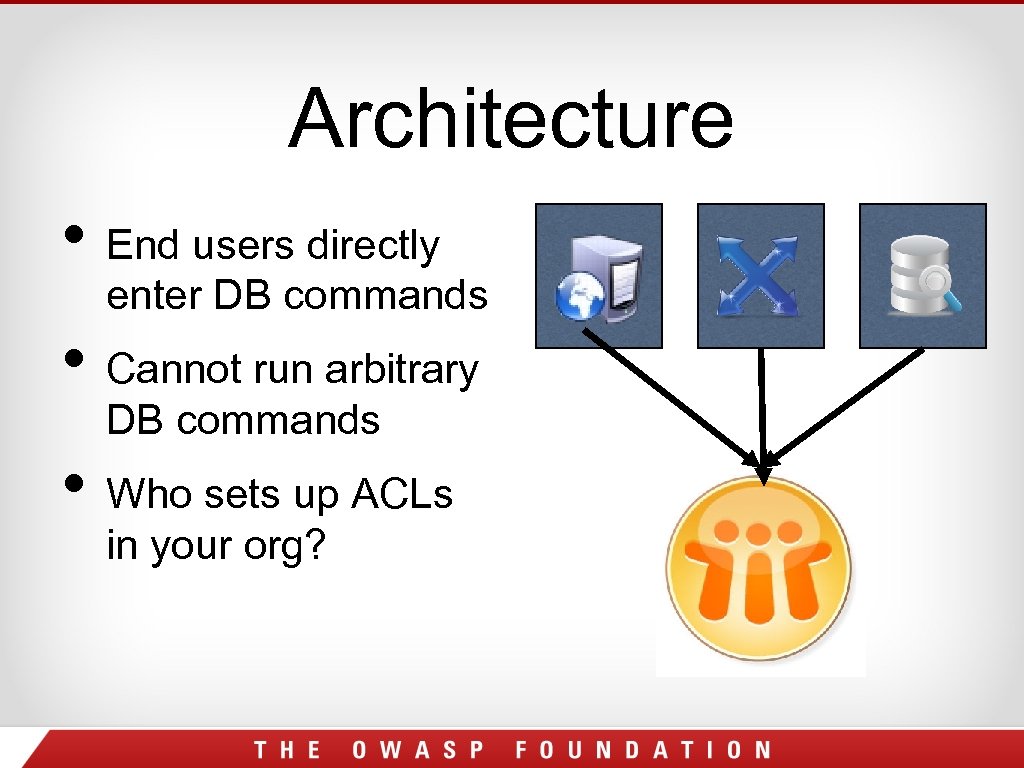
Architecture • End users directly enter DB commands • Cannot run arbitrary DB commands • Who sets up ACLs in your org?
Questions? Comments? Insults? • Ari@angelsofsecurity. com • Twitter: @bachrach 44 • www. angelsofsecurity. com Casey. Pike@gmail. com http: //www. angelsofsecurity. com/domino. html
Скачать презентацию Lotus Domino Security White and black box testing
50960857734b7aef4b913075a344ea23.ppt