 Скачать презентацию Lock down security exposures in your Domino web
c270cb0e046b4a8ef82c896424644cc2.ppt
- Количество слайдов: 31



Lock down security exposures in your Domino web applications Rob Kirkland Certified Lotus Instructor Consultant Author of “Domino System Administration”
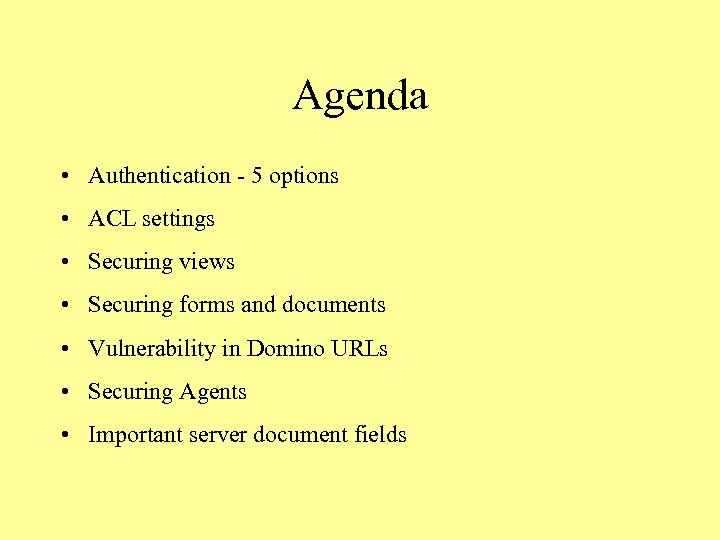
Agenda • Authentication - 5 options • ACL settings • Securing views • Securing forms and documents • Vulnerability in Domino URLs • Securing Agents • Important server document fields
Authentication: Anonymous access • No user authentication required • Useful for commercial Web sites with information intended for public consumption • Dangerous for restricted Web sites
Basic authentication: Name and password access • User submits name and password, which Domino compares to Person document in a Domino directory or to a record in an LDAP directory • Easy to set up and administer. Just create Person and Group documents. • Problem: Name and password cross network as plain text with every URL the user submits
Session authentication • As with basic authentication, user submits name and password in plain text – But only submits them once. • User submits cookie after initial authentication • With each reply, server sends user an updated cookie – Maintains transaction state this way • Supports single sign-on too – One login recognized by multiple Domino and Websphere servers
Authentication: Server-side SSL • Server submits certificate with public key to user • If user trusts certifier, creates, sends a session key to server, encrypted with server’s public key • All further transmissions of information between user and server are encrypted and validated (signed) with session key • User can authenticate using any method
Server-side SSL (cont’d) • Solves problem of user name and password crossing network in plain text. Good! • Increases demand on resources: processor, memory, I/O. – Therefore, should use SSL only when necessary. (Set property in each database. ) • Relatively costly to set up and maintain.
Authentication: Client-side SSL • User submits certificate with public key to server • If server trusts certifier, compares user’s public key to that stored in Person document in Domino or LDAP directory. • If public keys match, user is authenticated.
Client-side SSL (cont’d) • This is the most secure user authentication because a hacker must steal user’s certificate (and know the password) in order to pose as user • Costly and cumbersome to set up and maintain because user must obtain an X. 509 certificate from some Certificate Authority and merge it into user’s browser. • Can’t use with session authentication. Bummer!
ACLs: Basics • In general: Set ACLs to lowest possible levels – Anonymous: No Access or Reader. Never Author. – Registration DB: Set Anonymous to Depositor. • Set -Default- or Anonymous entries in ACLs of all databases – If there is no Anonymous entry, -Default- is used on the Web – If Anonymous is set, -Default- is ignored on the Web – Use -Default- for Notes clients, and Anonymous for Web browsers
ACLs: Privileges • Create documents and Delete documents – Don’t activate if not needed. Don’t get lazy! • Create personal agents, Create folders/views, Create agents – Available to Notes users only, not Web users • Read/Write public documents – Consider using to restrict access to selected database elements.
ACLs: Roles • Use ACL roles to refine access to database elements. • You can use roles with the following DB elements: • Framesets • Views • Sections • Outlines • Forms • Readers/Authors fields
ACLs: Considerations • Set Maximum Internet Name and Password field (in Advanced) • Create default ACL entries in design templates – Use brackets, e. g. : [Anonymous] • Create File Protection documents to set No Access, Read Only, Read/Write for elements in the Domino file system. – Then create Realm documents to head off user frustration
Securing views • Hide views from Web users – Use Hide from Web browsers in Design Document Properties. – Use parentheses to hide view names • Hide views from specific users: – Use Read Access lists • Prevent Web users from guessing view names (by using hard-to-guess names!)
Securing views (cont’d) • Use single-category views to limit what portions of a view Web users can see – Embed view in a form or page – Use a formula to define which category of items will display to the Web user
Securing views (cont’d) • Block direct (manually entered URL) to views – Use $$View. Template for [viewname] and $$View. Template. Default forms that have no embedded view or $$Viewname field. – When user requests the view, Domino will deliver the form, not the view! • And don’t forget to redirect $Default. Nav and ? Read. View. Entries URLs
Securing forms and documents • Use form and document Read Access lists • Use form Compose Access lists • Use Authors fields – Remember, an ACL author can only edit a document if his/her name appears in an Authors field on the document • Use Readers fields – Great security feature!
Securing forms and documents (cont’d) • Use Form formulas in views – Defines what form Domino will use to display documents in view – But remember, users can open documents directly if they know a doc’s UNID • Then the Form field controls, not the Form formula • Use Controlled Access sections – To control edit access to items in section
Securing forms and document (cont’d) • Use Hide-whens liberally – Hides data from users but not from the server – Especially, hide password fields from unauthorized users • Don’t rely on field encryption – It doesn’t restrict Web users from seeing contents of fields.
Lock out unauthorized Domino URLs • Web users who know Domino URL syntax can hack your Web site. • Use redirection to thwart this • Problem areas include: – Certain special identifiers – Certain URL commands
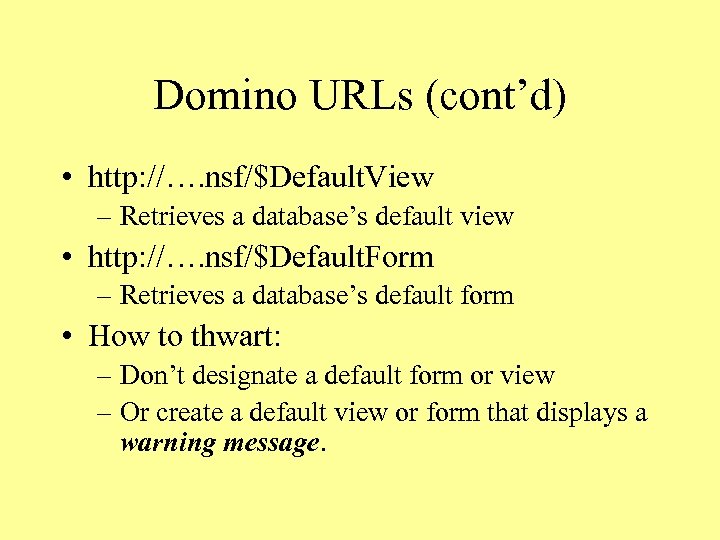
Domino URLs (cont’d) • http: //…. nsf/$Default. View – Retrieves a database’s default view • http: //…. nsf/$Default. Form – Retrieves a database’s default form • How to thwart: – Don’t designate a default form or view – Or create a default view or form that displays a warning message.
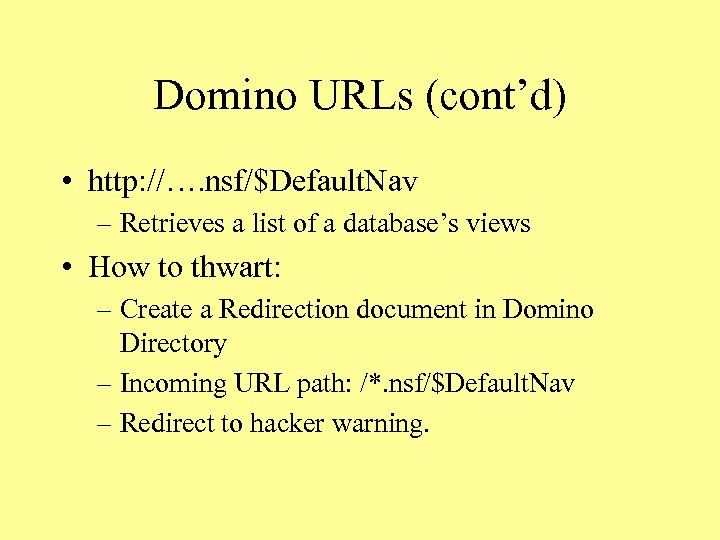
Domino URLs (cont’d) • http: //…. nsf/$Default. Nav – Retrieves a list of a database’s views • How to thwart: – Create a Redirection document in Domino Directory – Incoming URL path: /*. nsf/$Default. Nav – Redirect to hacker warning.
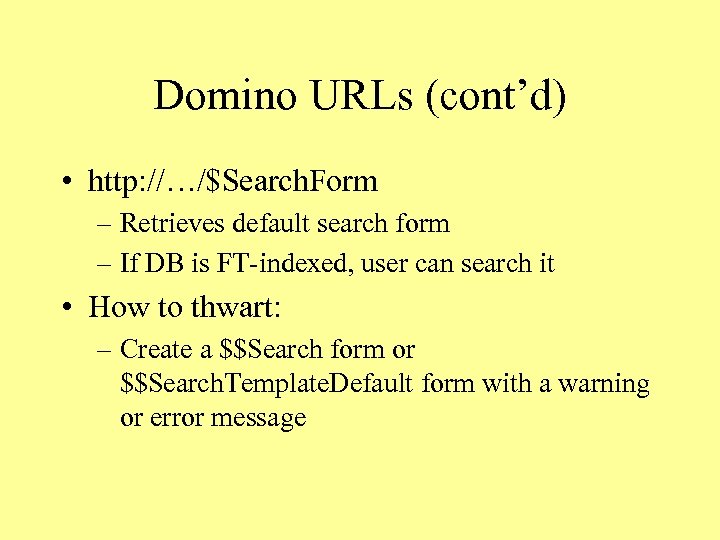
Domino URLs (cont’d) • http: //…/$Search. Form – Retrieves default search form – If DB is FT-indexed, user can search it • How to thwart: – Create a $$Search form or $$Search. Template. Default form with a warning or error message
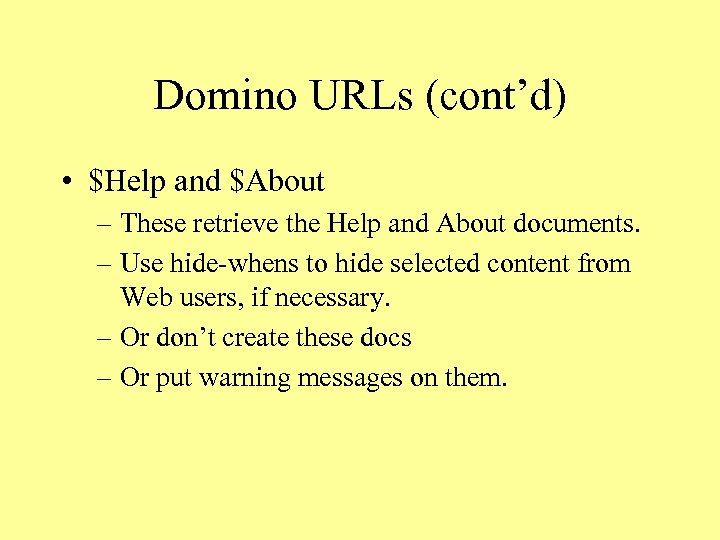
Domino URLs (cont’d) • $Help and $About – These retrieve the Help and About documents. – Use hide-whens to hide selected content from Web users, if necessary. – Or don’t create these docs – Or put warning messages on them.
Domino URLs (cont’d) • http: //…? Open. Server – Lists all Notes databases in the server’s file system – This may be okay for an intranet Web server, but is usually not okay for an Internet Web server. – To block this command, disable in Server document. Set “Allow HTTP clients to browse databases” to “No”.
Domino URLs (cont’d) • http: //…? Read. View. Entries – Retrieves view in XML format • Permits user to export view contents to a database. – How to thwart: • Create a Redirection document in Domino Directory • Incoming URL path: /*. nsf/*? Read. View*
Secure agents • Agents can be invoked from a browser – http: //…/agentname? Open. Agent • Browser-invoked agents run with the rights of the agent signer – But invoker must have Reader access to the items on which the agent acts • You can override this – Set agent property “Run Agent as Web user” – You can also hide the agent from Web users
Secure agents (cont’d) • If a Web user invokes an agent directly (by entering its URL manually), the HTTP_Referer CGI variable returned with the URL will be blank – Therefore, to prevent Web users invoking agents directly, test for a blank HTTP_Referer variable. – See example code, next slide
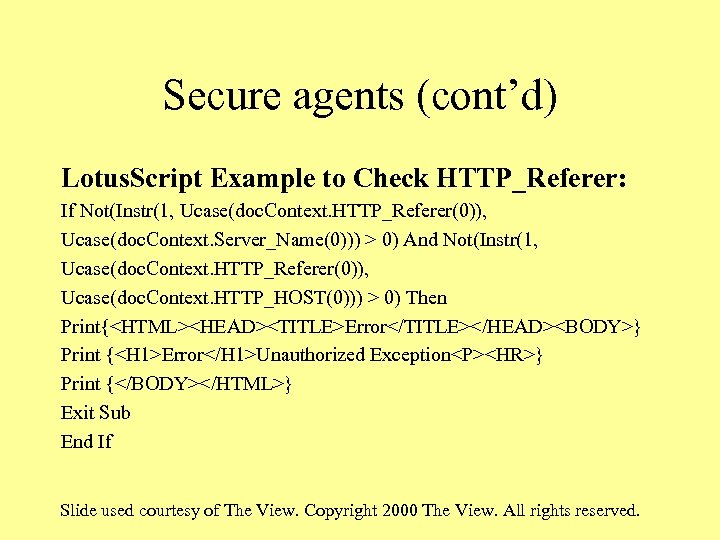
Secure agents (cont’d) Lotus. Script Example to Check HTTP_Referer: If Not(Instr(1, Ucase(doc. Context. HTTP_Referer(0)), Ucase(doc. Context. Server_Name(0))) > 0) And Not(Instr(1, Ucase(doc. Context. HTTP_Referer(0)), Ucase(doc. Context. HTTP_HOST(0))) > 0) Then Print{<HTML><HEAD><TITLE>Error</TITLE></HEAD><BODY>} Print {<H 1>Error</H 1>Unauthorized Exception<P><HR>} Print {</BODY></HTML>} Exit Sub End If Slide used courtesy of The View. Copyright 2000 The View. All rights reserved.
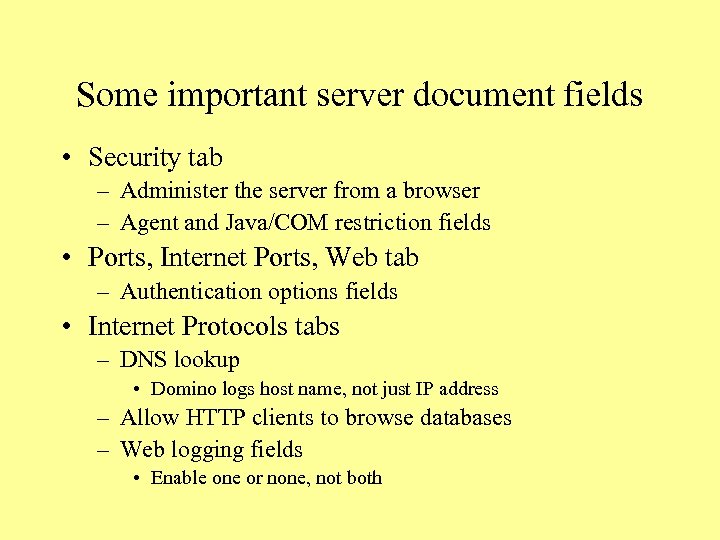
Some important server document fields • Security tab – Administer the server from a browser – Agent and Java/COM restriction fields • Ports, Internet Ports, Web tab – Authentication options fields • Internet Protocols tabs – DNS lookup • Domino logs host name, not just IP address – Allow HTTP clients to browse databases – Web logging fields • Enable one or none, not both
Thank you • Any questions?
Скачать презентацию Lock down security exposures in your Domino web
c270cb0e046b4a8ef82c896424644cc2.ppt