


 Скачать презентацию LIS 508 lecture 12 email Thomas Krichel 2002
6e4f492144827f0e65c884992b9473b6.ppt
- Количество слайдов: 24
 LIS 508 lecture 12: email Thomas Krichel 2002 -12 -08
 Structure • Email – Structure of mail – Transport • • Email lists http (only the verry basics)
 history • 1982: ARPANET issue email protocols – RFC 821 by a hippy – RFC 822 revised by a grad student • 1984: CCITT (Comité Consultatif International Télégraphique et Téléphonique, now the International Telecommunication Union) drafted X. 400, backed by all major industry players. This standard is almost totally uninteroperable with the ARPANET standards.
 email • Nowadays emails runs of top of DNS, all mails are sent to user@hostname where hostname is a host name and user name on that host. • To which machine mail is sent depends on the MX record for the name you are sending the mail to. See the mx record in the DNS example.
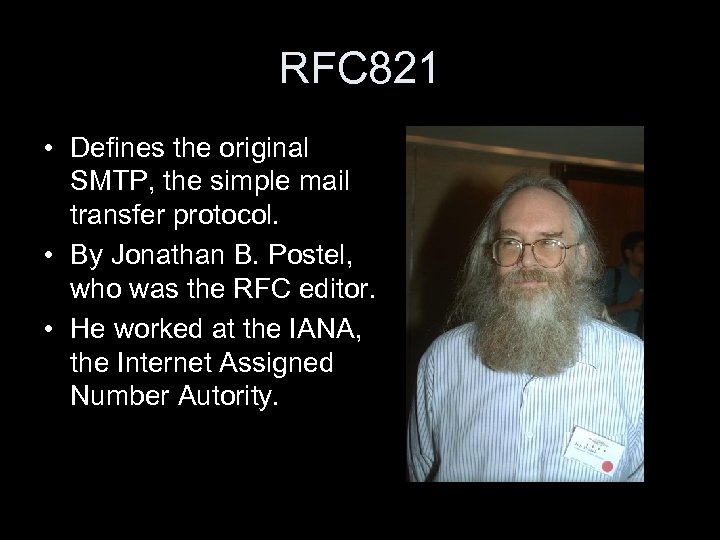 RFC 821 • Defines the original SMTP, the simple mail transfer protocol. • By Jonathan B. Postel, who was the RFC editor. • He worked at the IANA, the Internet Assigned Number Autority.
 smtp • TCP connection to port 25 by a client, sending machine. • It waits for a response from the receiving machine acting as a server to say – Who it is – Whether it ready to receive mail • Senders says who the mail is from and where it goes to. • Receiver checks this and give go-ahead
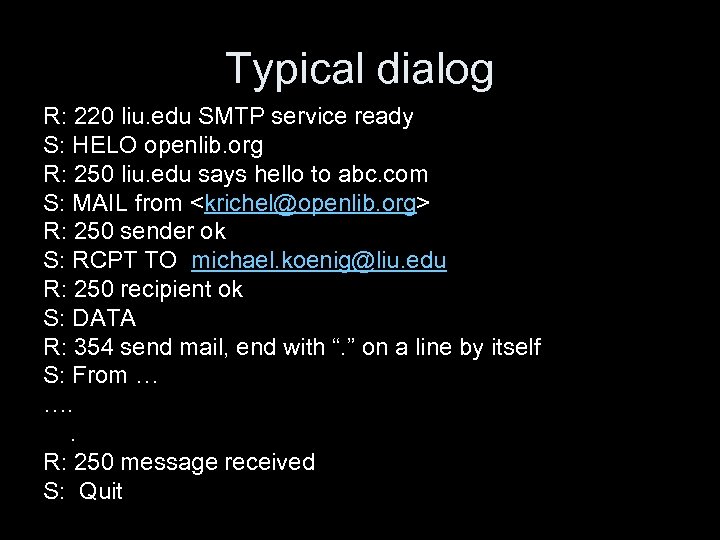 Typical dialog R: 220 liu. edu SMTP service ready S: HELO openlib. org R: 250 liu. edu says hello to abc. com S: MAIL from
 RFC 822 • Is the one document that originally define email. It is the most famous RFC known to man. • Specification is limited to US ASCII, 7 bit • A mail message is defines as a text file. It has – Header fields (mandatory) – Body (optional)
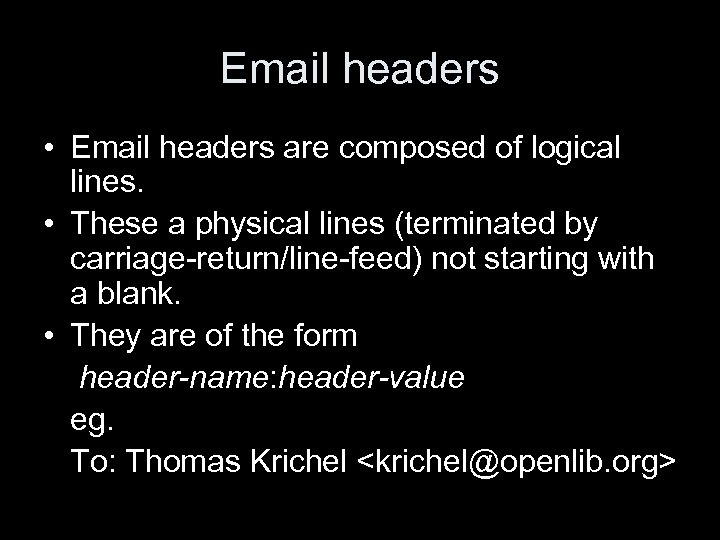 Email headers • Email headers are composed of logical lines. • These a physical lines (terminated by carriage-return/line-feed) not starting with a blank. • They are of the form header-name: header-value eg. To: Thomas Krichel
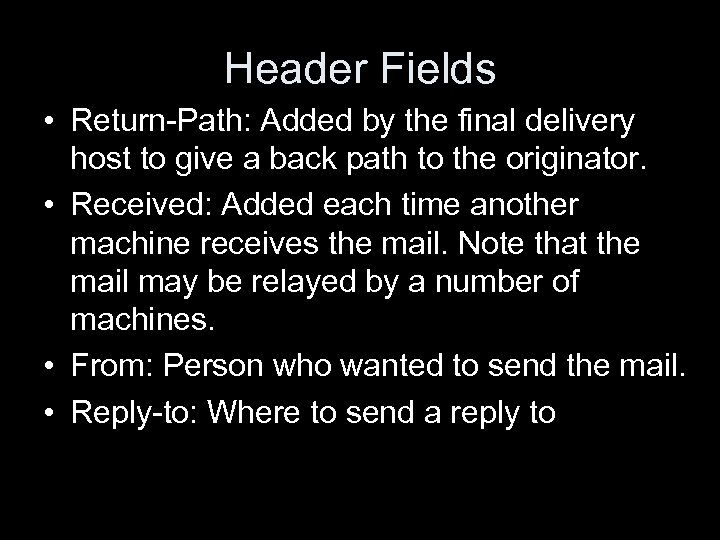 Header Fields • Return-Path: Added by the final delivery host to give a back path to the originator. • Received: Added each time another machine receives the mail. Note that the mail may be relayed by a number of machines. • From: Person who wanted to send the mail. • Reply-to: Where to send a reply to
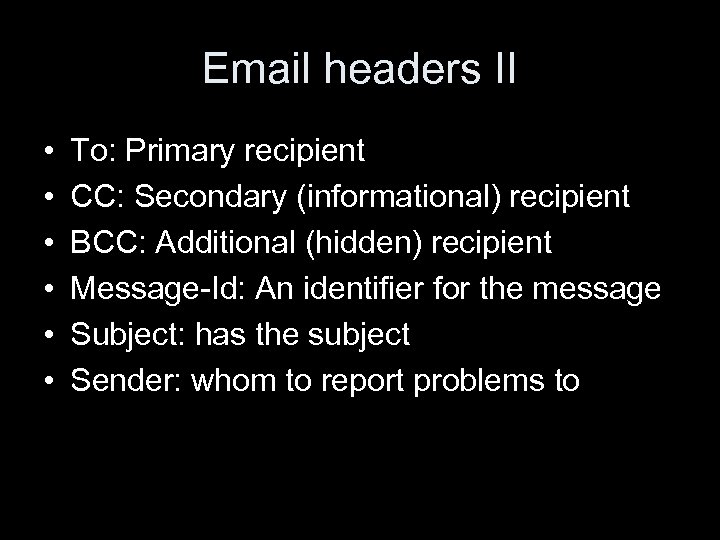 Email headers II • • • To: Primary recipient CC: Secondary (informational) recipient BCC: Additional (hidden) recipient Message-Id: An identifier for the message Subject: has the subject Sender: whom to report problems to
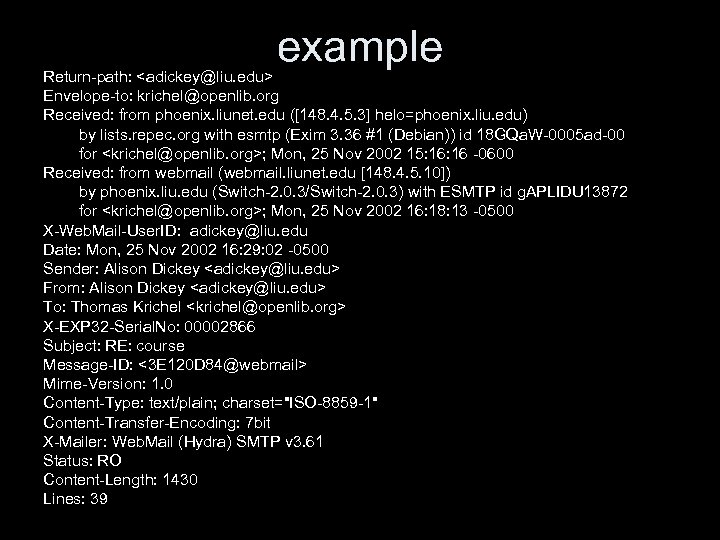 example Return-path:
 Multipurpose Internet Mail Extensions MIME • MIME allows to attach arbitrary files to emails. It is an Internet standard defined in RFC 2045 to 2049 • MIME provides a way for non-text information to be encoded as text. This encoding is known as base 64 • The MIME format is also very similar to the format of information that is exchanged between a Web browser and the Web server it connects to. This related format is specified as part of the Hypertext Transfer Protocol (HTTP).
 Basic idea • Continue to use RFC 822 but give the body of the mail a richer structure • Five new headers – MIME-version: shows the version – Content-description: human readable string – Content-id: Unique identifier – Content-transfer-encoding: how the body is wrapped for transmission – Content-type: nature of the message
 Content-type • The value of this header is known as the MIME type of the form type/subtype. Both type and subtype have to be specified. • application/octet-stream is the catchall. • The Internet Assigned Number Authority act as a registrar for these types. • They provide some controlled vocabulary for file types. It is not perfect.
 Email lists • An email list is a list of email addresses managed by a computer program. . • A list has an email address. • When a person writes to the email address of the list, the message may be distributed to all addresses on the list.
 Concepts involved with lists • The list owner is a person or group of person who has the power to add and remove addresses from the list. The owner may also have the following duties/powers – define charter and policy – answer technical questions • A list is closed if a potential subscriber has to ask the list owner to be subscribed. • A list is open if anyone can subscribe to a list.
 More concepts involved with lists • A list is moderated if the moderator(s) are the only people allowed to send messages to the list. Messages sent to the list are forwarded to the moderator(s) by the list processing software. – The owner of the list is not necessarily the moderator. – Usually, the owner has moderator powers too.
 Hypertext transfer protocol http • An application-level protocol for distributed, collaborative, hypermedia information systems. • HTTP is also used as a generic protocol for communication between user agents and proxies/gateways to other Internet systems, including those supported by the SMTP, NNTP, FTP, Gopher, and WAIS protocols. In this way, HTTP allows basic hypermedia access to resources available from diverse applications. • history – 1990: version 0. 9 allows for transfer of raw data. – 1996: rfc 1945 defines version 1. 0. by adding attribute: value headers. – 1999: rfc 2616 adds support for hierarchical proxies, caching, virtual hosts and some support for persistent connections, and is more stringent.
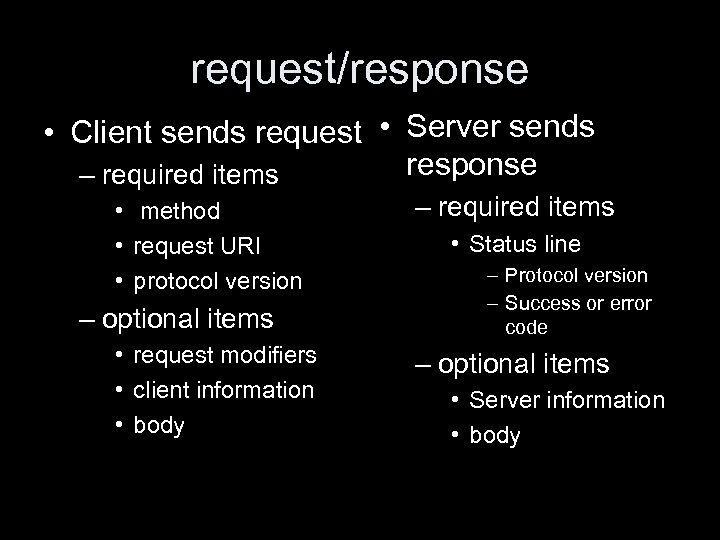 request/response • Client sends request • Server sends response – required items • method • request URI • protocol version – optional items • request modifiers • client information • body – required items • Status line – Protocol version – Success or error code – optional items • Server information • body
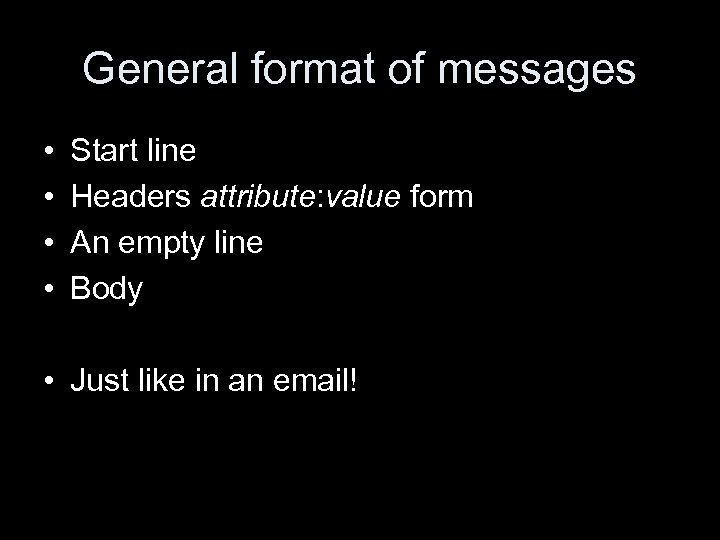 General format of messages • • Start line Headers attribute: value form An empty line Body • Just like in an email!
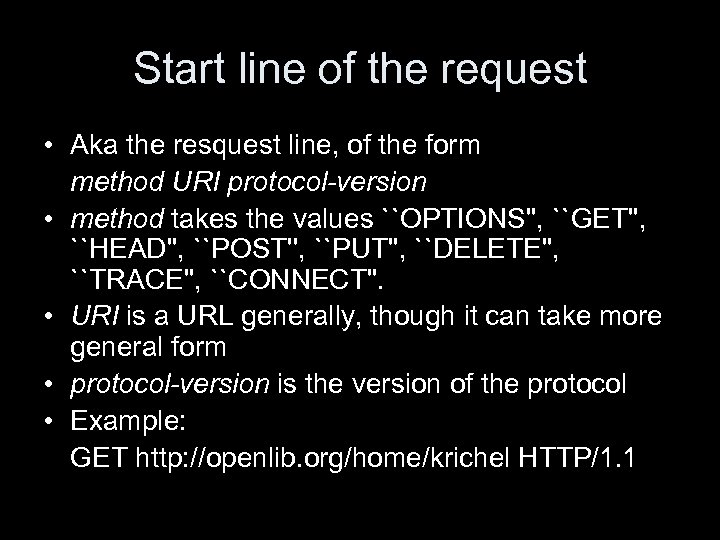 Start line of the request • Aka the resquest line, of the form method URI protocol-version • method takes the values ``OPTIONS'', ``GET'', ``HEAD'', ``POST'', ``PUT'', ``DELETE'', ``TRACE'', ``CONNECT''. • URI is a URL generally, though it can take more general form • protocol-version is the version of the protocol • Example: GET http: //openlib. org/home/krichel HTTP/1. 1
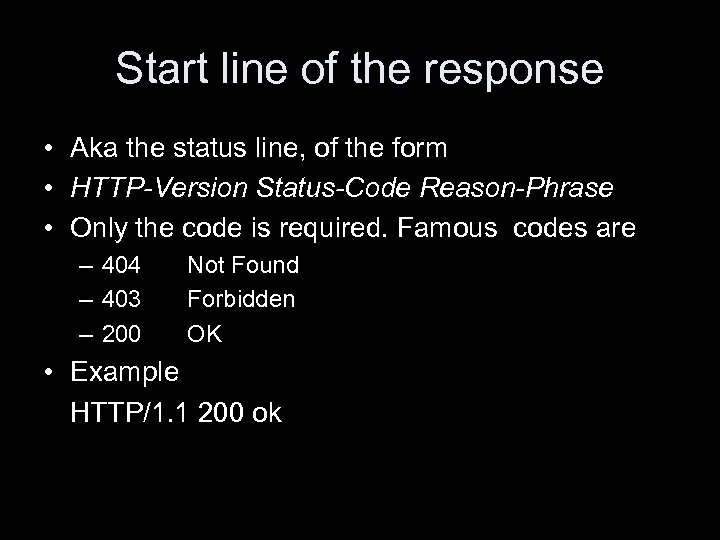 Start line of the response • Aka the status line, of the form • HTTP-Version Status-Code Reason-Phrase • Only the code is required. Famous codes are – 404 – 403 – 200 Not Found Forbidden OK • Example HTTP/1. 1 200 ok
 http: //openlib. org/home/krichel Thank you for your attention!