


 Скачать презентацию Linux for z Series Data Protection Patrick Fitzsimmons
d9457d7835a87c65dac89c6c3eff2e7a.ppt
- Количество слайдов: 30
 Linux for z. Series Data Protection Patrick Fitzsimmons pfitz@fdrinnovation. com © Copyright 2008, Innovation Data Processing
 IT managers still find the backup/restore process brings the most storage related ANXIETY
 The FDR/UPSTREAM Suite • A single INNOVATION solution that leverages the unique strengths of IBM System z, z. Series, p. Series AIX, SUN SPARC and Intel x-86 servers to provide enterprise strength protection for databases and data on distributed storage. • The FDR/UPSTREAM suite is a comprehensive business resiliency solution that provides data protection and business continuance for servers and databases every where in the enterprise.
 Storage Servers • FDR/UPSTREAM – z/OS mainframe – Same client as the Reservoir – Tape compatible with the Reservoir • UPSTREAM Reservoir – Windows – AIX – Linux (Intel, z. Linux, p. Series Linux) – Solaris (Intel or Sun)
 FDR/UPSTREAM Clients • Windows NT/XP/Vista • Windows Server 2003/2008 • Novell Net. Ware • Novell OES 2 Linux • IBM AIX • Sun Solaris • Sun X 86 • VMware • HP-UX • • • Tru 64 UNIX X 86 Linux for z. Series Linux for p. Series z/OS UNIX Any system that can be NFS mounted can be backed up/restored
 UPSTREAM z. LINUX • Supports z. Linux clients on z/OS on Linux LPAR or z/VM virtual machine • Support for Su. SE, Marist, Red Hat, and Debian on z. Series and includes: – Full-featured daemon – Backup, restore, file transfer and other UPSTREAM storage management features – A variety of file system features including hard links, symbolic links, owners, Reiser, ext 2, ext 3, GFS, MAPFS, GPFS, XFS, NFS, single file system support, and remotes NFS attachments – Online support for Oracle, DB 2, and Domino – UPSTREAM Rescuer – Leverages Hiper. Sockets if installed
 Flexible Operations • Centralized administration and control that can be performed from z/OS server • Most operations can also be performed from the client giving client administrators control for restore operations • Automated operations that keep administrators informed – event notification can send Email and SNMP Trap notifications – JCL condition code checking
 User Interfaces • • Director Management interface—platform independent JAVA Application that can be run from anywhere – Web browser enabled – End User Restore Interface ISPF Interface Command Line Character mode • • Backup/Restore/Inquiry Status Display File Transfers Run Process Operations Include
 Scheduling • Operations can be initiated from: – z/OS with your EXISTING z/OS Job Scheduler such as CA 7 or Zeke or – UPSTREAM z/OS Integrated Scheduler Client Initiated – UPSTREAM Dispatcher Client Scheduler or – Your EXISTING Client Scheduler such as CRON
 UPSTREAM z/OS Initiated BATCH Submissions • • Initiate Backup, Restore & Run Functions Can Wait for Process Completion…Return Code Processing Can initiate multiple, concurrent operations Used as an interface to host-based JOB scheduling systems
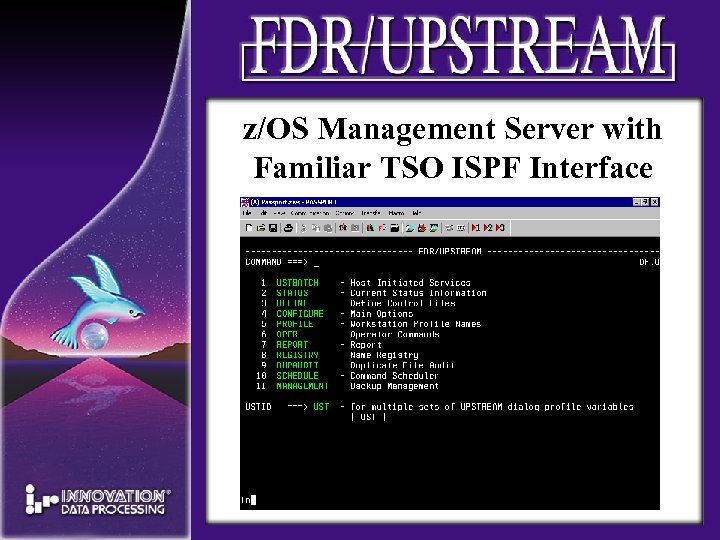 z/OS Management Server with Familiar TSO ISPF Interface
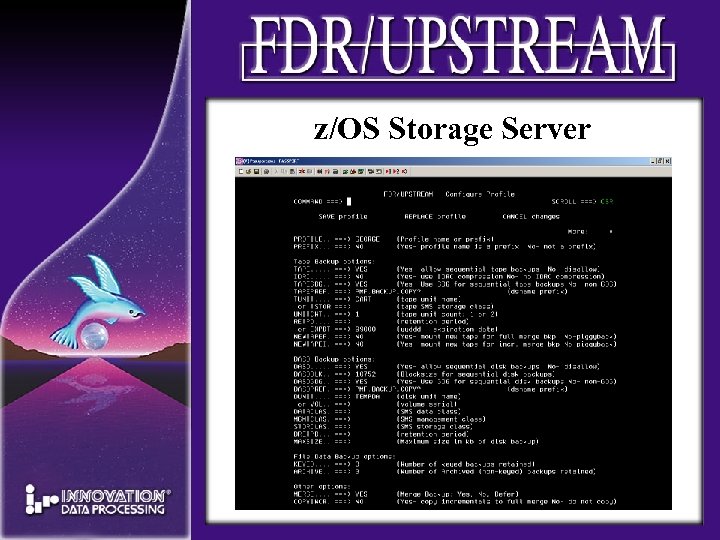 z/OS Storage Server
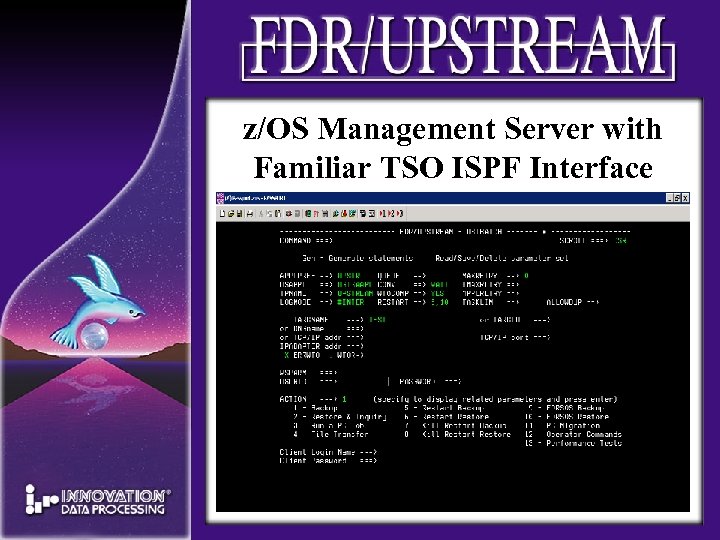 z/OS Management Server with Familiar TSO ISPF Interface
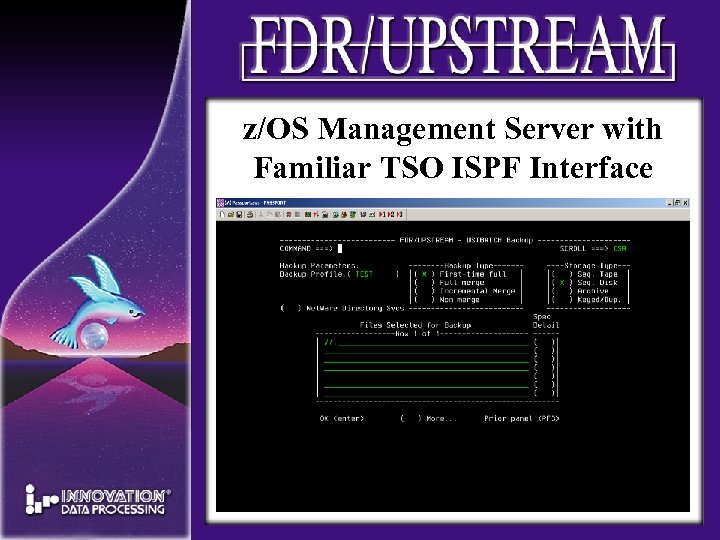 z/OS Management Server with Familiar TSO ISPF Interface
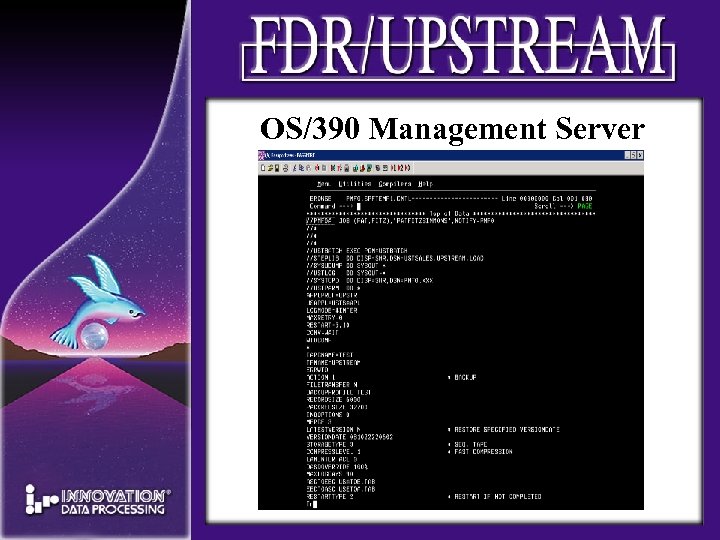 OS/390 Management Server
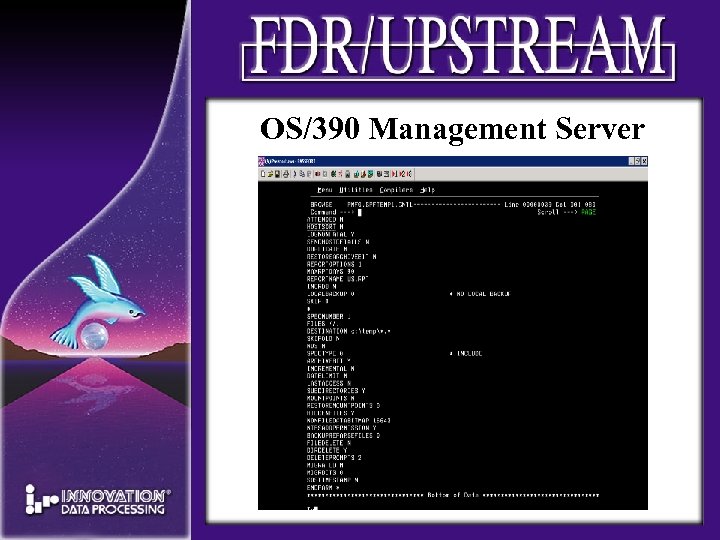 OS/390 Management Server
 Director-JAVA & Browser GUI • UPSTREAM management interface – Ad-hoc backups and restores – Run jobs, reports, examine logs – Directory tree of backups and files within backups – Add or exclude files – All without mounting tapes – Dispatcher scheduler
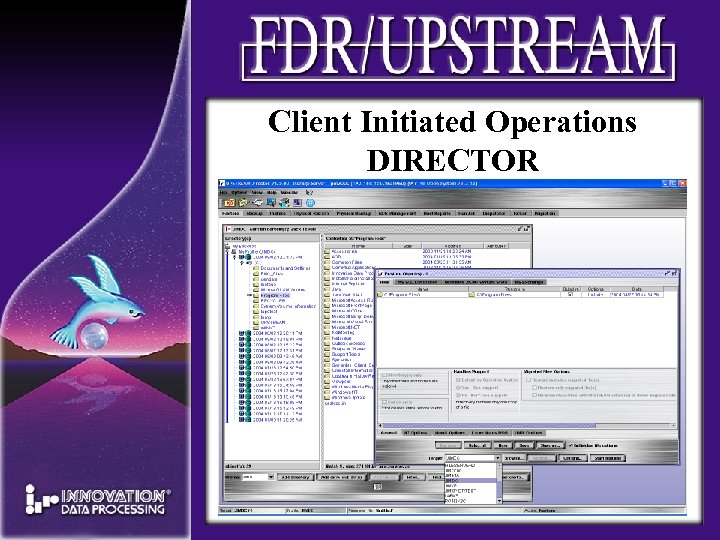 Client Initiated Operations DIRECTOR
 Methods to Minimize Amount of Data Transmitted • Advanced de-duplication Data Reduction methods enable you to complete backup processing in your backup window • Logical File level Full Merge Backup • Incremental Backup Processing • Duplicate File Recognition • Data Compression • Exclude/Include • On-Line Database Agents • Auto Migrate inactive data • Segmented backup support
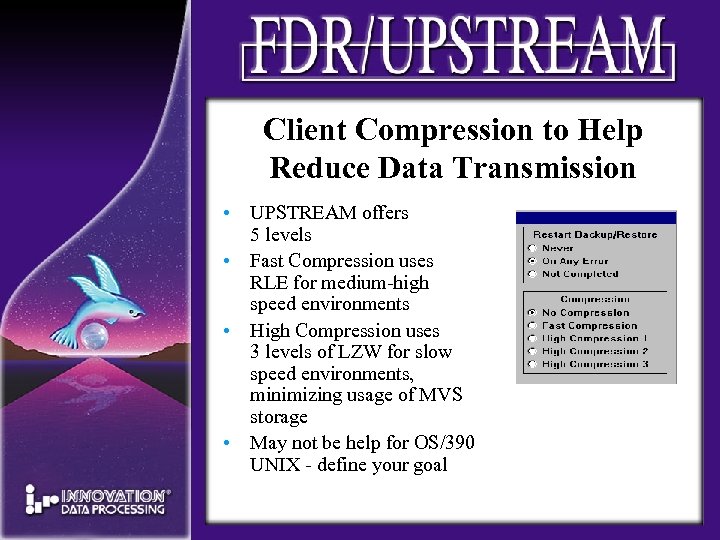 Client Compression to Help Reduce Data Transmission • UPSTREAM offers 5 levels • Fast Compression uses RLE for medium-high speed environments • High Compression uses 3 levels of LZW for slow speed environments, minimizing usage of MVS storage • May not be help for OS/390 UNIX - define your goal
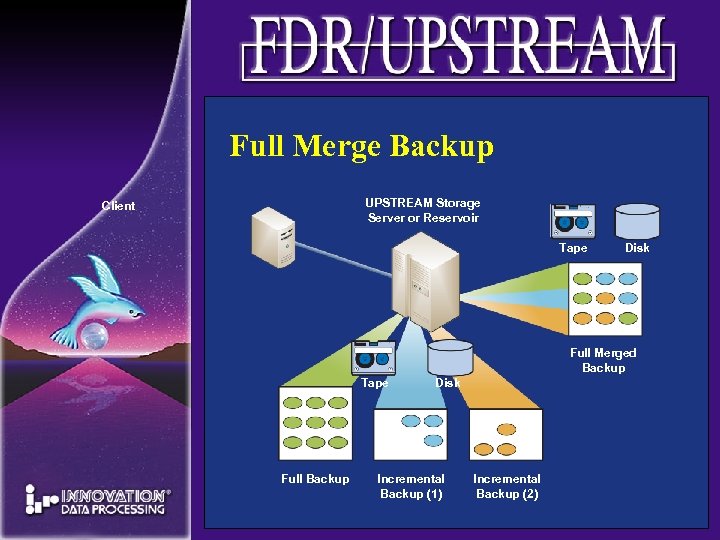 Full Merge Backup UPSTREAM Storage Server or Reservoir Client Tape Disk Full Merged Backup Tape Full Backup Disk Incremental Backup (1) Incremental Backup (2)
 Forward Merge Backup • Creates a full backup WITHOUT transmitting any unchanged data • Full Merge is constructed with Incremental Backup carry unchanged data from previous full = Full Server Image on 1 tape or tape set • Overcomes many limitations such as line speed, backup window and limited number of tape drives • Supports backups to both DASD and Tape • Uses 1 backup profile per server
 Run Jobs Backup/Restore related jobs can: • Quiesce databases • Perform system maintenance tasks • Pre & Post Processing Jobs-Open system jobs can be executed from z/OS, and/or before or after backups or restores • Can be host or open system scheduled • Host jobs can be submitted from the open system • Used with for database agents
 UPSTREAM Data Management • Individual client or global policy managed • Backup data managed by existing external tape management system • Retention periods usually managed with GDGs with benefit that system maintains itself • Can also use expiration dates • Migrate Disk Backups to Tape • Repro Tape for Off-Site Vaulting • Bi-Directional File Transfer
 UPSTREAM Merge Data Management Utilities • Migration—Intelligent DASD movement from DASD to tape that provides profile tape stacking • Deferred Merge—Helps overcome tape drive availability issues and reduce backup window • Forward Migration—additional Tape Stacking Utility. Reads in old tapes, mods todays data & writes, all on new tapes
 UPSTREAM Backup Dataset Migration • UPSTREAM efficient disk management facility that migrates backups from DASD to tape • Able to put backups for more than 1 server/instance on same tape set • UPSTREAM database updated to reflect new location of tape backups • Can restore a single file DIRECTLY from tape!
 FDR/UPSTREAM Security • Interfaces with mainframe security systems • ACF 2, RACF, Top Secret • Interfaces with client security system – Netware Directory Services (NDS) – Registry – Active Directory – ACLs – UNIX • Permissions • Owners & Groups
 Disaster Strikes! With FDR/UPSTREAM You Have the Tools to recover • Reliable restores of data files and systems databases • Vaulting recovery – – – NDS Active Directory System State Windows Automated System Recovery UPSTREAM Rescuer
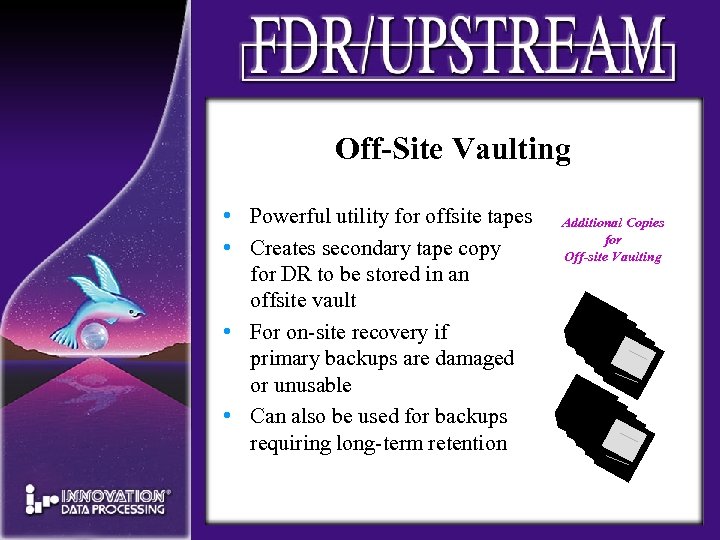 Off-Site Vaulting • Powerful utility for offsite tapes • Creates secondary tape copy for DR to be stored in an offsite vault • For on-site recovery if primary backups are damaged or unusable • Can also be used for backups requiring long-term retention Additional Copies for Off-site Vaulting
 Summary The INNOVATION benefits • • Mainframe Class File level Backup INNOVATION technical support model Reasonable License fees The stability of the INNOVATION company