


 Скачать презентацию Let s Take Some Notes While you are waiting
e5cd63884c0aece2bd0abef0351c4468.ppt
- Количество слайдов: 15
 Let’s Take Some Notes While you are waiting for me to get attendance taken, place Notebook Paper and Pencil On your desk
 Business Technology Bell Ringer • Notes on computer parts on your desk
 Spacing Quiz in 5 minutes
 Arrangement of Work Area • Back Pack on the Floor • Notebook on the desk • Get ready to take notes
 CTA Computer Parts • CPU Central Processing Unit • Brain of the computer • Houses the hard drive and operating system (windows) • Output Device • Disk Drives • Floppy & removable media is inserted into the CPU disk drives to save data • Examples: memory sticks, disks, cd-roms, dvds, memory cards, jump drives • Input device • Monitor • Displays information from the CPU • Output device “TV like”
 • Mouse • Small input device that aids in data entry and navigation • Keyboard • Arrangement of letters, numbers, symbols and function keys • Input device used for data entry • Printer • Device that produces a hard copy of data • Output Device
 • Network Notes – Blue patch/ethernet cord connects computer to network through the hubs – Network allows computer access to internet – Server: computer that hosts the network – Network allows computer access to local printer
 More Terms – Hardware: Refers to the parts of a computer you can see and touch – Undo: Allows you to reverse the last action. – Icon: Picture representation of a program housed on the desktop – RAM (Random Access Memory): refers to main temporary memory, which is the computer‘s workspace – ROM (Read Only Memory): Read Only Memory (ROM) is computer memory that can permanently store data and applications within it.
 • Windows: Software that manages your computer and the devices connected to it. • Subfolder: A folder within a folder • Software: Instructions, or programs, that tell a computer what to do. • Dialog Box: A special type of window that asks you a question or allows you to choose to perform a task.
 Definitions • Space Bar- Used to place an empty space • • • between text Hard Return- Entering to force cursor to the next line Soft Return- Word wrap takes text to the next line Single Space- Enter once Double Space- Enter 2 times Triple Space- Enter 3 times Quadruple Space- Enter 4 times
 Microsoft Word Screen • Title Bar: Displays the names of the Office program and the current file. – Example: Document 1 • Menu Bar: Contains the menu files from which you can choose a variety of commands. – Example: Home, Insert, Page layout
 • Home and Standard Toolbar: Contains buttons you can use to perform common tasks. – to save • Insertion Point: Shows where text will appear when you begin keying. – Blinking cursor
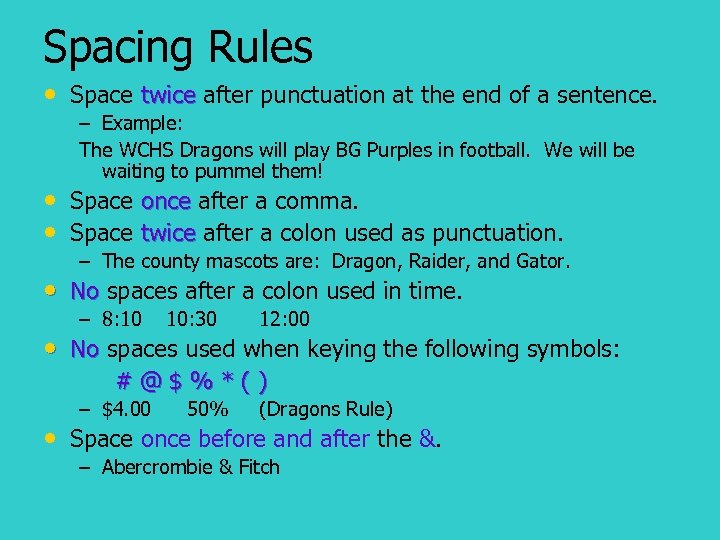 Spacing Rules • Space twice after punctuation at the end of a sentence. – Example: The WCHS Dragons will play BG Purples in football. We will be waiting to pummel them! • Space once after a comma. • Space twice after a colon used as punctuation. – The county mascots are: Dragon, Raider, and Gator. • No spaces after a colon used in time. – 8: 10 10: 30 12: 00 • No spaces used when keying the following symbols: #@$%*() – $4. 00 50% (Dragons Rule) • Space once before and after the &. – Abercrombie & Fitch
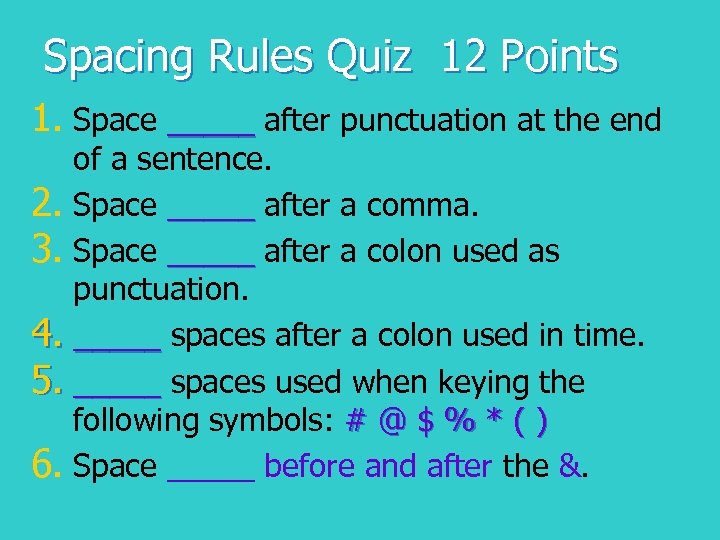 Spacing Rules Quiz 12 Points 1. Space _____ after punctuation at the end of a sentence. 2. Space _____ after a comma. 3. Space _____ after a colon used as punctuation. 4. _____ spaces after a colon used in time. 5. _____ spaces used when keying the following symbols: # @ $ % * ( ) 6. Space _____ before and after the &.
 Spacing Rules Quiz 12 Points 1. _____ spaces used when keying the following symbols: # @ $ % * ( ) 2. Space _____ after punctuation at the end of a sentence. 3. _____ spaces after a colon used in time. 4. Space _____ before and after the &. 5. Space _____ after a comma. 6. Space _____ after a colon used as punctuation.