

Lecture E-mail Etiquette Source: VideoJug.com Steps to improve

 Скачать презентацию Lecture E-mail Etiquette Source: VideoJug.com Steps to improve
34150-lecture_e-mail_etiquette.ppt
- Количество слайдов: 19
Lecture E-mail Etiquette Source: VideoJug.com
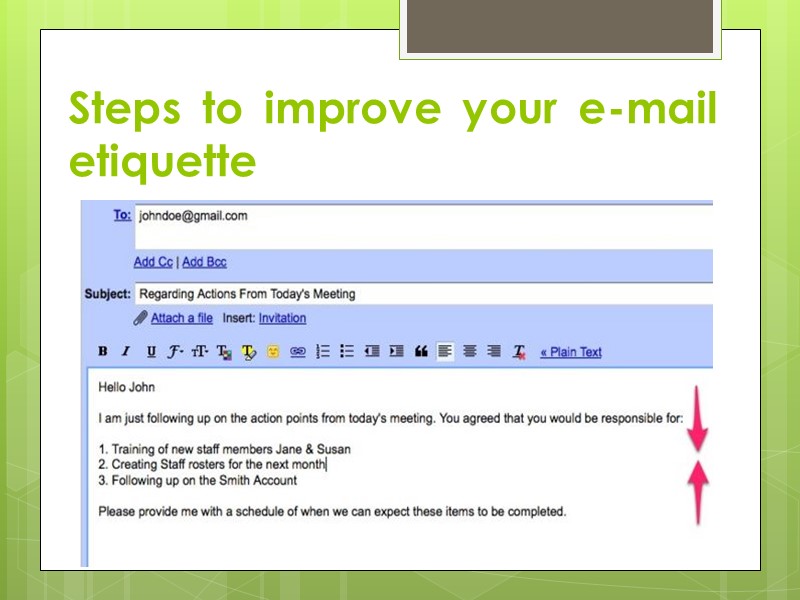
Steps to improve your e-mail etiquette
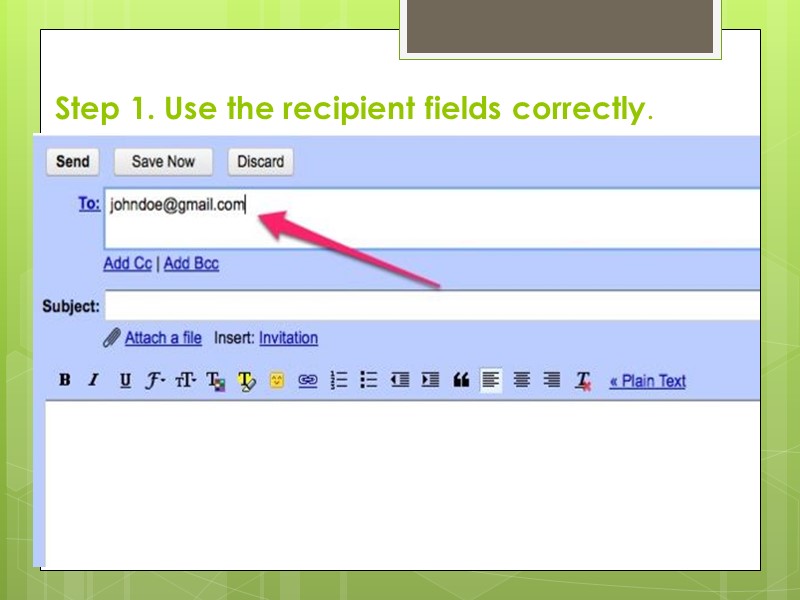
Step 1. Use the recipient fields correctly.
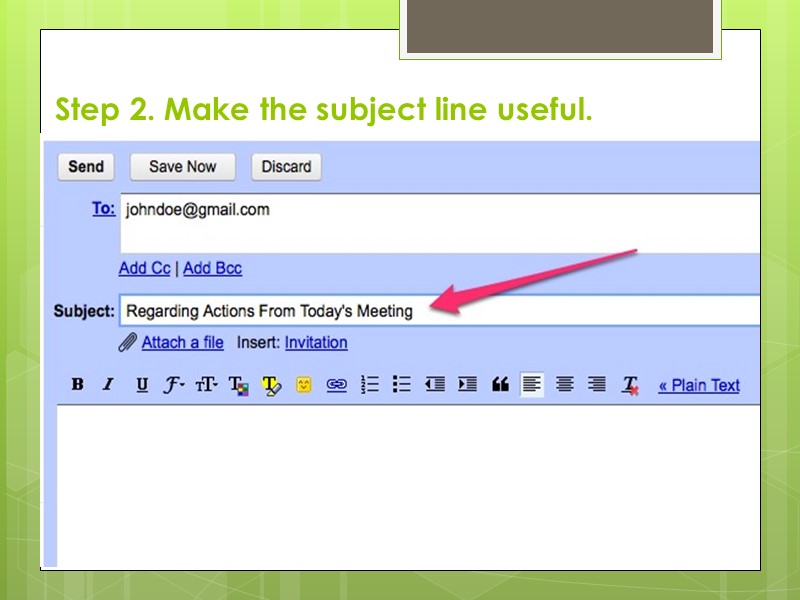
Step 2. Make the subject line useful.
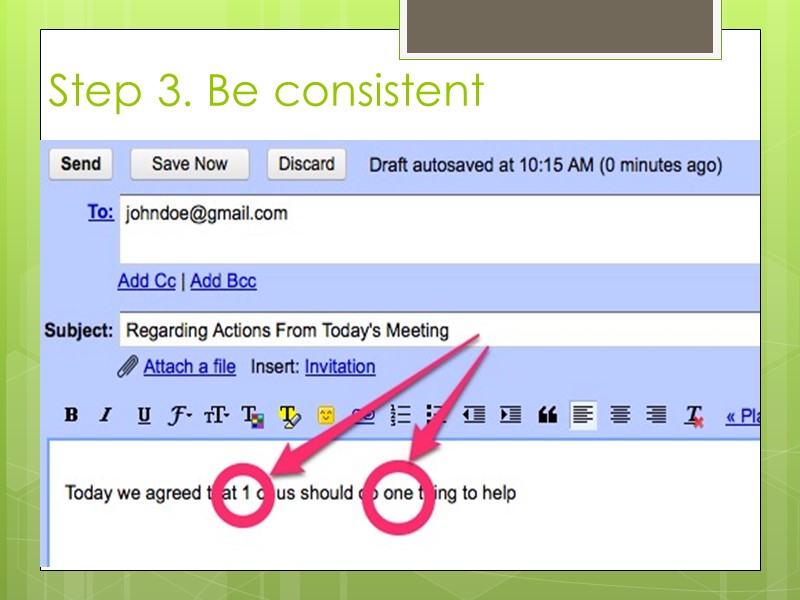
Step 3. Be consistent
Step 4. Avoid prioritizing your messages Get out of the habit of marking every email as "Urgent! Receipt required!!" or "High Priority”
Step 5. Greet your recipient. Salutation "Dear (recipient's name)“ – for letters E-mails are generally less formal, and "Hi" or "Hello" usually suffices. Depending on the purpose of the email, for example, if it's a cover letter for a job application, you may want to use the traditional format instead.
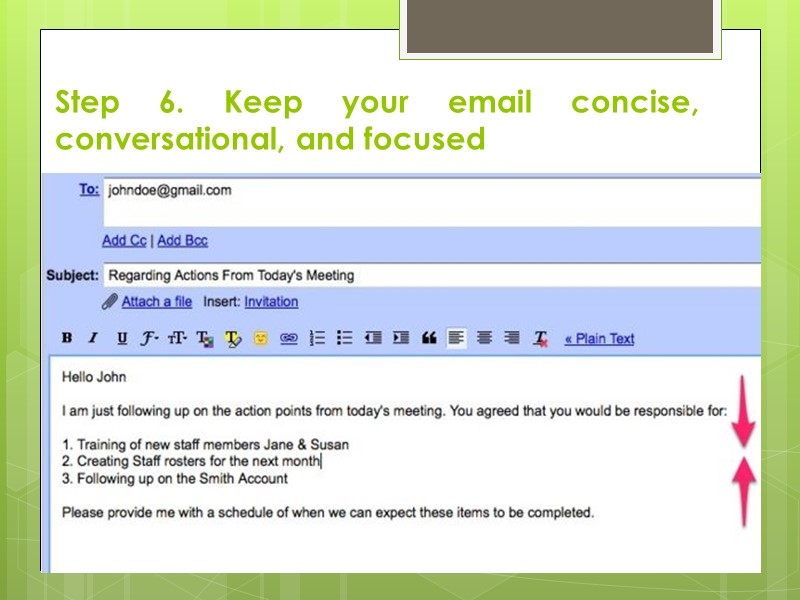
Step 6. Keep your email concise, conversational, and focused
Step 7. Use proper grammar and spelling. Use standard English, and proofread and spell-check emails. Error-free email is easier for the recipient to read.
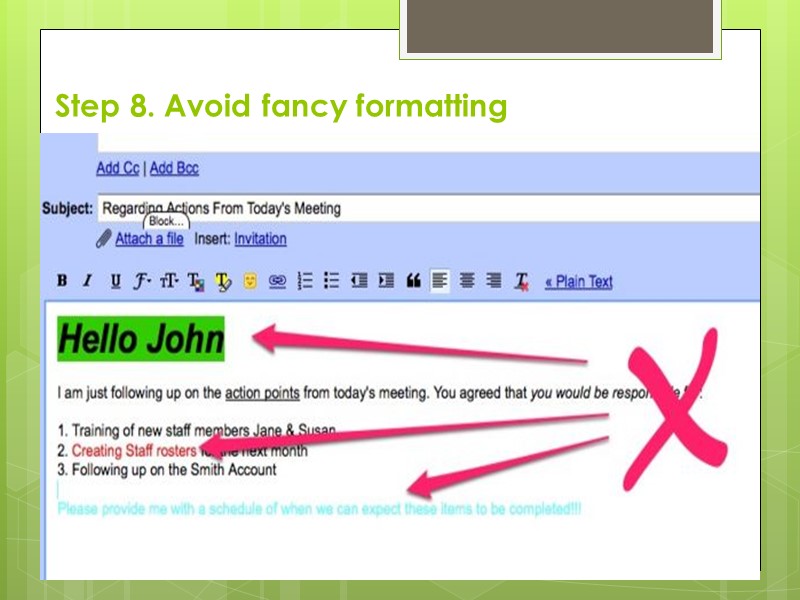
Step 8. Avoid fancy formatting
Step 9. Determine to whom you should reply. Emails sent to you solely generally require that you reply only to the sender For emails sent to several people, you may need to choose the "Reply to All" option to send your response to everyone Think before hitting “Reply to all”
Step 10. Think twice before replying to just say thank you It takes additional energy to open the email and read it just to read what you already know. A new trend is to include a line that says NTN - No Thanks Needed.
Step 11. Be sure to include info that you are responding to. Avoid sending an indistinct email that says only 'Yes.'. Include the question that the recipient asked so they know what you are responding to.
Step 12. End your email politely. Closing with a statement such as "Best wishes," "Good luck," or "Thanks in advance for your help”.
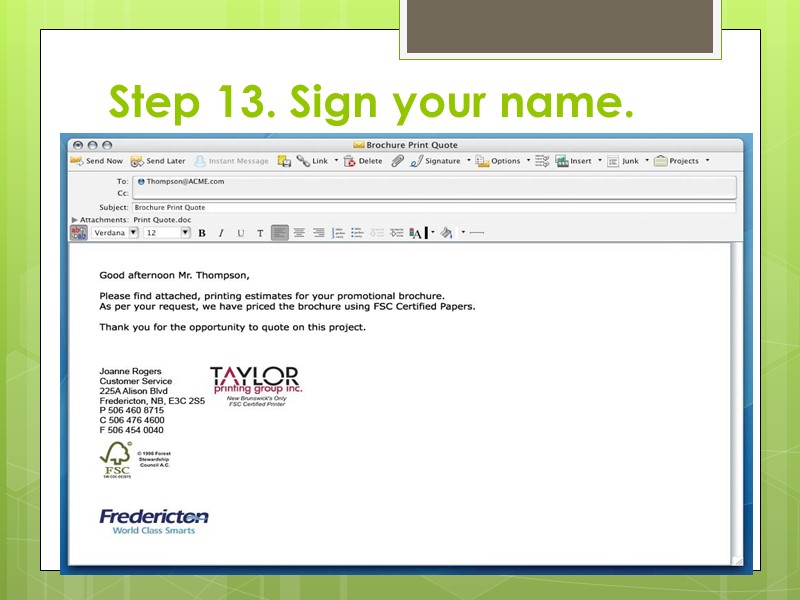
Step 13. Sign your name.
Step 14. Limit attachments Don't add an attachment unless really necessary. Keep attachments as small as possible
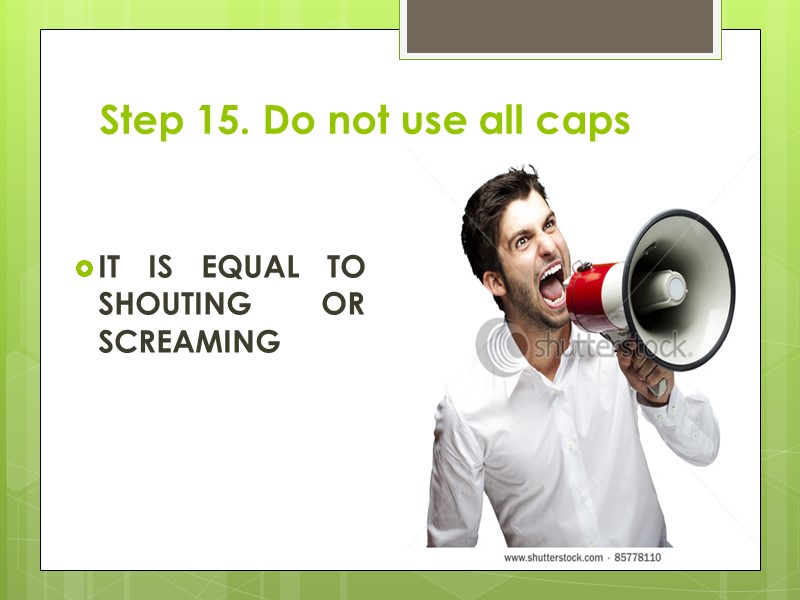
Step 15. Do not use all caps IT IS EQUAL TO SHOUTING OR SCREAMING
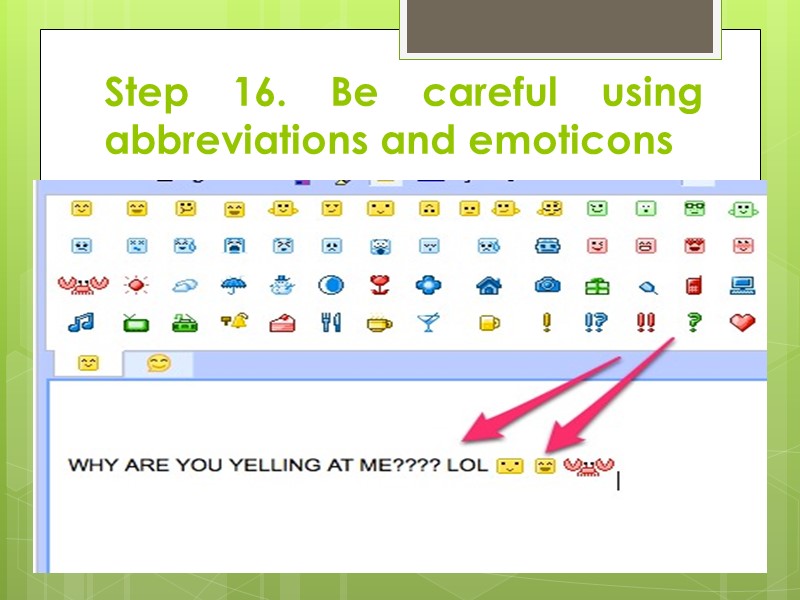
Step 16. Be careful using abbreviations and emoticons
Thank U 4 attention, guys, and CU @ seminar !!! LOL