


 Скачать презентацию Lecture 6 Human computer interaction Plan 6 1
Lecture 6.ppt
- Количество слайдов: 16
 Lecture 6 Human–computer interaction
 Plan: 6. 1 Introduction 6. 2 Principles 6. 3 Methodologies 6. 4 Human–computer interface
 Human–computer interaction (HCI) researches the design and use of computer technology, focusing on the interfaces between people (users) and computers. Researchers in the field of HCI both observe the ways in which humans interact with computers and design technologies that let humans interact with computers in novel ways.
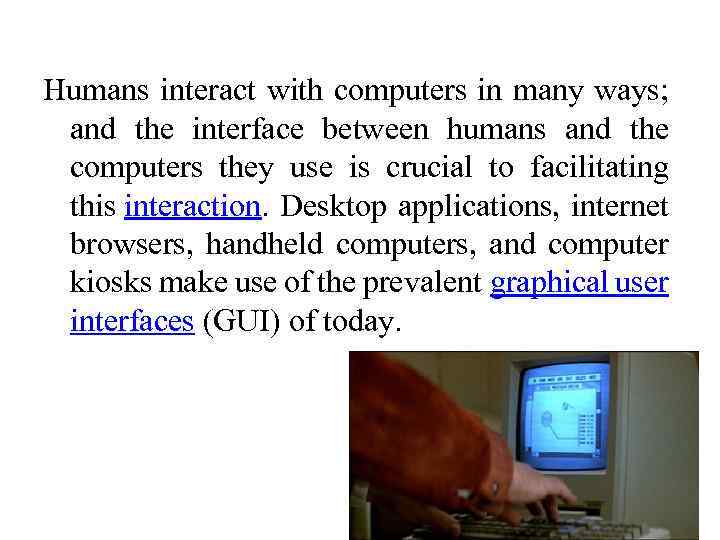 Humans interact with computers in many ways; and the interface between humans and the computers they use is crucial to facilitating this interaction. Desktop applications, internet browsers, handheld computers, and computer kiosks make use of the prevalent graphical user interfaces (GUI) of today.
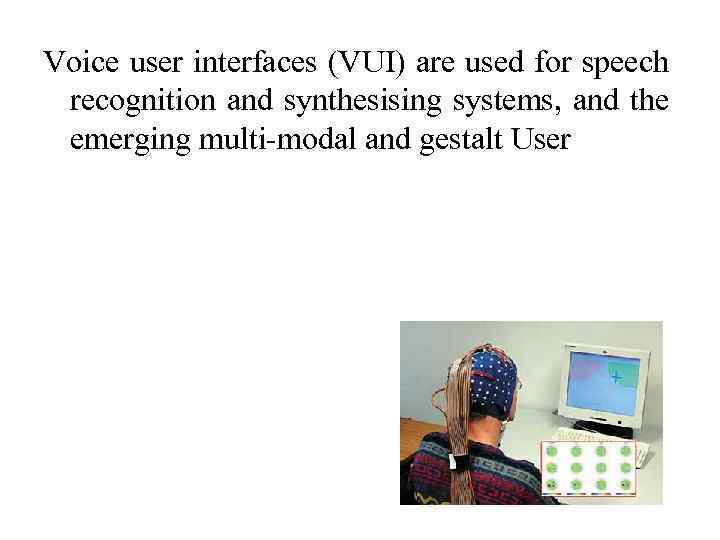 Voice user interfaces (VUI) are used for speech recognition and synthesising systems, and the emerging multi-modal and gestalt User
 Interfaces (GUI) allow humans to engage with embodied character agents in a way that cannot be achieved with other interface paradigms.
 HCI is also sometimes termed human–machine interaction (HMI), man–machine interaction (MMI) or computer–human interaction (CHI).
 Principles When evaluating a current user interface, or designing a new user interface, it is important to keep in mind the following experimental design principles: Early focus on user(s) and task(s): Establish how many users are needed to perform the task(s) and determine who the appropriate users should be; someone who has never used the interface, and will not use the interface in the future, is most likely not a valid user. In addition, define the task(s) the users will be performing and how often the task(s) need to be performed. Empirical measurement: Test the interface early on with real users who come in contact with the interface on a daily basis. Keep in mind that results may vary with the performance level of the user and may not be an accurate depiction of the typical human-computer interaction. Establish quantitative usability specifics such as: the number of users performing the task(s), the time to complete the task(s), and the number of errors made during the task(s). Iterative design: After determining the users, tasks, and empirical measurements to include, perform the following iterative design steps: Design the user interface Test Analyze results Repeat the iterative design process until a sensible, user-friendly interface is created.
 Methodologies A number of diverse methodologies outlining techniques for human–computer interaction design have emerged since the rise of the field in the 1980 s. Most design methodologies stem from a model for how users, designers, and technical systems interact.
 Early methodologies, for example, treated users' cognitive processes as predictable and quantifiable and encouraged design practitioners to look to cognitive science results in areas such as memory and attention when designing user interfaces. Modern models tend to focus on a constant feedback and conversation between users, designers, and engineers and push for technical systems to be wrapped around the types of experiences users want to have, rather than wrapping user experience around a completed system.
 Activity theory: used in HCI to define and study the context in which human interactions with computers take place. Activity theory provides a framework to reason about actions in these contexts, analytical tools with the format of checklists of items that researchers should consider, and informs design of interactions from an activity-centric perspective.
 • User-centered design: user-centered design (UCD) is a modern, widely practiced design philosophy rooted in the idea that users must take centerstage in the design of any computer system. Users, designers and technical practitioners work together to articulate the wants, needs and limitations of the user and create a system that addresses these elements.
 • Principles of user interface design: these are seven principles of user interface design that may be considered at any time during the design of a user interface in any order: tolerance, simplicity, visibility, affordance, consistency, structure and feedback.
 The human–computer interface can be described as the point of communication between the human user and the computer. The flow of information between the human and computer is defined as the loop of interaction. The loop of interaction has several aspects to it, including: • Visual Based : The visual based human computer inter-action is probably the most widespread area in HCI research. • Audio Based : The audio based interaction between a computer and a human is another important area of in HCI systems. This area
 • Task environment: The conditions and goals set upon the user. • Machine environment: The environment that the computer is connected to, e. g. a laptop in a college student's dorm room. • Areas of the interface: Non-overlapping areas involve processes of the human and computer not pertaining to their interaction. Meanwhile, the overlapping areas only concern themselves with the processes pertaining to their interaction.
 Glossary Interface – the hardware or software that connects two systems and allows them to communicate with each other.