


 Скачать презентацию Lecture 5 Software and Operating Systems How Computers
d8f61838ad8c6f0b9e61cccb2f81b8d1.ppt
- Количество слайдов: 58
 Lecture 5: Software and Operating Systems How Computers Do Things You Actually Care About
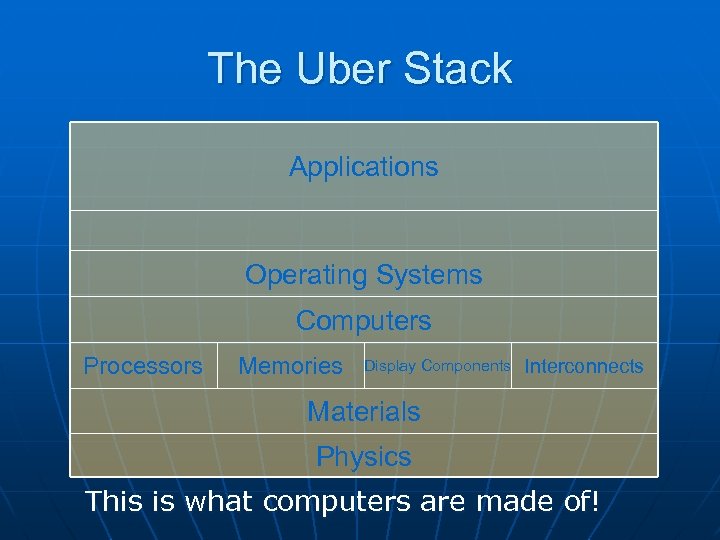 The Uber Stack Applications Operating Systems Computers Processors Memories Display Components Interconnects Materials Physics This is what computers are made of!
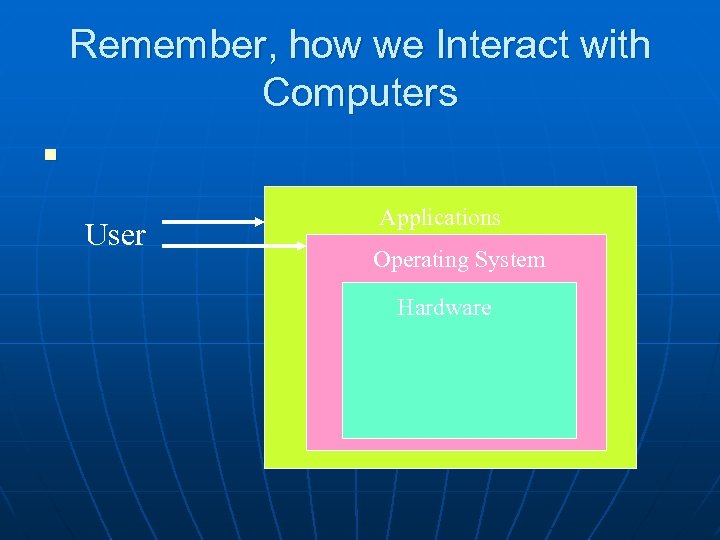 Remember, how we Interact with Computers n User Applications Operating System Hardware
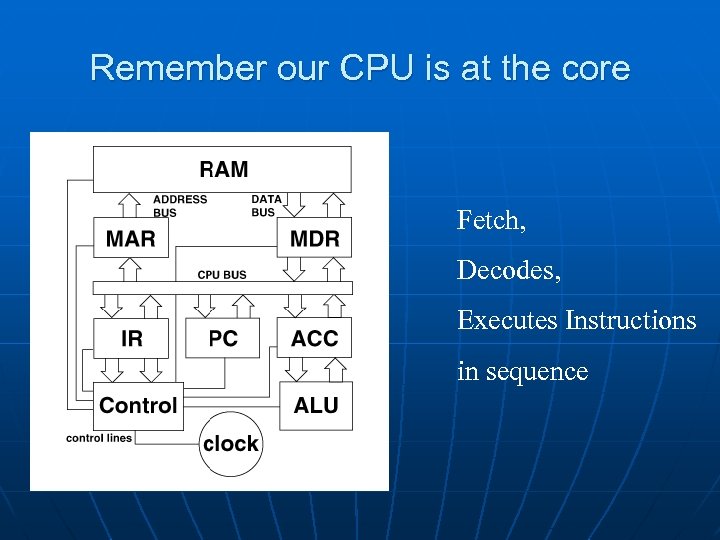 Remember our CPU is at the core Fetch, Decodes, Executes Instructions in sequence
 What is Software? n n n Software = Programs = a set of computer instructions for carrying out computing tasks Programmer = He or She that attempts to correctly structure those instructions to achieve a desired result !
 Computer Programmers; a definition “Their rumpled clothes, their unwashed and unshaven faces, and their uncombed hair all testify that they are oblivious to their bodies and to the world in which they move. These are computer bums, compulsive programmers. ”
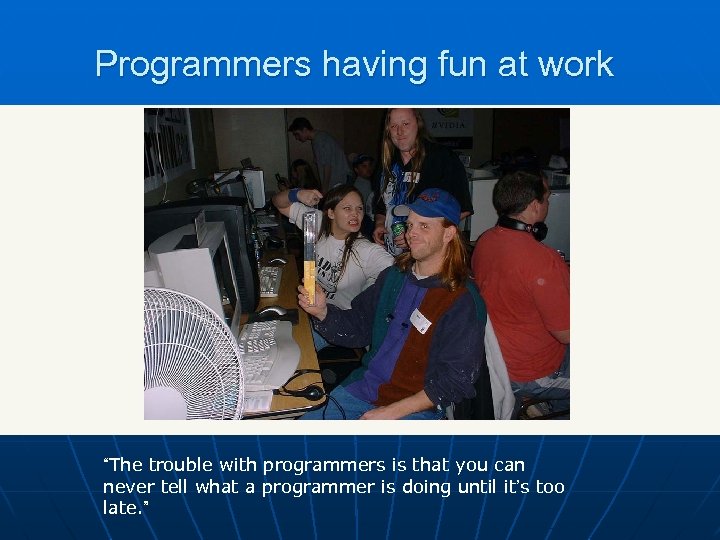 Programmers having fun at work “The trouble with programmers is that you can never tell what a programmer is doing until it’s too late. ”
 Programming Language n n A programming language is a convenient way of expressing instructions for a computer to execute Computer languages have evolved to the point where anyone can learn the basics of using one
 Low and High Level Languages n n n Programming languages are divided up into low-level languages and high-level languages. The closer the language is to machine language, the lower the level. In general, high level languages make things easier to develop large complex programs.
 Machine Language n n Every computer CPU has its machine language, the set of instructions it knows how to execute. This is the lowest level. A typical instruction might say, get the contents of a memory location and put it in the accumulator (perhaps in preparation for adding it to another number).
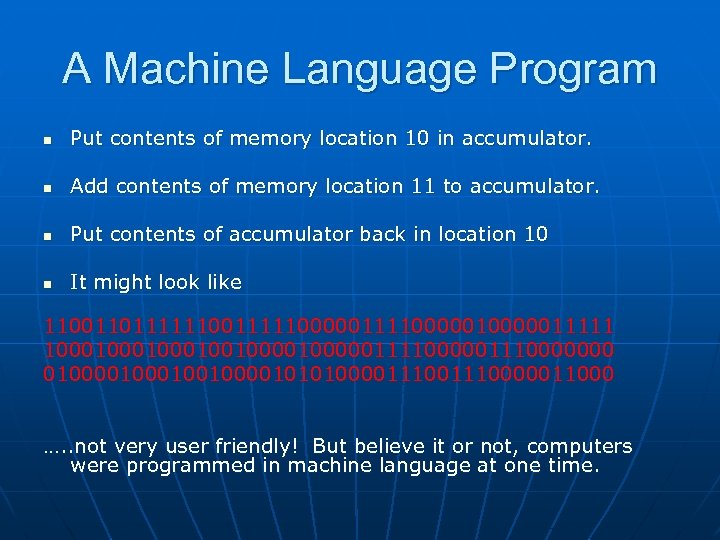 A Machine Language Program n Put contents of memory location 10 in accumulator. n Add contents of memory location 11 to accumulator. n Put contents of accumulator back in location 10 n It might look like 11001101111110000011110000011111 1000100010010000011110000000 01000100100001010100001110000011000 …. . not very user friendly! But believe it or not, computers were programmed in machine language at one time.
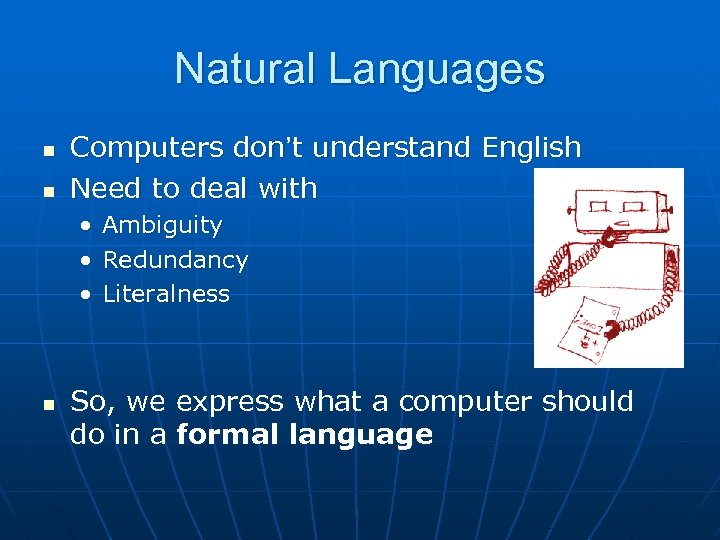 Natural Languages n n Computers don’t understand English Need to deal with • • • n Ambiguity Redundancy Literalness So, we express what a computer should do in a formal language
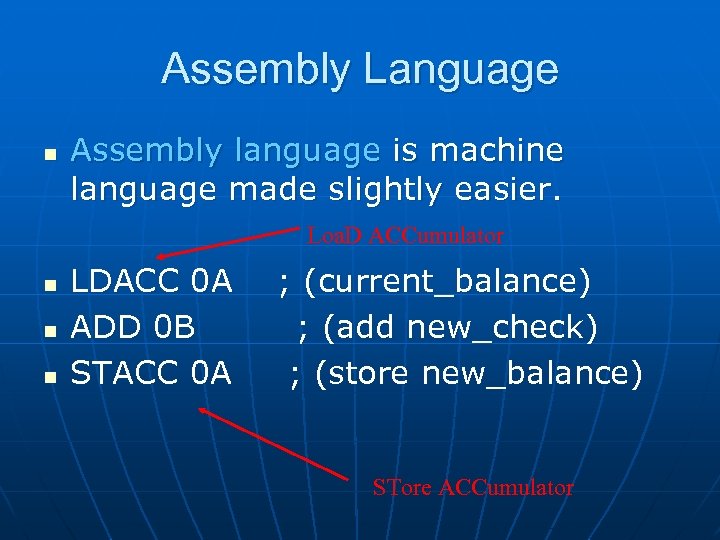 Assembly Language n Assembly language is machine language made slightly easier. Loa. D ACCumulator n n n LDACC 0 A ; (current_balance) ADD 0 B ; (add new_check) STACC 0 A ; (store new_balance) STore ACCumulator
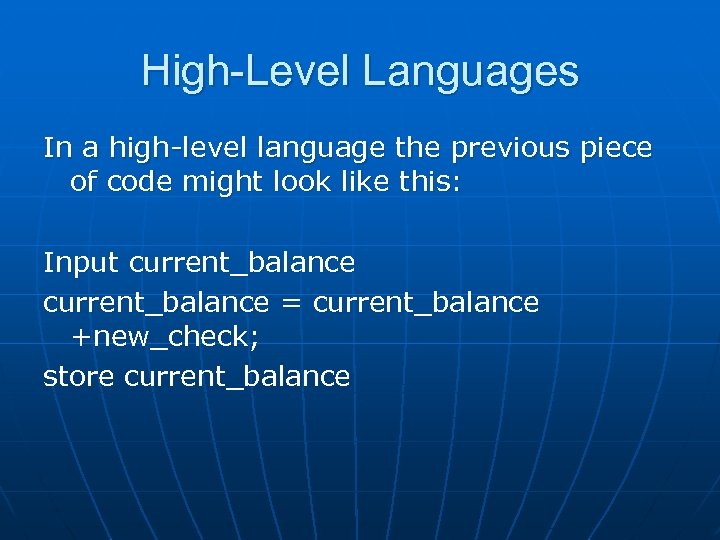 High-Level Languages In a high-level language the previous piece of code might look like this: Input current_balance = current_balance +new_check; store current_balance
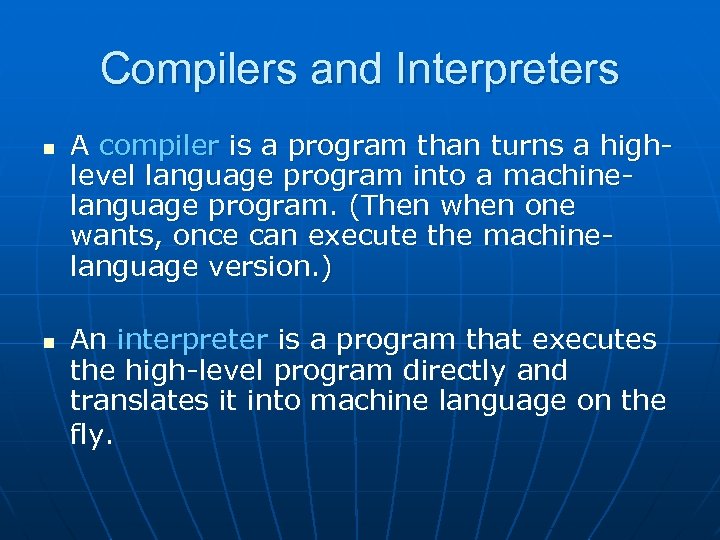 Compilers and Interpreters n n A compiler is a program than turns a highlevel language program into a machinelanguage program. (Then when one wants, once can execute the machinelanguage version. ) An interpreter is a program that executes the high-level program directly and translates it into machine language on the fly.
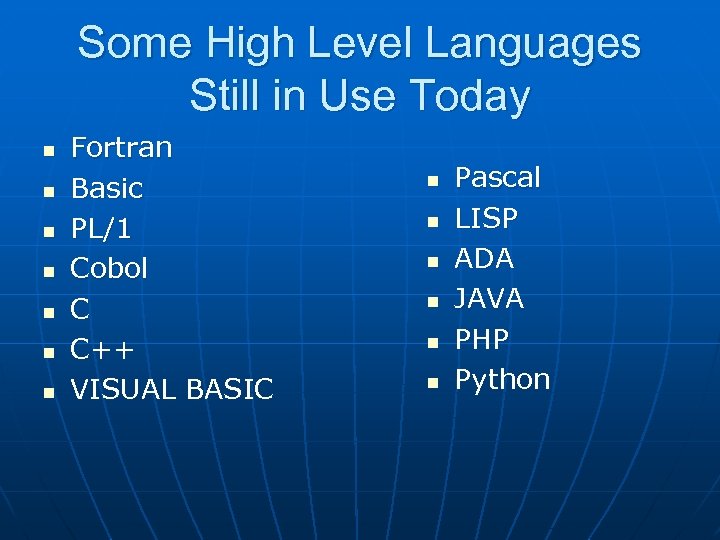 Some High Level Languages Still in Use Today n n n n Fortran Basic PL/1 Cobol C C++ VISUAL BASIC n n n Pascal LISP ADA JAVA PHP Python
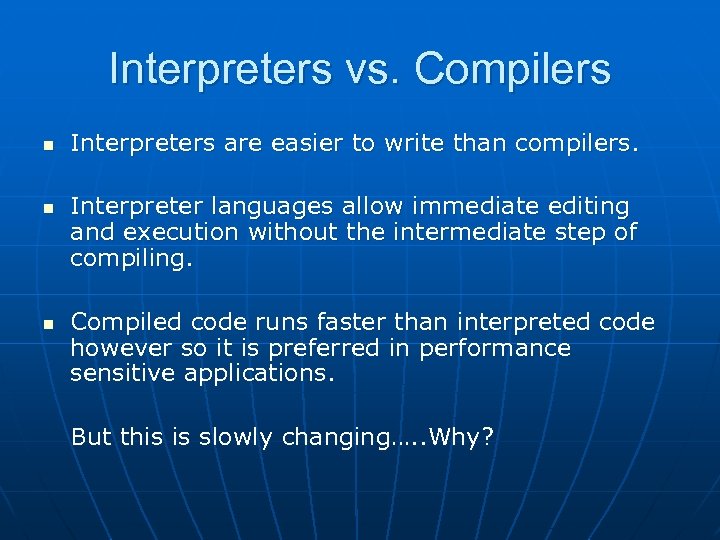 Interpreters vs. Compilers n n n Interpreters are easier to write than compilers. Interpreter languages allow immediate editing and execution without the intermediate step of compiling. Compiled code runs faster than interpreted code however so it is preferred in performance sensitive applications. But this is slowly changing…. . Why?
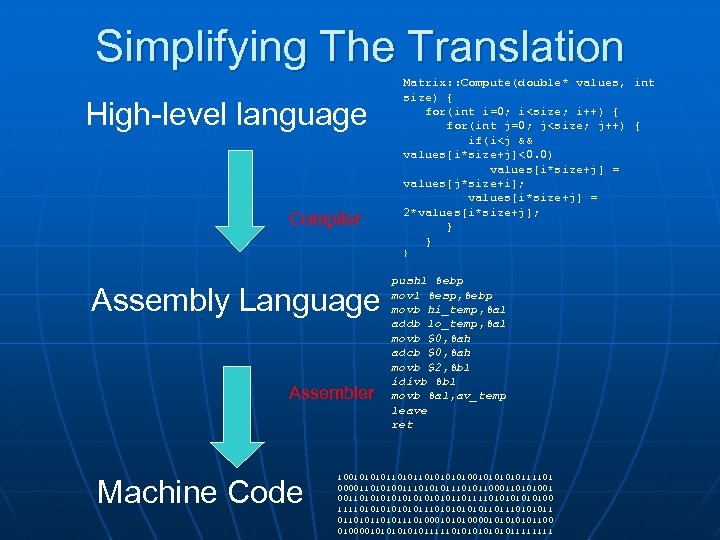 Simplifying The Translation High-level language Compiler Matrix: : Compute(double* values, int size) { for(int i=0; i
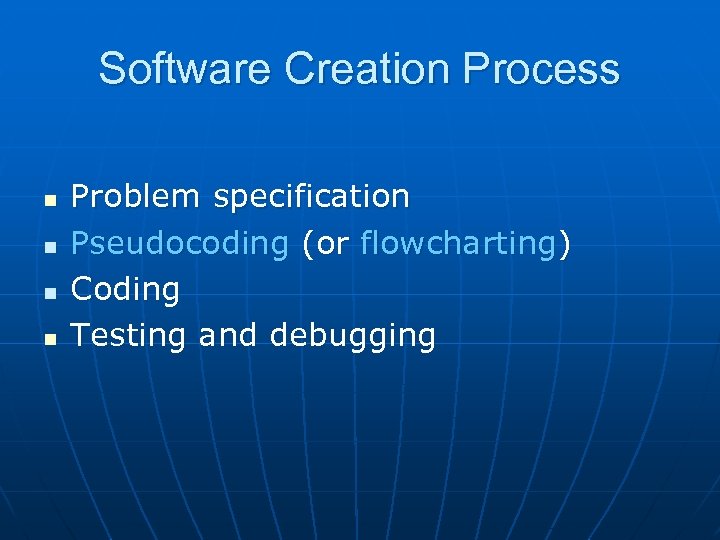 Software Creation Process n n Problem specification Pseudocoding (or flowcharting) Coding Testing and debugging
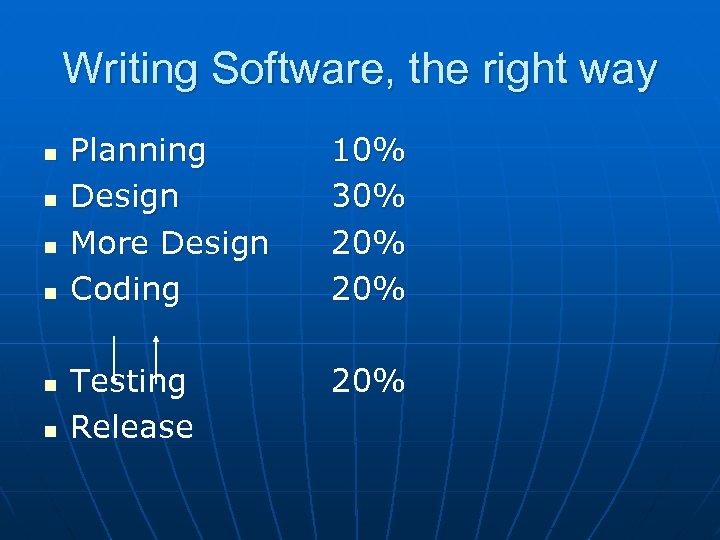 Writing Software, the right way n n n Planning Design More Design Coding 10% 30% 20% Testing Release 20%
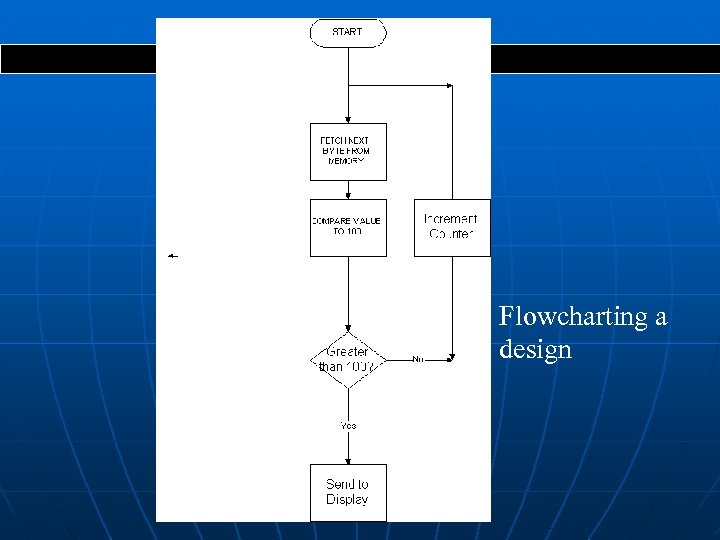 Page 1 of 1 Flowcharting a design
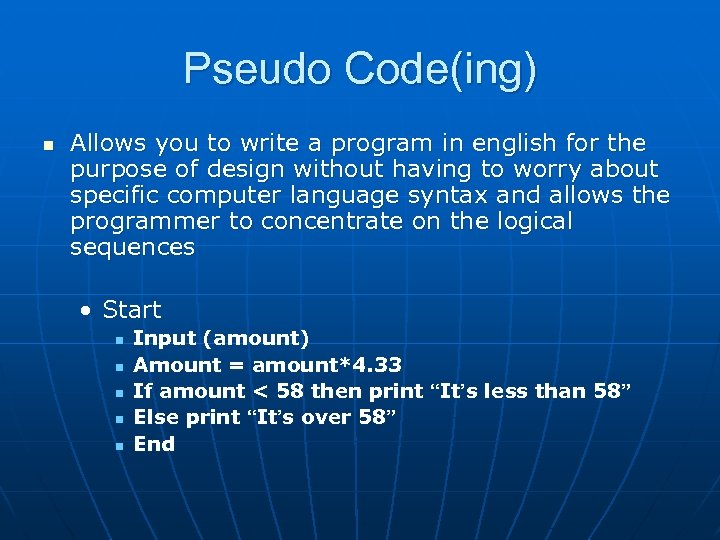 Pseudo Code(ing) n Allows you to write a program in english for the purpose of design without having to worry about specific computer language syntax and allows the programmer to concentrate on the logical sequences • Start n n n Input (amount) Amount = amount*4. 33 If amount < 58 then print “It’s less than 58” Else print “It’s over 58” End
 Python! n Python is a great language for learning basic elements of programming n Easy to understand syntax n Runs in an Interpreter for instant results! n Available for free at www. python. org n n Runs on practically any computer! We will use Python later in the course
 Real world problem A real-world example is assigning gates at airports. Some constraints are: n A plane that lands at time t 1 should be assigned a gate for use at time t 2 > t 1. n If a plane is at a gate, no other plane may be assigned that gate, etc. n Find an assignment of gates that minimizes passenger time (and perhaps distance).
 The Price of Failure n The opening of the new Denver Airport was delayed for almost one year in 1994! • The software which handled the routing of luggage from the gates to the various luggage carousels was so complex that it could not be fixed in time for the opening and the airport was two large to operate without it • The delay in opening cost over $1 Million per day!
 Quoted from the morning news The morning news reported that the opening of Denver's new international airport would be delayed indefinitely until problems with the automated baggage handling system are fixed. While the video showed the machinery shredding open suitcases and throwing clothing all over the floor, the voice over of the airport director stated, "We think it's mostly a software problem. "
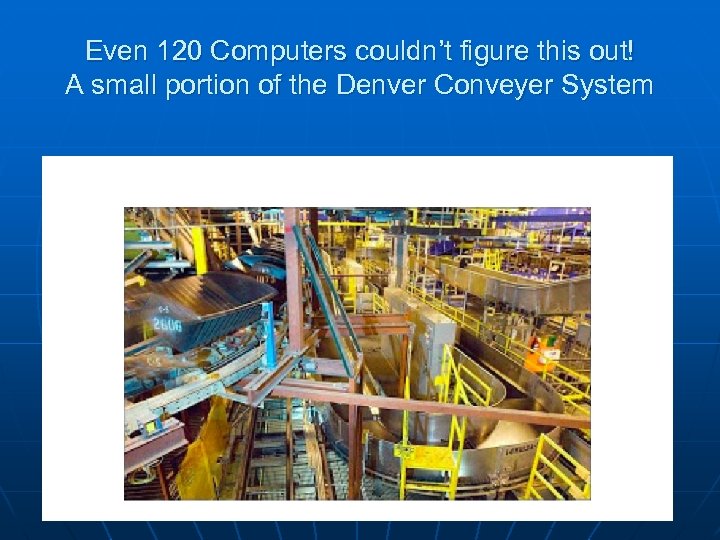 Even 120 Computers couldn’t figure this out! A small portion of the Denver Conveyer System
 Complexity Controlling complexity is the essence of computer programming -Brian Kernigan
 Complexity n n n Software is becoming more complex as we attempt to solve more complex and difficult problems Managing complexity is a huge problem in software reliability and cost The problem is getting worse, not better at the present time as reflected in industry software issues worldwide
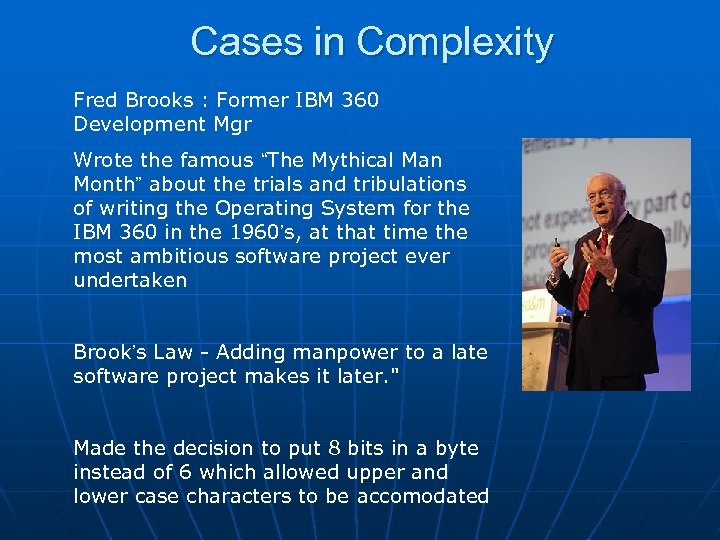 Cases in Complexity Fred Brooks : Former IBM 360 Development Mgr Wrote the famous “The Mythical Man Month” about the trials and tribulations of writing the Operating System for the IBM 360 in the 1960’s, at that time the most ambitious software project ever undertaken Brook’s Law - Adding manpower to a late software project makes it later. " Made the decision to put 8 bits in a byte instead of 6 which allowed upper and lower case characters to be accomodated
 Some case studies in software disasters http: //www. intertech. com/Blog/15 -worstcomputer-software-blunders/ “To err is human, but to really foul things up you need a computer. ” –Paul Ehrlich
 Millionaire!!!
 So, Speaking of Complexity
 Operating Systems: Software That Runs the Show Making everyone’s life a little easier…. ?
 Millionaire!
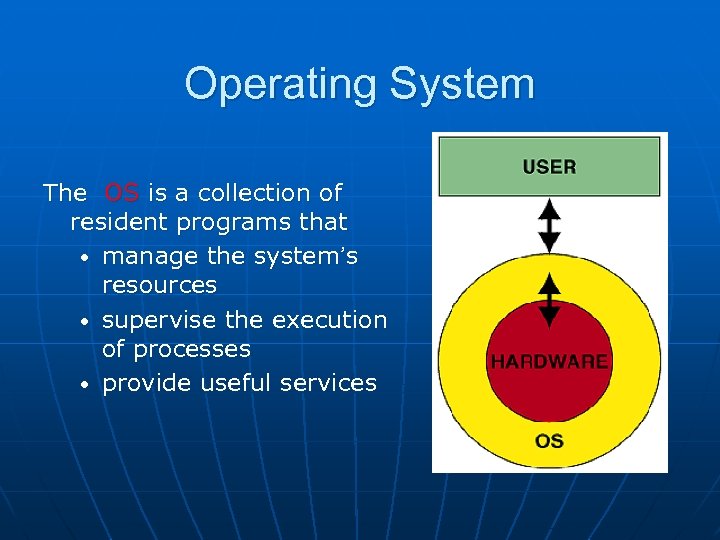 Operating System The OS is a collection of resident programs that • manage the system’s resources • supervise the execution of processes • provide useful services
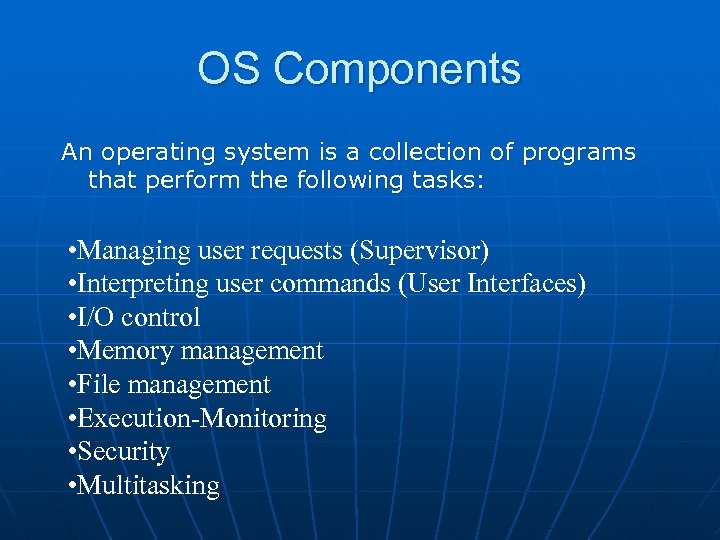 OS Components An operating system is a collection of programs that perform the following tasks: • Managing user requests (Supervisor) • Interpreting user commands (User Interfaces) • I/O control • Memory management • File management • Execution-Monitoring • Security • Multitasking
 System Calls n n n The work of the OS comes about through system calls to one of the OS components. The system calls are initiated either by the user (e. g. , by a mouse click) or by the user application software. For instance, saving a file to a directory location.
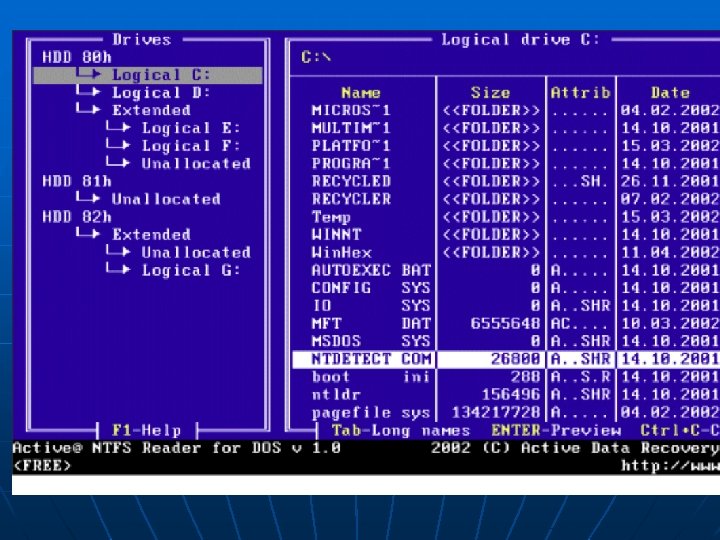
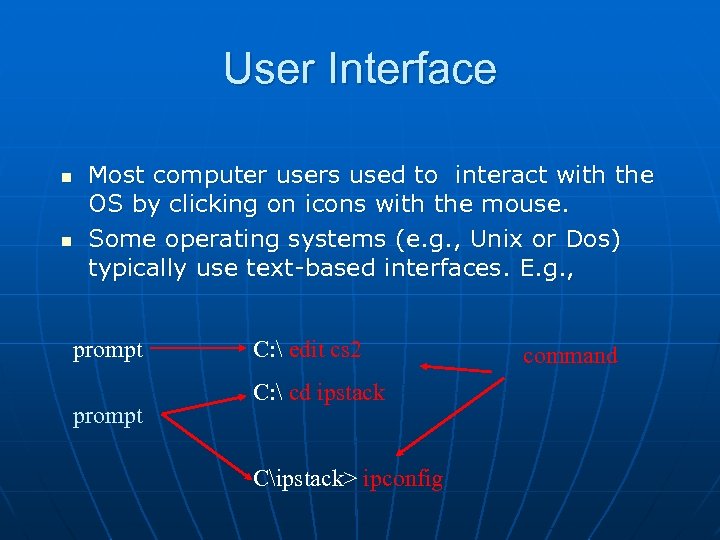 User Interface n n Most computer users used to interact with the OS by clicking on icons with the mouse. Some operating systems (e. g. , Unix or Dos) typically use text-based interfaces. E. g. , prompt C: edit cs 2 C: cd ipstack Cipstack> ipconfig command
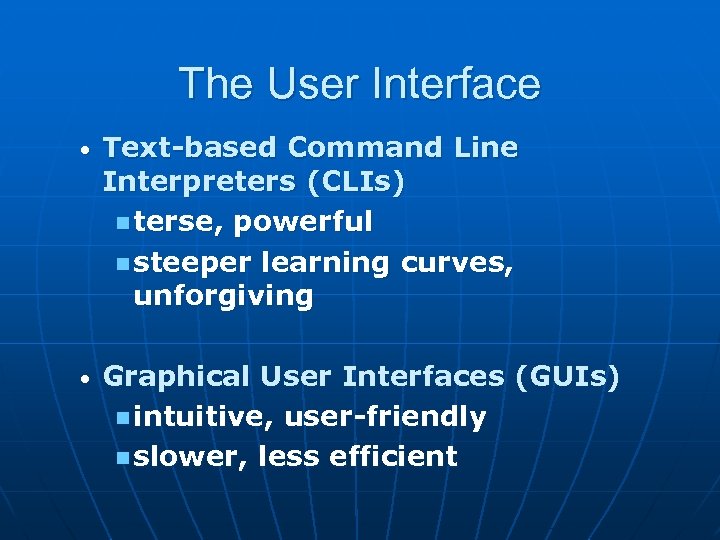 The User Interface • Text-based Command Line Interpreters (CLIs) n terse, powerful n steeper learning curves, unforgiving • Graphical User Interfaces (GUIs) n intuitive, user-friendly n slower, less efficient
 The User Interface sets the Tone n n n PCs universally used text based command line interfaces until 1983 Then, Apple, using research from Xerox Parc, introduced the Lisa, followed quickly by the Macintosh which changed everything WYSIWYG comes alive !! Arcane commands are OUT! …GUIs are IN !! Microsoft introduces Windows in ‘ 84
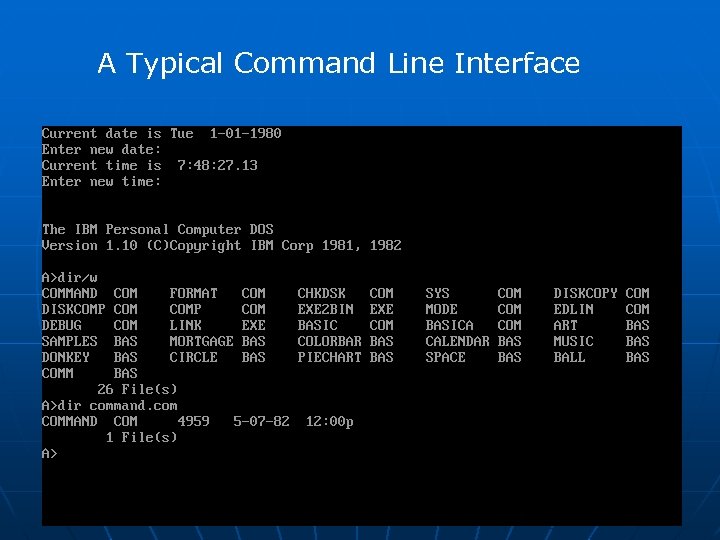 A Typical Command Line Interface
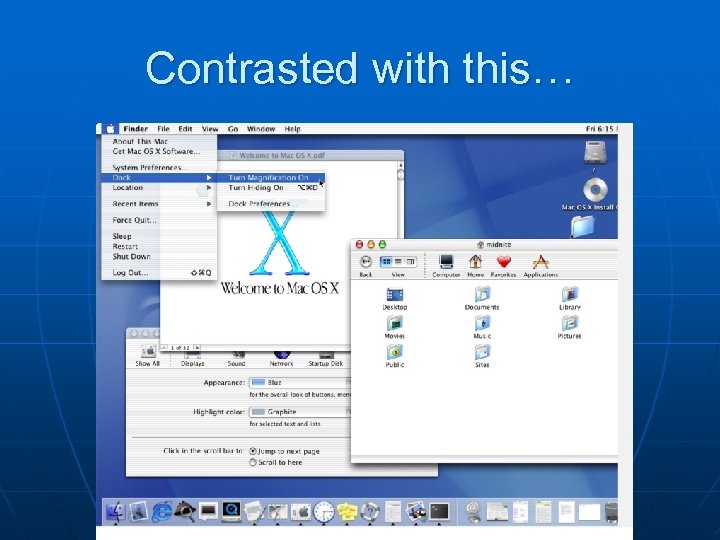 Contrasted with this…
 File Management n n n Files are collections of data arranged in a specified format for use by programs Files can reside in memory as well as in peripheral devices such as disk drives, CD-ROMs or tape drives Every file has a name and attributes that specify its size, its location and its type
 File Manager n n Creating and maintaining references to a system’s files is the responsibility of the file manager. The actual address of a file is a pathname, which is made up of the folders in which the file is located (sometimes called directories) and the file name.
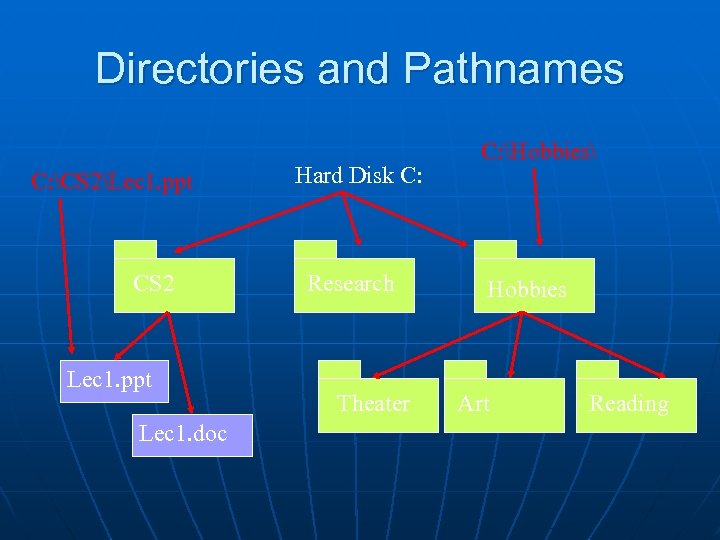 Directories and Pathnames C: CS 2Lec 1. ppt CS 2 Lec 1. ppt Lec 1. doc Hard Disk C: Research Theater C: Hobbies Hobbies Art Reading
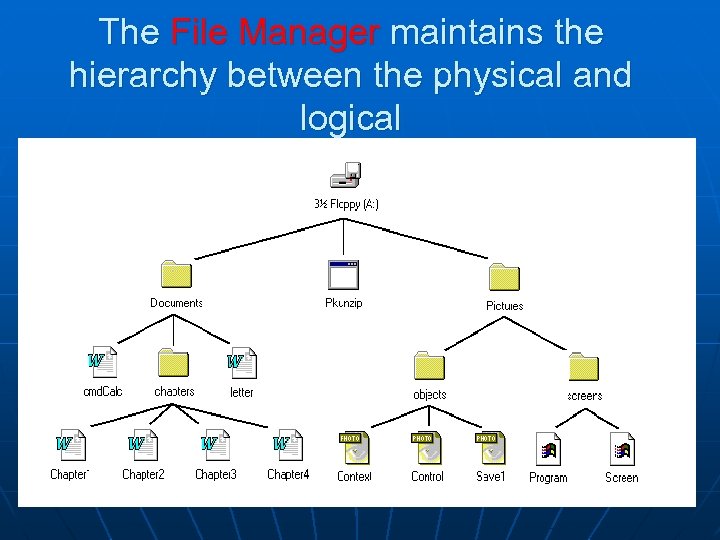 The File Manager maintains the hierarchy between the physical and logical
 The File Manager Keeps Track of File Types n n n It is important to know what type of data is stored in any given set of locations Types include PROGRAM INSTRUCTIONS, TEXT, IMAGES, VIDEO, SOUND as well as numerical data such as INTEGERS and Real NUMBERS The file manager keeps track of the different types of data and its location
 Input/Output (I/O) Drivers n n An I/O driver is a special program that knows how to communicate with a peripheral device and the CPU To read or write a file to a disk the file manager determines the name and location of the file, and control is passed to the disk’s I/O driver, which will send commands to the disk arm, read head, etc.
 The Memory Manager n n When we click on a Word document, the OS must bring first the Word program into RAM, and then the particular document we wish to work on. Allocating segments of RAM to each program is the responsibility of the memory manager.
 Execution Monitor n n If an error occurs in the course of running a program, control is passed to the execution monitor. The execution monitor is responsible for ensuring that an error caused by a program does not cause the entire system to crash.
 Multitasking n n n While most modern computers can only execute one operation at a time, it is often useful to give users the illusion that several things are going on at the same time This ability is called multitasking This is most apparent if several users are sharing the same computer, but it is also useful for single user computers that are running multiple programs
 Components of Multitasking n n n Context switching--going from one process to another (like printing one file while working on another), since I/O is so much slower than internal computation –the OS interrupts the current process; stores information for resuming that process; loads and commences the next ready (waiting) process CPU Scheduling--deciding which process to work on next. Virtual memory-- needed when there are multiple programs running, it allows the machine to behave as if all the programs were in RAM at the same time. It accomplishes this by using the disk to act like temporary RAM…this is called a RAMDISK
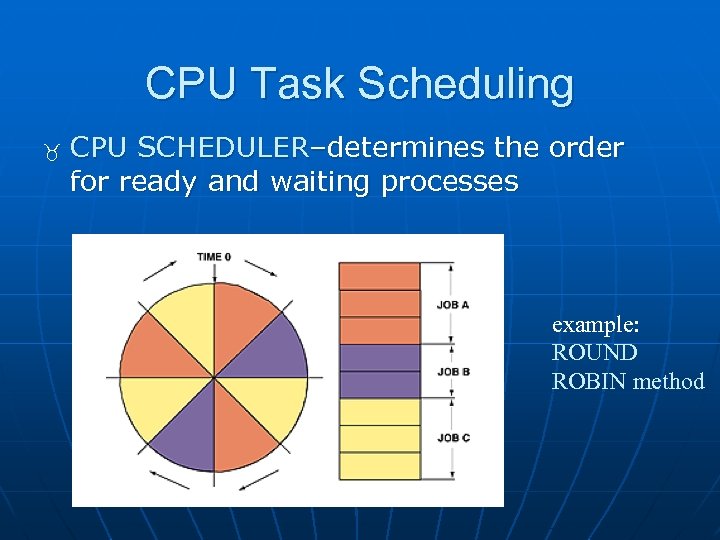 CPU Task Scheduling CPU SCHEDULER–determines the order for ready and waiting processes example: ROUND ROBIN method
 Security n The OS provides some basic security features n Password access n Firewall to block unwanted access from the Internet n Monitors your virus control programs n Monitors the integrity of your files n Generally insufficient, which requires additional security software to be added to the system
 IOS Monitor Demo
 Questions ?